
Give your phone a seasonal refresh with these 14 free Halloween phone wallpapers. The collection mixes cute, spooky, vintage and aesthetic designs in tall 1024 × 1792 formats that work well on iPhone and Android lock screens.
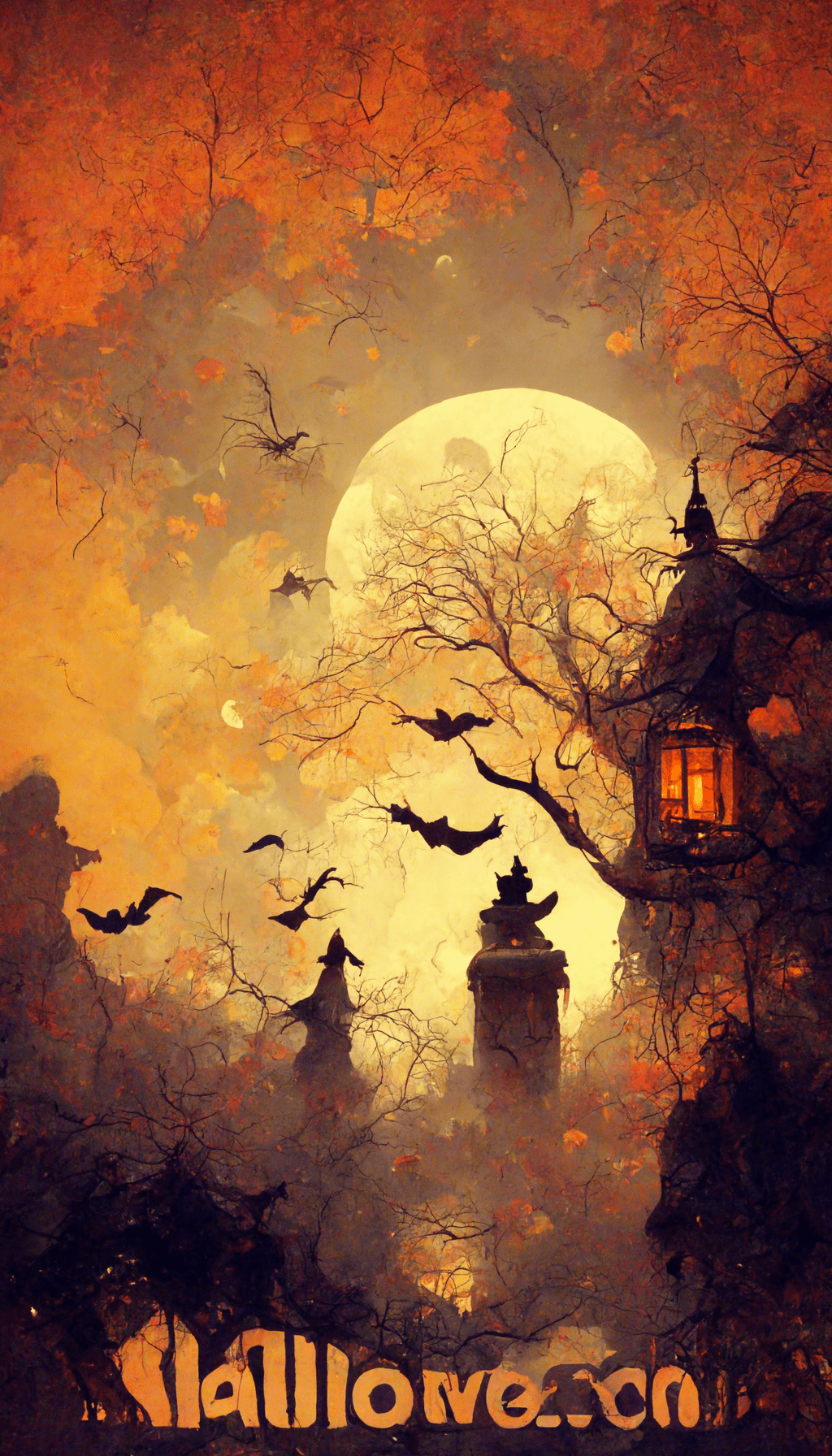
Pick a wallpaper that still works behind the clock
A phone wallpaper can look great as a full image and still fail as a lock screen. Before you settle on one, preview it with your real clock, widgets and notification layout. The useful test is not whether the artwork fills the screen; it is whether the important part of the artwork survives everything your phone places on top of it.
- Check the top third first. If the face, pumpkin, moon or other focal point sits directly behind the clock, try a different crop or choose a design with quieter space near the top.
- Look at text contrast. Pale clock text is easier to read over the darker spooky designs. If your phone uses dark text automatically, a lighter autumn background may work better.
- Test the home screen separately. A detailed image that works on the lock screen can become noisy behind app icons. Use the cleaner or darker designs for the home screen if icon labels are hard to scan.
- Do not zoom more than necessary. These files are already tall. Excessive zoom can crop the strongest part of the composition and make the image look softer.
Quick diagnostic: unlock your phone normally three times. If you have to search visually for the time, a widget or a familiar app icon, the background is competing with the interface. Choose a calmer crop rather than assuming you need a different phone theme.
How to save a Halloween wallpaper
- Open the wallpaper you like below.
- Save the image to your phone or computer.
- Set it as your lock-screen or home-screen background and use the crop/fit controls so the main artwork stays clear of the clock and widgets.
If you prefer printable seasonal activities, see our First Day of Fall coloring pages, cute spider coloring pages and sugar skull coloring pages.
Halloween phone wallpaper collection
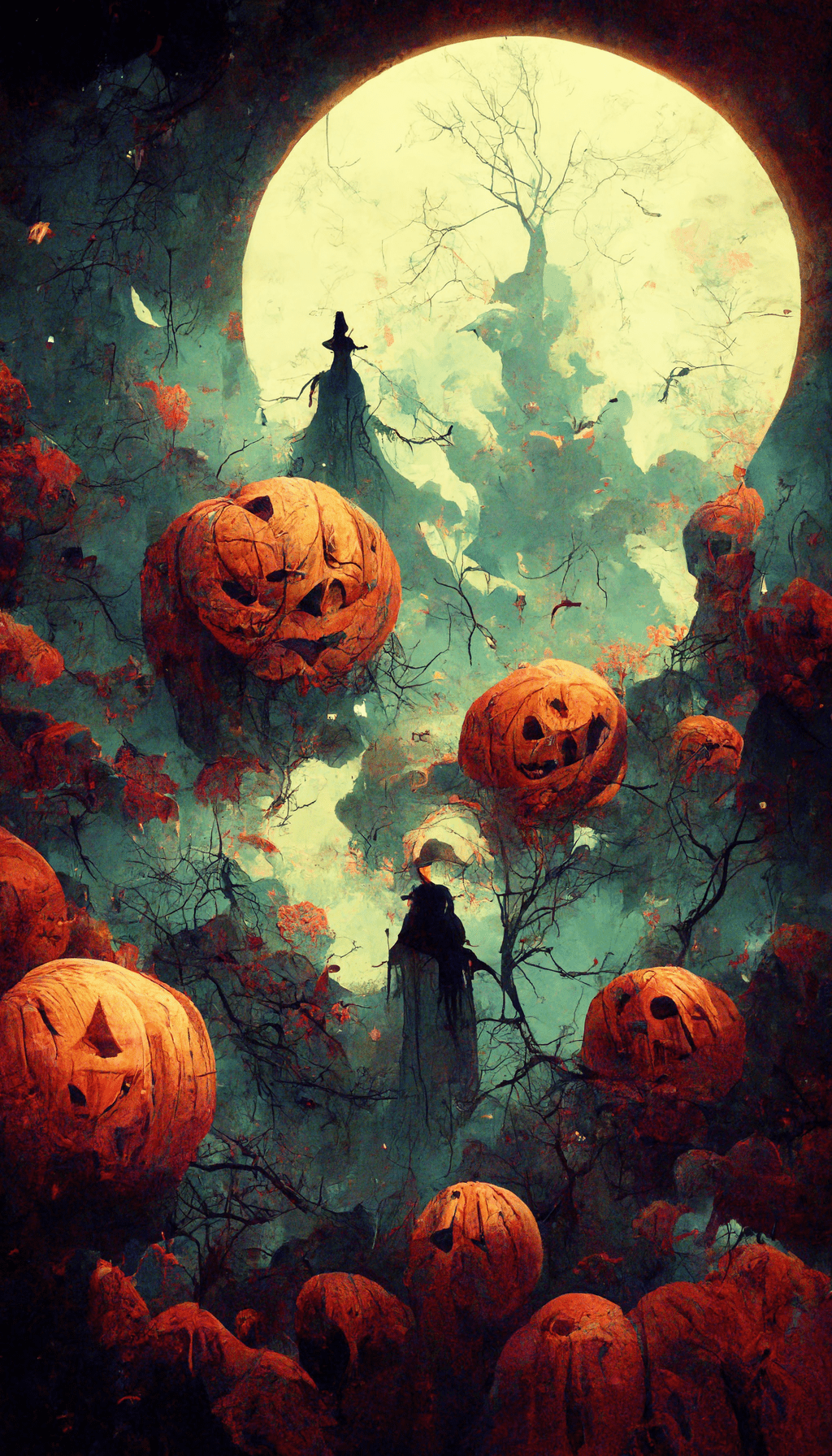
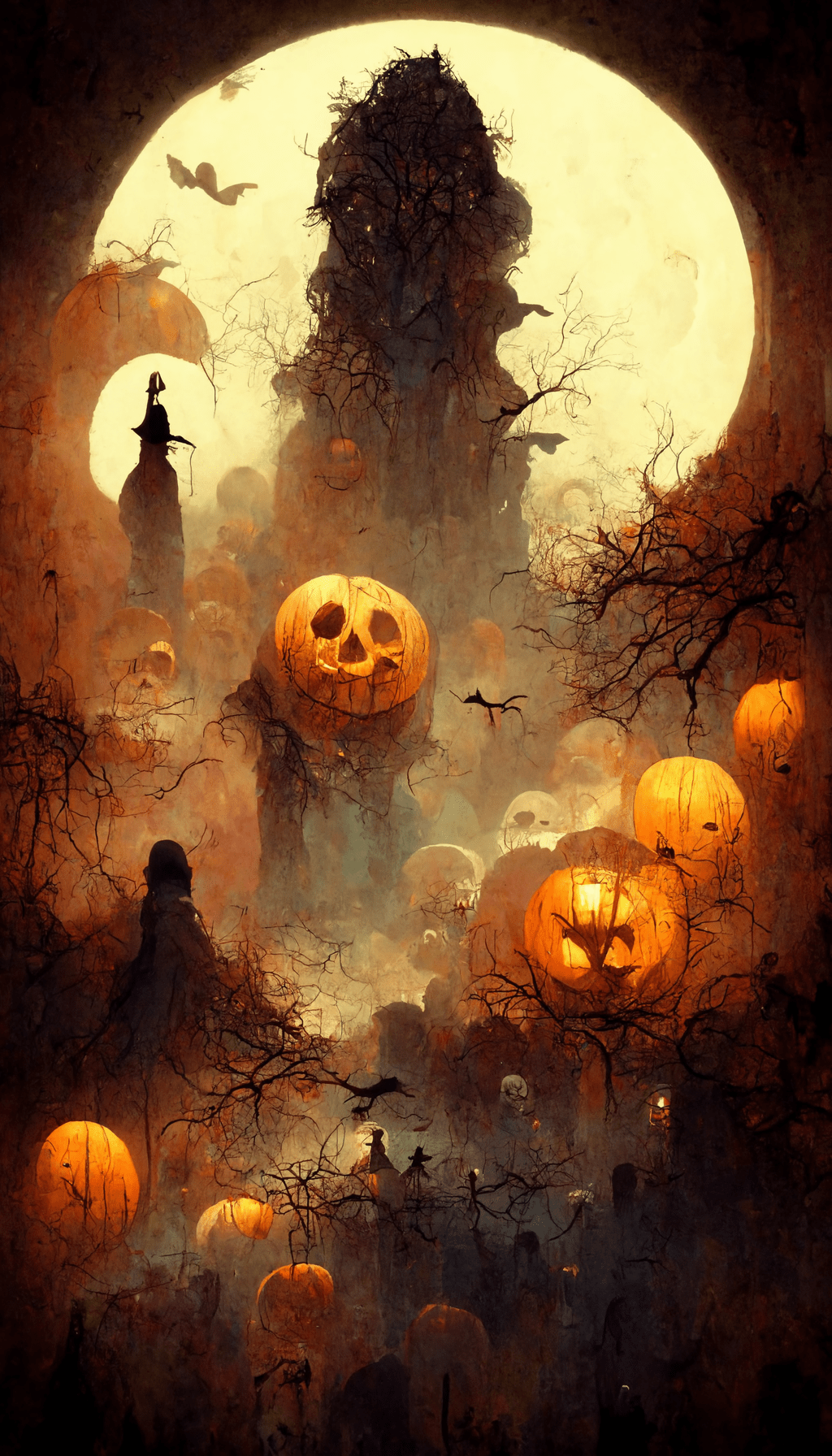
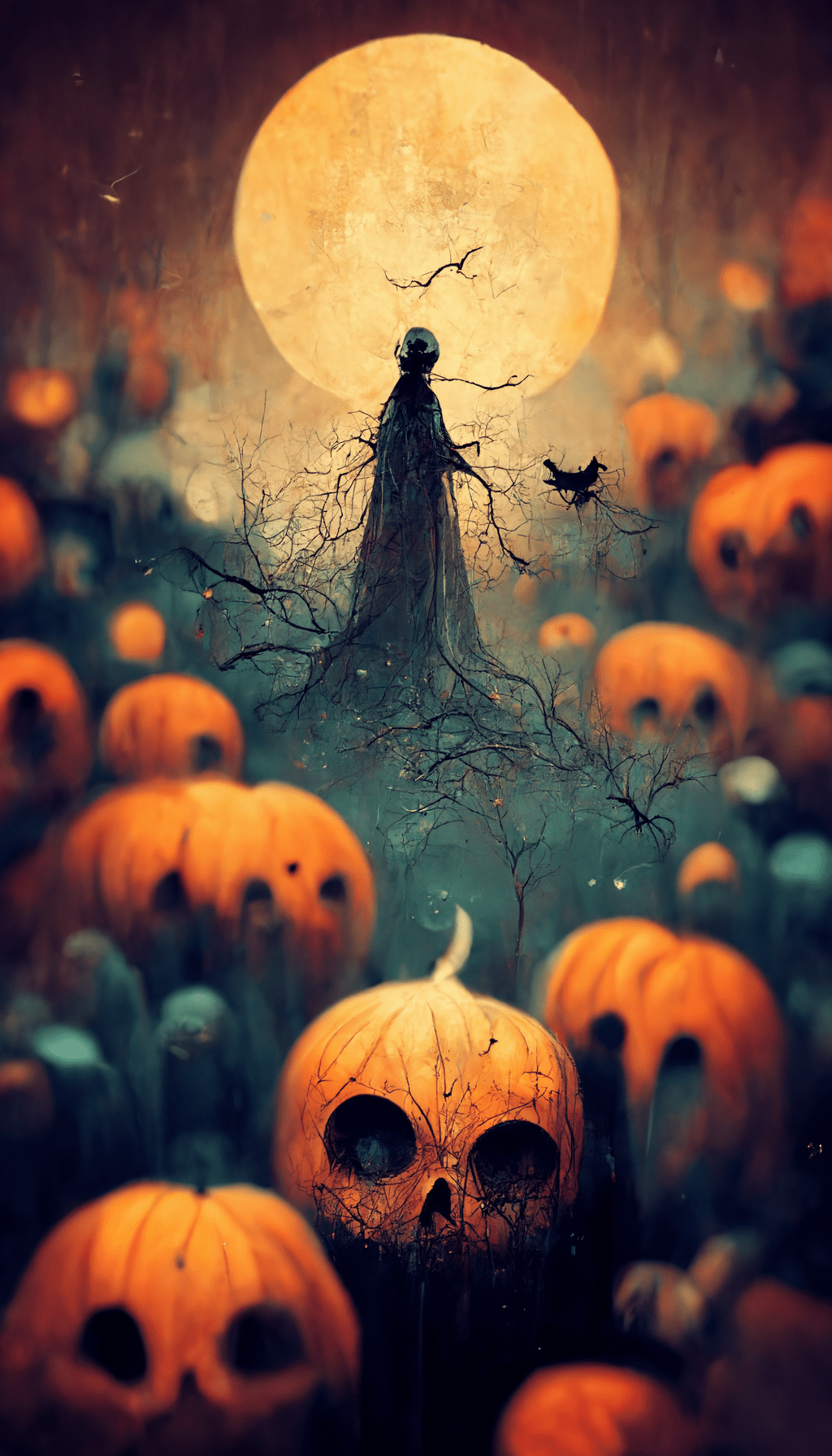
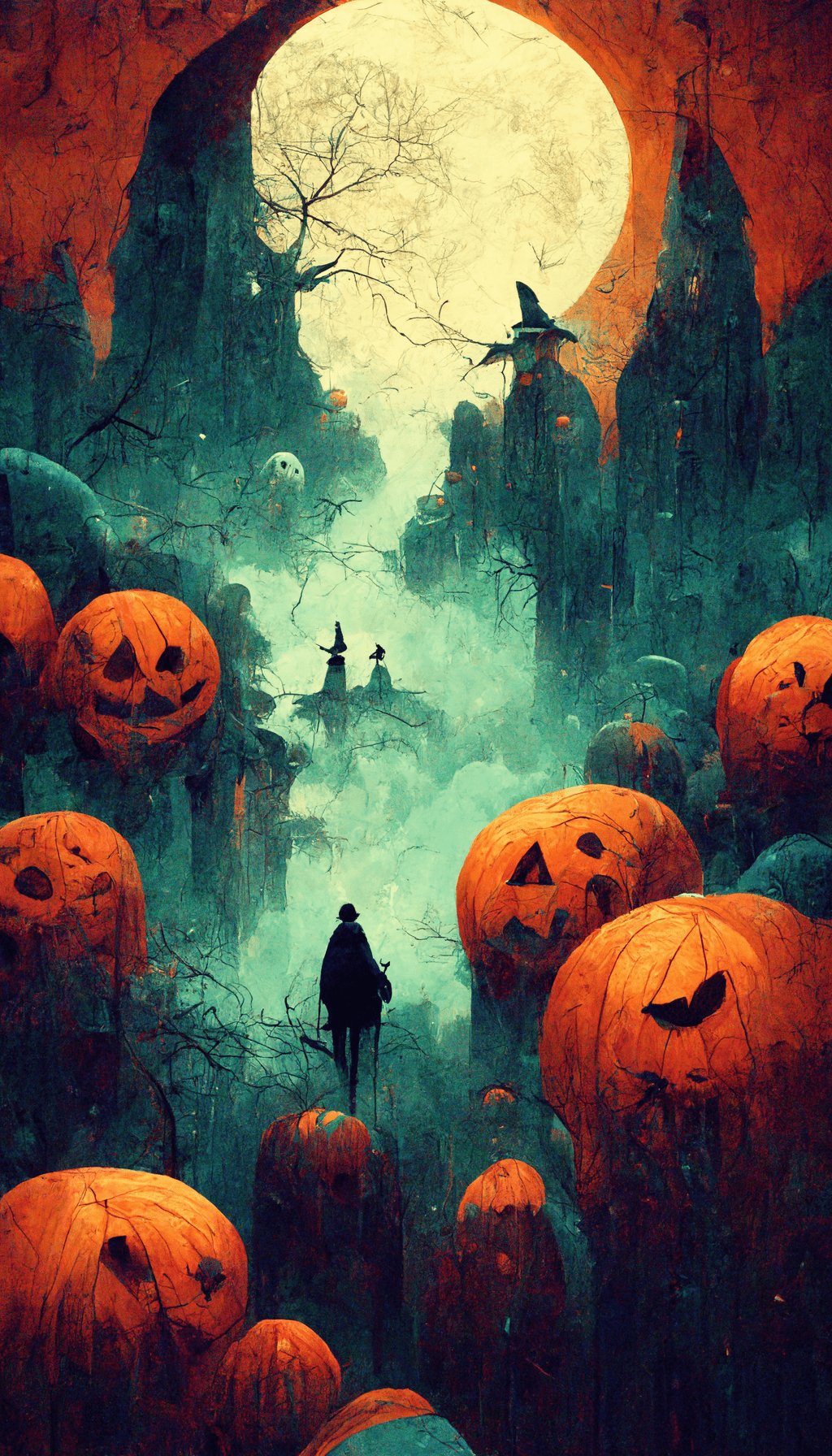
The set includes dark spooky backgrounds, warm autumn designs, cute Halloween characters and vintage-inspired options. Choose a darker design if you want icons and text to stand out, or a lighter illustrated wallpaper for a more playful October look.
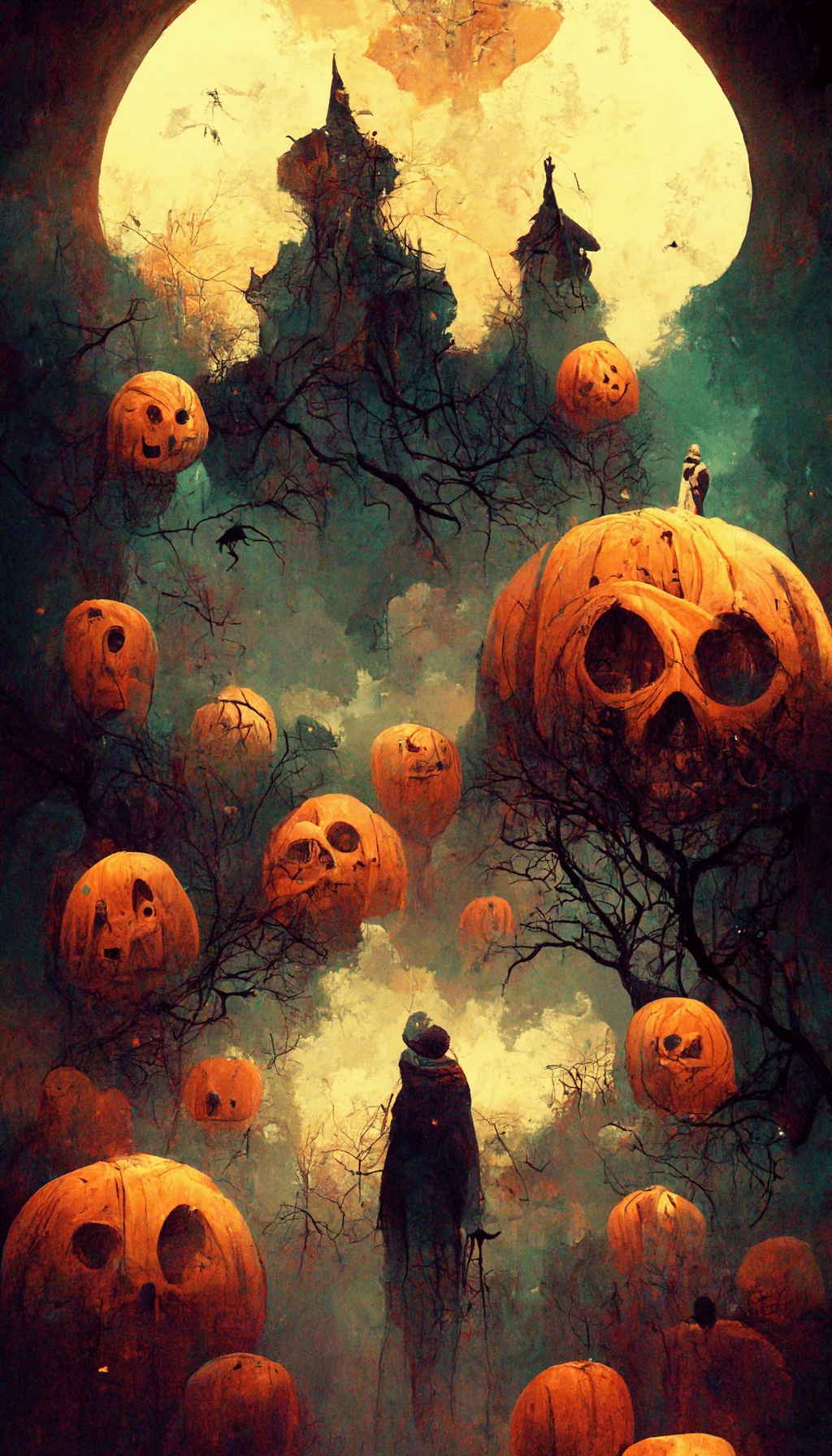
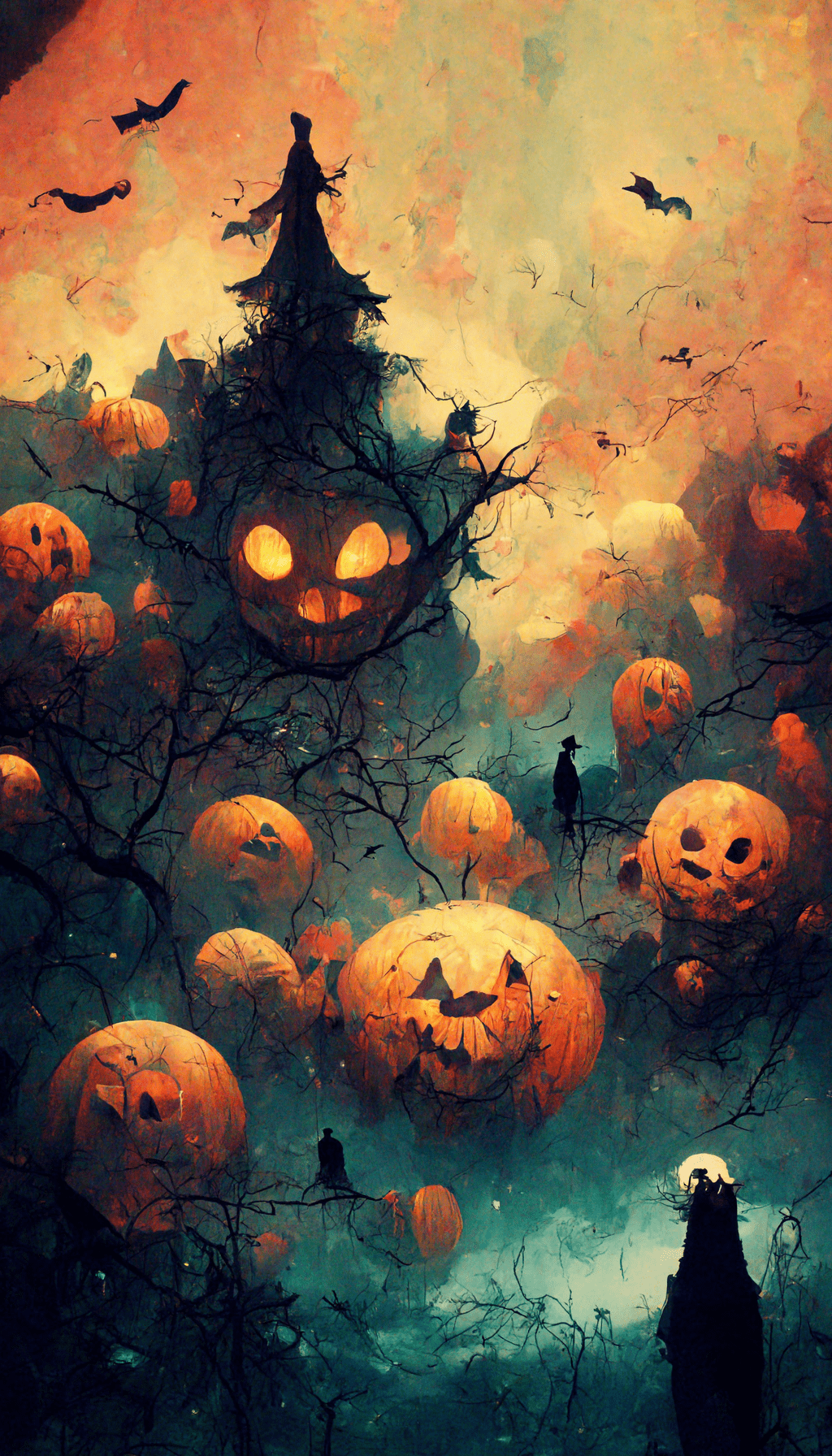
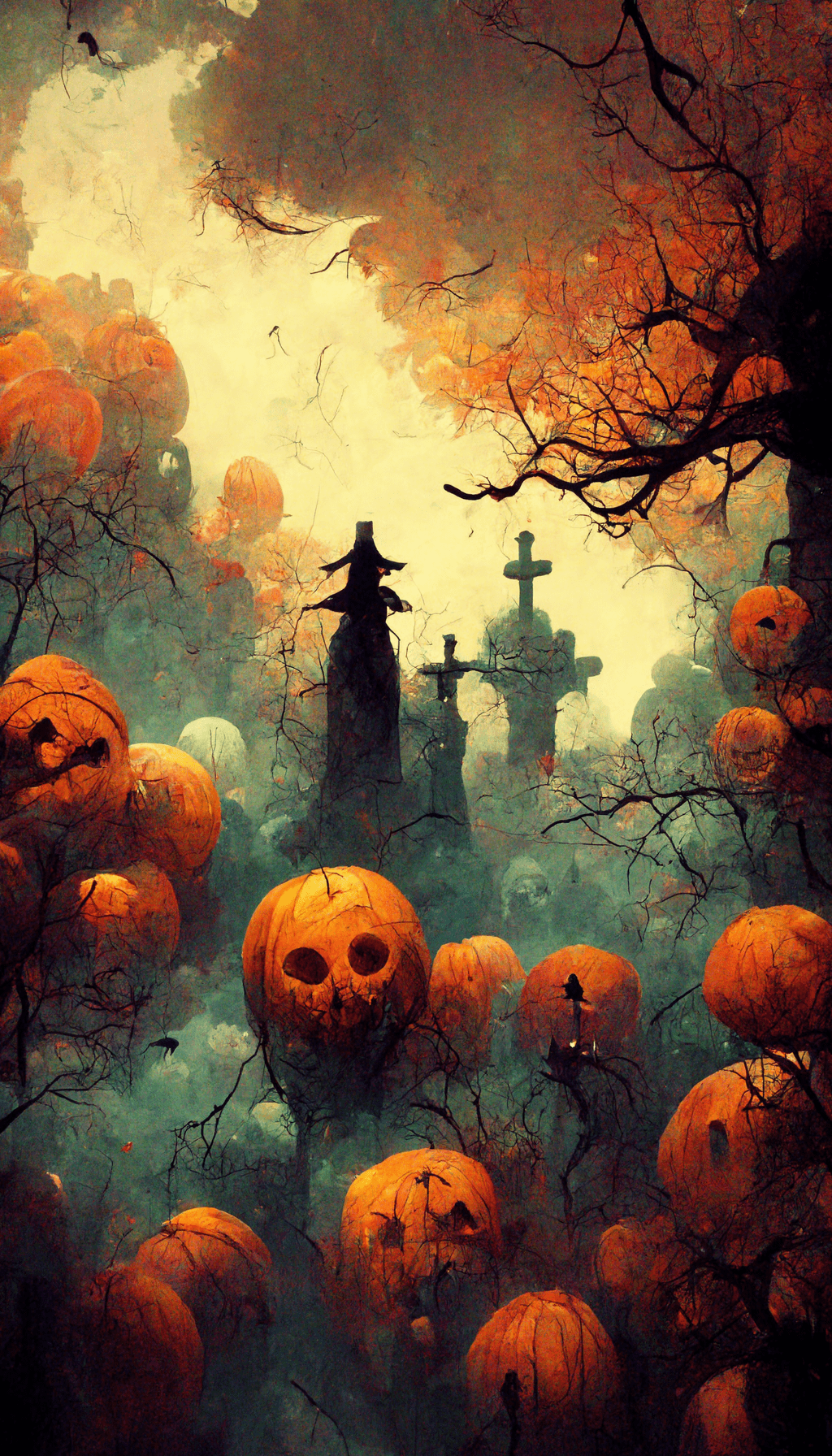
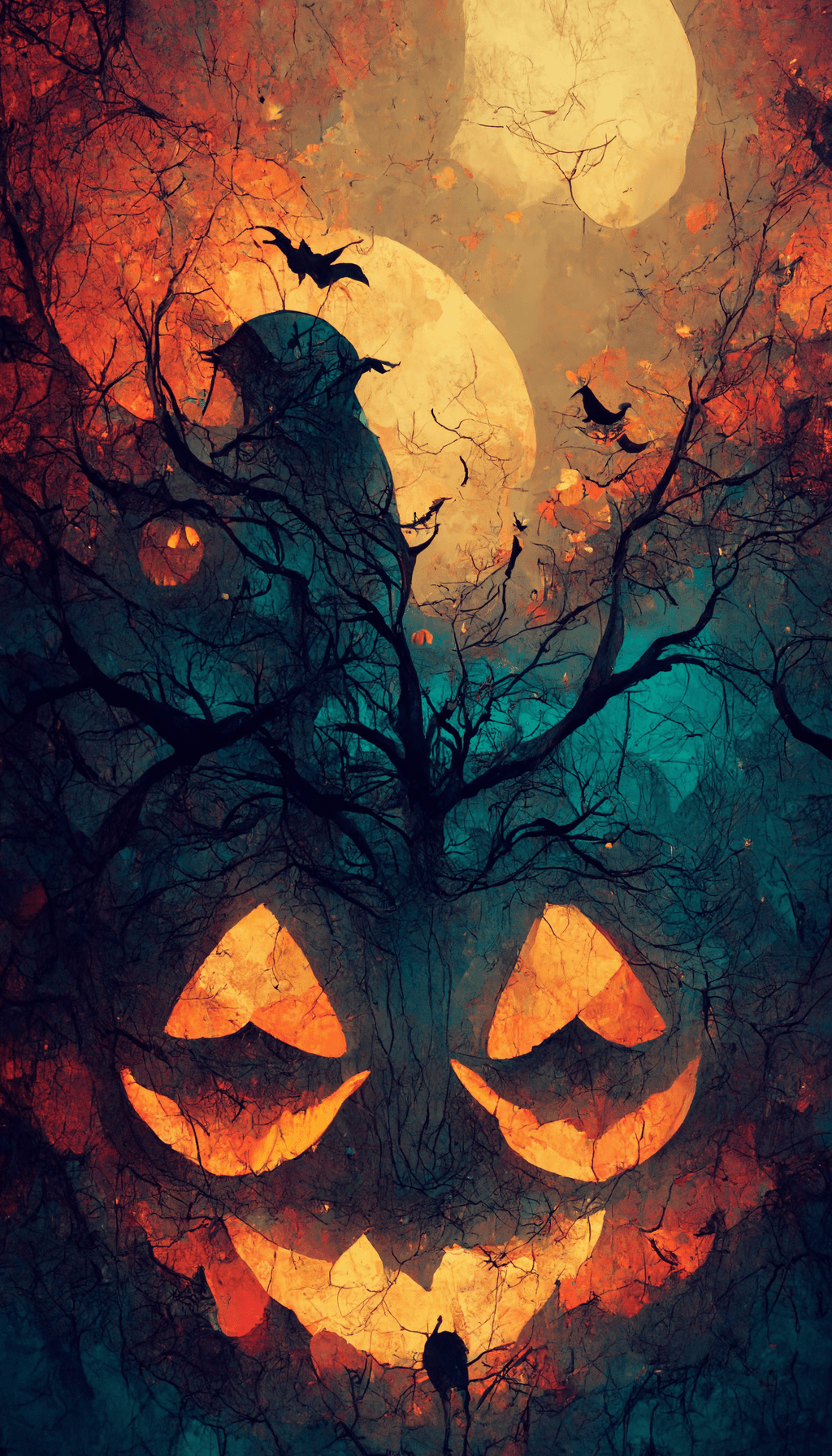
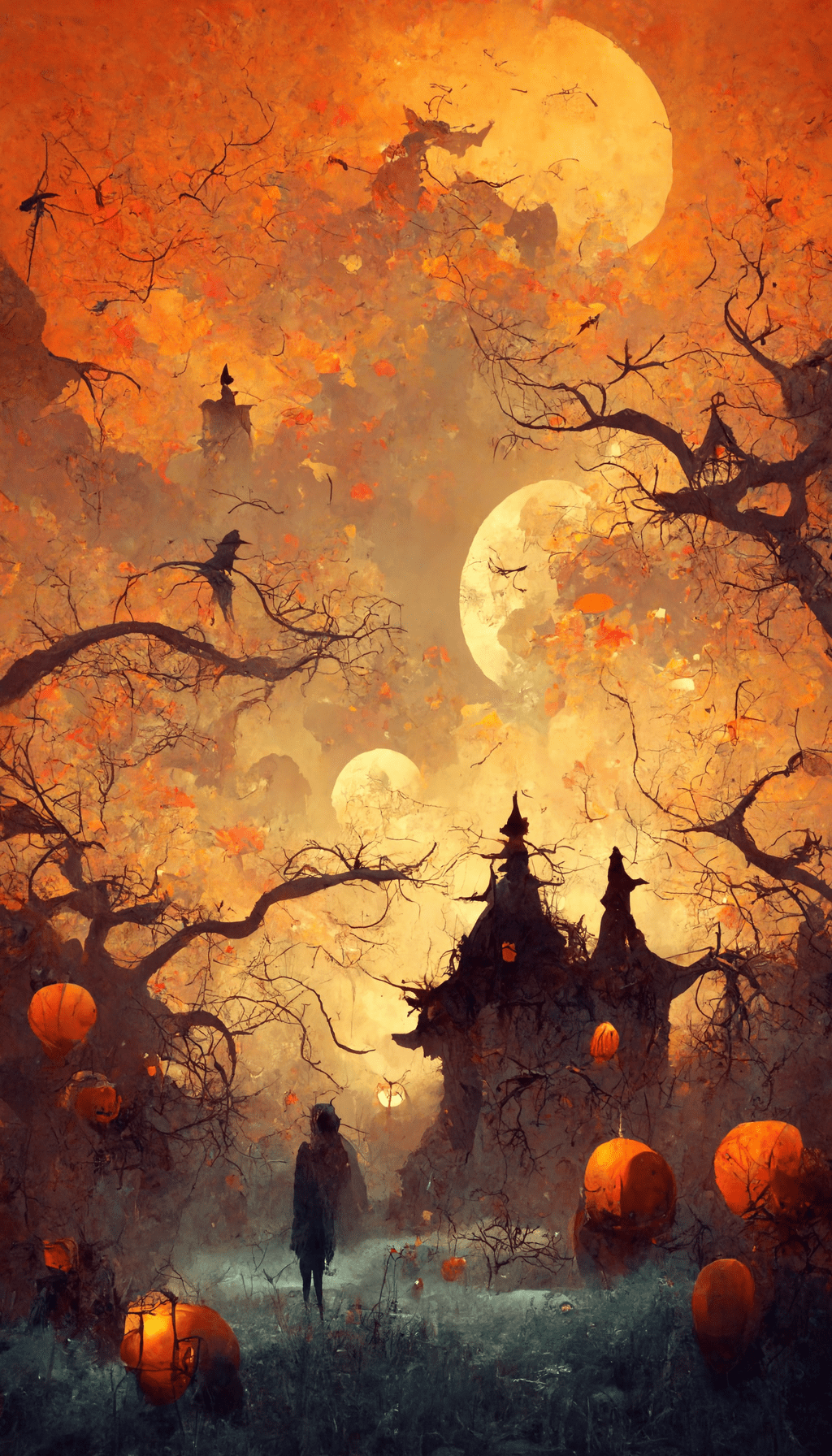
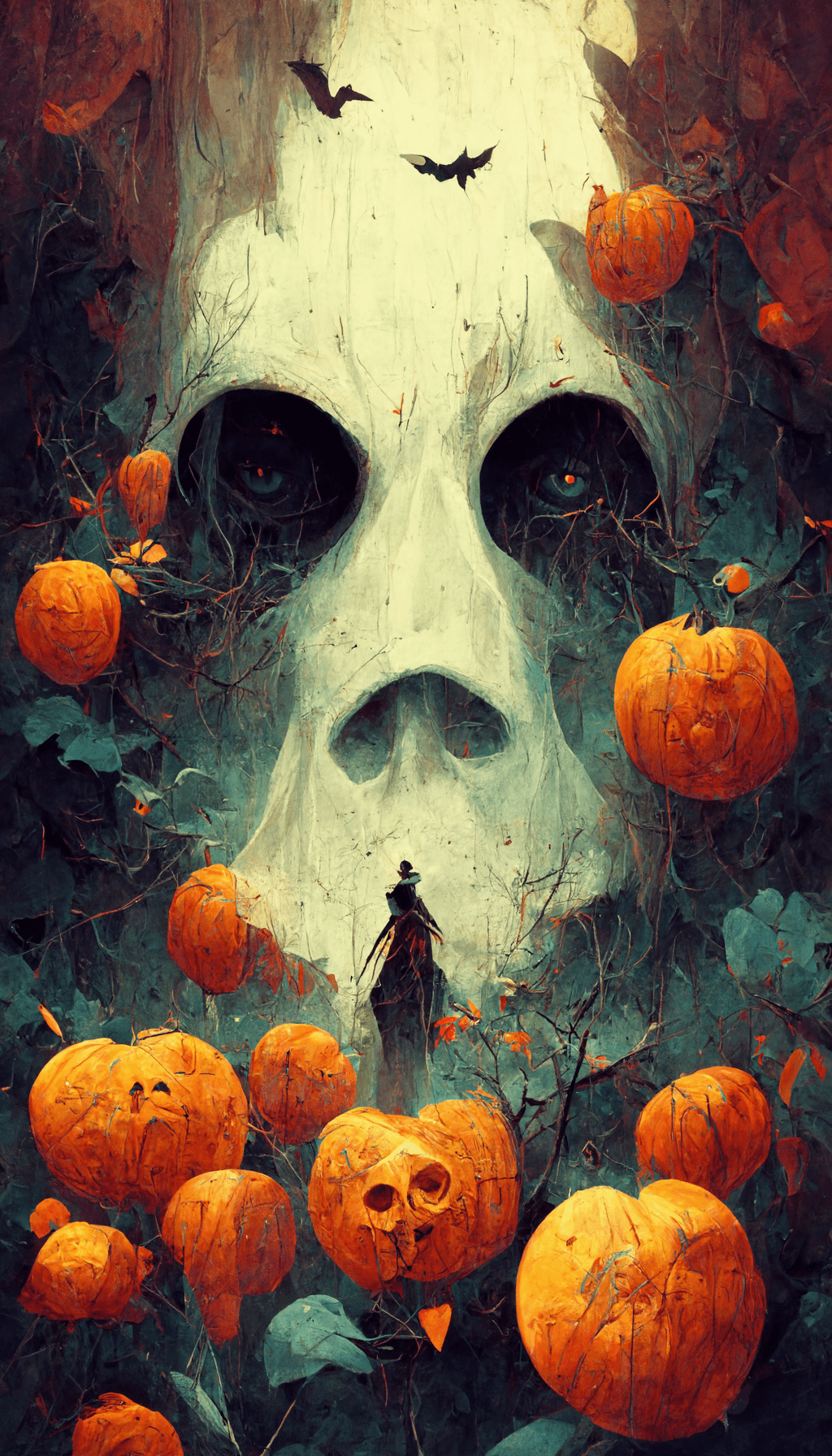
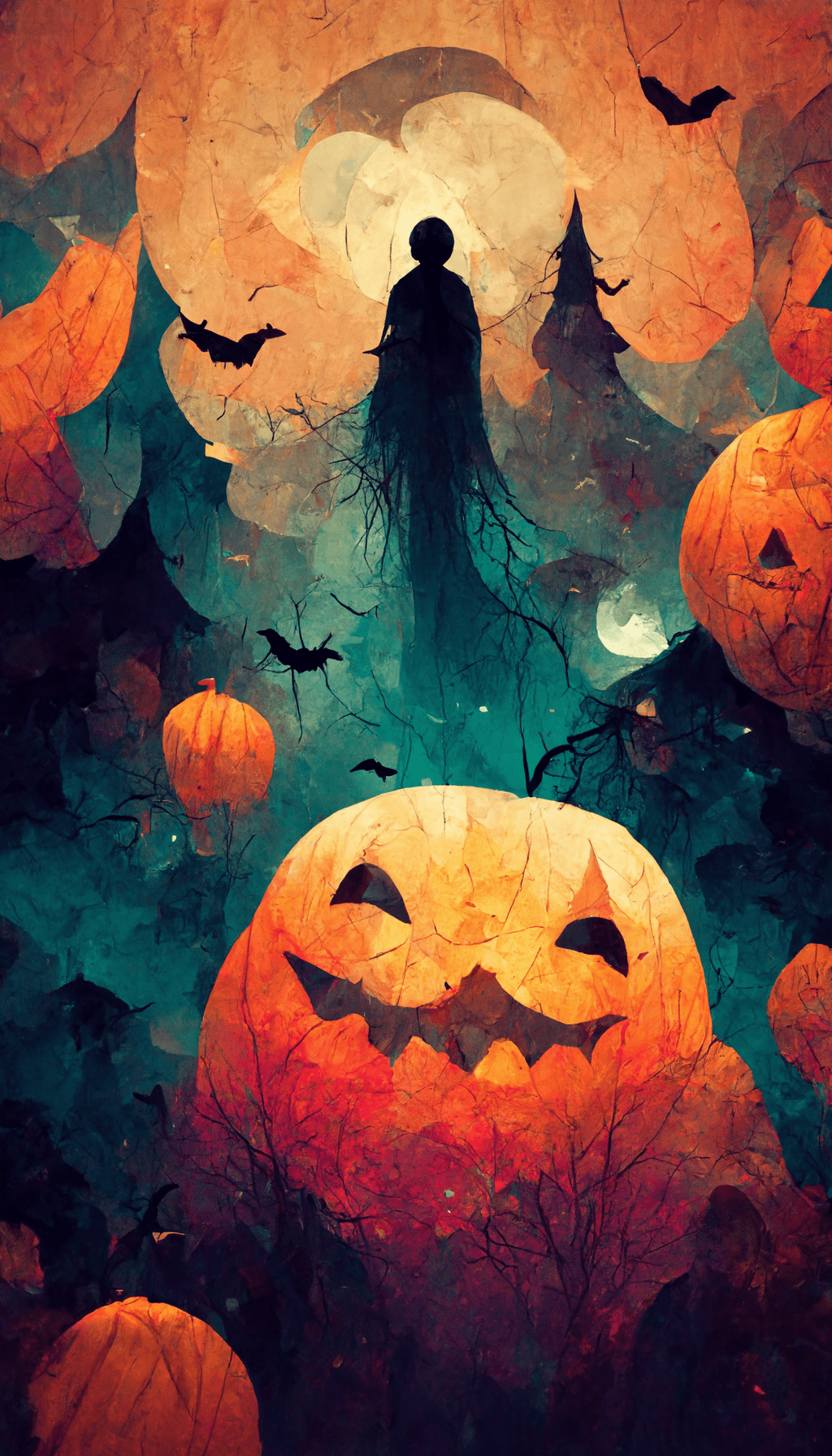
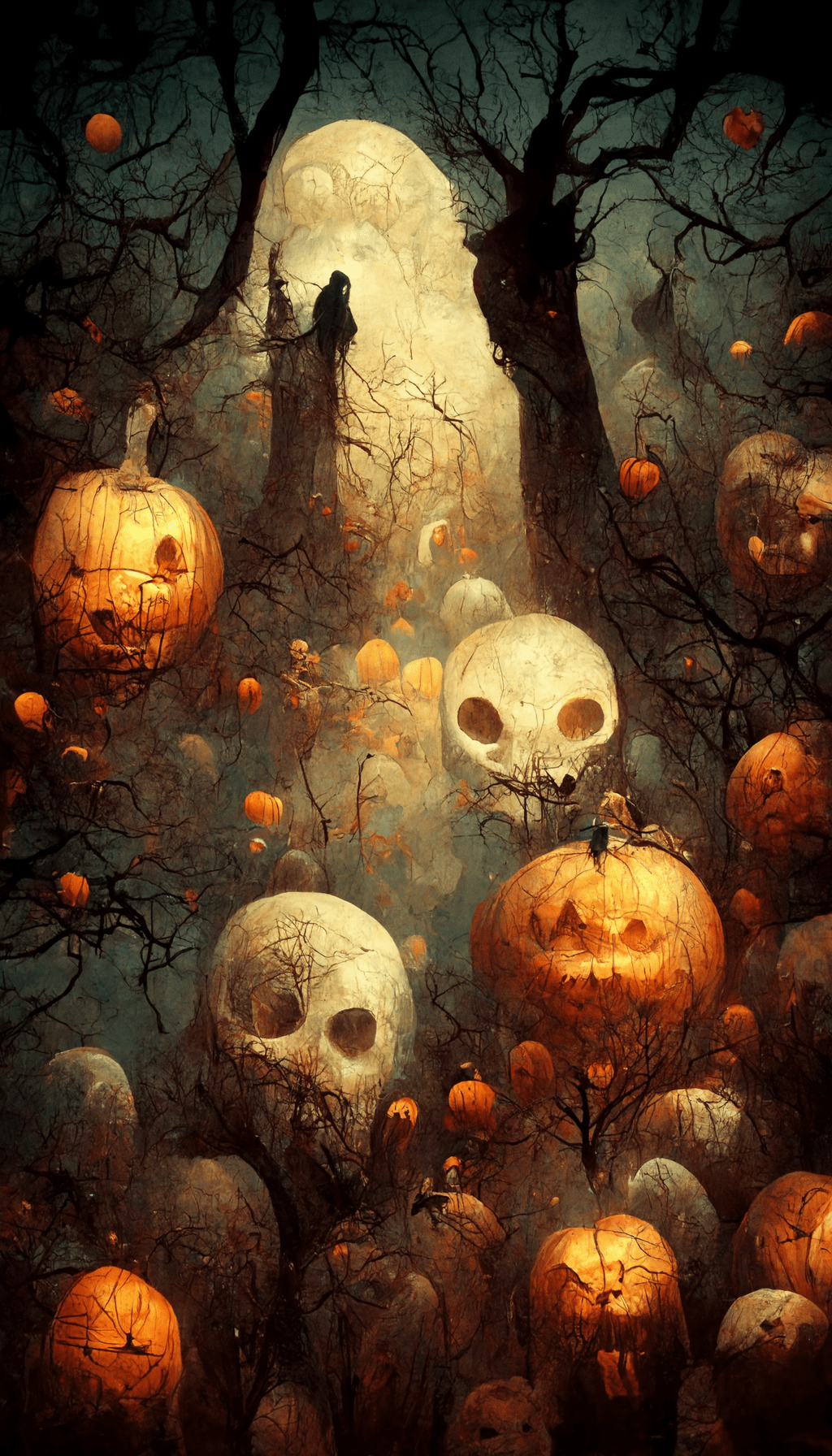
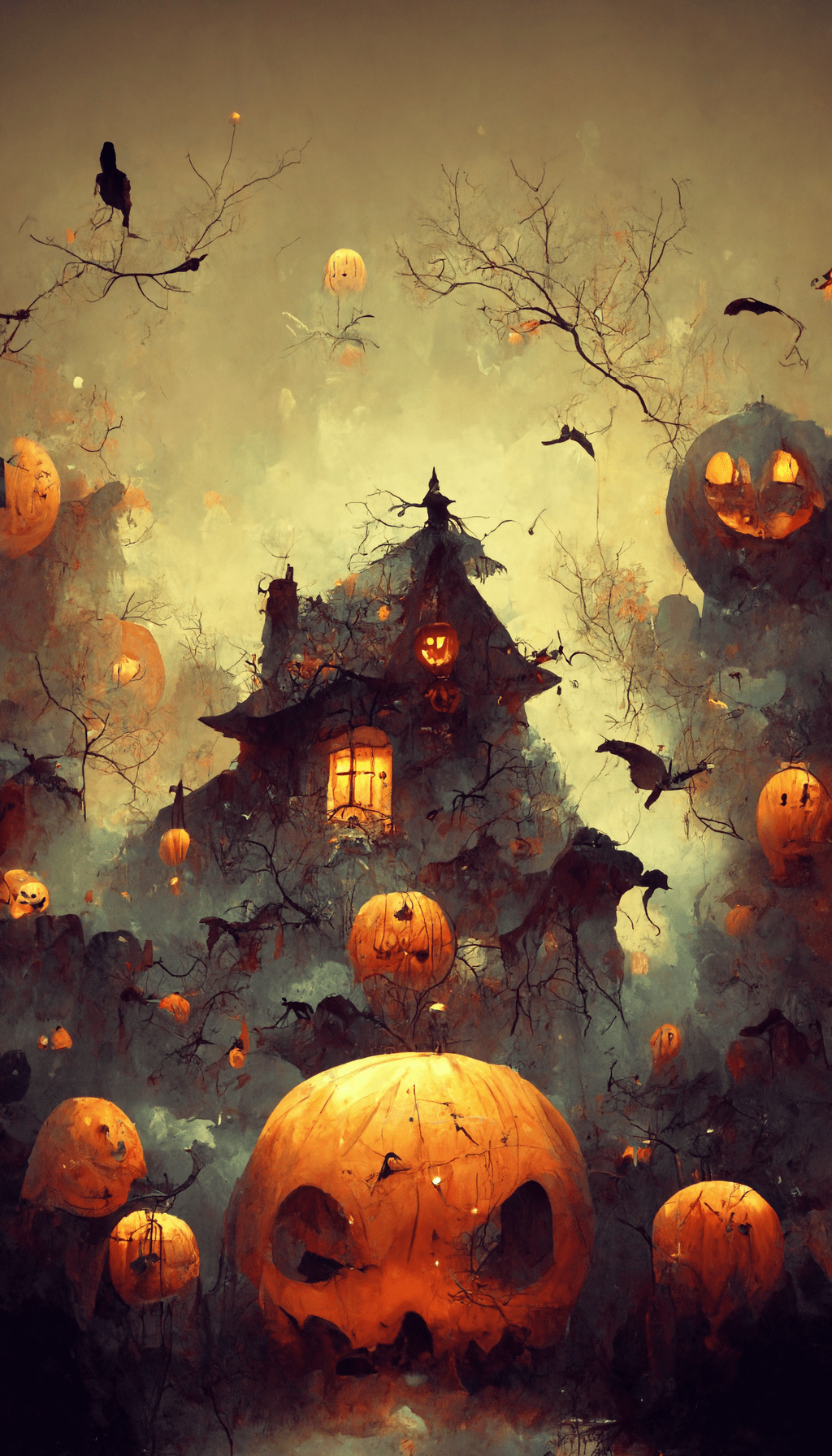
Which Halloween wallpaper should you choose?
| Look | Best use | Watch for |
|---|---|---|
| Cute | Playful lock screens and seasonal home screens | Keep character faces away from the clock and widgets |
| Spooky / dark | High-contrast lock screens | Very dark details can disappear at low brightness |
| Vintage | A classic Halloween look without neon color | Warm midtones can reduce icon contrast on a busy home screen |
| Autumn aesthetic | A background that can stay up beyond Halloween | Detailed leaves and textures work better when the icon area is relatively quiet |
Use one image differently on the lock screen and home screen
You do not have to use the same crop twice. On the lock screen, preserve the main illustration and leave breathing room around the clock. On the home screen, shift or zoom the crop so the busiest part of the artwork sits away from the apps you use most. If your phone offers a blur option for the home screen, a small amount can improve icon readability while keeping the Halloween palette.
For a paired setup, start with the more illustrated wallpaper on the lock screen and a darker or simpler image from this set behind your apps. That gives you the seasonal artwork when you wake the phone without making the everyday interface harder to use.
Fix common wallpaper problems
| Problem | Likely cause | Try this |
|---|---|---|
| The clock covers the artwork | The focal point is too high | Reduce the zoom or choose a design with open space in the upper third |
| App icons are hard to find | The home-screen crop is too detailed | Move the busiest area away from your main icon rows or use a darker design |
| The image looks soft | The wallpaper was saved from a preview or zoomed heavily | Save the full image and avoid unnecessary enlargement |
| Important details are cut off | The phone is filling a different aspect ratio | Reposition the crop before confirming rather than centering automatically |
| The screen feels too dark | A spooky design is being viewed at low brightness | Try one of the warm autumn or cute backgrounds instead |
Halloween wallpaper questions
Are these wallpapers sized for phones?
Yes. The images are 1024 × 1792 pixels and use a tall portrait format. Exact cropping varies by device, so preview the final position before setting the wallpaper.
Can I use one on both iPhone and Android?
Yes. The files are ordinary portrait images rather than device-specific themes. iPhone and Android models place clocks, widgets and crops differently, so the preview screen is the important final check.
Why does my wallpaper look different after I set it?
Phones often crop, zoom, dim or blur wallpapers to fit the screen and interface. Start from the full-size image, then adjust the crop manually. If the focal point still sits under the clock, another design from the set will usually work better than forcing the crop.
Can I use these beyond Halloween?
The autumn and vintage options are the easiest to keep through fall because they rely less on overtly spooky imagery. The darker and character-based designs read more specifically as Halloween.
All wallpapers on this page are free for personal use. Save the full-size version you like and preview it with your actual interface before deciding on the final crop.

