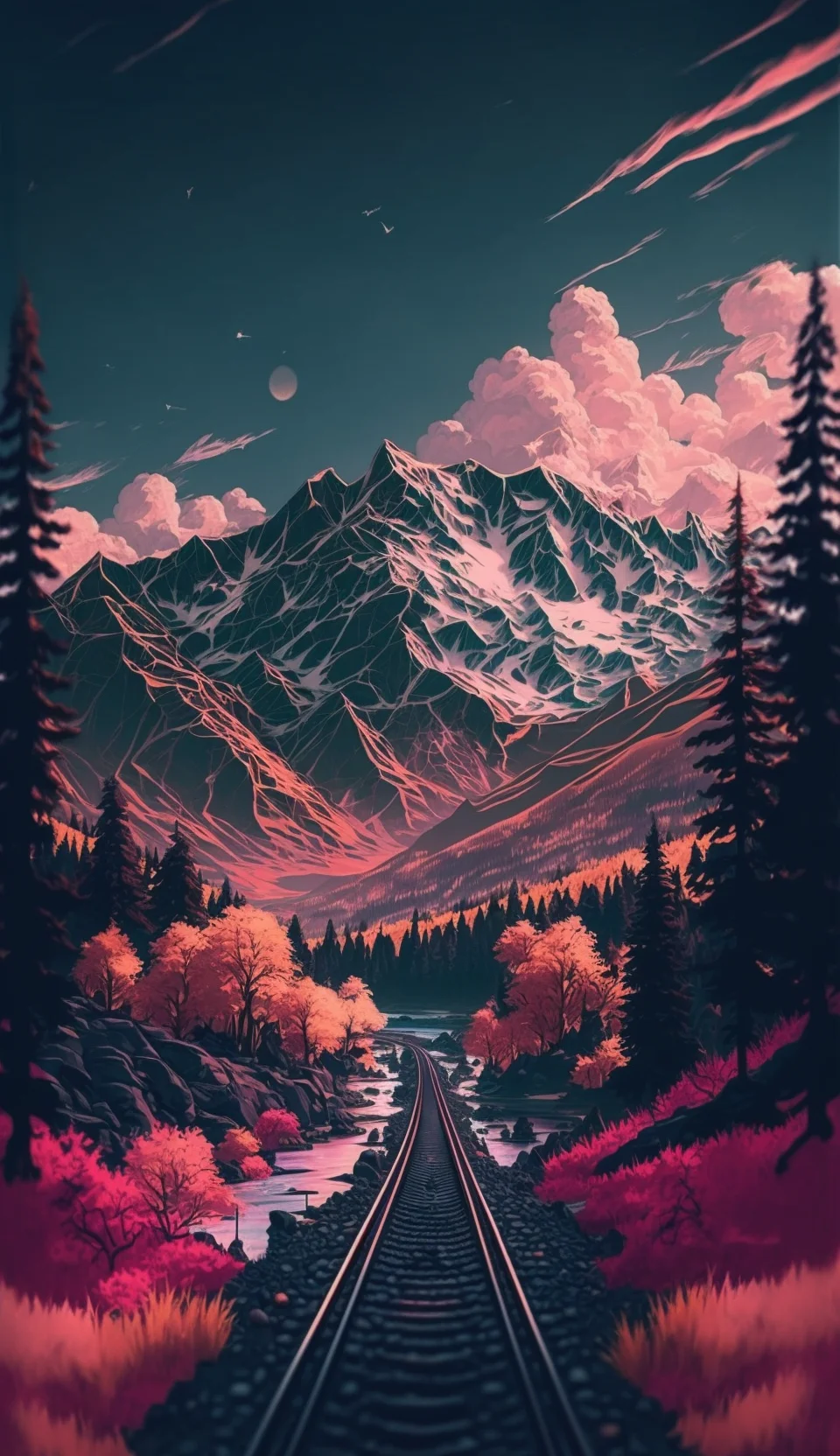
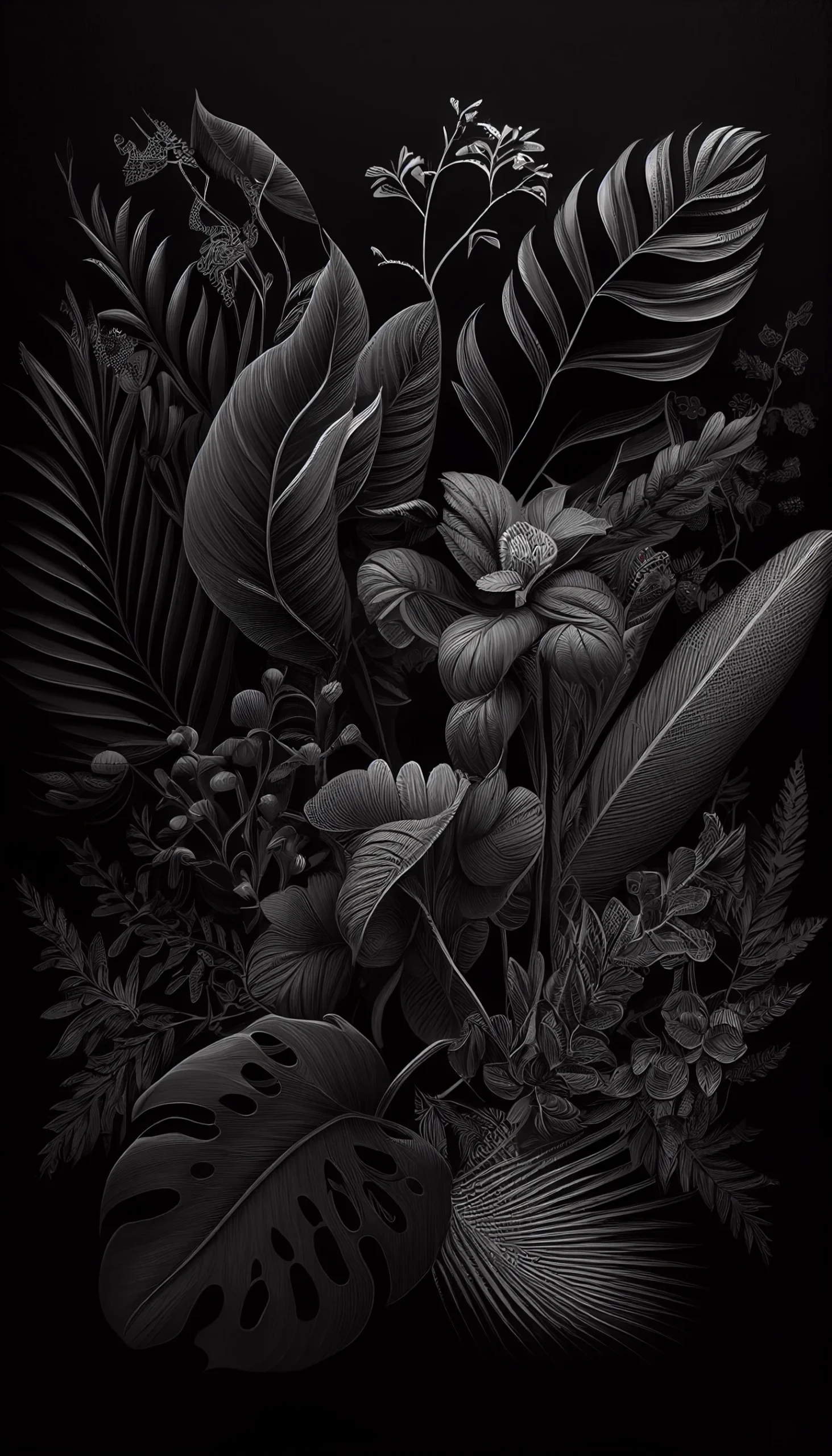
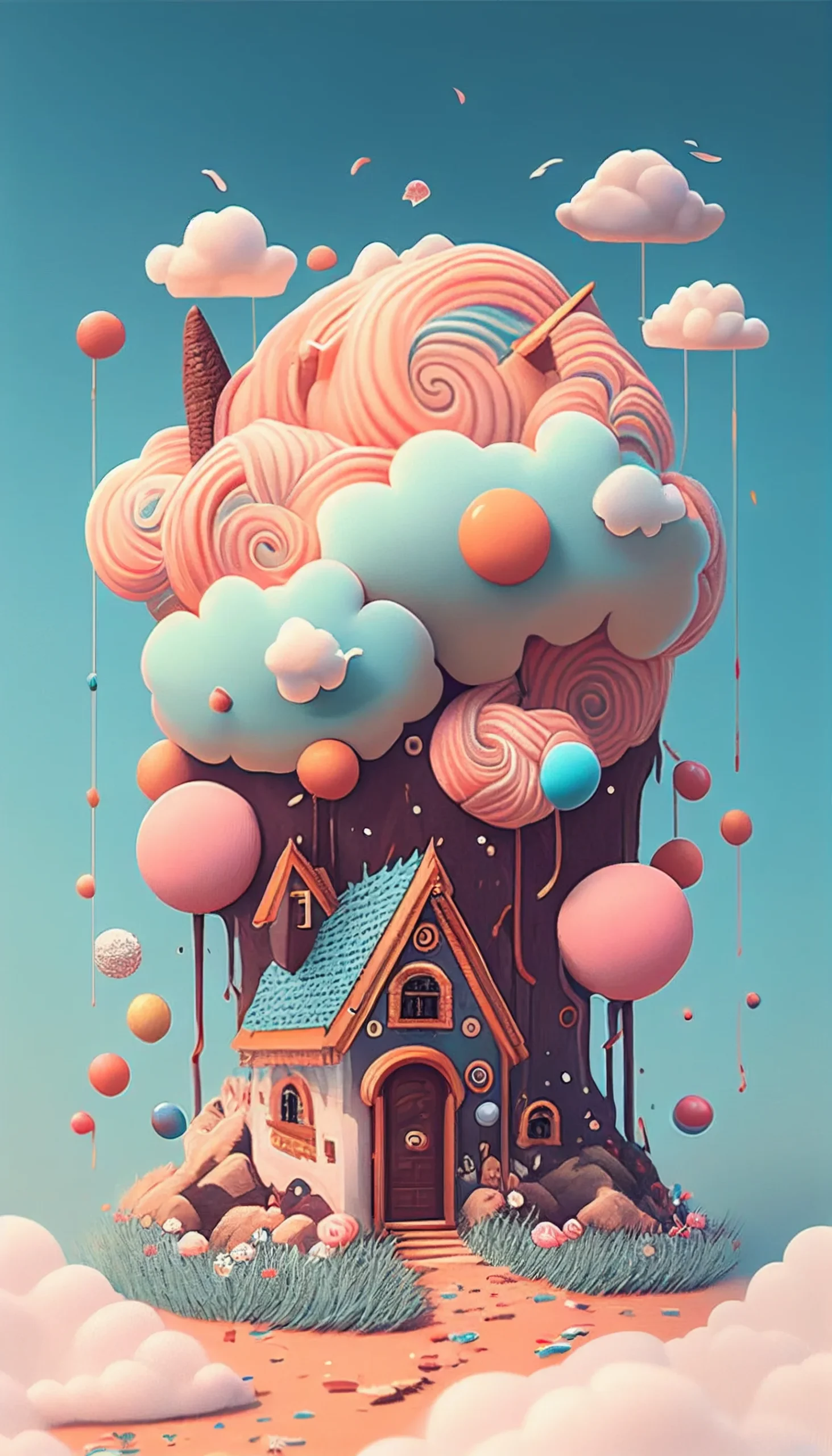
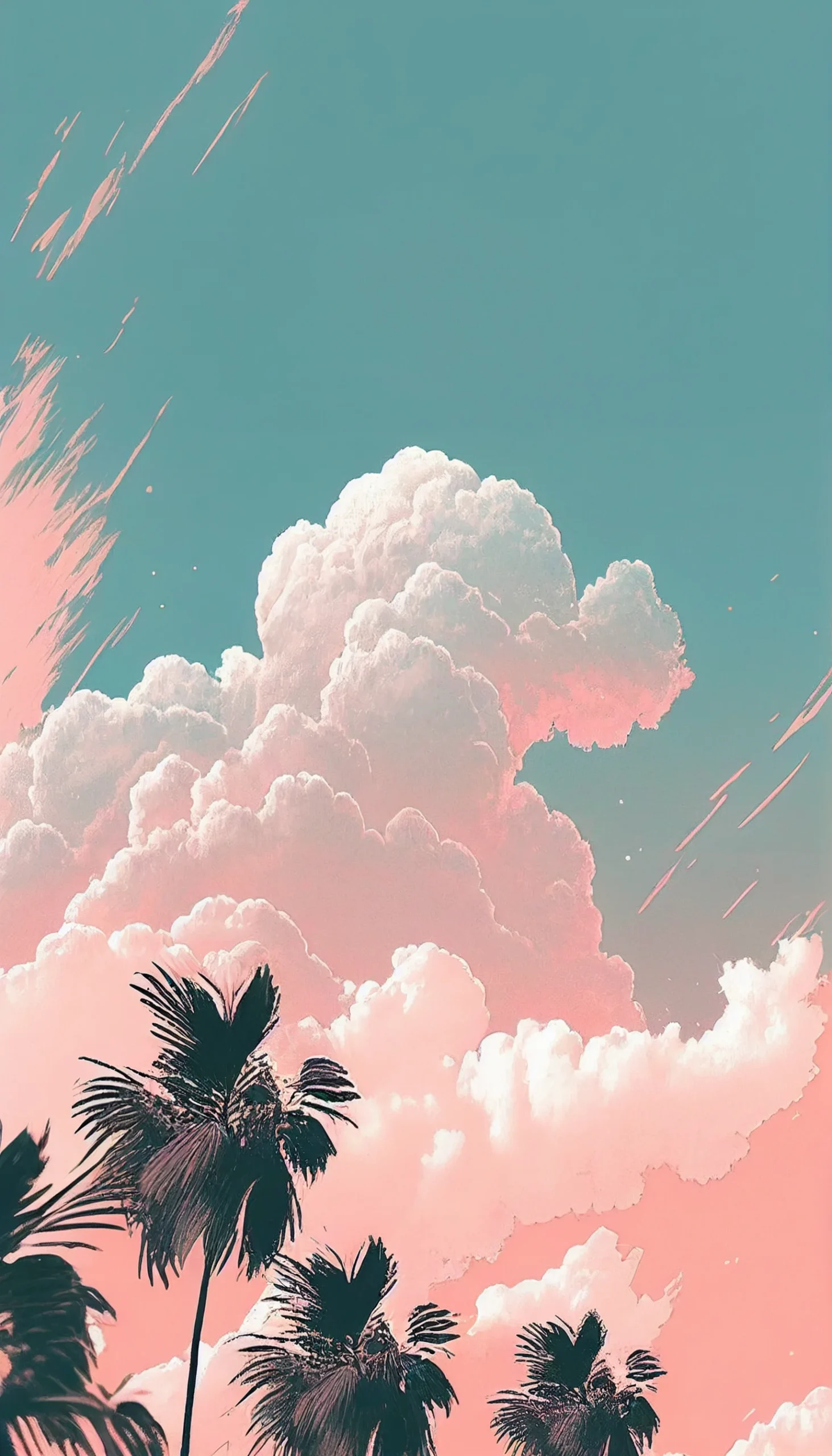
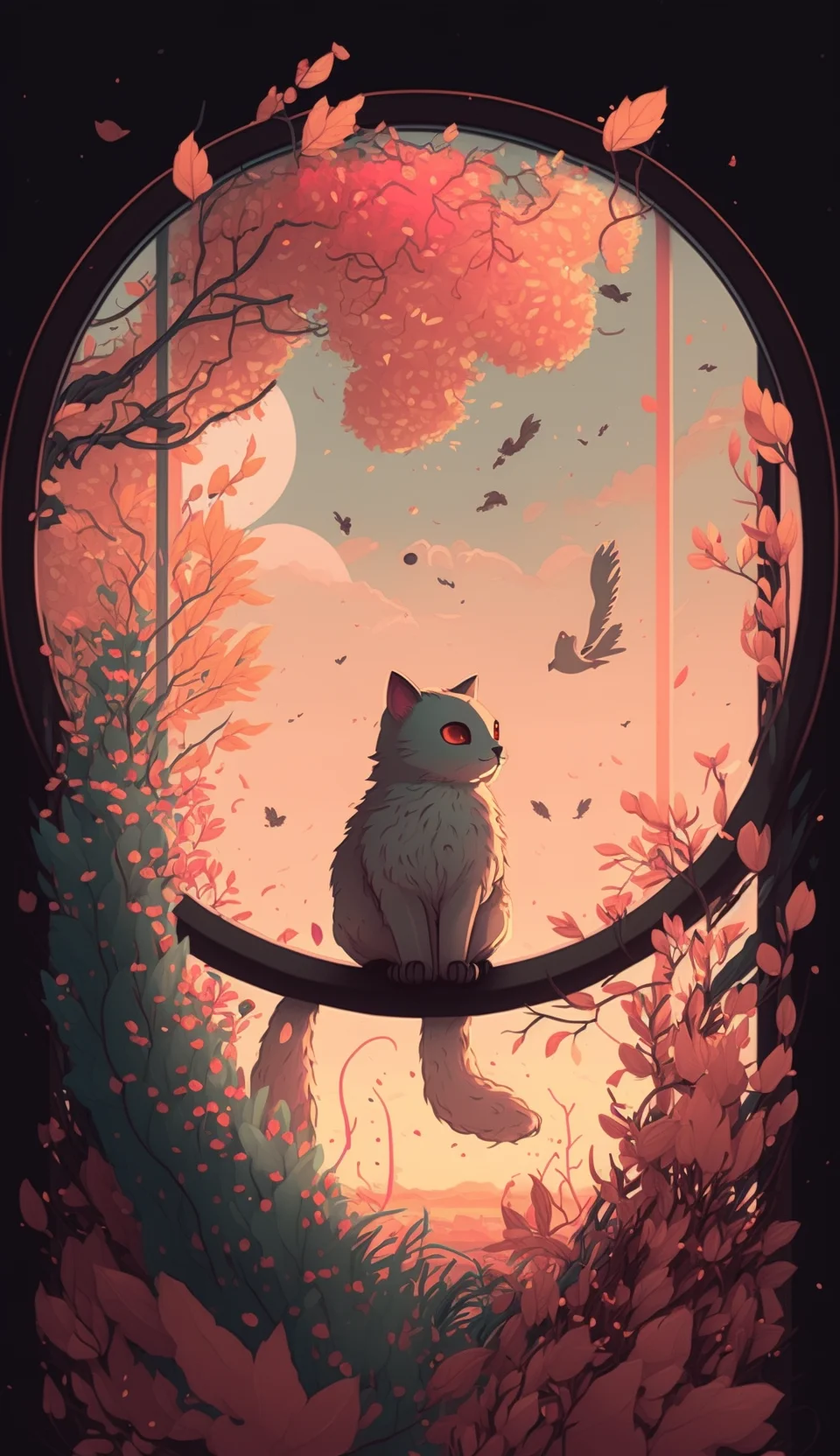
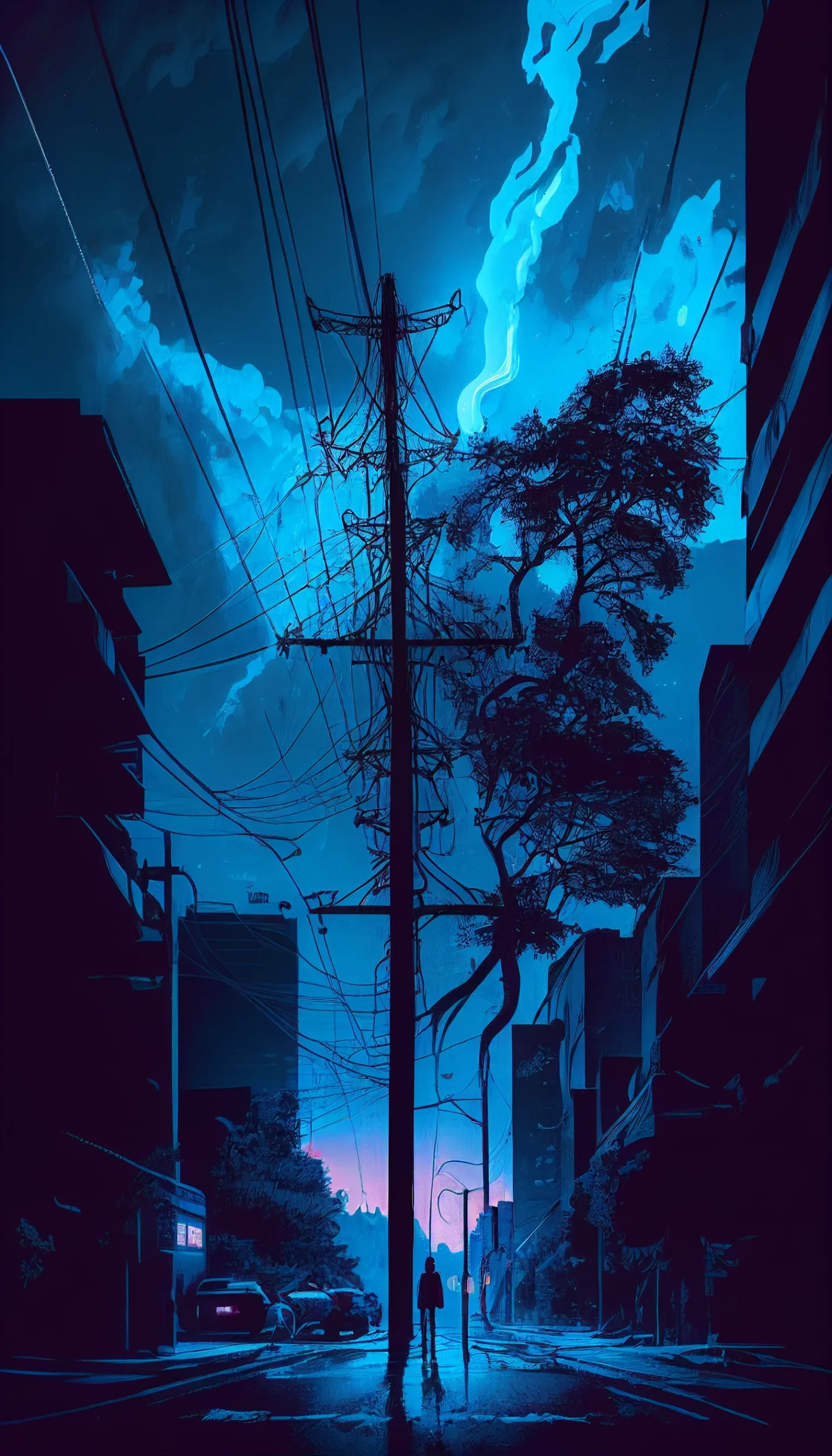
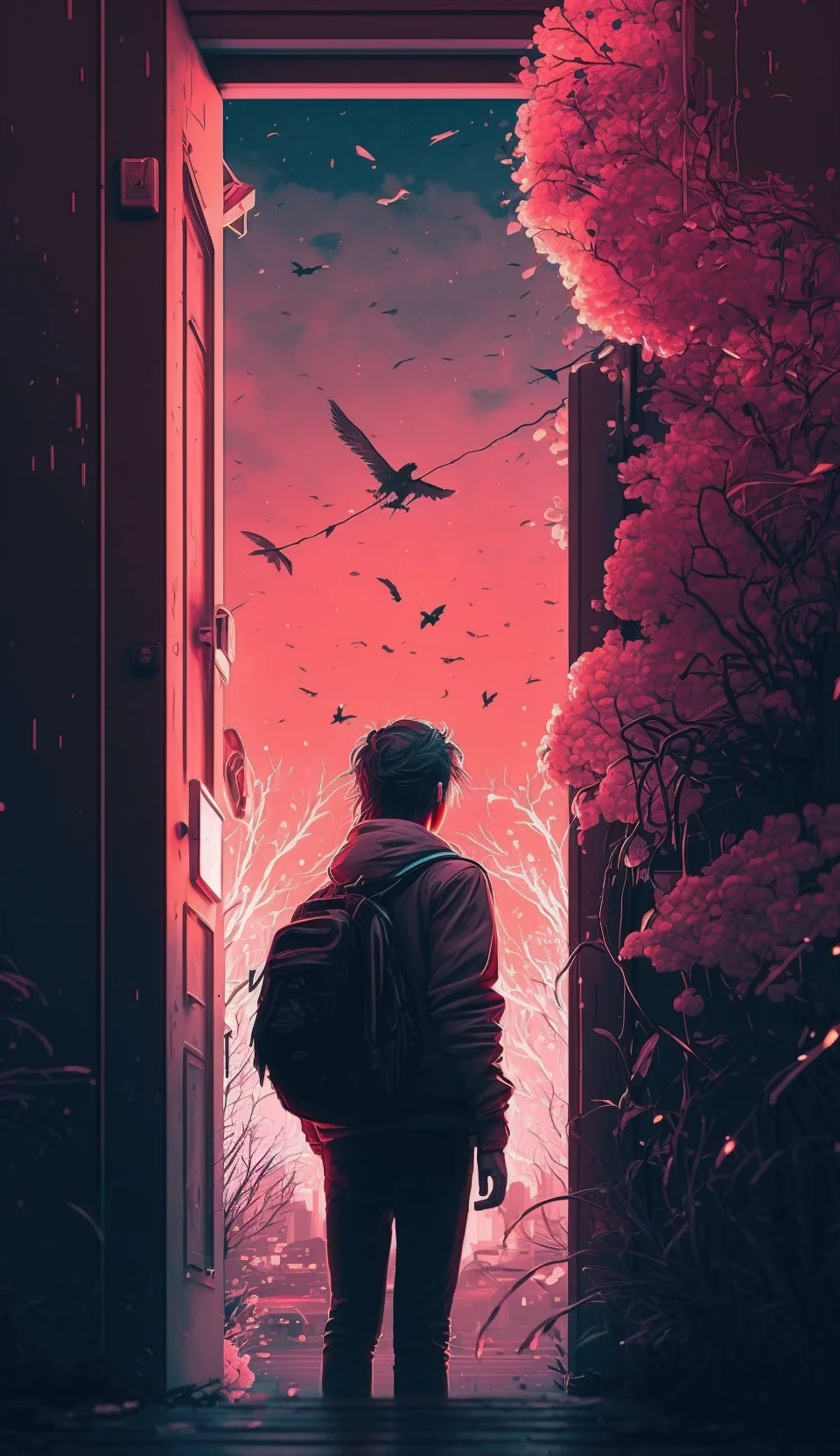
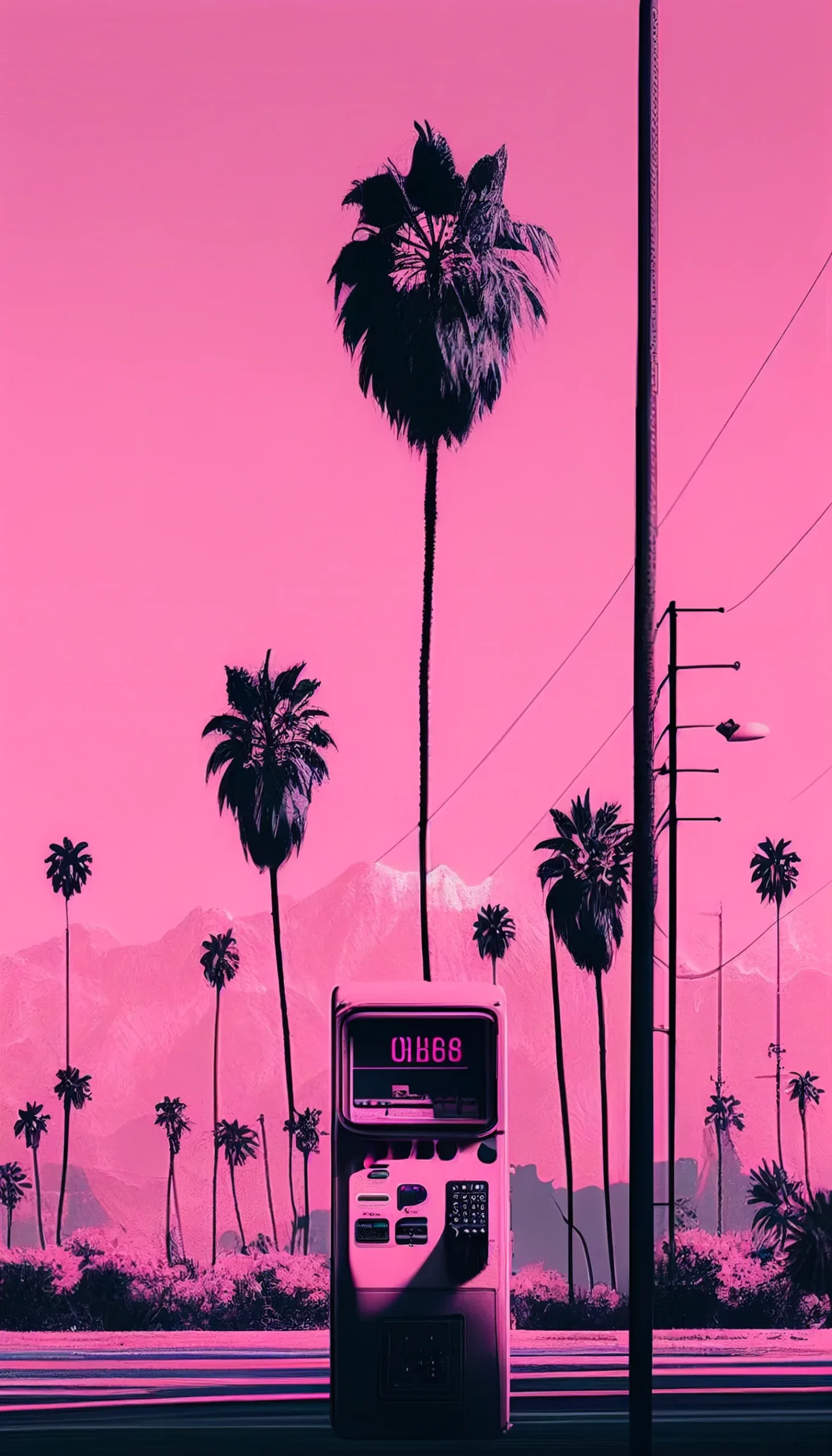
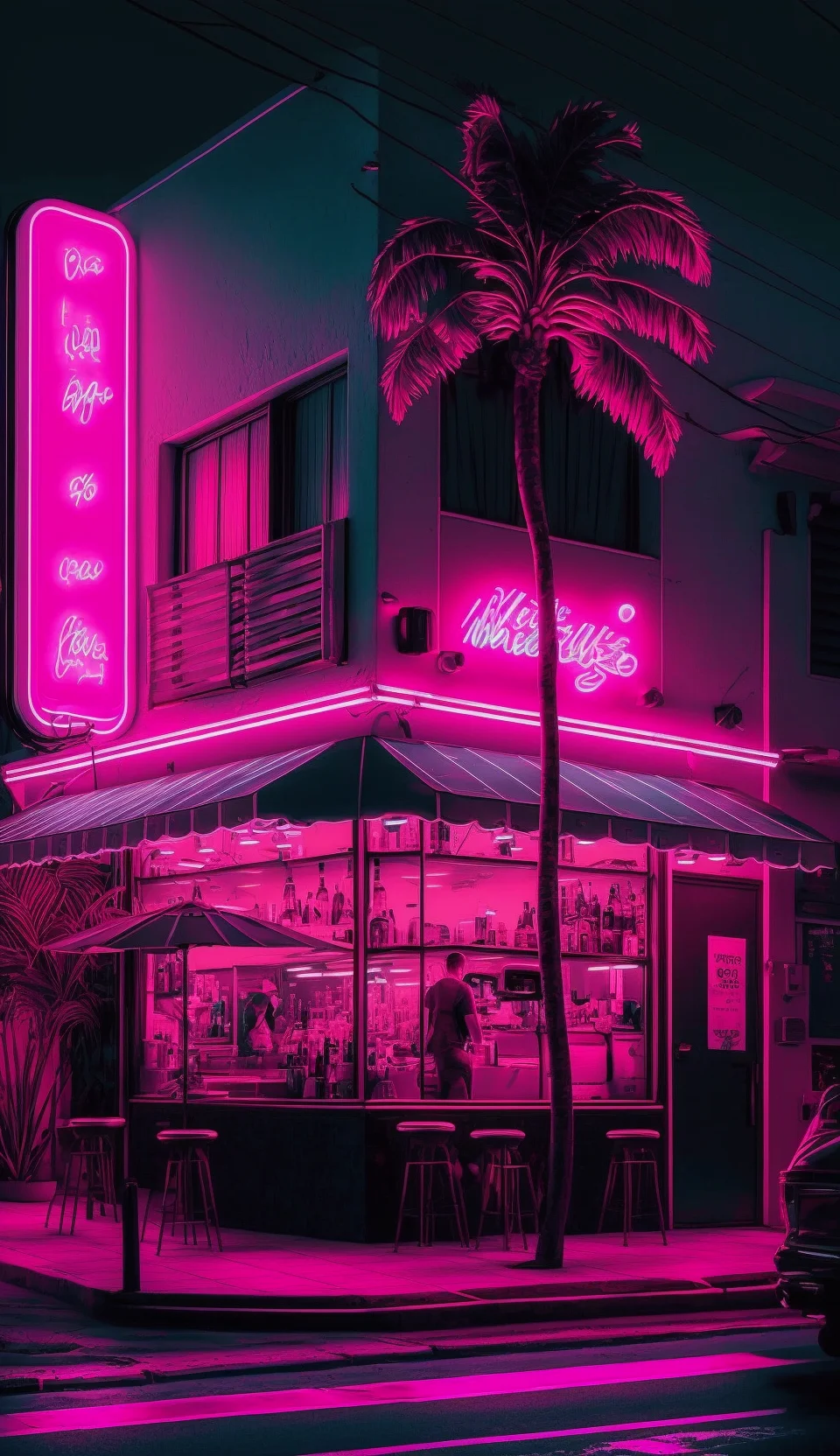
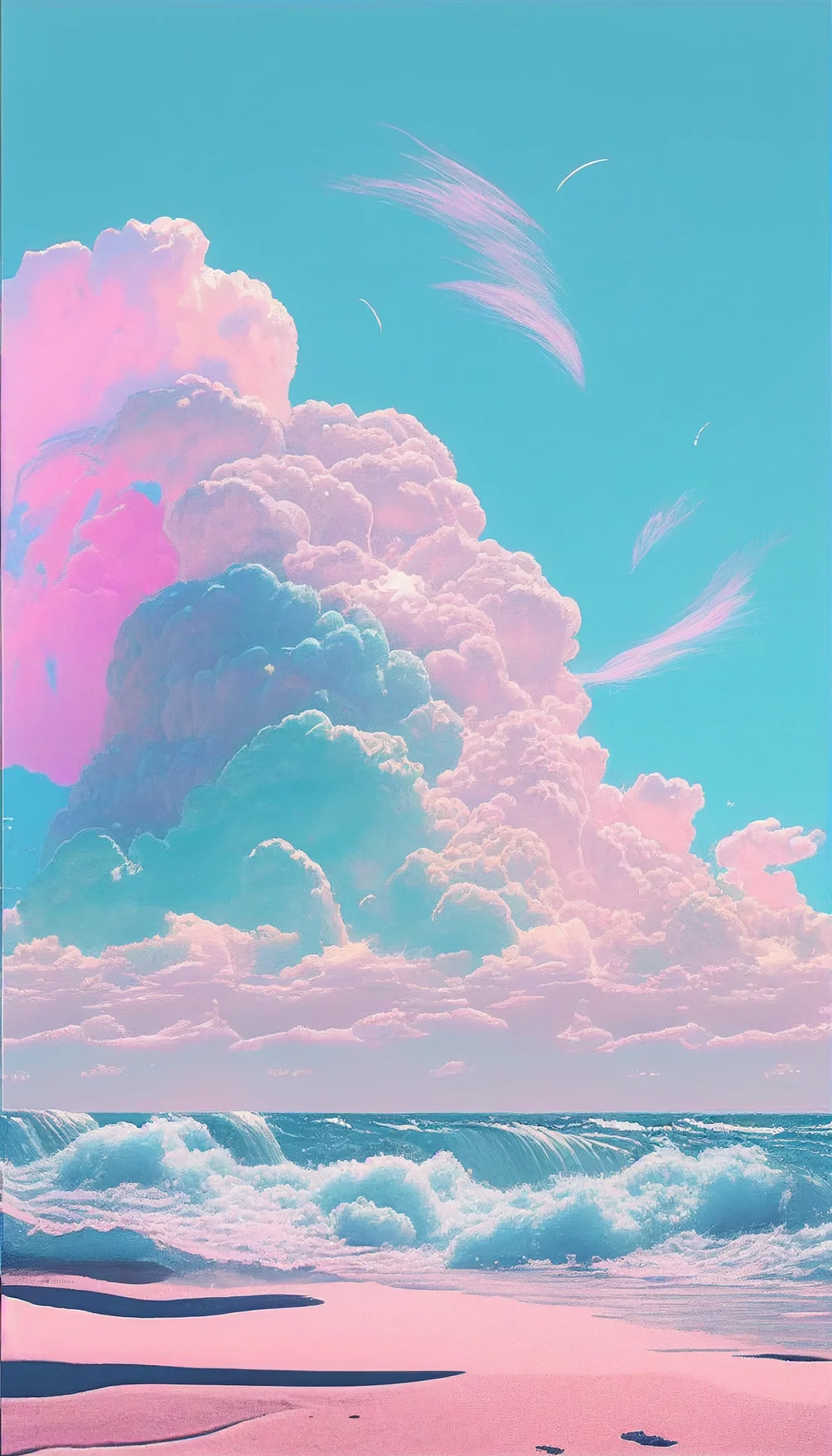
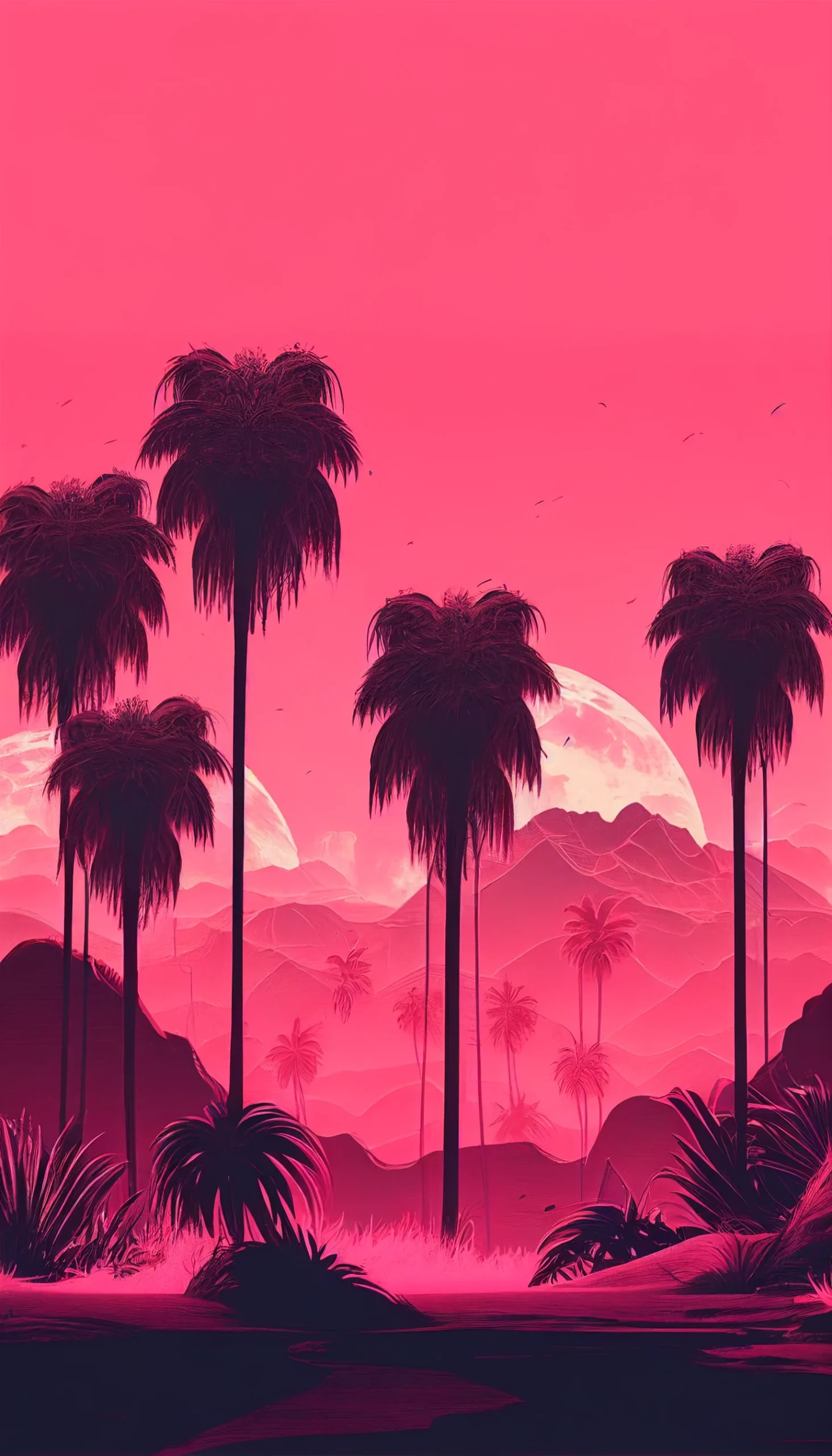
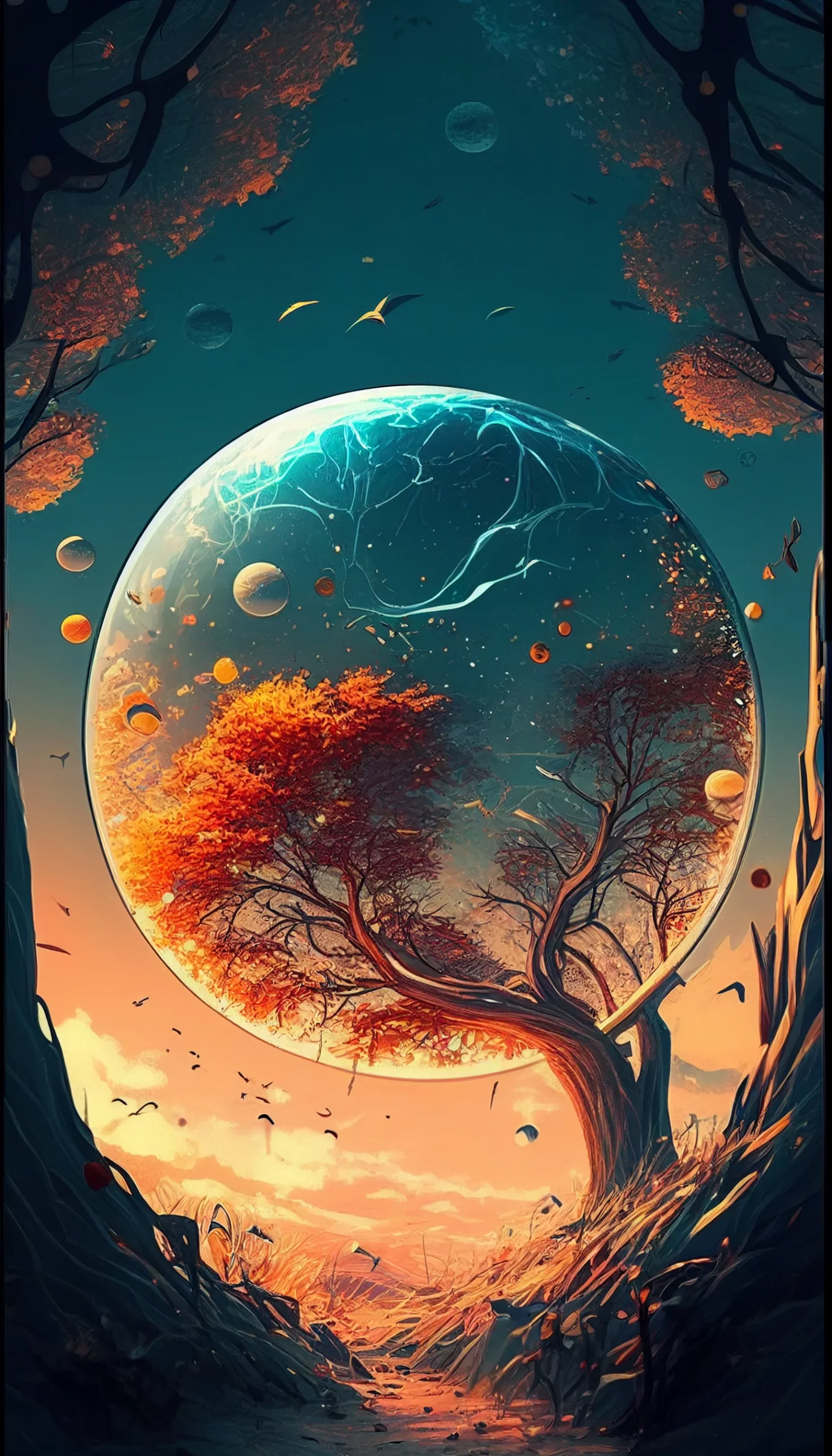
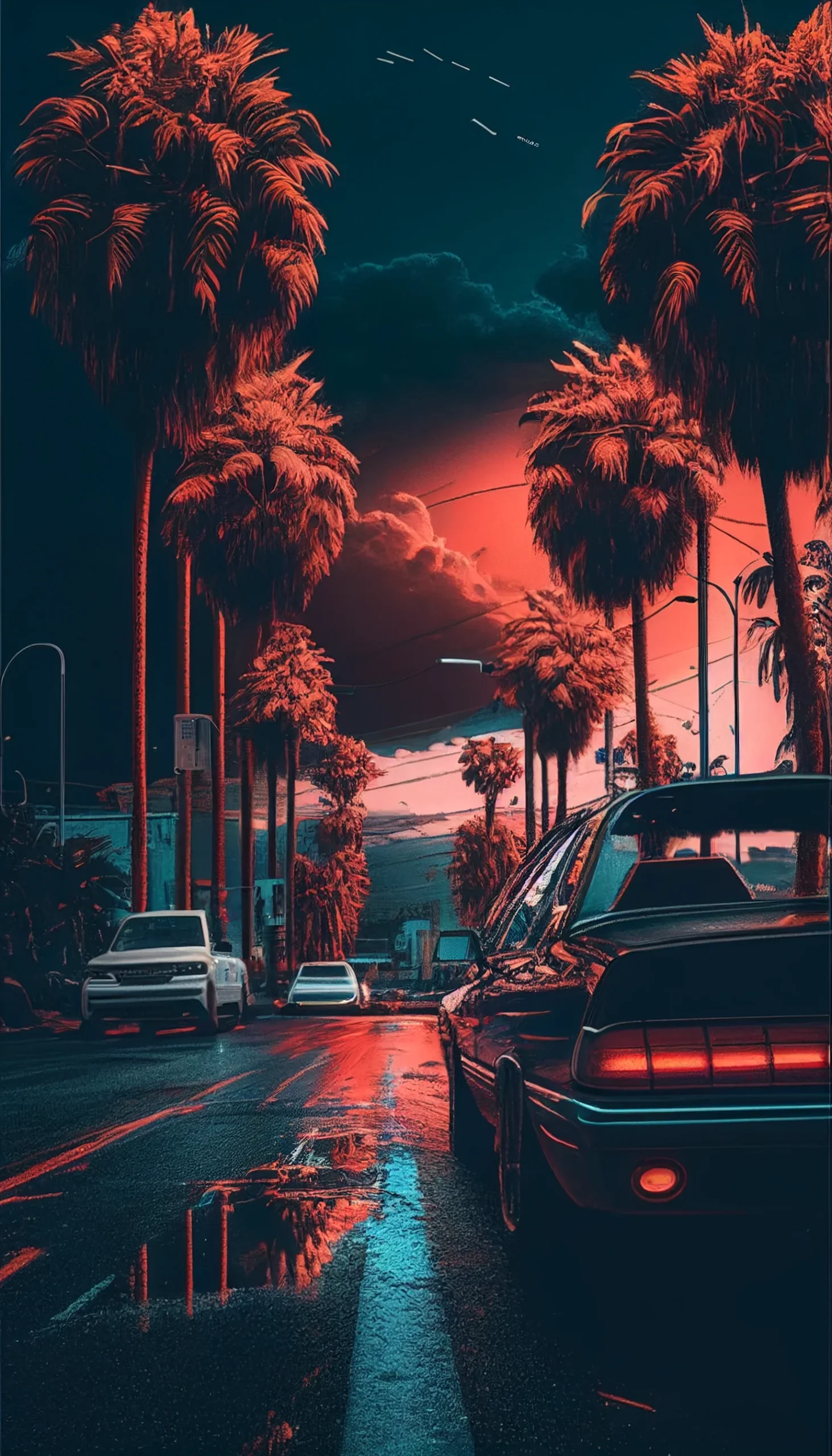
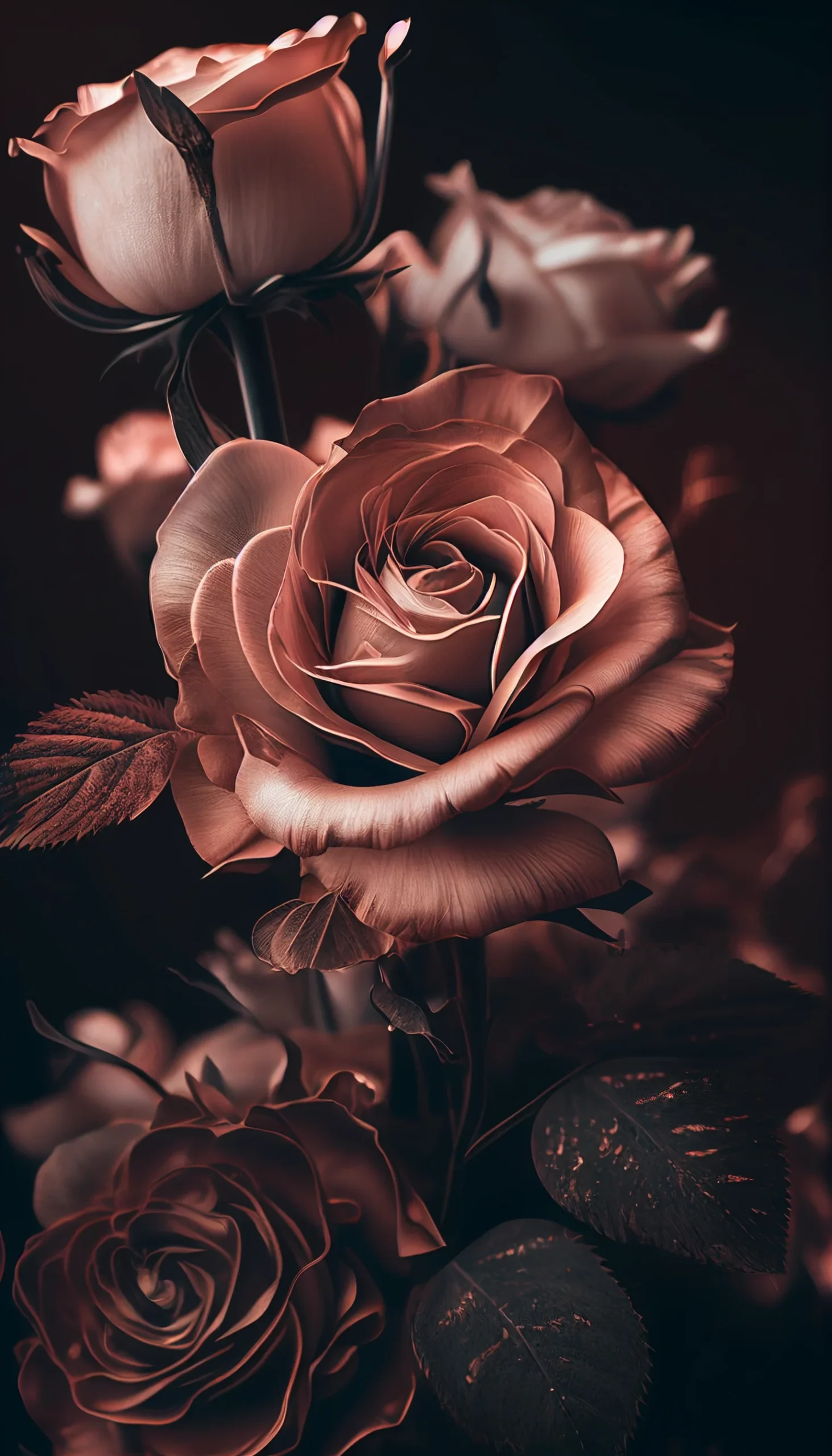
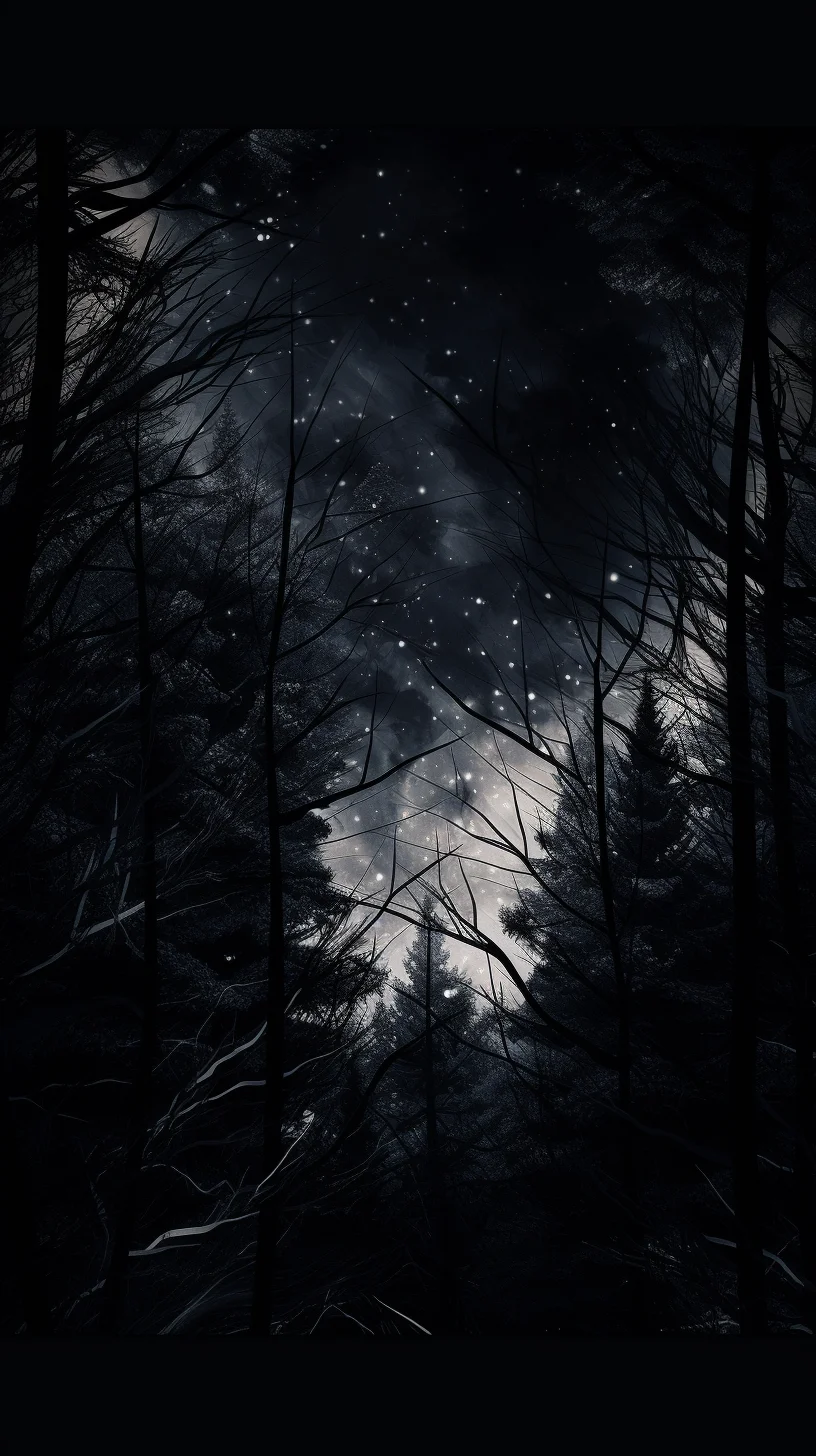
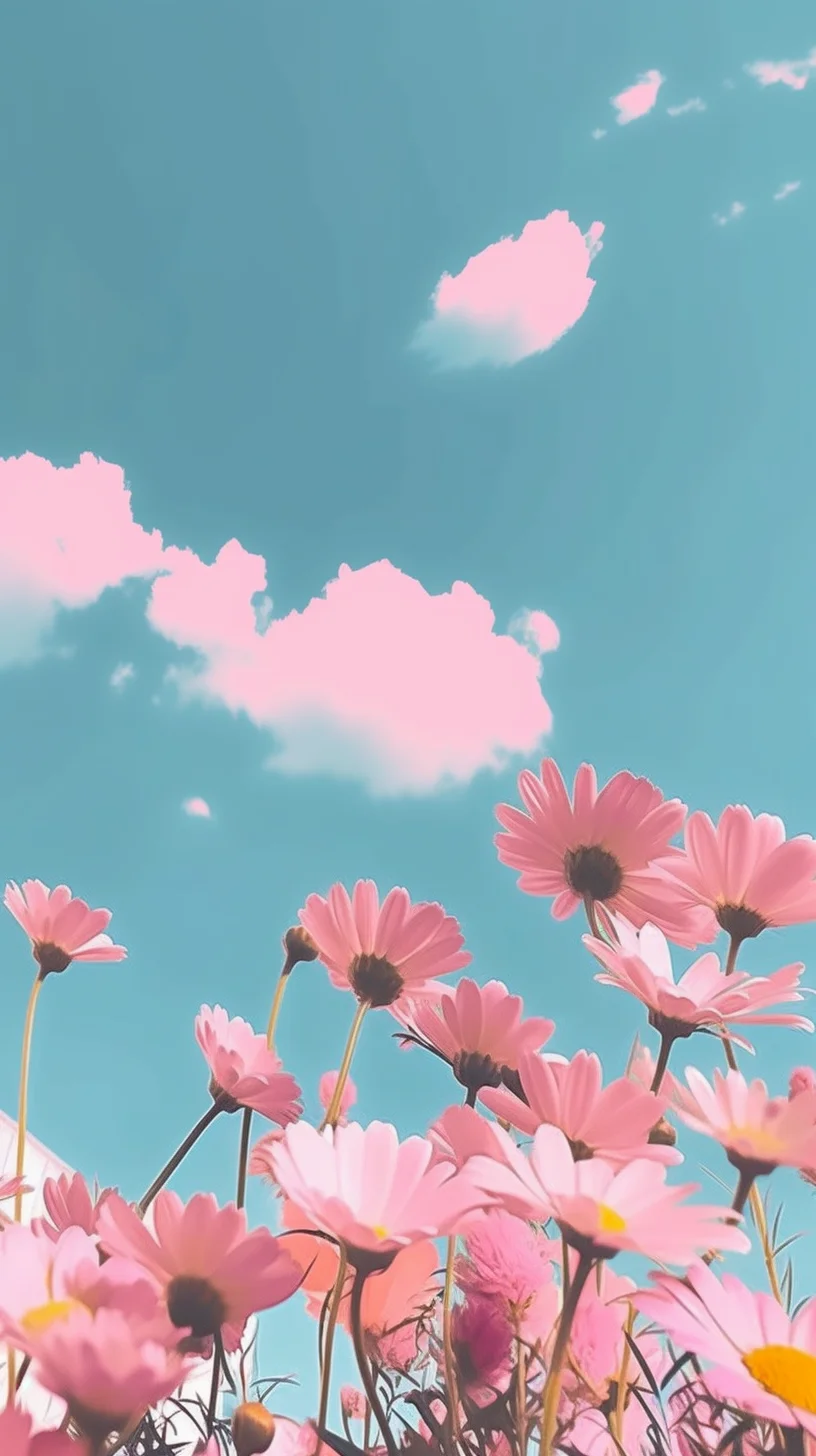
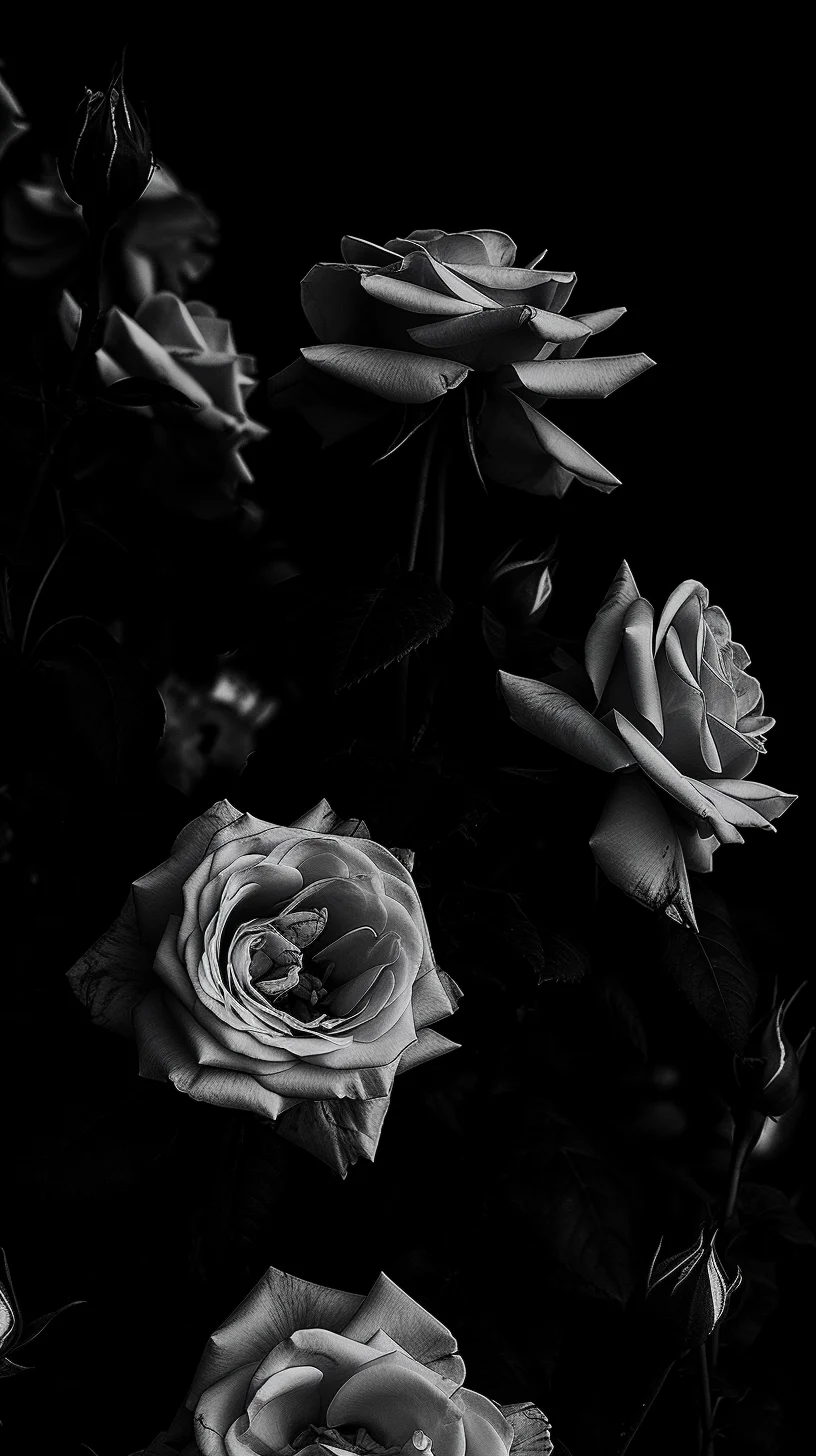
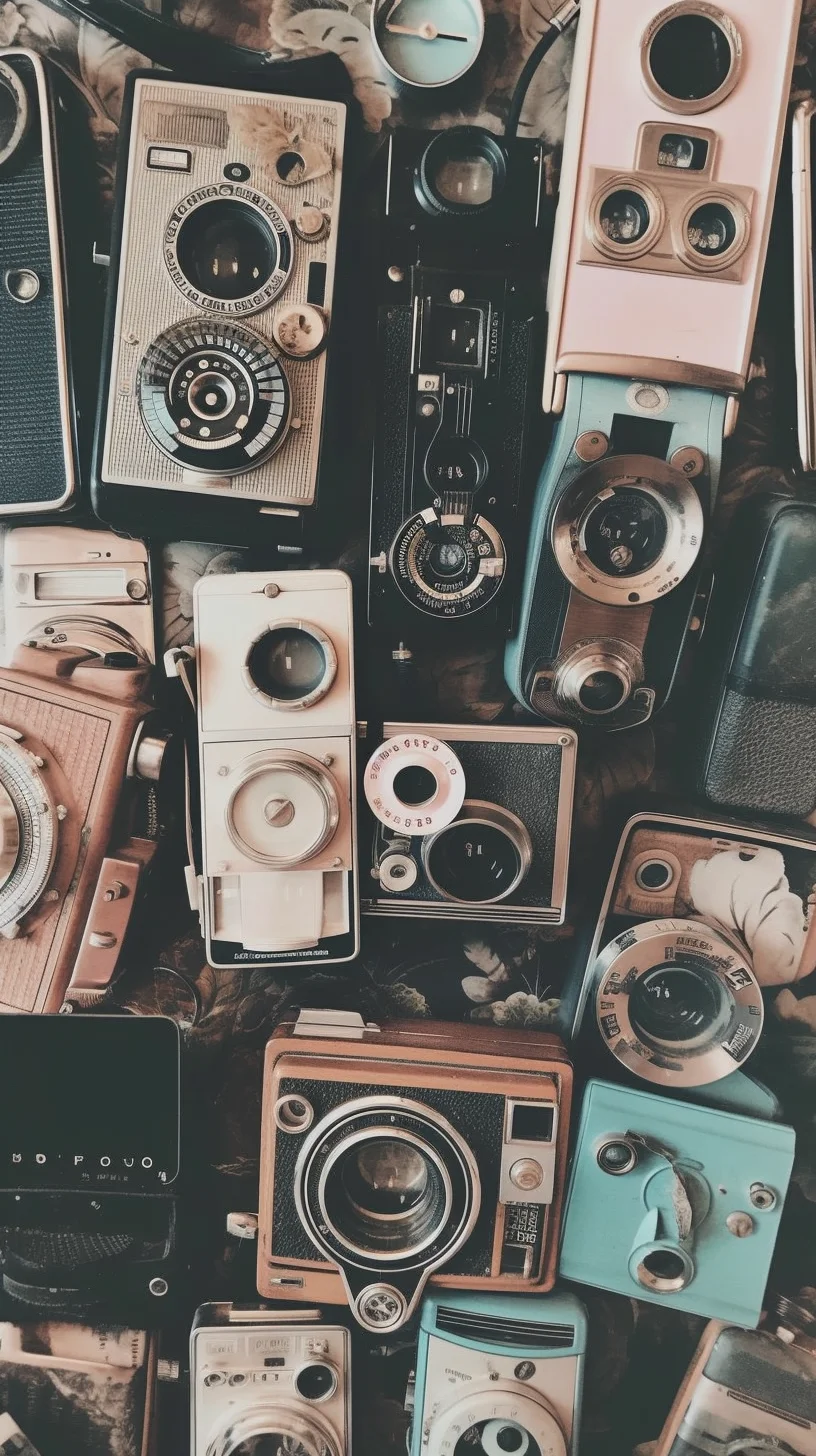
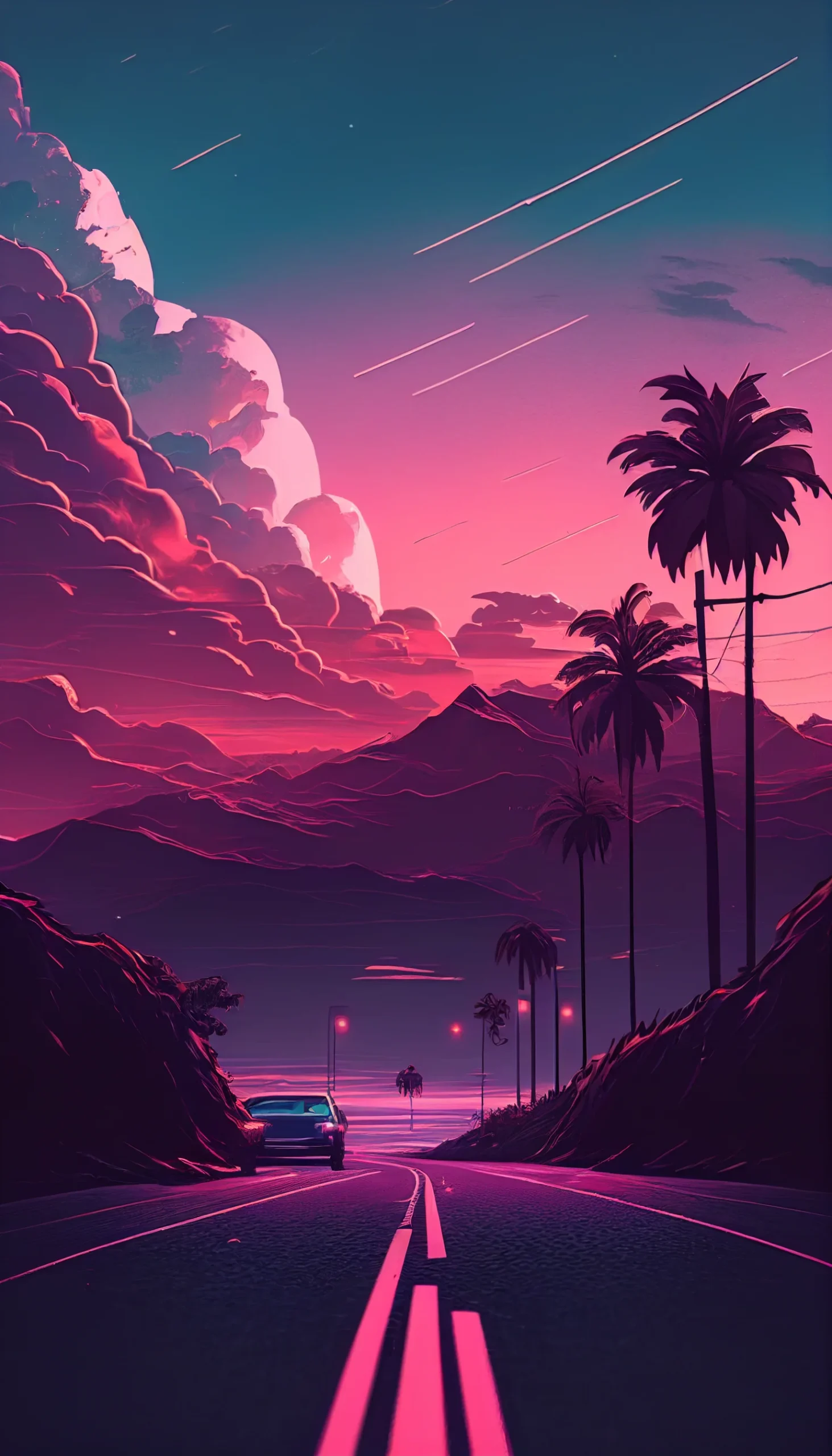
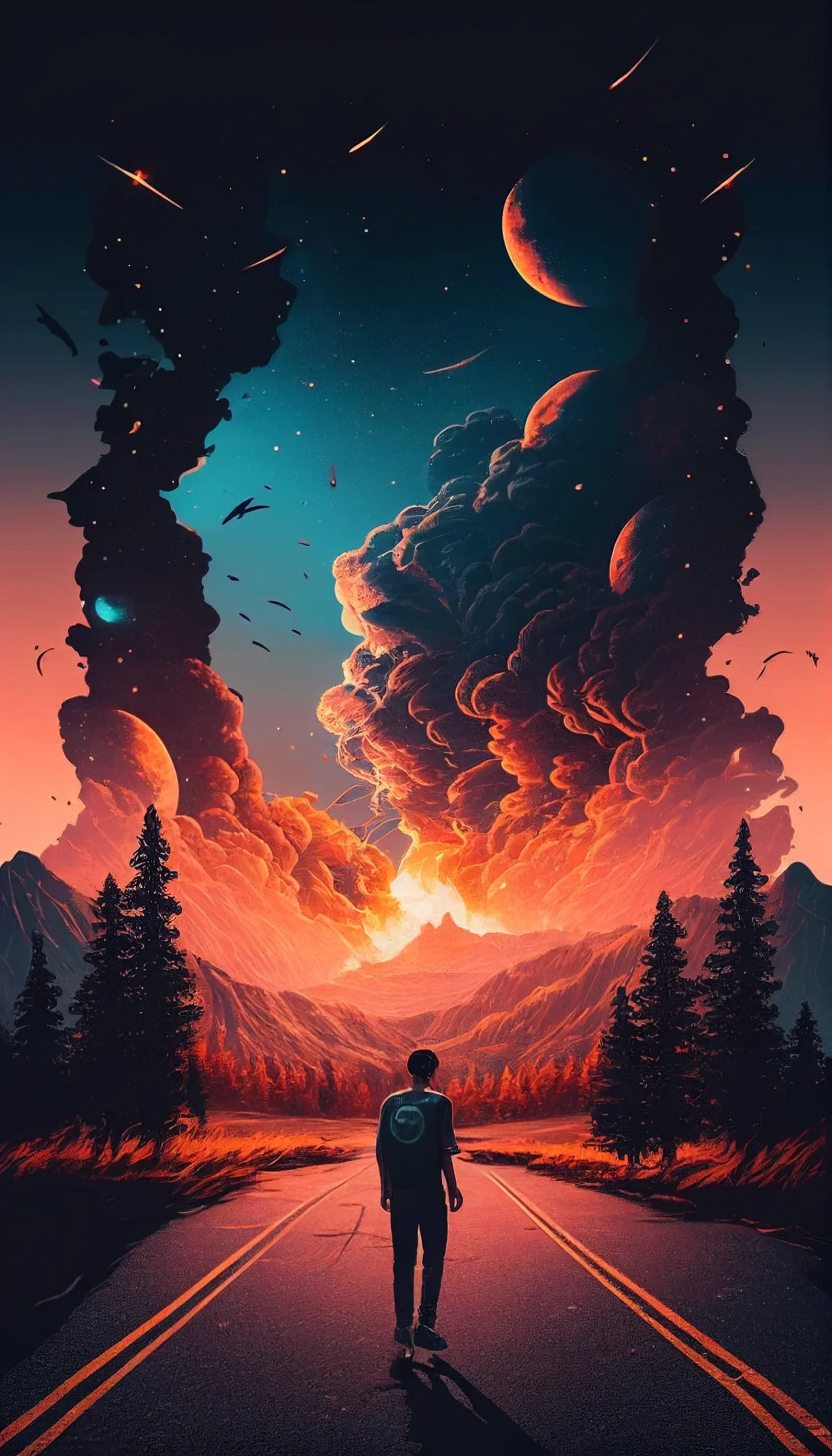
These 20 wallpapers cover several different looks rather than one narrow “aesthetic” style: dark minimal backgrounds, black-and-white designs, warm rose-gold and pink tones, pastels, blue gradients, retro textures and a few brighter neon options.
The practical difference is contrast. A busy image can look great on the Lock Screen, where there are fewer icons competing with it. For the Home Screen, flatter backgrounds and quieter mid-tones usually make app labels and widgets easier to read. If you want both screens to feel related, use two wallpapers from the same color family rather than the exact same image twice.
Choose by contrast, not by trend name
- Dark and minimal: best when you want icons to stand out.
- Pastel and rose-gold: softer backgrounds that pair well with light widgets.
- Retro and grainy: more texture, but still usable if the center of the image stays relatively calm.
- Neon: strongest on the Lock Screen or with a sparse Home Screen.
The files are portrait-oriented and vary in resolution, so check the crop preview before setting one. Keep faces, text and other focal details away from the very top and bottom edges if you do not want them trimmed on a different iPhone size.
For more focused sets, browse the black aesthetic, pastel iPhone wallpapers, winter and dark vintage collections.
Make the Lock Screen and Home Screen do different jobs
A strong focal image is usually easier to live with on the Lock Screen. On the Home Screen, look for empty space behind the areas where you keep icons and widgets. If text becomes hard to read, the wallpaper is probably too busy rather than “too bright.”
How to save an aesthetic iPhone lock screen wallpaper
- Open the wallpaper: tap the image you want to open its full-size file.
- Save the full-resolution image: save it to Photos rather than using a screenshot, which can reduce quality.
- Preview it as your Lock Screen: use the wallpaper controls in your current iOS version and position the image inside the crop.
- Check the clock area: make sure the focal point is not hidden behind the time, widgets, or the top edge of the screen.
- Pair it with a calmer Home Screen: if the Lock Screen is detailed, choose a simpler wallpaper from the same color family so icons remain readable.
iPhone screen proportions vary, so use the crop preview rather than assuming one fixed placement will suit every model. If an important face, word, or detail is being cut off, choose another image instead of forcing the crop. If you need the full setup steps or help with blur and cropping, see our wallpaper setup guide.
Aesthetic iPhone wallpaper FAQ
Are these iPhone wallpapers free?
Yes. You can open the wallpapers on this page and save the full-size versions for use as personal iPhone backgrounds.
Which wallpaper works best for an iPhone Lock Screen?
Choose a portrait image with the main subject below or away from the clock area. Detailed, colorful images often work especially well on the Lock Screen because app icons do not cover them.
Should I use the same wallpaper on the Lock Screen and Home Screen?
You can, but a matched pair is often easier to use. Keep the more detailed image on the Lock Screen and choose a quieter version in a similar palette for the Home Screen.
Small choices that improve readability
- Keep high-detail textures away from dense icon areas.
- Use dark or mid-tone backgrounds behind white widget text.
- Reserve neon highlights for one part of the image rather than the whole screen.
- For a matched pair, use the same palette with different levels of contrast.