
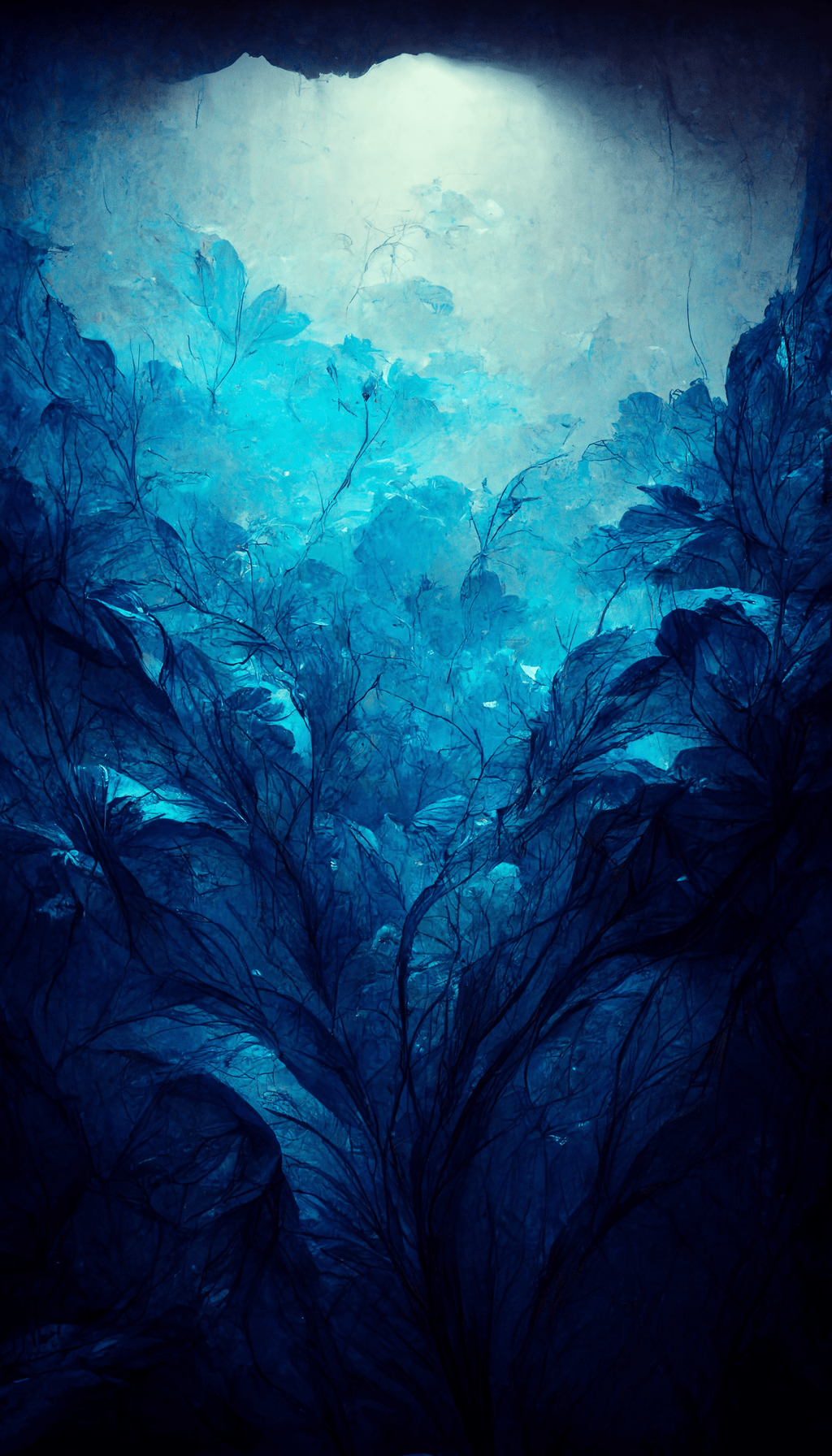
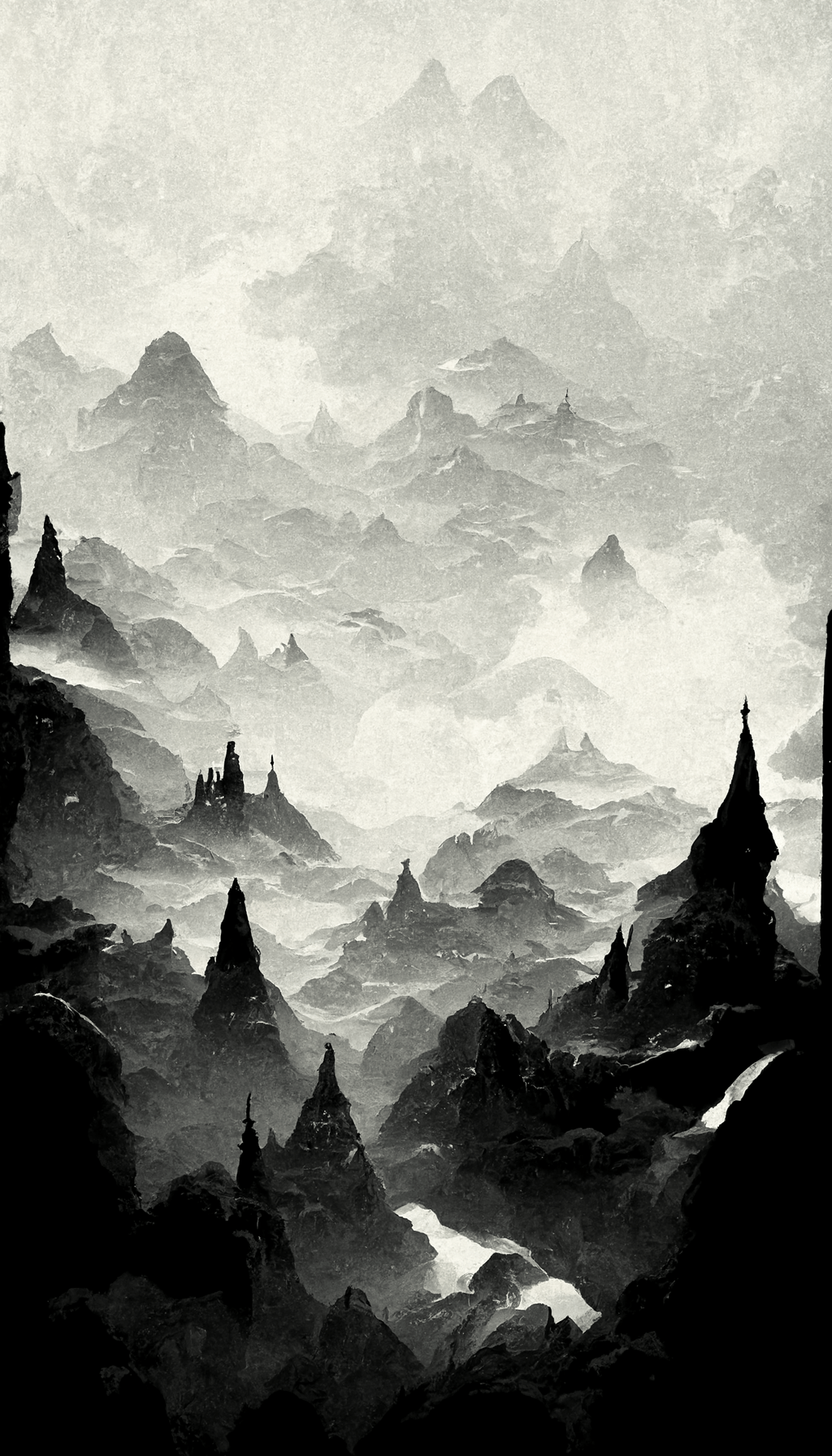
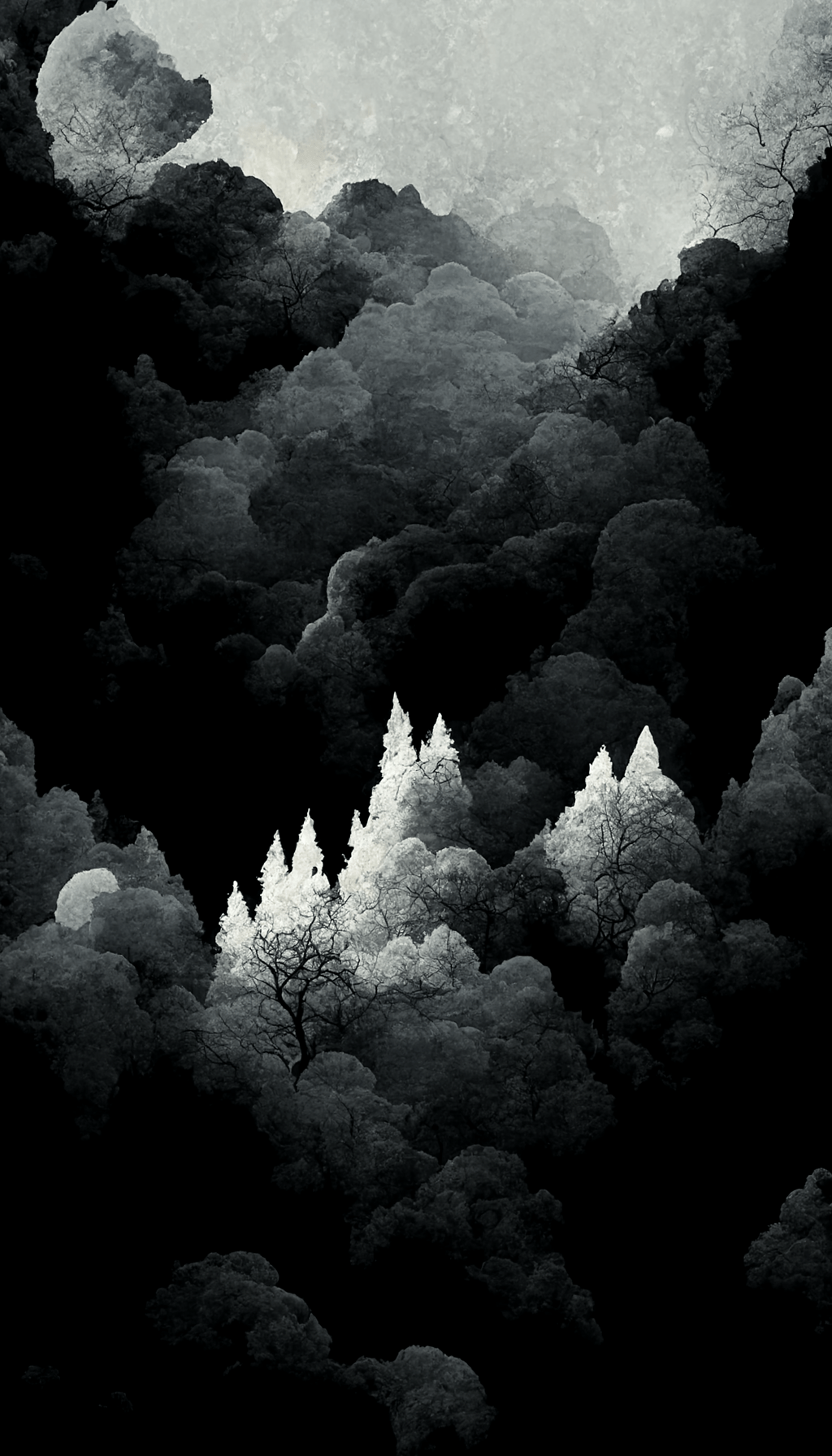
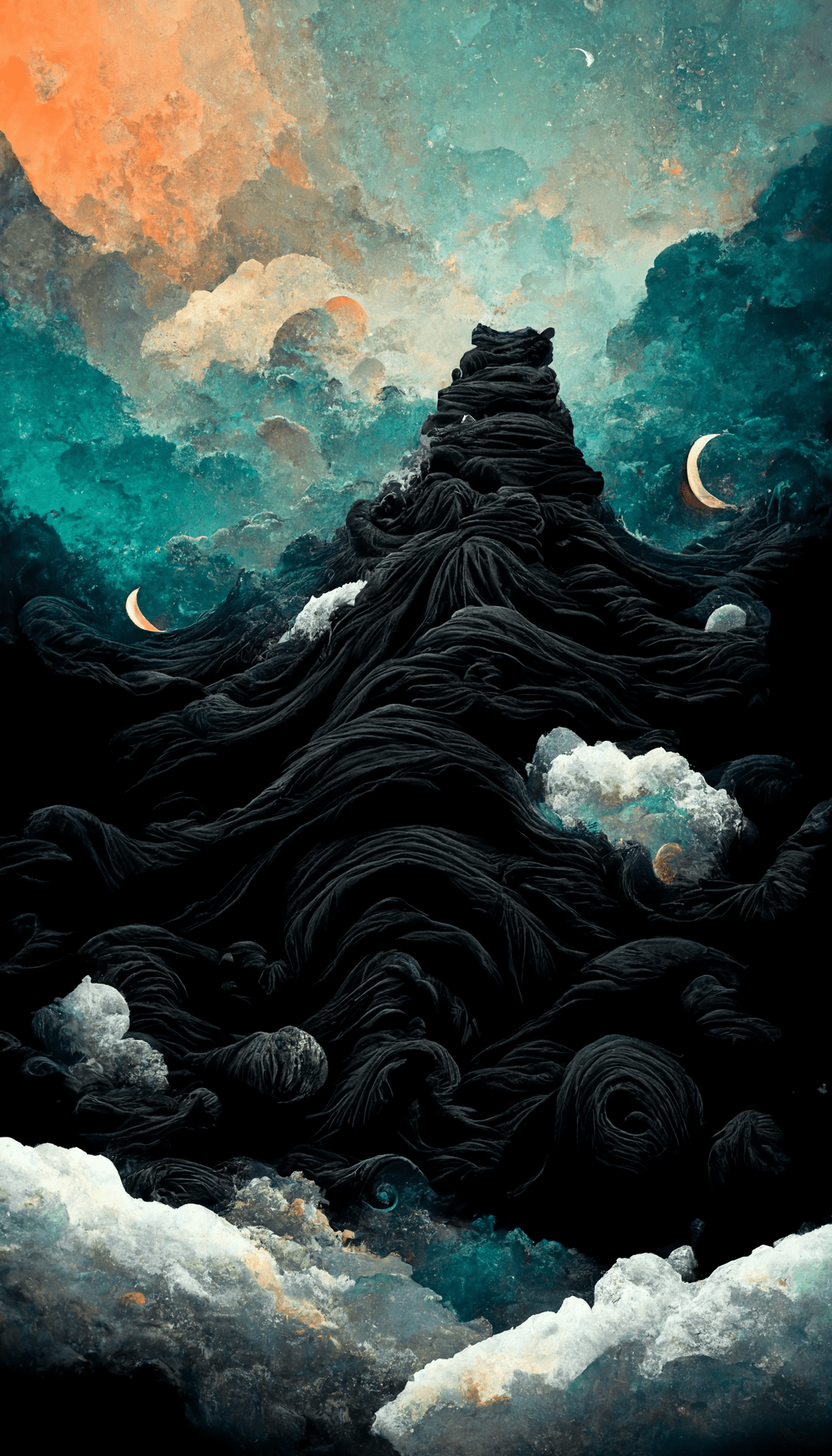
Explore 19 black iPhone wallpapers, from minimalist dark backgrounds to blue-black and trippy designs. Tap any image to open the original 1024 × 1792 file and save it to your phone.
19 black iPhone wallpapers
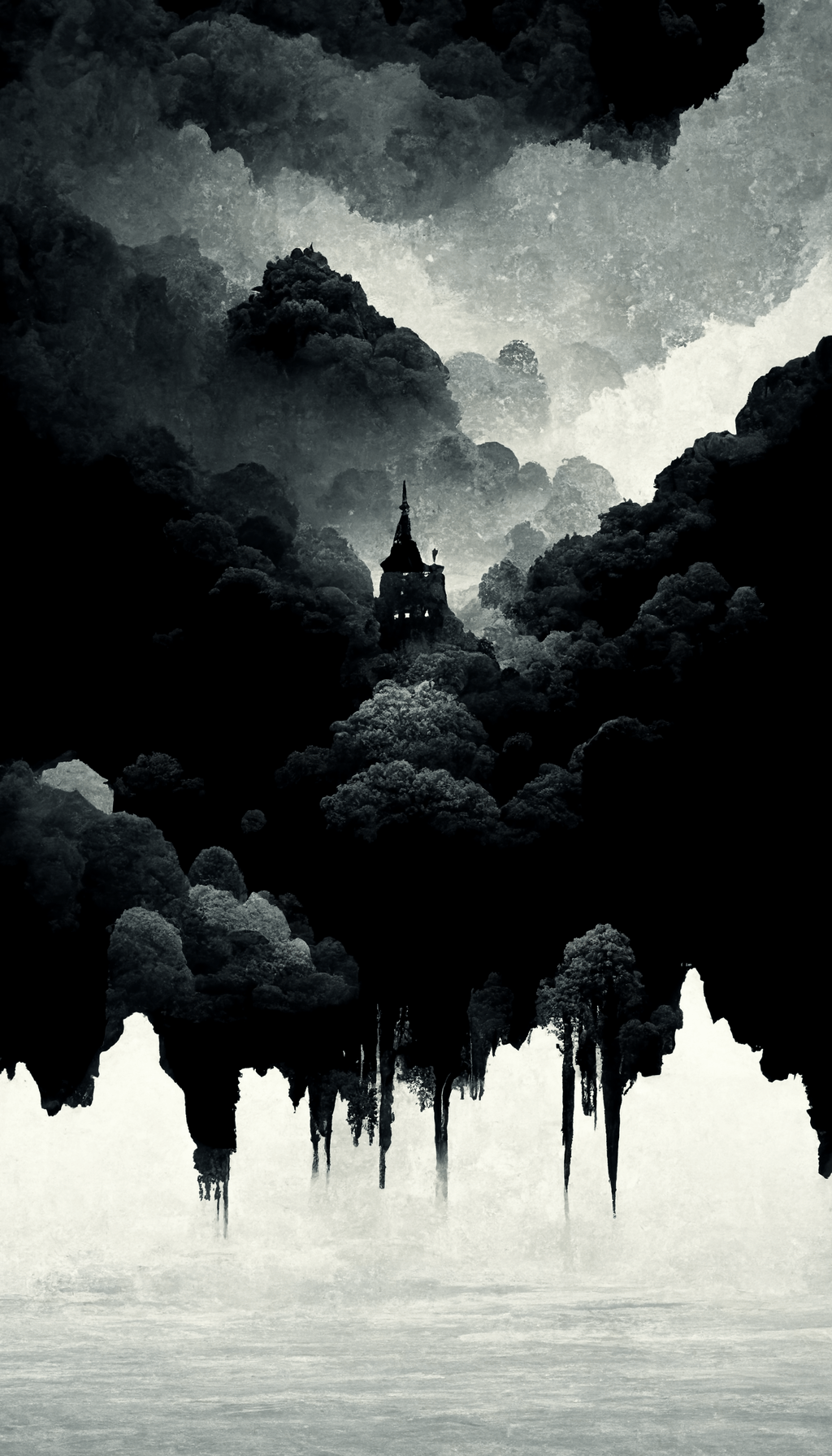
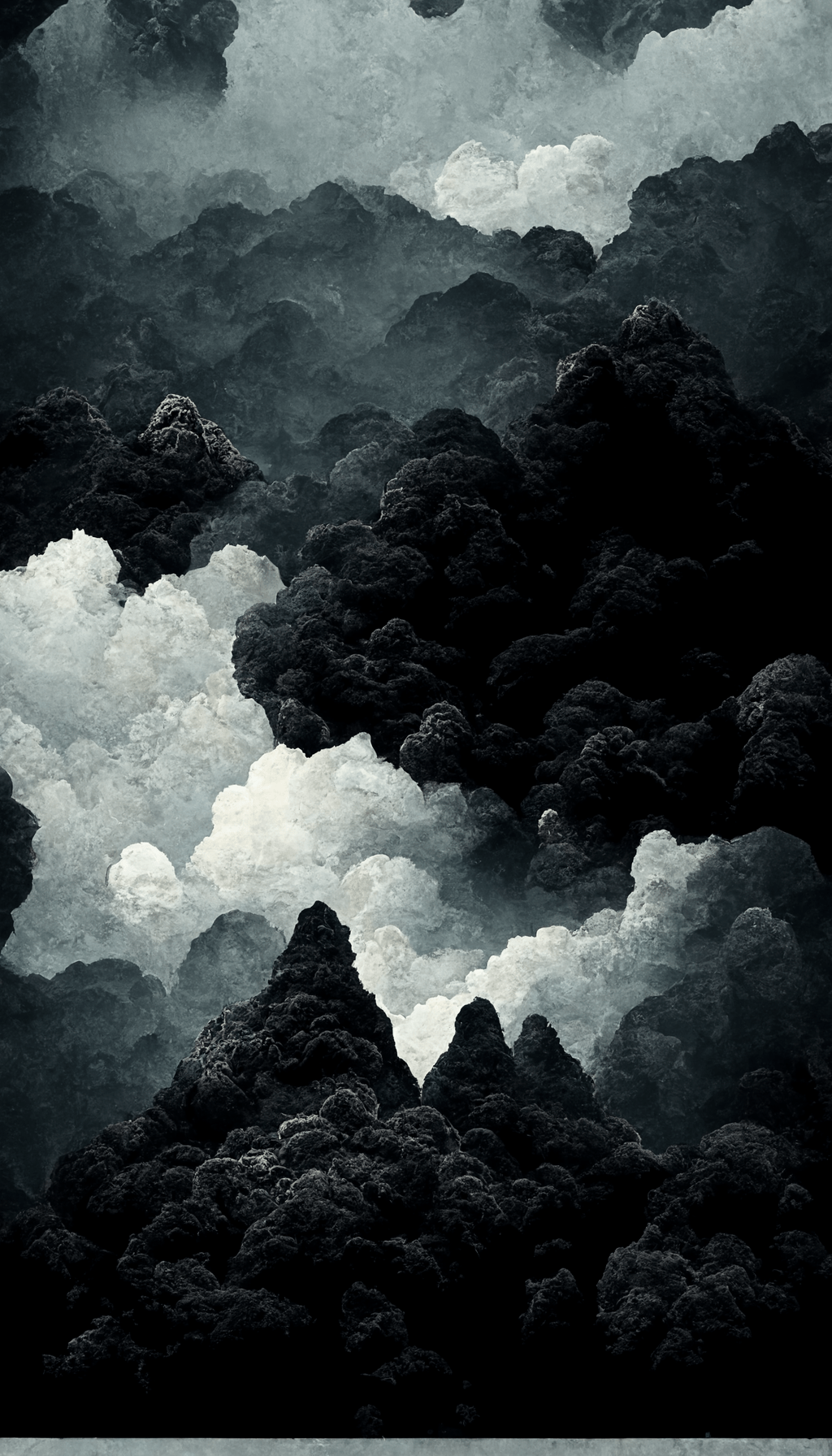
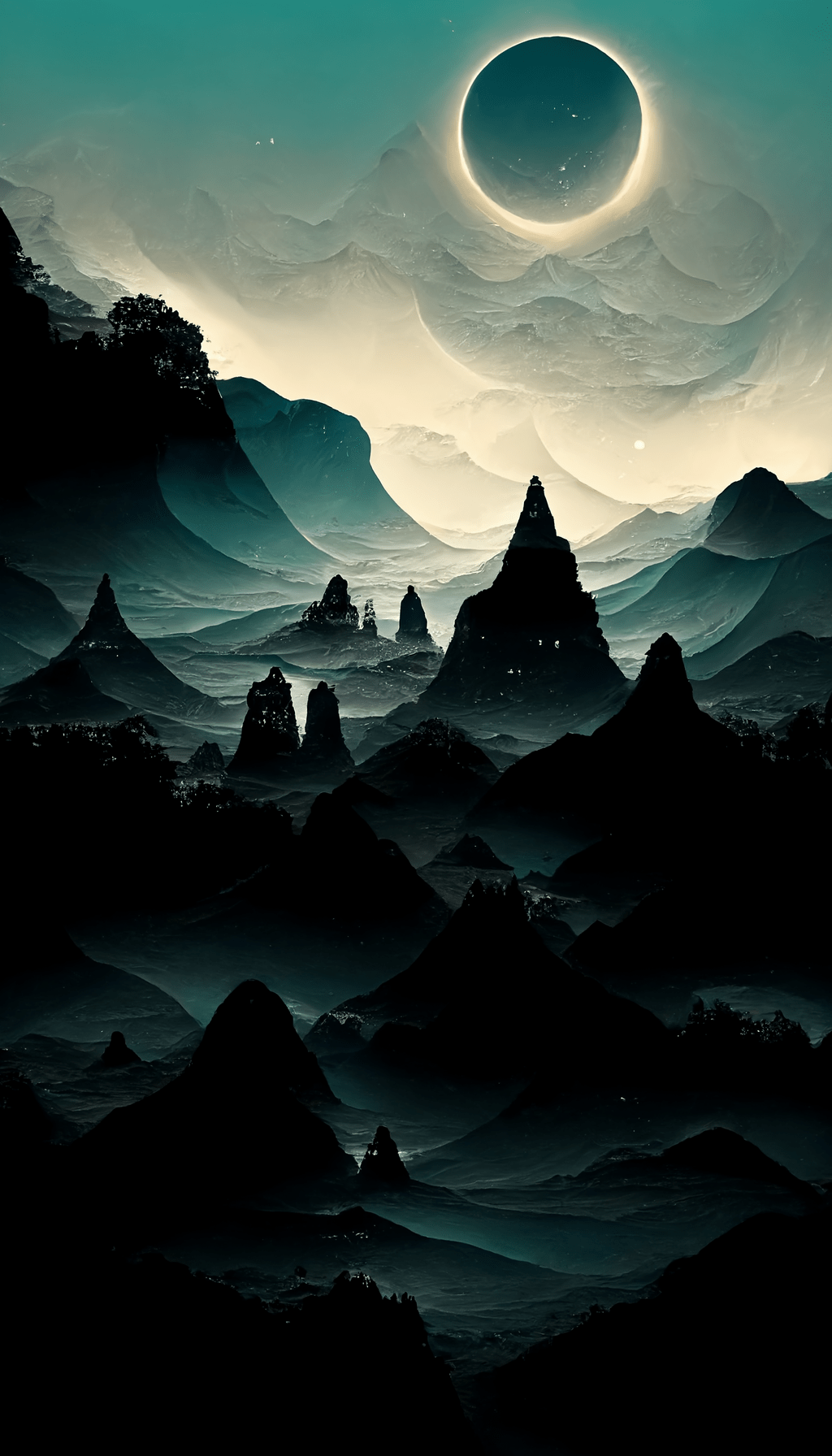
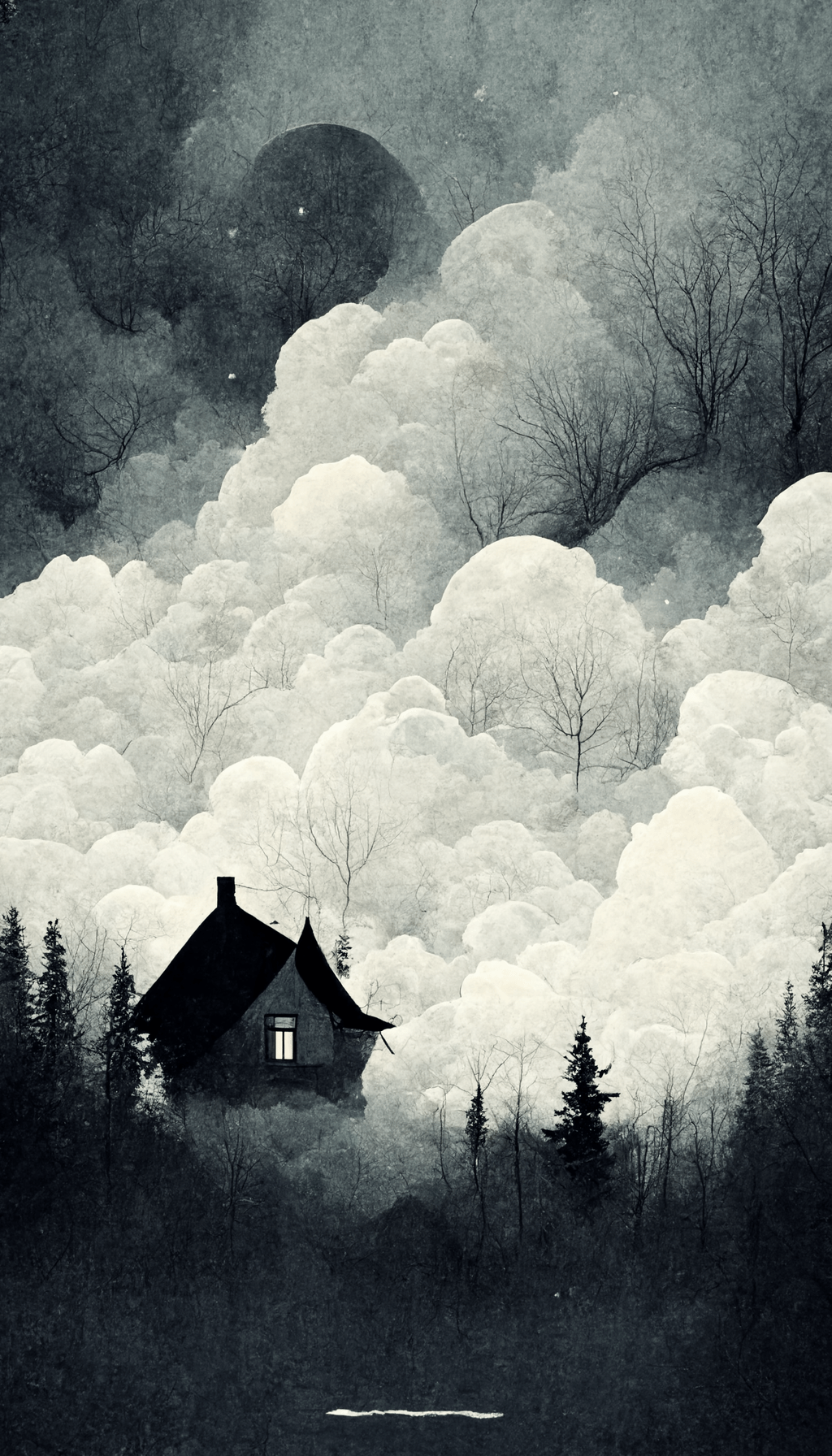
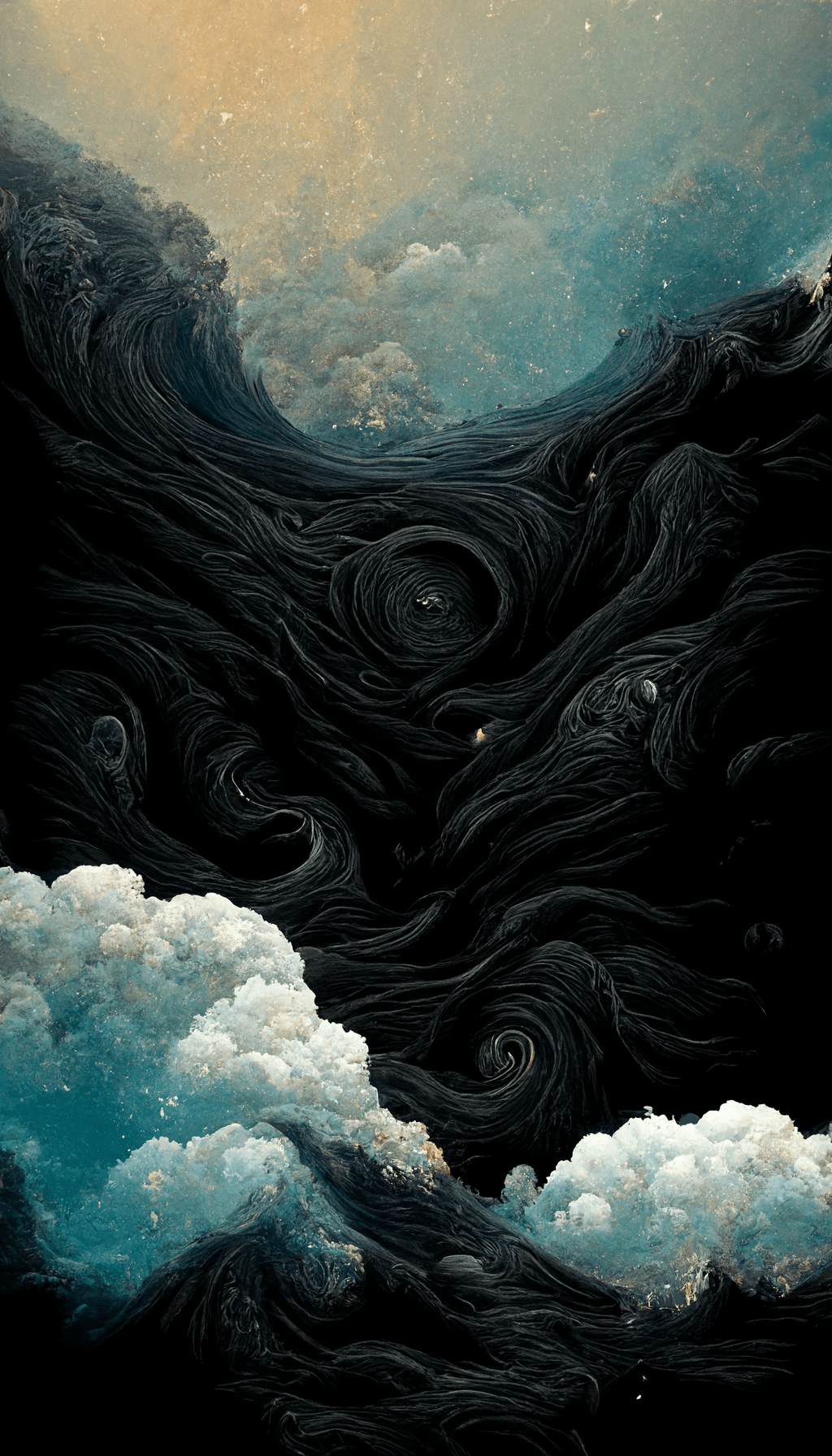
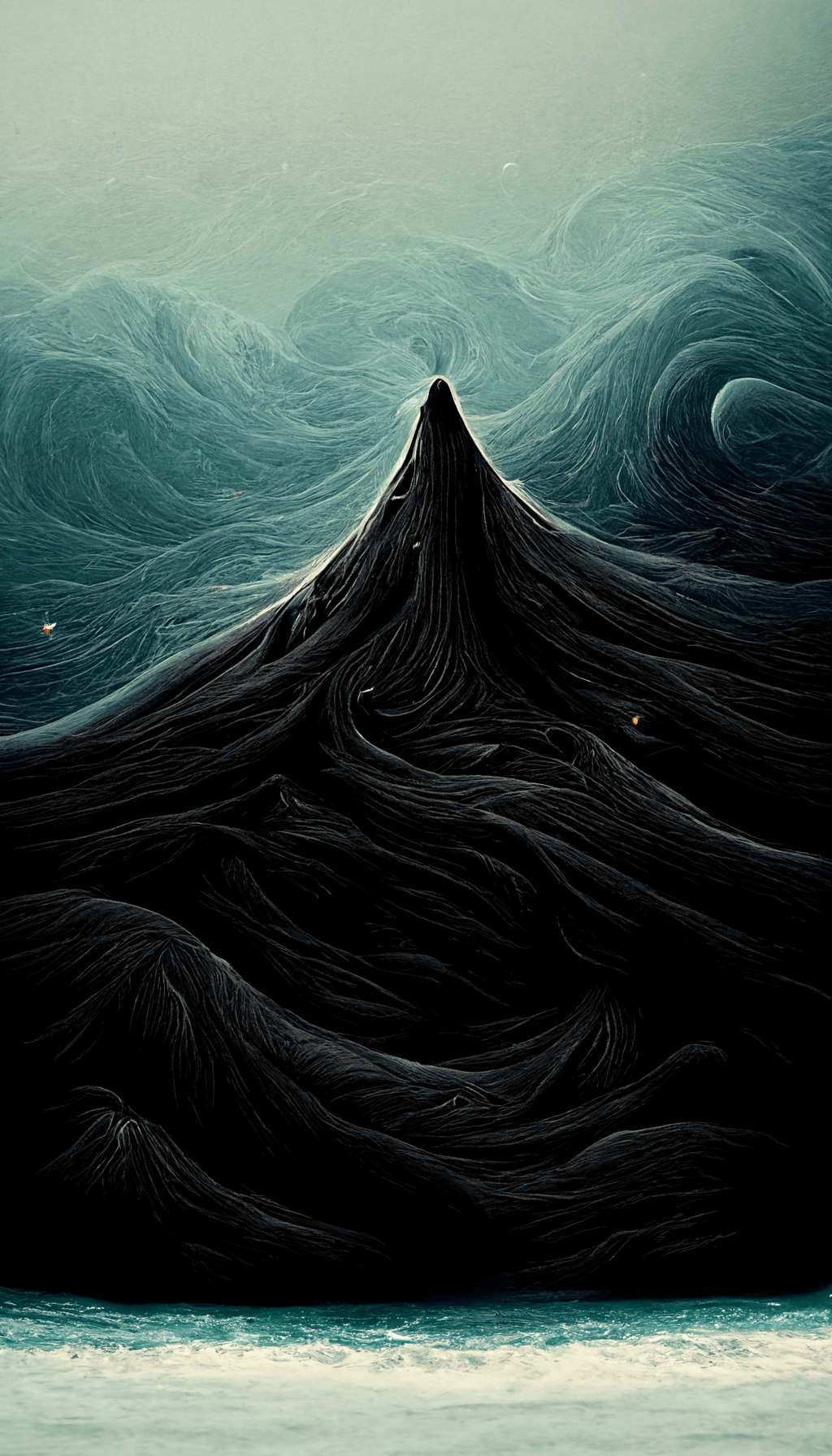
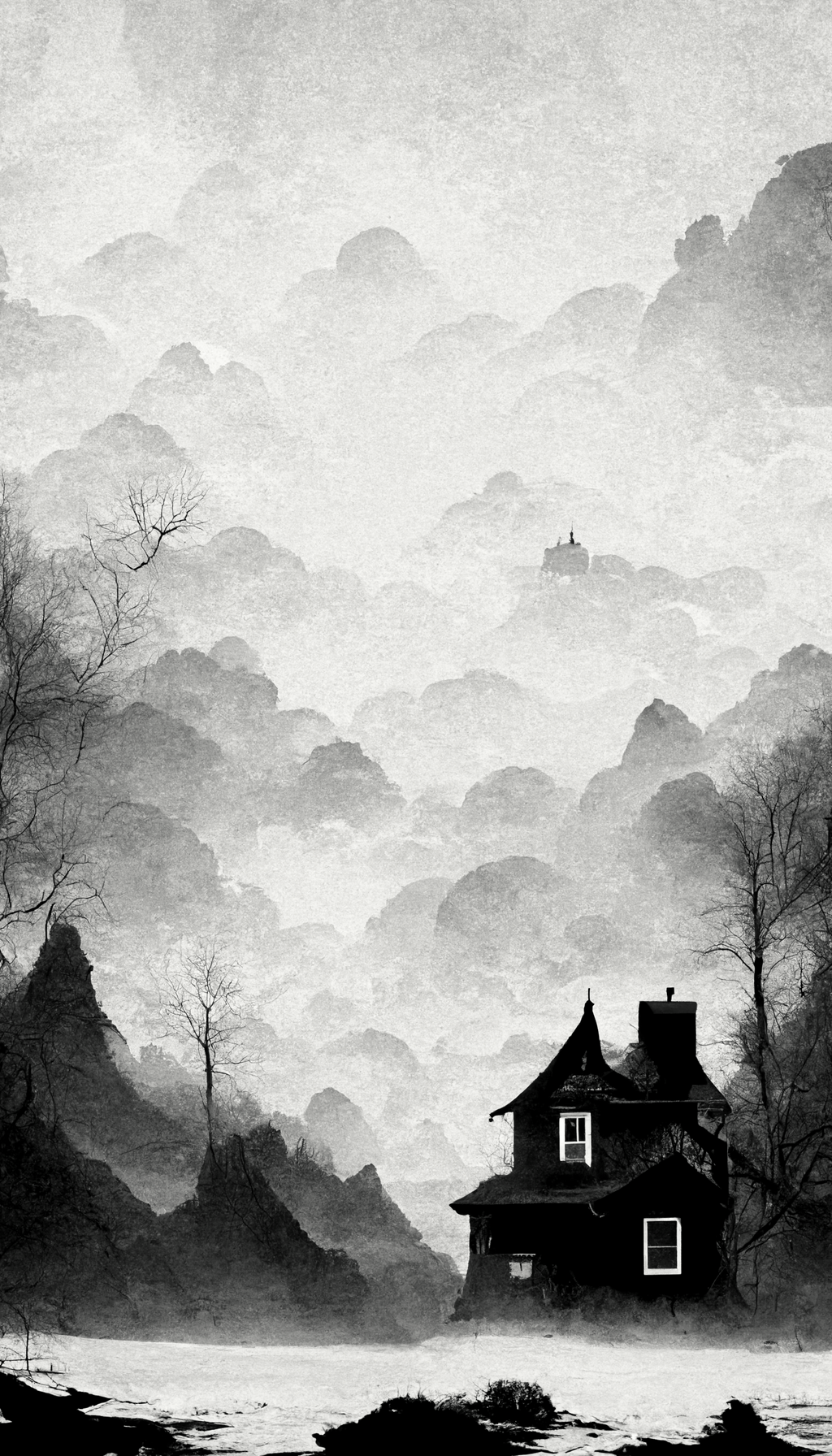
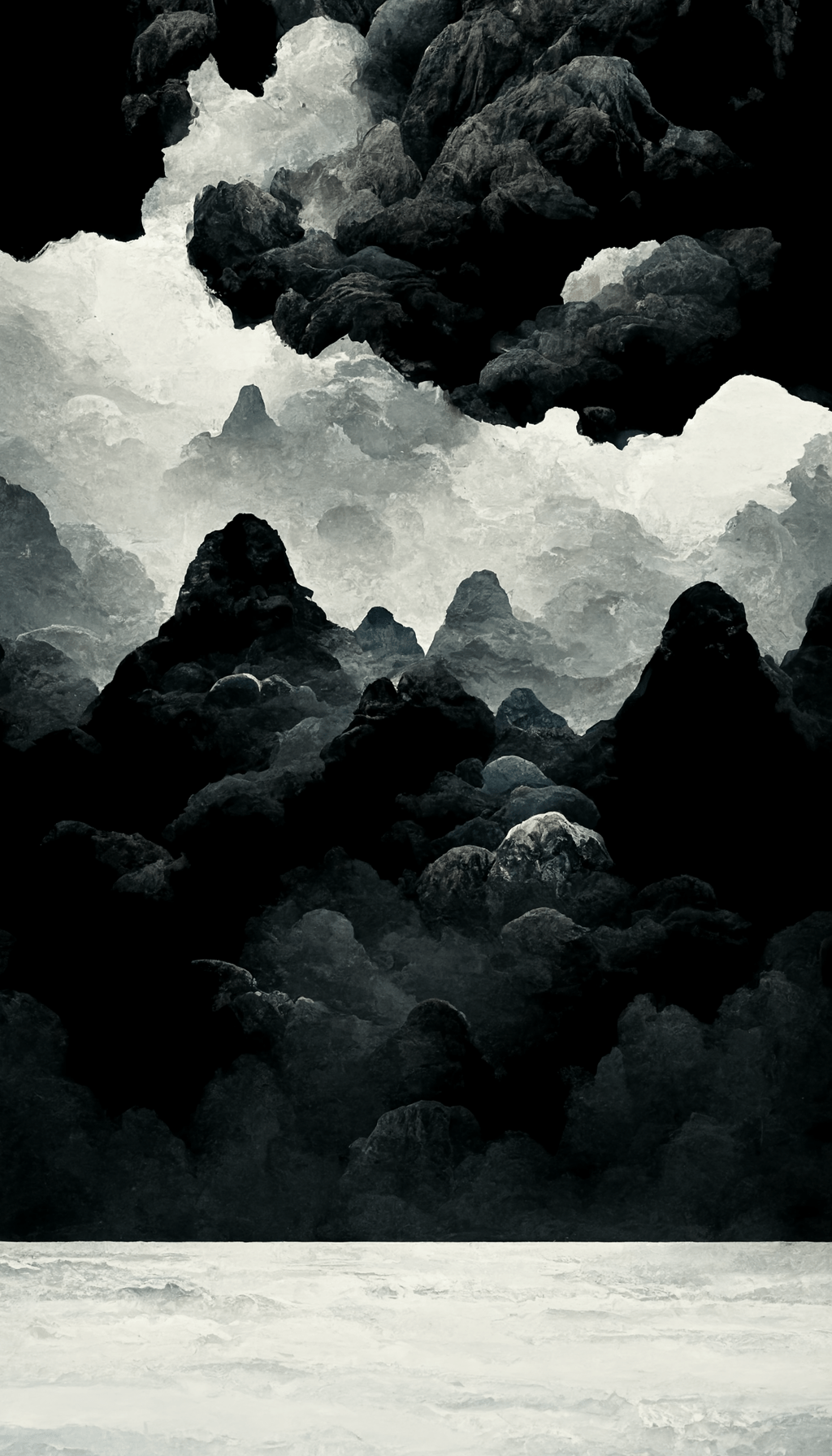
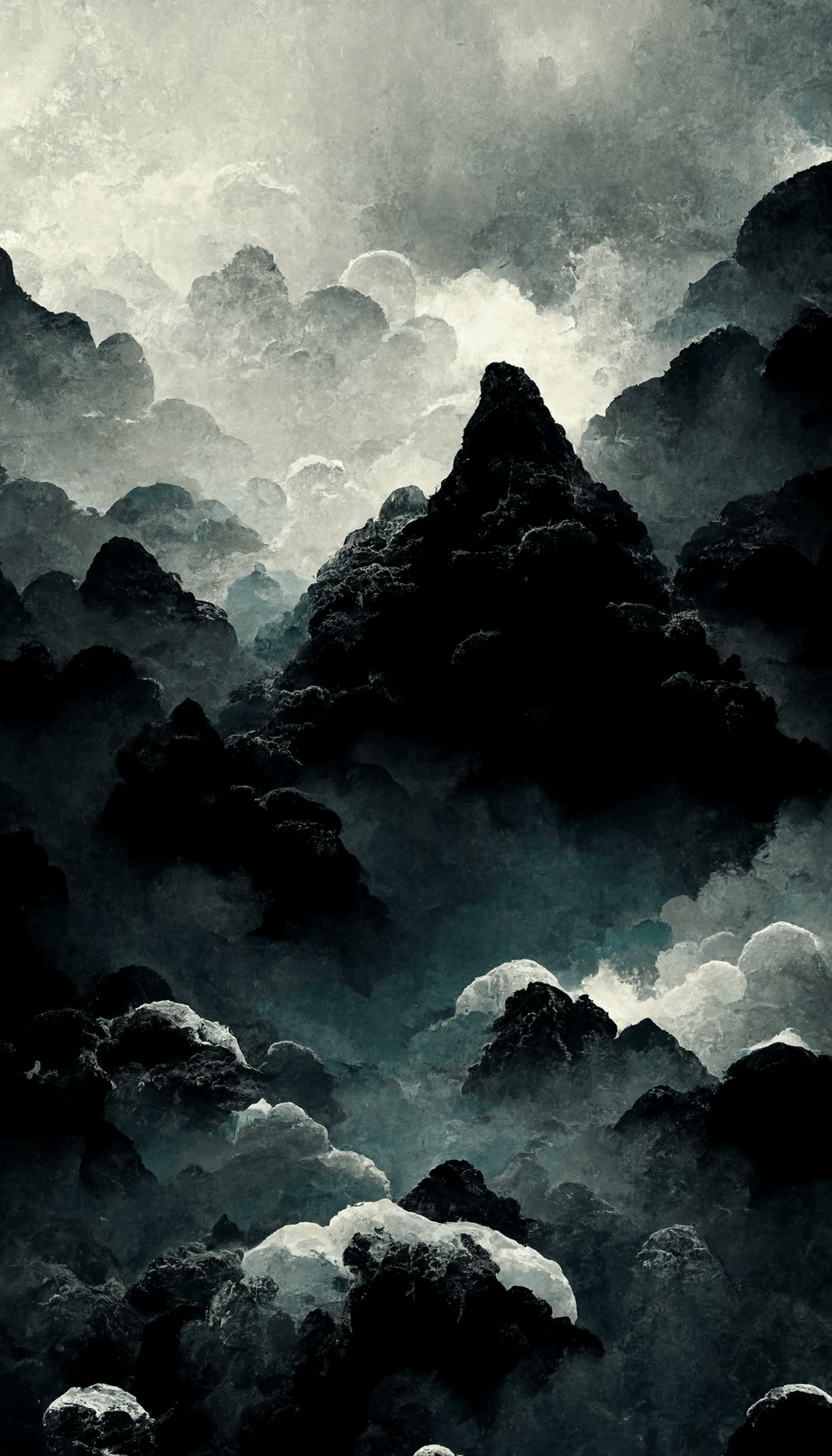
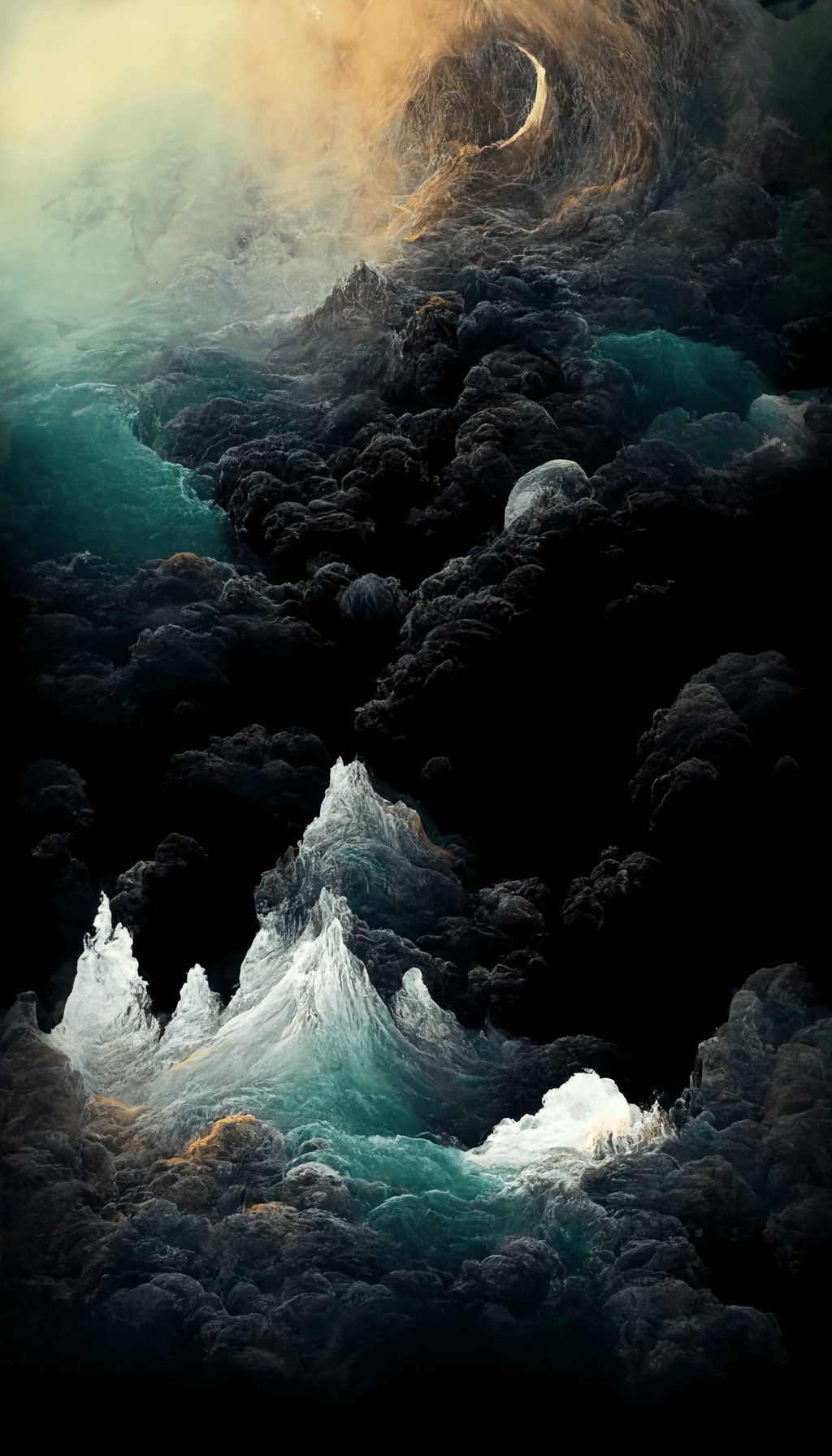
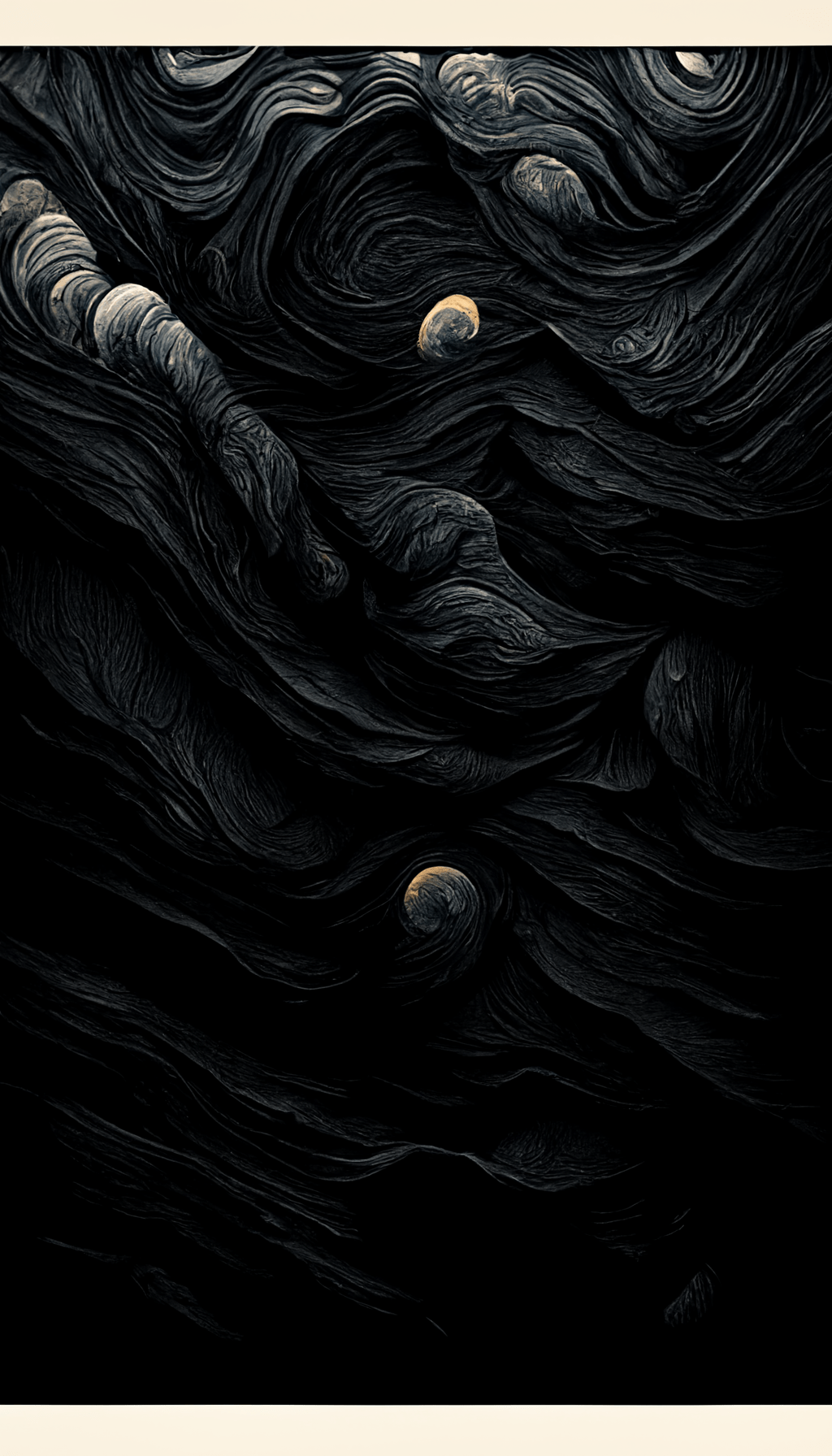
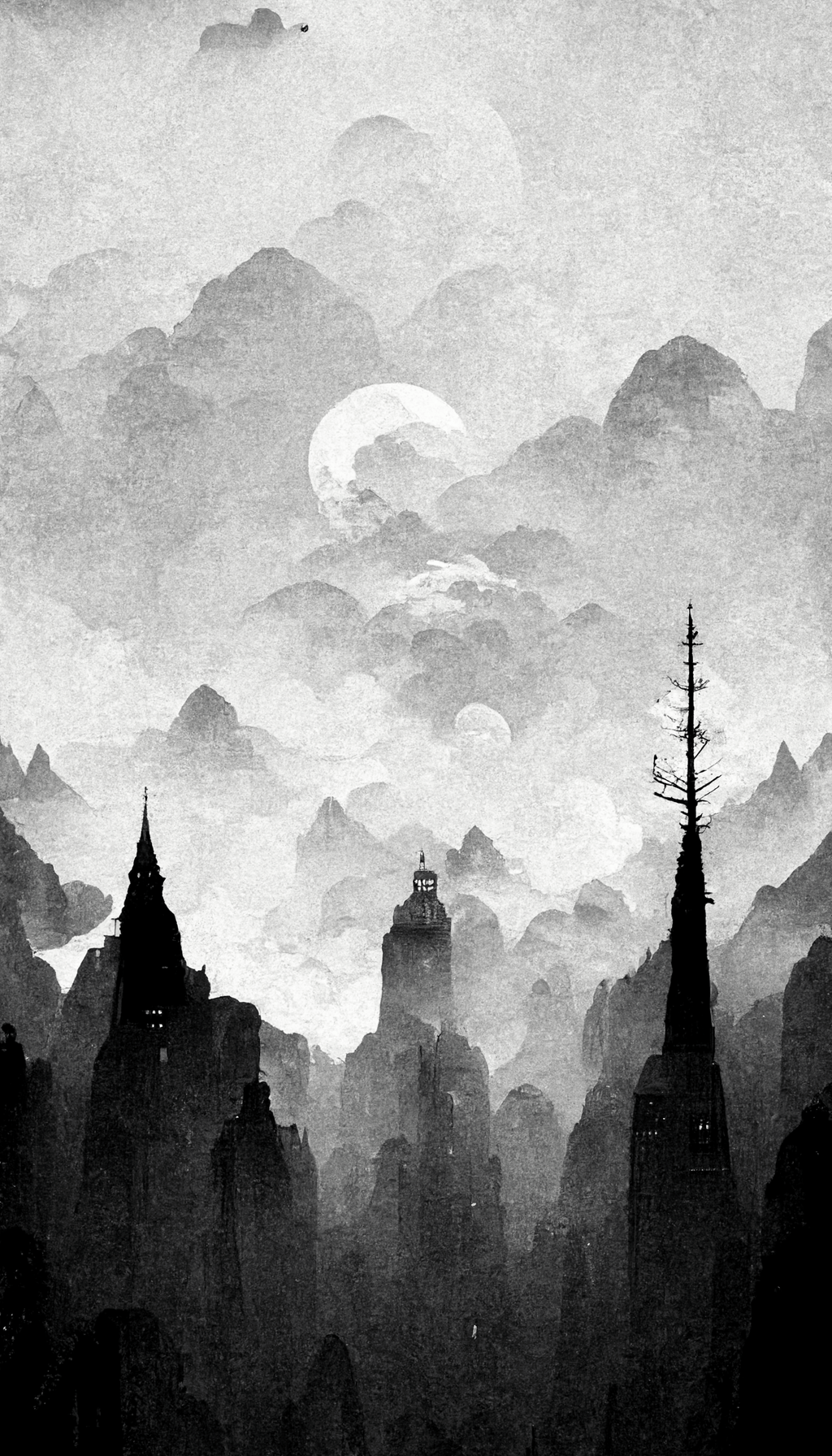
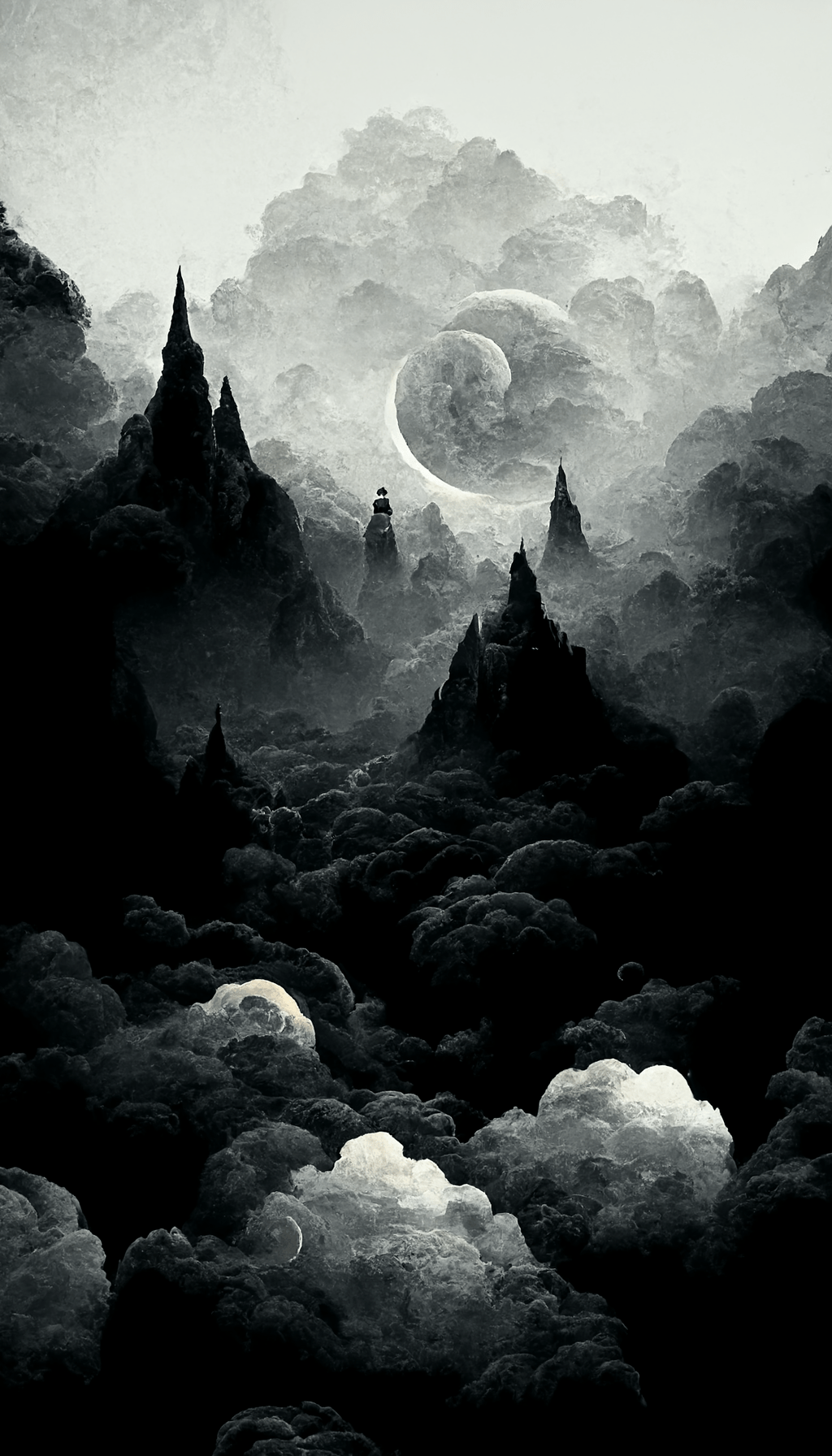
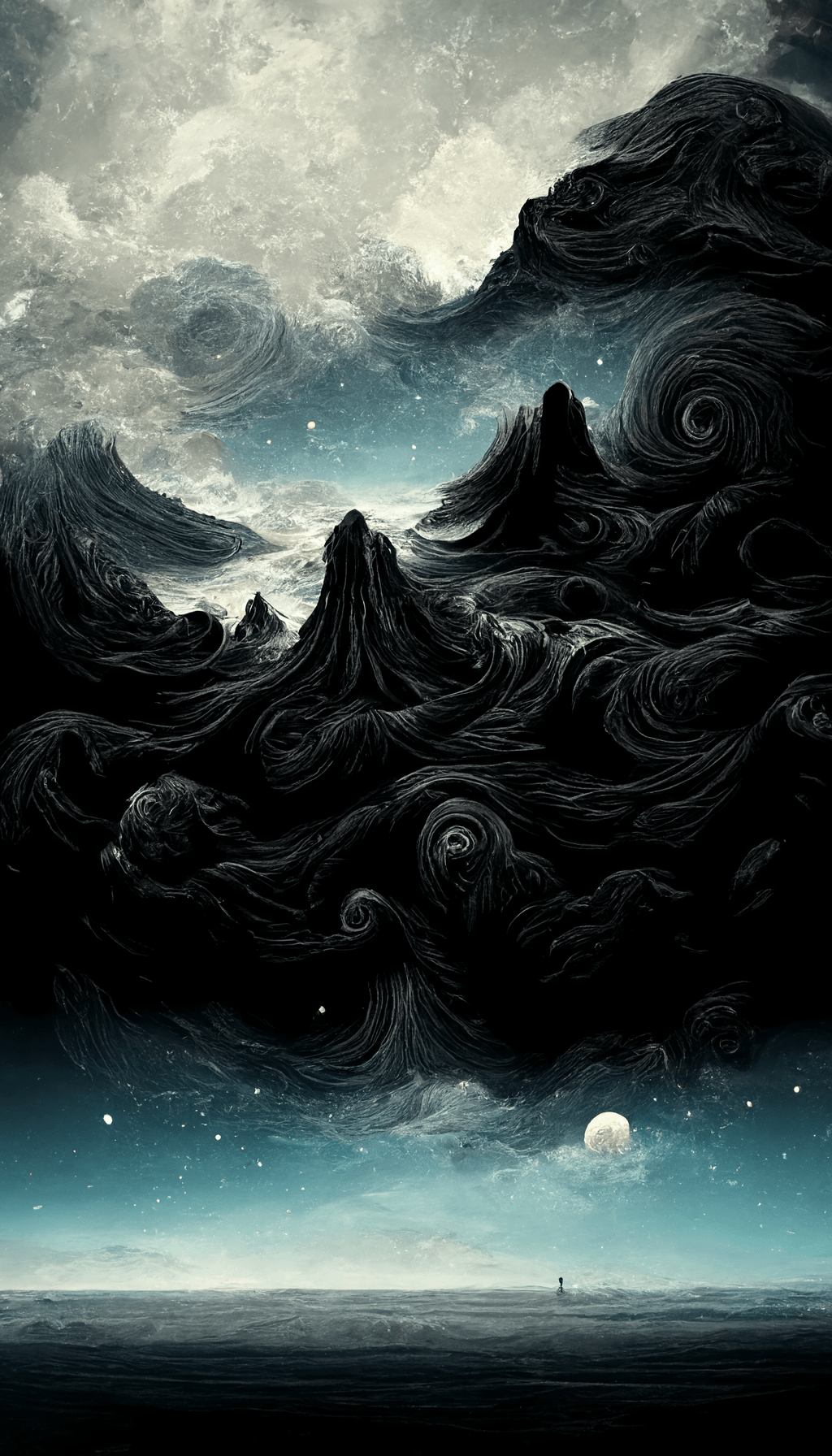
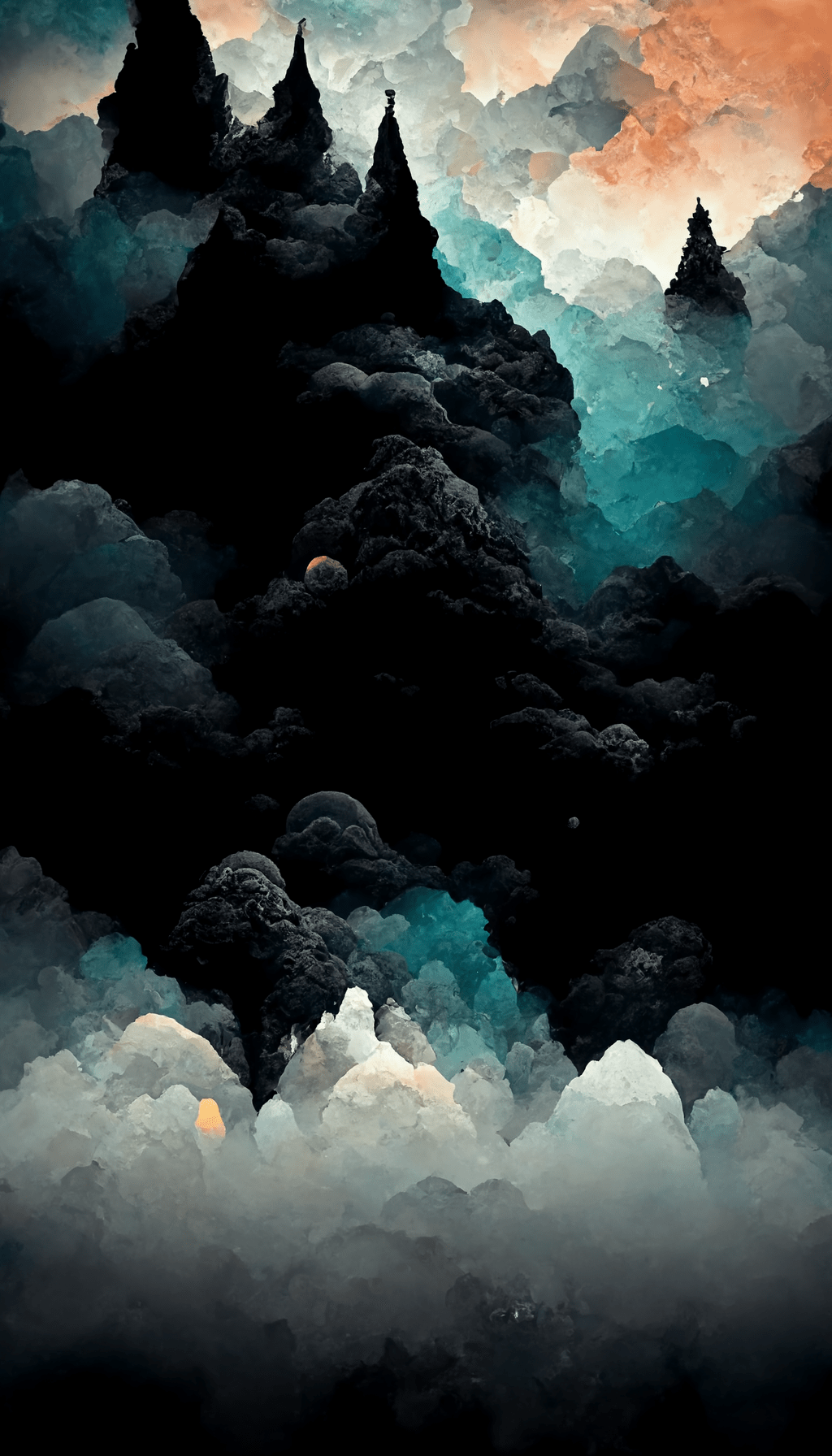
Choosing a black wallpaper
For your Home Screen, choose a simple dark design with room around app icons. For your Lock Screen, try a blue-black, textured or trippy wallpaper, with the subject away from the clock and widgets. Genuinely black pixels on OLED displays emit less light than bright pixels, although battery life depends on more than wallpaper choice.
Save the full-size image
- Tap a wallpaper above to open its original file.
- Save the image instead of taking a screenshot.
- Preview the crop on your iPhone before applying it.
All 19 files here are 1024 × 1792 pixels. Some filenames say “4k,” but these images are not native 4K. For detailed instructions and cropping help, see our wallpaper setup guide.
More wallpaper ideas
Explore our black aesthetic wallpaper gallery for a wider selection, black aesthetic iPhone wallpapers for a curated set, or aesthetic wallpapers for lighter backgrounds.
Frequently asked questions
Are these wallpapers free?
Yes. Open and save a full-size image for personal use as a phone background.
Will they fit every iPhone?
They are portrait wallpapers, but iPhone screens differ. Preview the crop before you apply an image, particularly if the subject is close to an edge.
Should I use one wallpaper for both screens?
You can. A detailed one often works best on the Lock Screen, with a simpler one behind apps on the Home Screen.

