
These 16 vertical backgrounds were built around the iOS 16-era lock-screen look: gradients, dark fields and depth-style compositions with enough open space for the clock. They are 1024×1792 concept wallpapers, not official Apple assets and not native 4K files.
One legacy filename even says “iOS 17”; treat the gallery as iOS-style phone backgrounds rather than a version-specific Apple pack.
Preview the clock placement first
Apply a wallpaper to the lock screen before deciding on it. Move the crop until the main shape or brightest area sits clear of the clock and widgets. For the home screen, favor designs with quieter space behind app labels.
For a broader mix, browse the aesthetic wallpapers or the darker black iPhone backgrounds.
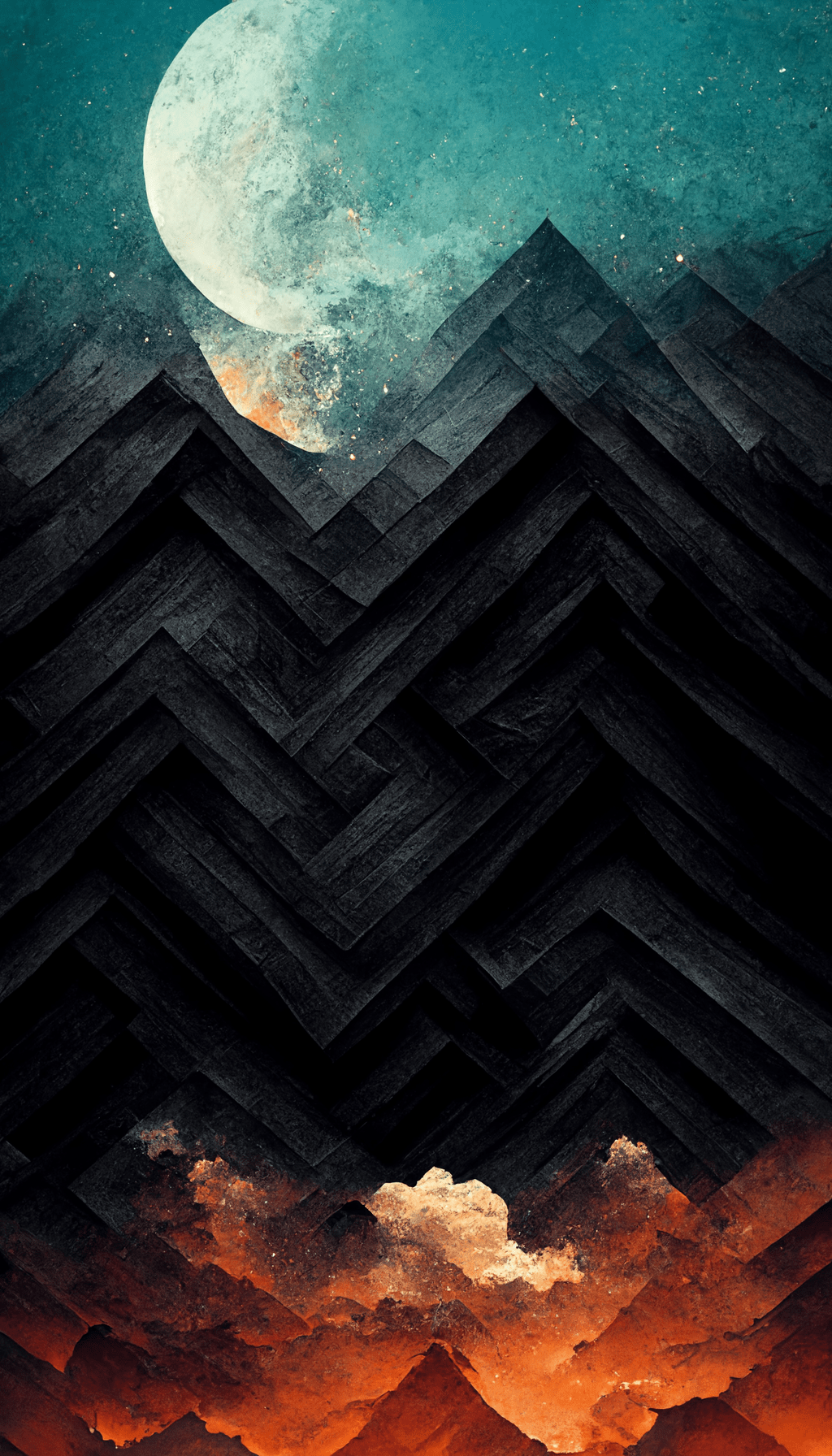
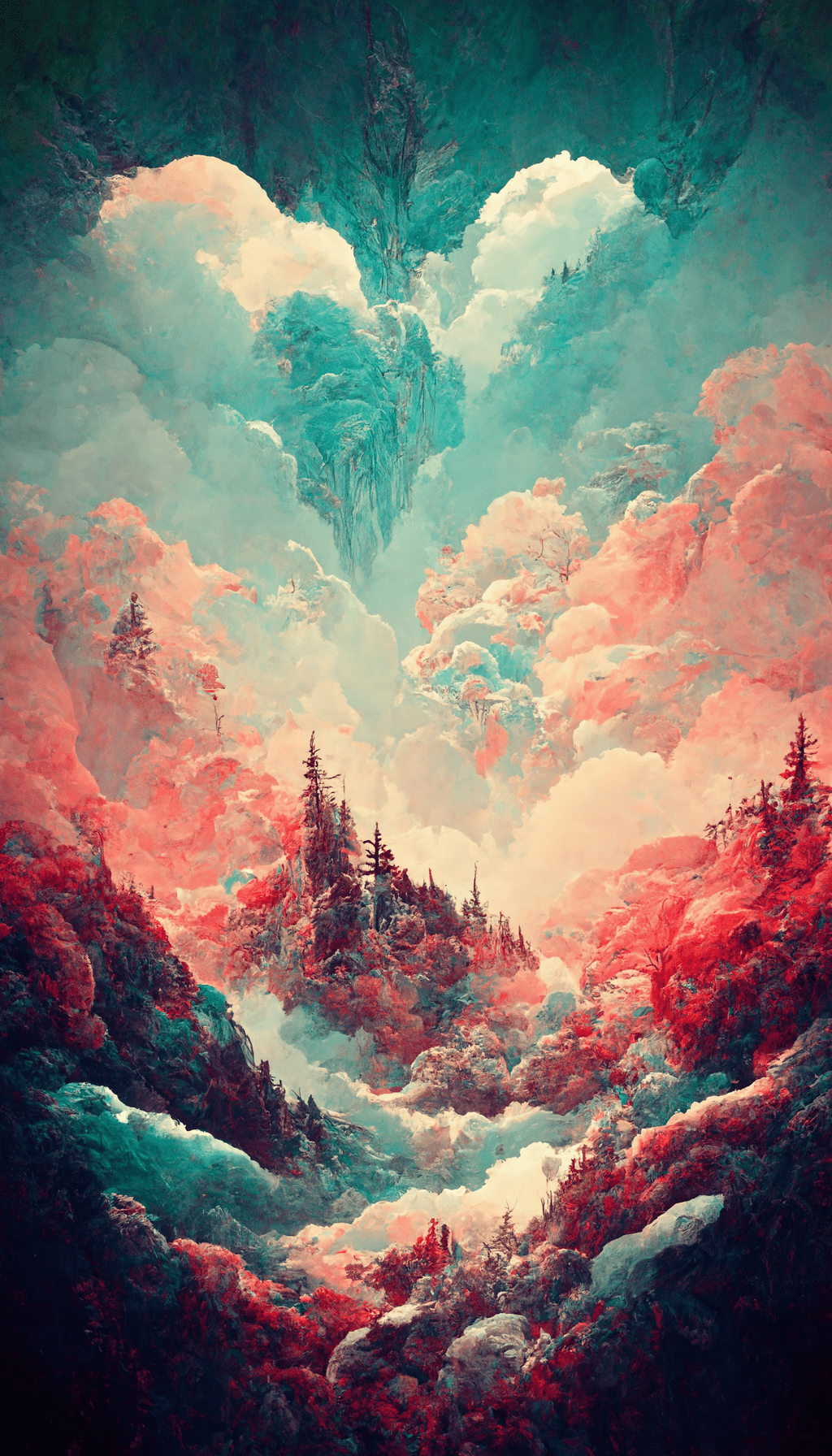
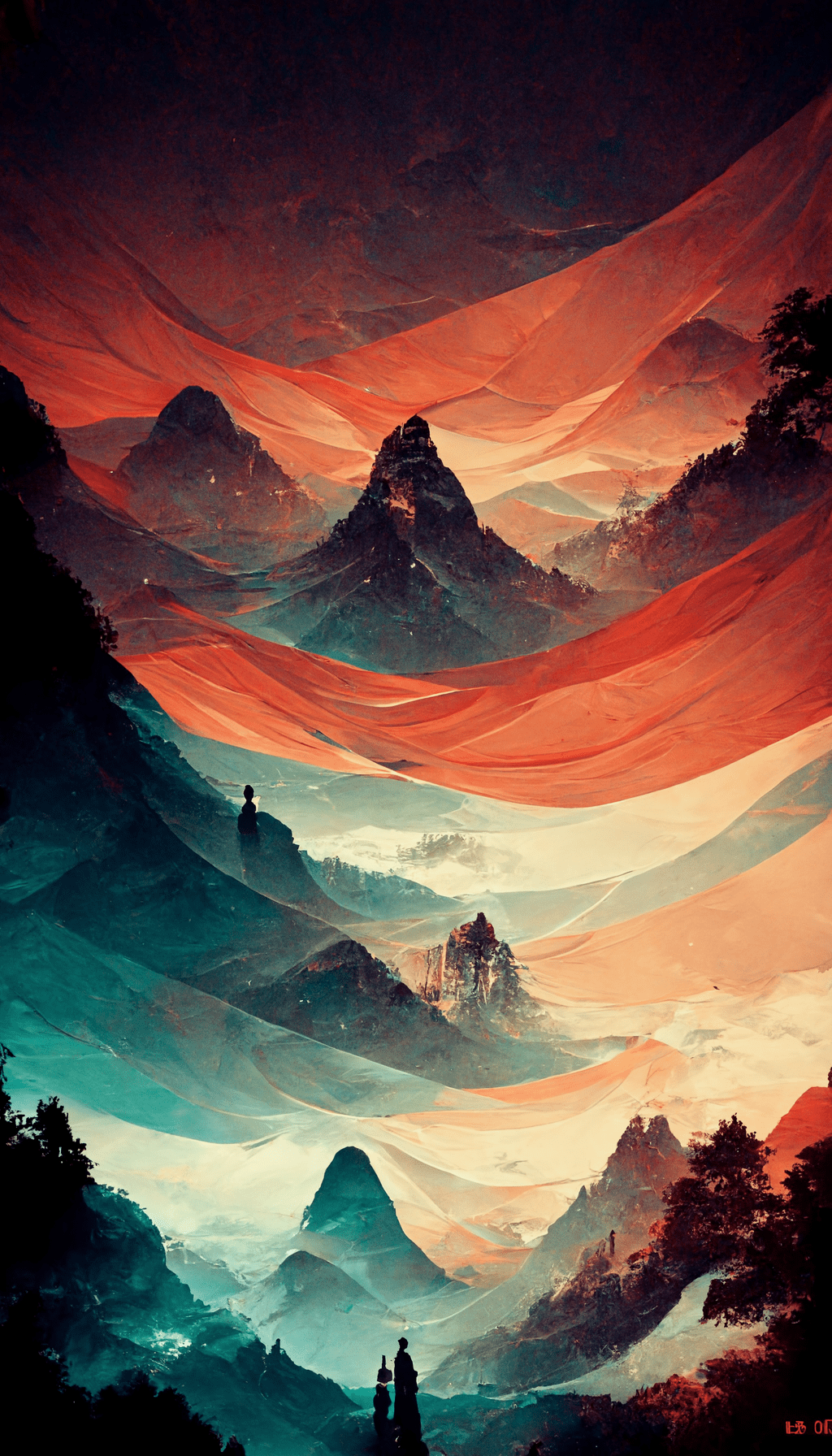
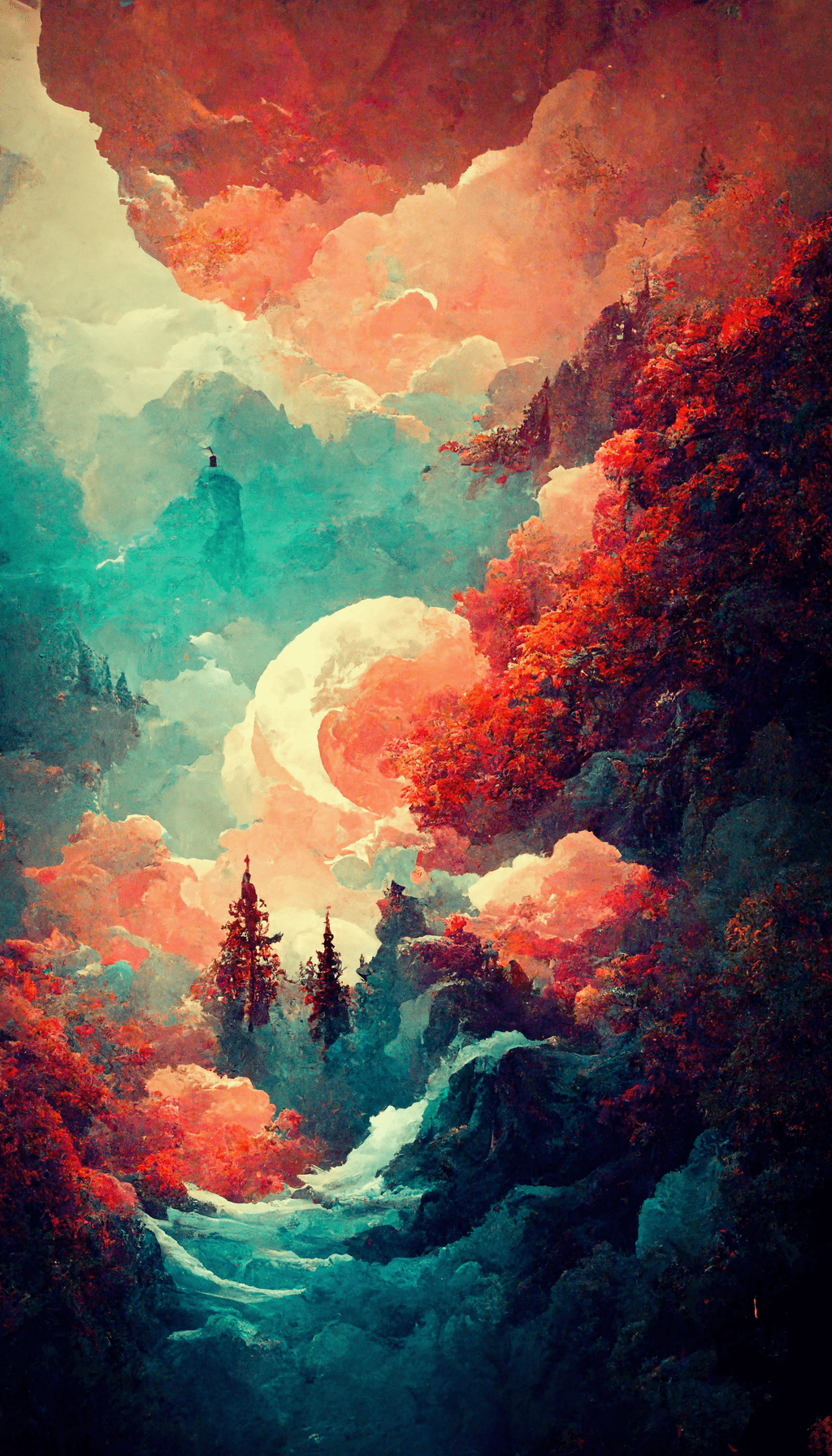
16 iOS 16-style iPhone wallpapers
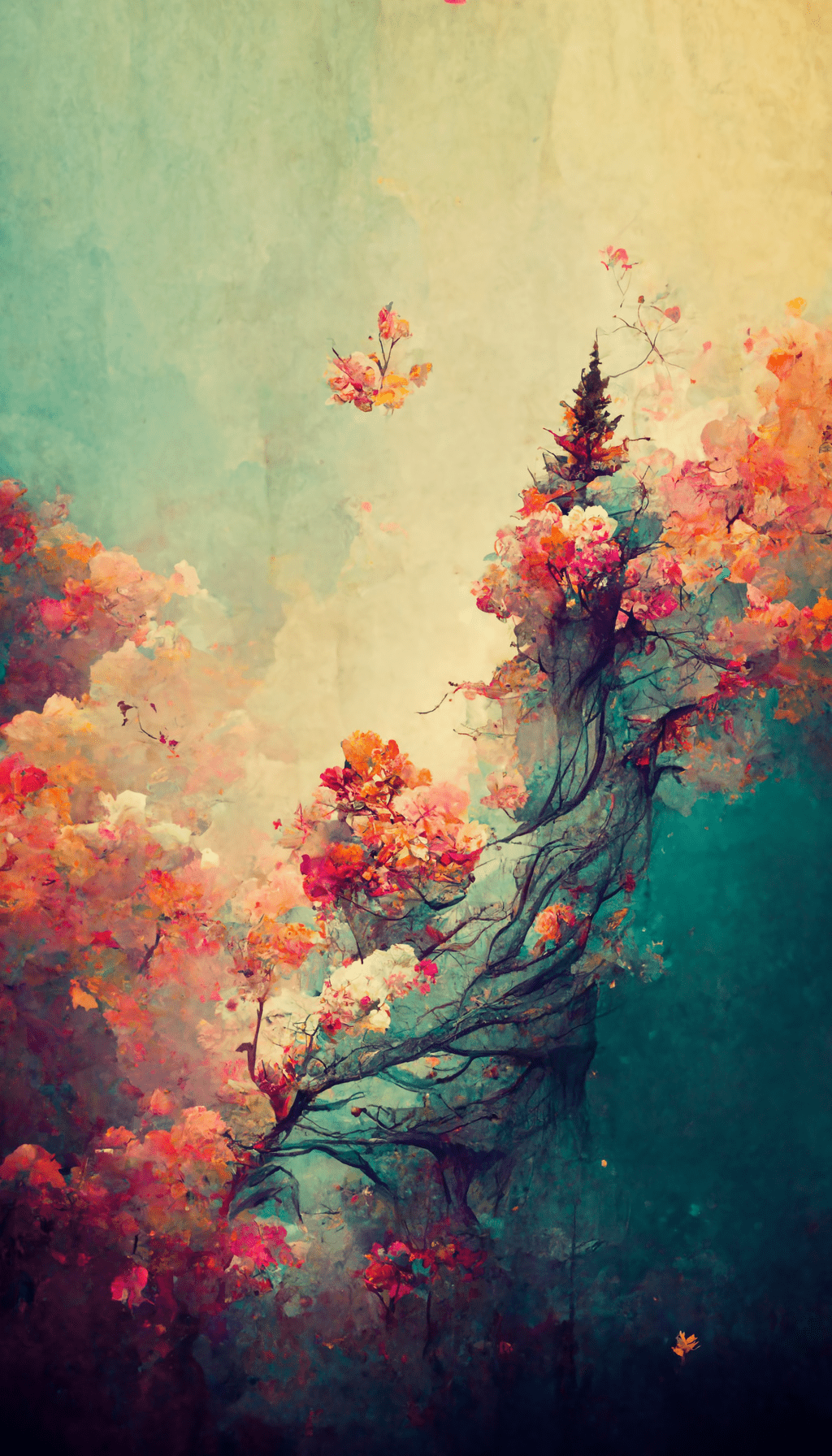
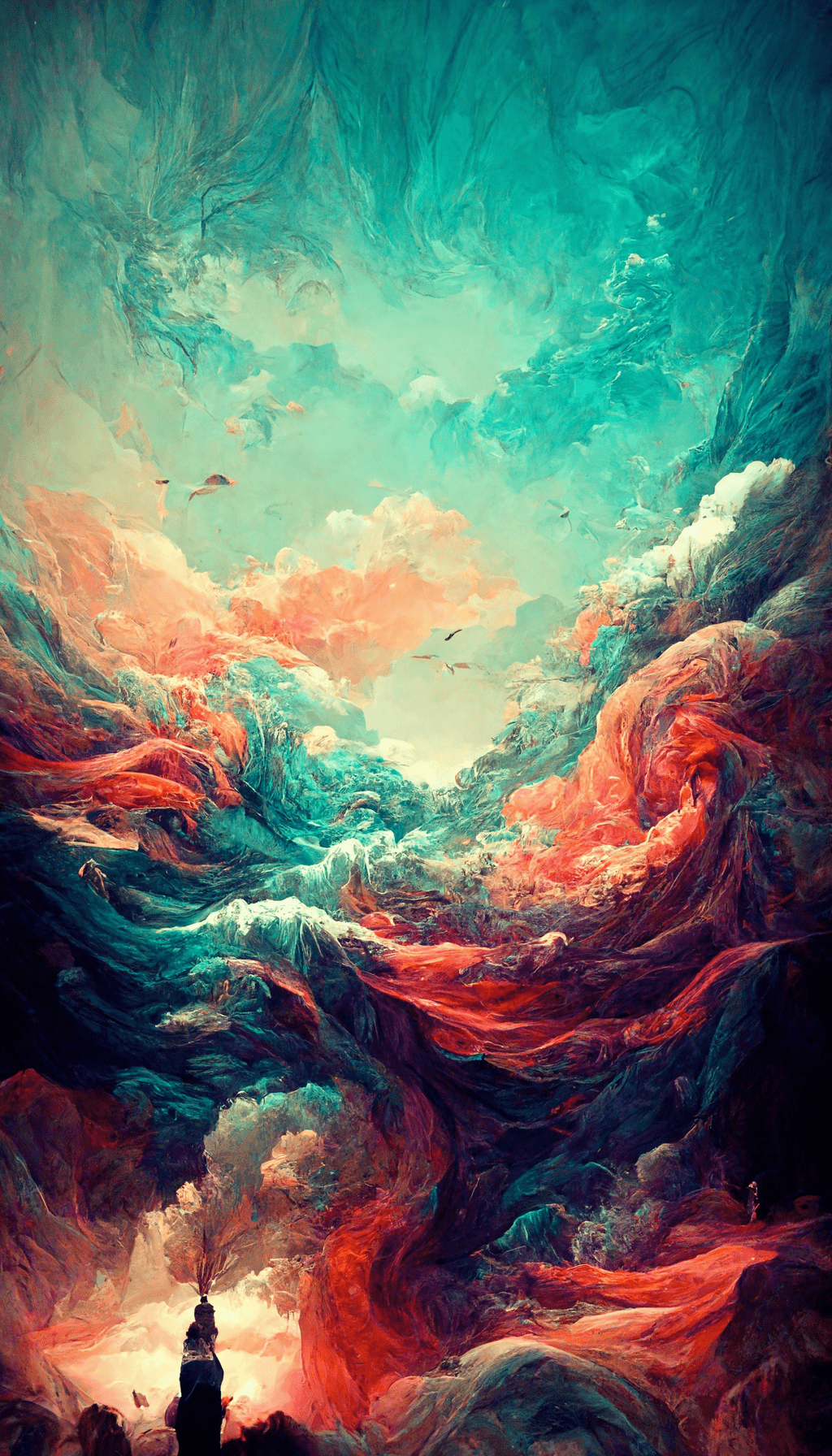
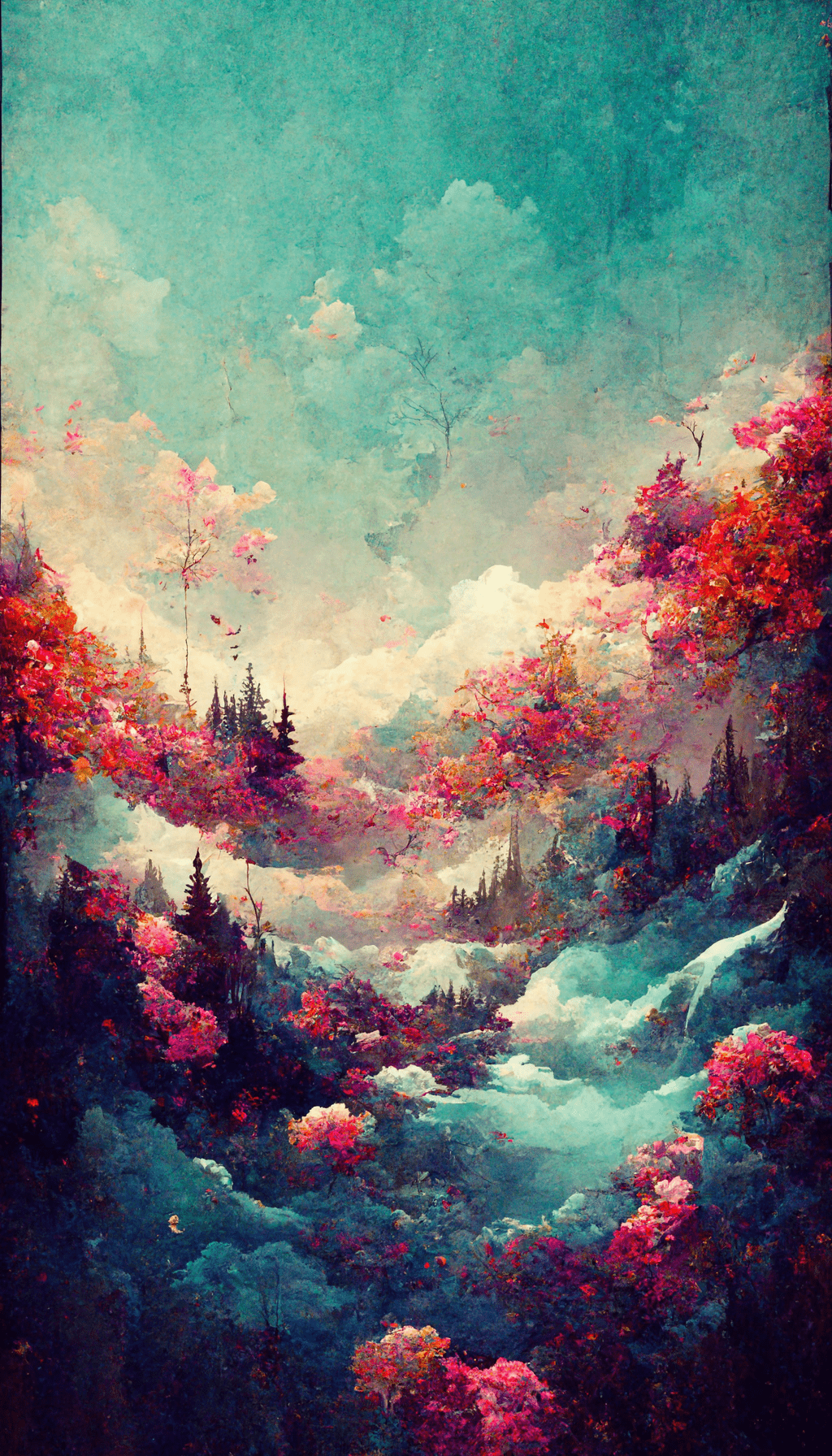
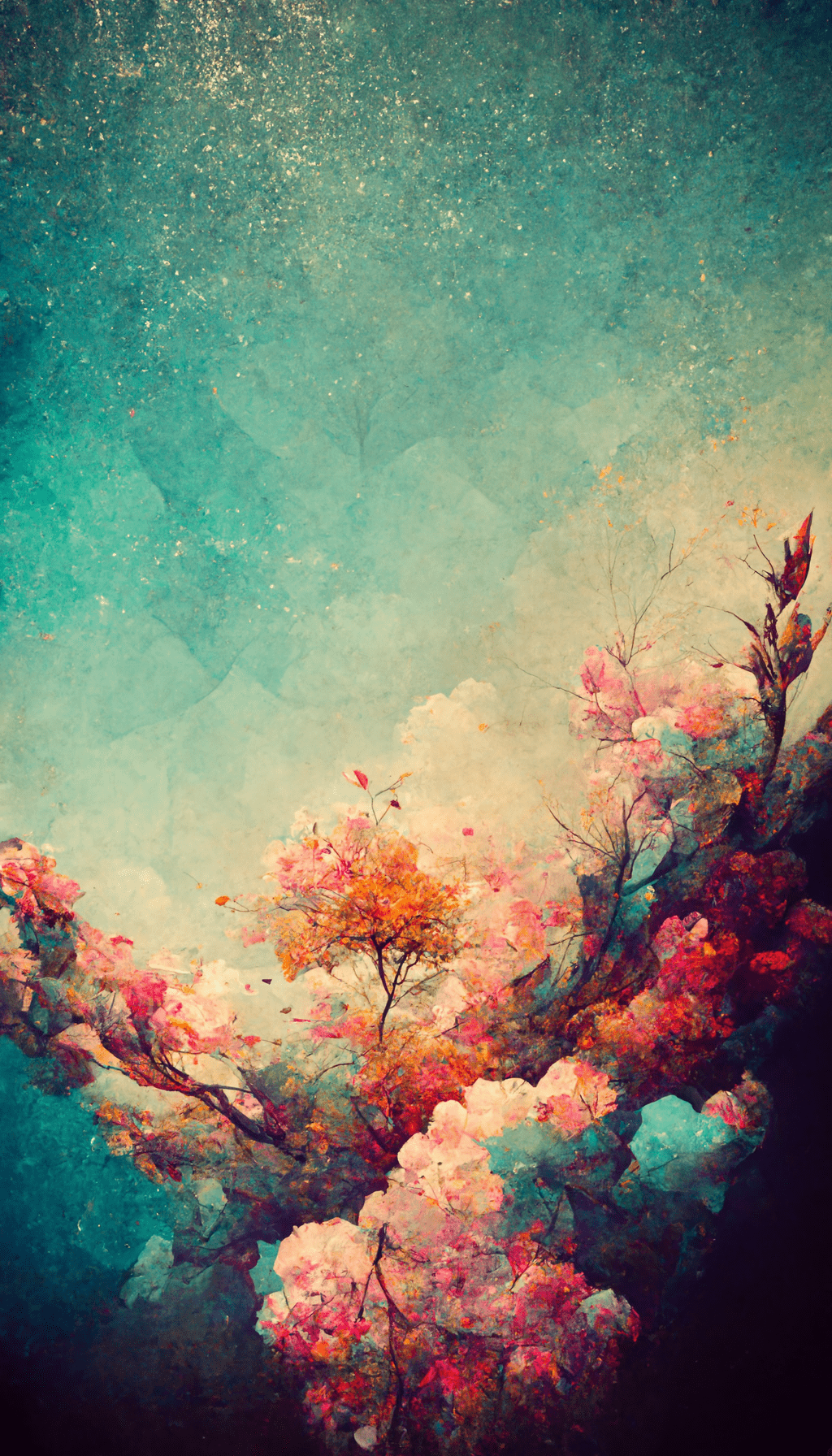
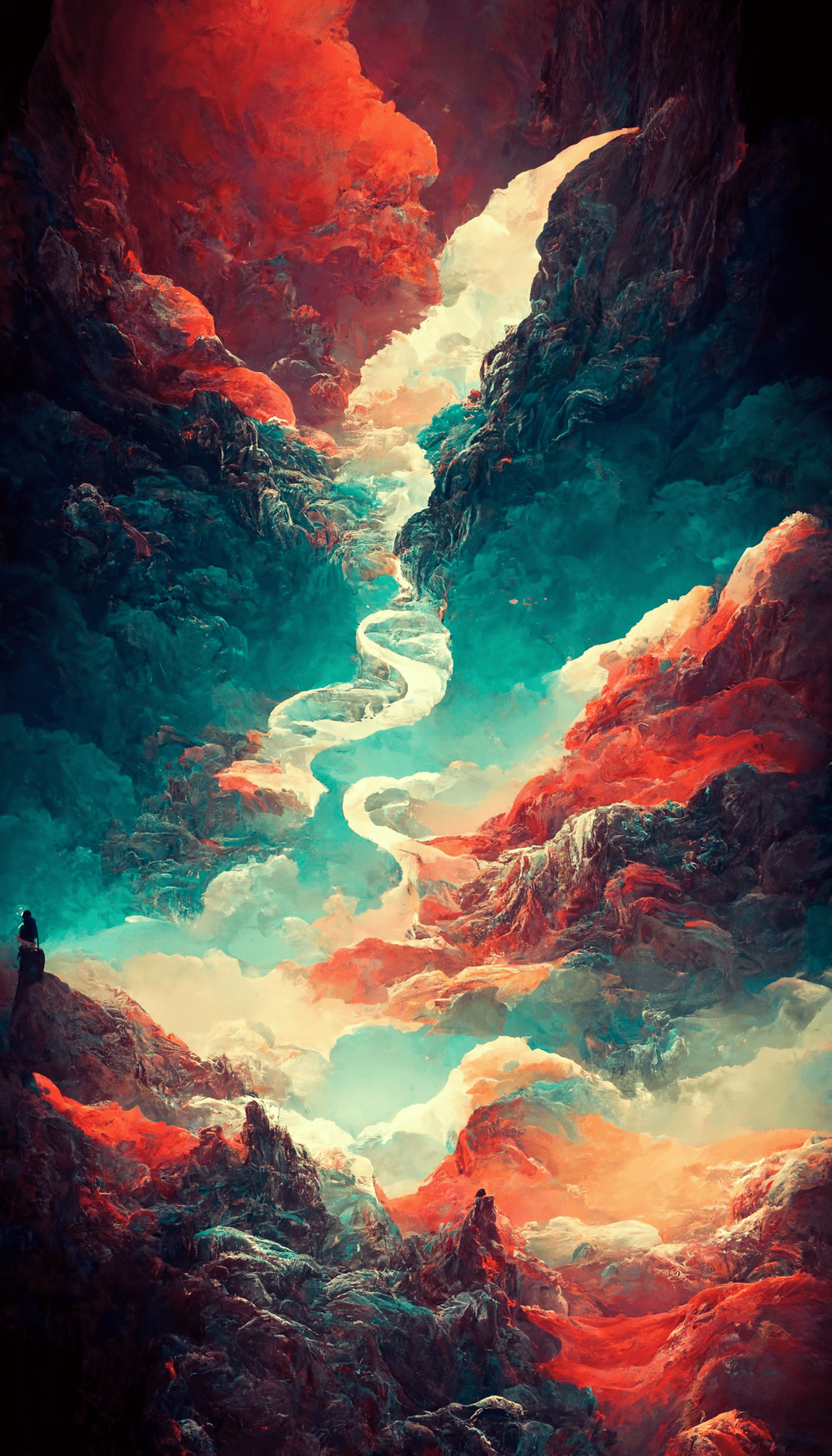
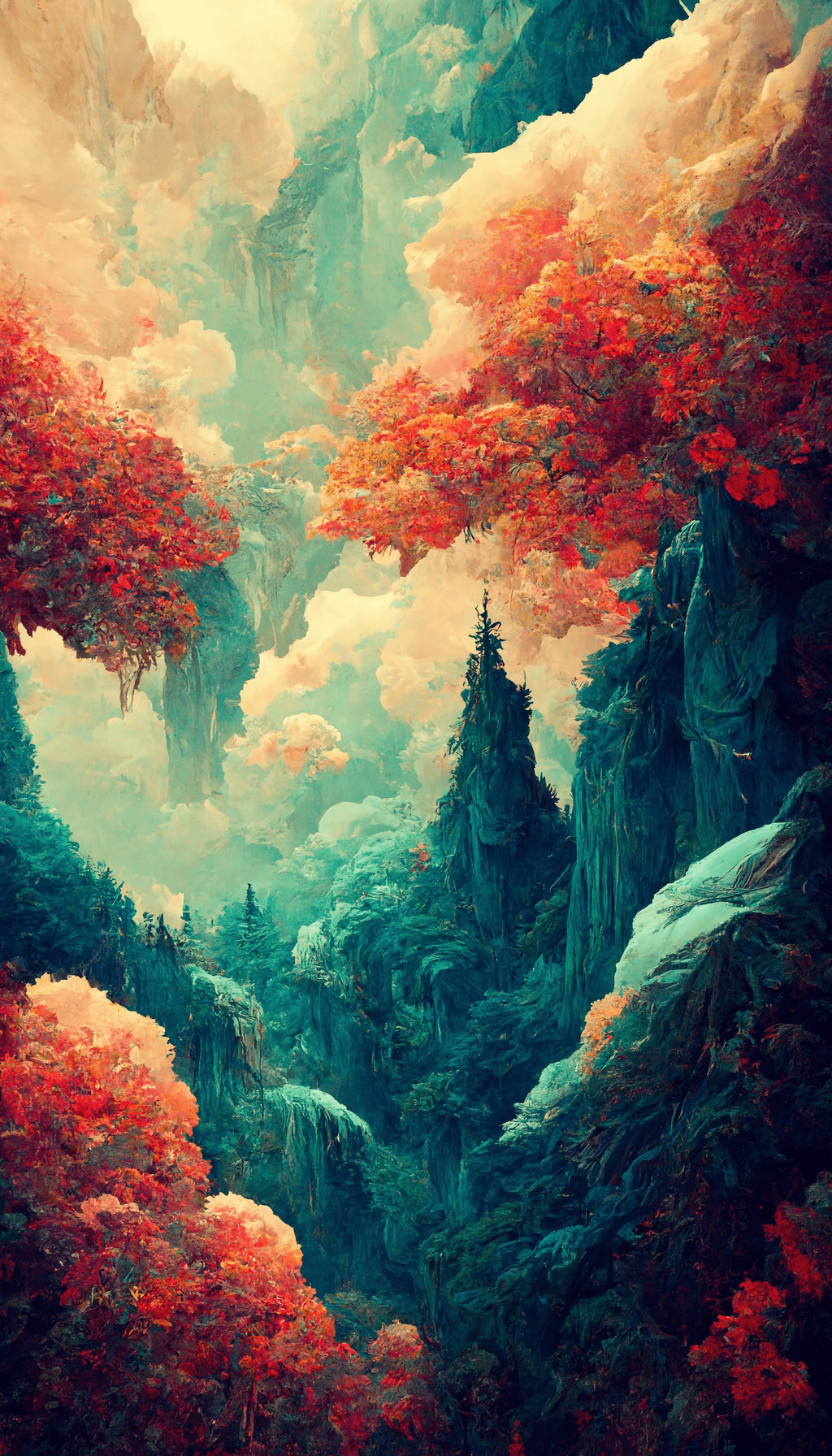
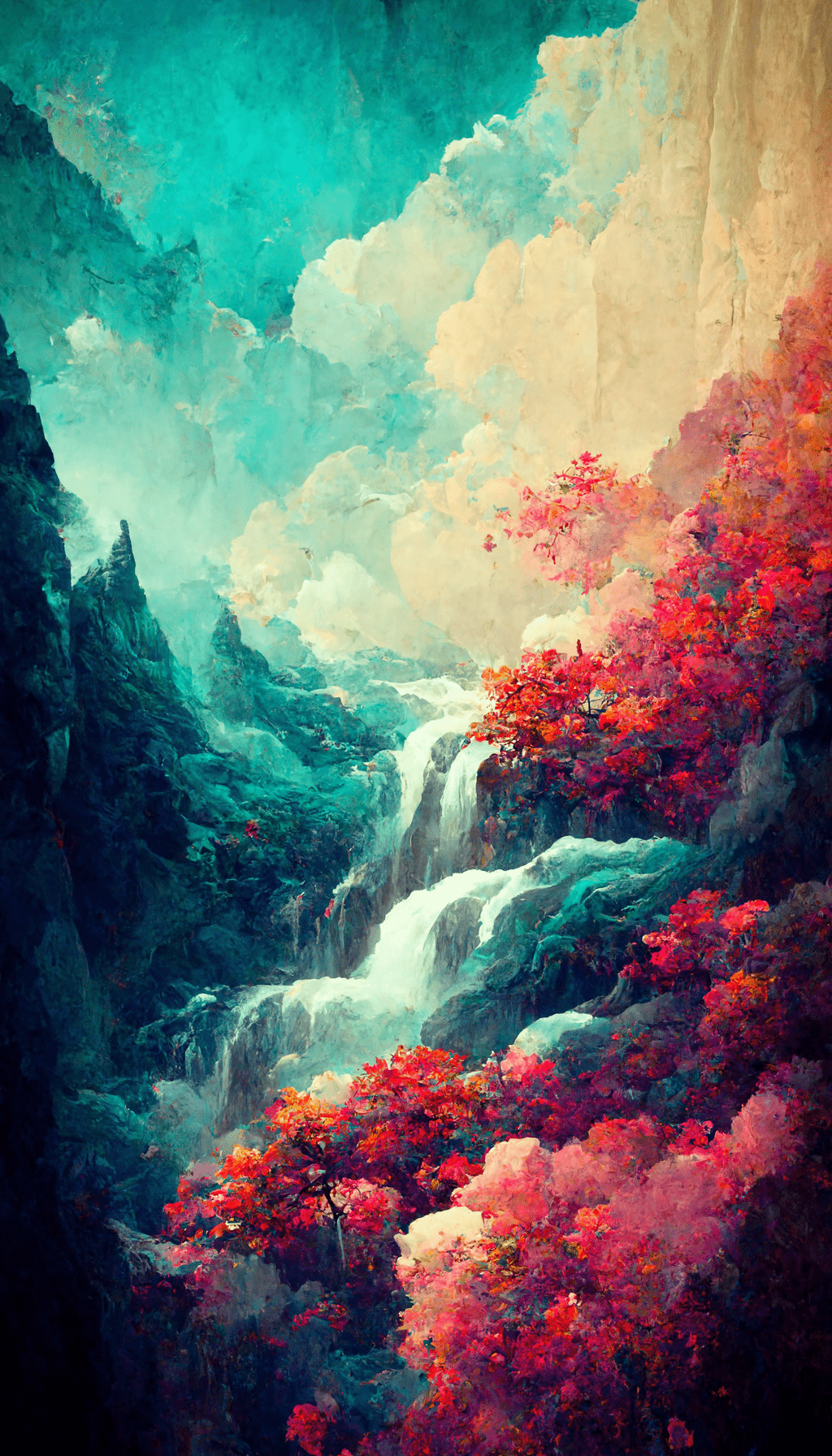
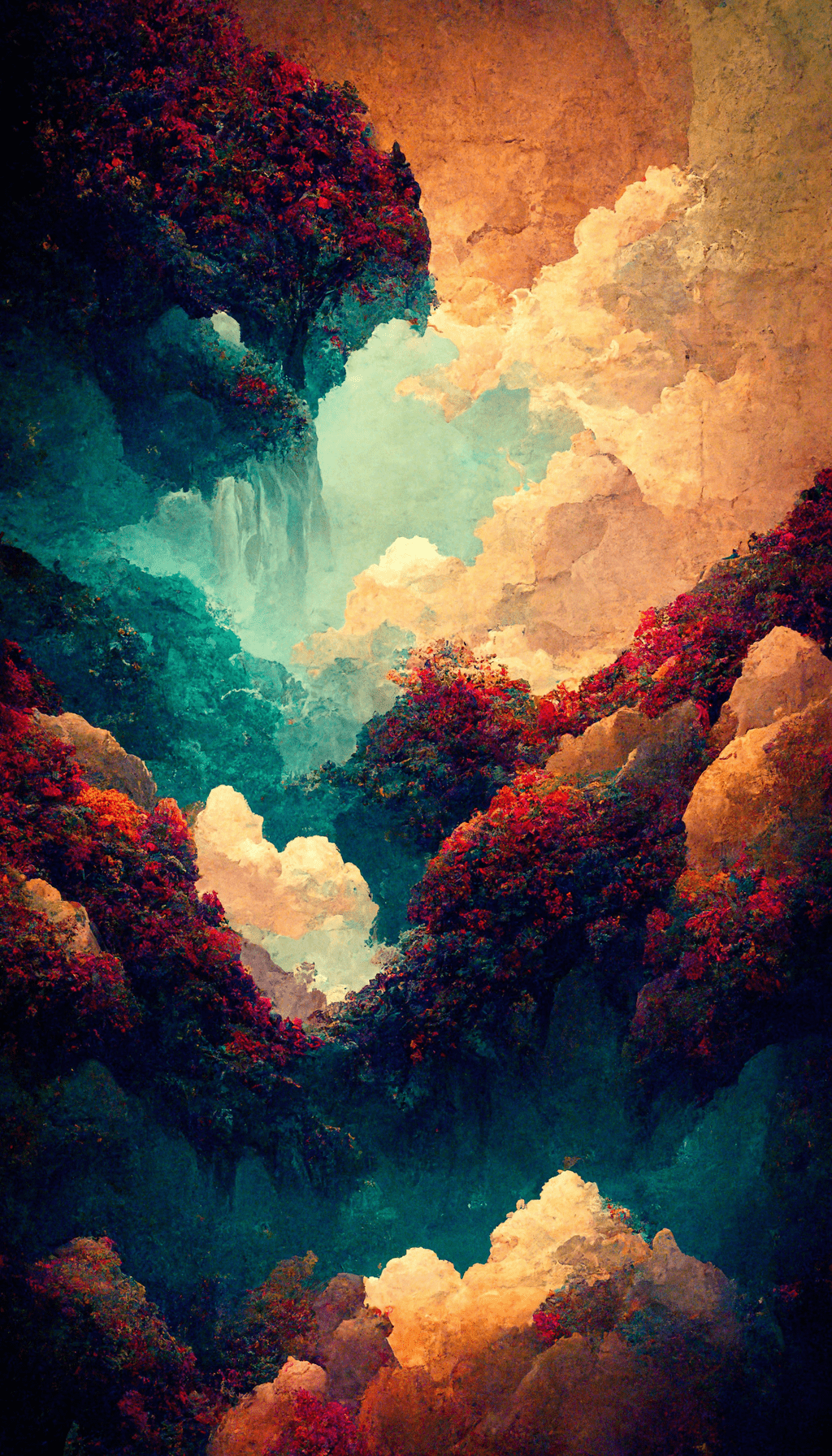
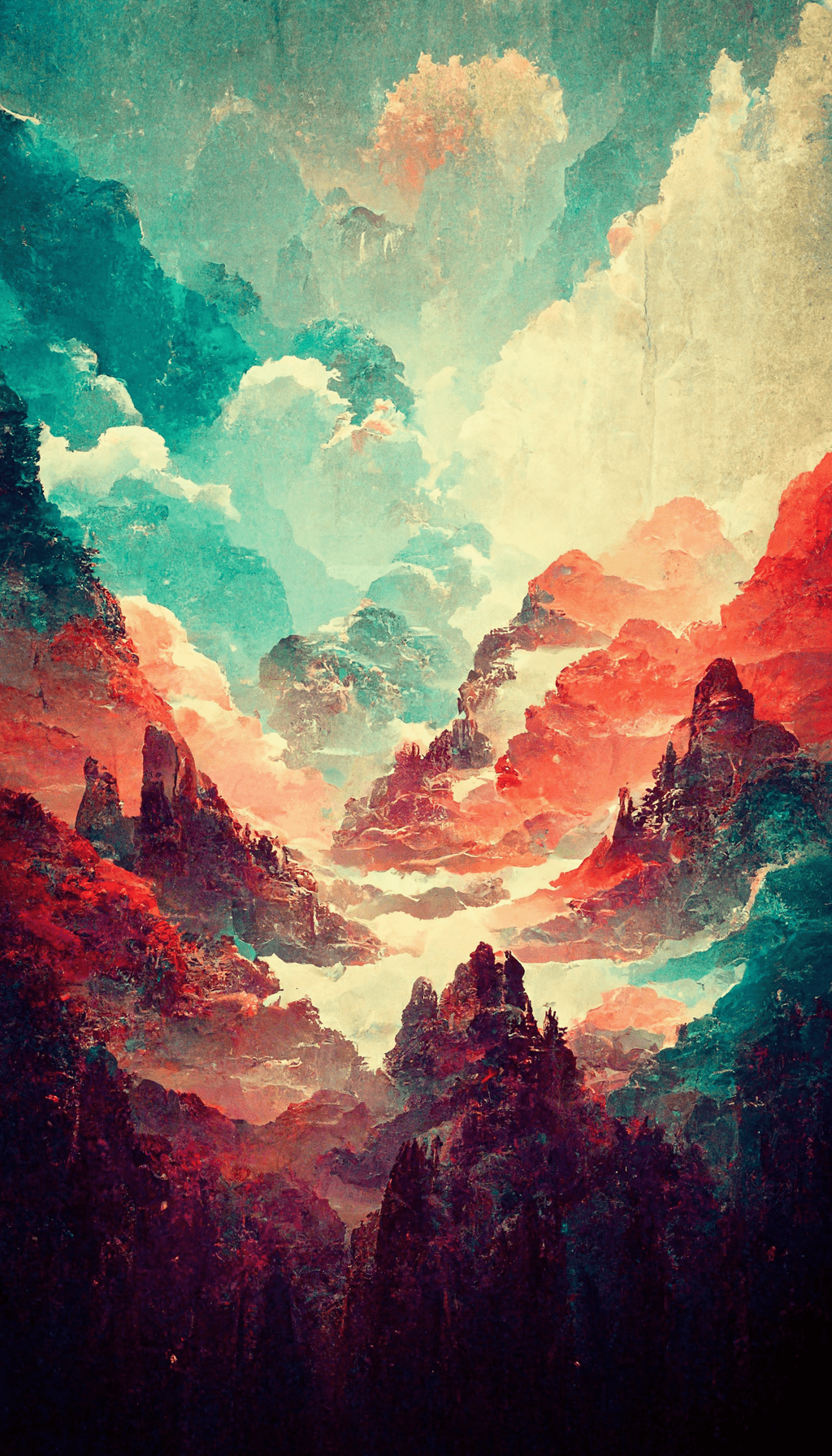
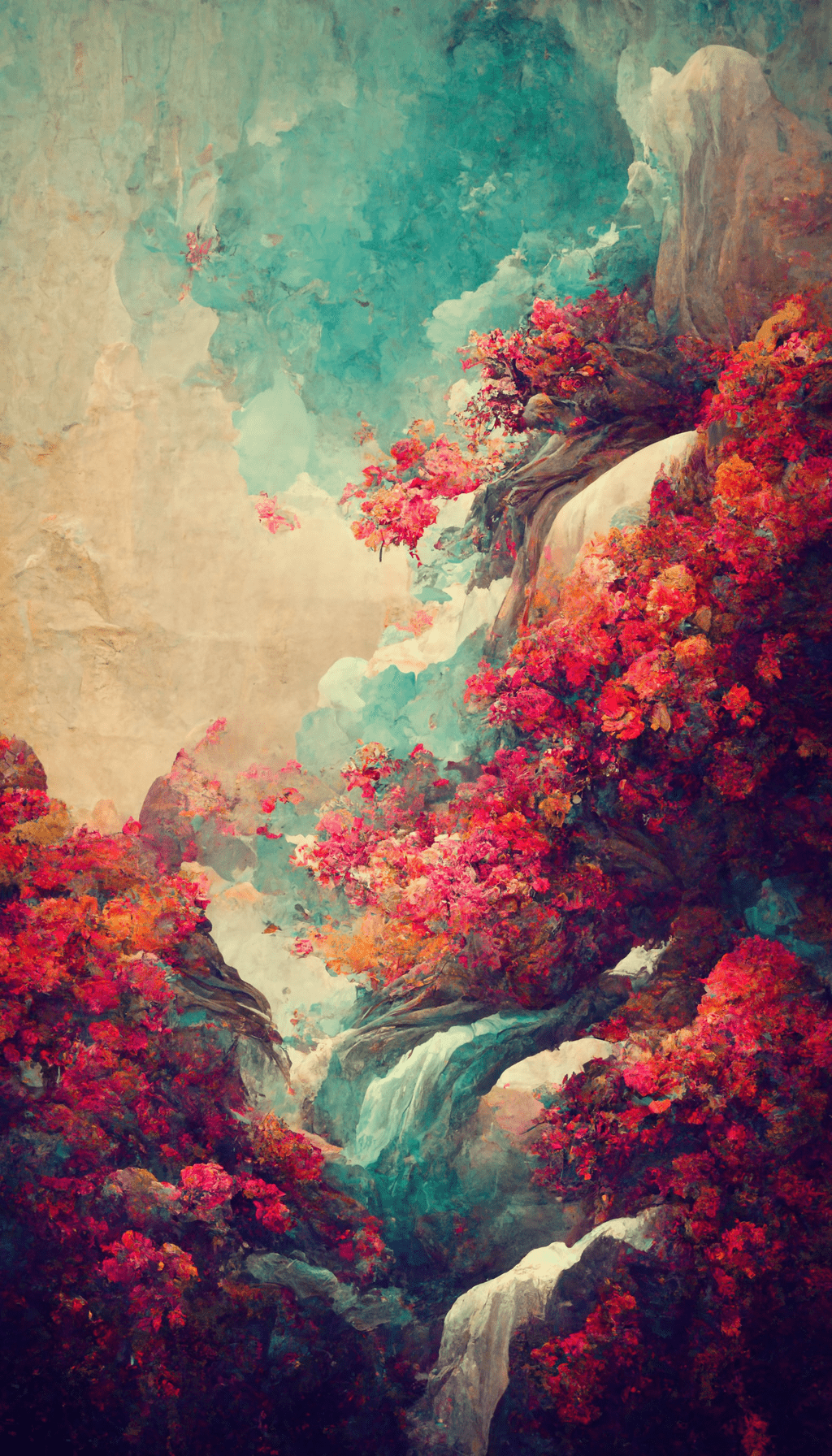
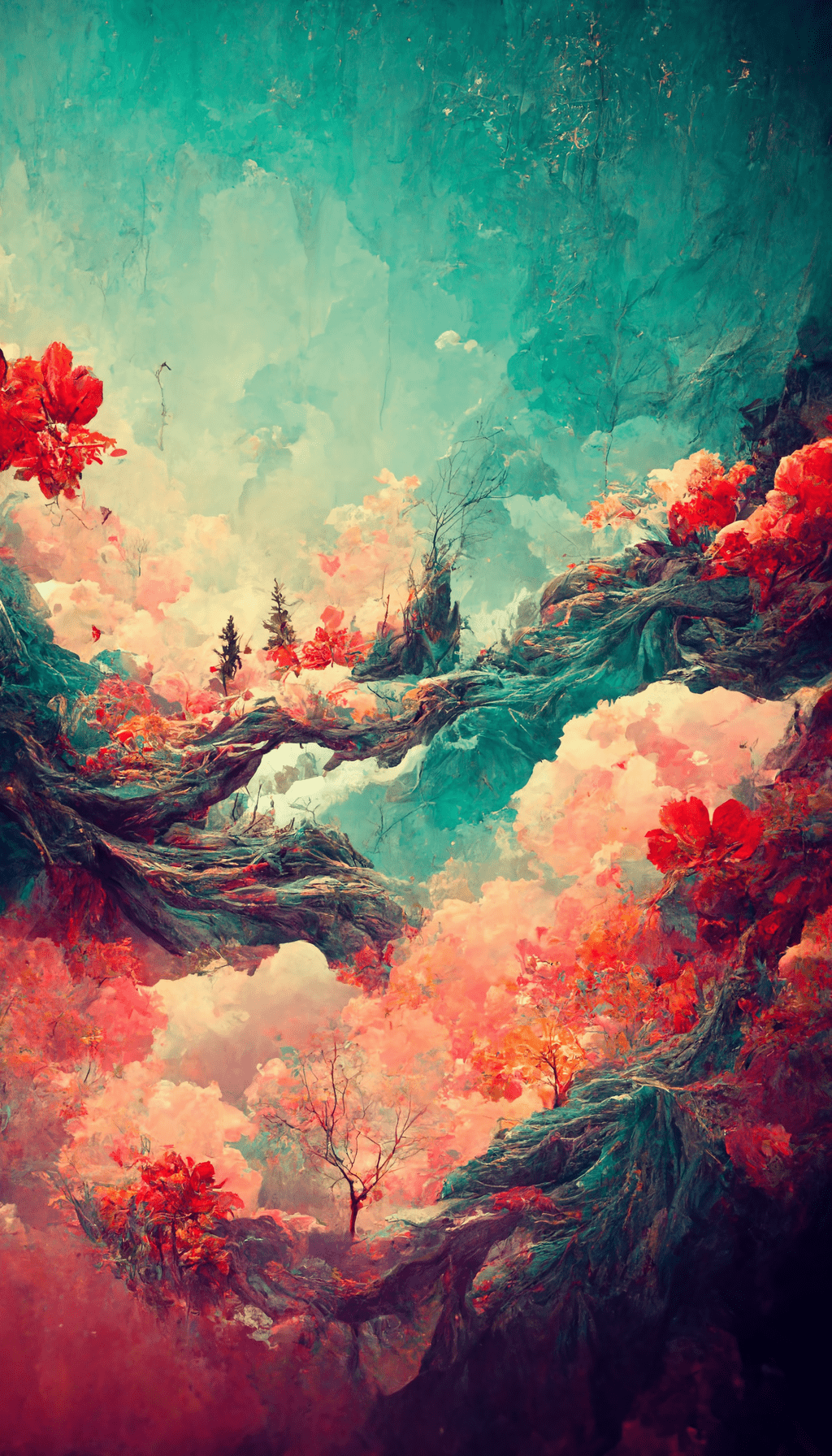
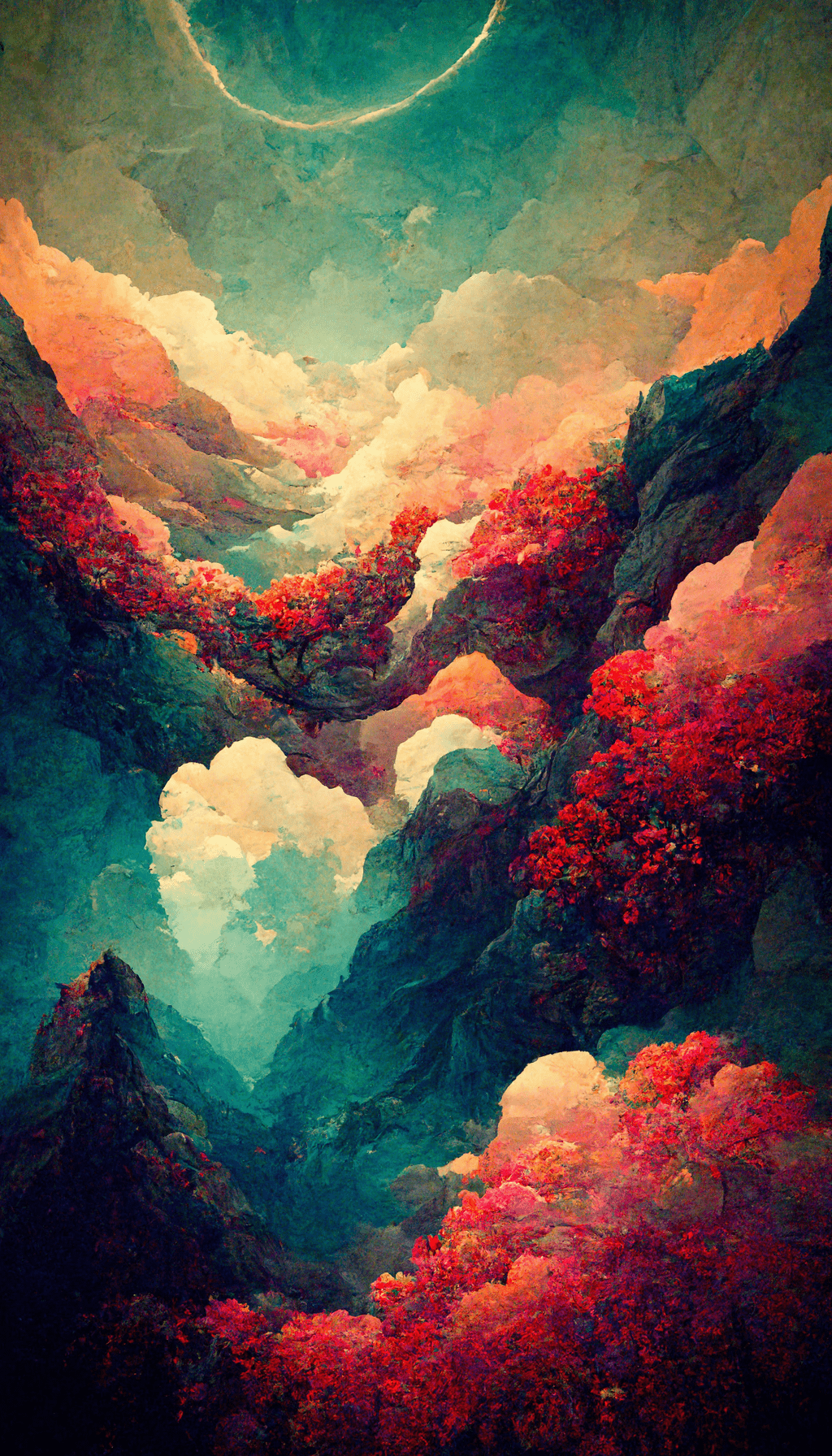
Lock screen or home screen?
Designs with more open space around the center usually work well behind app icons on the home screen. More detailed gradients and depth-style compositions are often better suited to the lock screen, where the artwork remains more visible. Preview the image before saving so important details do not sit behind the clock or widgets.

