
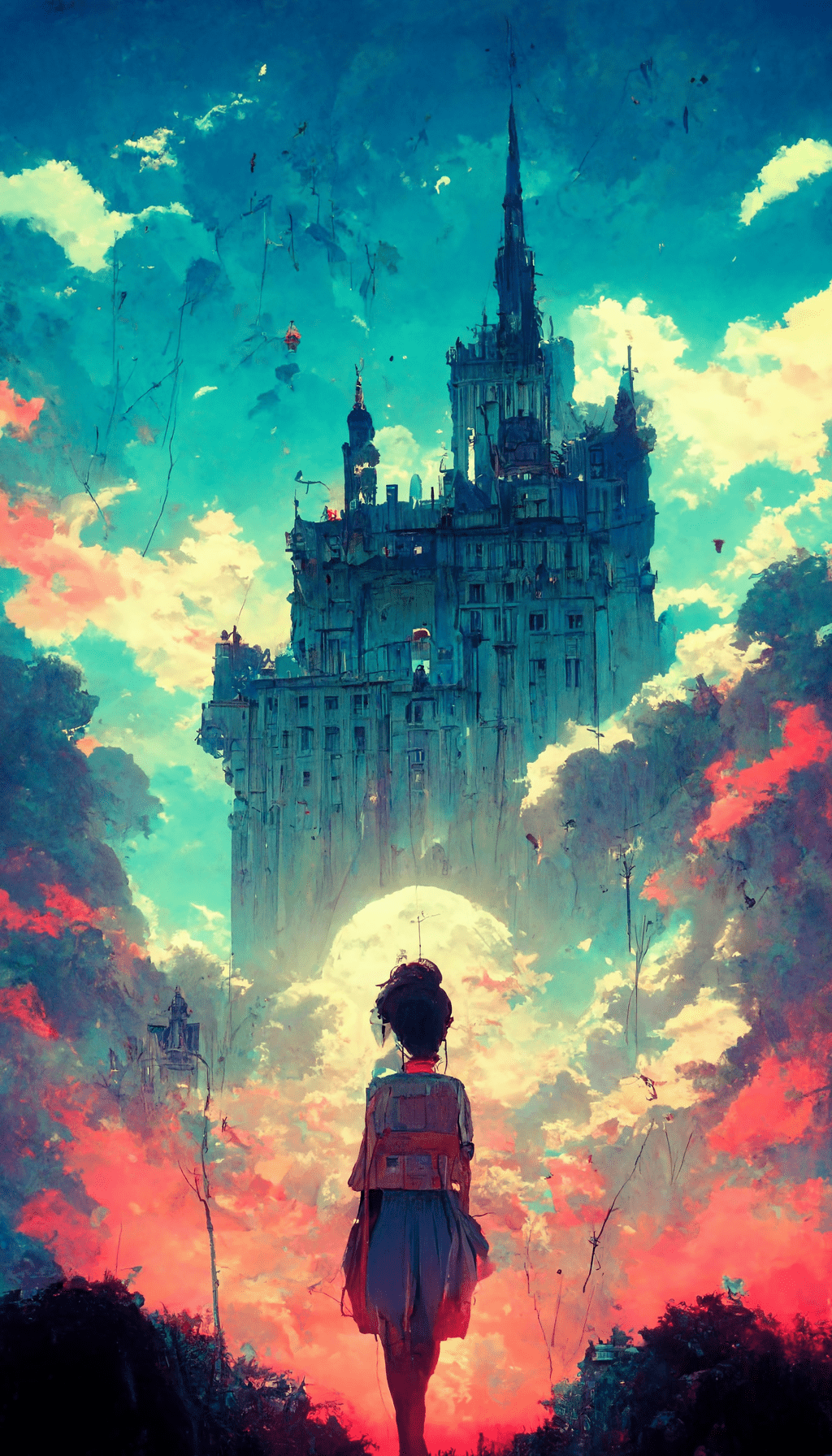
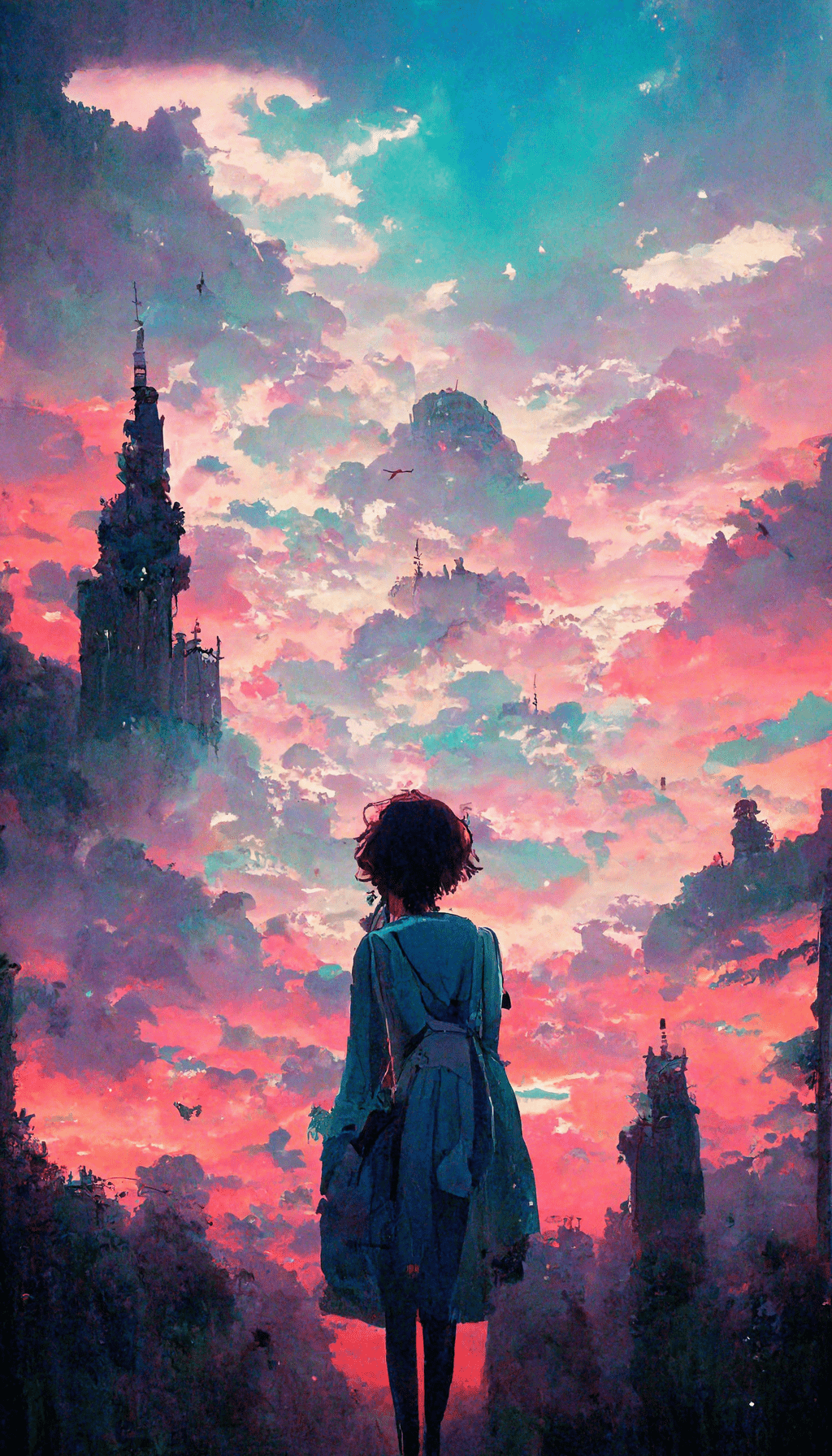
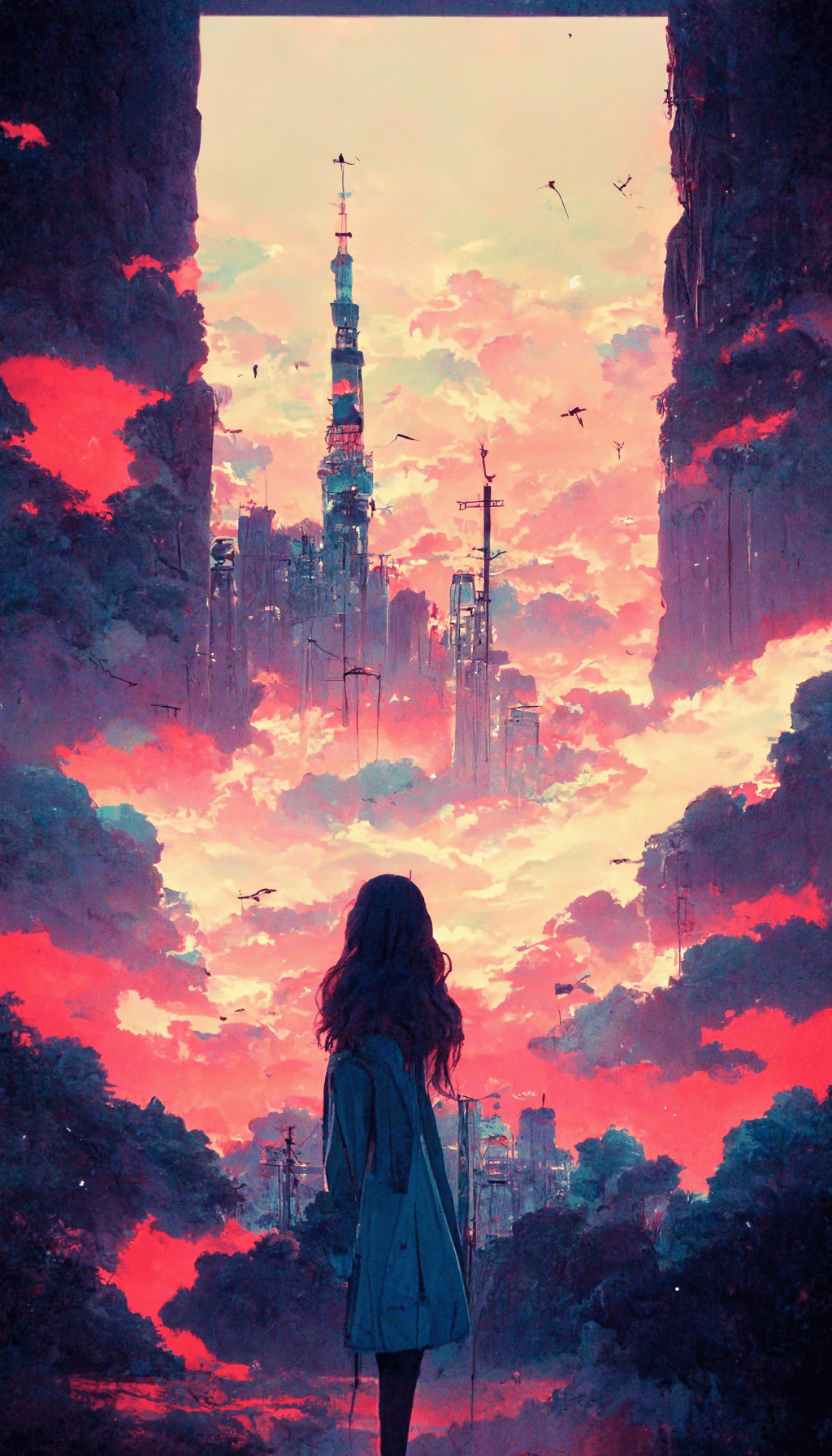
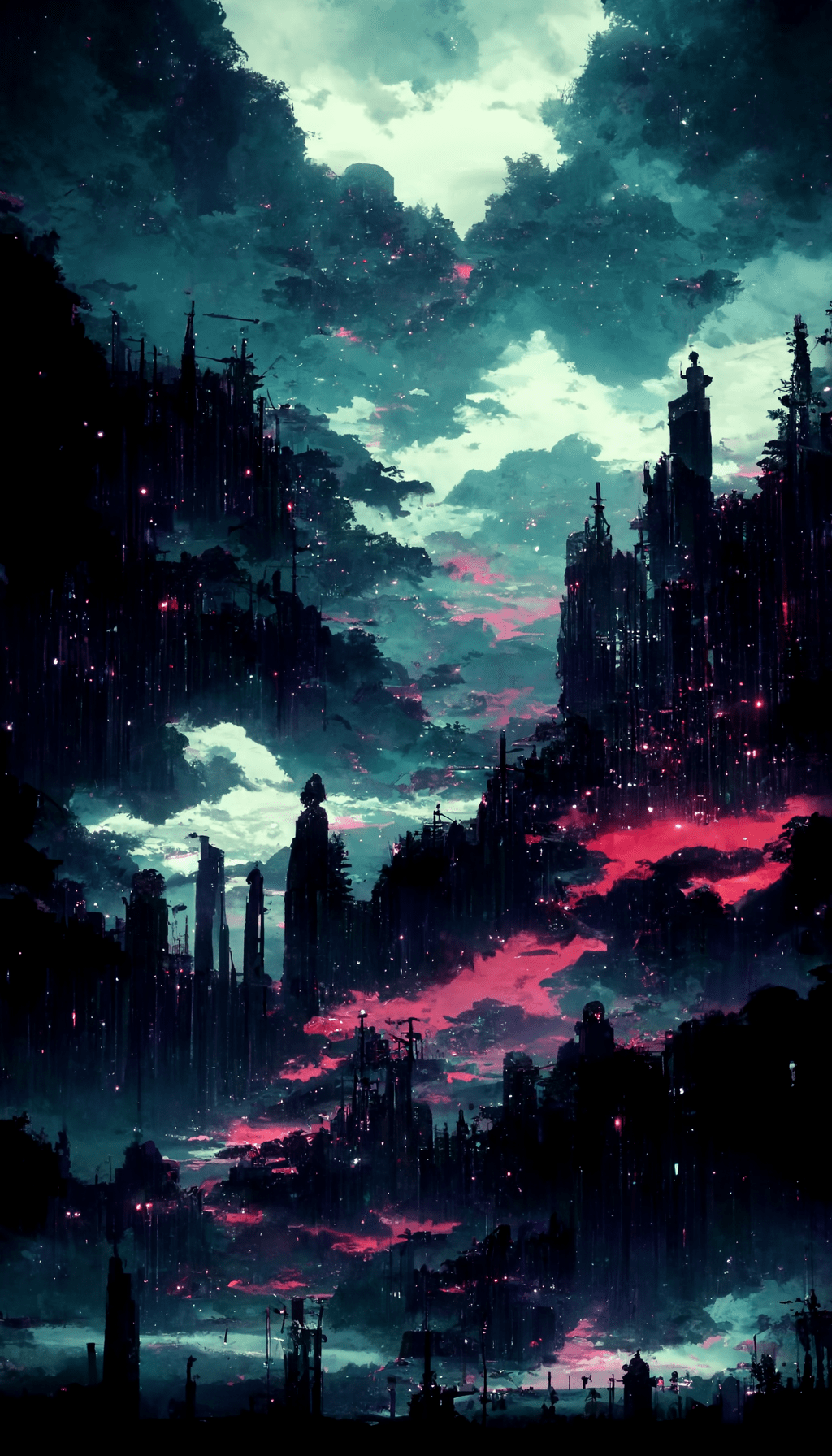
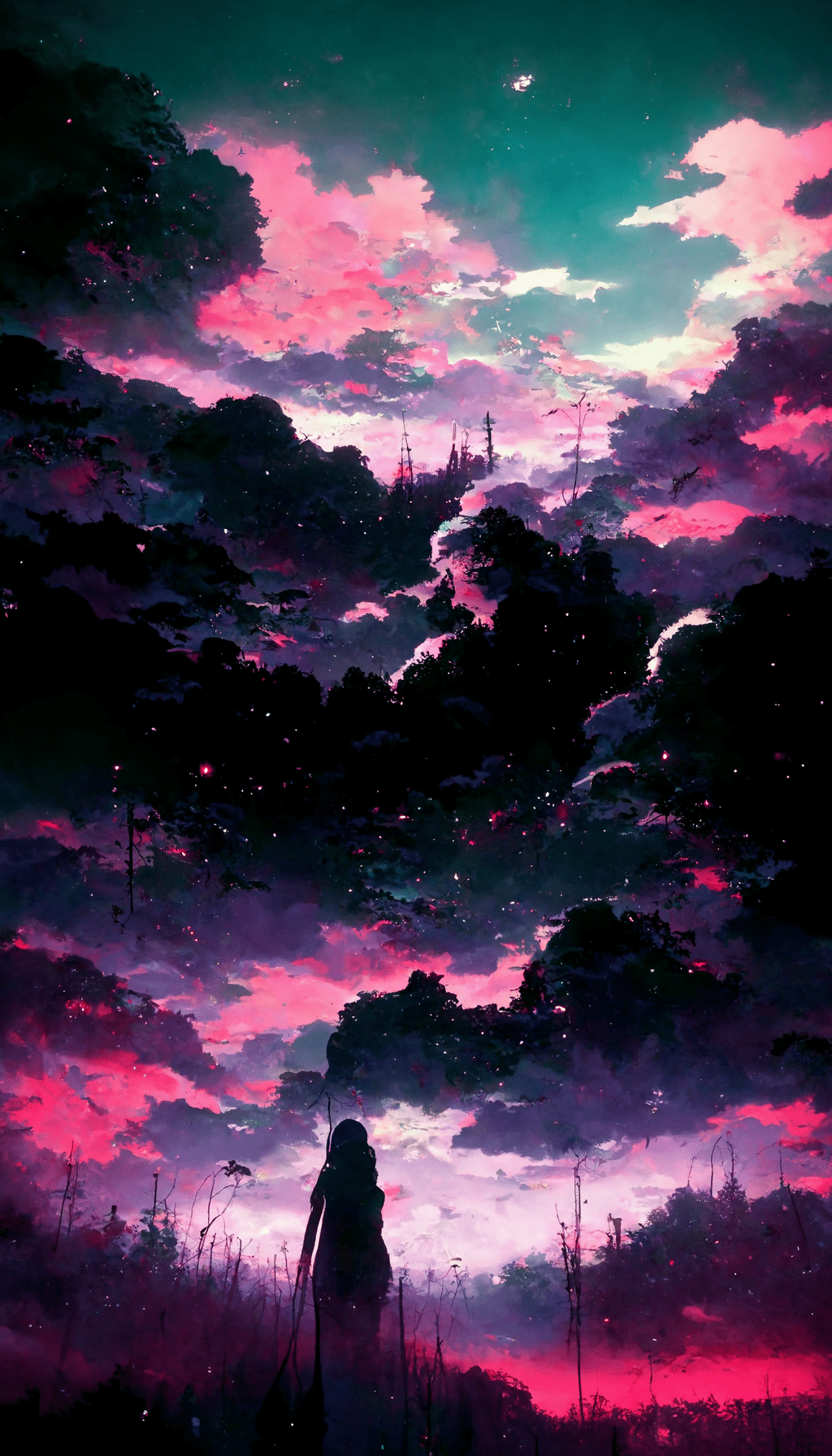
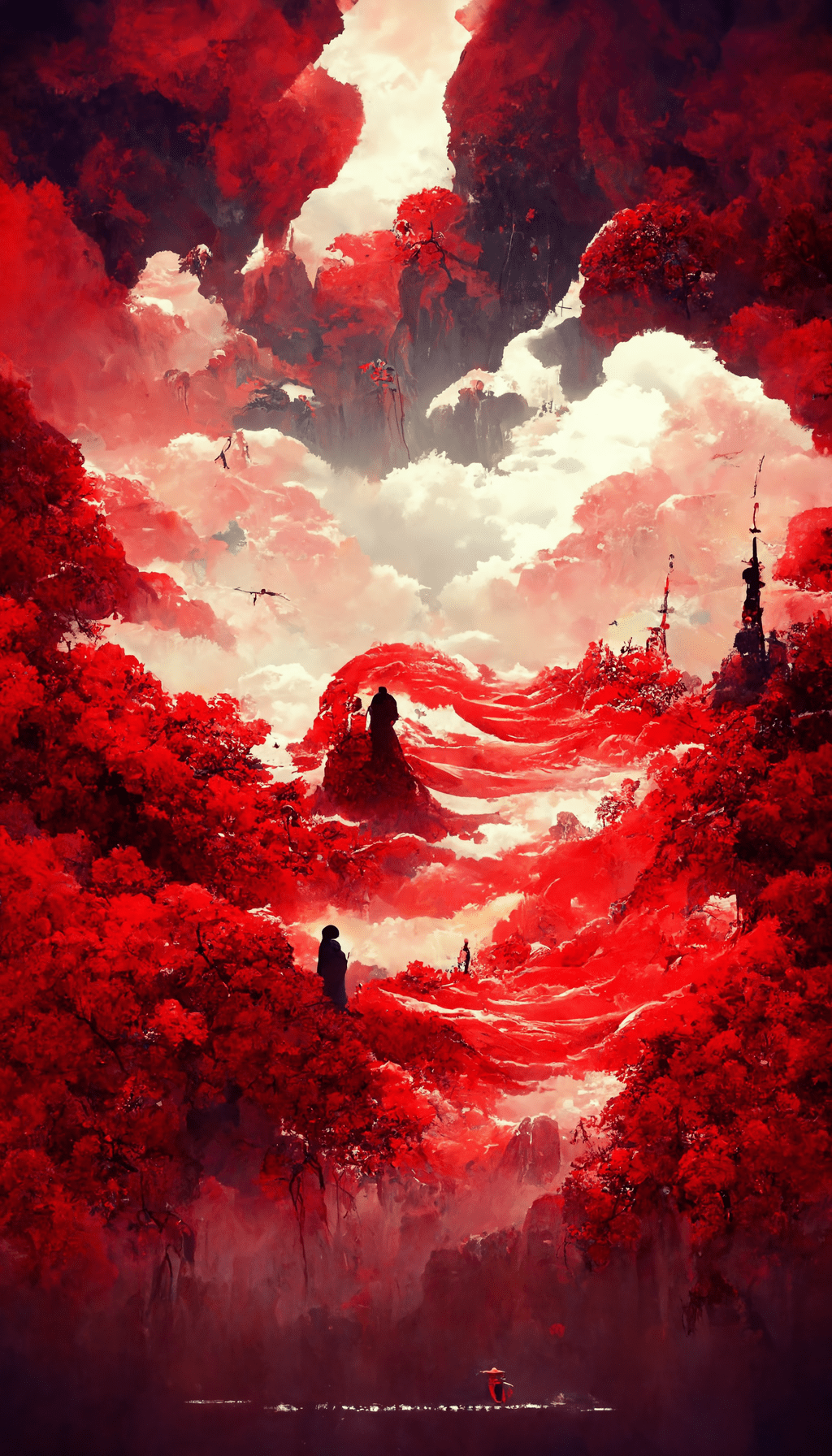
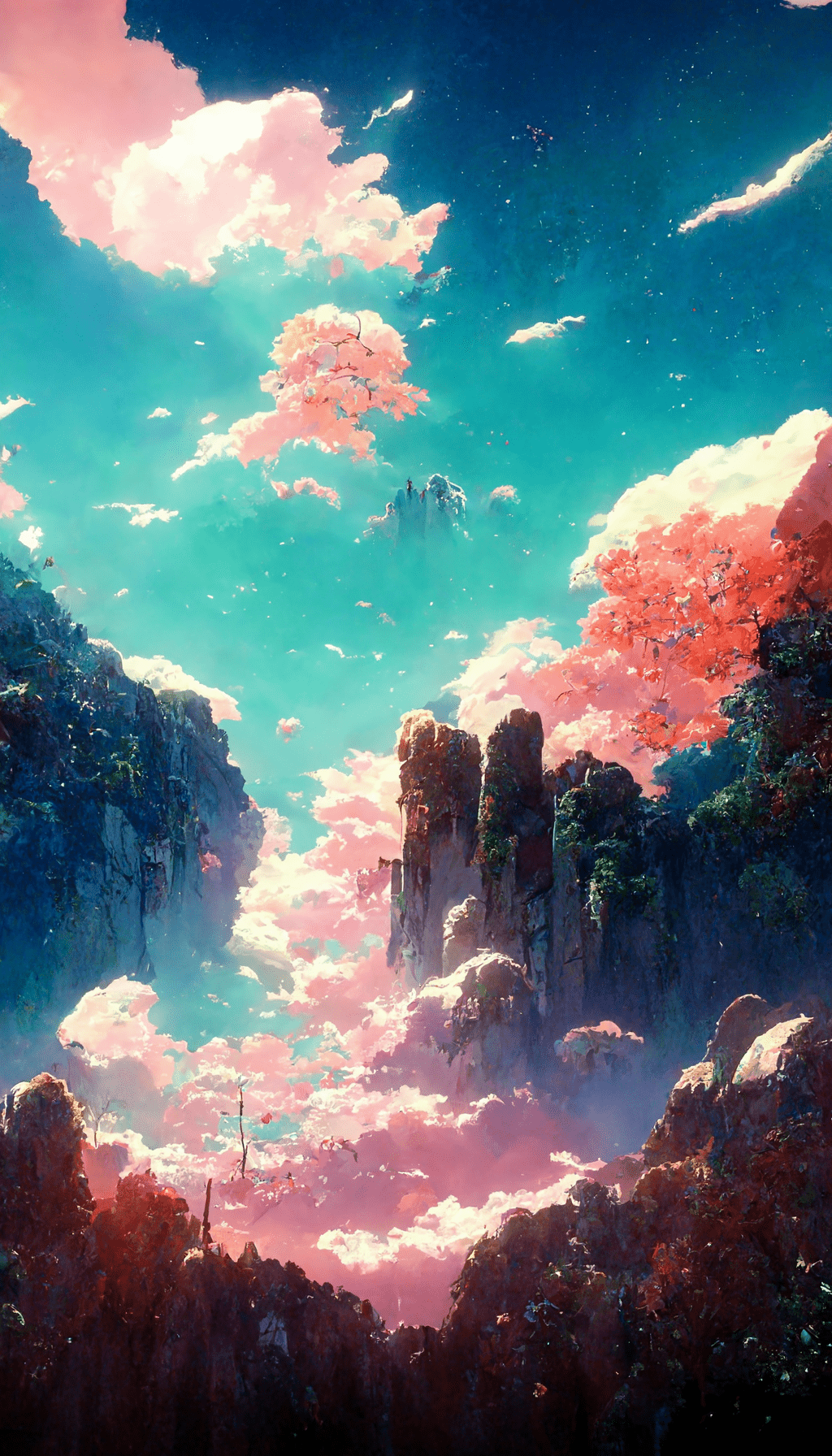
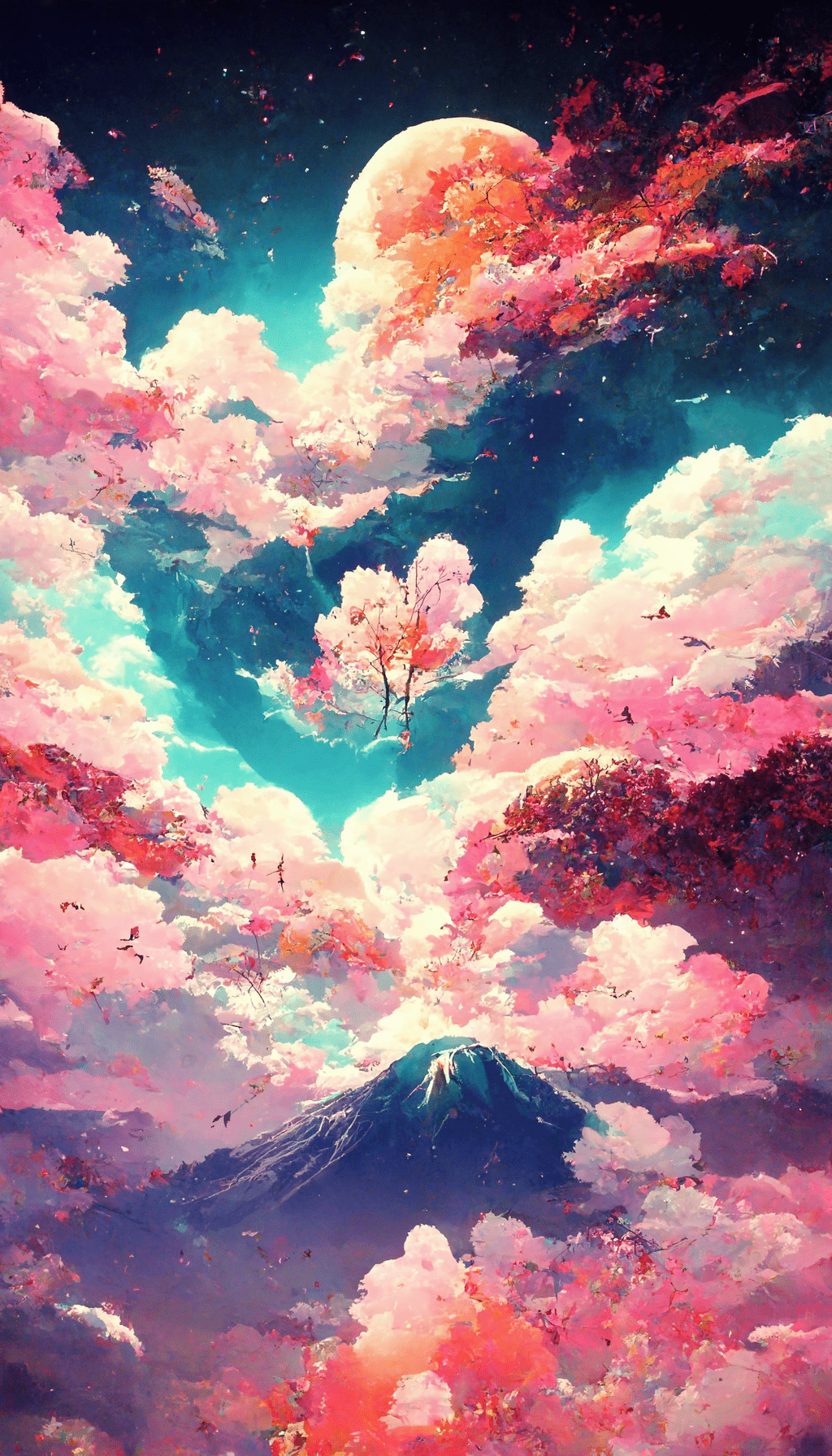
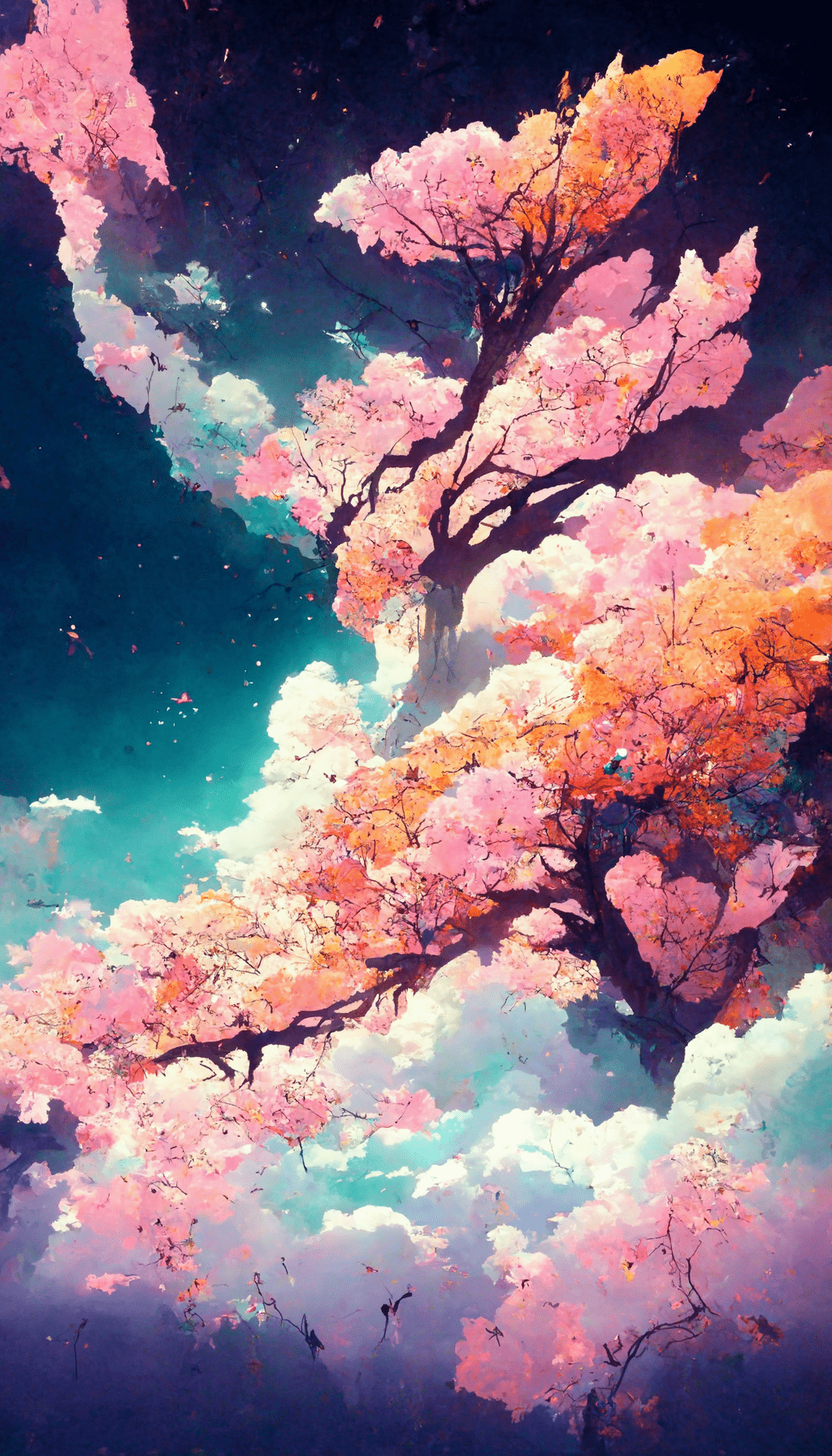
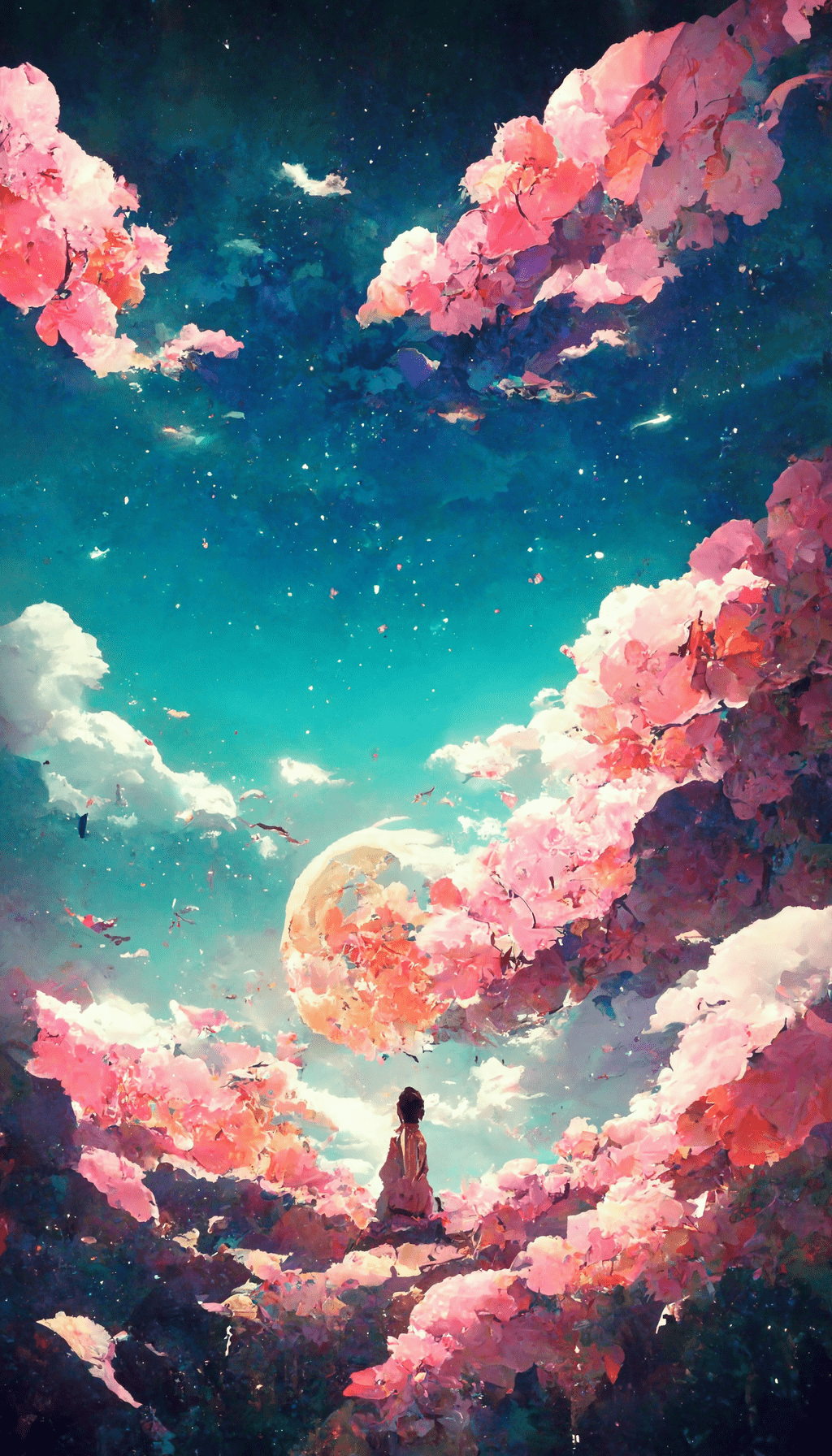
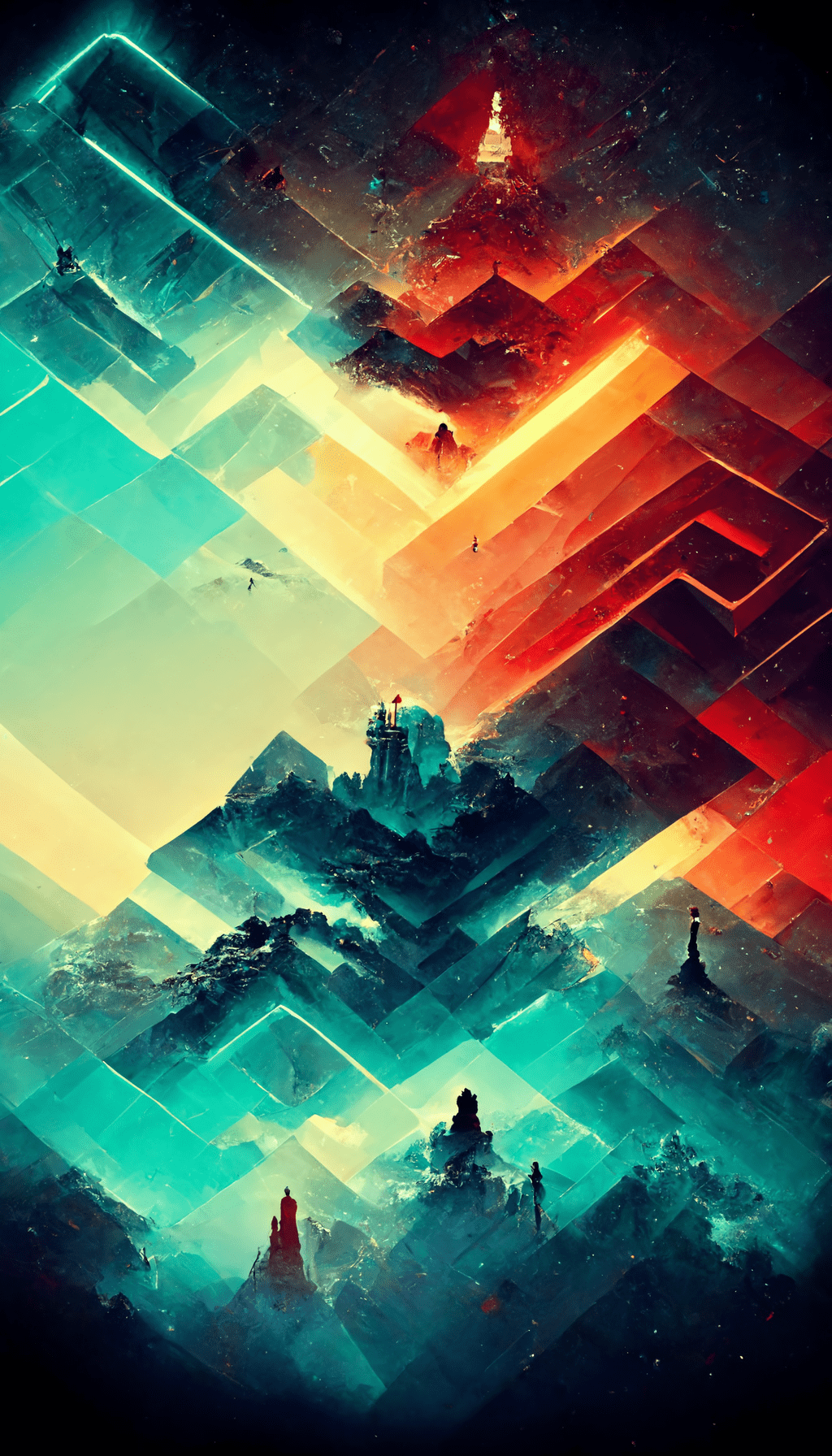
These 16 anime phone backgrounds are all vertical 1024×1792 files, but they behave differently once a clock, widgets and app icons sit on top of them. The darker and simpler designs are the easiest to use on a home screen; the red, cherry-blossom and busier gaming-style images make more sense on a lock screen where the artwork has room to show.
Check the crop before you keep one
- Save the full-size file rather than taking a screenshot.
- Preview it first on the lock screen and move the focal area away from the clock and widgets.
- Try the same image on the home screen. If icons disappear into the background, use a darker or simpler option instead.
For a retro landscape look, see our 90s anime aesthetic wallpapers. For broader phone styles, browse aesthetic wallpapers.
16 anime aesthetic iPhone wallpapers
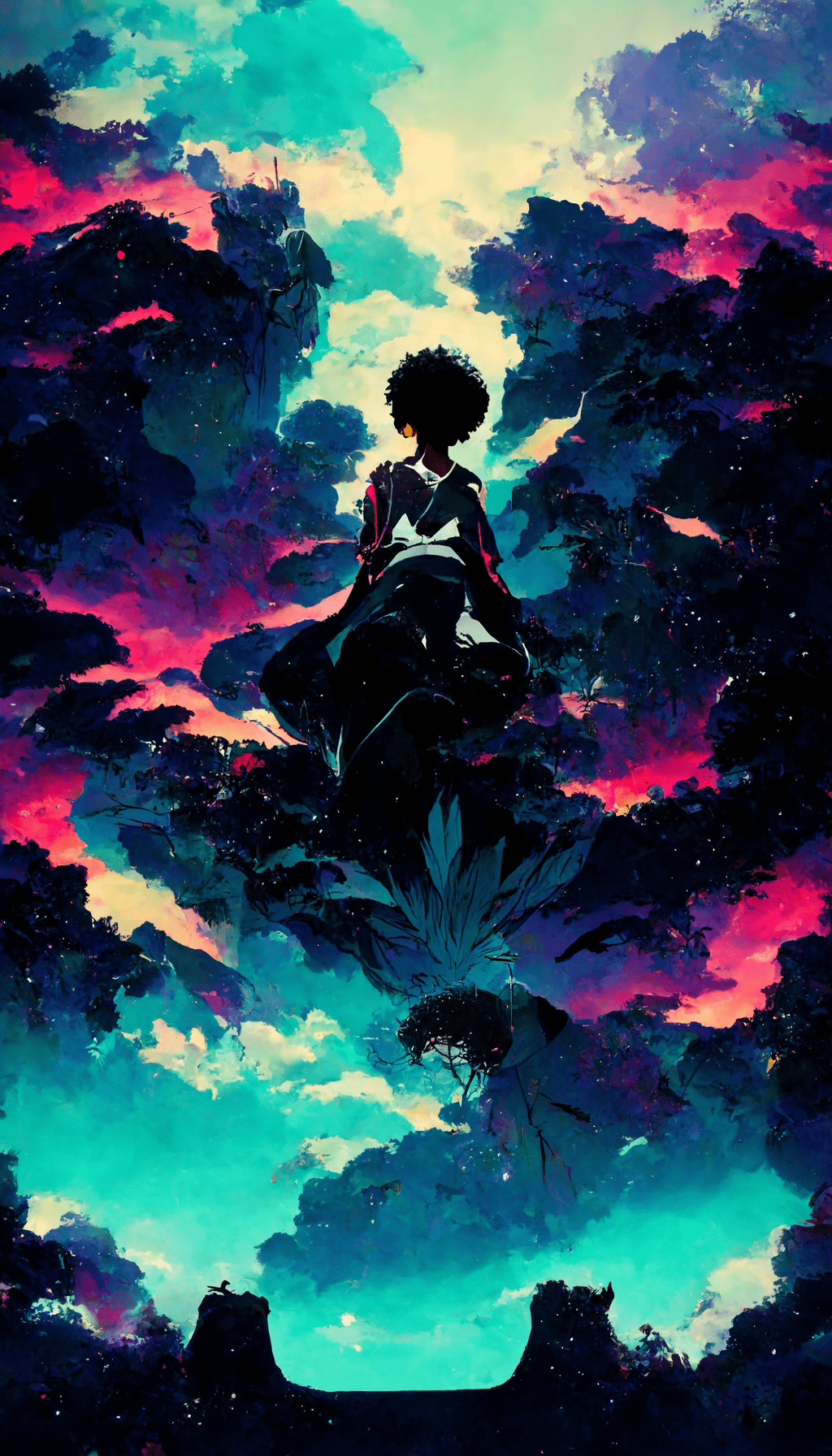
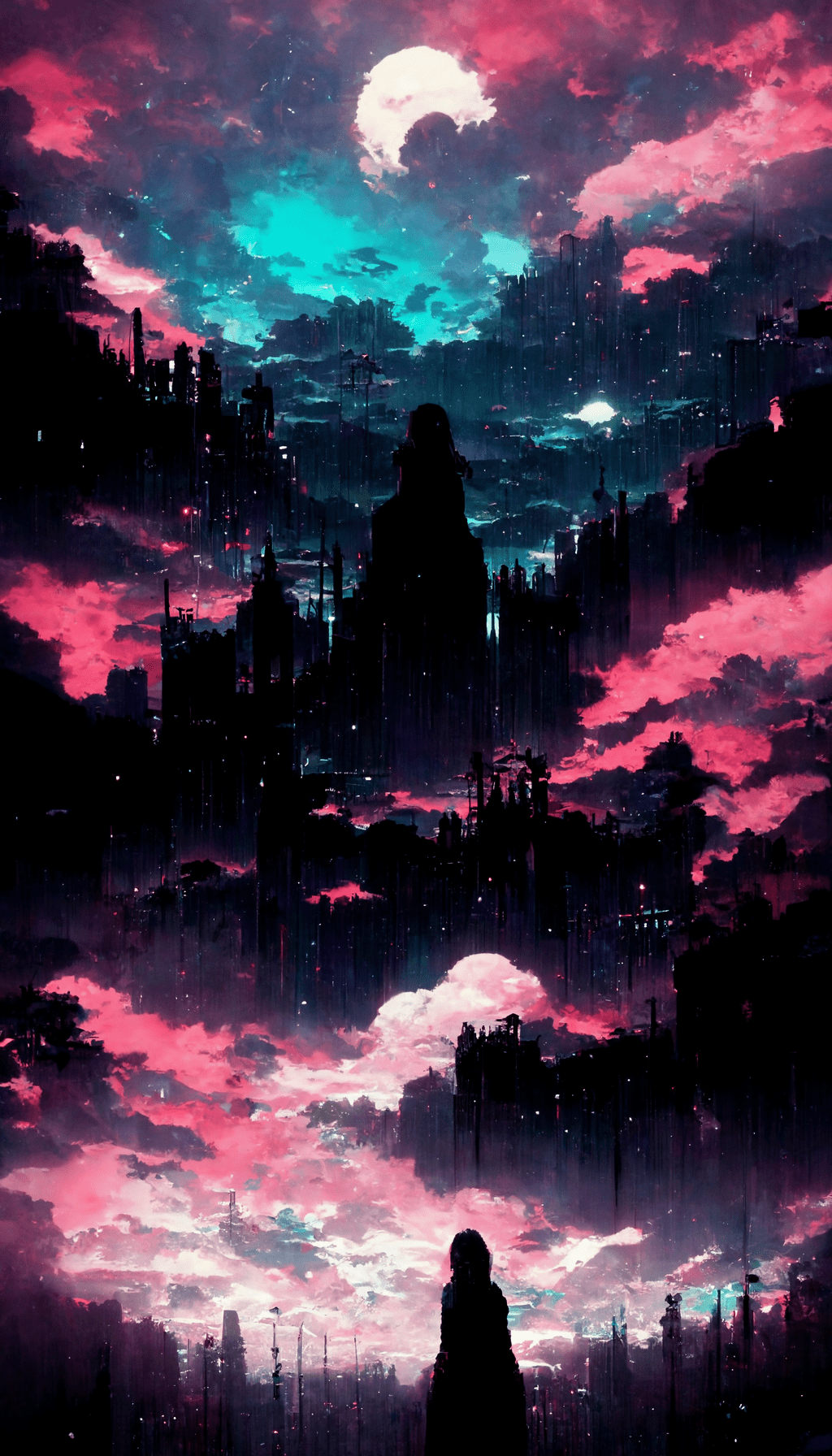
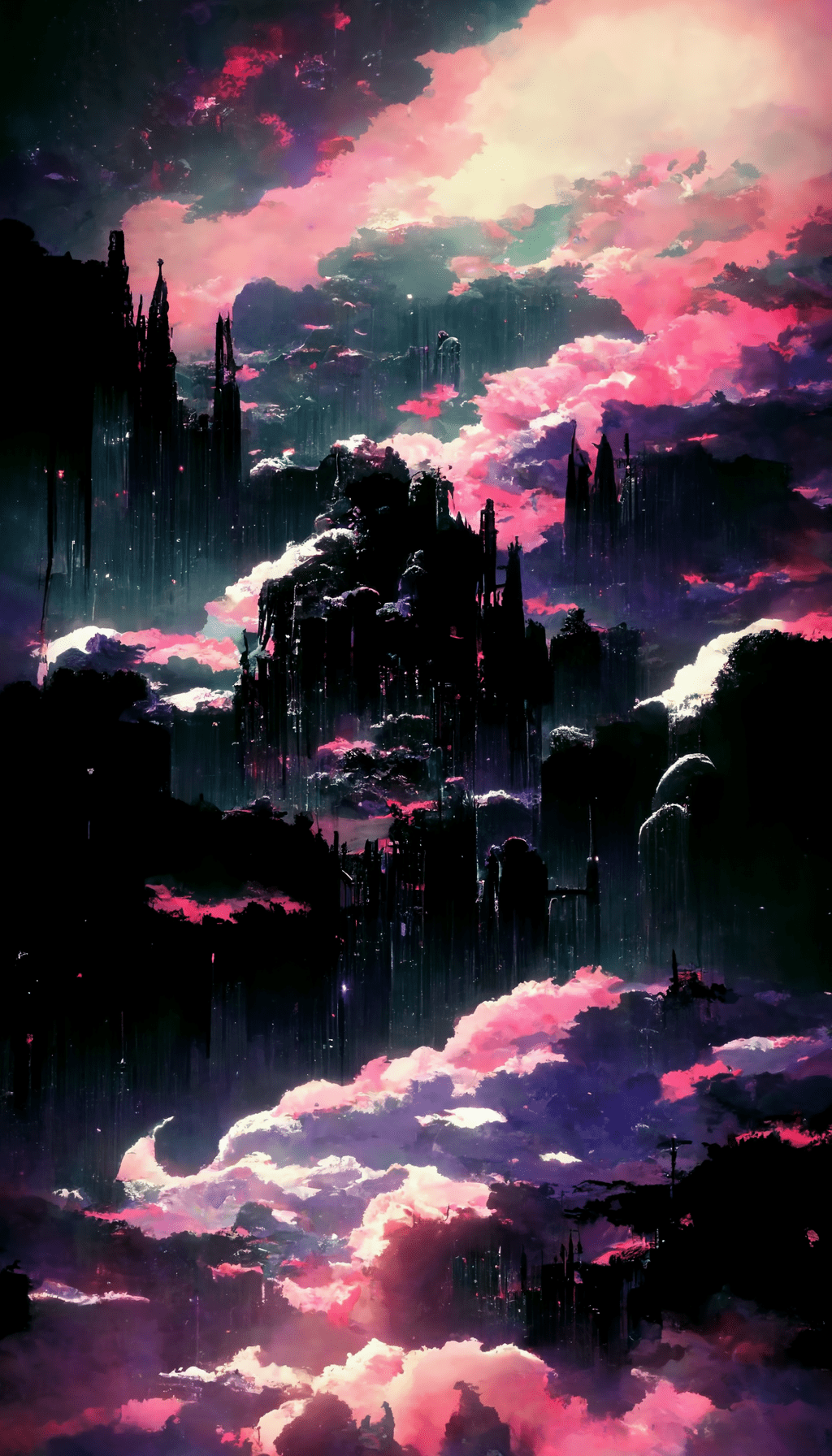
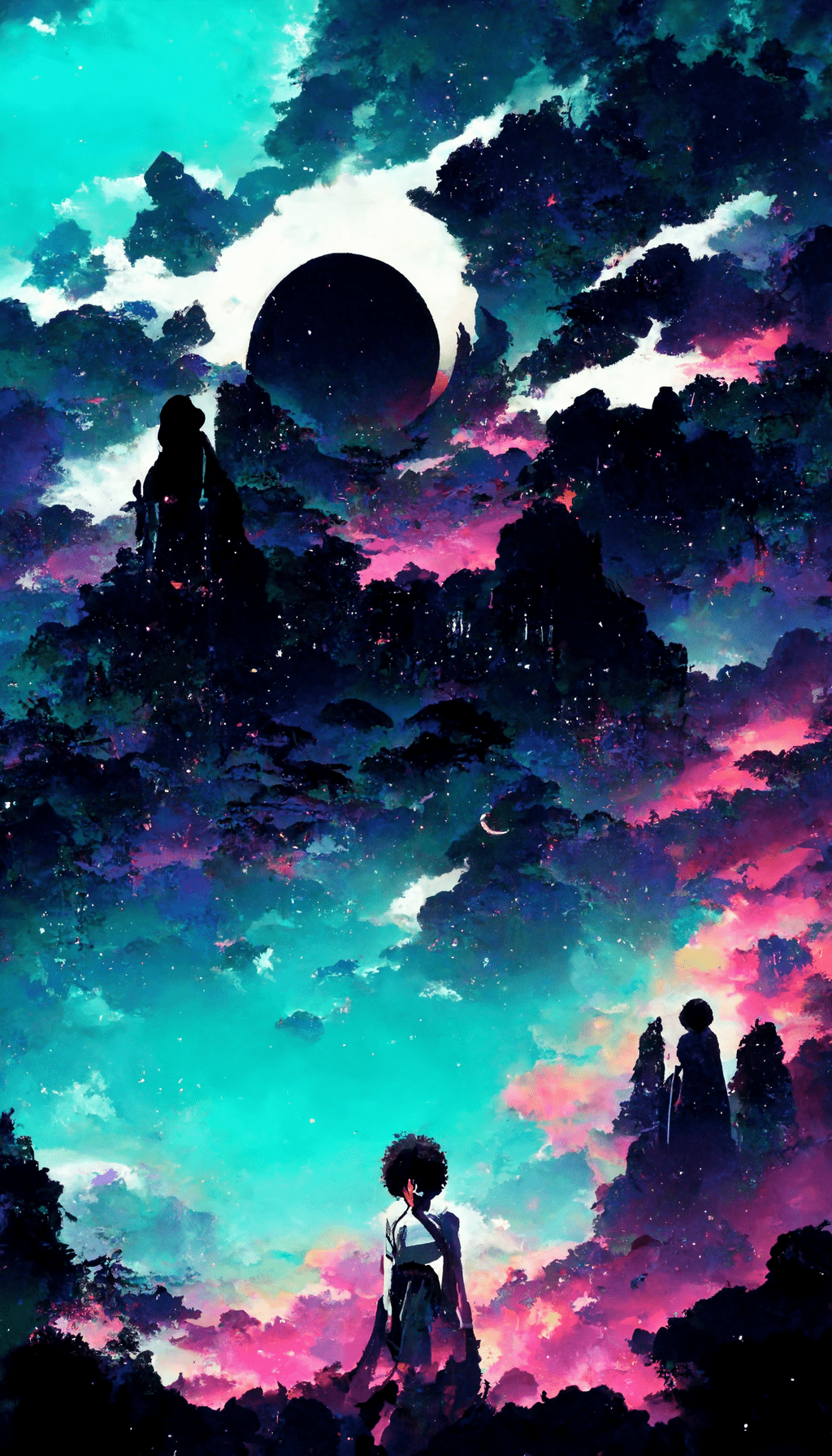

Choosing a wallpaper for your screen
Dark images with open areas around the center are usually easier to read behind app icons. More detailed anime scenes often work better on the lock screen. Preview the crop before applying the image so faces and focal details stay clear of the clock, widgets and screen edges.
Pick a style
- Dark or black: useful when you want app icons to remain easy to read.
- Red: a stronger, higher-contrast lock-screen look.
- Cherry blossom: a softer anime aesthetic with lighter visual details.
- Gaming-inspired: a busier style that usually works best on the lock screen.

