
Choose from 15 free vintage car wallpapers for iPhone and other portrait phone screens. The collection includes classic cars, retro scenes, muscle cars and sunset backgrounds. Each source image is 1024 × 1536, so a small amount of cropping may be needed depending on your phone.
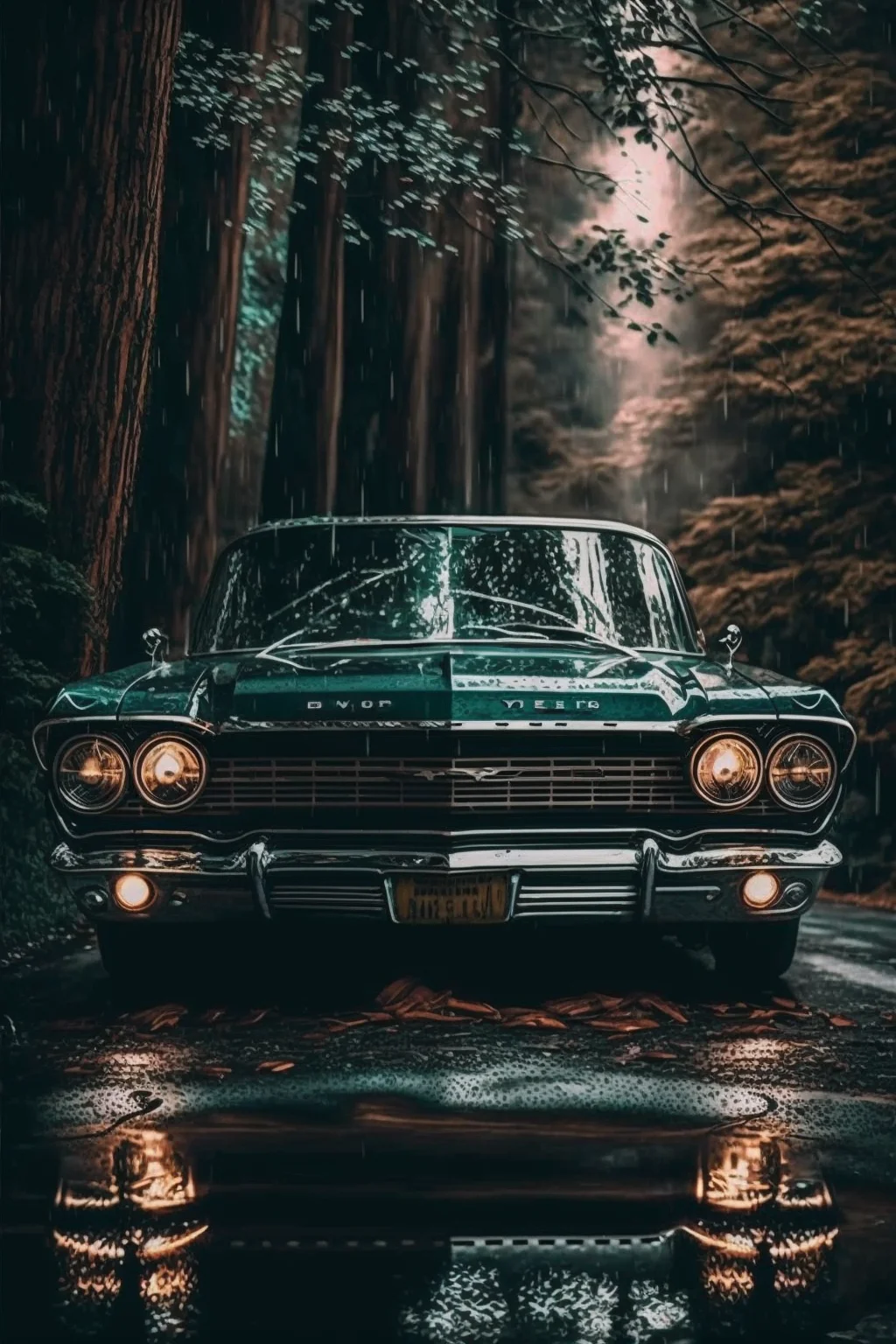
Run a 60-second crop test before you keep it
- Start with the Lock Screen. Set the crop without zooming in more than necessary. Check whether the roofline, windshield and hood still read as one car rather than three disconnected shapes.
- Look at the clock area. The top third should have enough quiet space and contrast for the time. If the clock lands across chrome, a bright sunset or a windshield highlight, reposition the image before rejecting it.
- Check the wheels and bumpers. Cars are unusually sensitive to edge crops. Cutting through half a wheel or shaving a few pixels from the bumper often looks accidental; either show the feature clearly or crop decisively tighter.
- Test your real Home Screen. Unlock the phone and check the icons you use every day. A dramatic car image can make a strong Lock Screen but become visual clutter behind four rows of apps.
Do the test at your normal screen brightness, not only with the display turned up. A dark vintage scene that looks rich at maximum brightness can lose the grille, tires and body shape in ordinary use.
How to save a vintage car wallpaper
- Open the image you like below.
- Save it to your phone.
- Set it as your Lock Screen or Home Screen and adjust the crop so the car stays clear of the clock and widgets.
For modern vehicles, see our car wallpapers for iPhone. For broader styles, browse the aesthetic wallpaper collection.
Choose by where the car sits in the frame
For the Lock Screen, a car positioned lower in the image usually works better because the clock needs room near the top. For the Home Screen, look for a calmer background or darker empty space so app icons and labels remain readable.
The source files are 1024 × 1536 pixels. They are suitable for normal phone wallpaper use, but they are not native 4K files. Preview the crop before applying one, especially on taller phones where the top and bottom may be trimmed differently.
Vintage car wallpaper collection
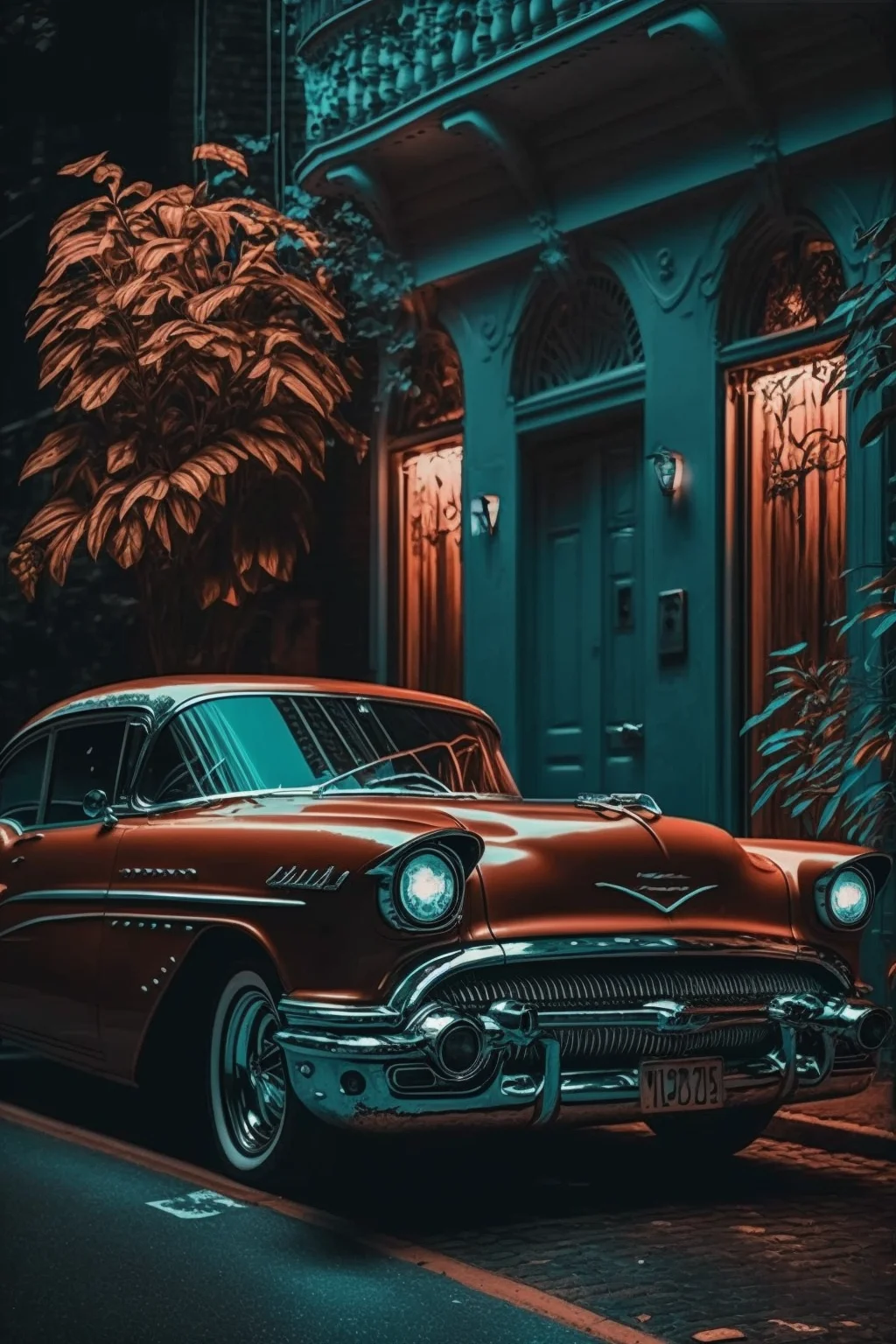
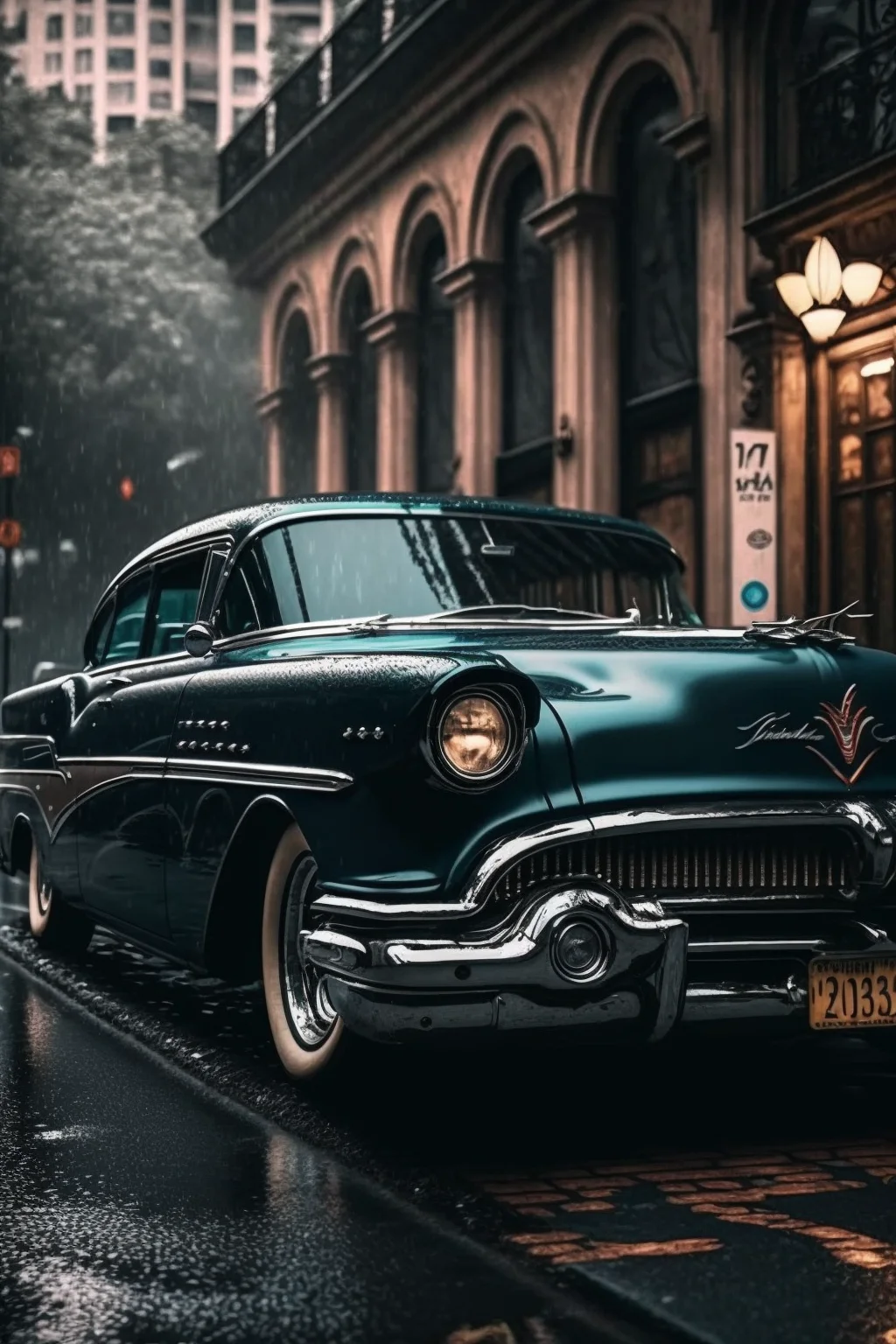
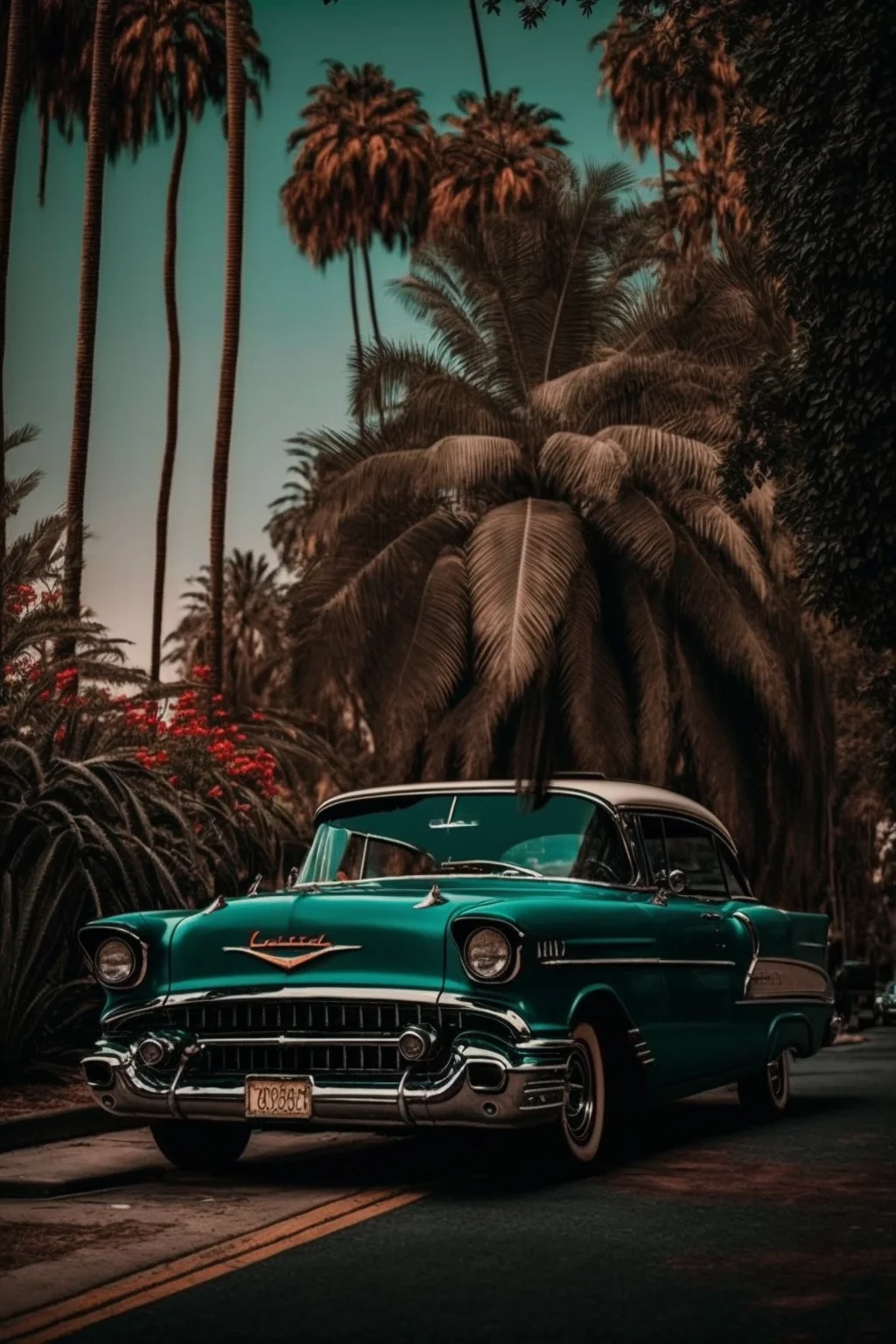
Classic-car group: use these first images when you want the vehicle itself to be the main subject. They are generally better for a Lock Screen than a crowded Home Screen; keep the clock clear of the windshield, roofline and hood when you position the crop.
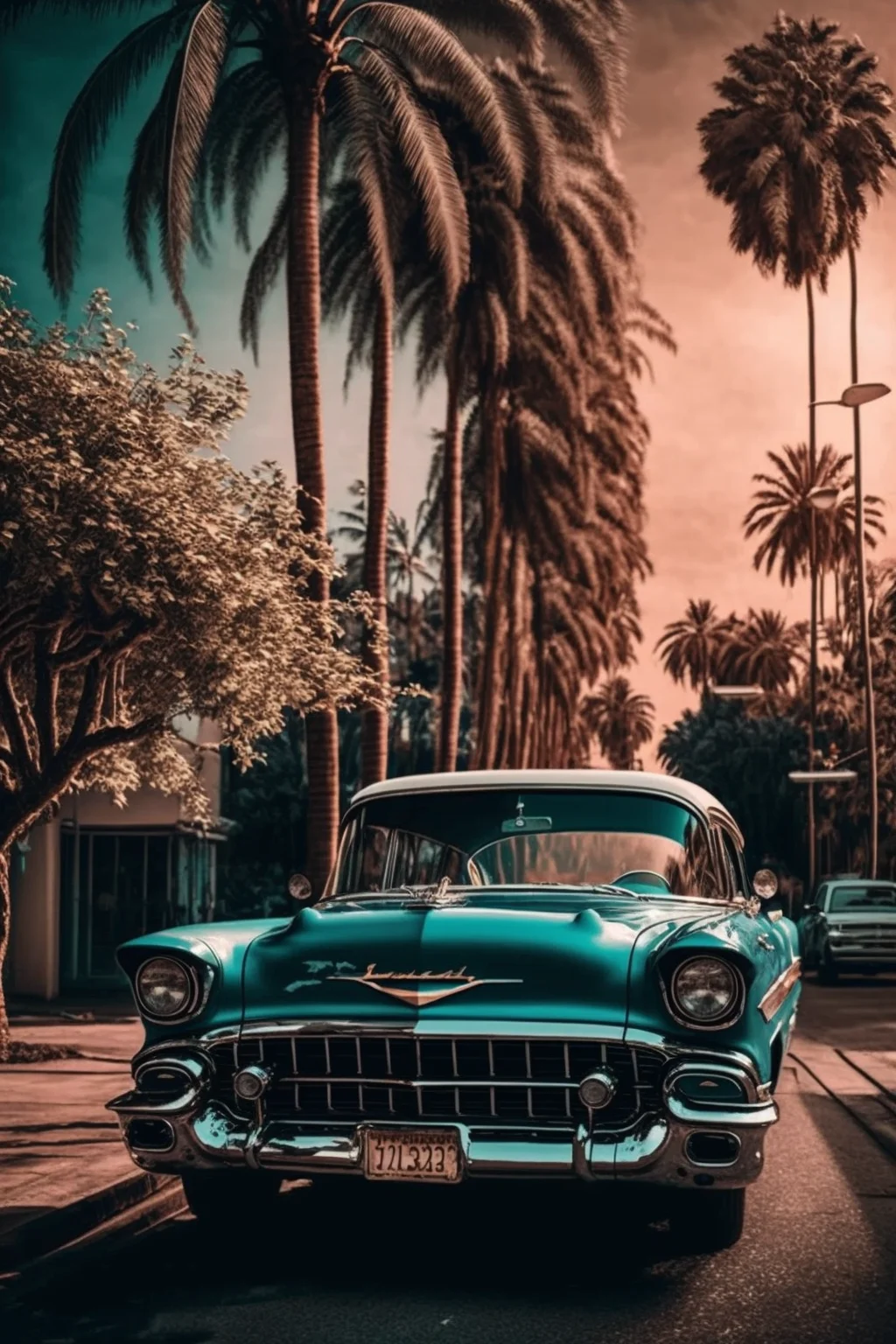
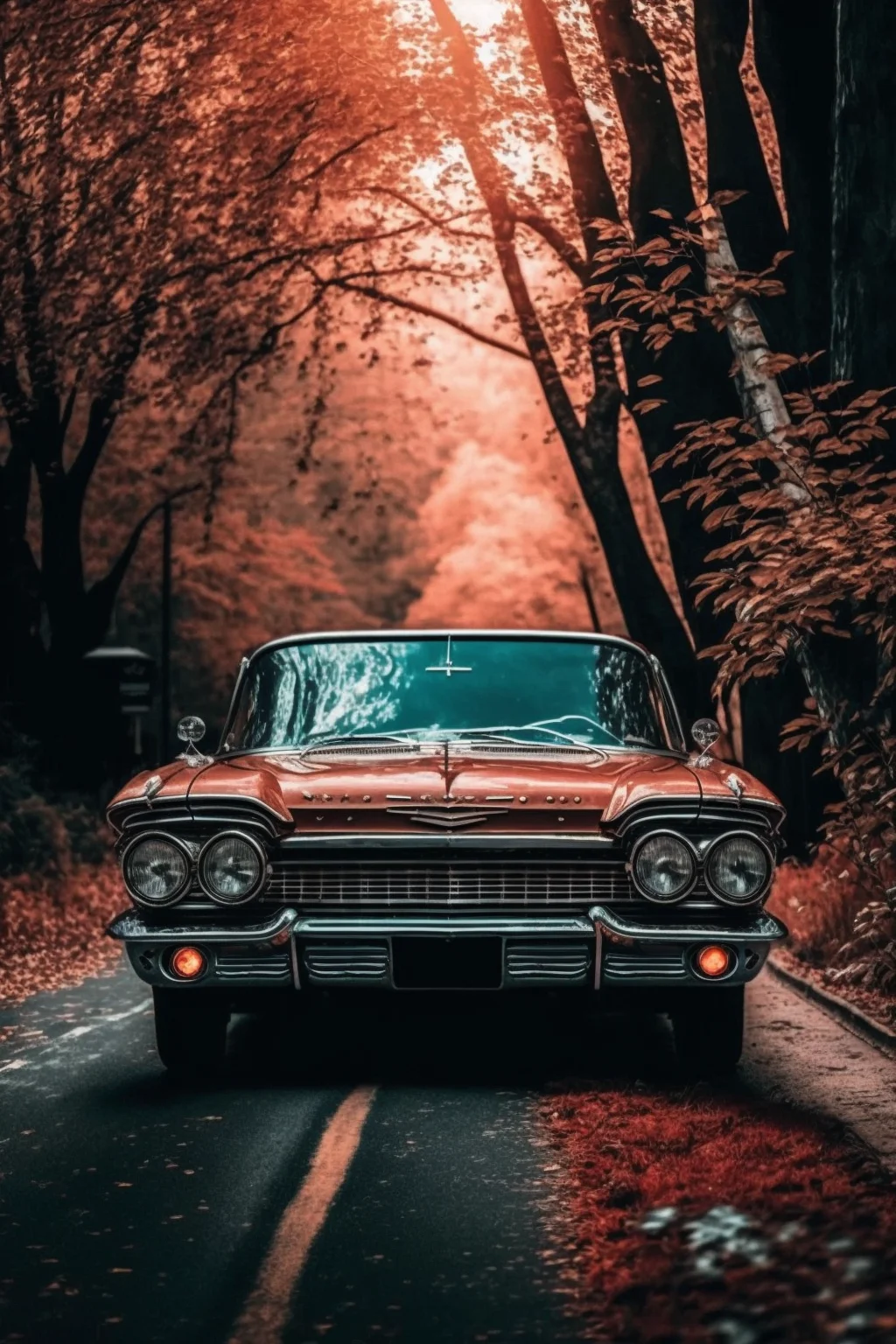
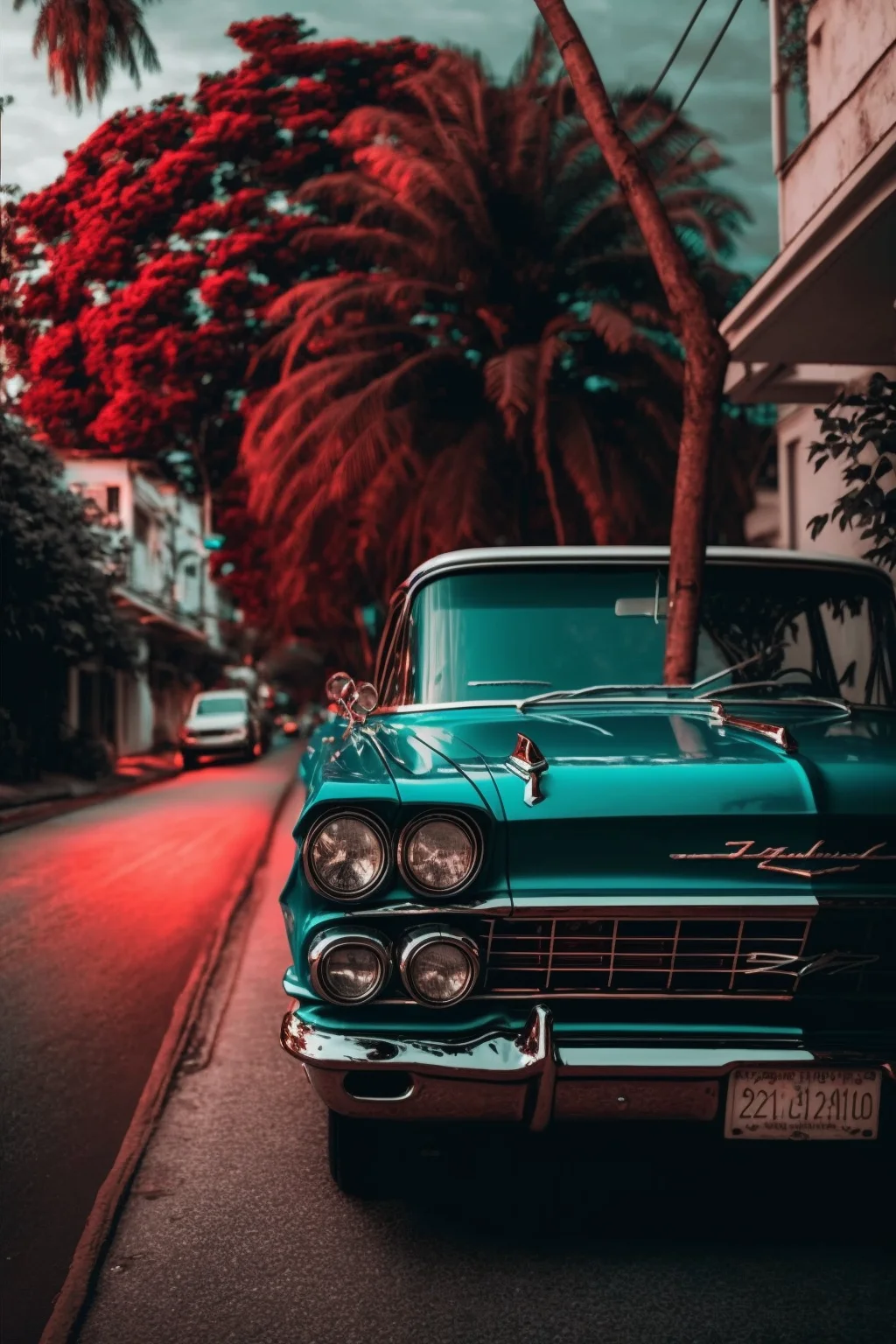
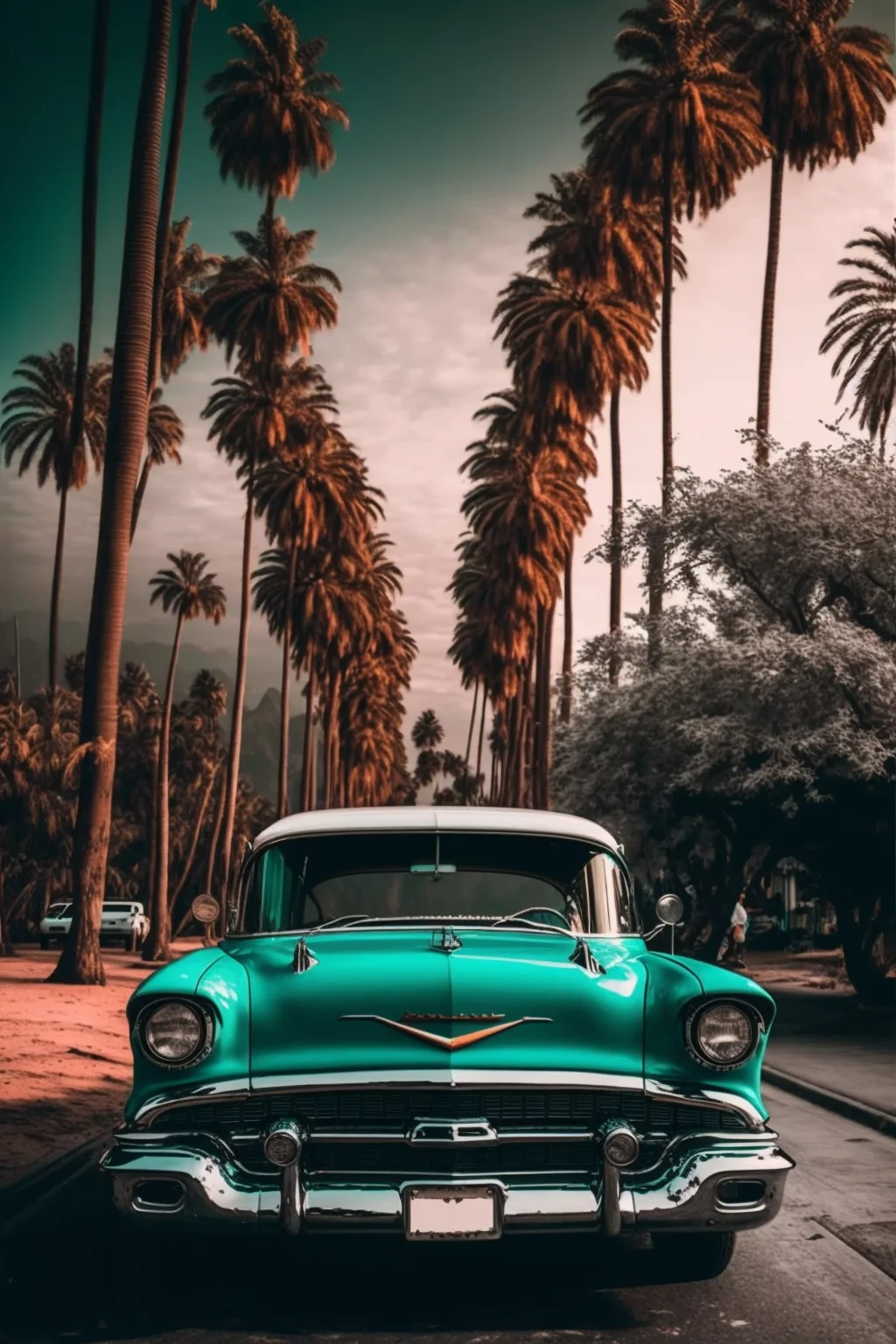
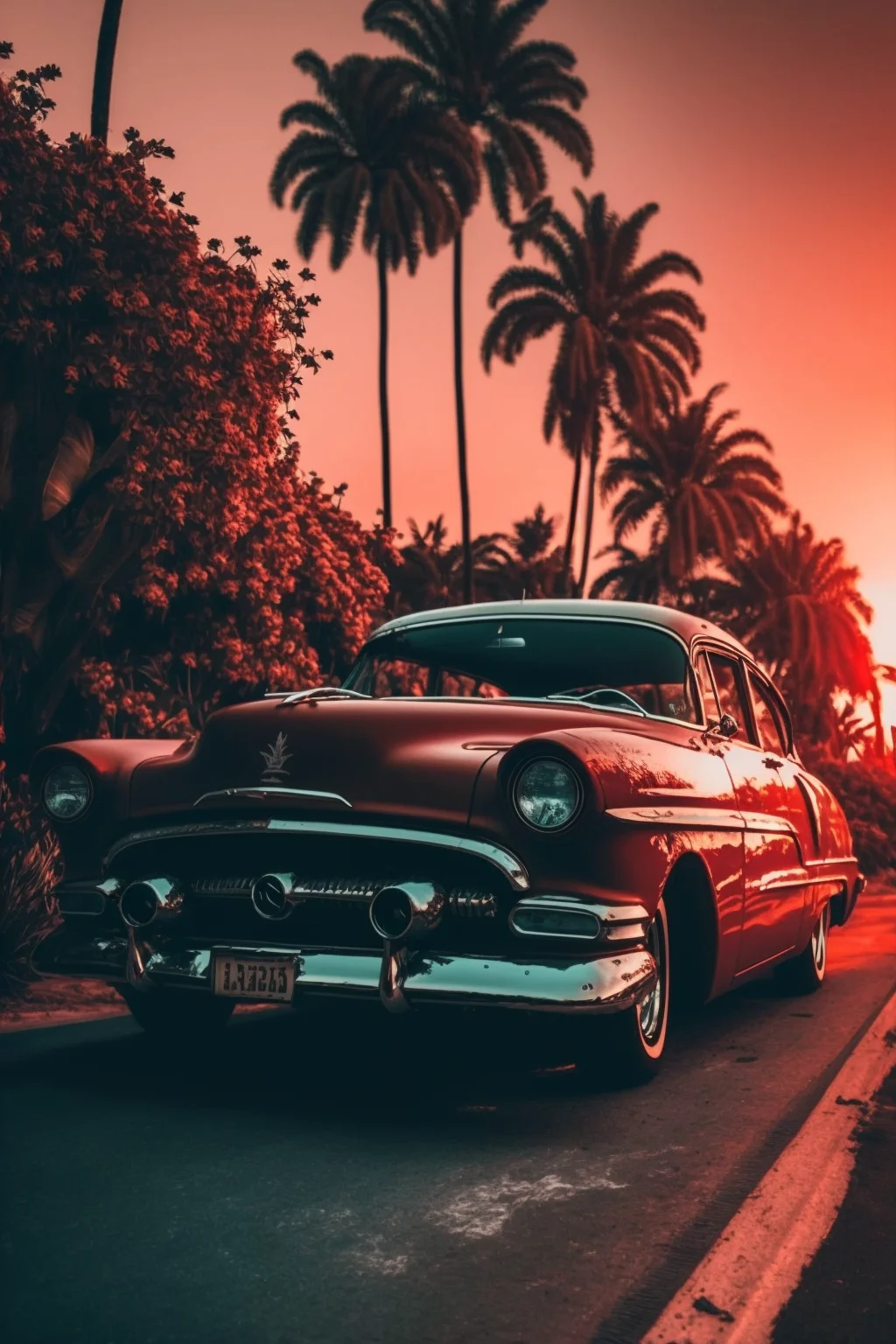
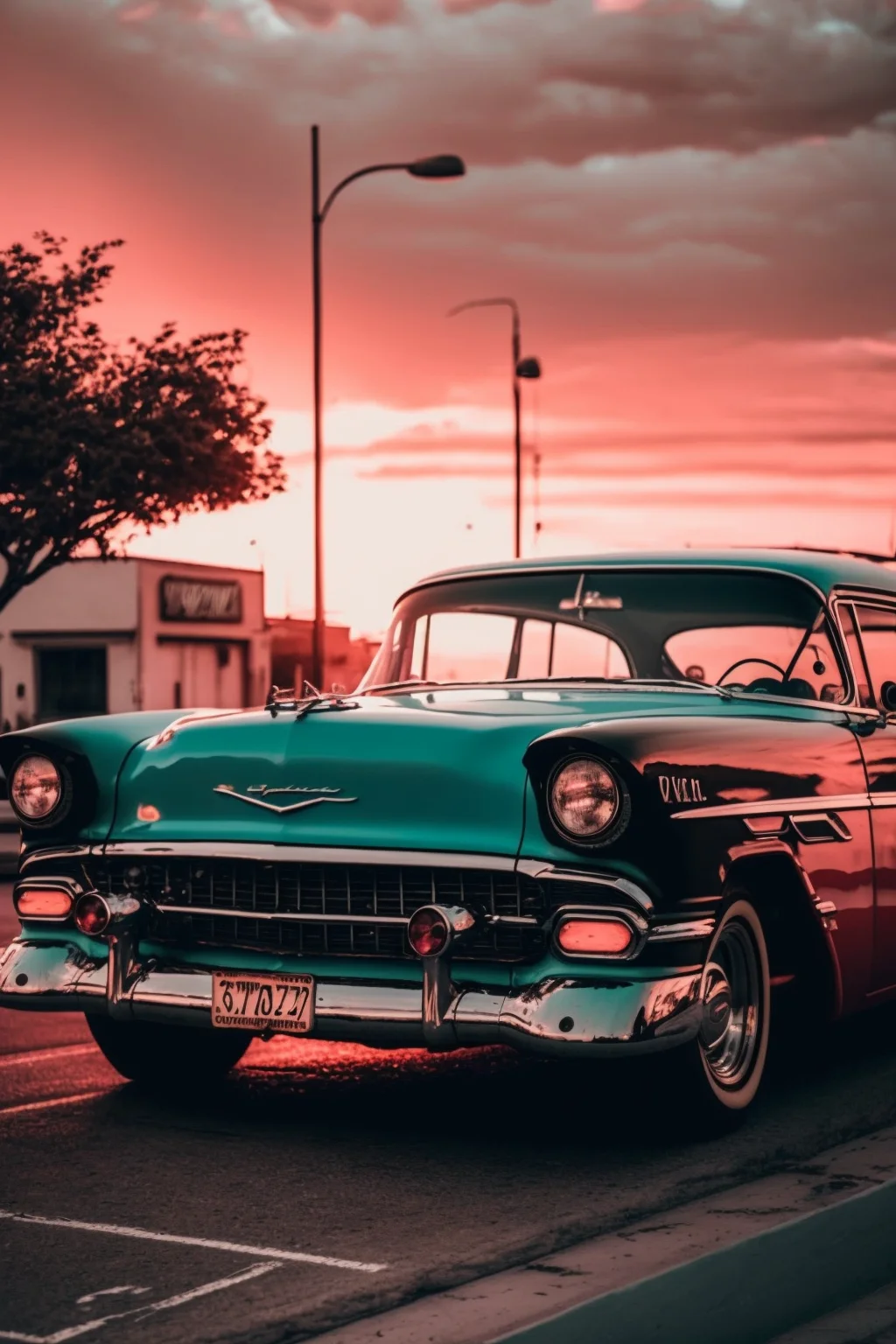
Sunset option: this style is useful when you want the wallpaper to feel warmer and less mechanical. Check the clock contrast before saving it permanently—a bright sky behind white clock text can look beautiful in the gallery but become harder to read on the actual phone.
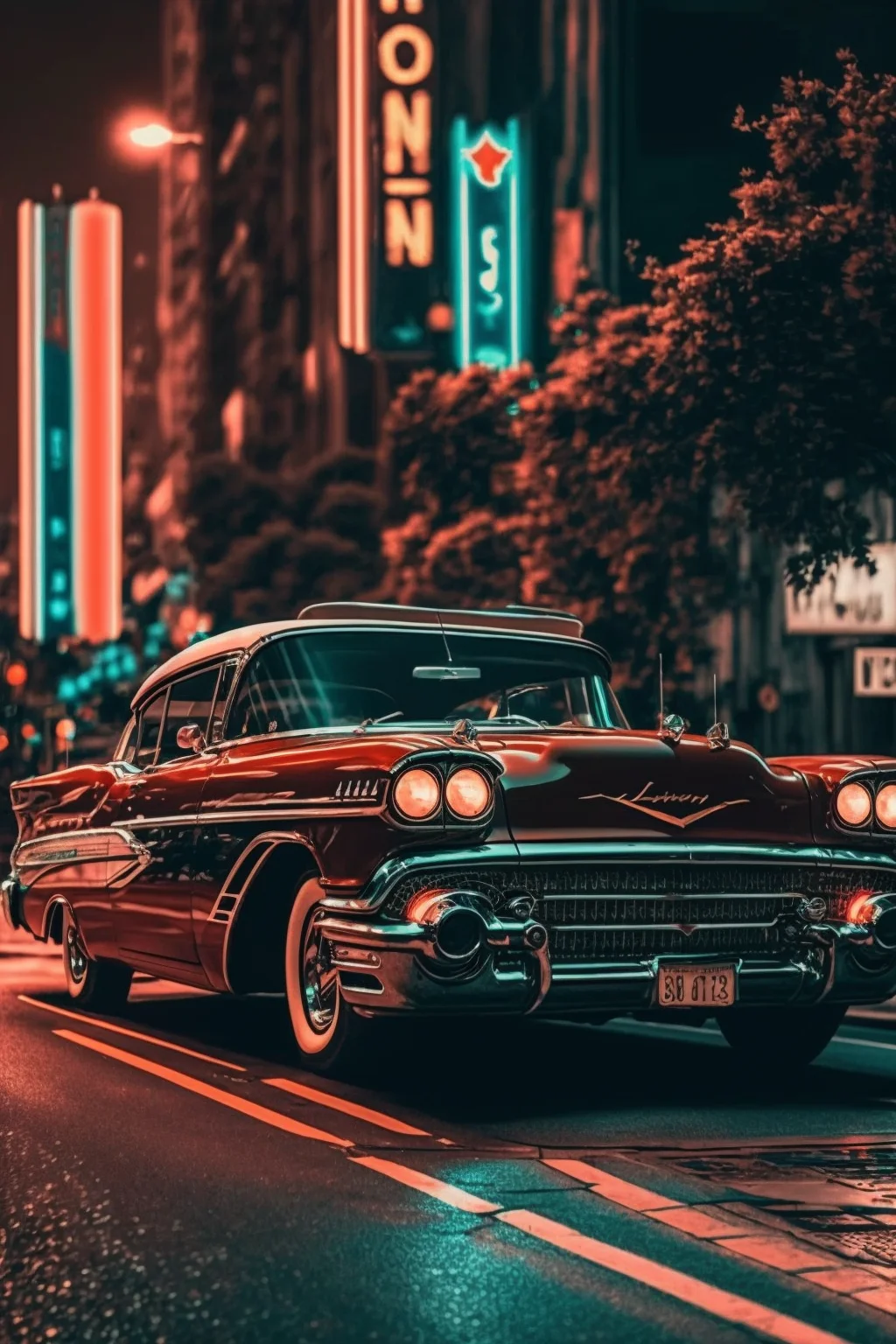
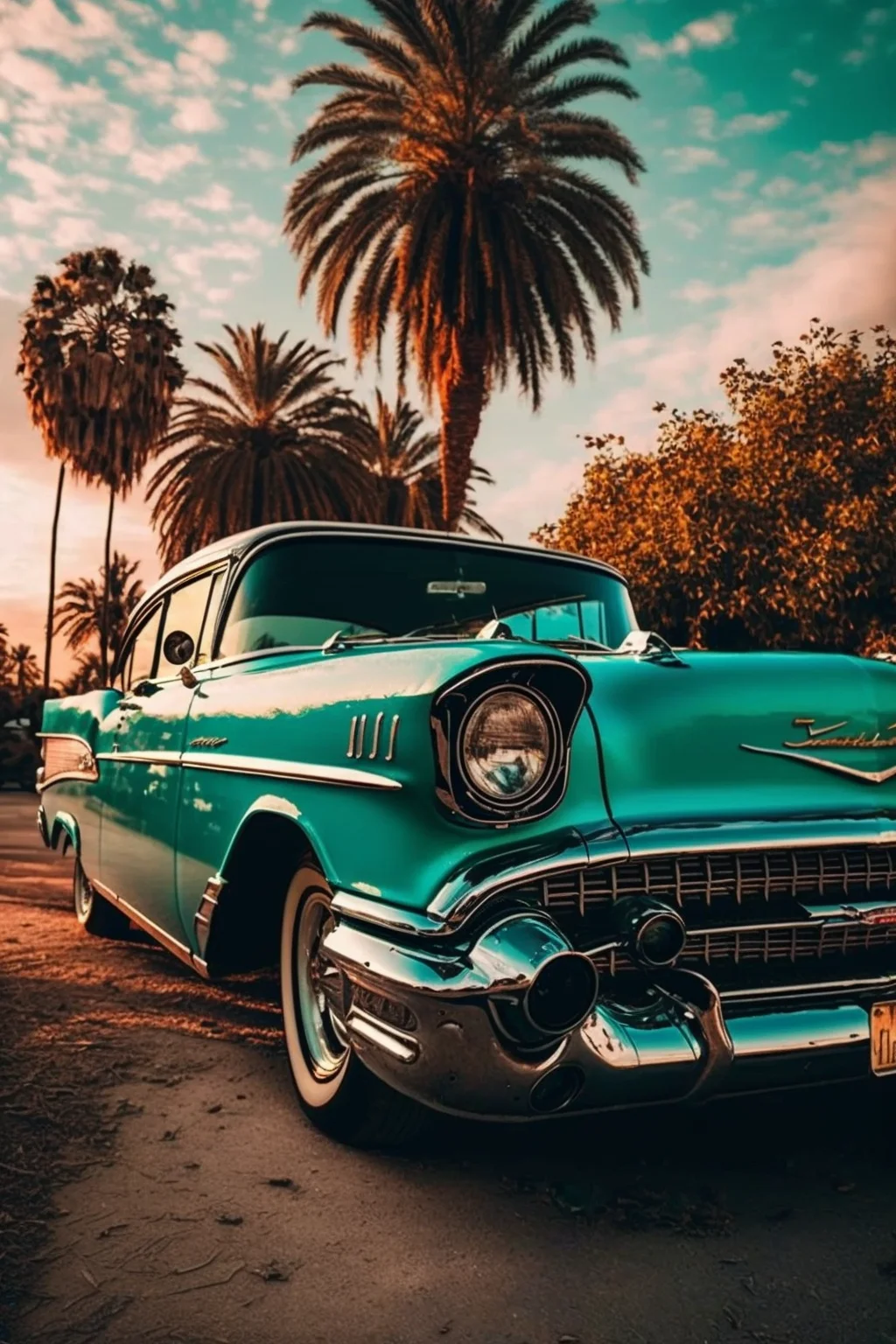
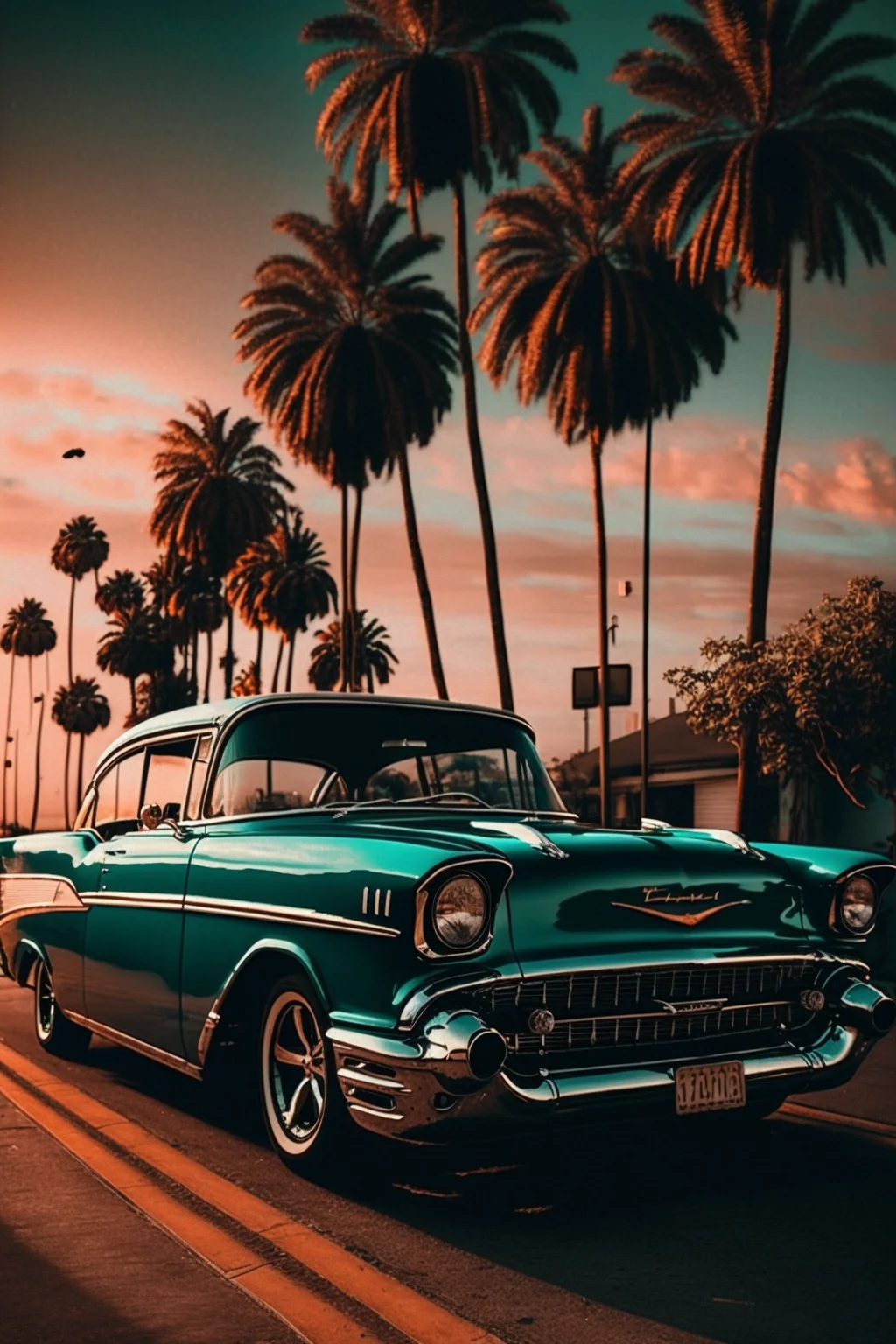
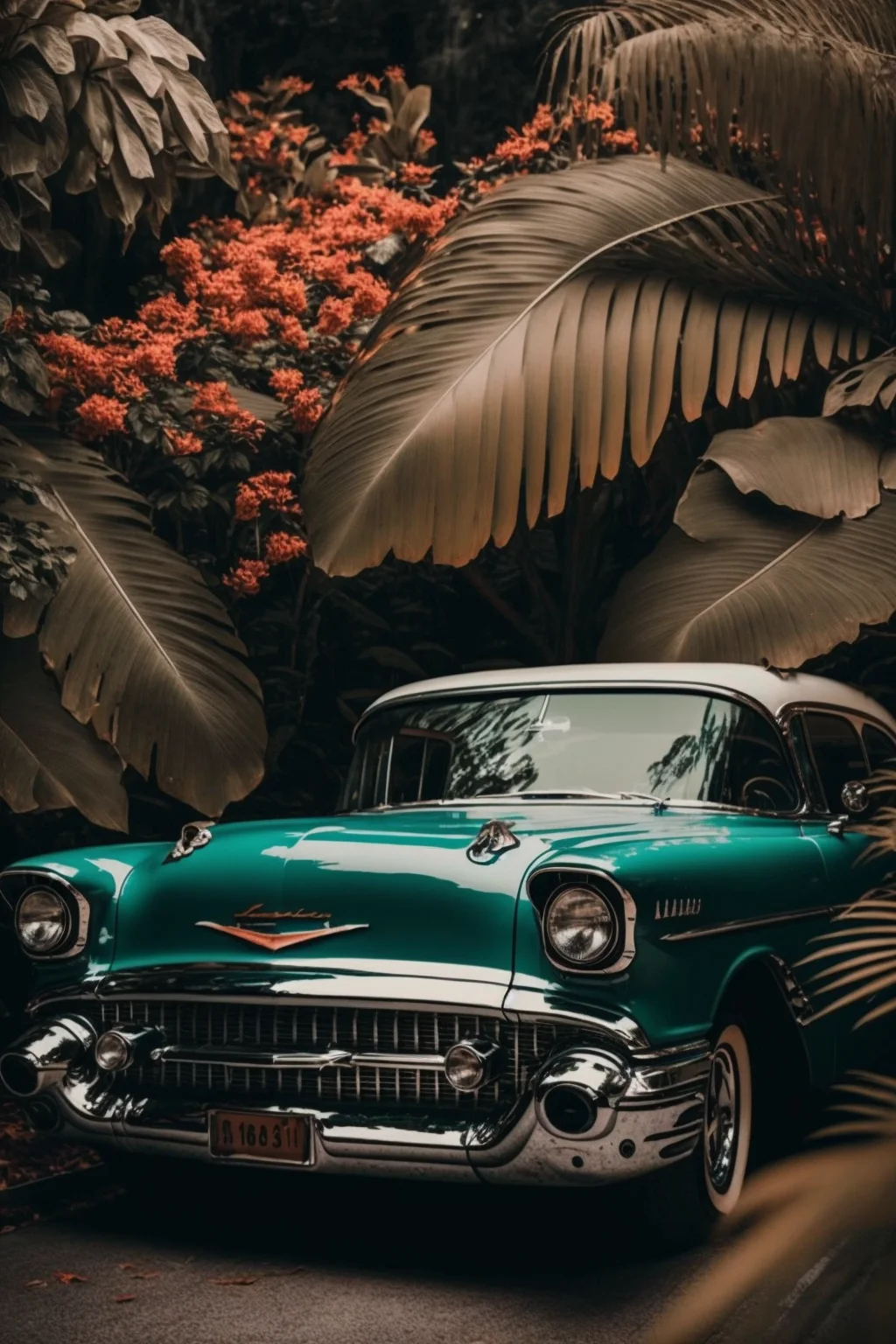
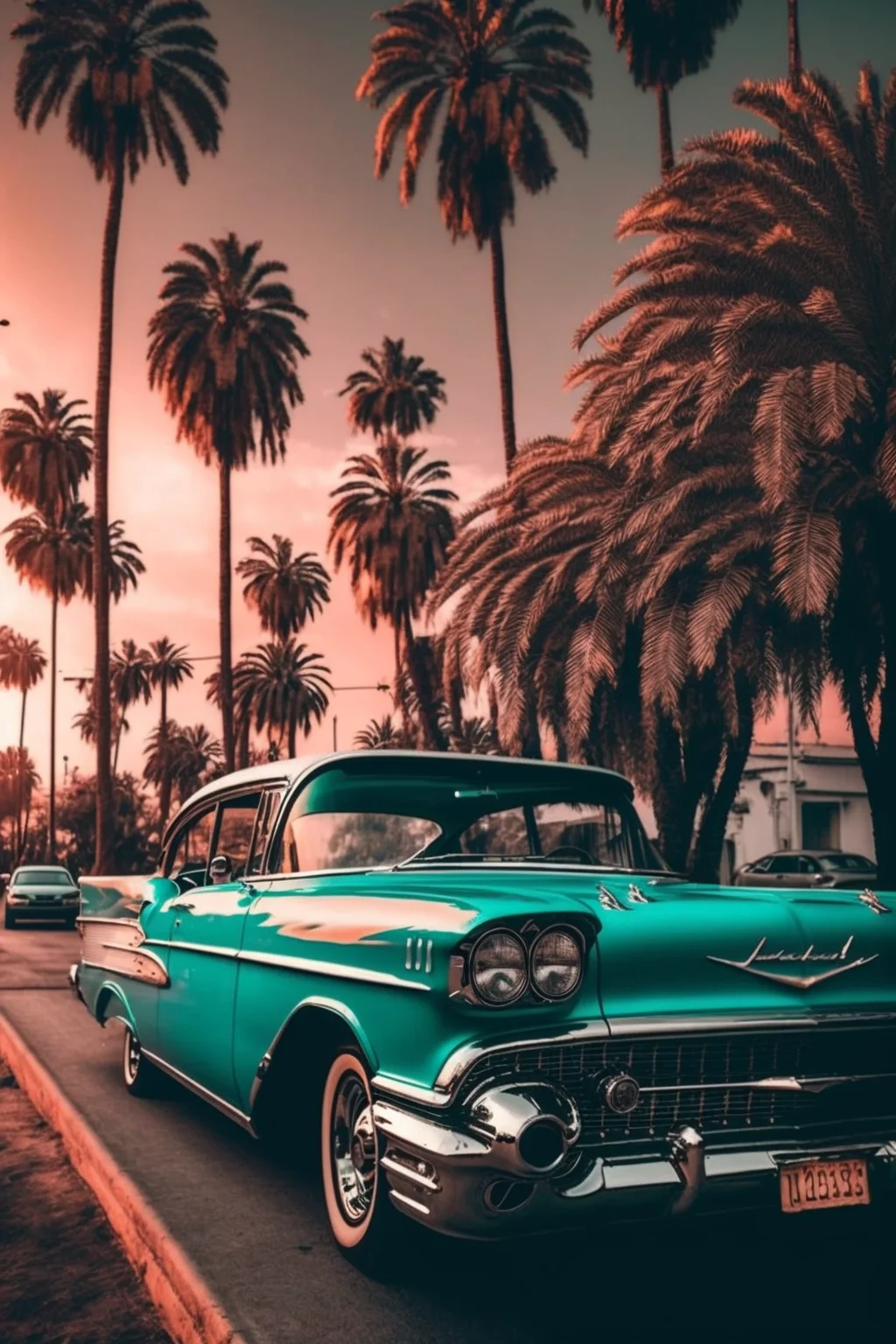
Matching Lock and Home Screens: use the more dramatic vintage-car image on the Lock Screen and one of the quieter aesthetic backgrounds on the Home Screen. Keeping both in a similar warm or muted palette makes the phone feel coordinated without sacrificing icon readability.
Which style works best?
- Classic: clean, timeless car photography or illustration.
- Retro: best for a warmer, nostalgic look.
- Muscle car: stronger shapes and a more dramatic Lock Screen.
- Sunset: softer background color with more atmosphere.
Fix the crop instead of switching wallpapers
| If the preview looks wrong | Try this | Why |
|---|---|---|
| The car feels cramped | Zoom out until there is visible space ahead of the hood and behind the trunk. | Cars read better when the frame suggests somewhere for them to move. |
| One wheel is awkwardly cut | Reposition to include the wheel, or crop deliberately into the body rather than clipping only the tire. | A tiny accidental crop is more distracting than a confident close-up. |
| The clock covers the roof | Move the car lower and keep the upper third quieter. | The silhouette stays recognizable while the interface gets its own space. |
| Icons disappear over chrome or headlights | Use that image on the Lock Screen and choose a calmer wallpaper for Home. | Bright highlights create uneven icon contrast. |
| The image looks soft after zooming | Return closer to the original 1024 × 1536 framing. | Heavy digital zoom throws away the limited crop latitude of these files. |
A quick way to choose between three favorites
Save three candidates and preview each for ten seconds with the same clock style. Give one point for a complete, readable car silhouette, one for clear clock contrast, and one for a crop that does not sacrifice a wheel, bumper or roofline. Then test the winner behind your actual Home Screen icons. If it fails there, keep it as the Lock Screen rather than forcing one image to do both jobs.
This collection is specifically for the nostalgic look of older cars. If what you really want is contemporary supercars or modern automotive photography, use the modern car wallpaper collection instead; that keeps the two galleries useful for different searches rather than mixing them together.

