
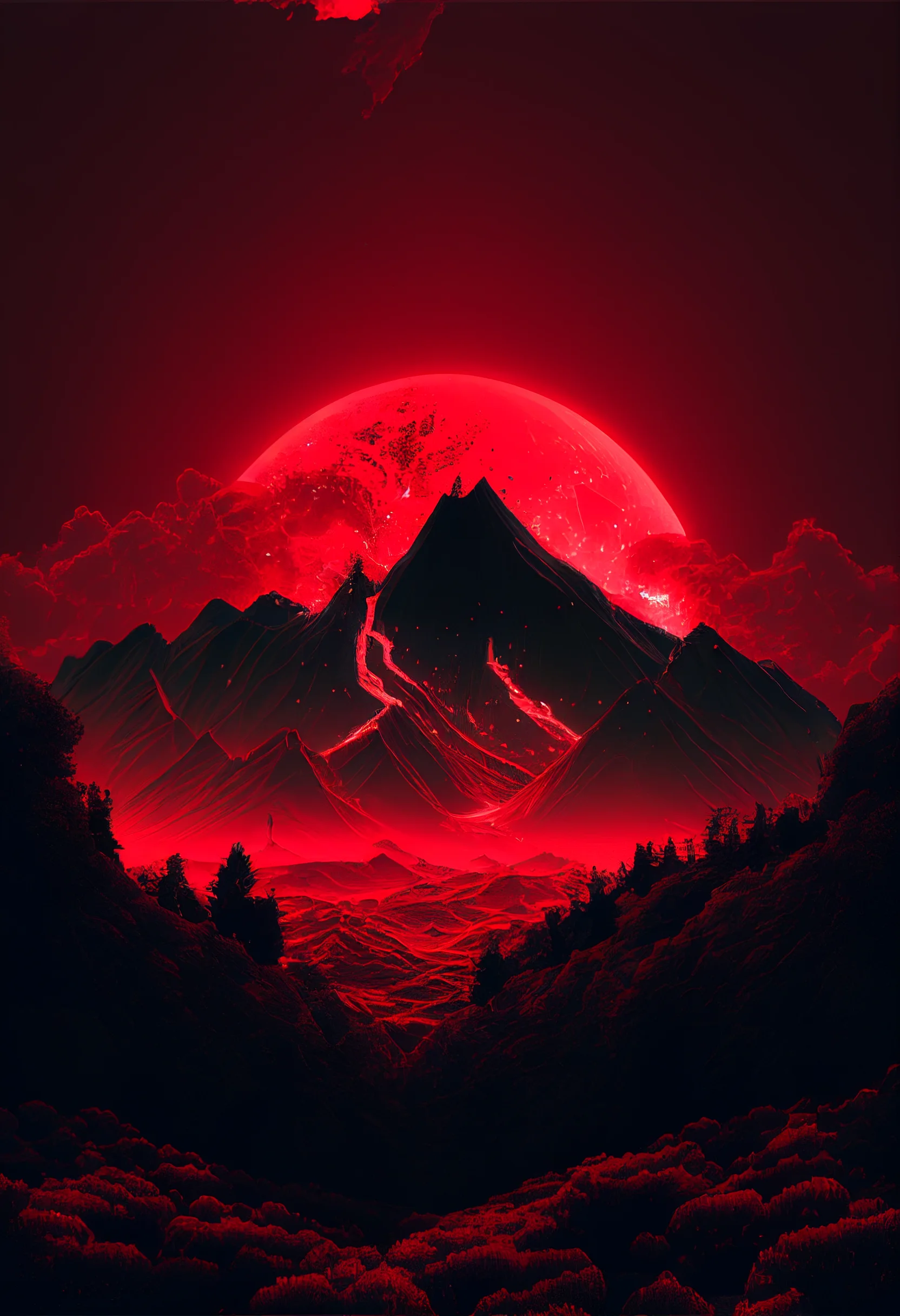
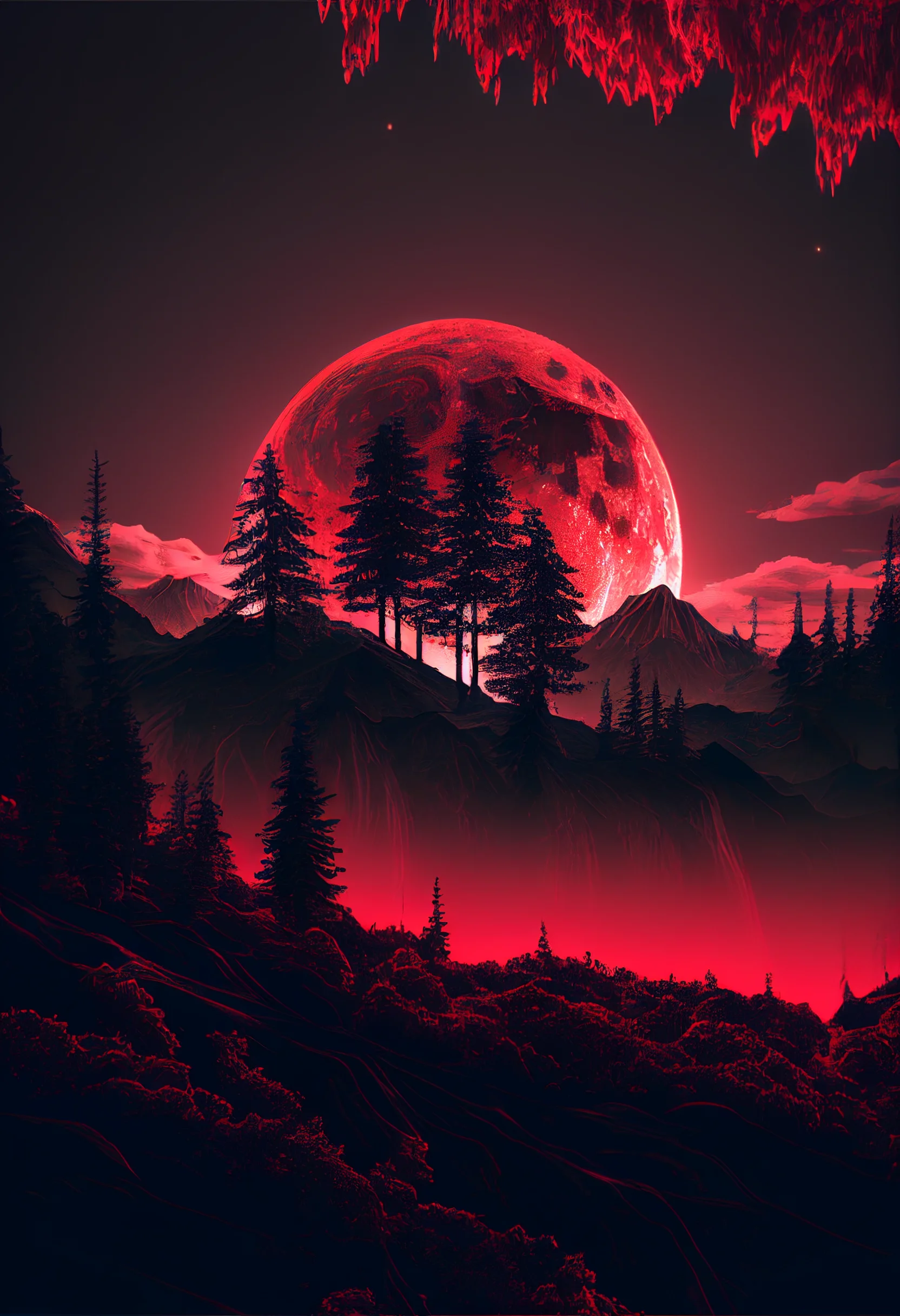
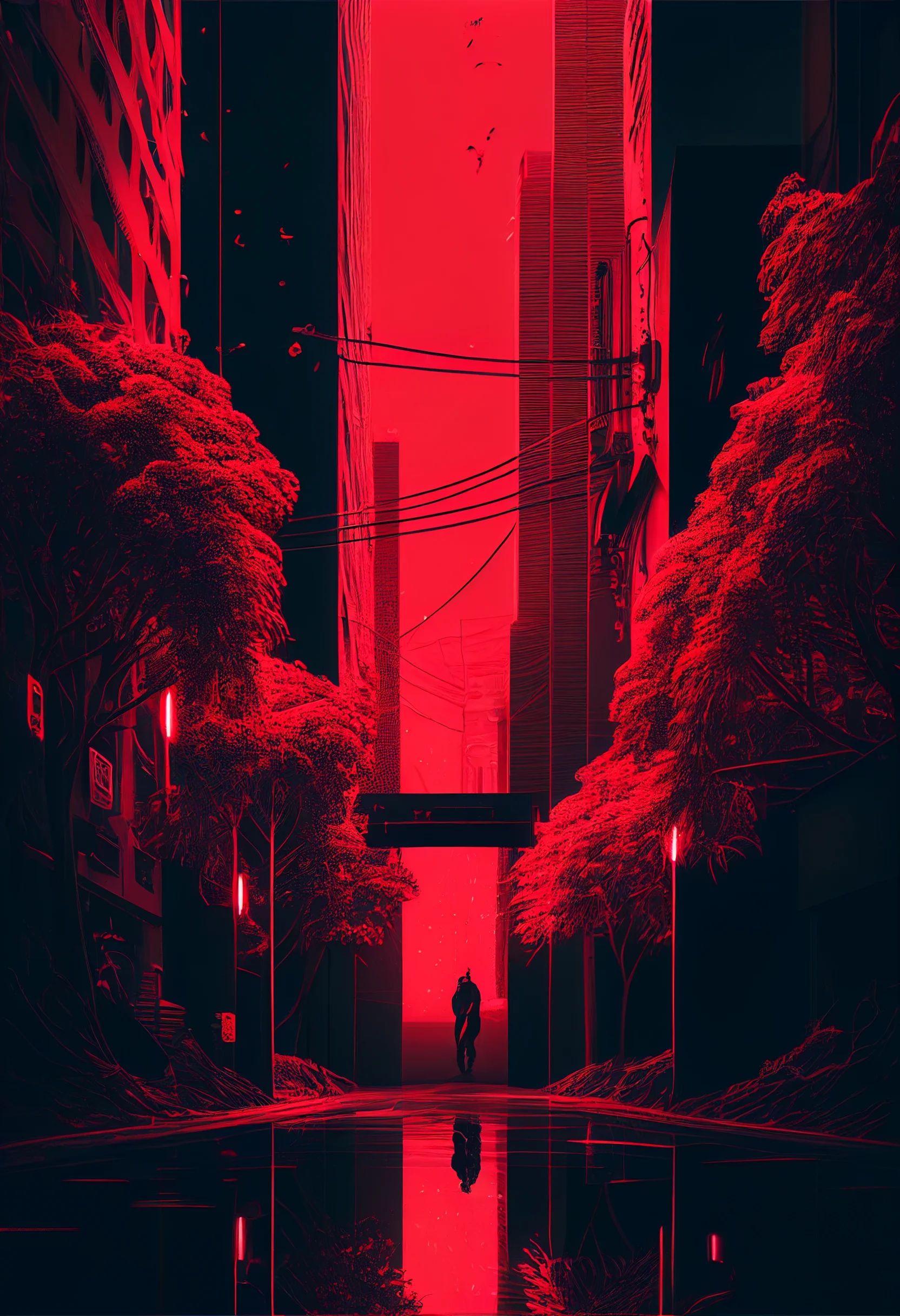
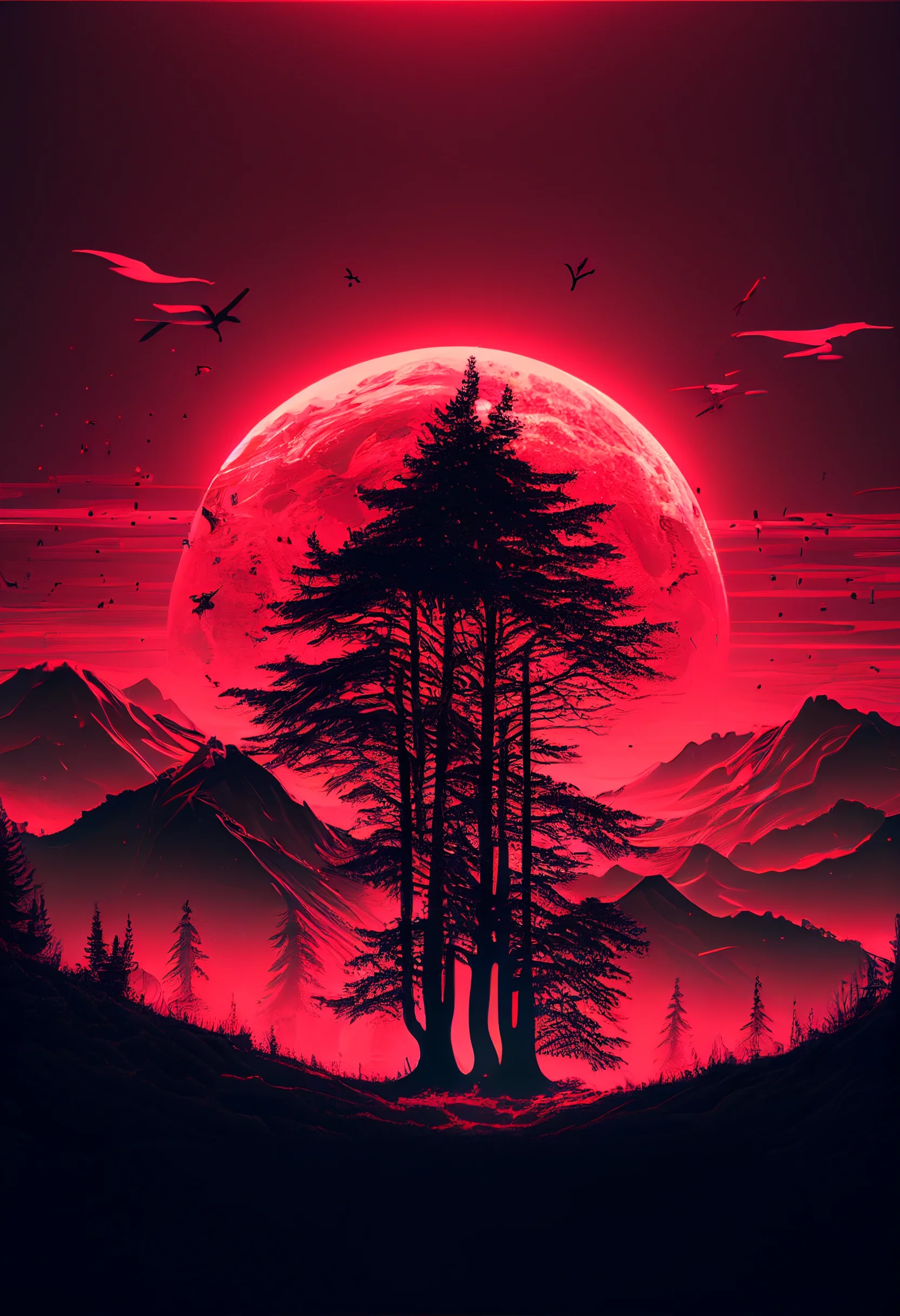
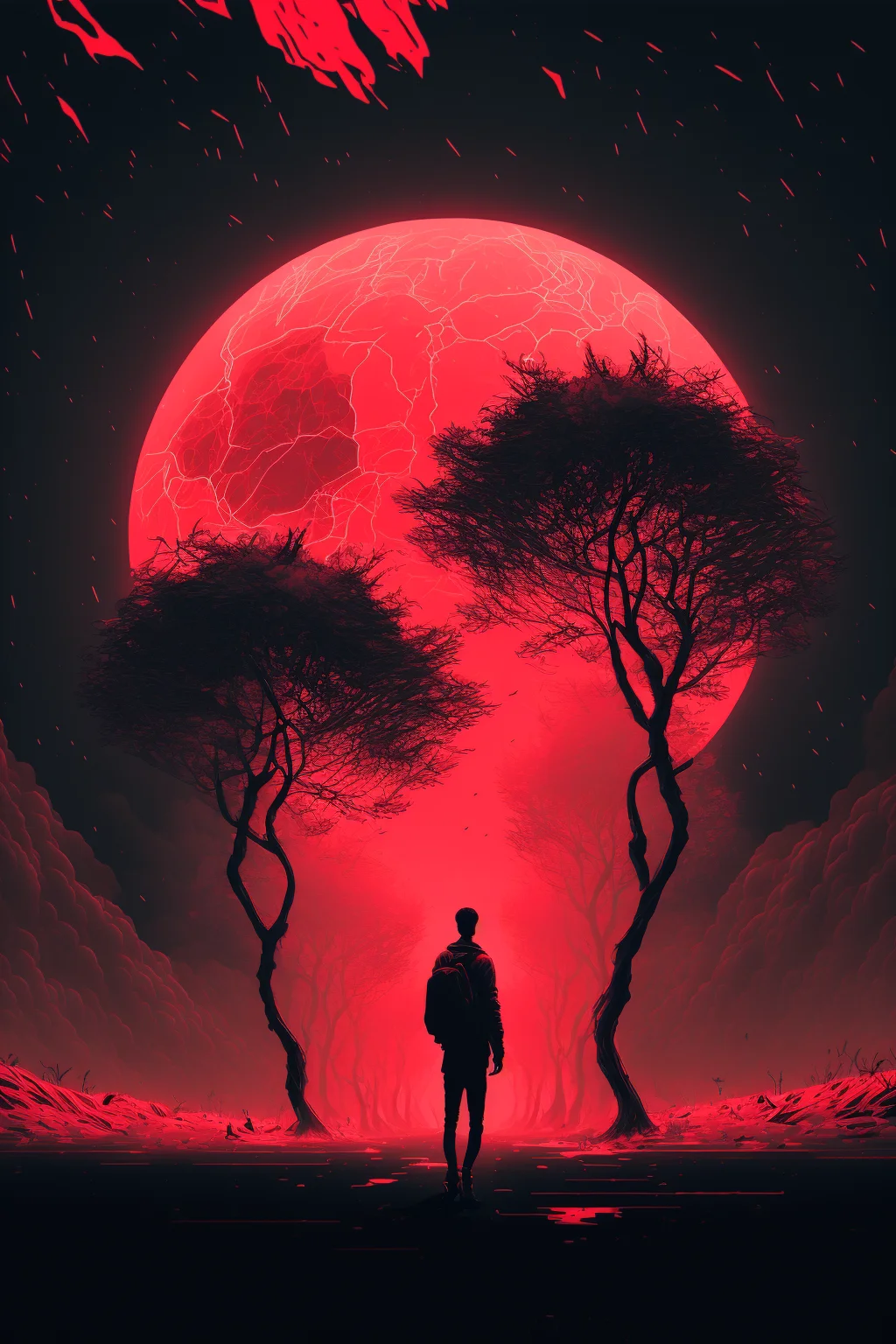
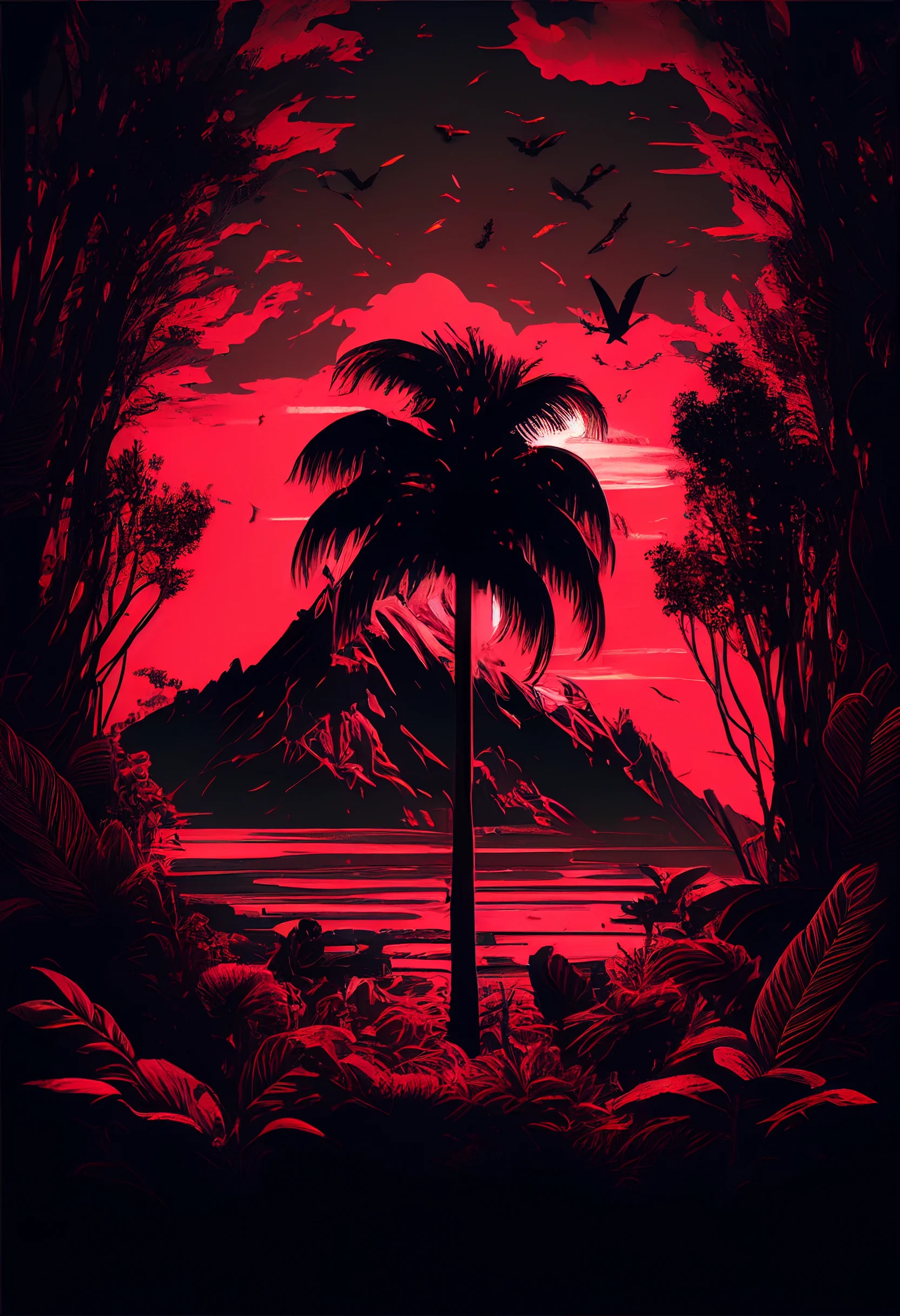
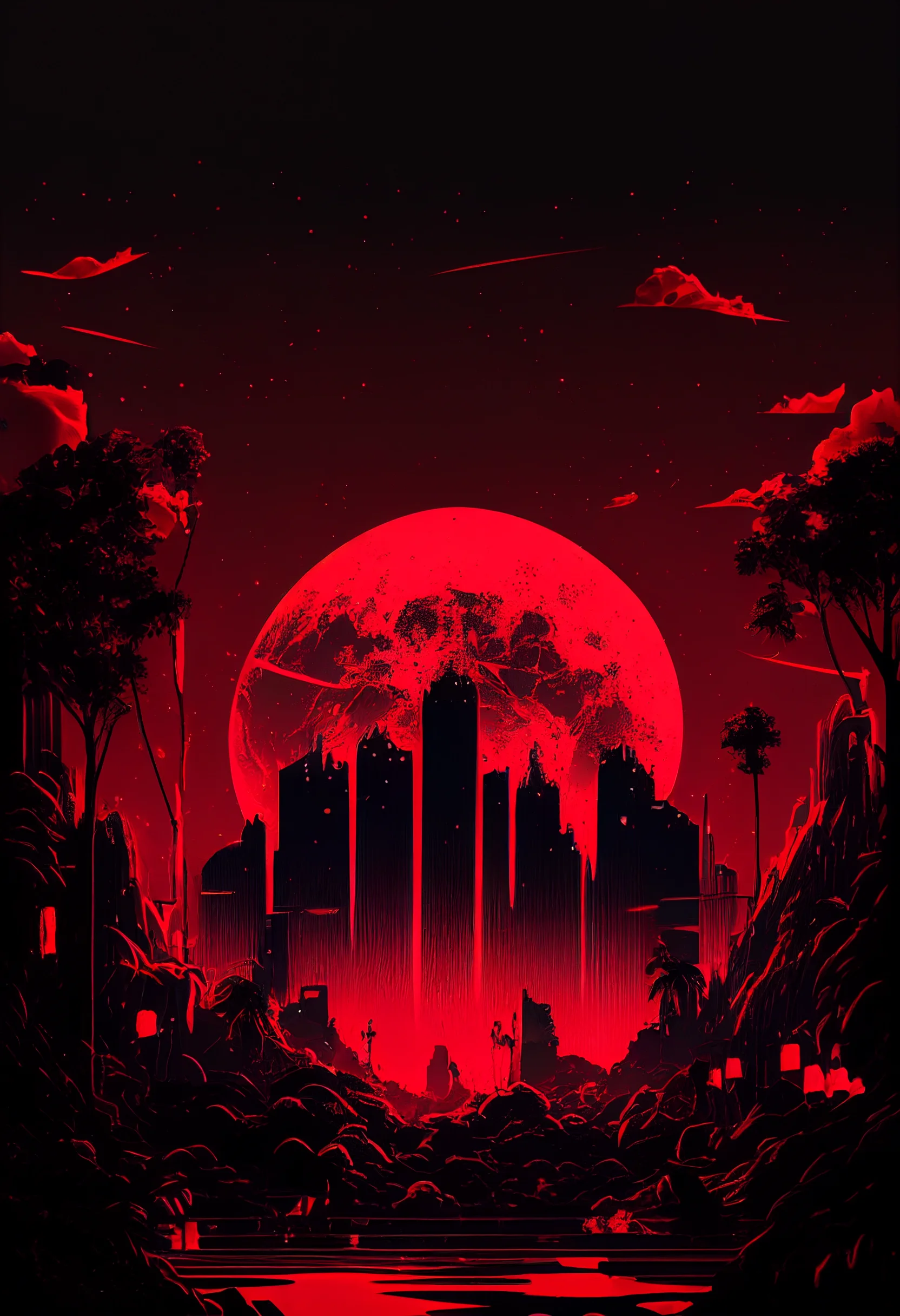
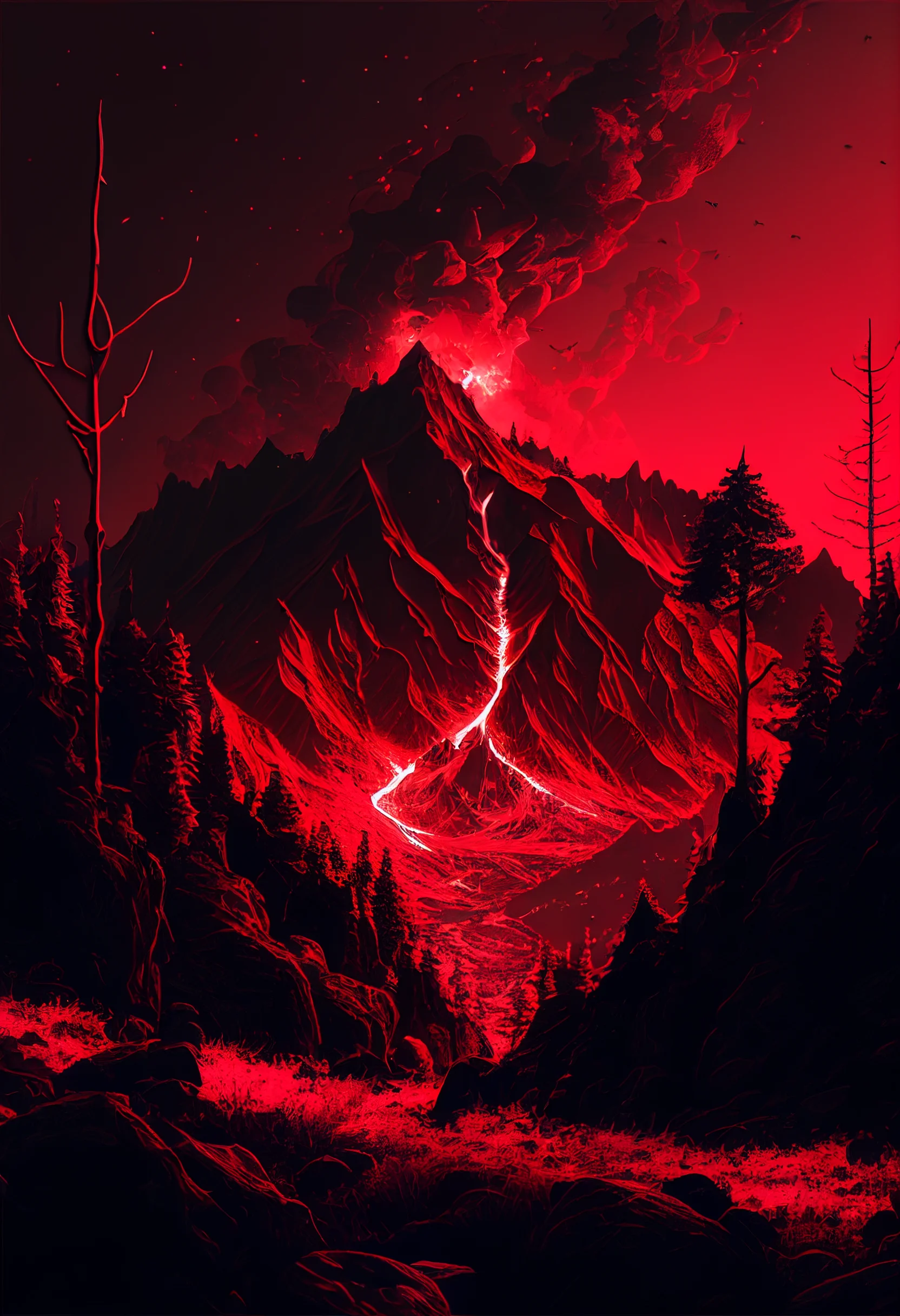
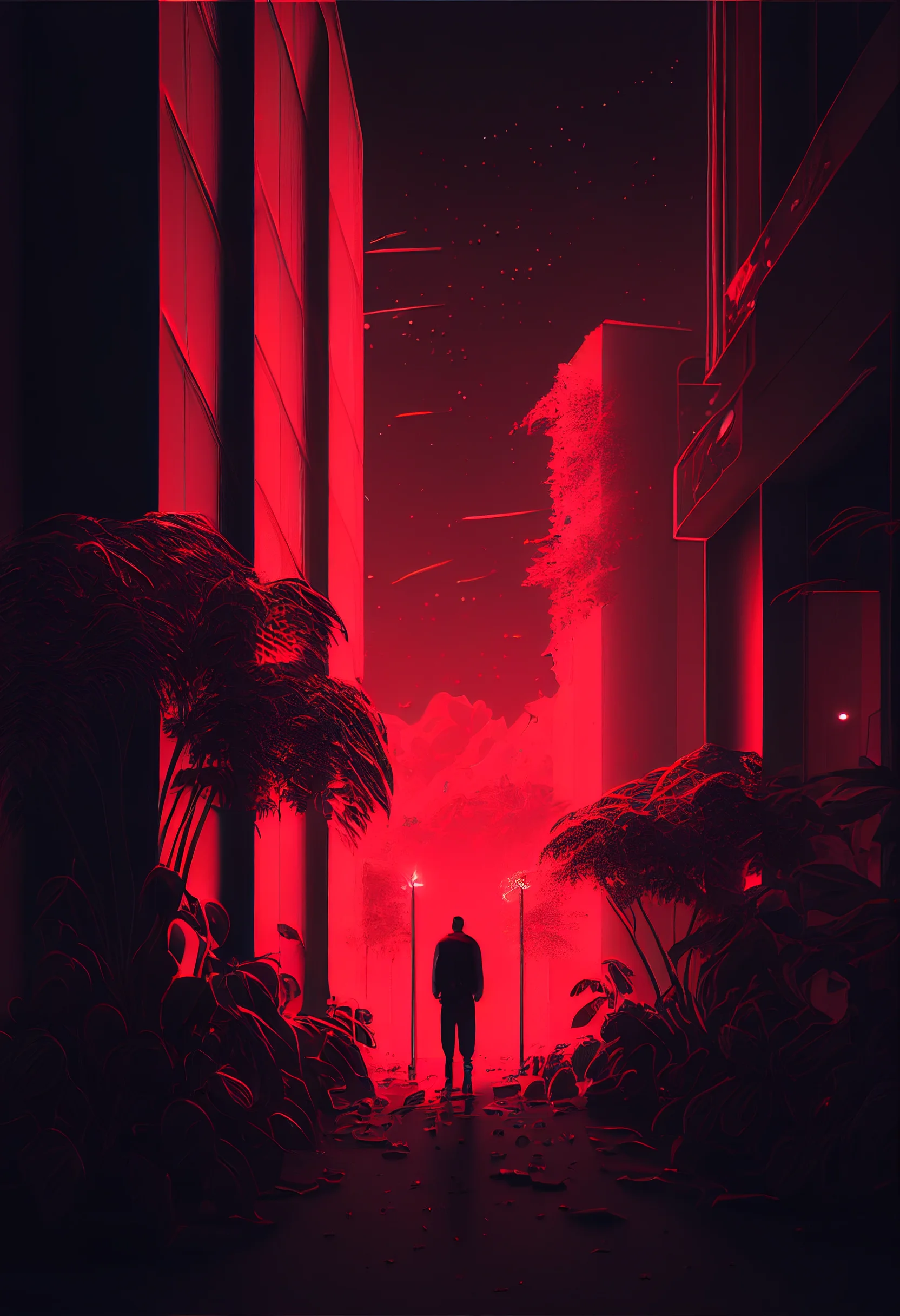
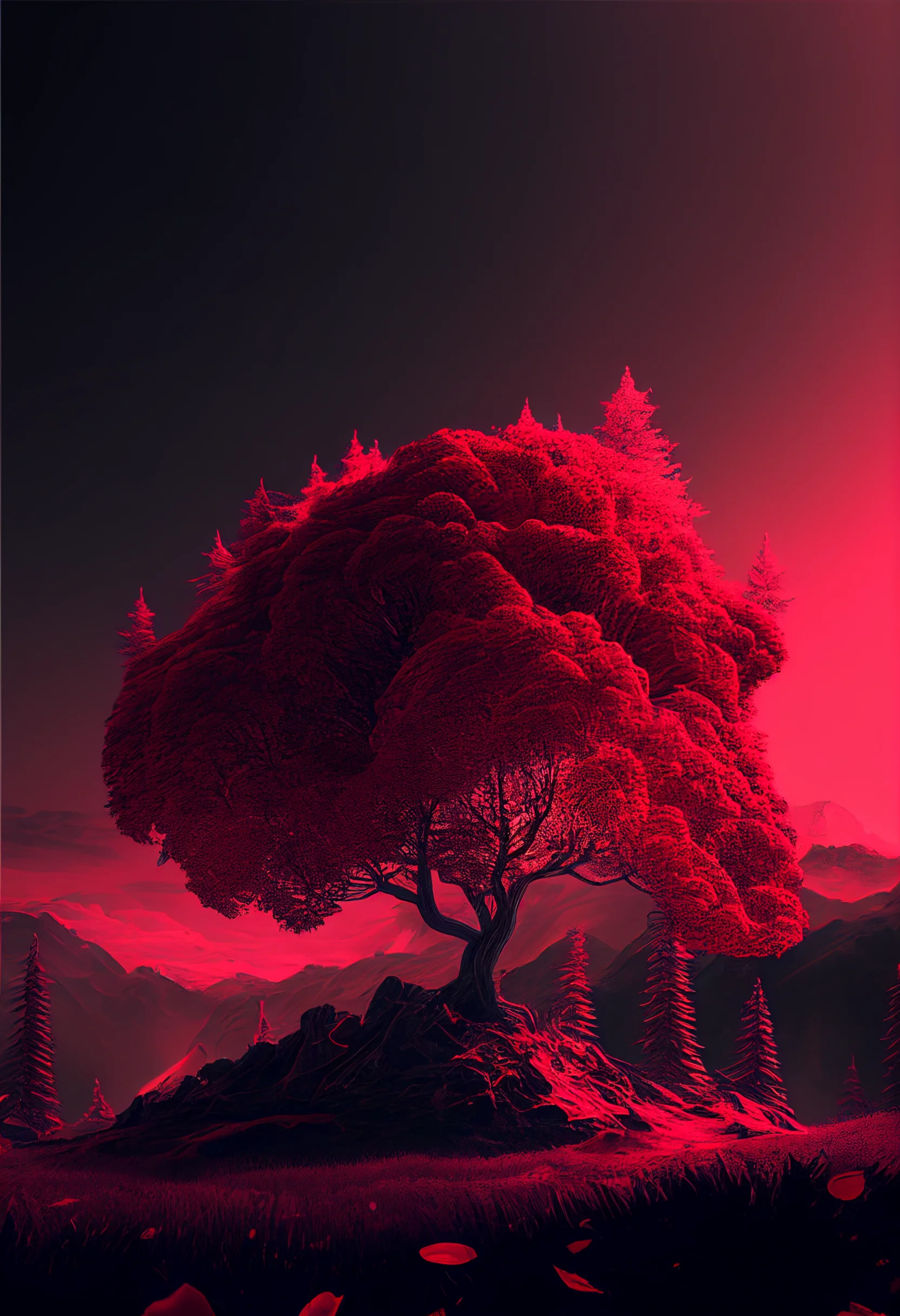
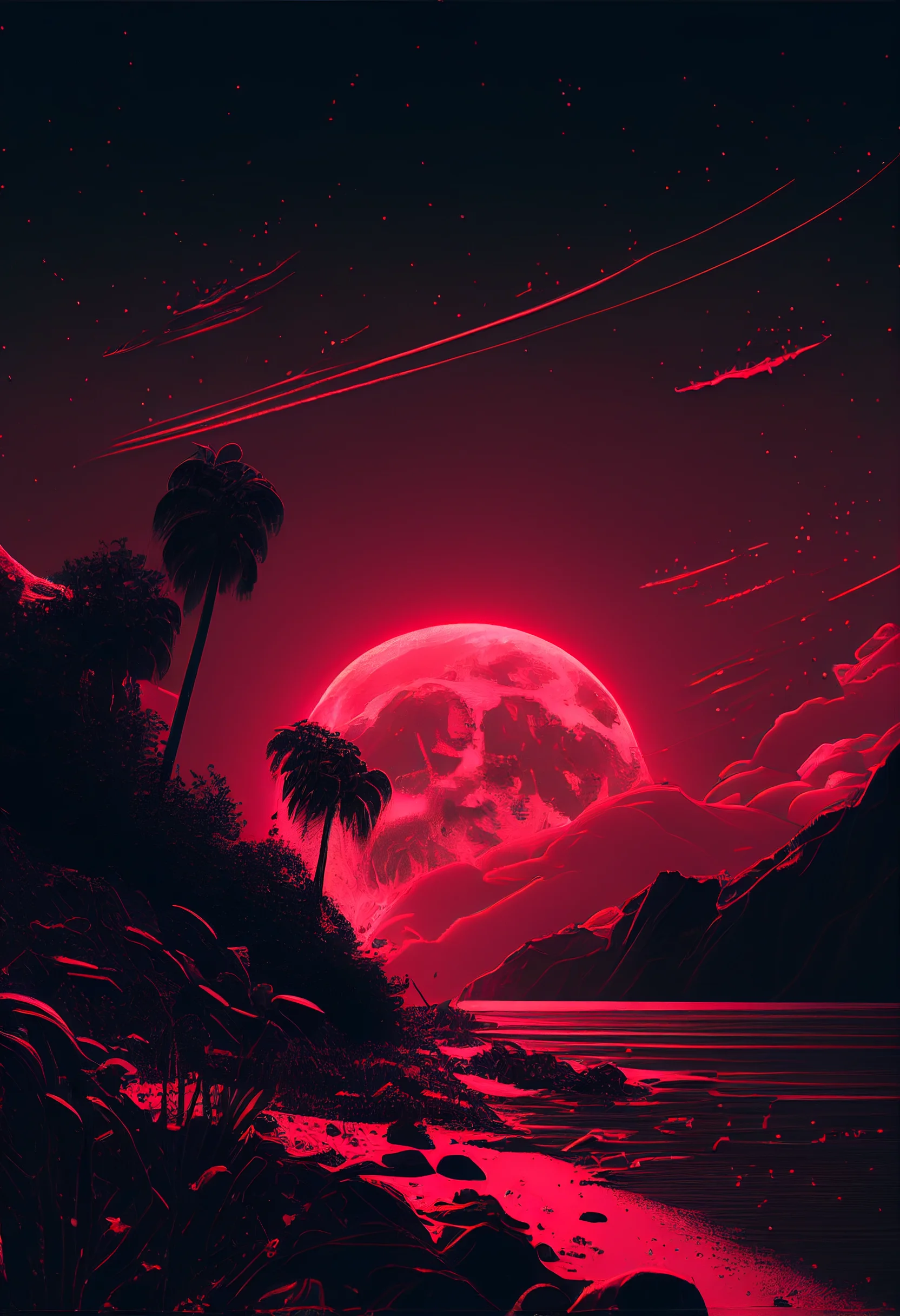
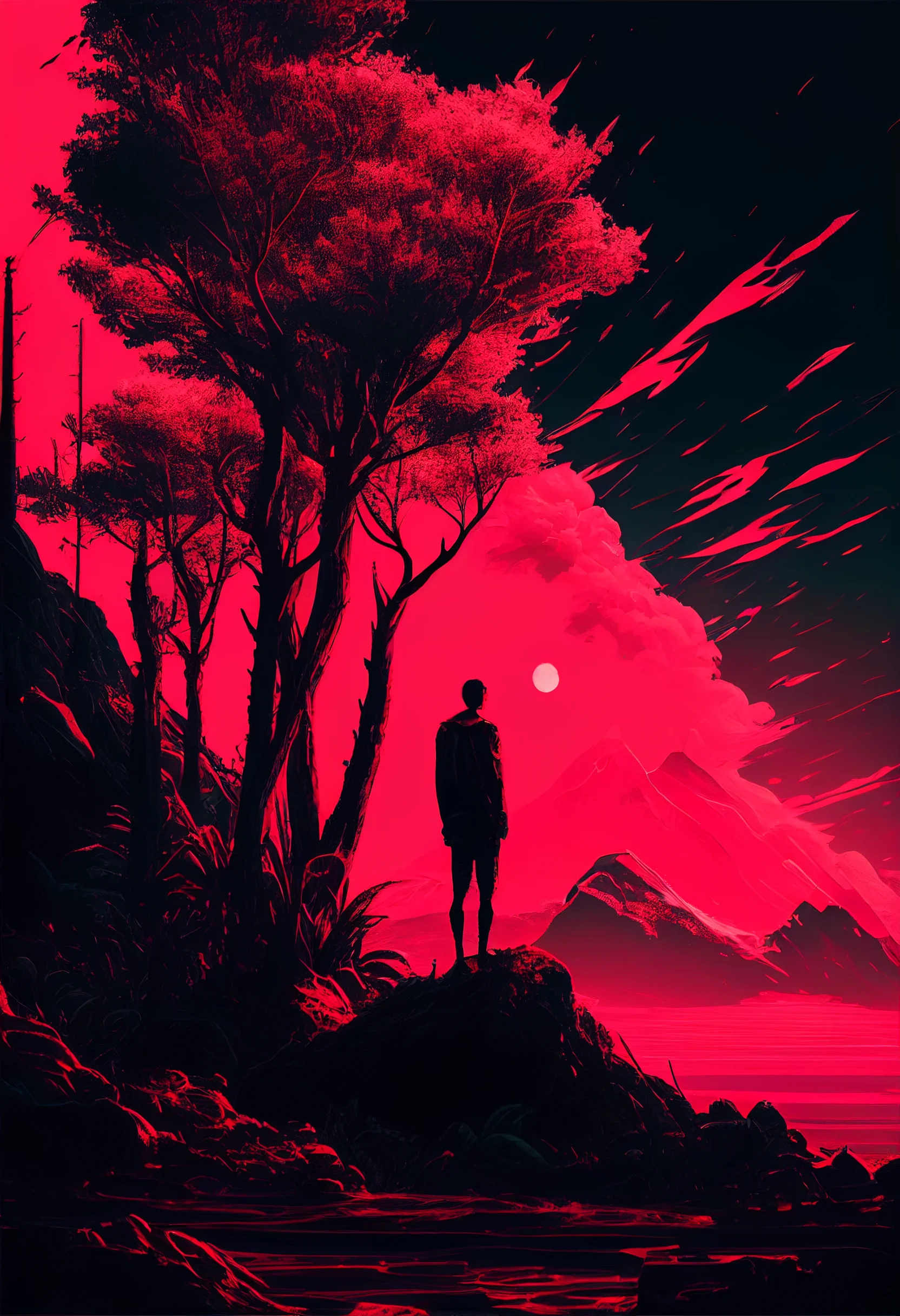
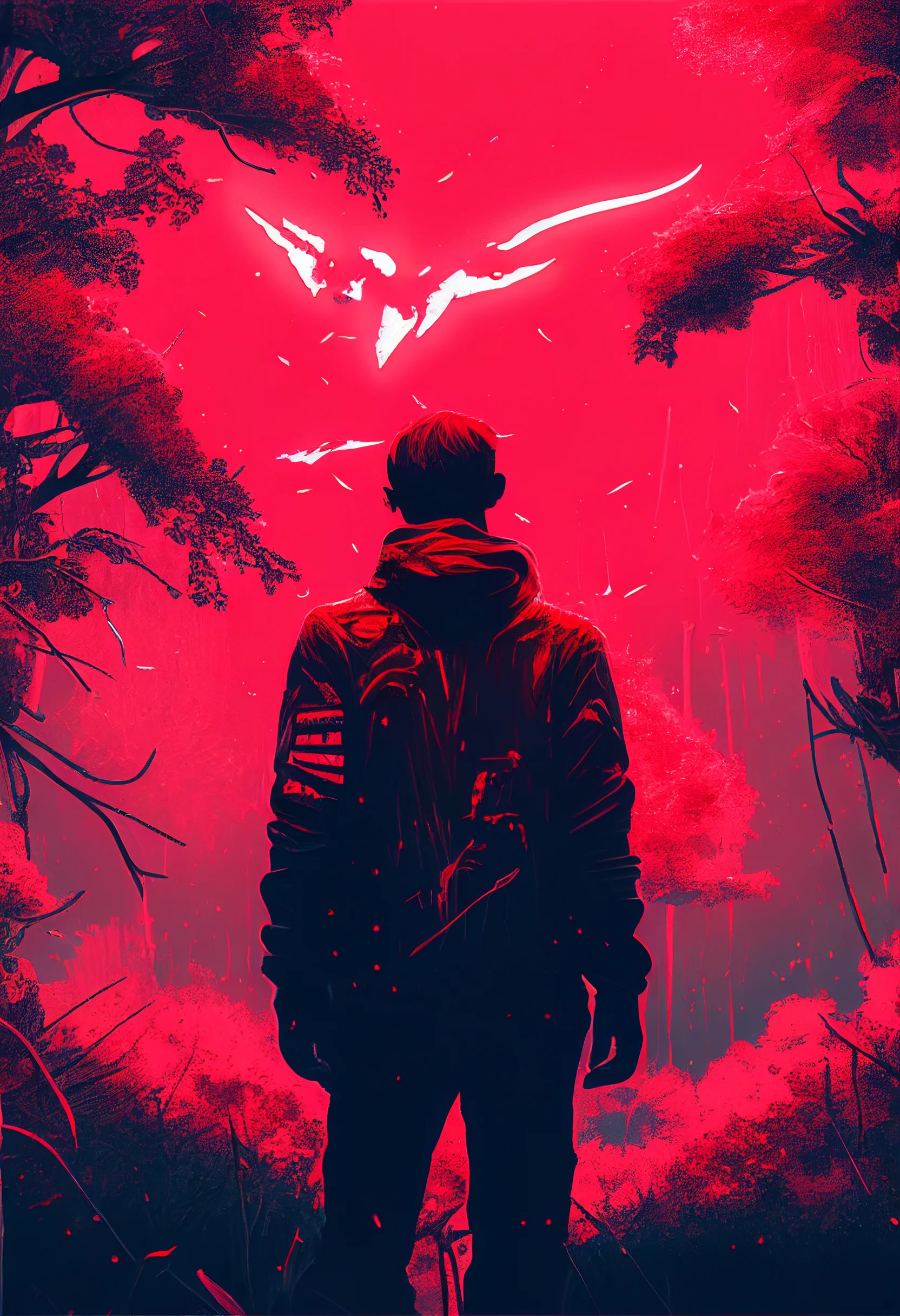
There are 20 red aesthetic phone wallpapers here. Nineteen use a 1664 × 2432 portrait canvas; one is 1024 × 1536. The set ranges from muted rose and pastel red to darker, grungier backgrounds with much stronger contrast. These are vertical phone backgrounds, not native 4K files.
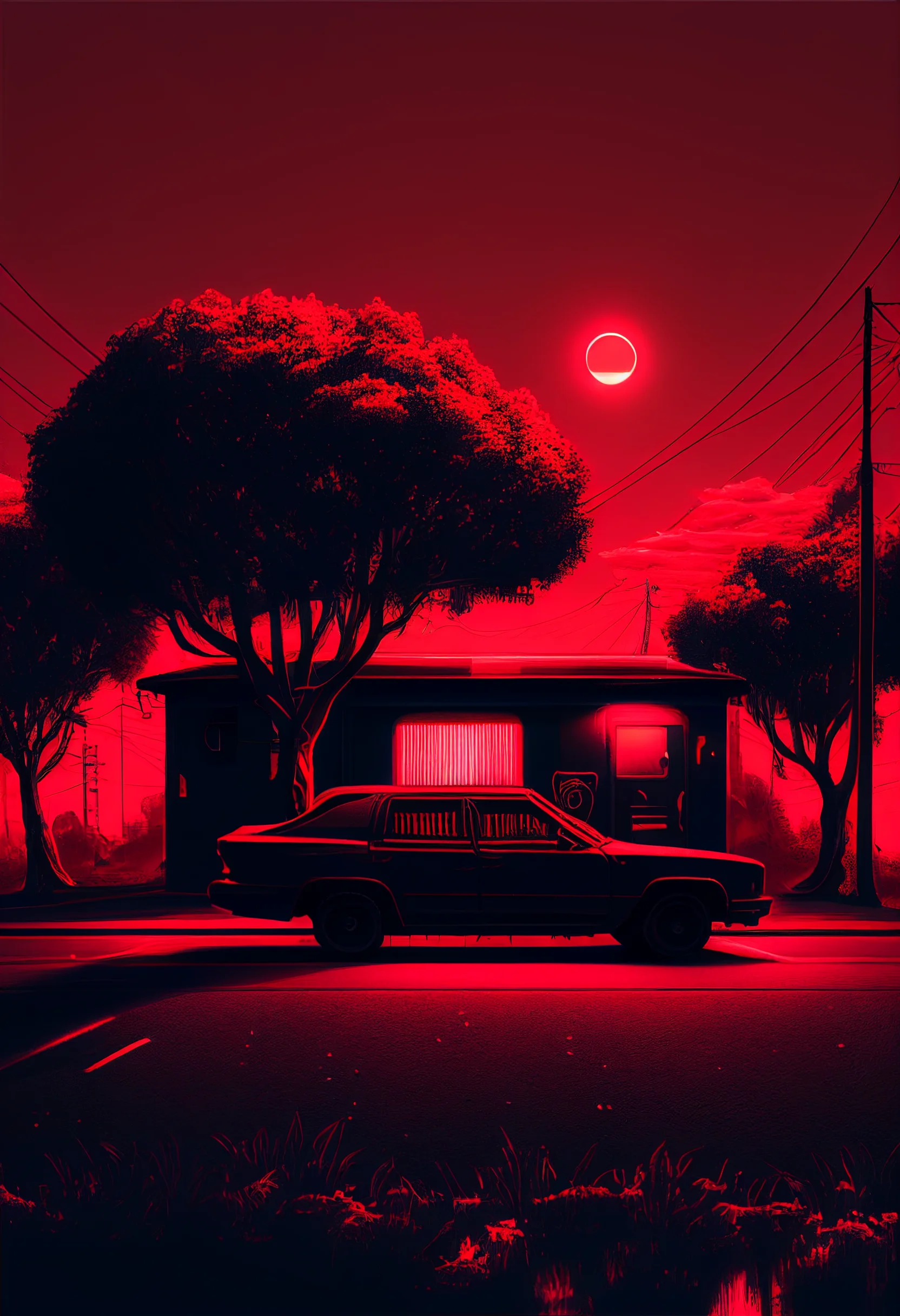
Test a red wallpaper on your real screen in 60 seconds
Red is unusually sensitive to screen brightness and interface contrast. A design that looks deep burgundy in a browser can become much louder on a bright OLED display, while white clock text can disappear over pale or highly textured red areas. Before keeping a wallpaper, test it with the interface visible rather than judging the image by itself.
- Set the crop without zooming first. Keep the main subject away from the clock, camera area and bottom controls. Only zoom if the composition still has breathing room.
- Check the Lock Screen clock. Wake the phone at normal brightness. If you have to look twice to read the time, move the crop so the clock sits over a quieter or darker patch.
- Trigger one notification. Make sure the focal point still makes sense when a notification card covers part of the lower half.
- Open your busiest Home Screen. Check app names and folder labels. Fine grunge, bright highlights and high-contrast shapes can make a red wallpaper tiring behind a dense icon grid.
- Turn brightness down. Dark reds can collapse toward black at low brightness. If the image loses all detail, a rose or mid-red option may work better for everyday use.
Choose the red style for the screen job
| Red wallpaper style | Usually works best for | Watch for |
|---|---|---|
| Rose or pastel red | Home Screen, especially with many icons | White labels losing contrast on very pale areas |
| Dark red or burgundy | Home or Lock Screen | Shadow detail disappearing at low brightness |
| Grunge or textured red | Lock Screen | Texture competing with widgets and app labels |
| Bold high-contrast red | Minimal Lock Screen | Clock, notifications or Dynamic Island cutting through the focal point |
A useful pairing is a detailed or grungy red Lock Screen with a quieter dark-red Home Screen. The color family stays consistent, but the app grid gets a calmer background.
For other color families, browse the purple, black and broader aesthetic wallpaper collections.
Free red aesthetic phone wallpapers


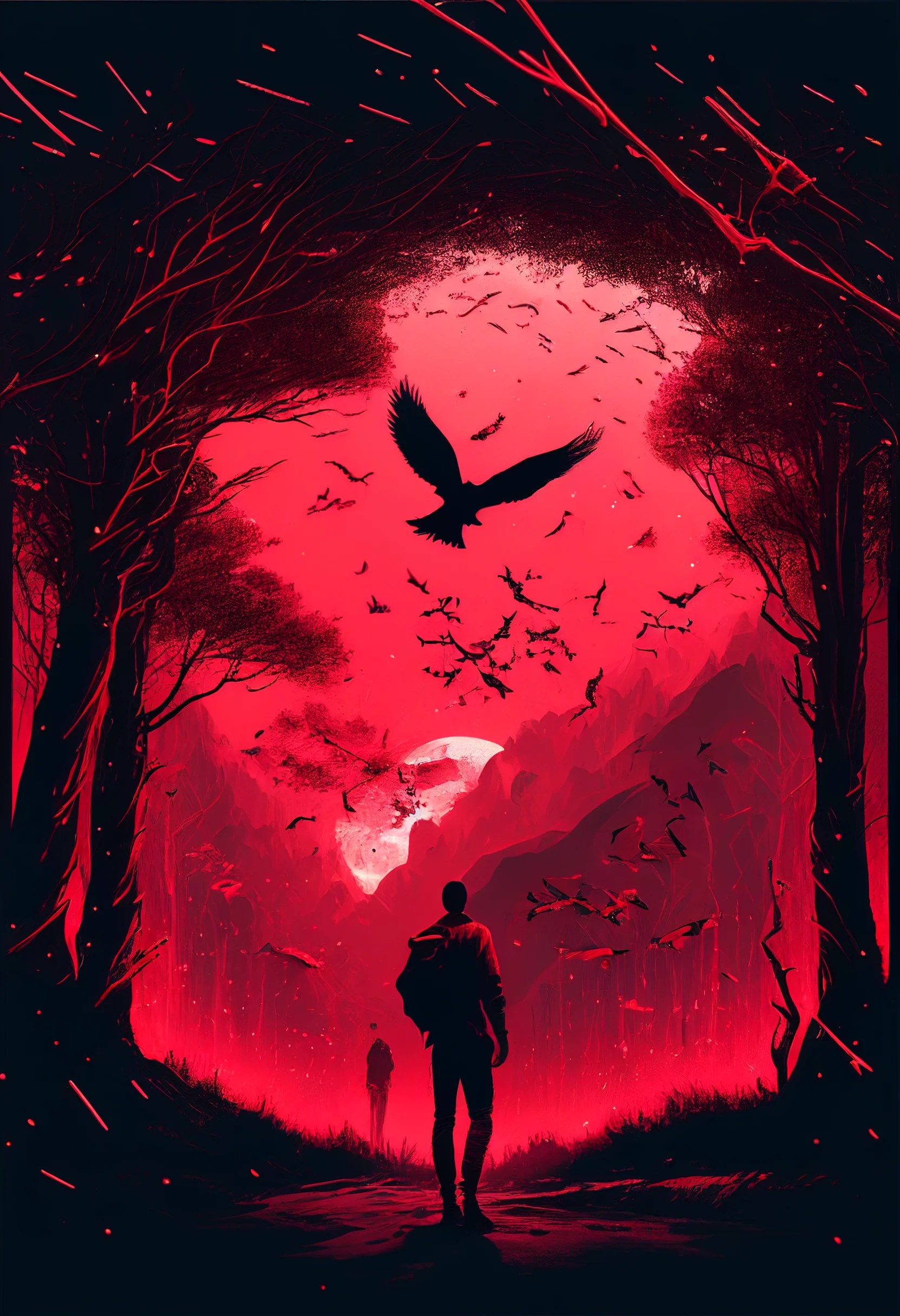
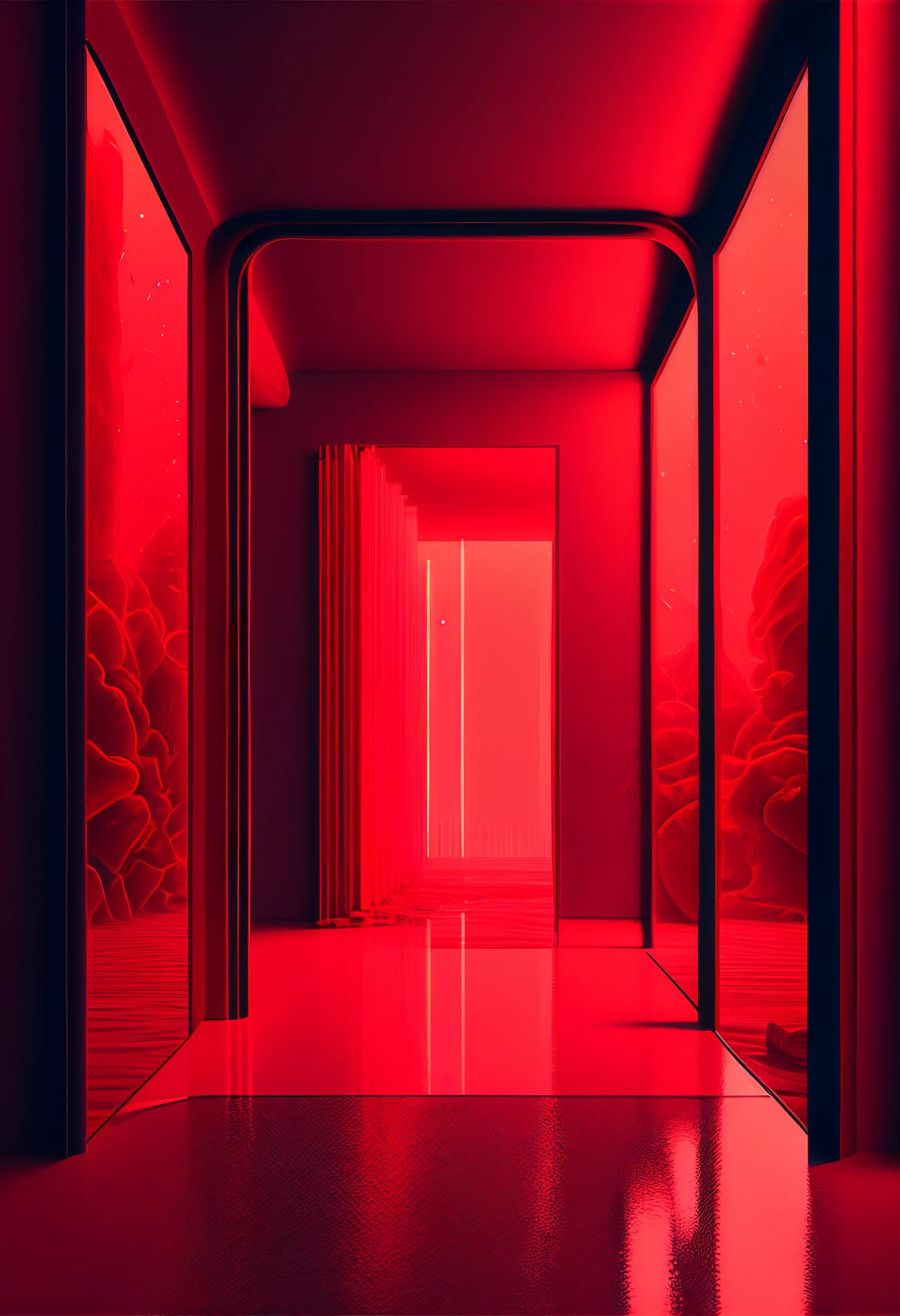
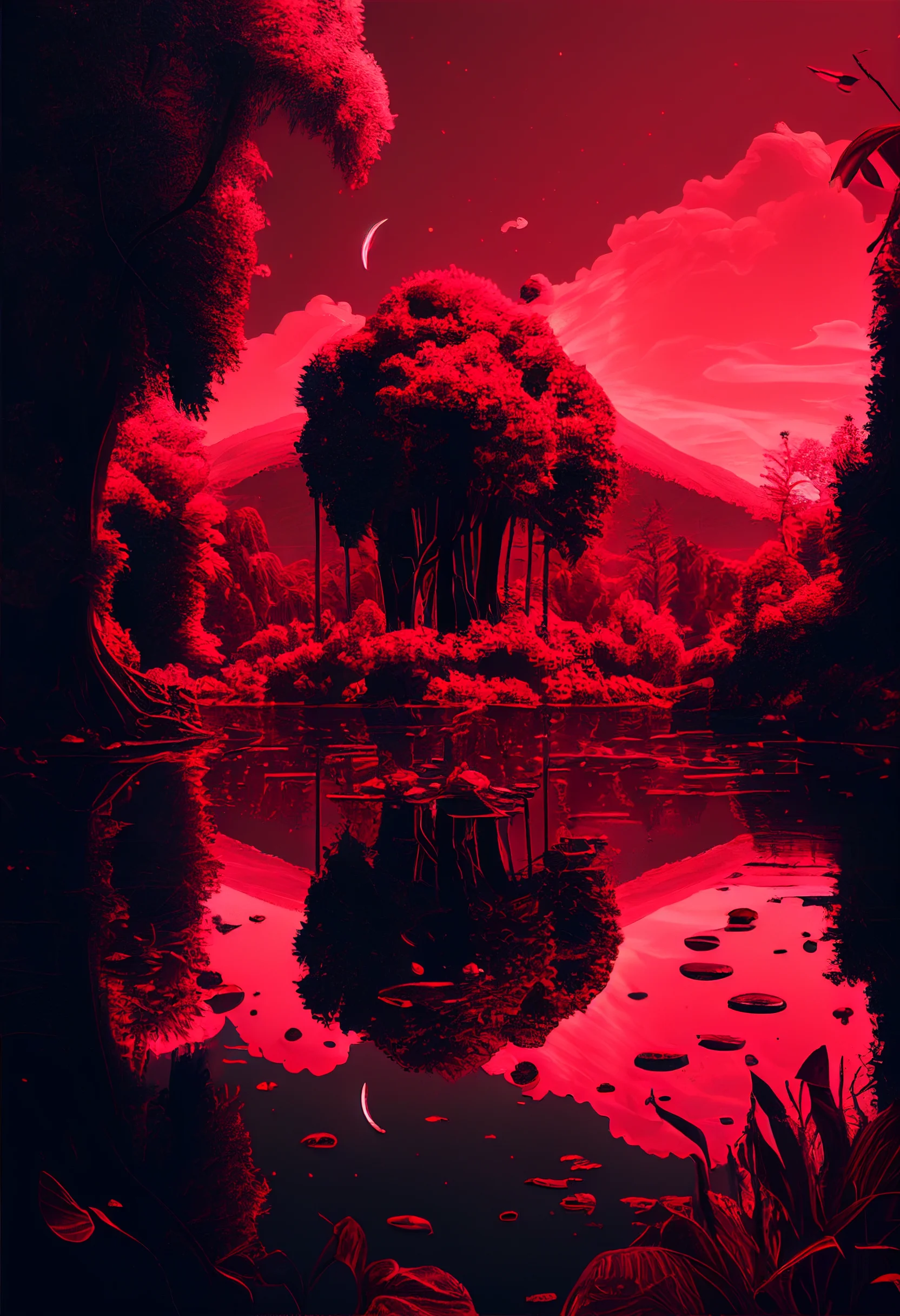
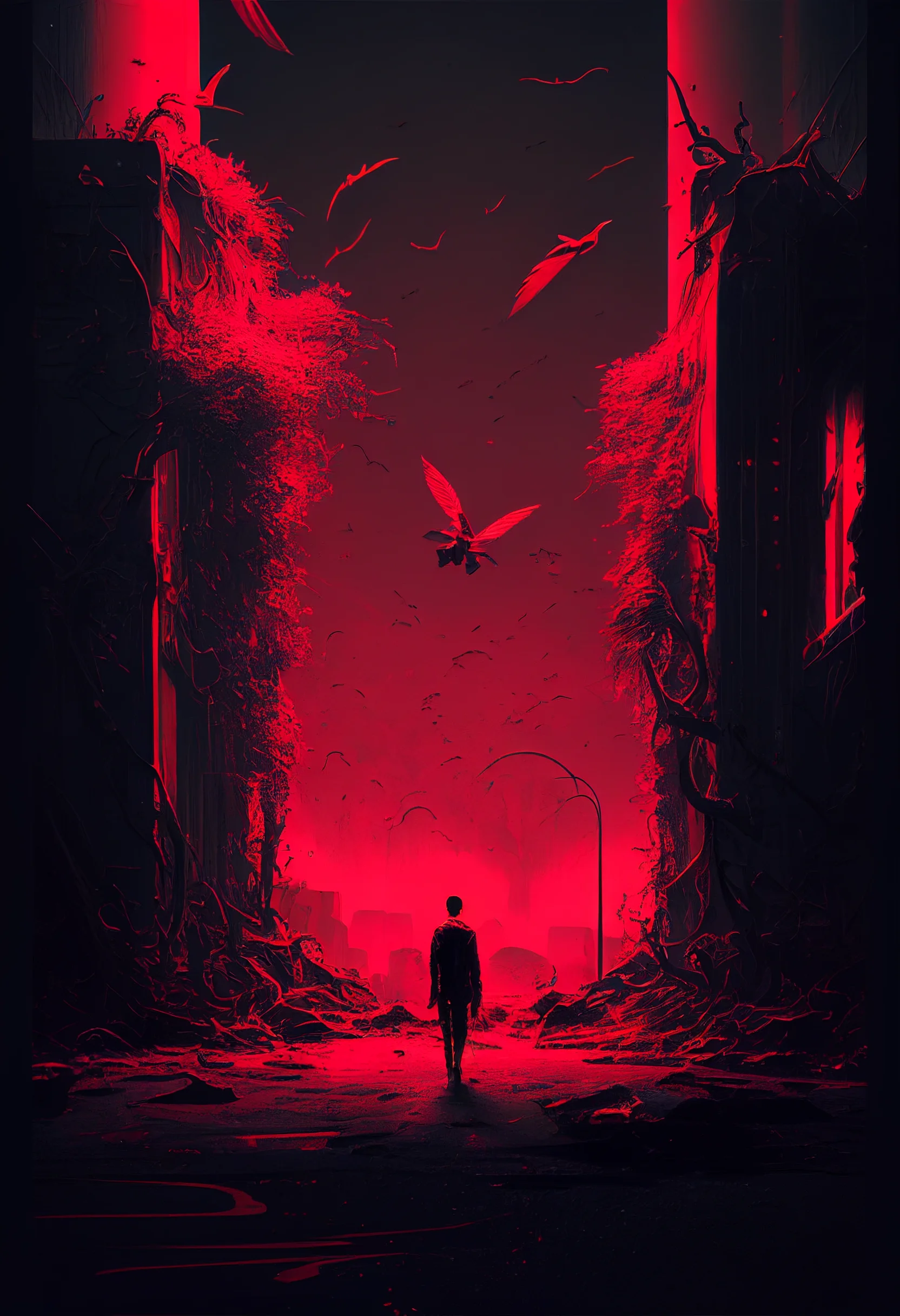
Fix the most common red-wallpaper problems
| What looks wrong | Try this first |
|---|---|
| The clock is hard to read | Reposition the image so the clock sits over a flatter, darker red area rather than bright texture. |
| The Home Screen feels visually noisy | Move the detailed wallpaper to the Lock Screen and choose a simpler rose, burgundy or low-texture red for Home. |
| The subject is awkwardly cropped | Zoom out before moving the image. Keep faces, text and strong graphic elements away from the extreme top and bottom. |
| Dark red looks almost black | Judge it at the brightness level you normally use. If detail disappears, choose a mid-red image rather than increasing brightness just for the wallpaper. |
| The saved file looks soft | Open and save the original image rather than taking a screenshot. Remember that one file in this set is 1024 × 1536 while the others are 1664 × 2432. |
Use a three-wallpaper comparison instead of guessing
Save one pastel or rose design, one dark red design and one textured or grunge design. Apply each for about a minute with the same clock, widgets and icon layout. Eliminate any option that makes you hunt for the time or app labels. Then compare the remaining wallpapers at normal brightness and low brightness. This is faster than repeatedly adjusting a crop that is fundamentally wrong for your screen layout.
Quick choice: use rose or pastel red when you want the wallpaper to stay in the background; use dark or grunge red when you want the wallpaper itself to be the visual focus.

