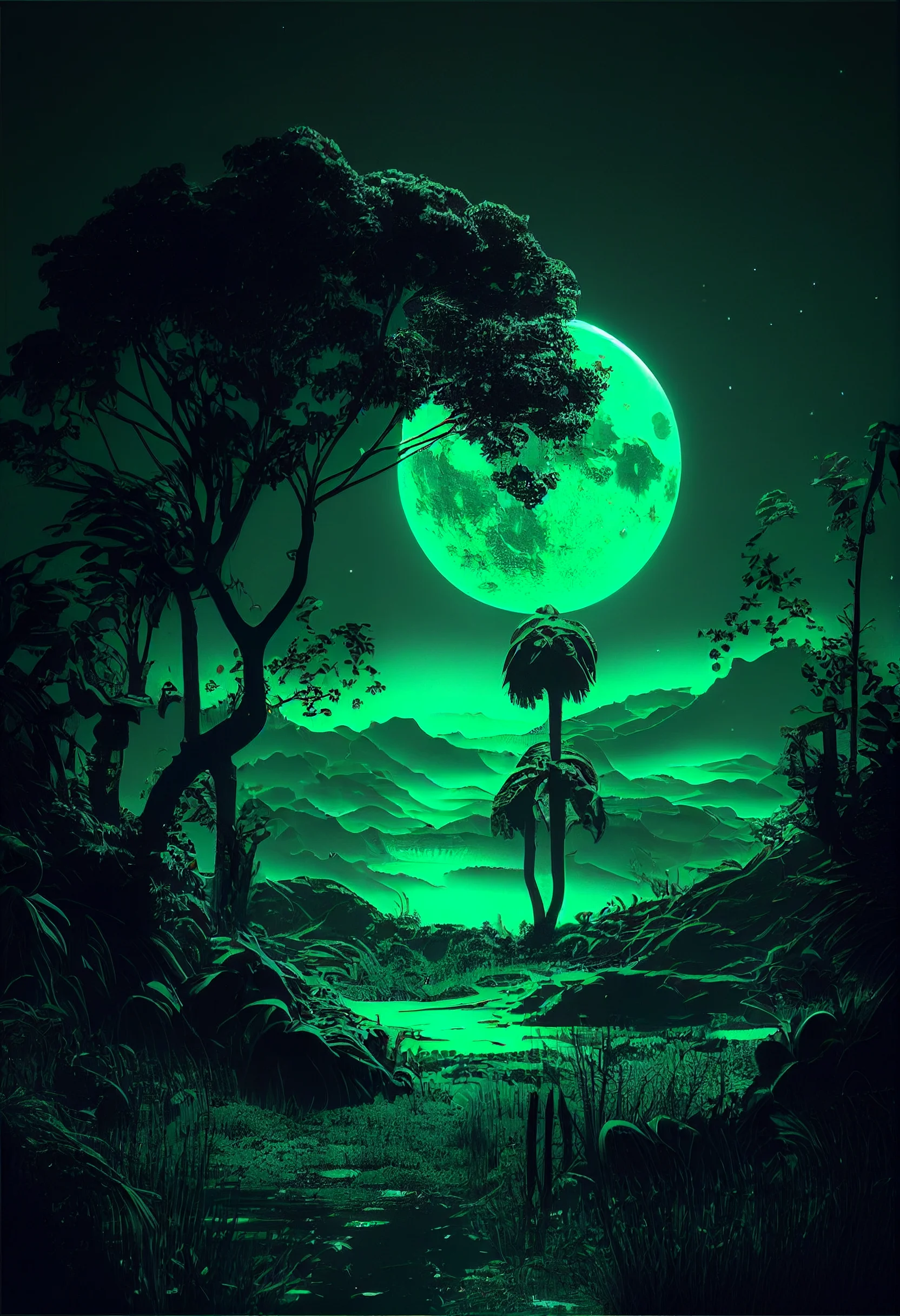
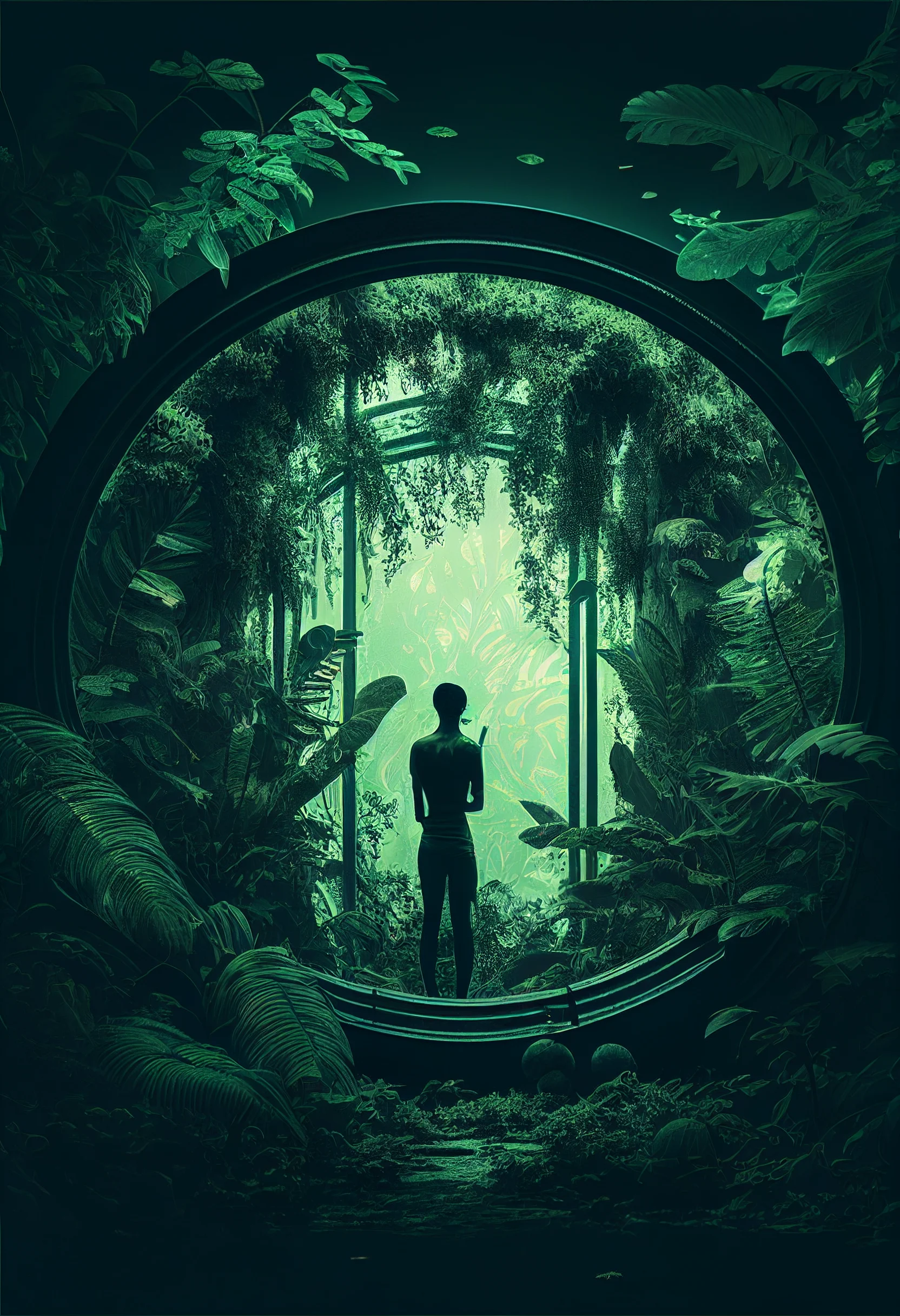
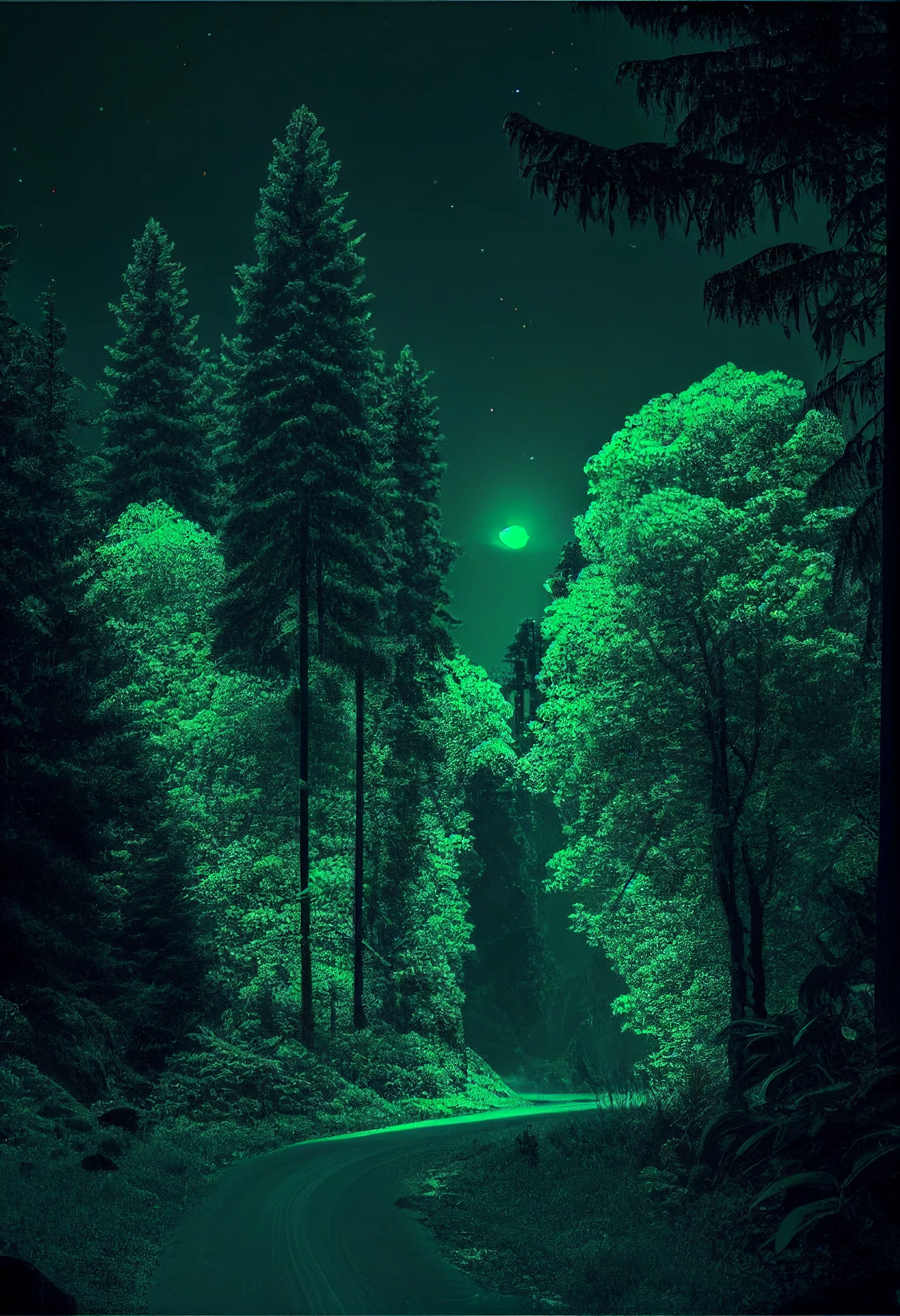
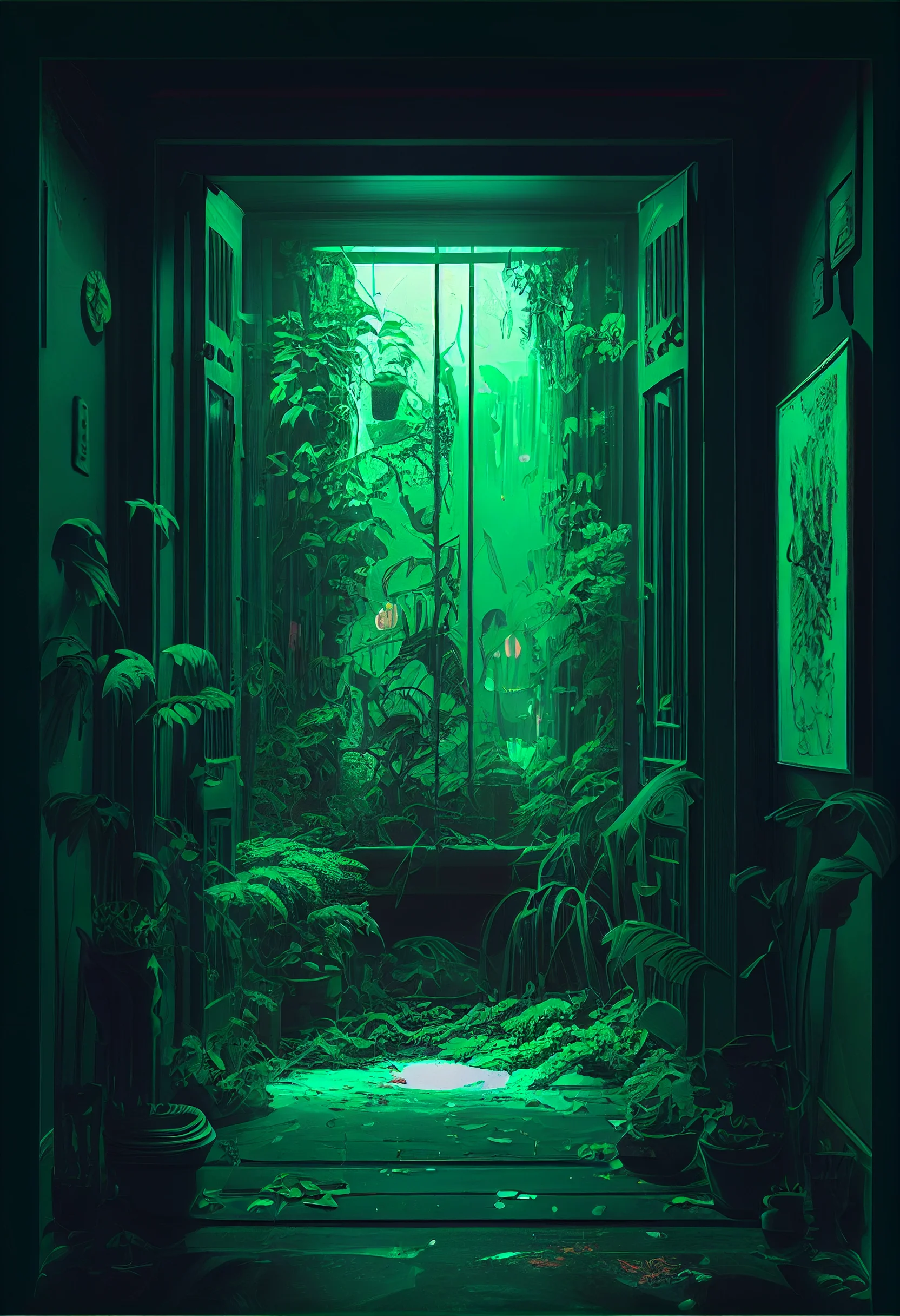
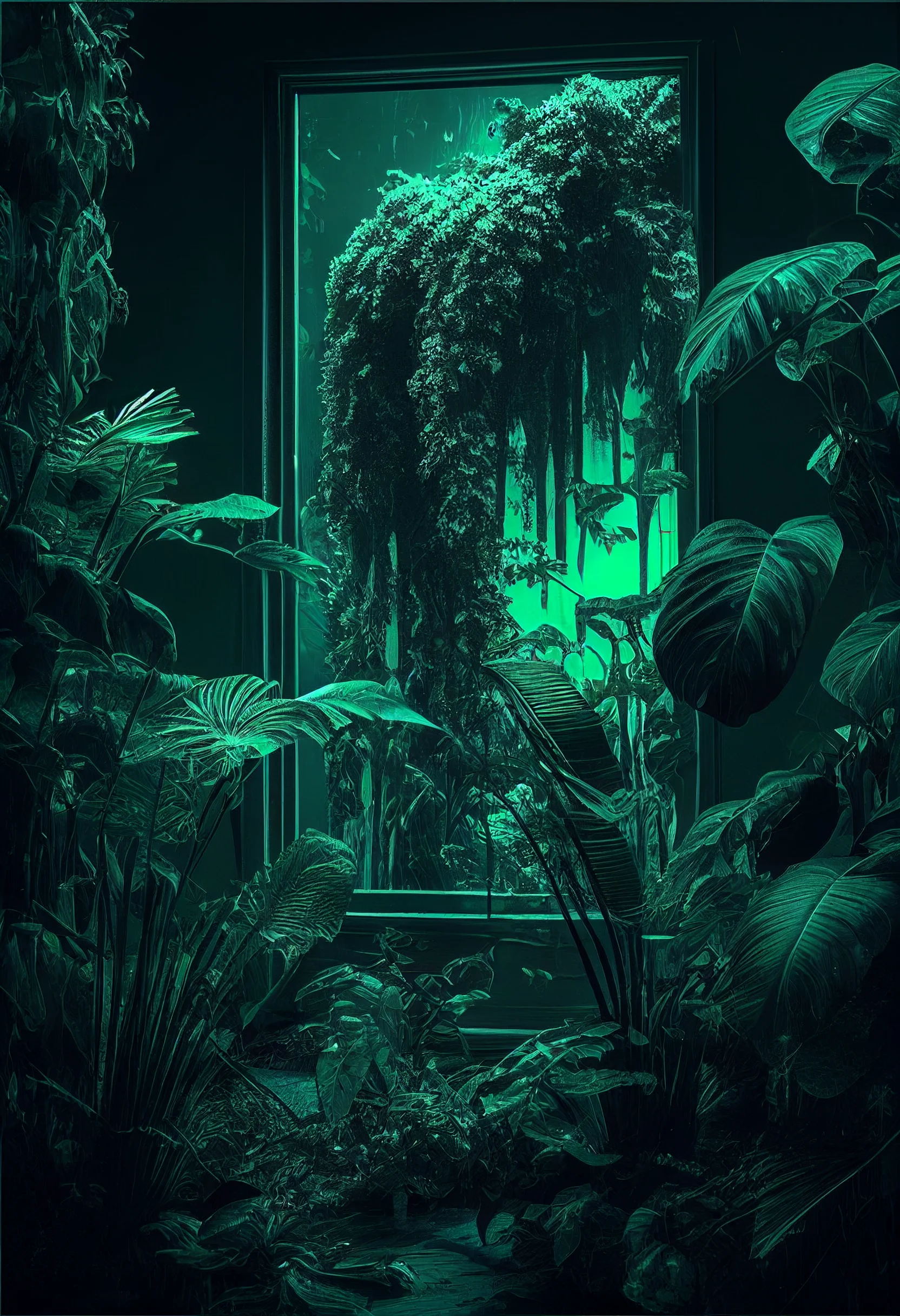
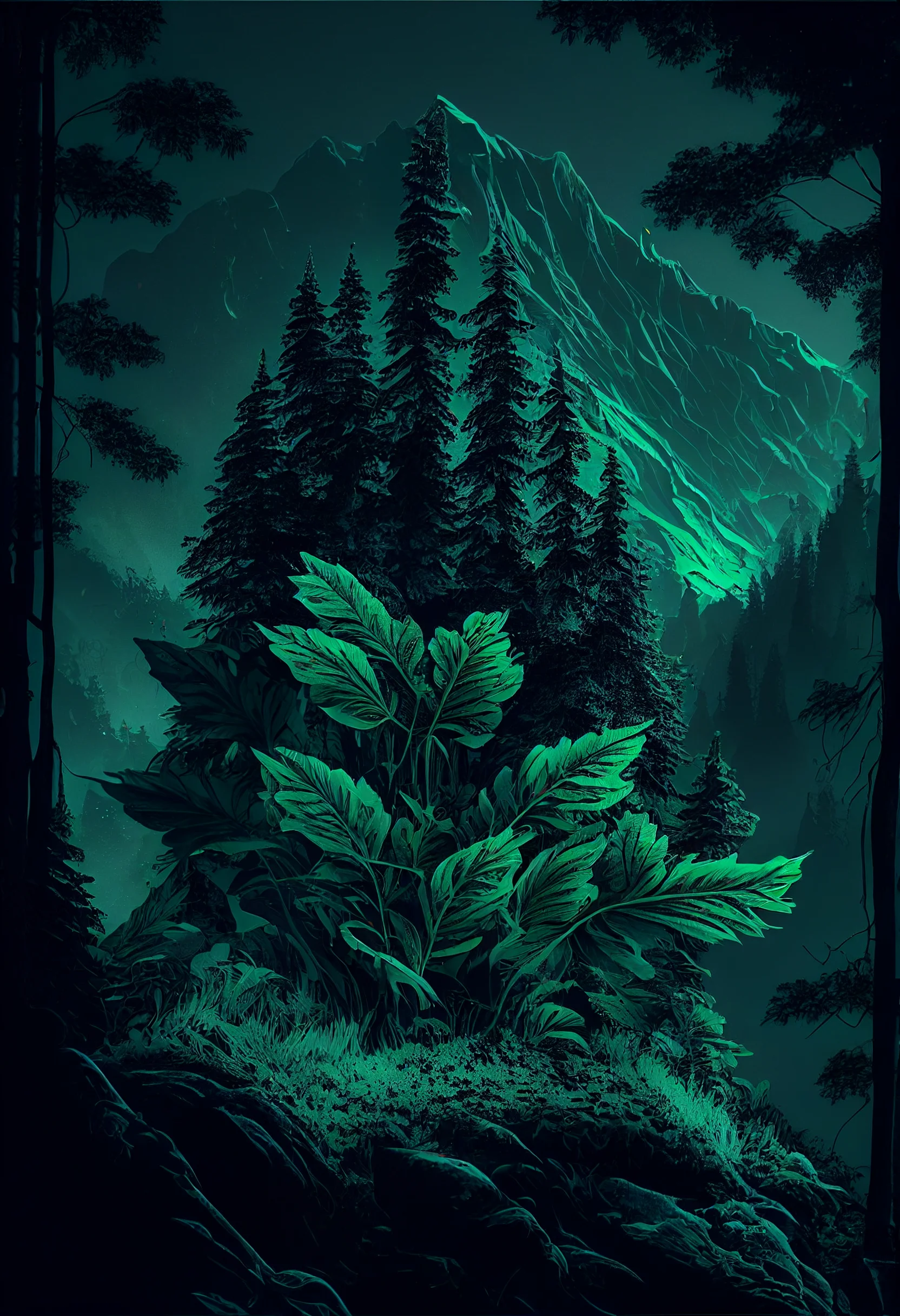
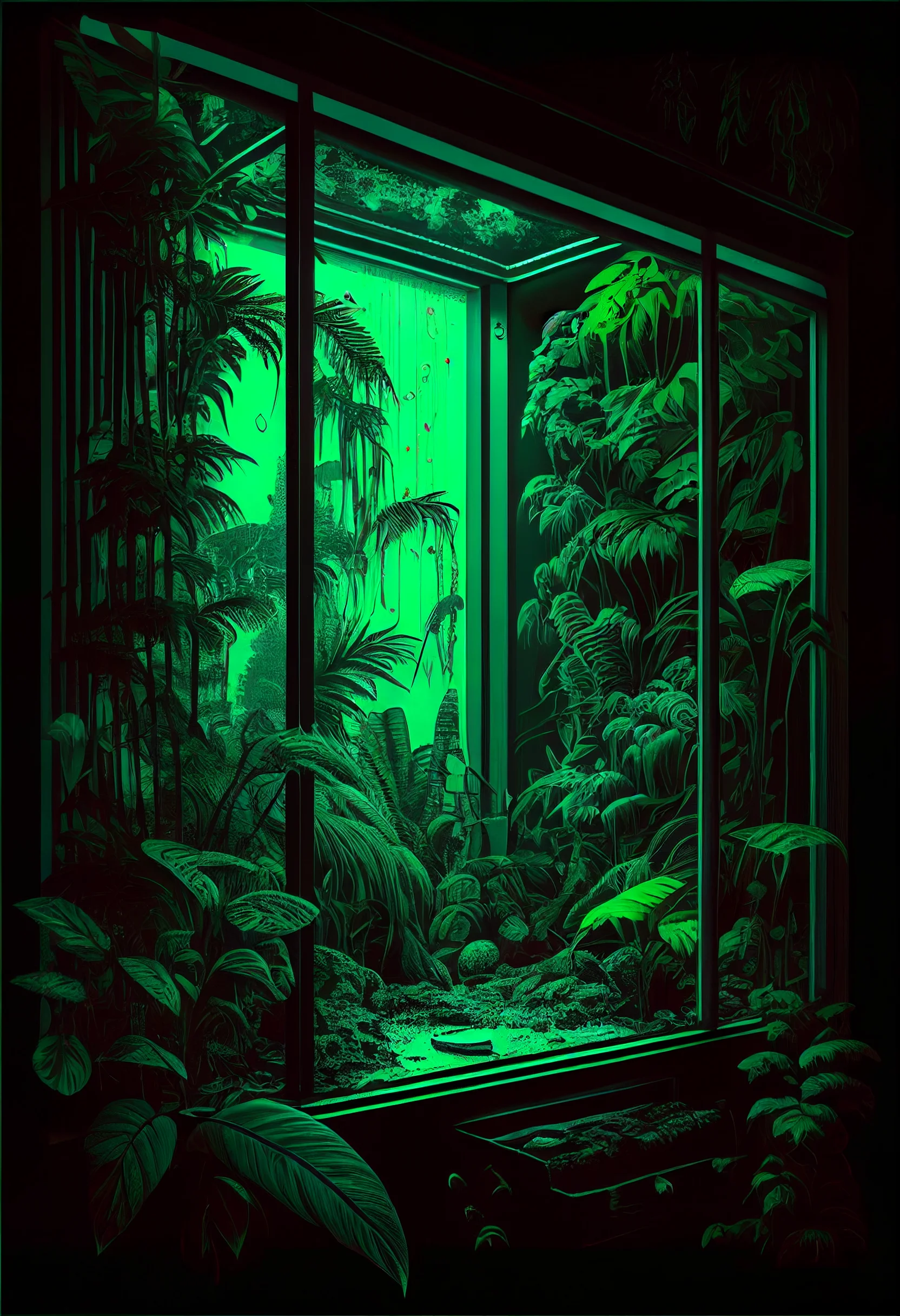
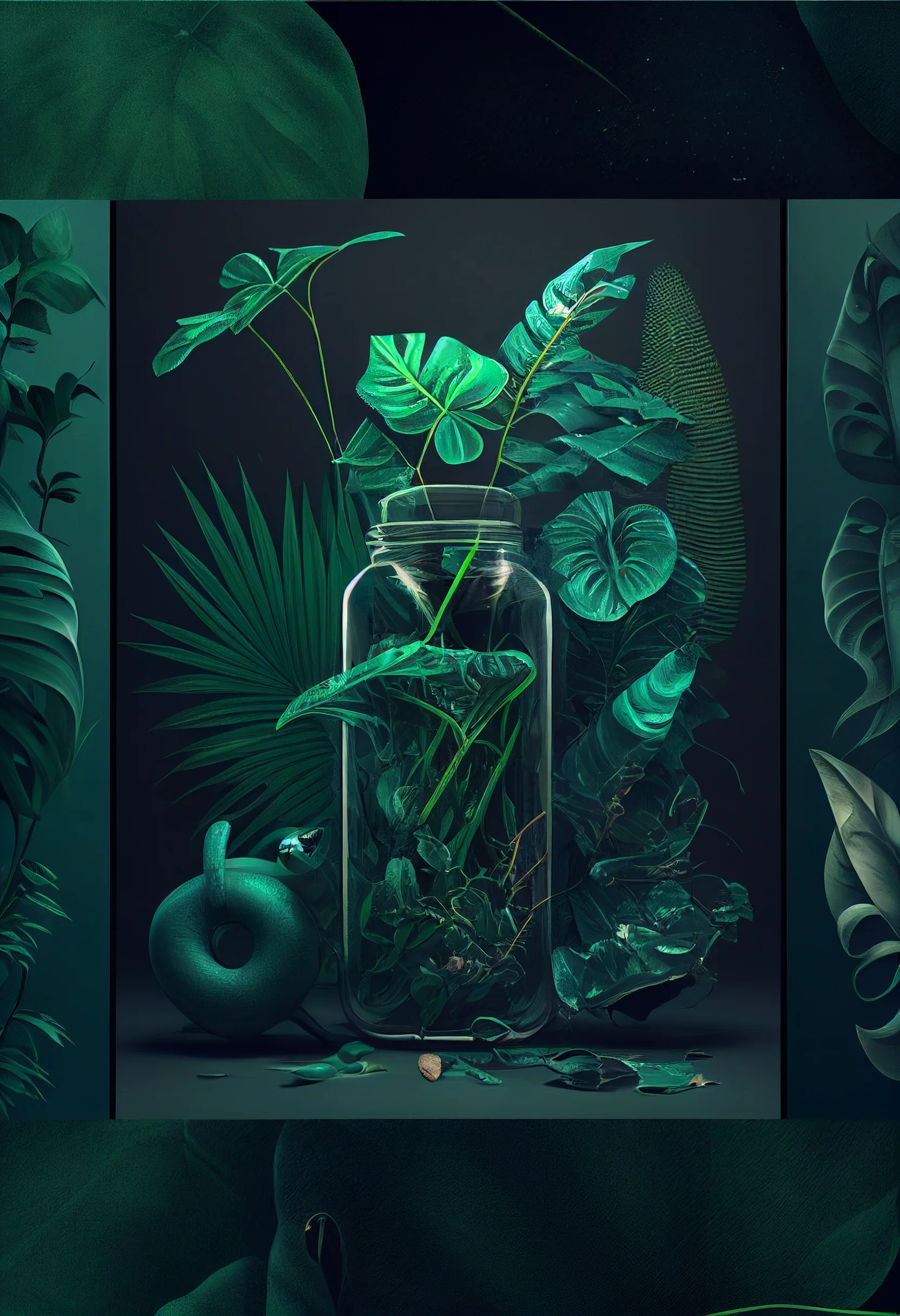
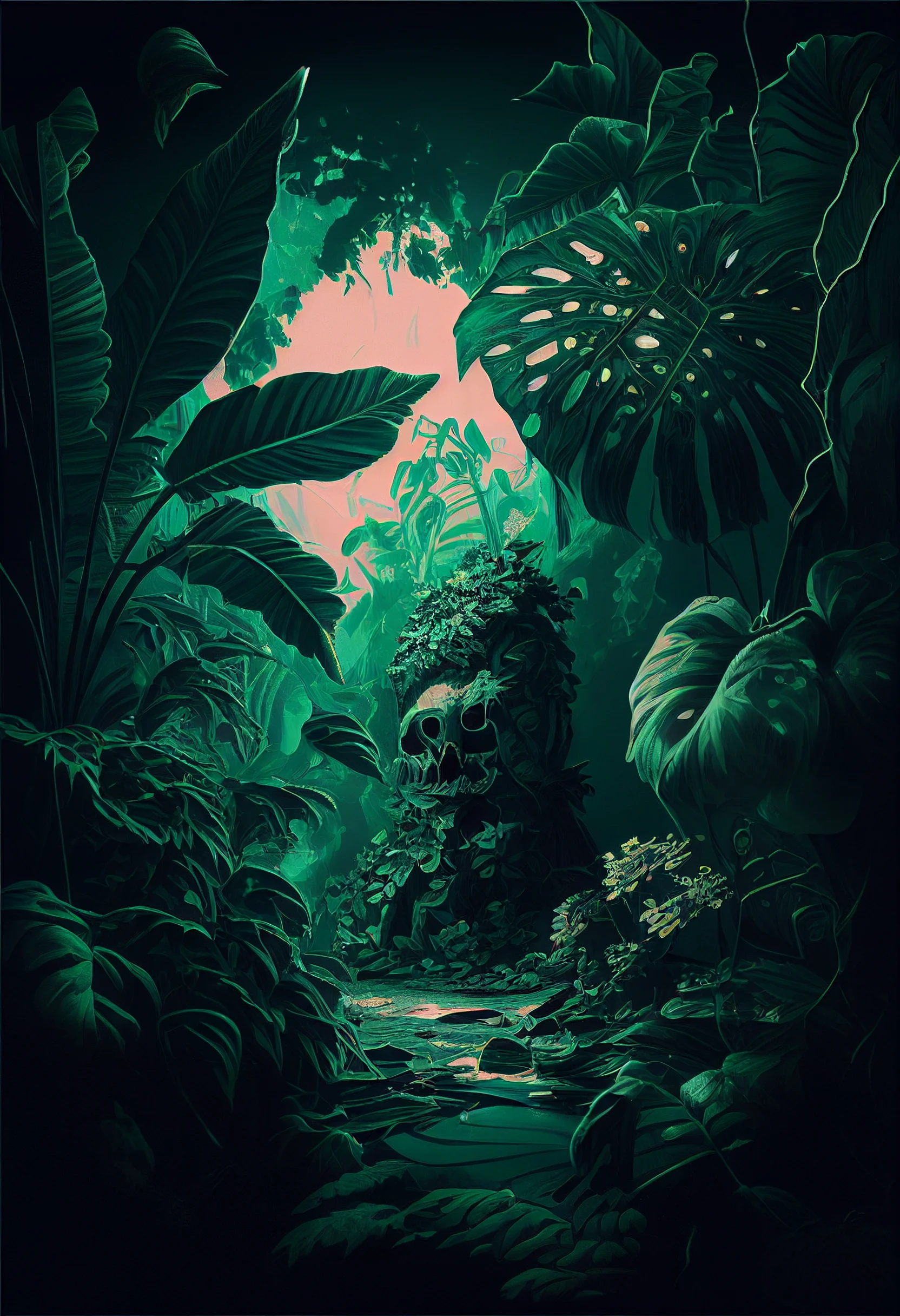
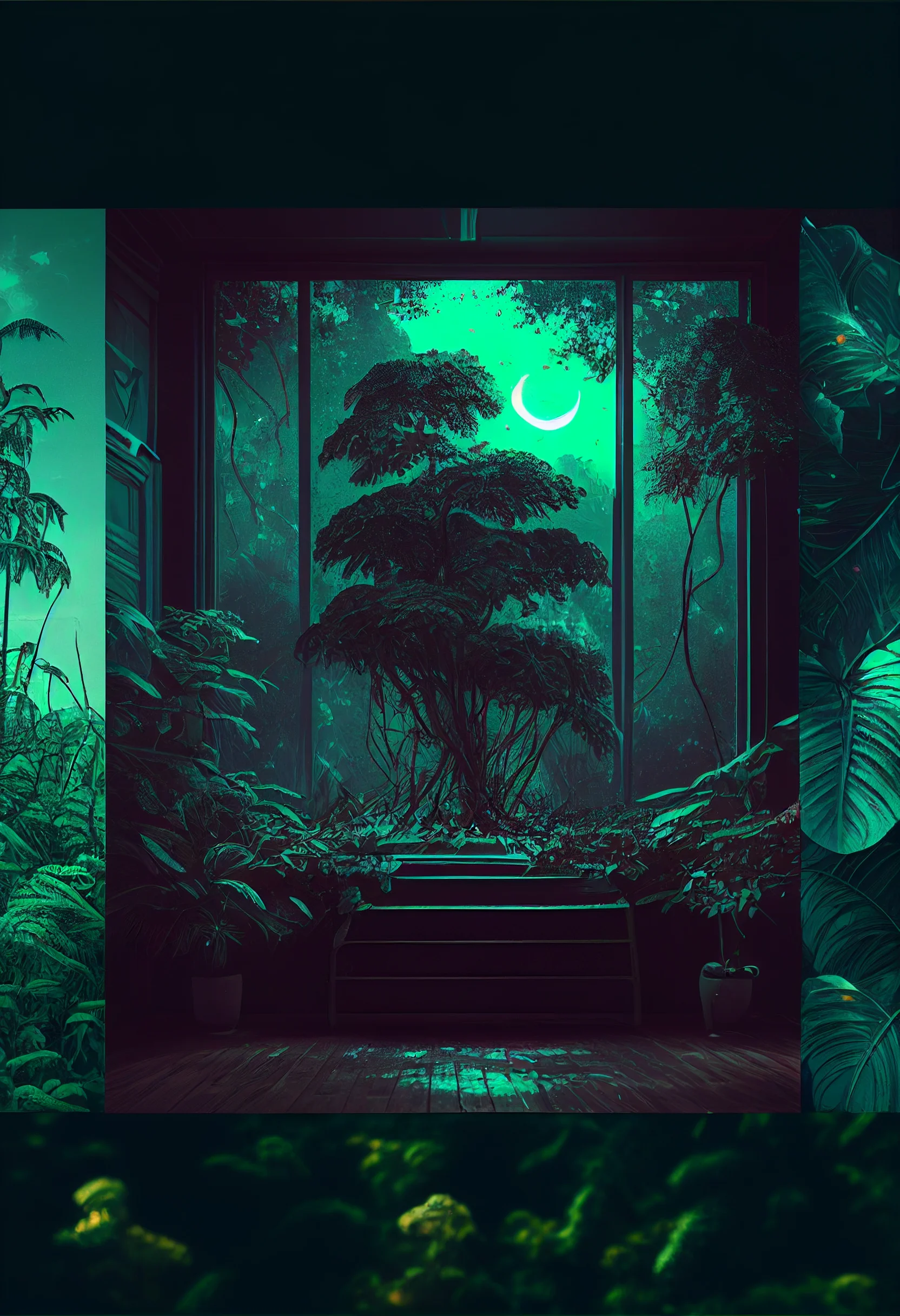
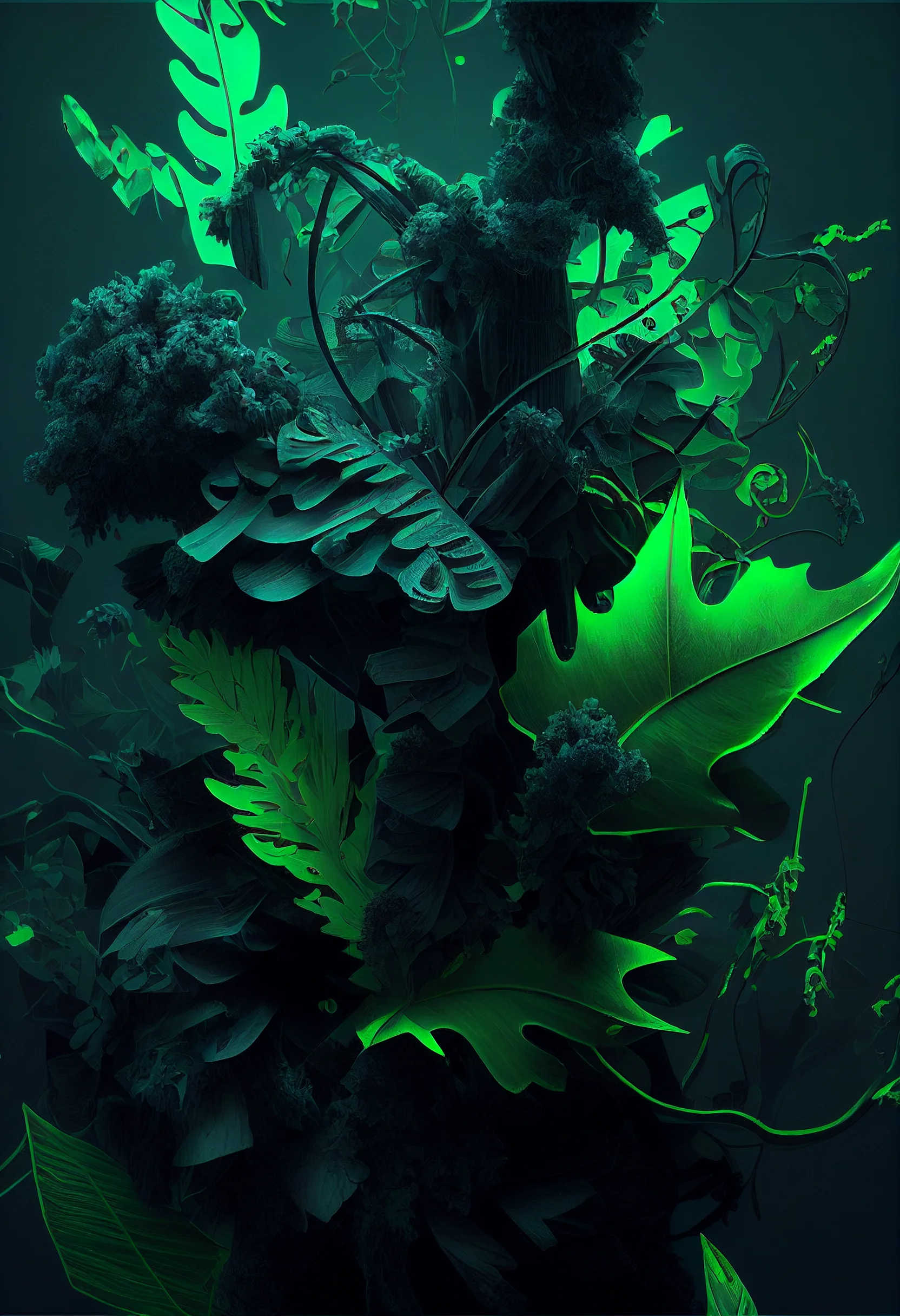
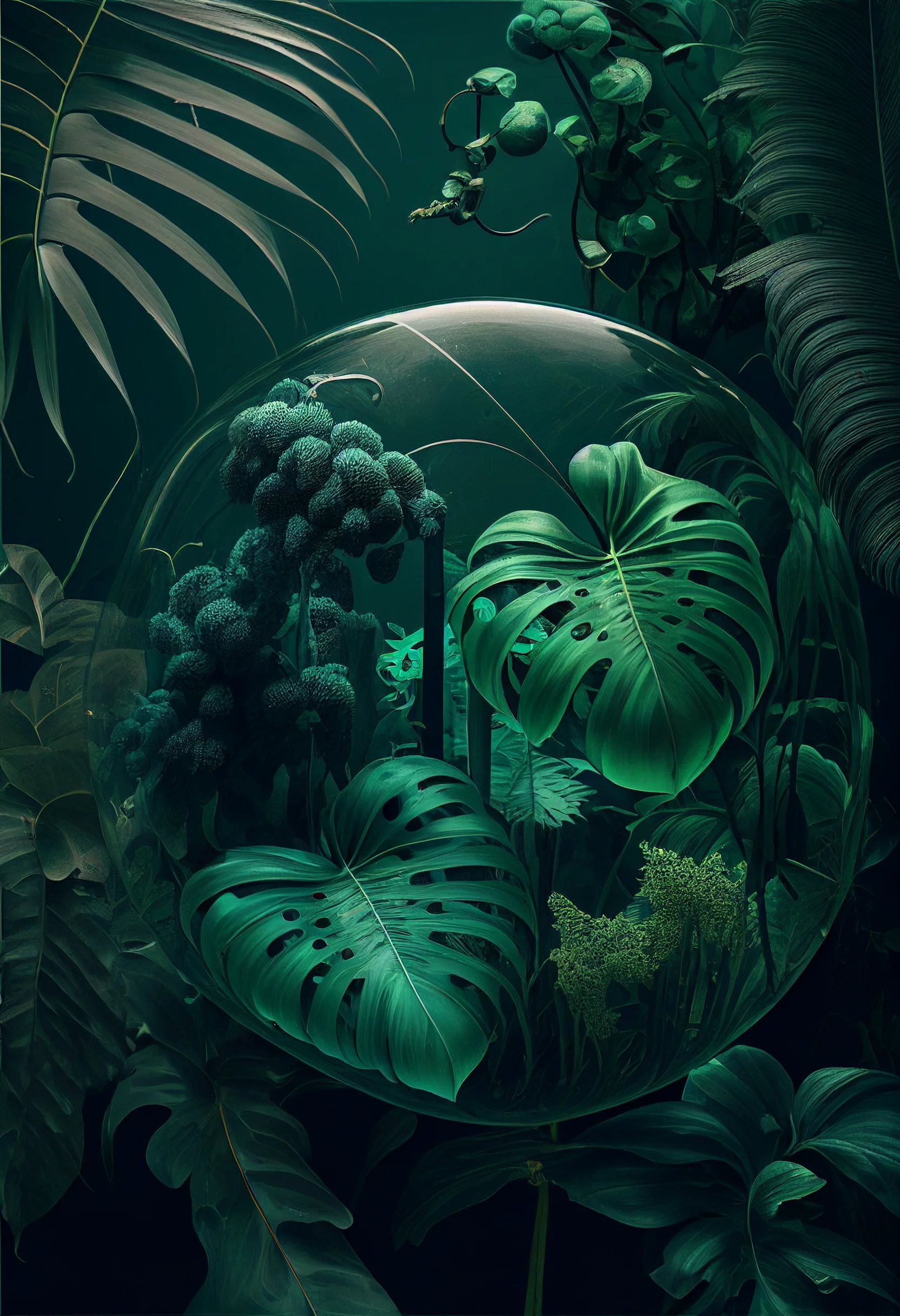
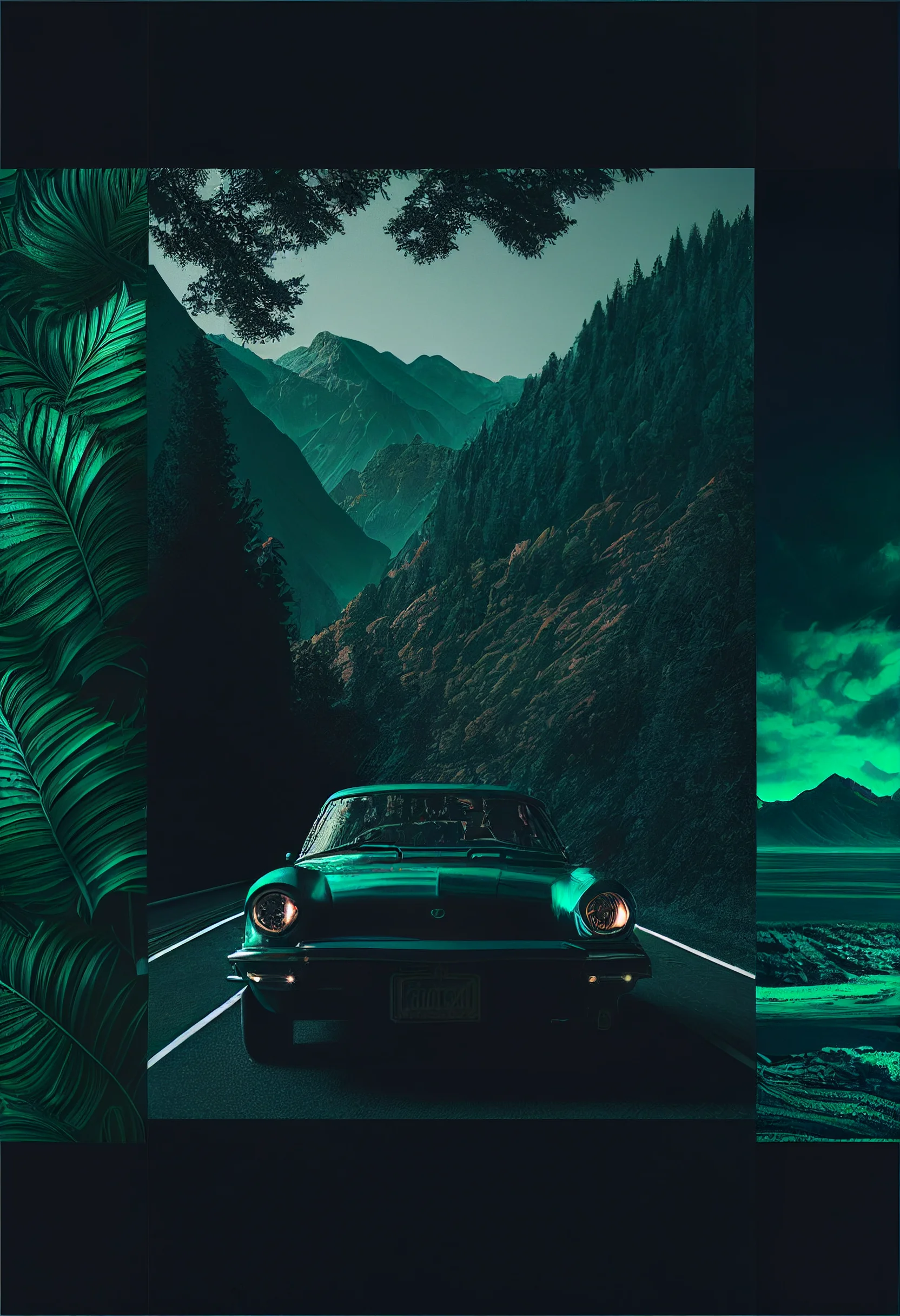
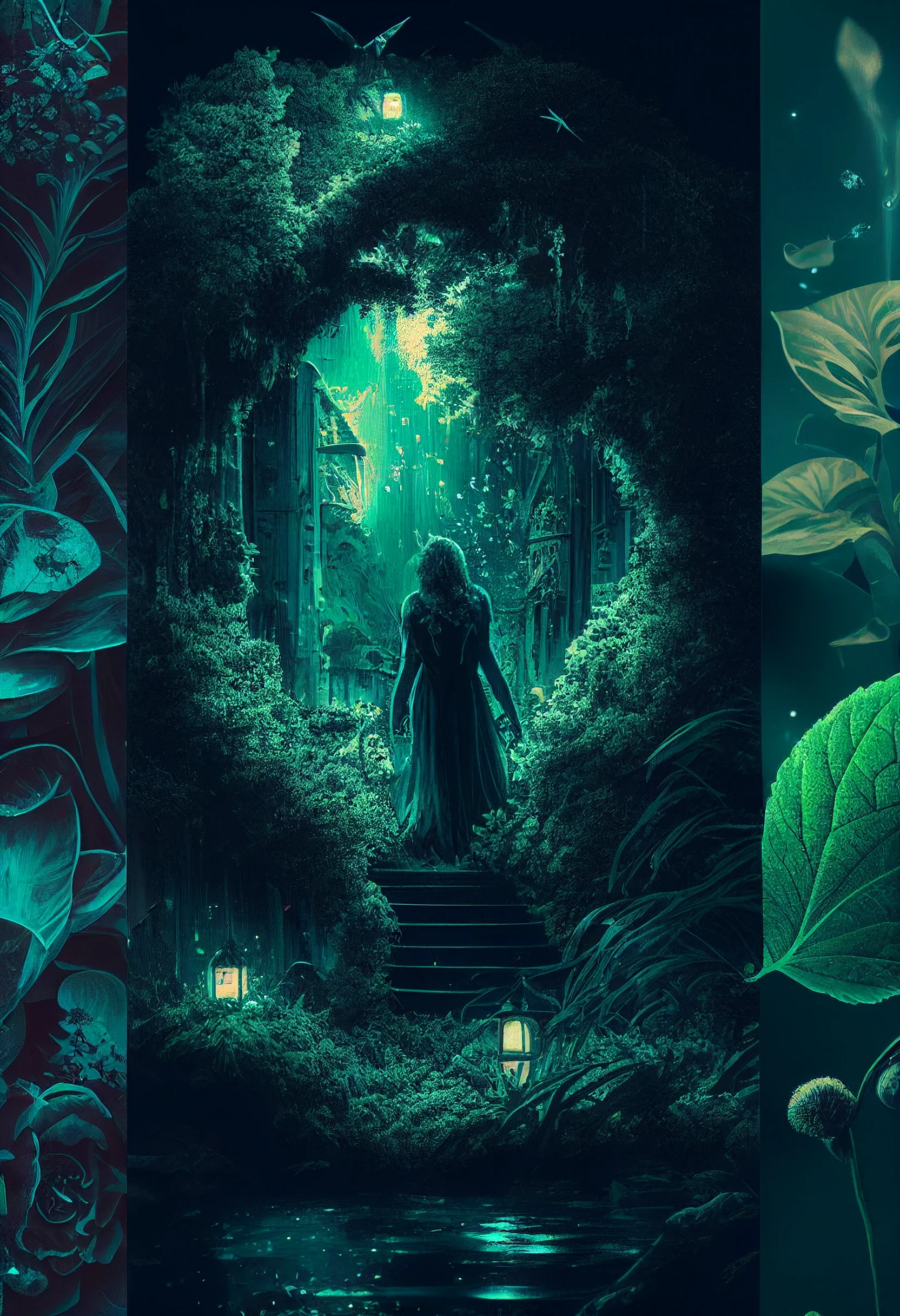
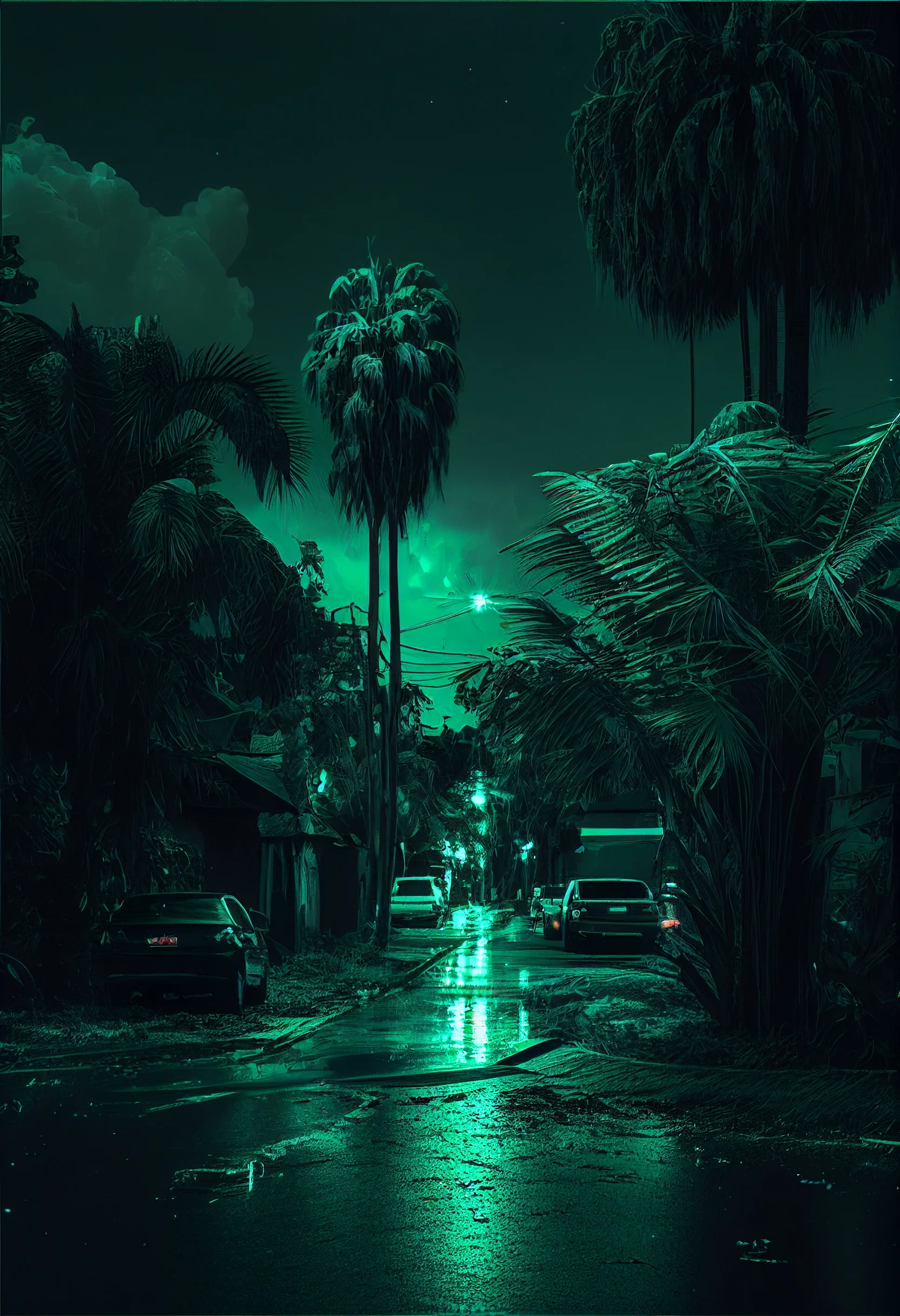
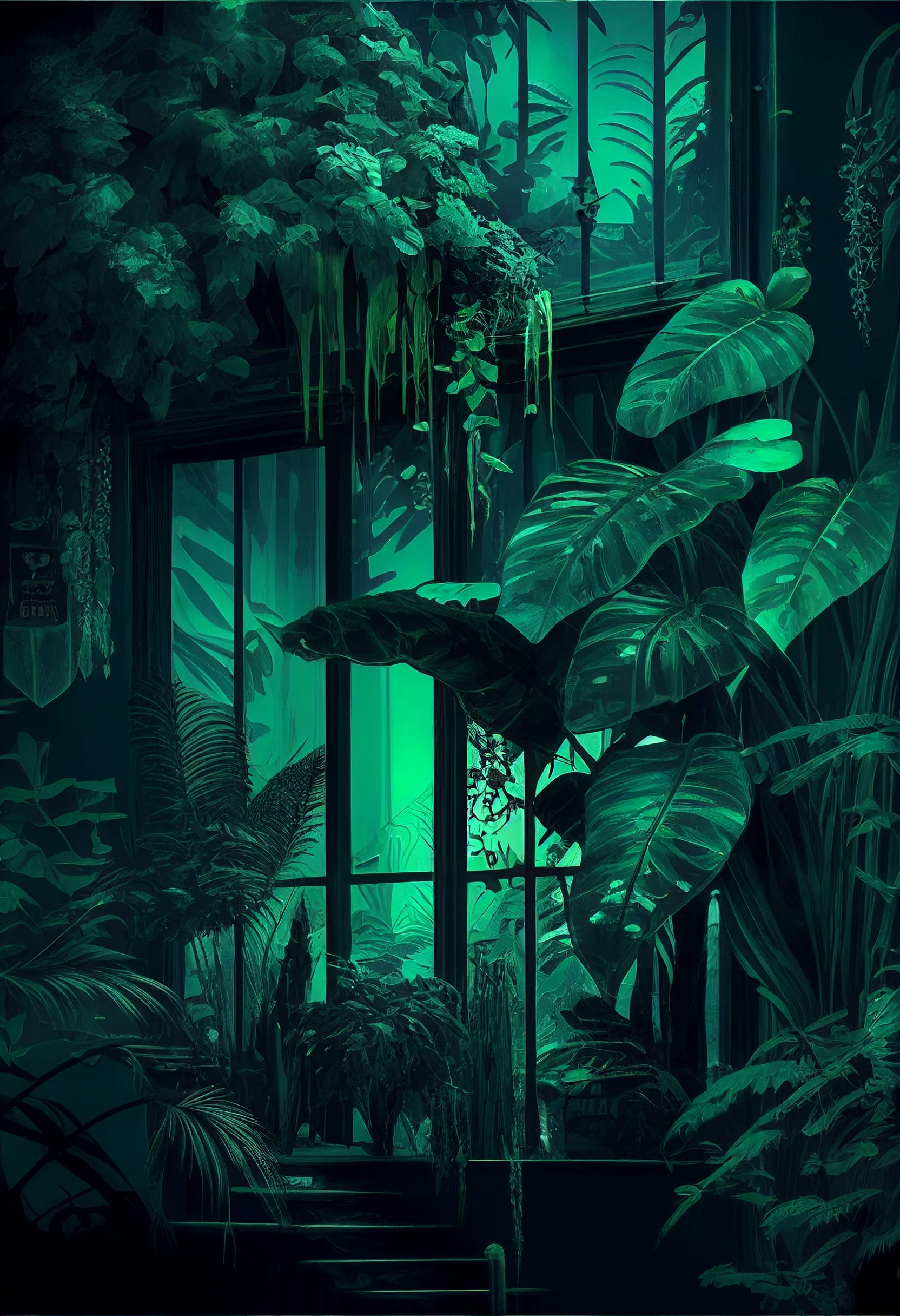
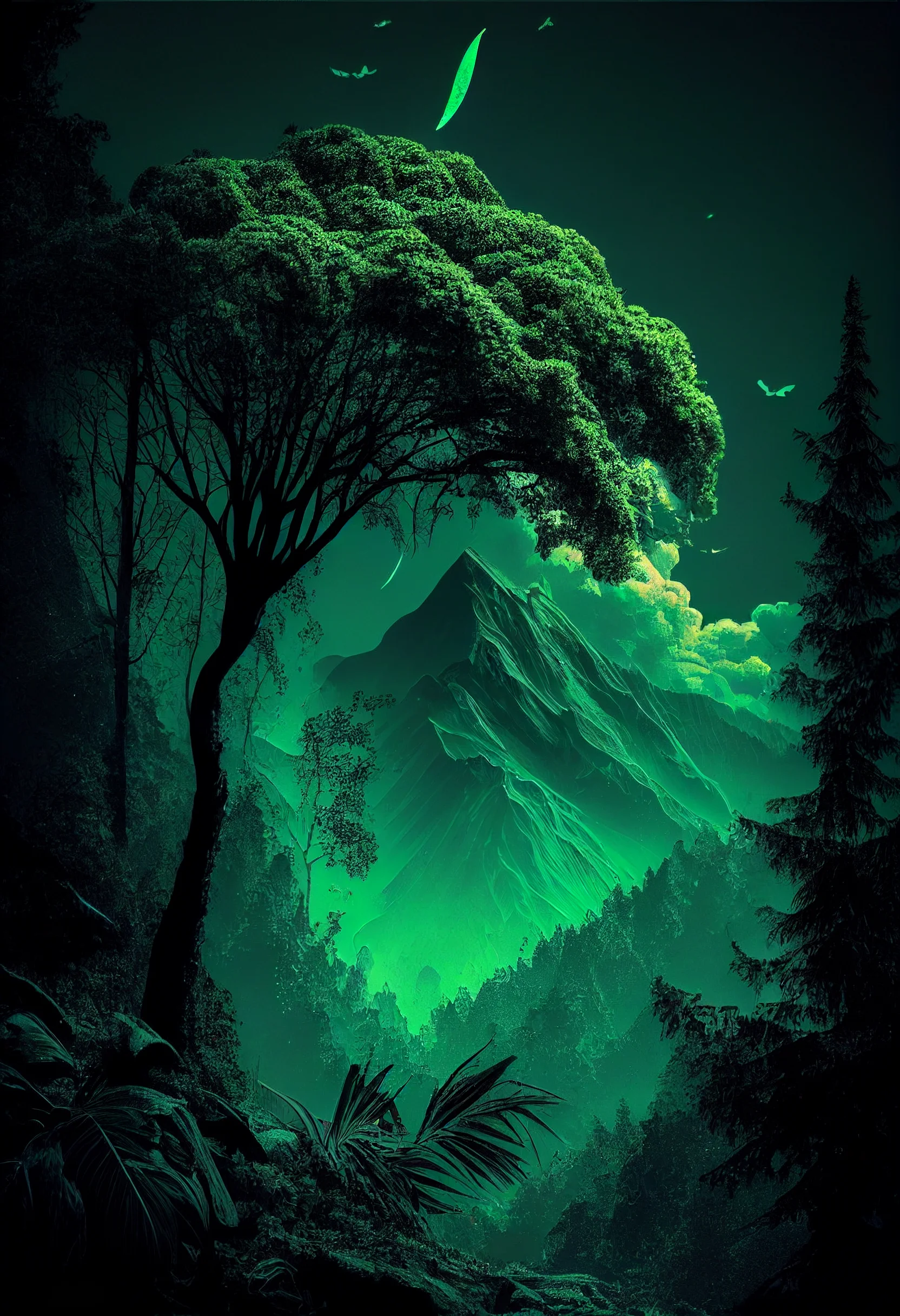
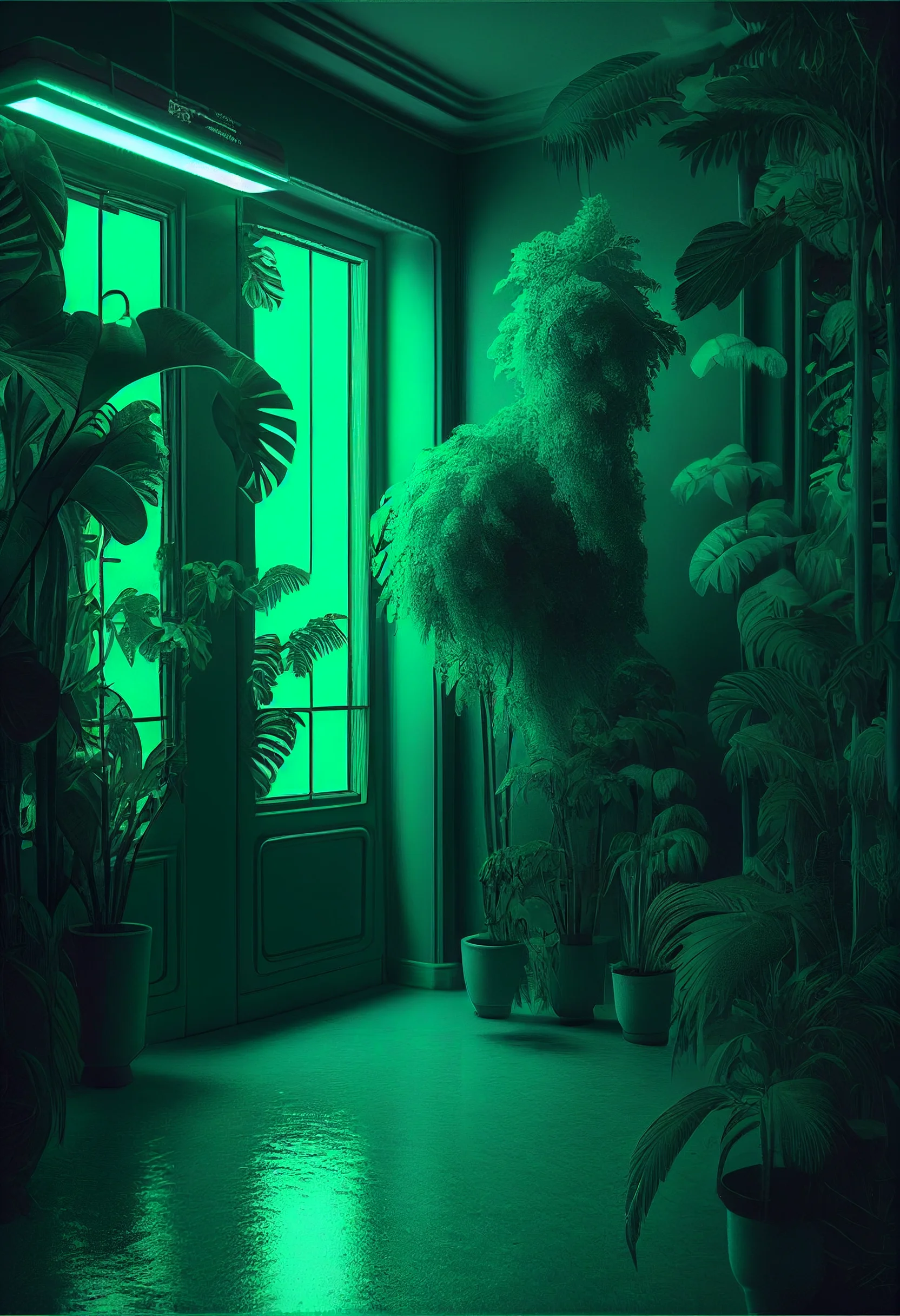
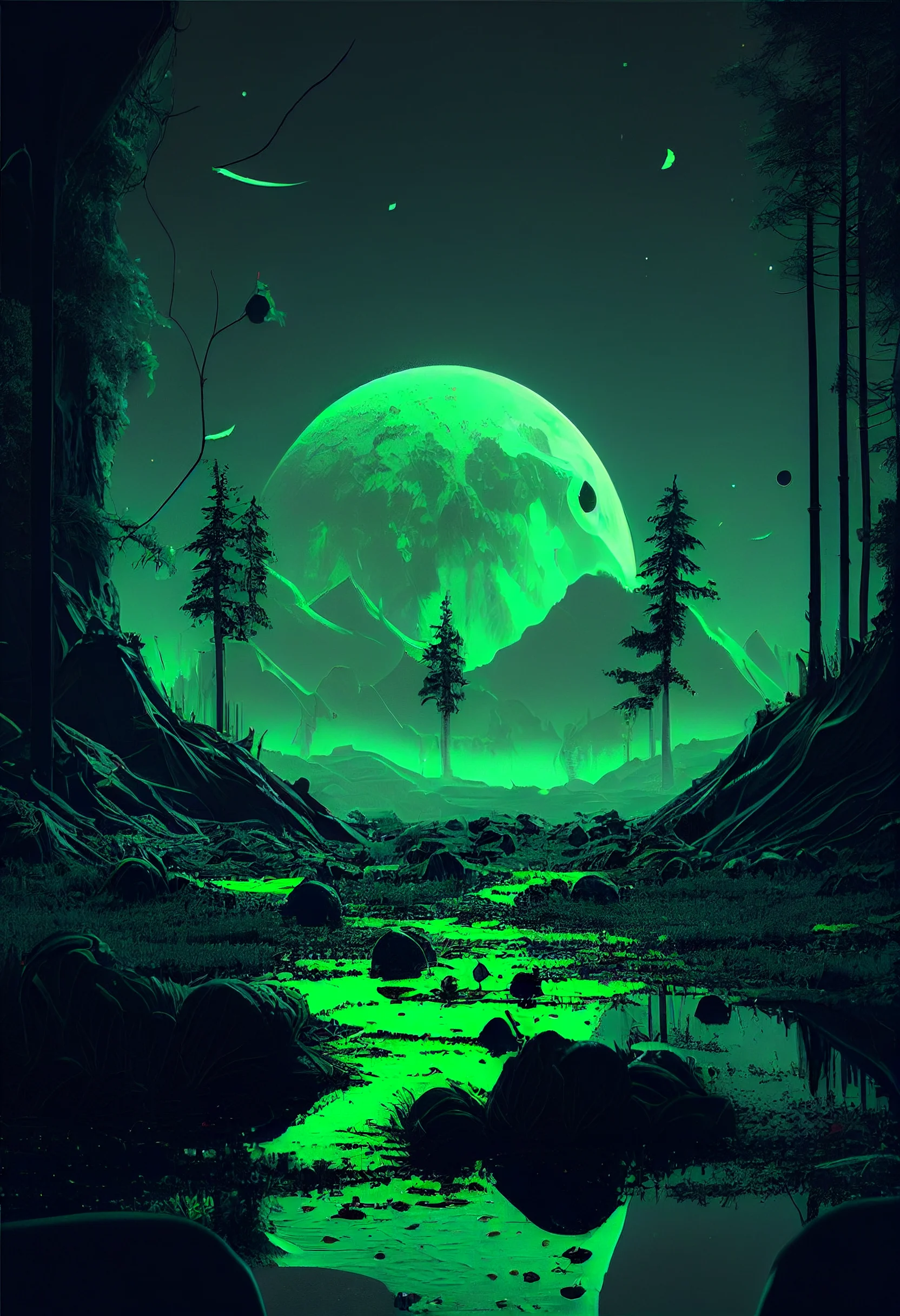
All 20 green aesthetic phone wallpapers on this page are 1664 × 2432 portrait files. The set moves from muted sage and pastel green to darker forest tones, minimal backgrounds and one brighter neon option.
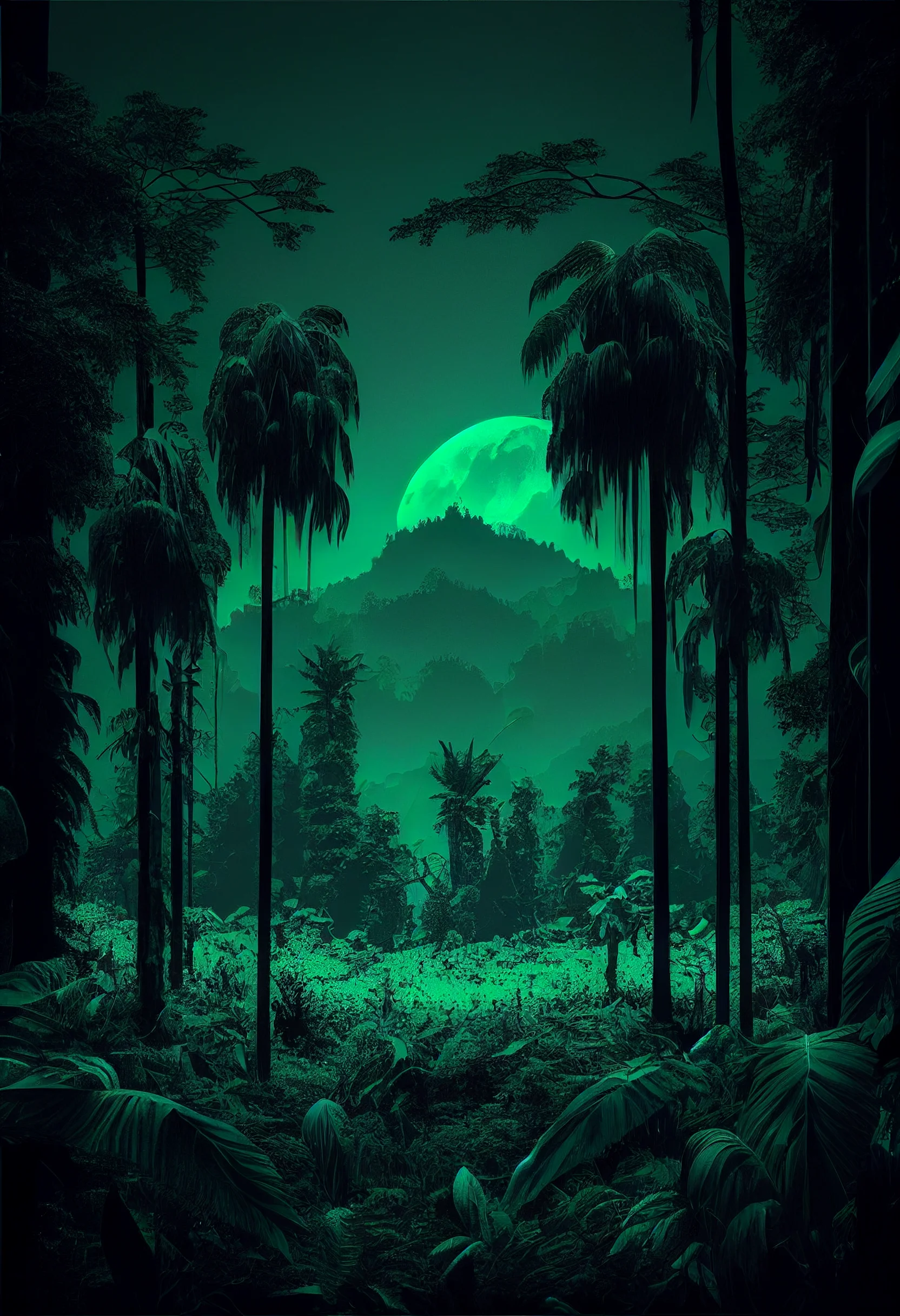
Test a green wallpaper on your actual screen
Green is unusually sensitive to screen brightness: pale sage can wash out behind white widgets, while deep forest green can lose detail when the display dims. Save two or three candidates and spend a minute testing them instead of choosing from the gallery alone.
- Check the clock area. On the Lock Screen, make sure the time is not sitting over the brightest or busiest part of the image.
- Open your busiest Home Screen. App names should still be readable without hunting for them. If they disappear, try a calmer sage design or use the detailed image only on Lock Screen.
- Lower brightness. If several dark-green areas merge into one block, choose a lighter image or a crop with more tonal variation.
- Trigger a notification. Confirm that the main subject still reads when the lower part of the wallpaper is partly covered.
Choose the green tone for the job
| Green style | Usually works best for | Watch for |
|---|---|---|
| Sage or muted green | Busy Home Screens and widgets | White labels can fade over very pale areas |
| Forest or dark green | Lock Screens and high-contrast setups | Shadow detail can disappear at low brightness |
| Pastel or light green | Minimal, airy layouts | Bright widgets may blend into the background |
| Neon green | Statement Lock Screens or sparse icon layouts | High contrast can become visually tiring behind many apps |
Fix the crop before rejecting the wallpaper
If a design feels awkward, first move the crop rather than immediately choosing another image. Keep faces, text-like details and strong focal points away from the clock and extreme edges. For a Home Screen, leave the quietest part of the composition behind the columns where you keep the most icons.
If the image looks soft, open the original file rather than saving a screenshot or browser thumbnail. These files are 1664 × 2432, so there is enough source resolution for typical phone use, but aggressive zooming can still make a crop look less sharp.
Pair Lock Screen and Home Screen instead of matching them exactly
A useful combination is a darker forest-green or neon design on the Lock Screen and a quieter sage wallpaper on the Home Screen. The palette still feels coordinated, but the Home Screen remains readable. If you use widgets heavily, judge the Home Screen wallpaper by the empty space around those widgets rather than by how dramatic the image looks on its own.
For adjacent palettes, try the purple aesthetic wallpapers, pastel aesthetic wallpapers or the broader aesthetic wallpaper collection.
20 green aesthetic phone wallpapers
Scroll through the remaining designs below and open the original image you want to save. Test the final crop on your phone before keeping it.