
These 20 galaxy phone wallpapers are vertical 1024×1536 images, ranging from dark star fields to bright nebulae, moons and colorful cosmic scenes. Darker designs tend to behave better behind app icons; high-contrast planets and glowing clouds usually make stronger Lock Screens.
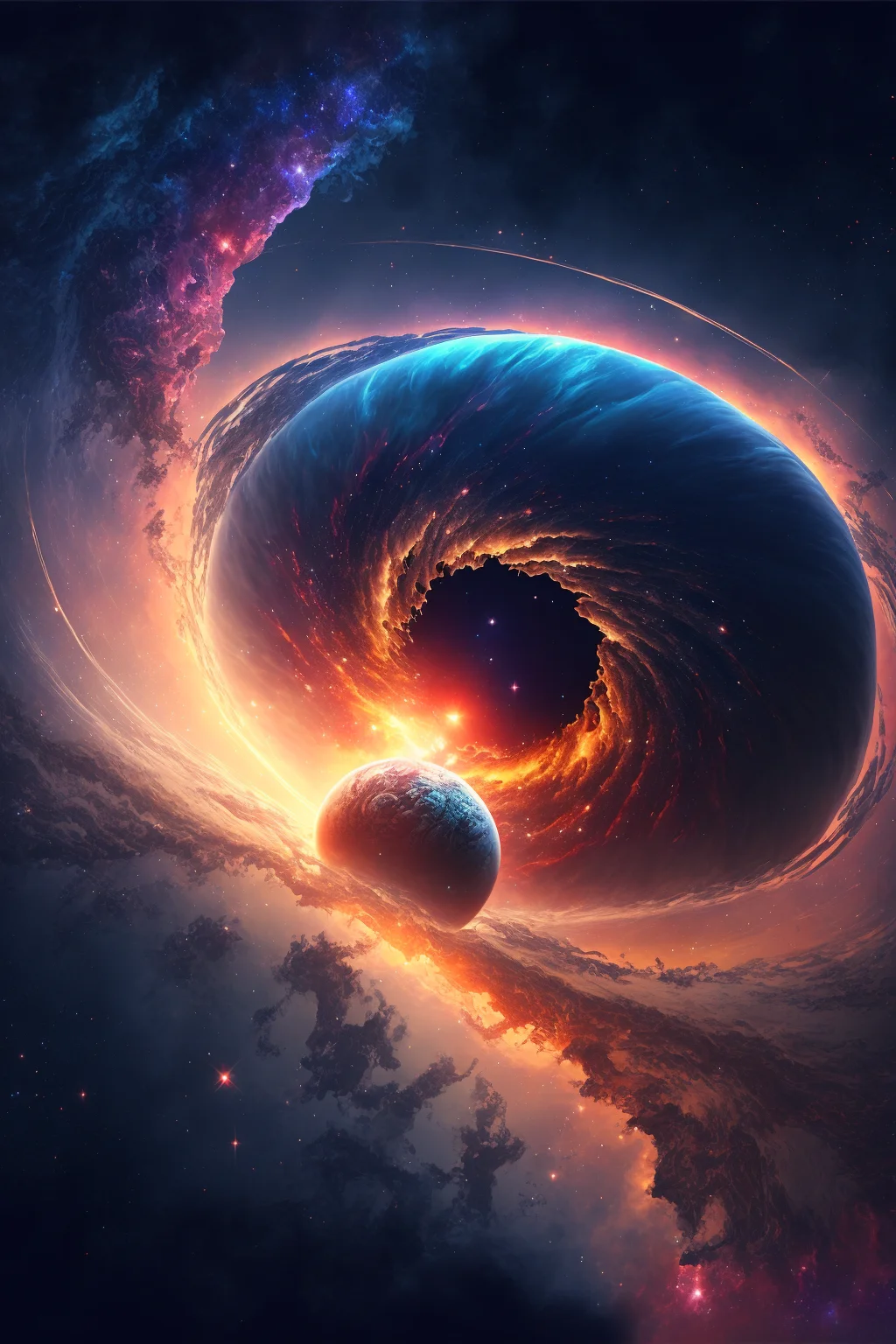
A few old filenames contain “4k,” but the actual files on this page are 1024×1536. They are static images, not live wallpapers.
Test a galaxy wallpaper in 60 seconds
A space image can look excellent by itself and become awkward once a phone overlays the clock, widgets and icons. Before keeping one, run this quick screen test:
- Try the Lock Screen first. Position the brightest planet, moon or nebula away from the clock and widget area. If the subject is partly hidden, adjust the crop rather than zooming automatically.
- Wake the screen twice. Check the wallpaper at normal brightness and again when the display dims. Fine stars can disappear while bright nebulae can become more dominant.
- Preview the Home Screen. Look specifically at icon labels and folders. A detailed star field behind every icon may feel busier than it did in the gallery.
- Check the top and bottom edges. Make sure a major focal point is not competing with the camera area, status information or dock.
If the Lock Screen looks dramatic but the Home Screen feels noisy, use two different wallpapers instead of forcing one image to do both jobs.
Choose by screen job, not just by color
| Galaxy style | Usually works best for | What to check |
|---|---|---|
| Dark star field | Home Screen | Enough empty space for icons and labels |
| Bright nebula | Lock Screen | Glow does not sit directly behind the clock |
| Moon or planet | Lock Screen or paired set | Main subject survives the crop |
| Dense colorful space scene | Lock Screen | Widgets remain readable over bright areas |
| Mostly black cosmic image | Home Screen | Small stars do not create visual noise around icons |
Fix the crop before blaming the image
Because these files are 1024×1536, your phone may crop them differently depending on its screen ratio and wallpaper settings. Start with the image centered, then move it only enough to protect the main subject. Avoid aggressive zooming: it can soften stars and push a moon or planet partly off-screen.
If the result still feels wrong, diagnose the specific problem. Clock hard to read? Move the brightest cloud away from the upper third or choose a darker design. Icons disappear? Use that image only on the Lock Screen and pick a quieter star field for Home. Subject gets cut off? Choose a wallpaper with more empty space around its focal point rather than repeatedly enlarging it.
For a broader mix of phone styles, browse the aesthetic wallpapers. If you specifically want muted, shadowy imagery rather than space scenes, the dark vintage collection keeps that search intent separate.
20 galaxy phone wallpapers

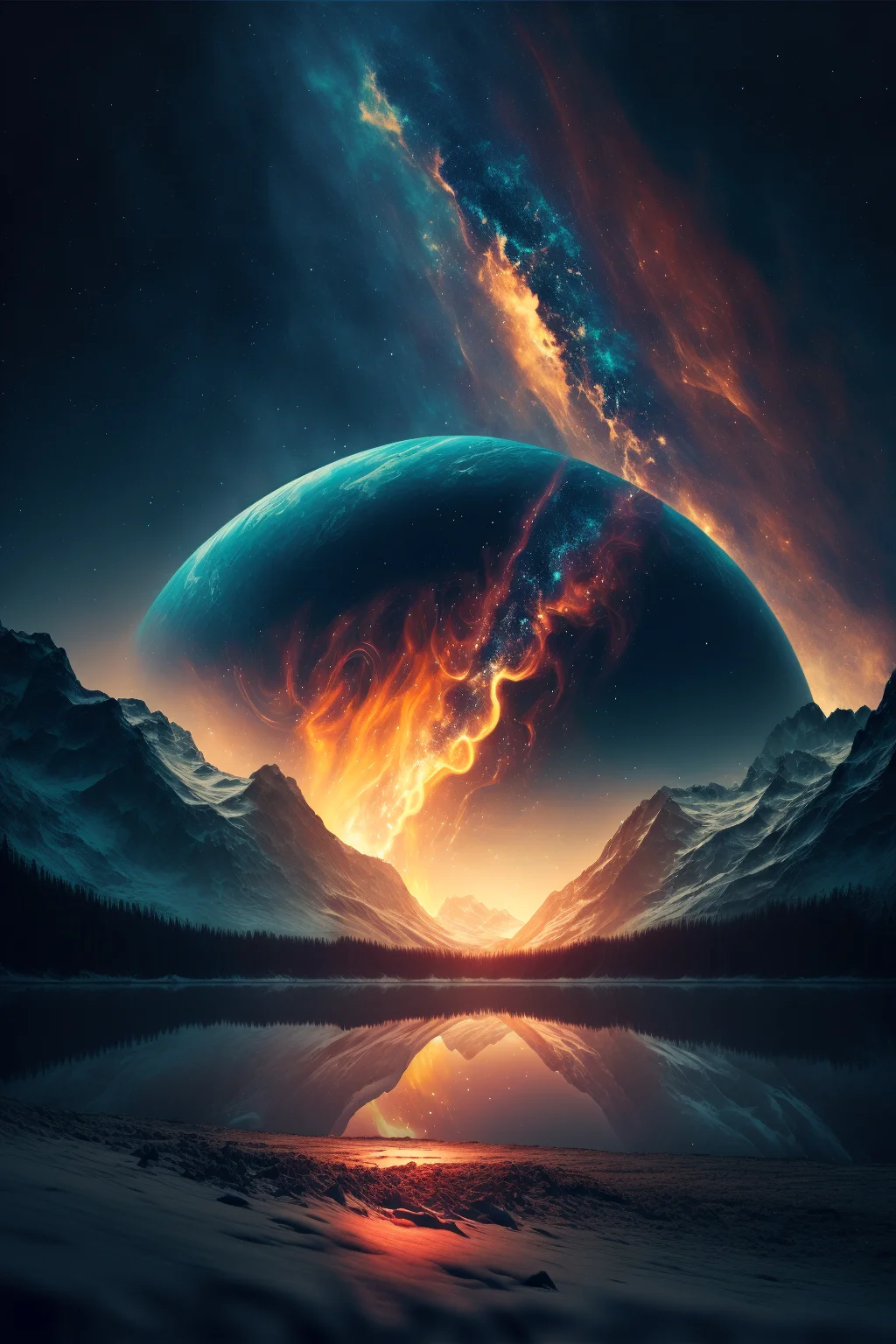
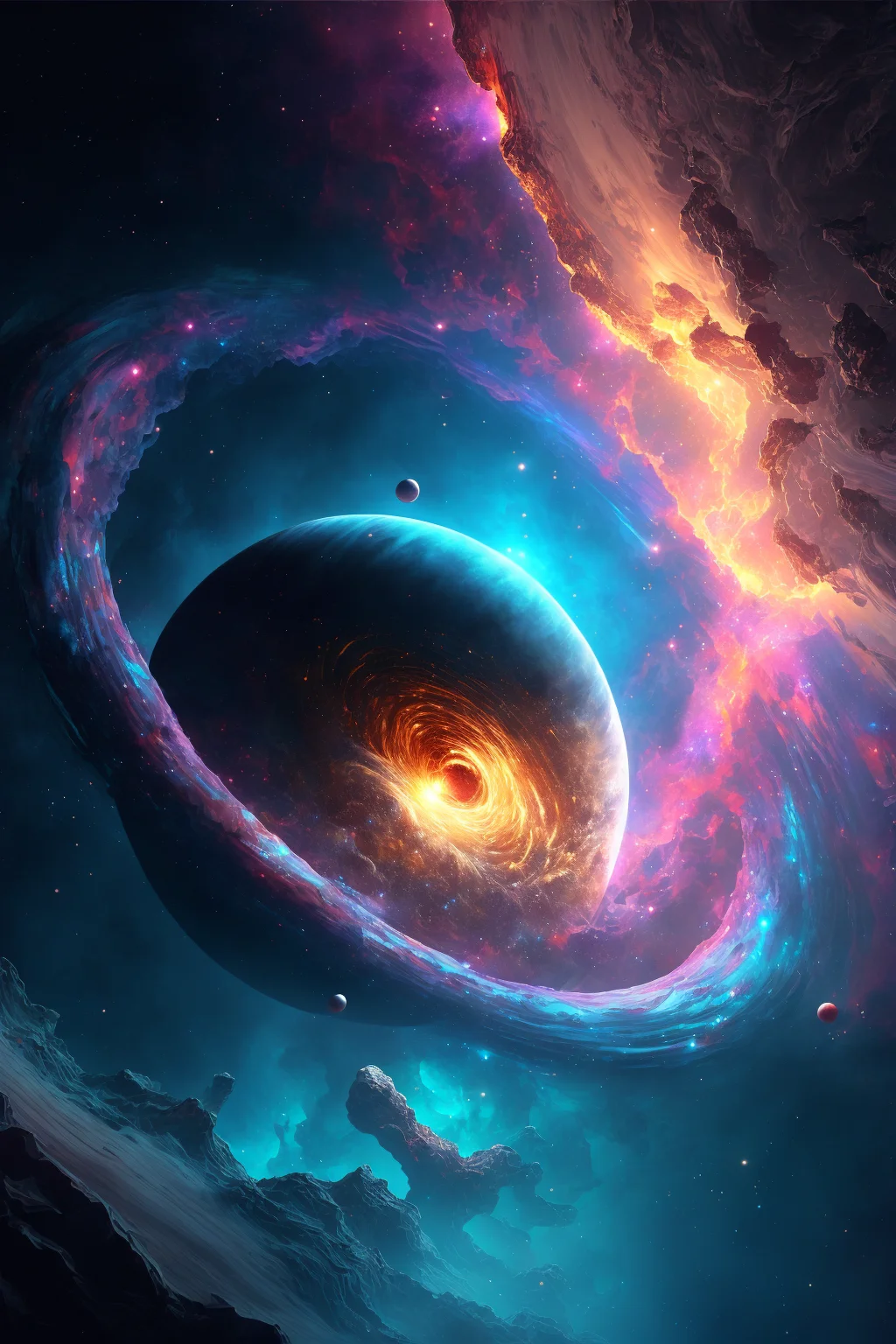
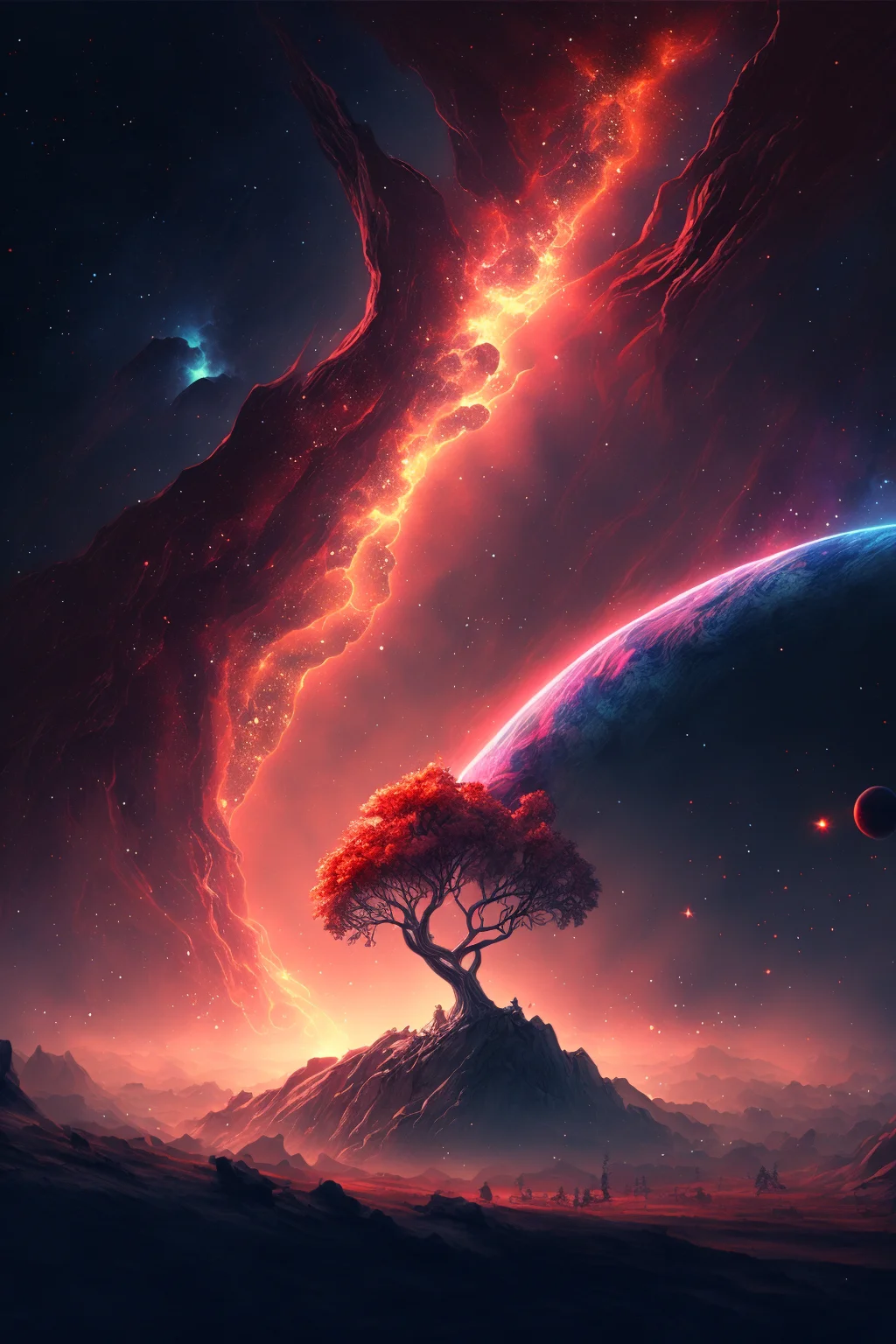
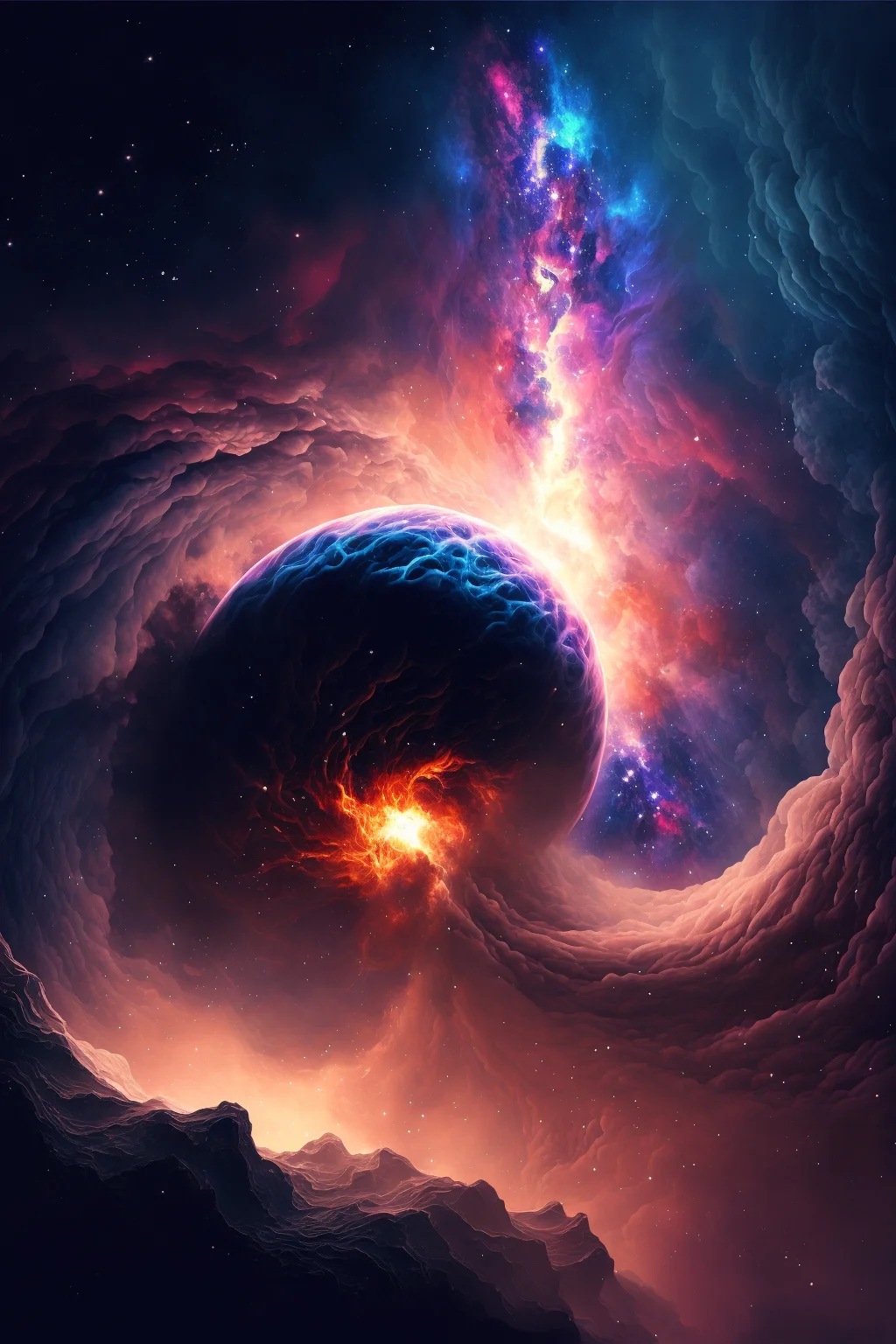
Blue and space-themed backgrounds
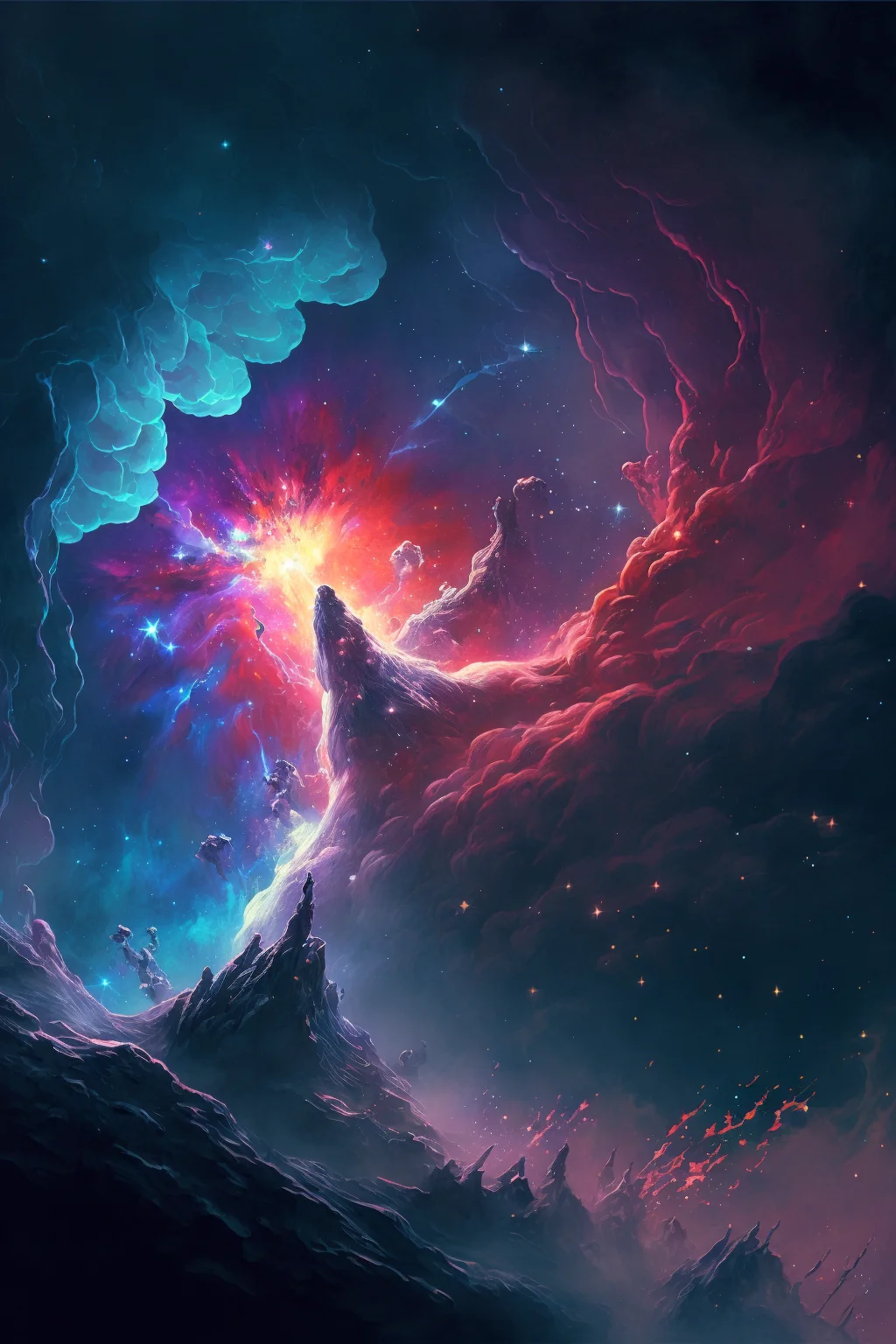
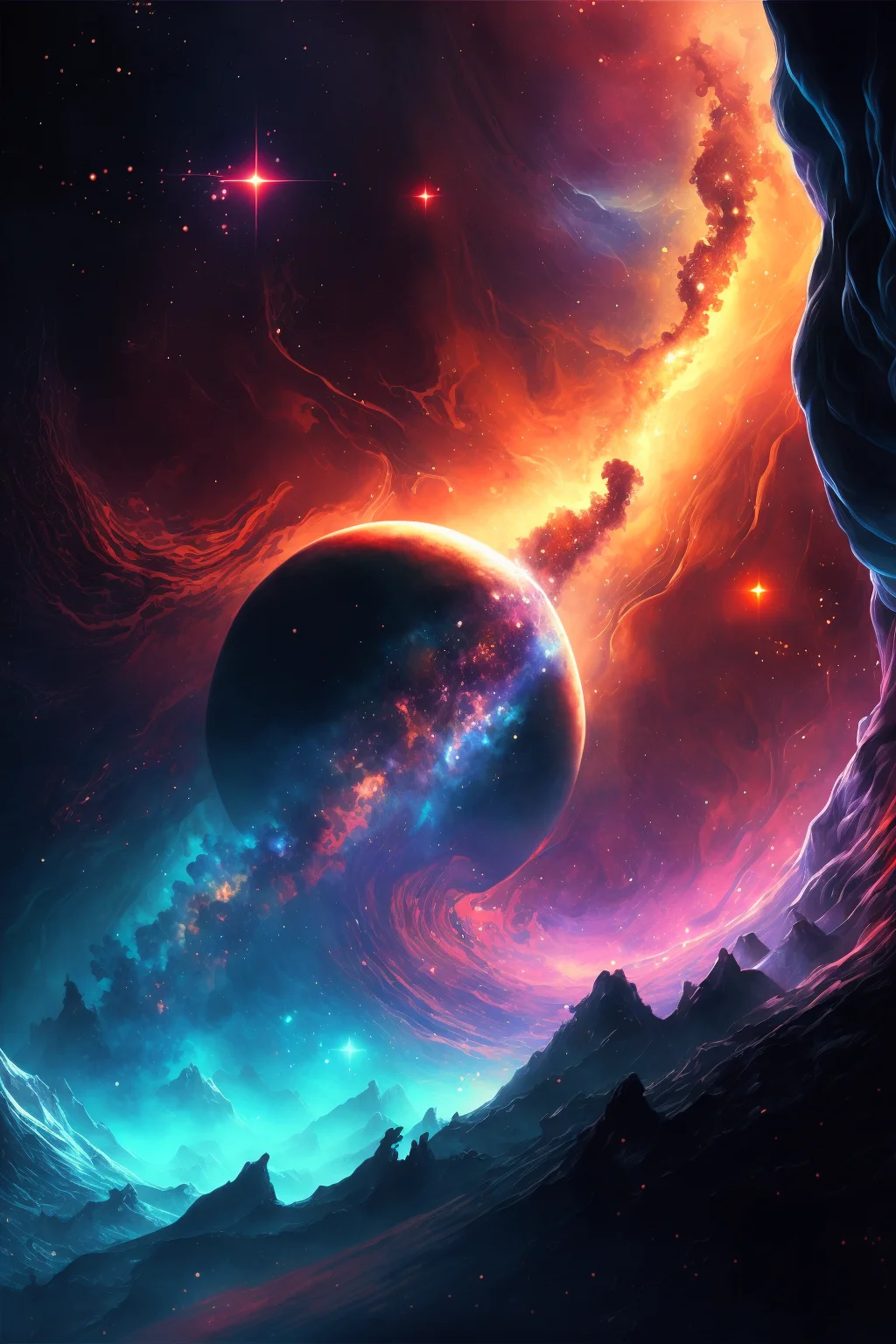
Dark and colorful backgrounds
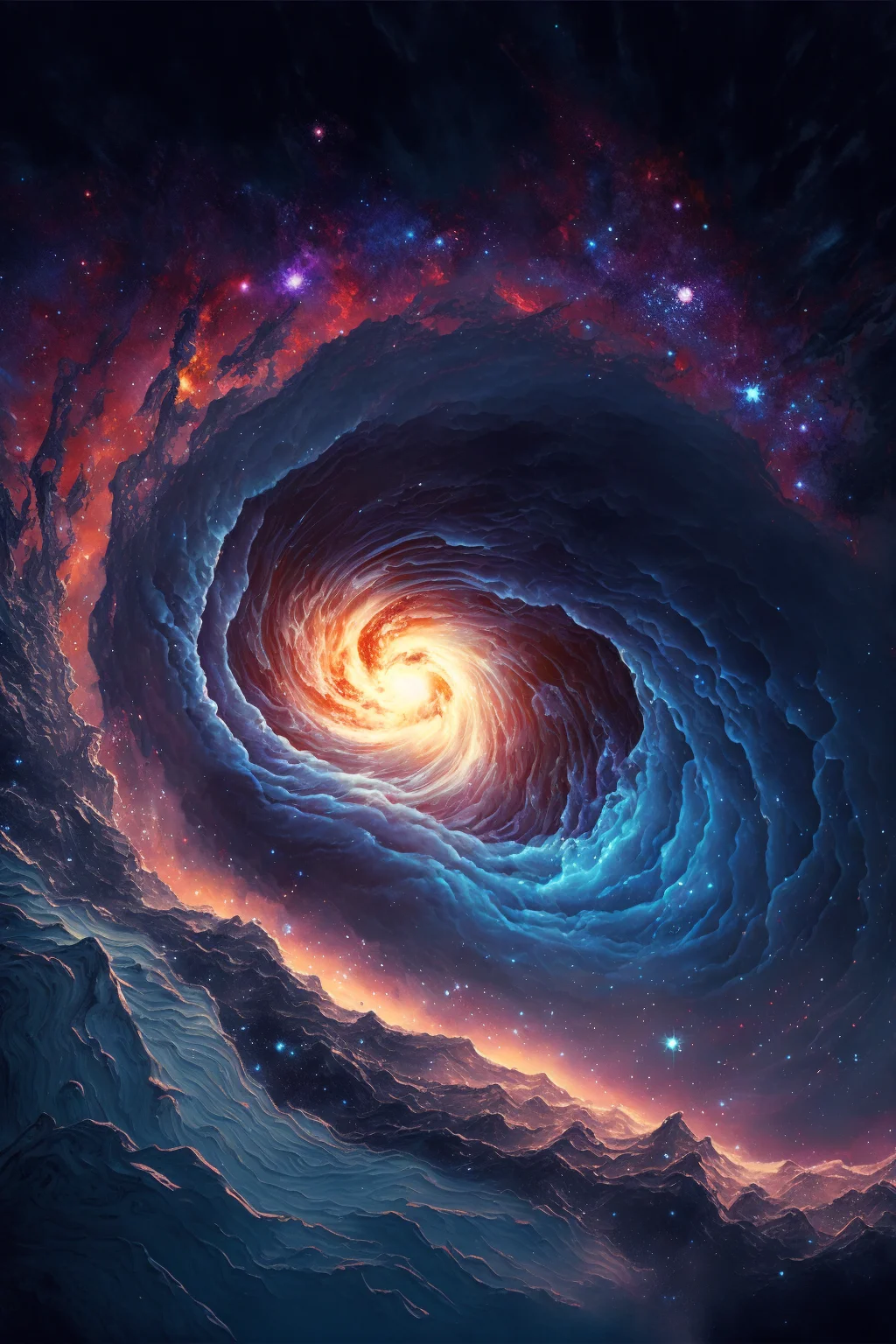
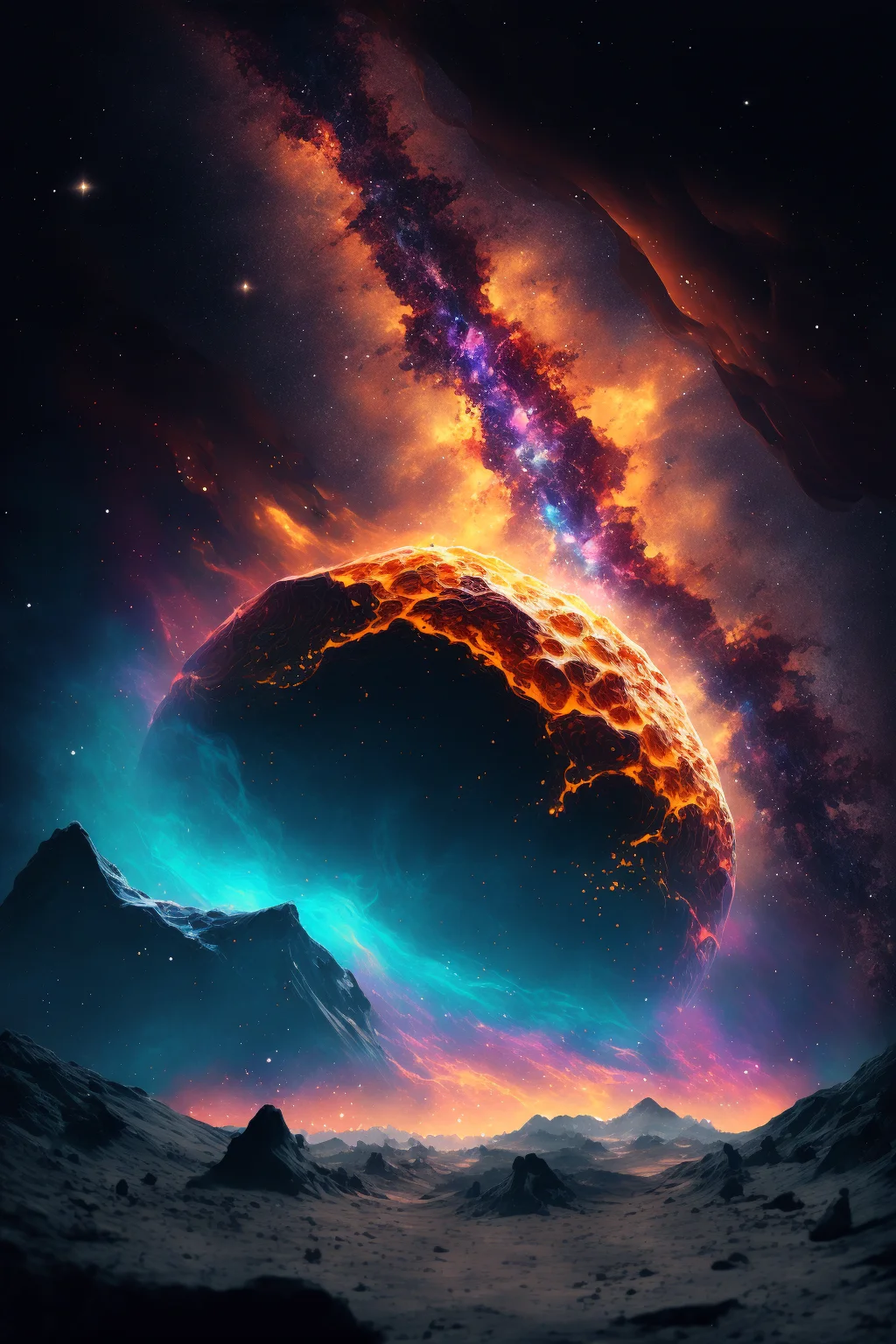
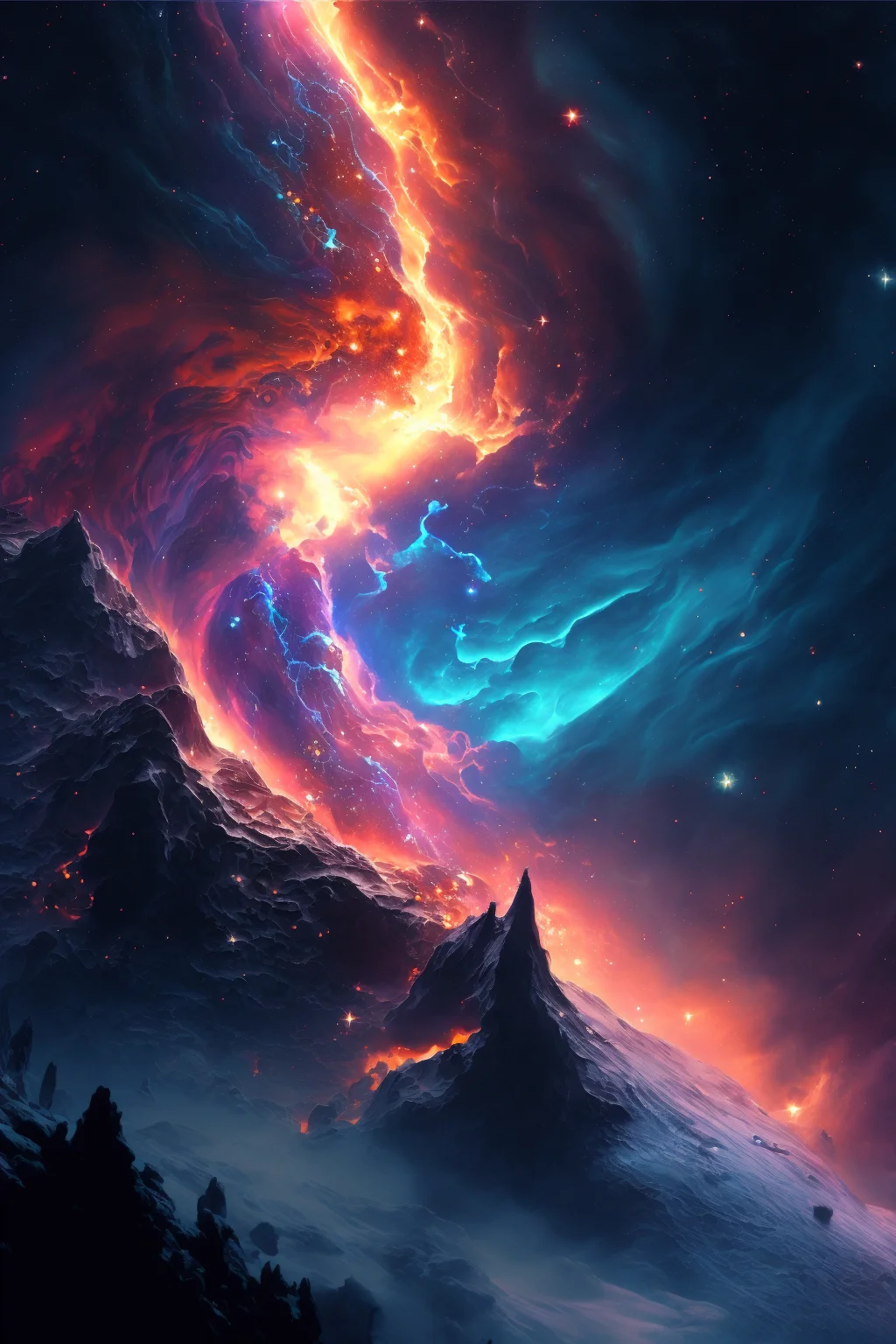
Bright cosmic backgrounds
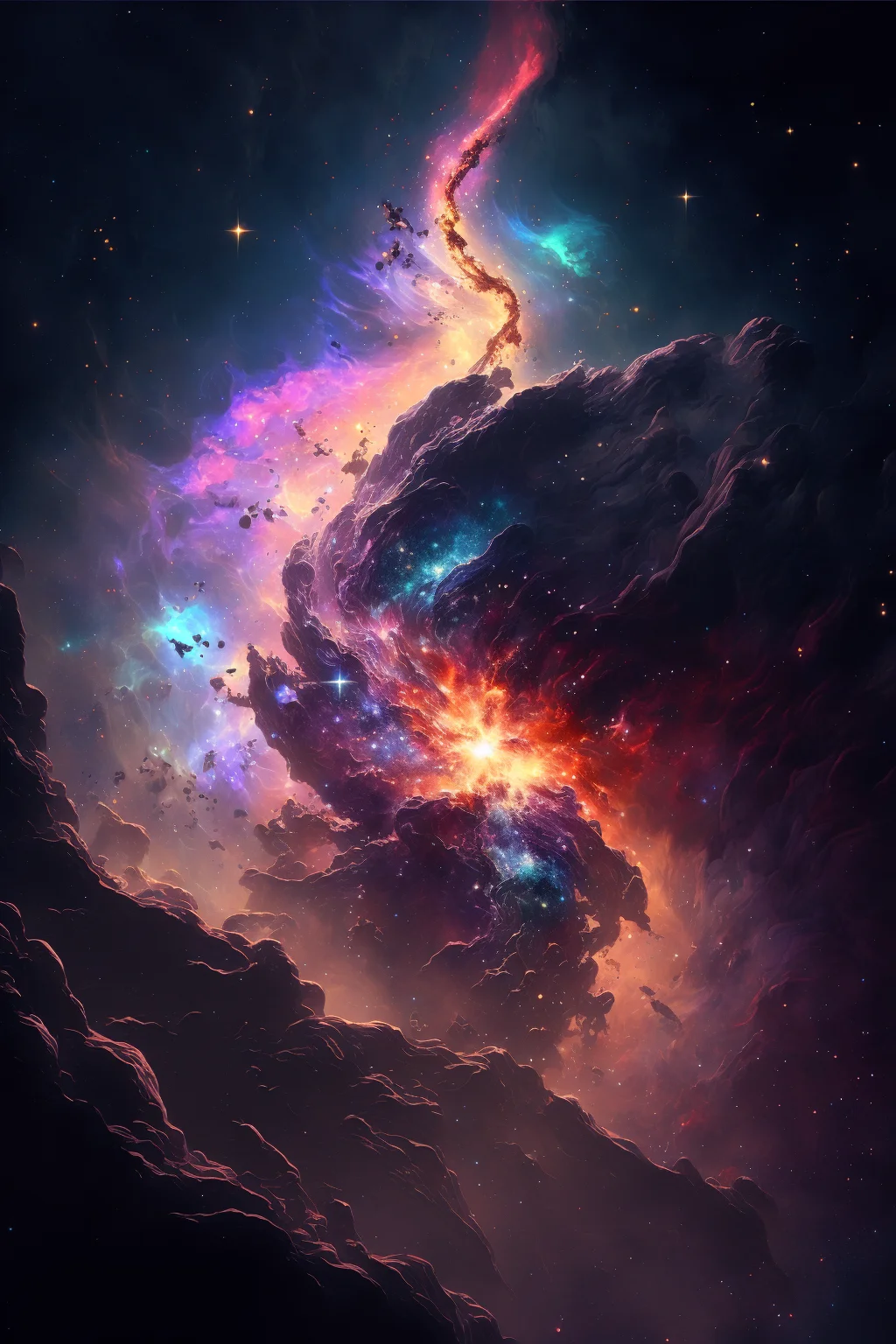
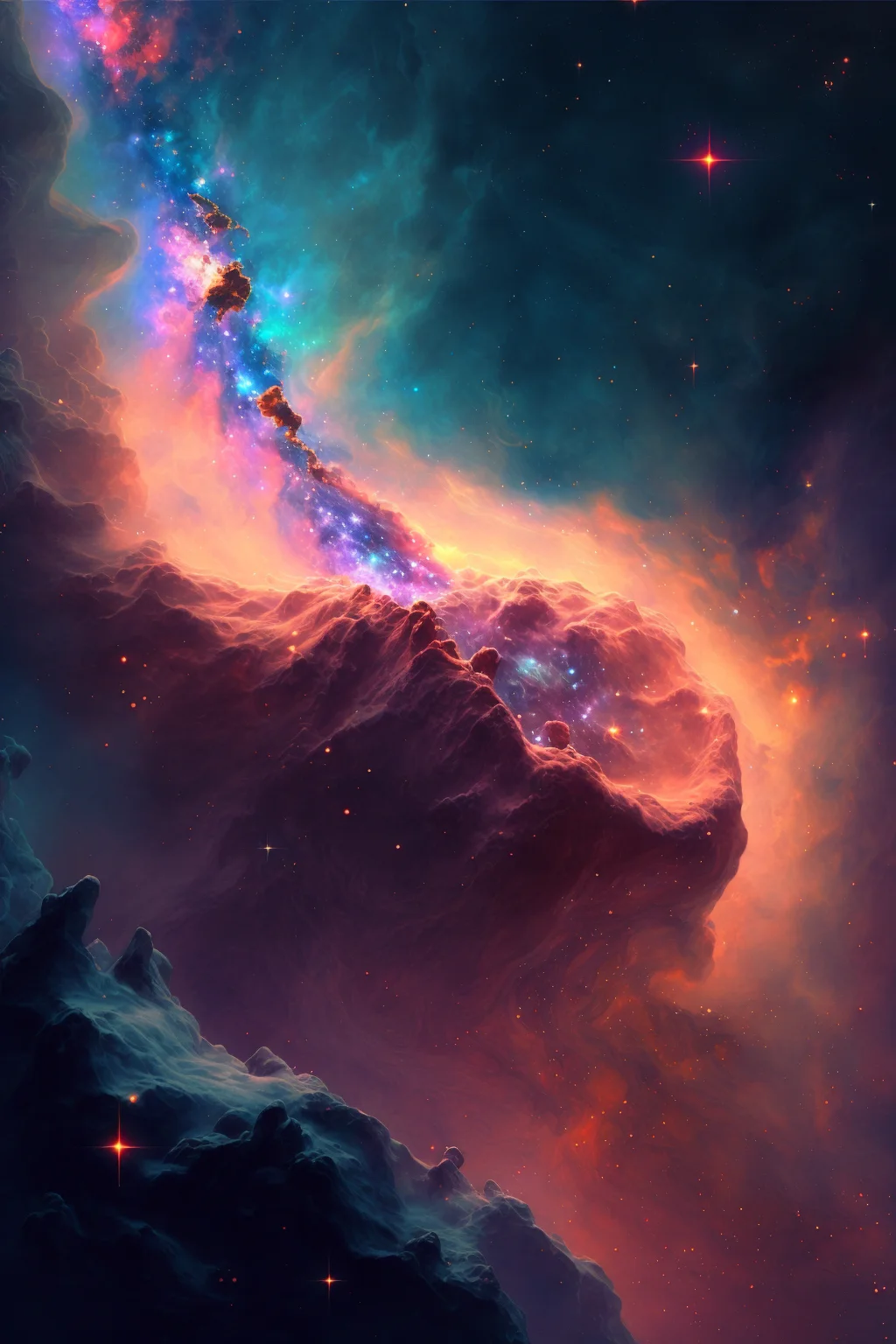
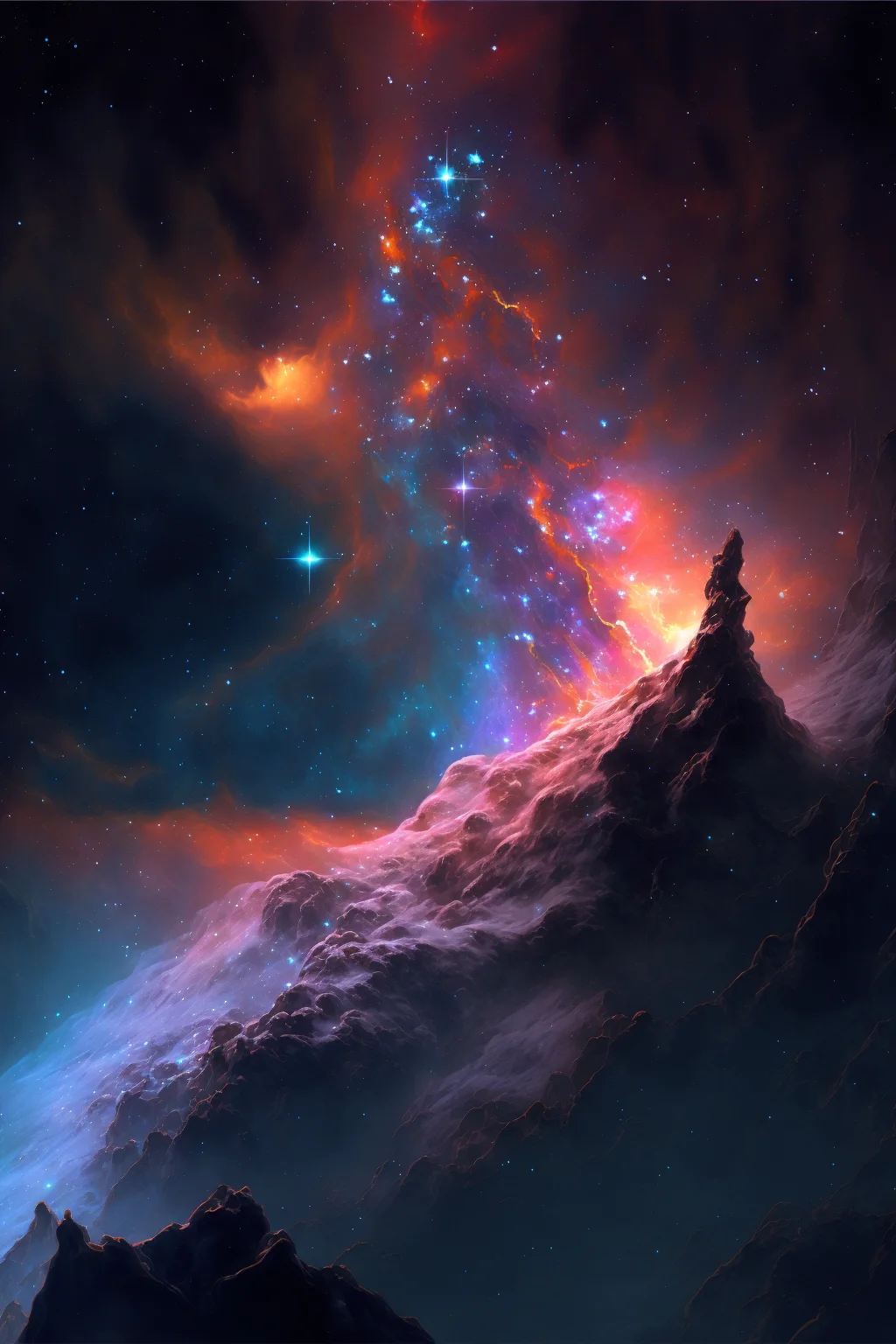
Deep-space backgrounds
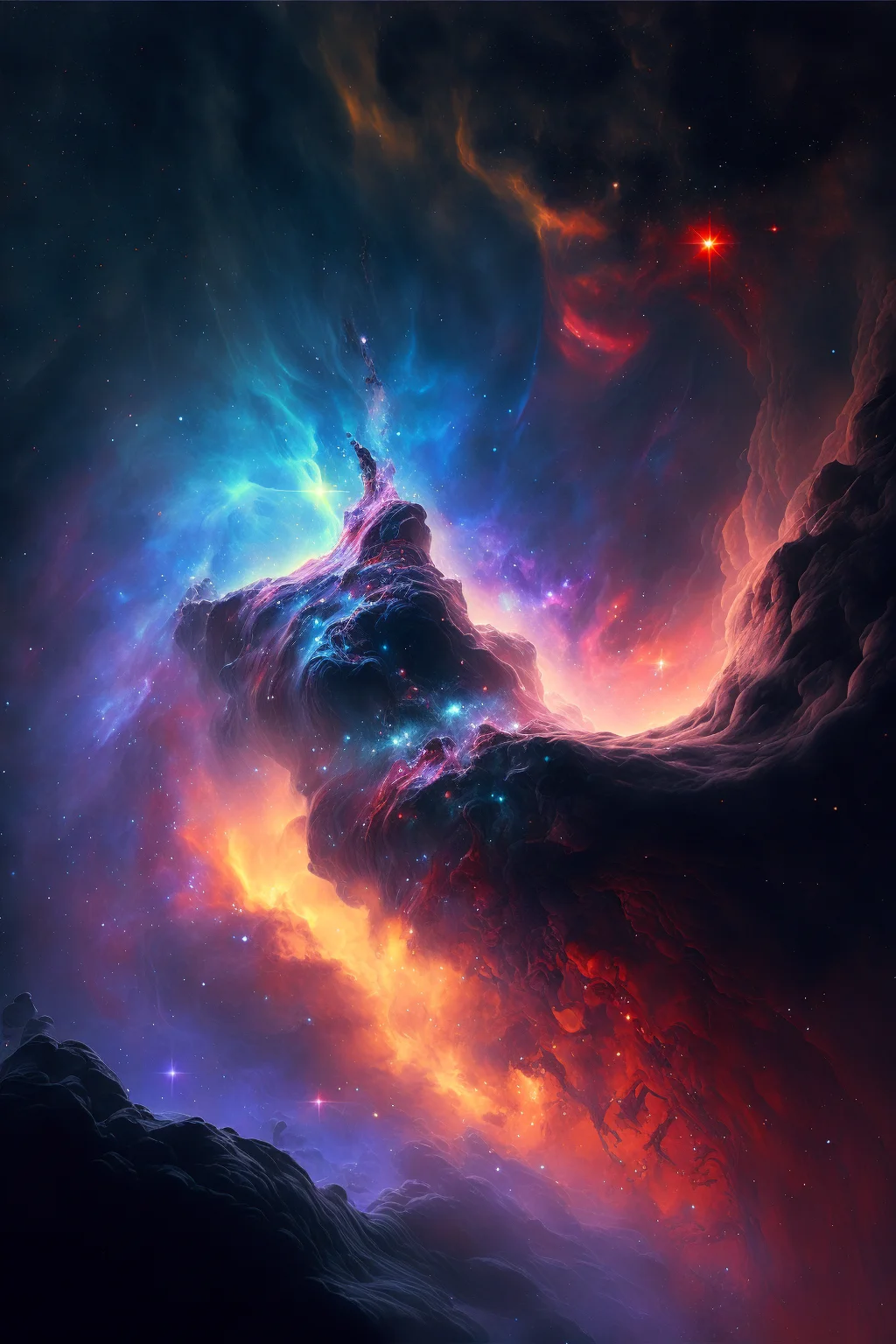
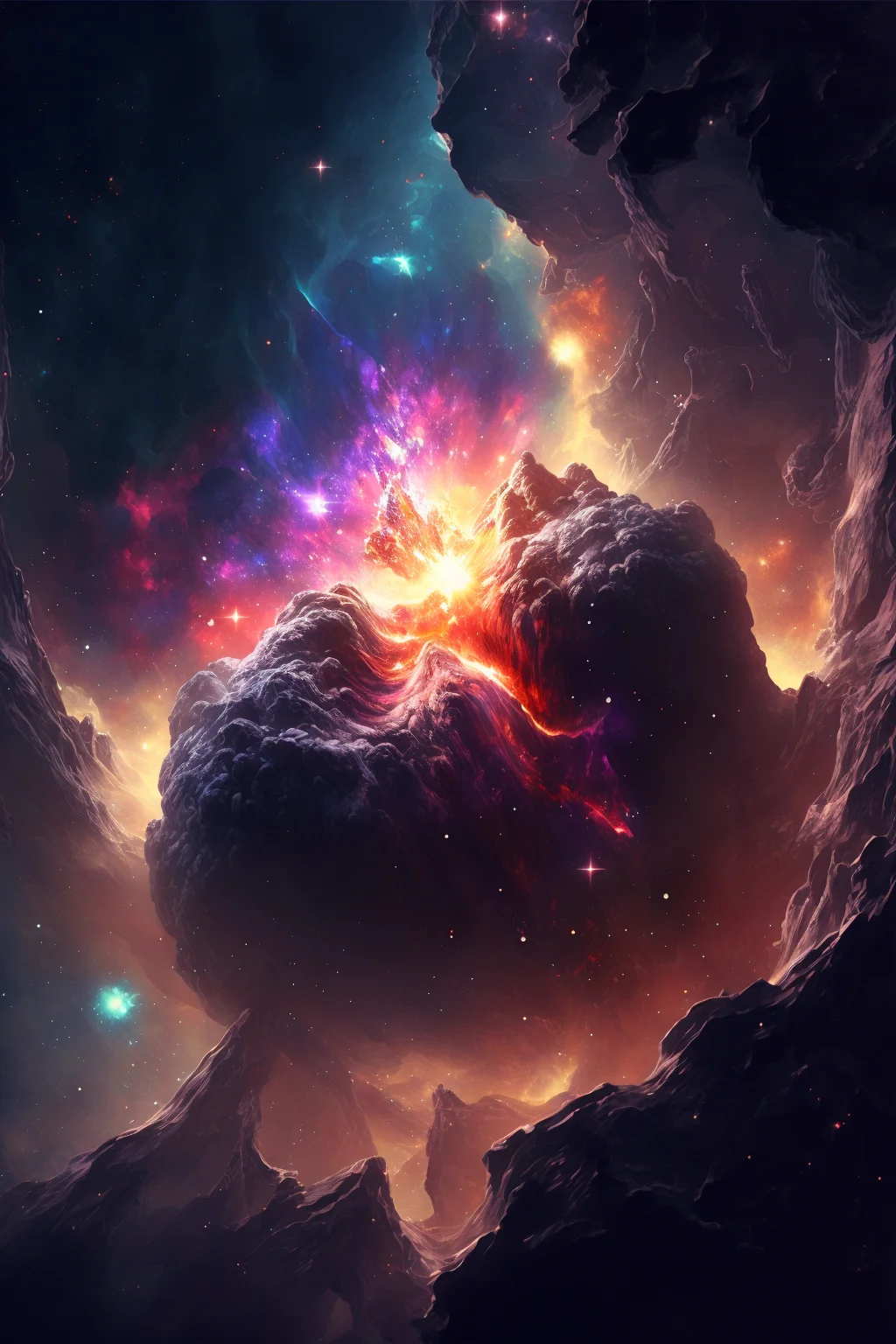
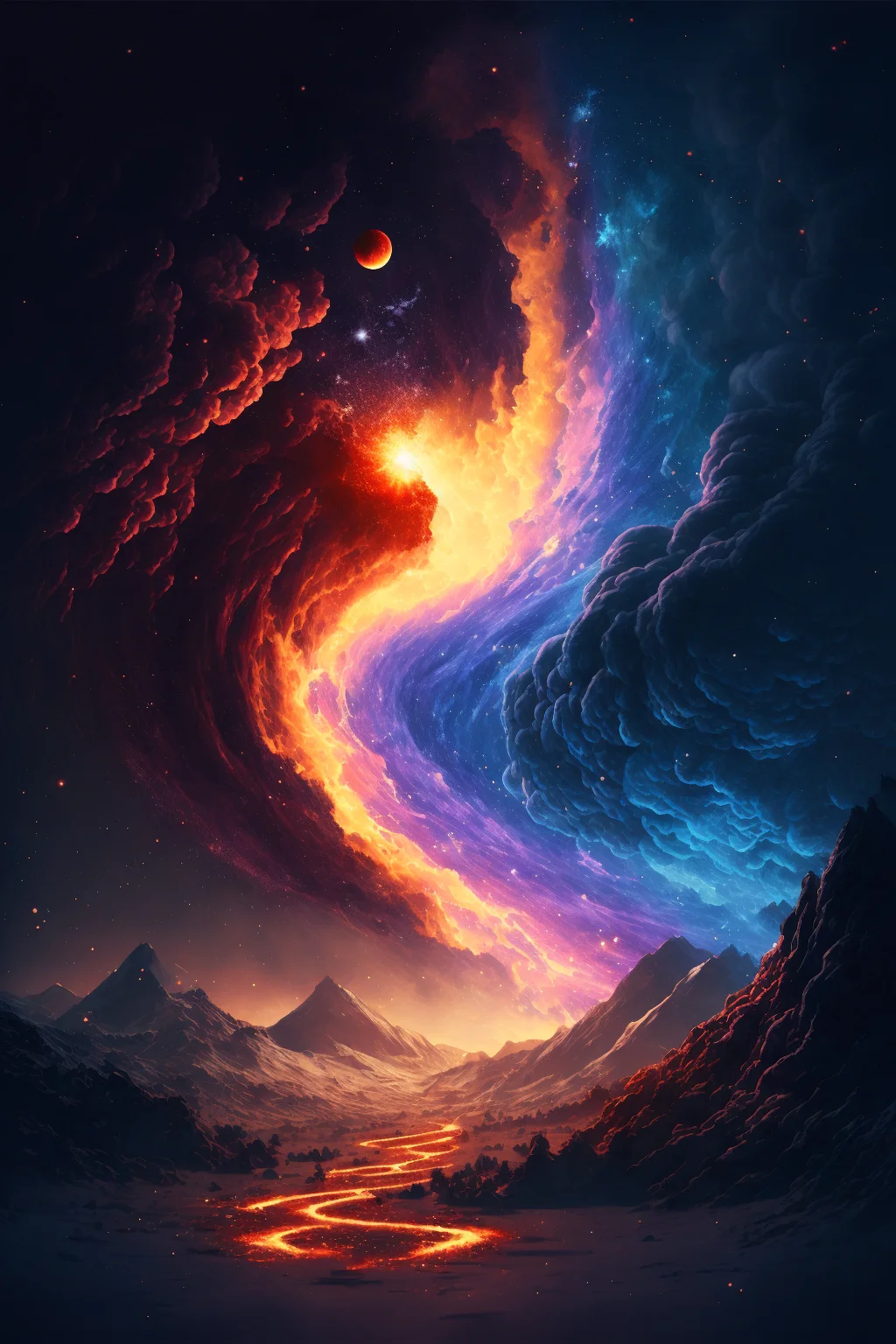
Cute and darker galaxy styles
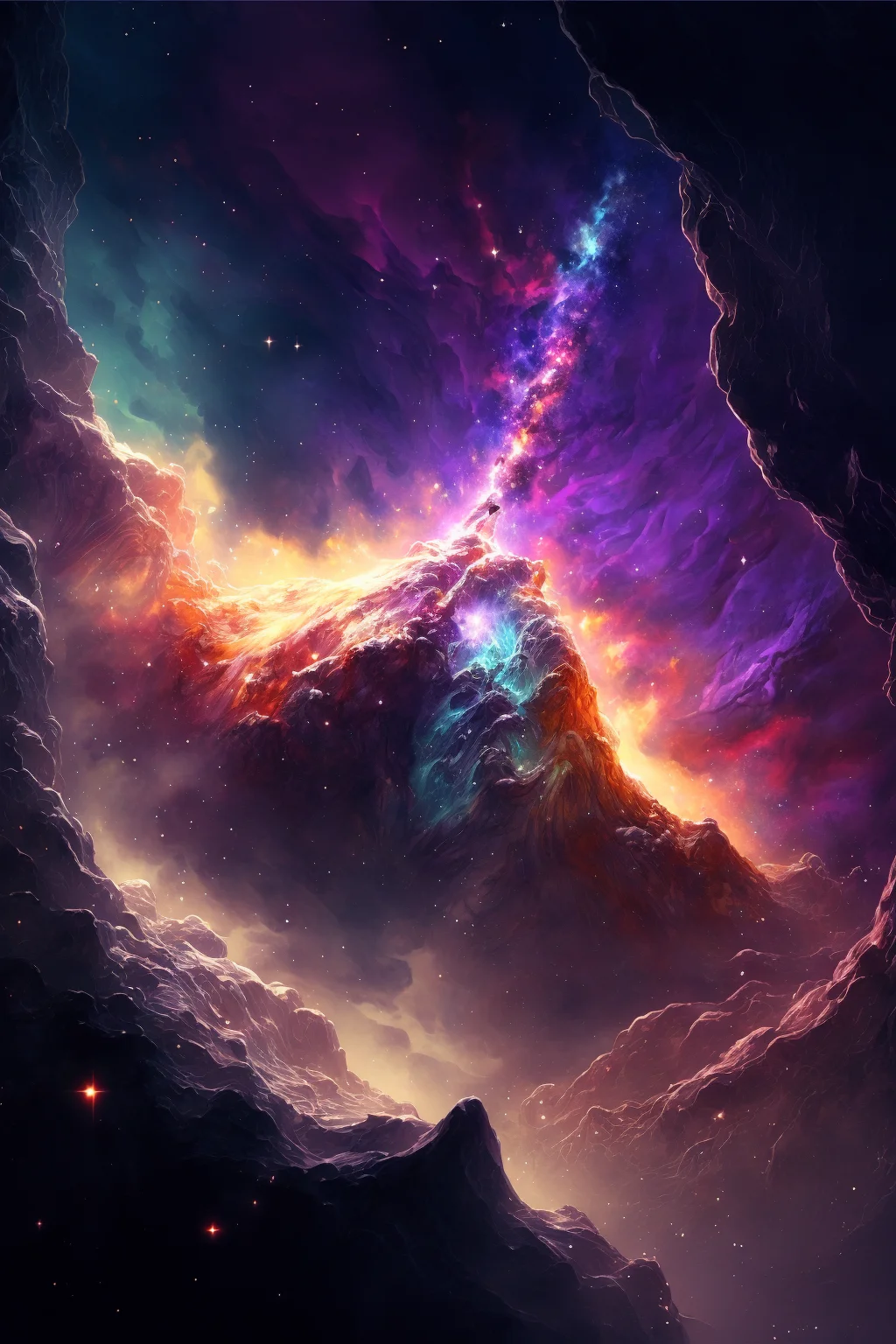
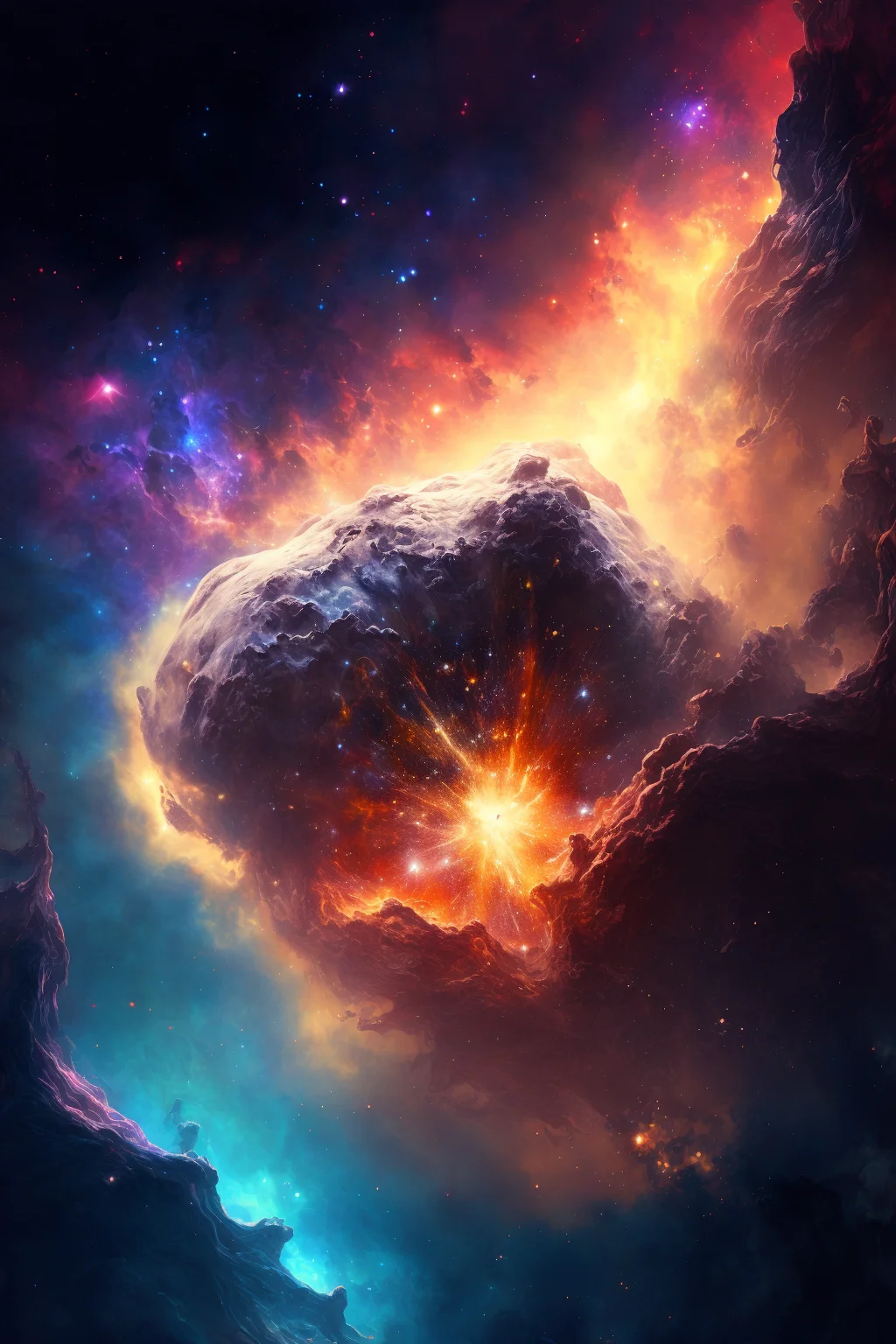
One final dark option
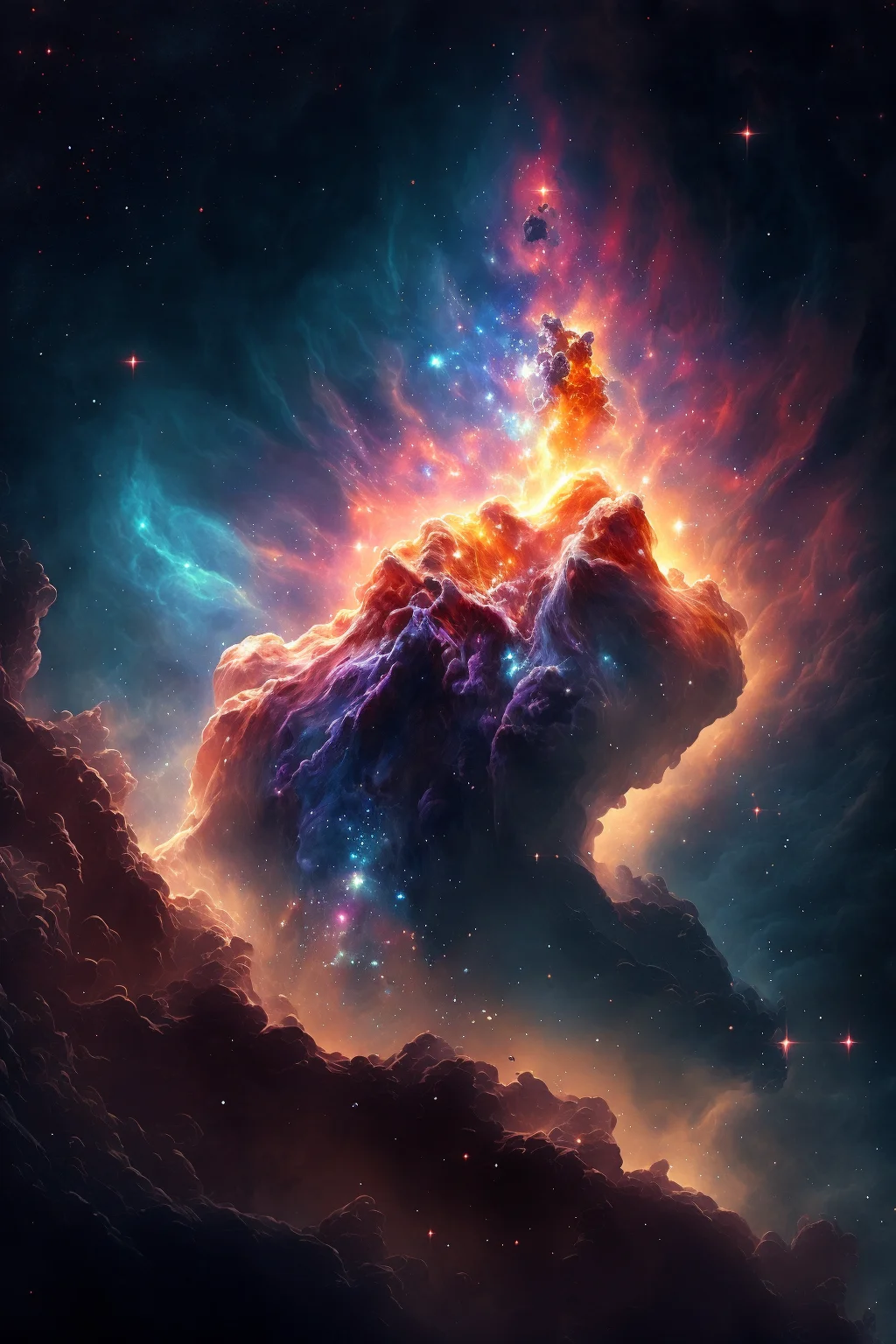
Choosing a cosmic background
Dark galaxy images usually keep app icons readable, while brighter nebula and moon designs can work well as lock-screen art. Preview the crop before applying the image so the brightest stars, planets or other focal points are not hidden behind the clock or widgets.

