
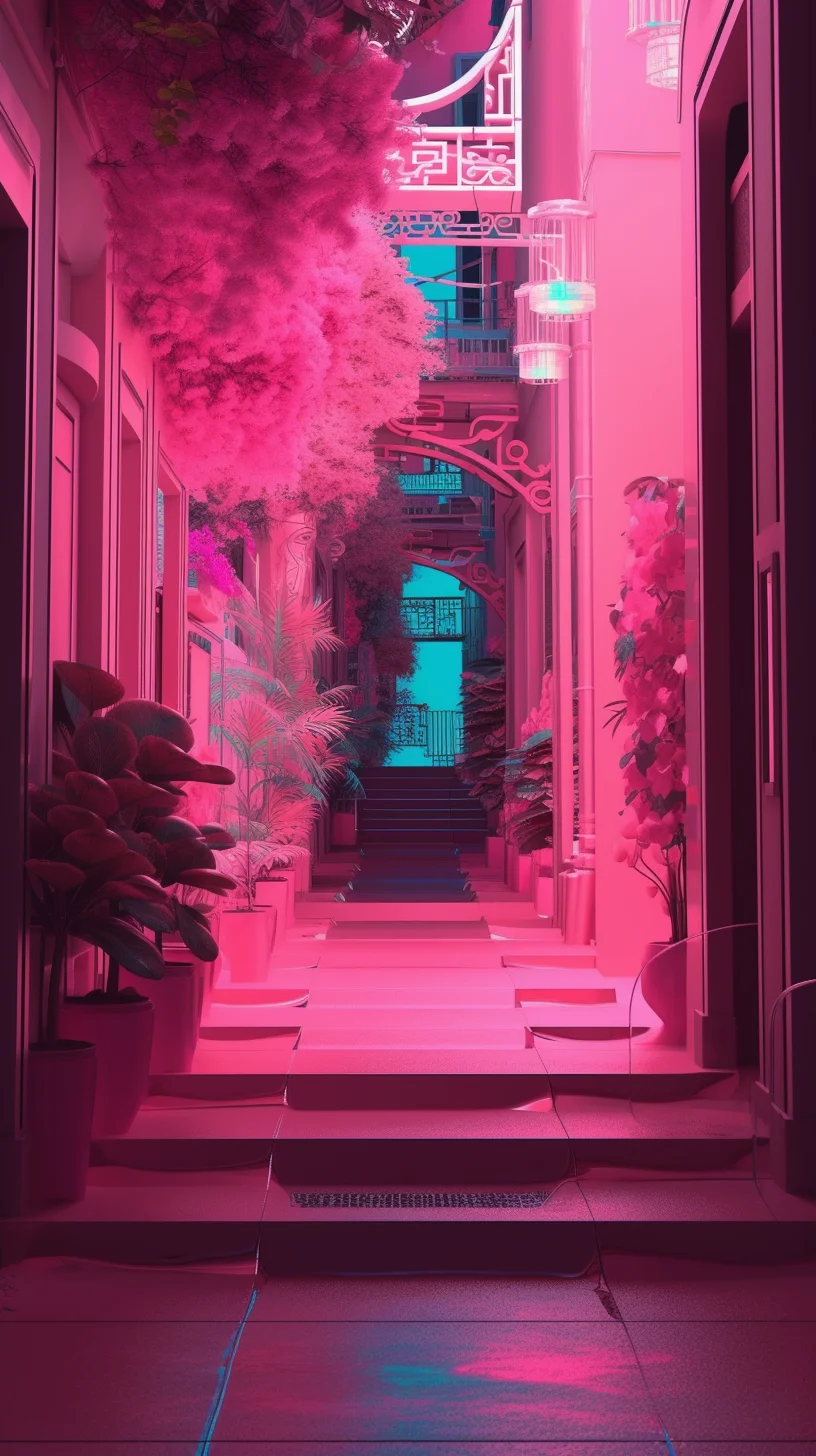
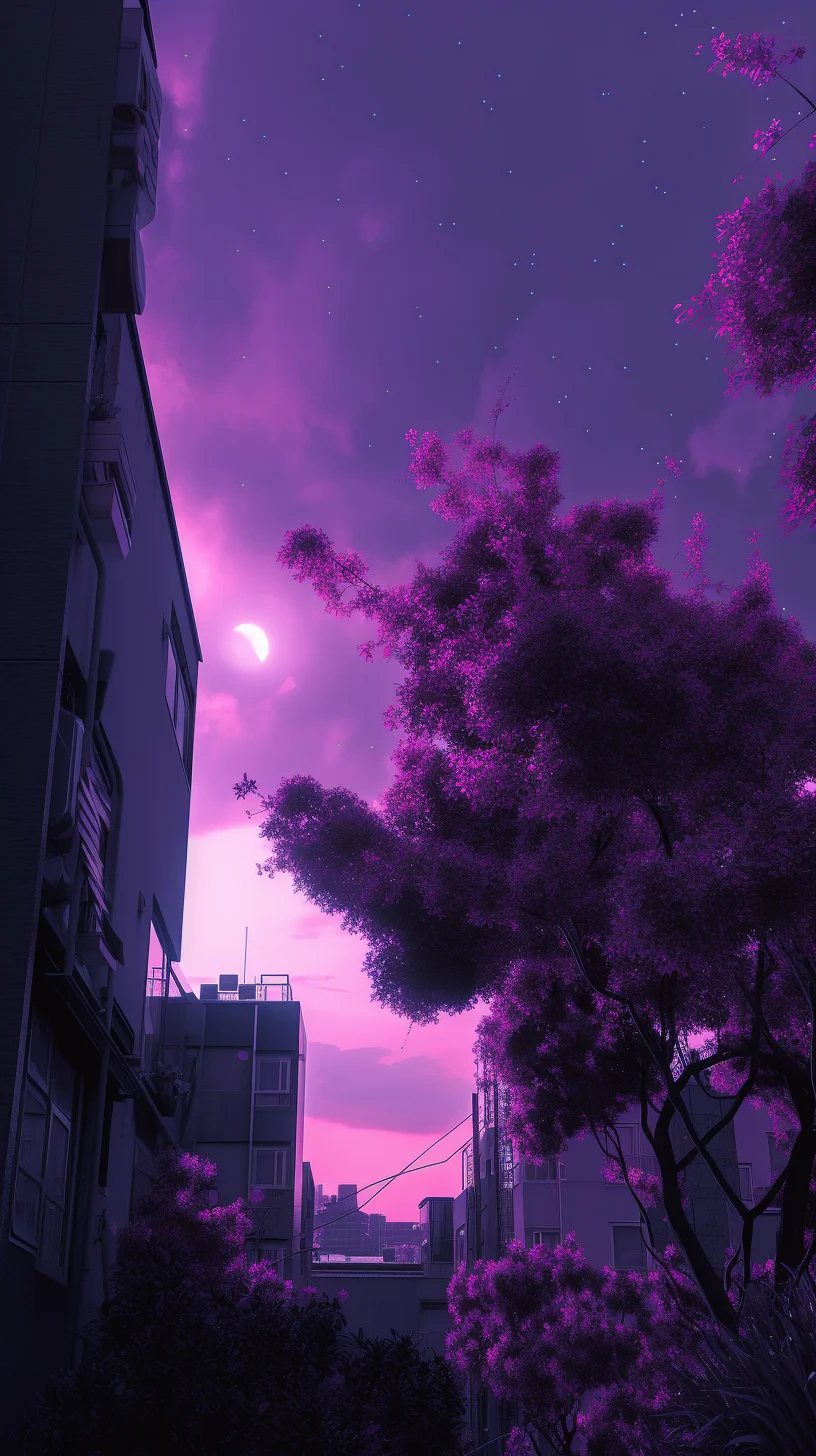
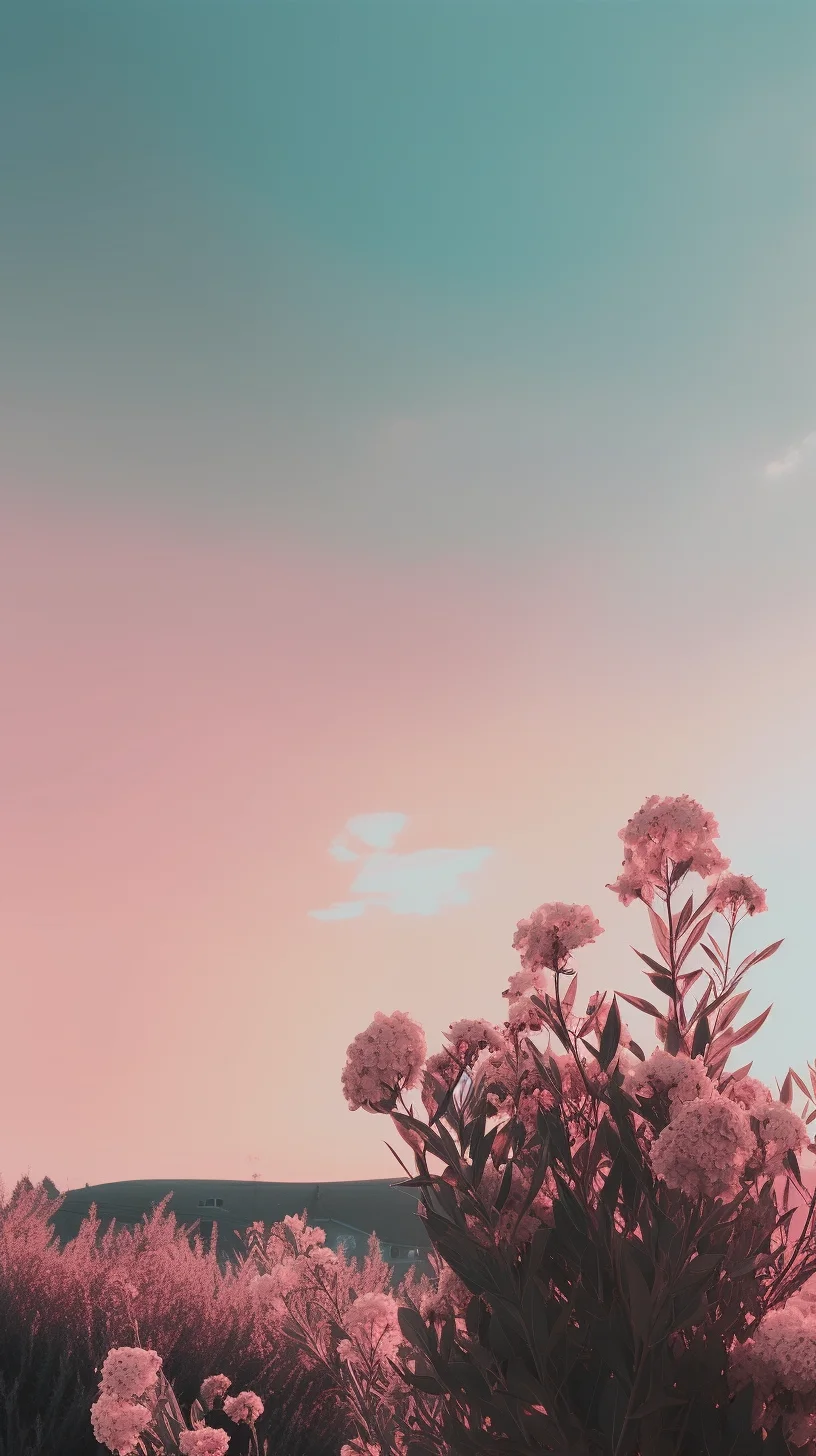
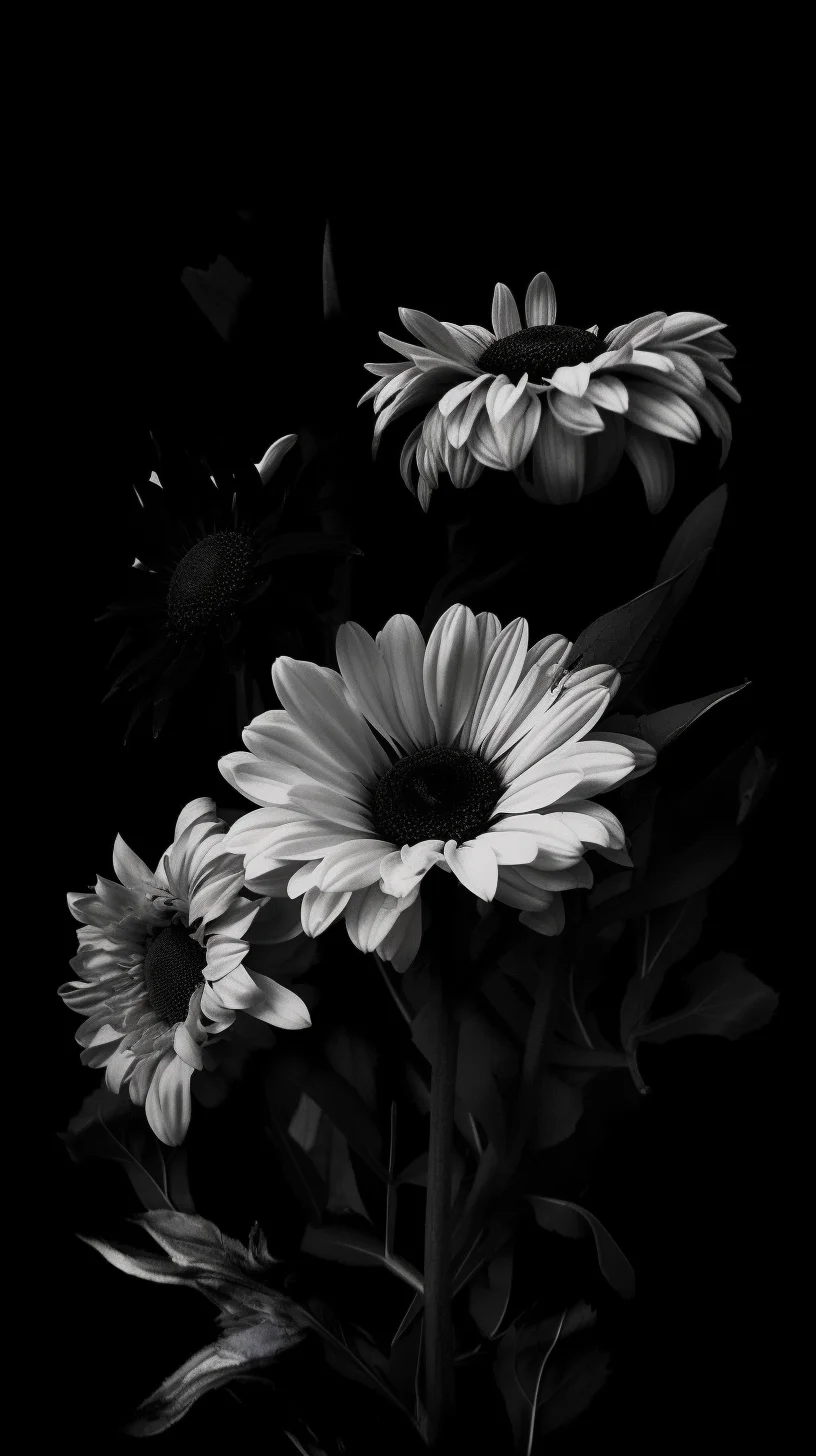
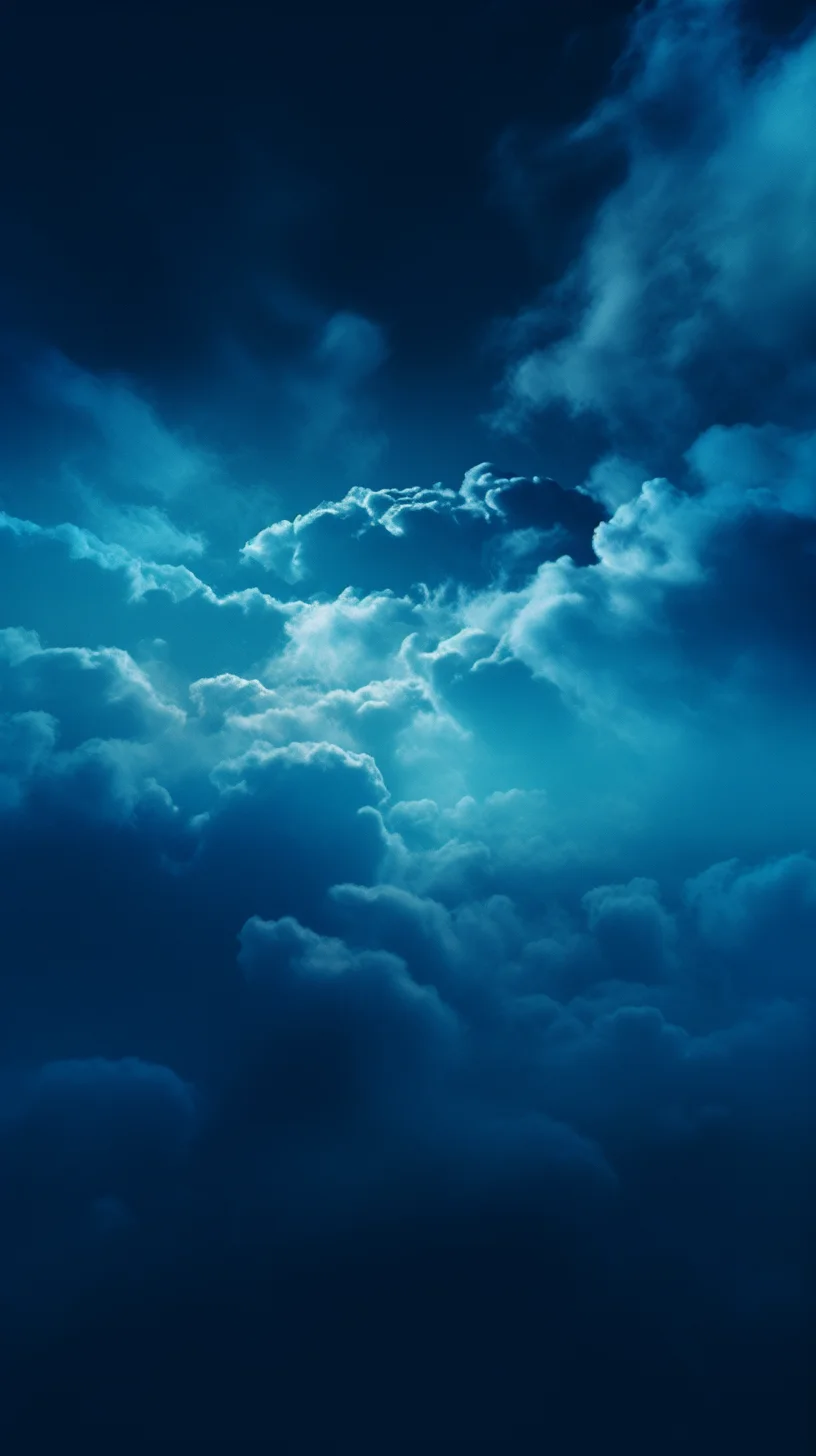
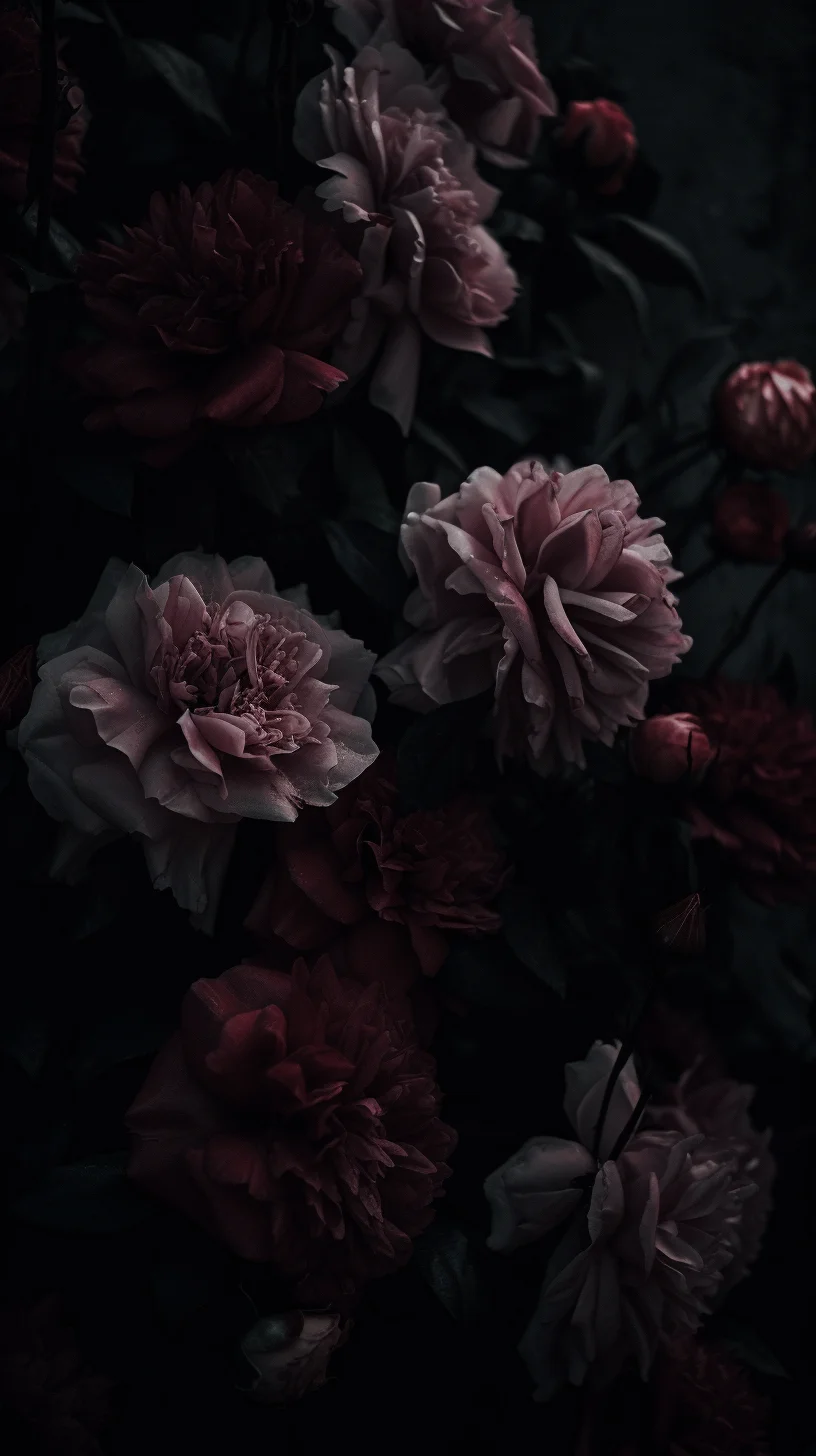
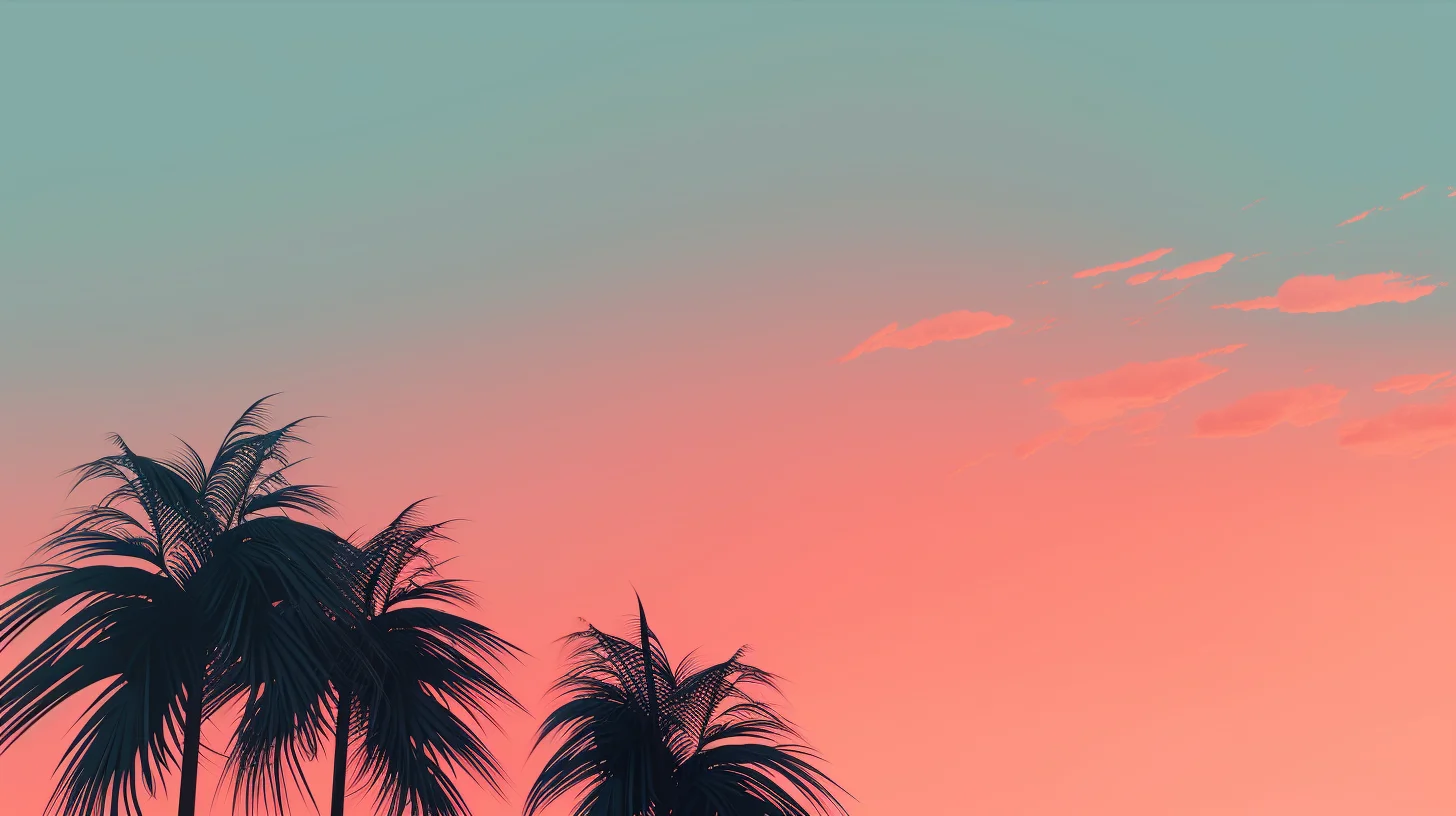
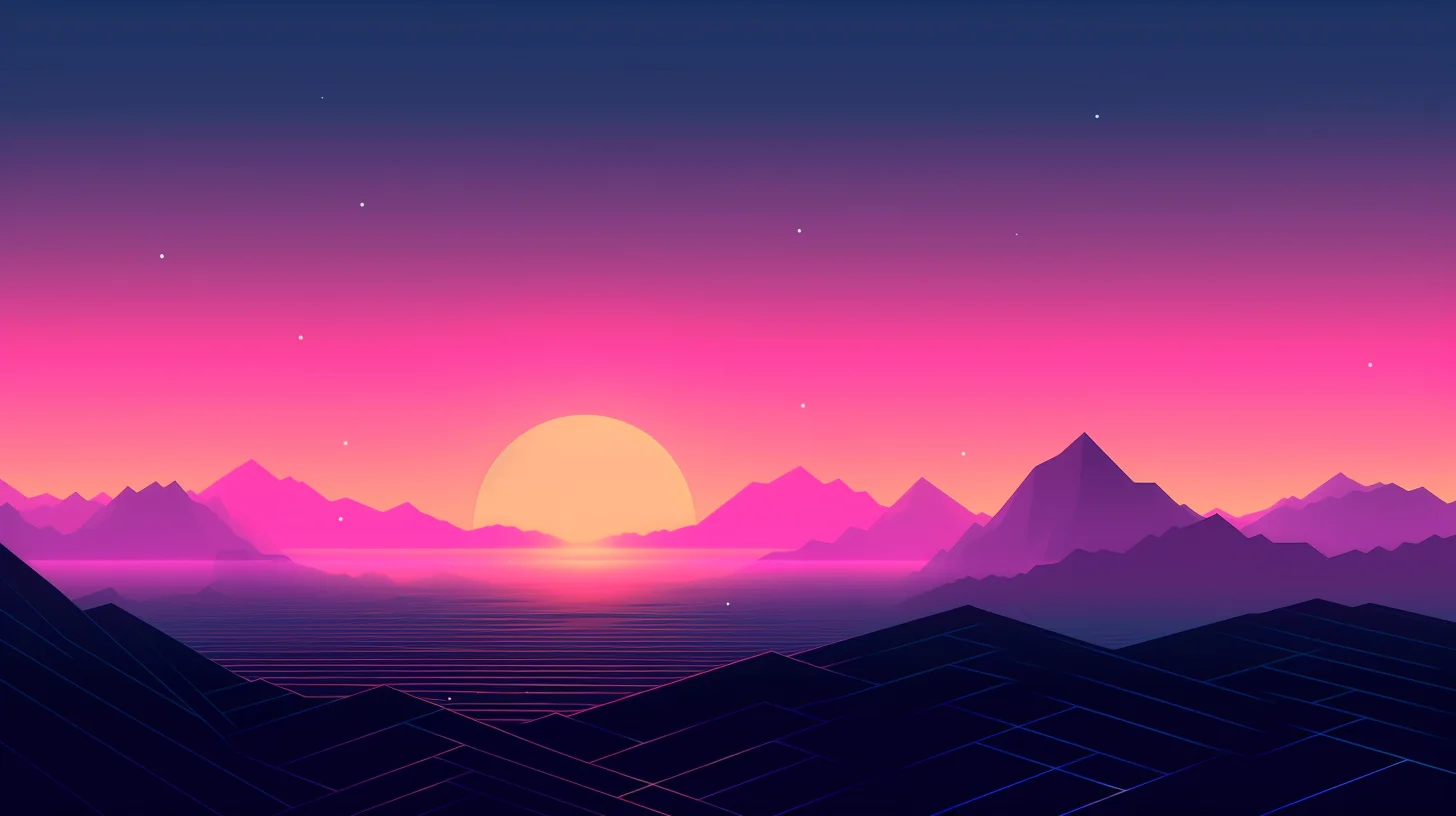
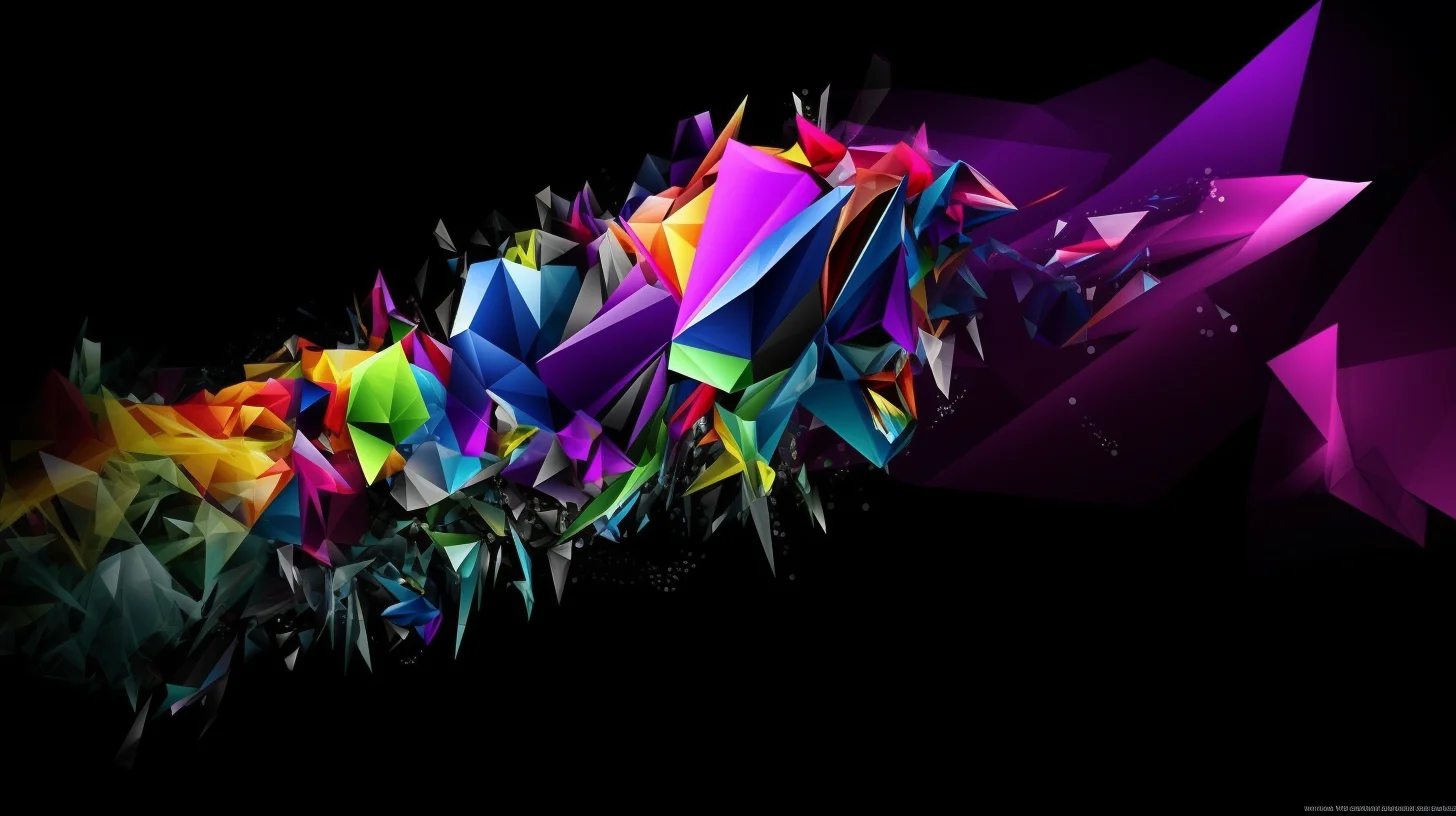
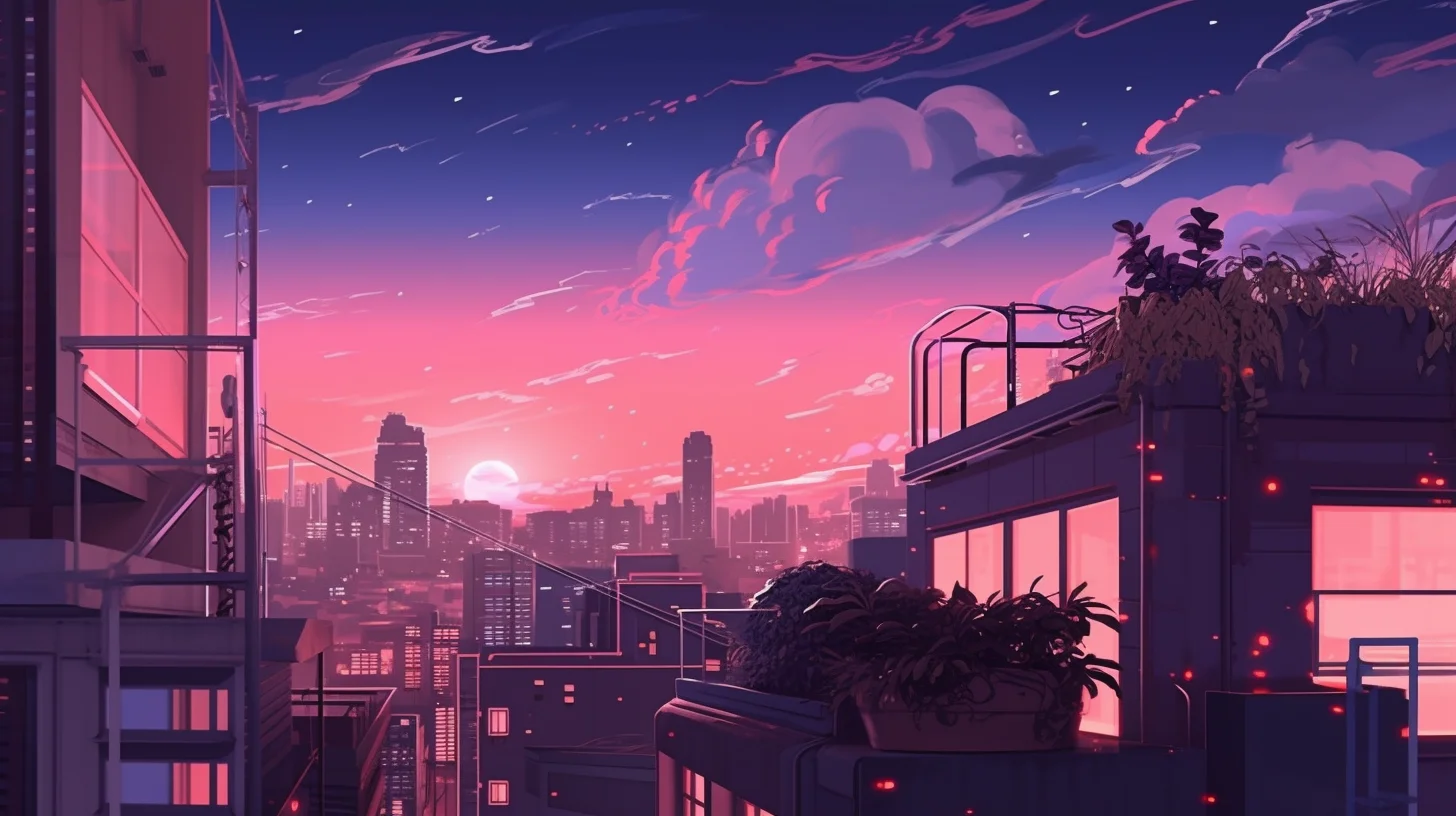
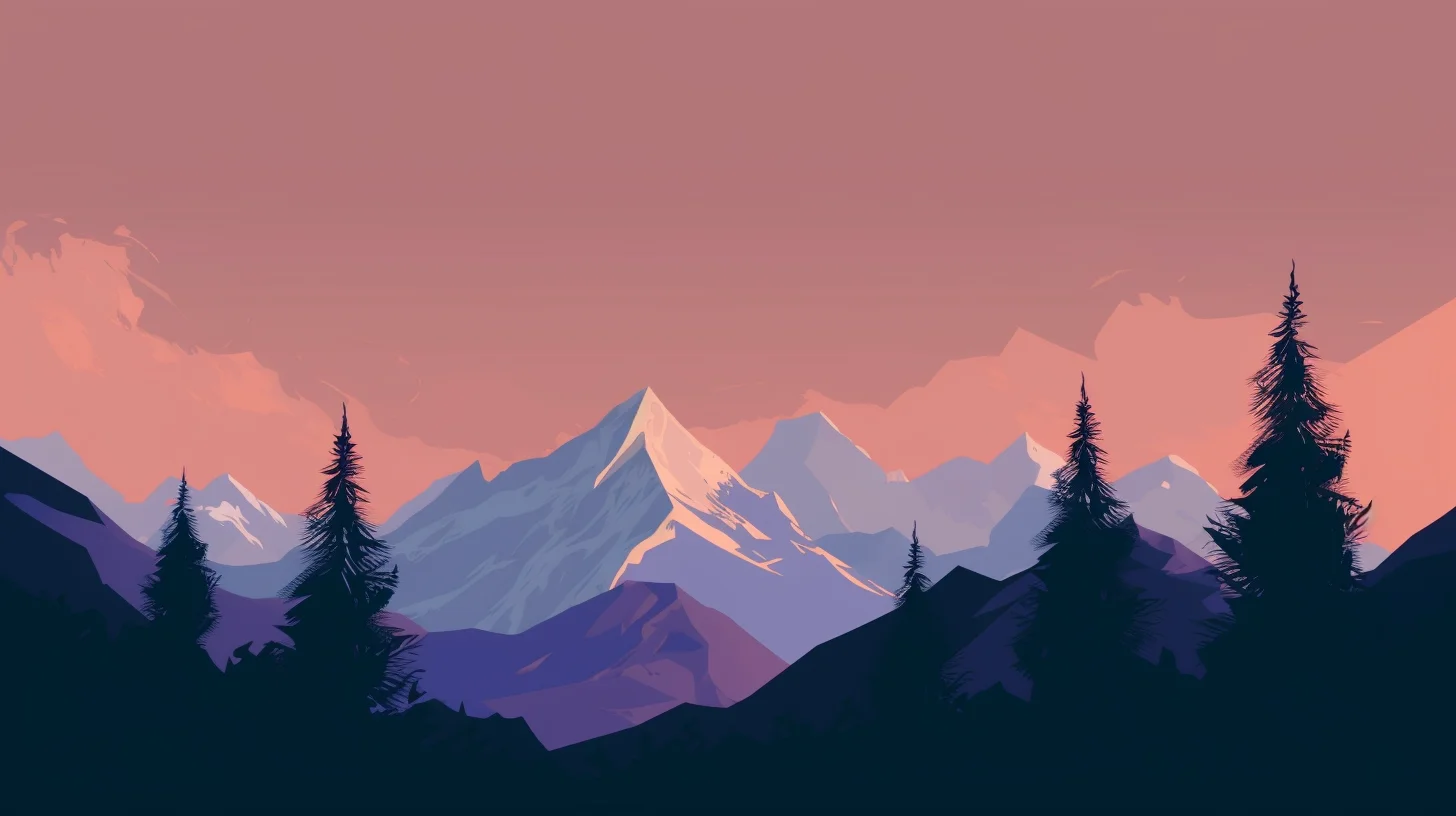
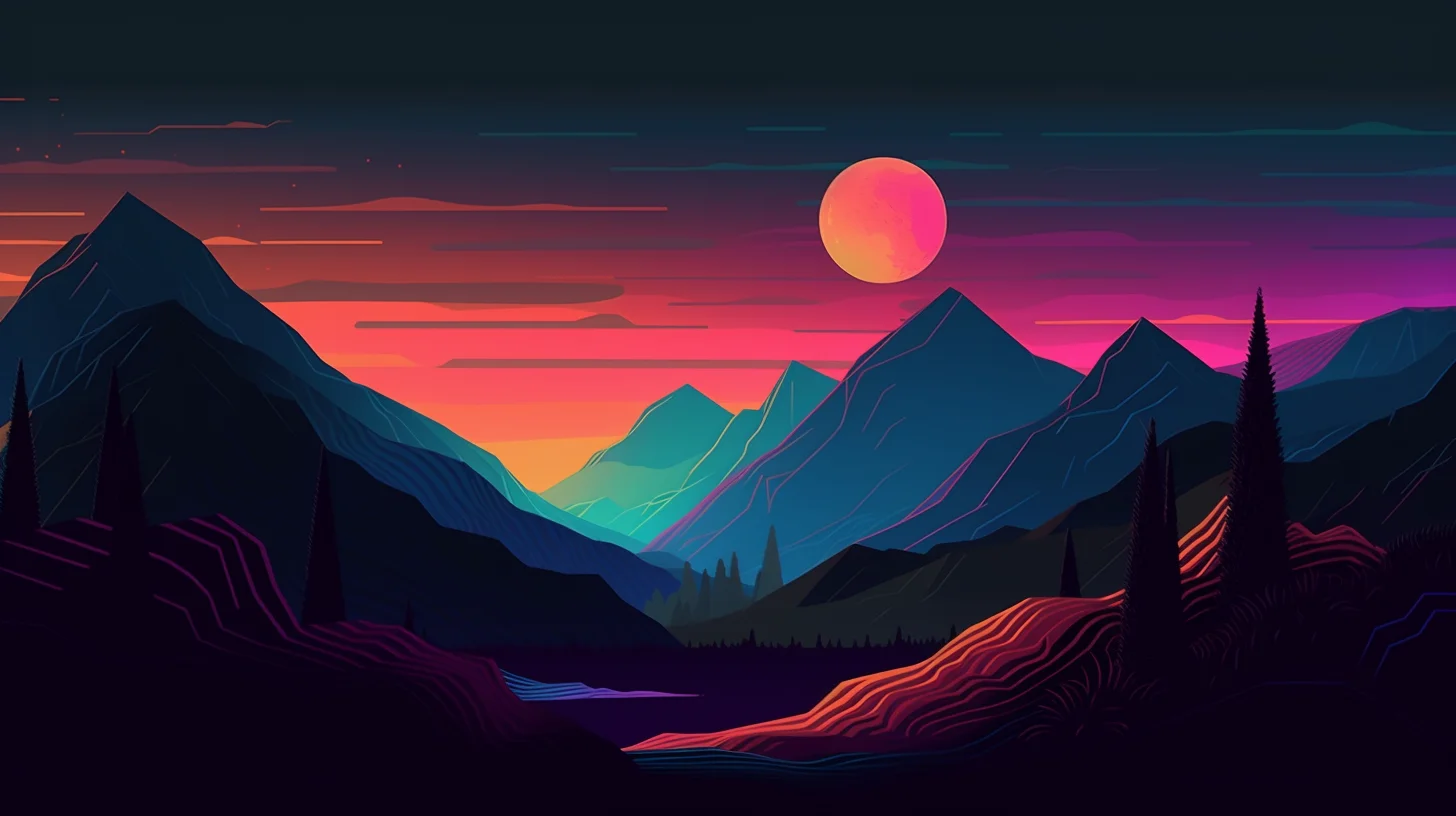
Browse 20 free aesthetic wallpapers for phones, tablets, laptops and desktops. This is a mixed collection rather than one narrow style: minimalist, pastel, dark, blue, pink and neutral designs are all included.
The file sizes are straightforward: the 14 phone wallpapers are 816 × 1456, while the 6 laptop and desktop wallpapers are 1456 × 816. They are not native 4K files. Pick the orientation that matches the screen instead of stretching a portrait image across a computer monitor or heavily cropping a landscape image onto a phone.
How to choose an aesthetic wallpaper
- For a lock screen: a stronger focal point usually works well because fewer icons cover the image.
- For a home screen: choose a calmer background with enough negative space around app icons and widgets.
- For phones: use the portrait images below and check the crop preview before saving the final placement.
- For laptops and desktops: choose one of the landscape images so the image fills the screen with less cropping.
If icons become hard to read, try a darker or lower-contrast wallpaper rather than adding extra visual effects.
Want a more specific style?
| If you want… | Try this collection |
|---|---|
| Soft blush, blue, sage or muted tones | Pastel aesthetic wallpapers |
| Dark backgrounds with stronger contrast | Black aesthetic wallpapers |
| Grunge, faded photography and moody texture | Dark vintage wallpapers |
| Retro illustrated anime style | 90s anime aesthetic wallpapers |
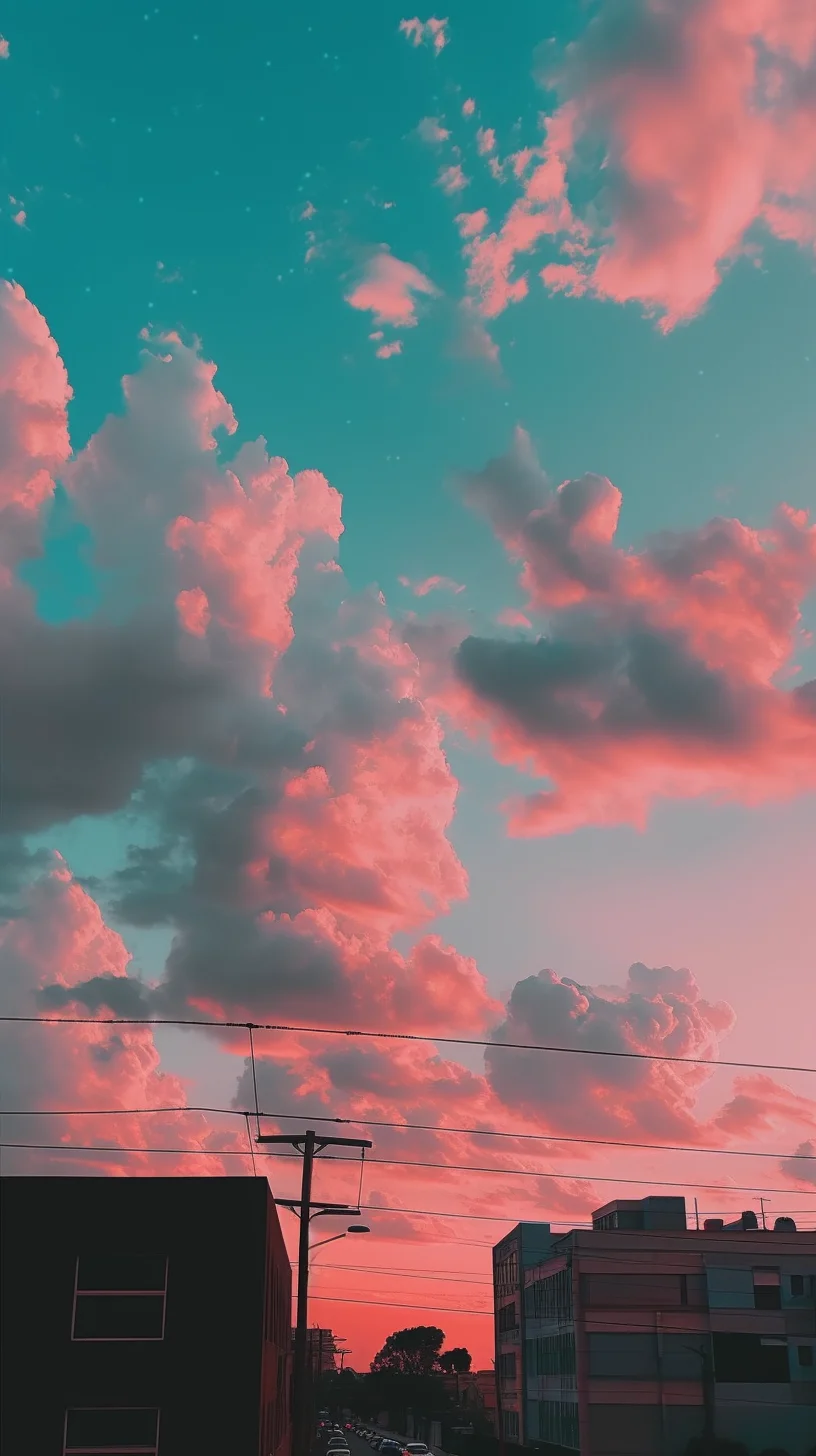
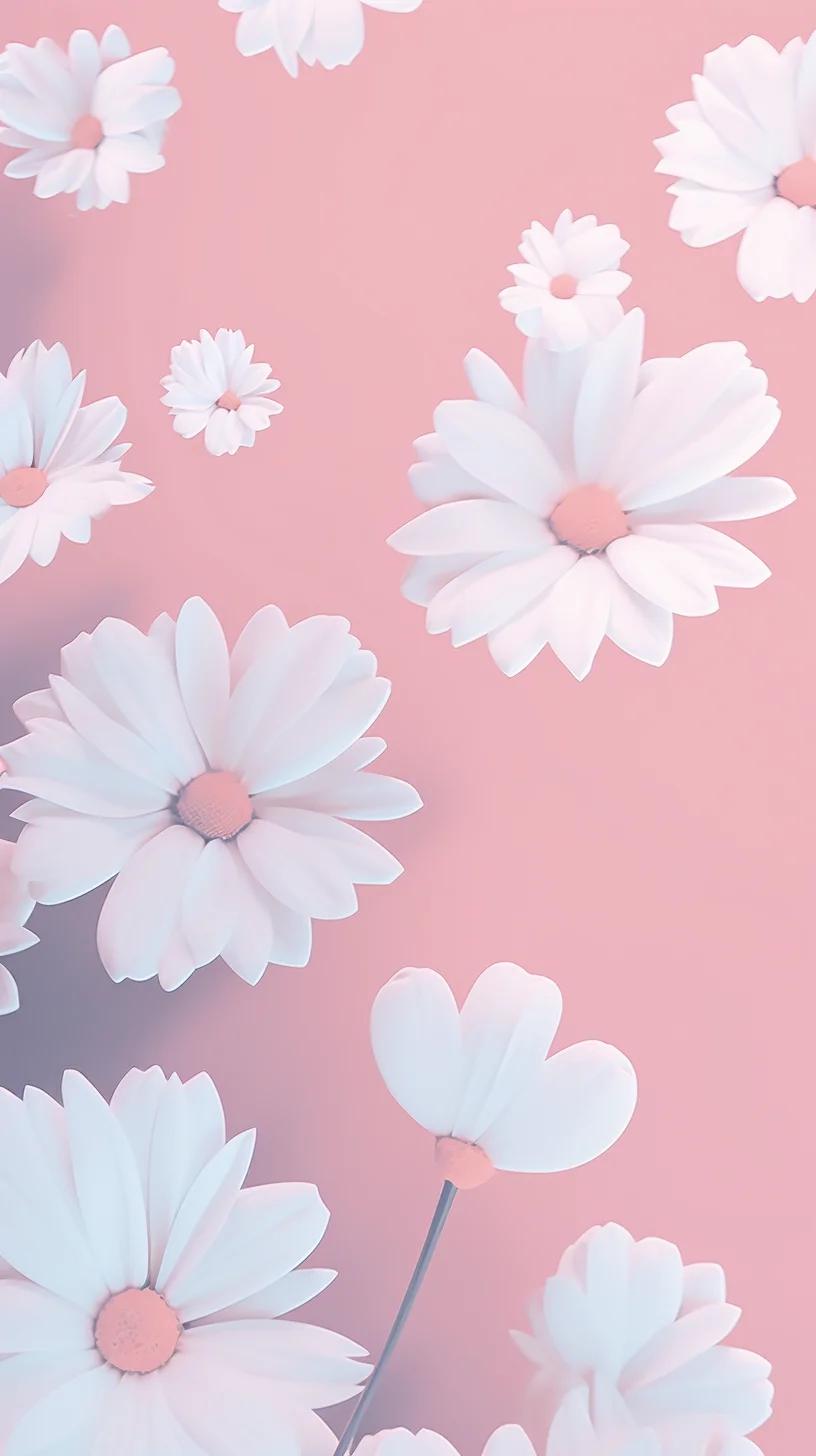
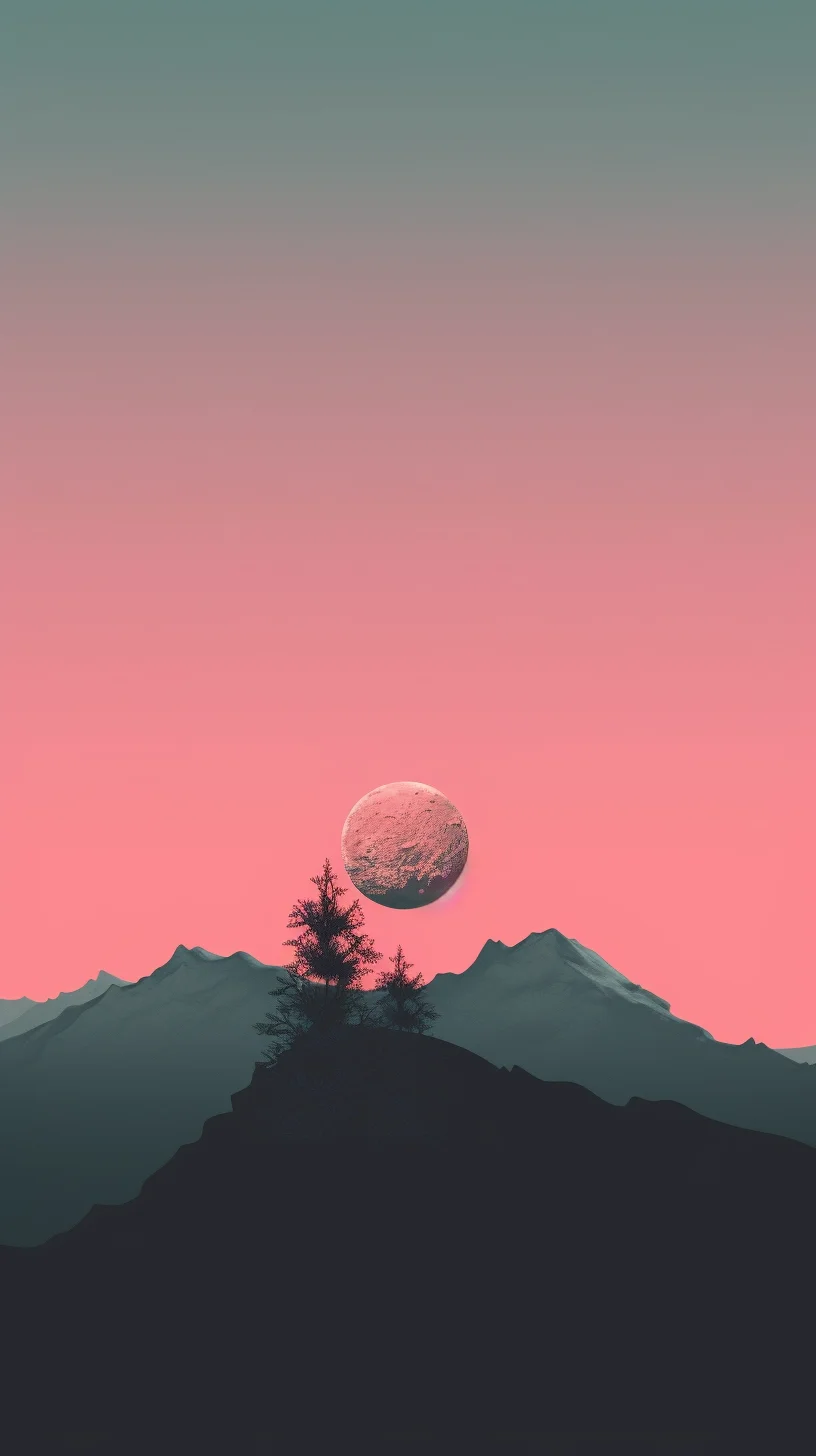
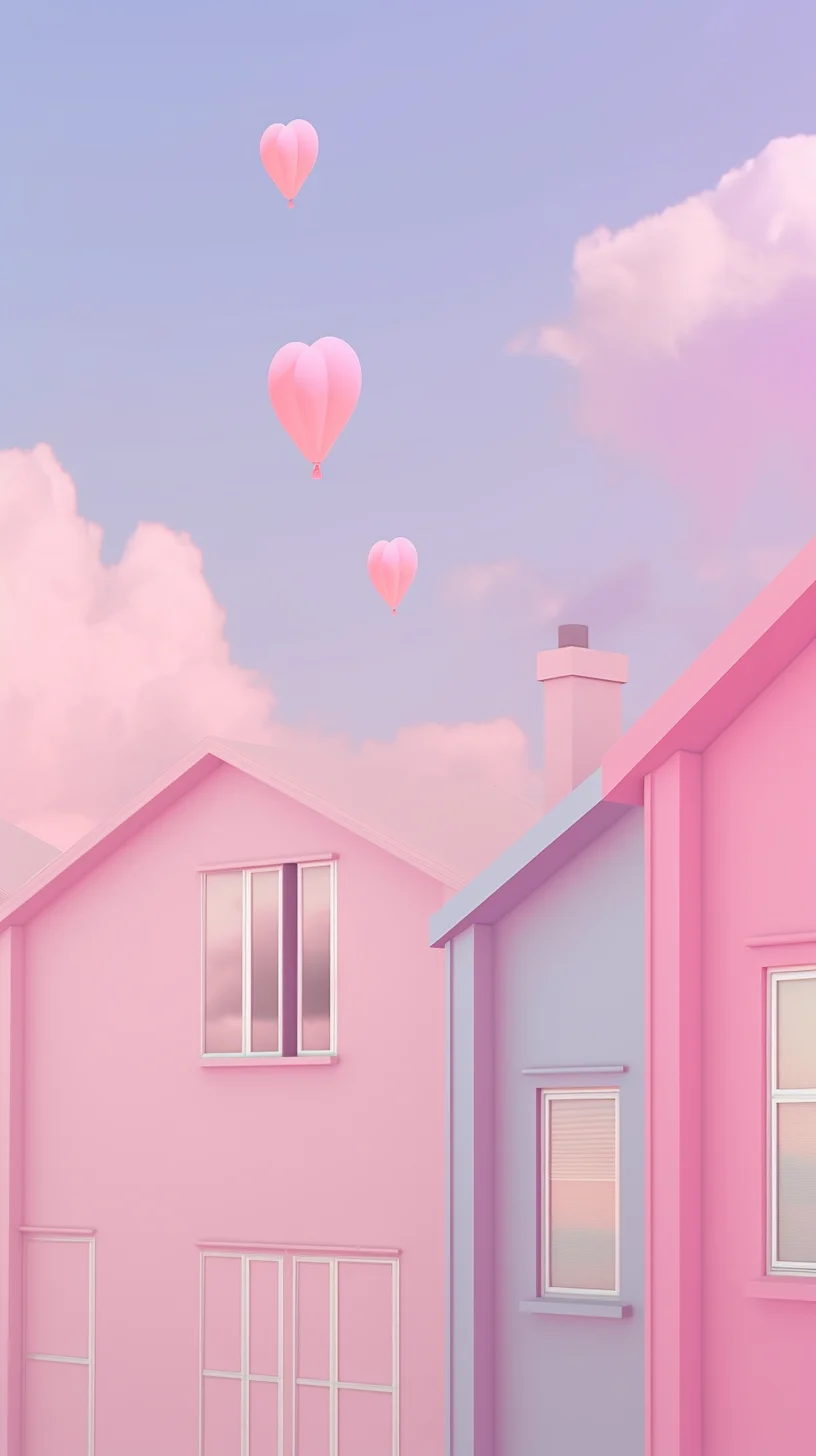
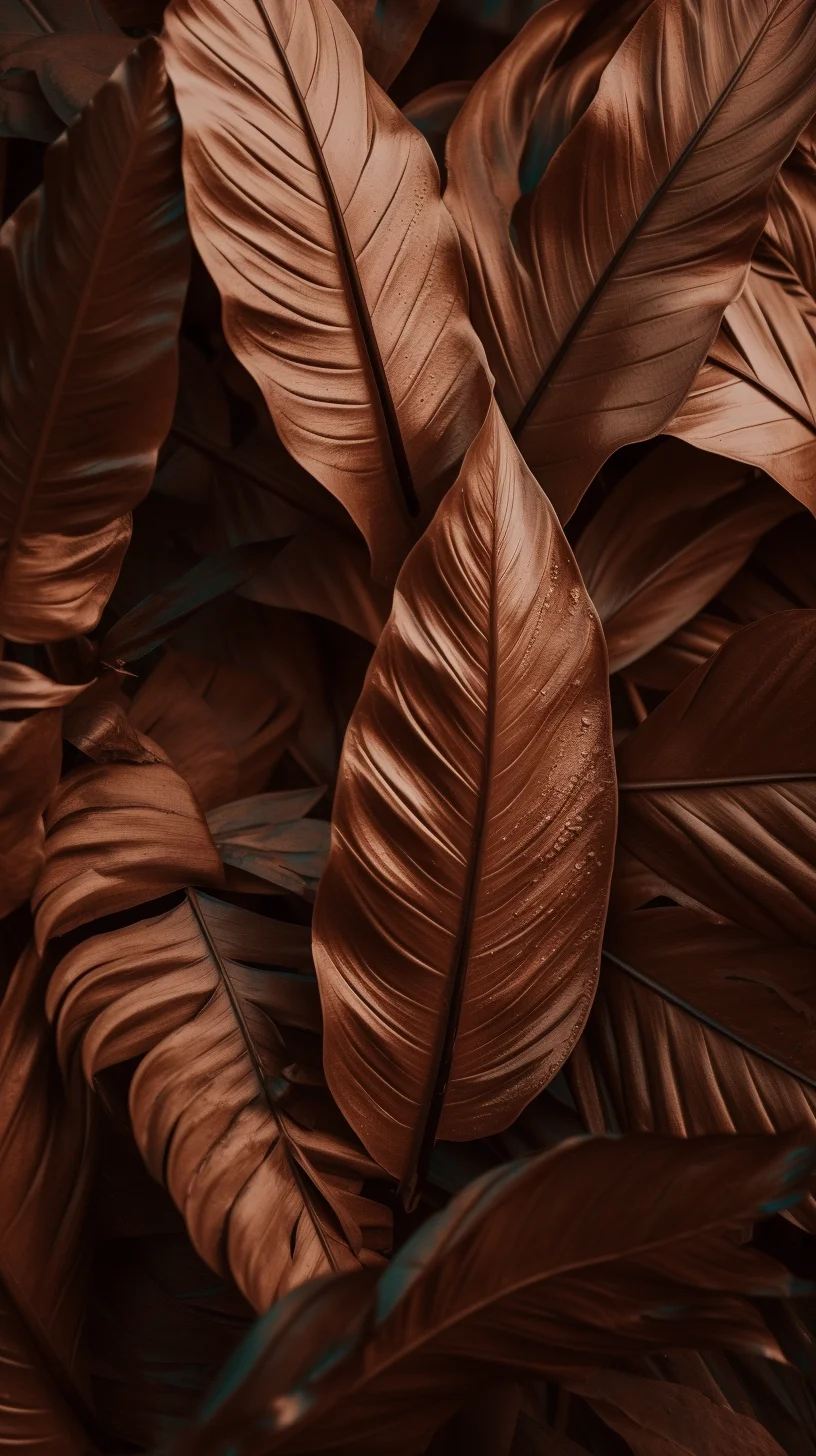
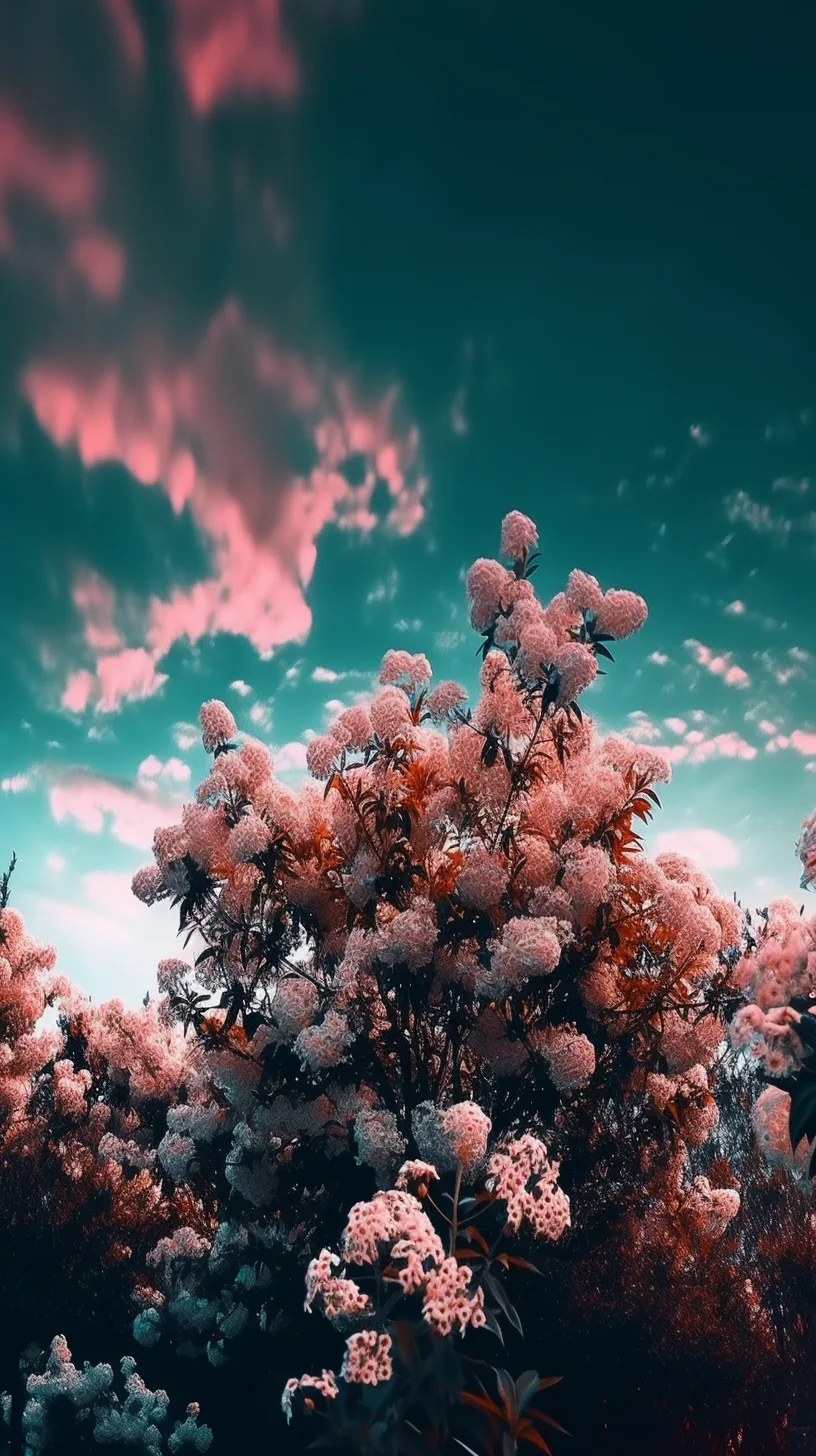
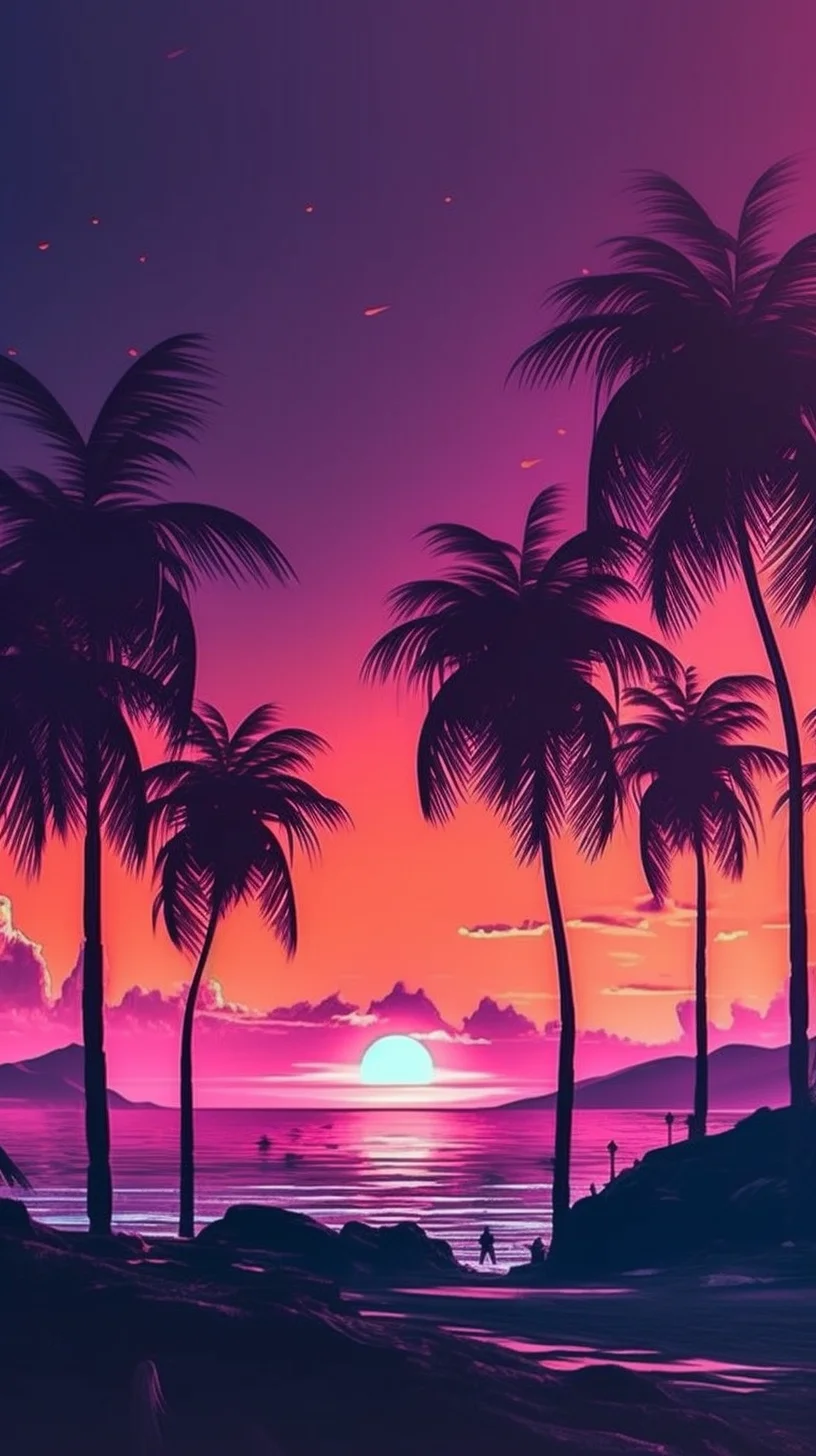
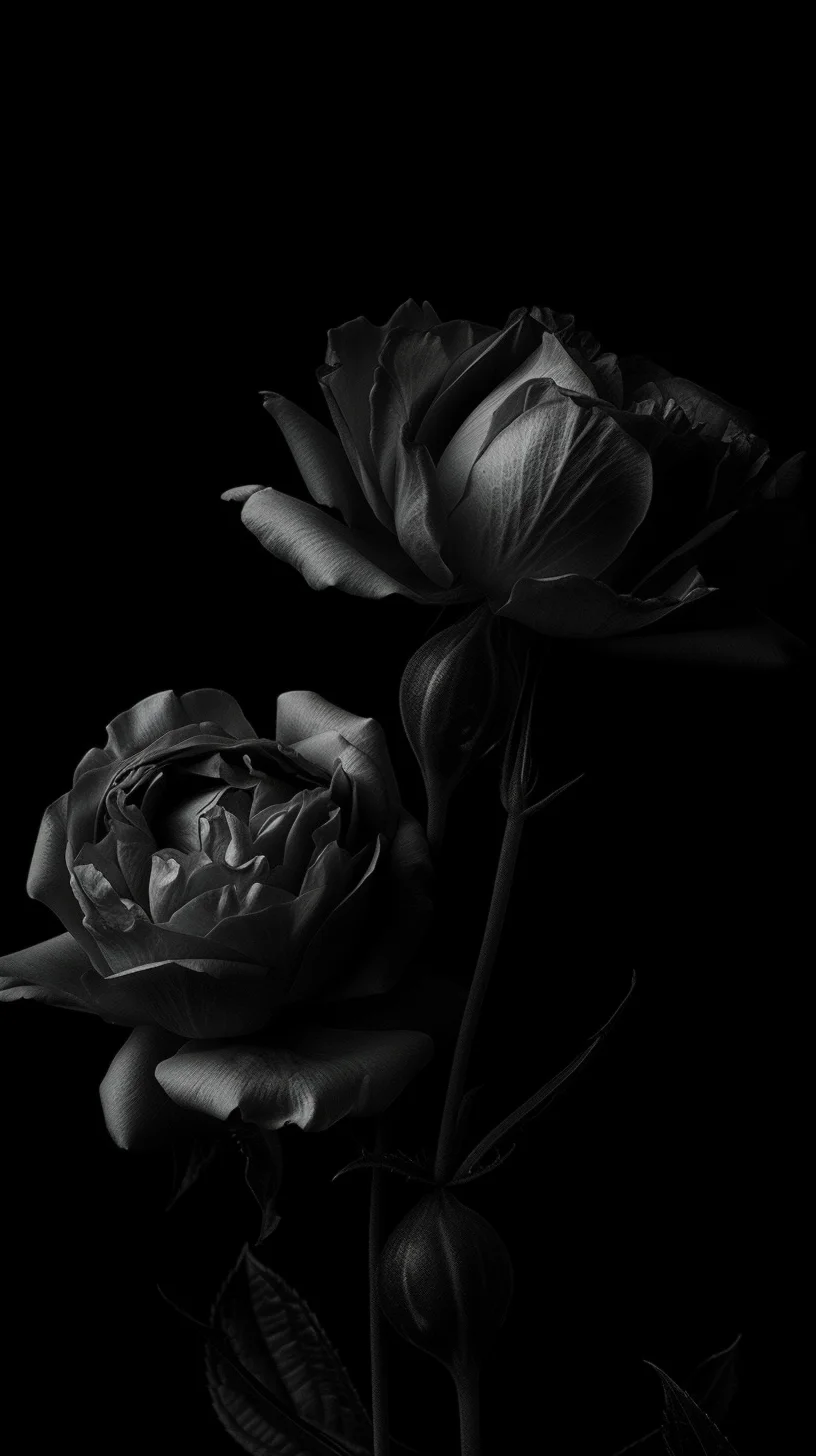
Phone aesthetic wallpapers
Desktop and laptop aesthetic wallpapers
How to save a wallpaper
Each wallpaper image on this page links directly to its full-size file, so you do not need to save a thumbnail or take a screenshot.
- Tap or click the wallpaper you want to open the original file.
- Save that full-size image to your phone or computer.
- Open your device wallpaper settings and preview the crop before applying it.
- For a Home Screen, check that app labels and widgets remain easy to read before you confirm.
If the image looks blurry after saving, make sure you opened the original file first. Saving a browser preview or screenshot can give you a smaller copy than the source image.
More wallpaper collections
If you want a more specific look, browse our pastel aesthetic wallpapers, black aesthetic wallpapers, 90s anime aesthetic wallpapers, or Halloween phone wallpapers.

