
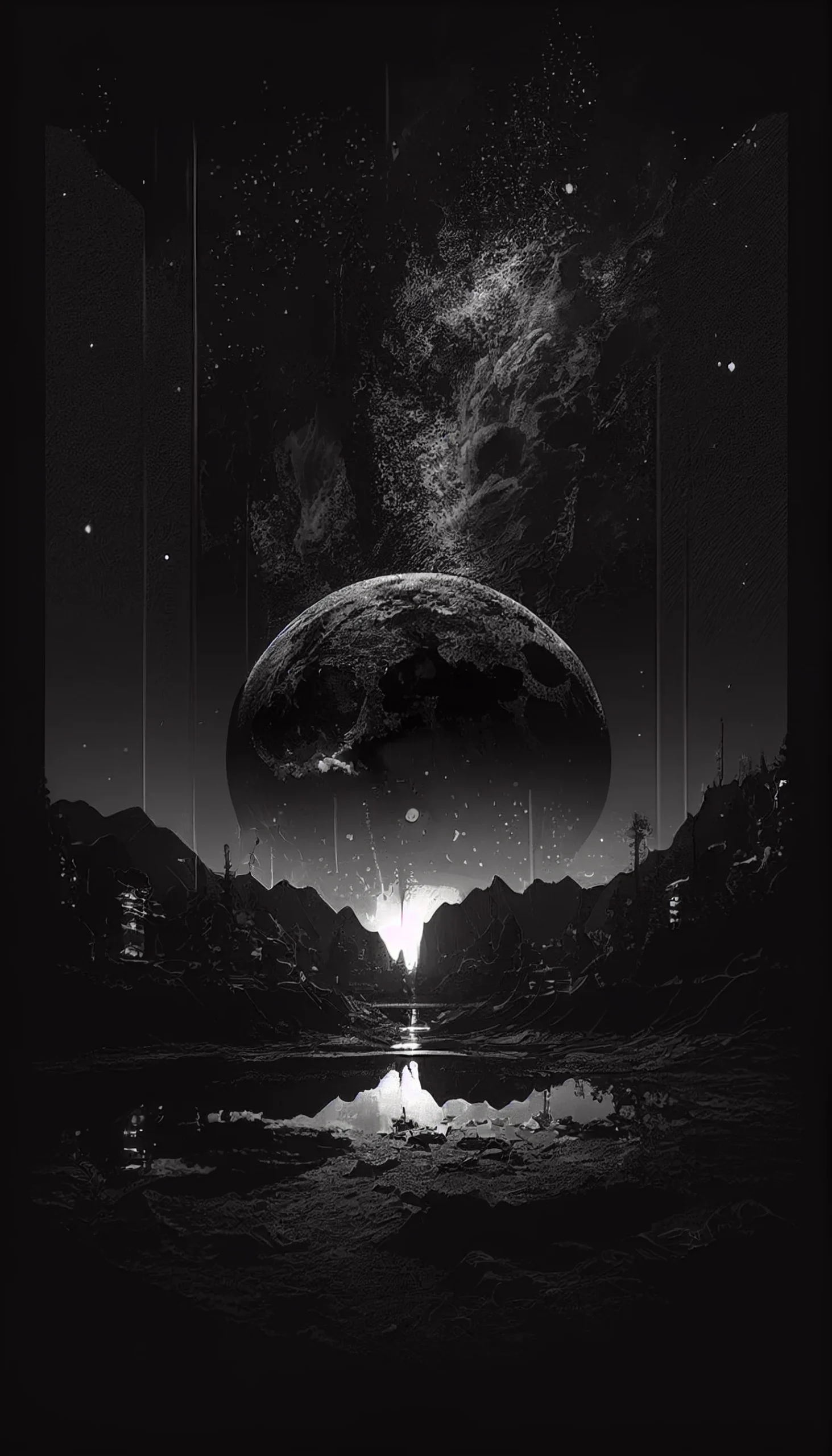
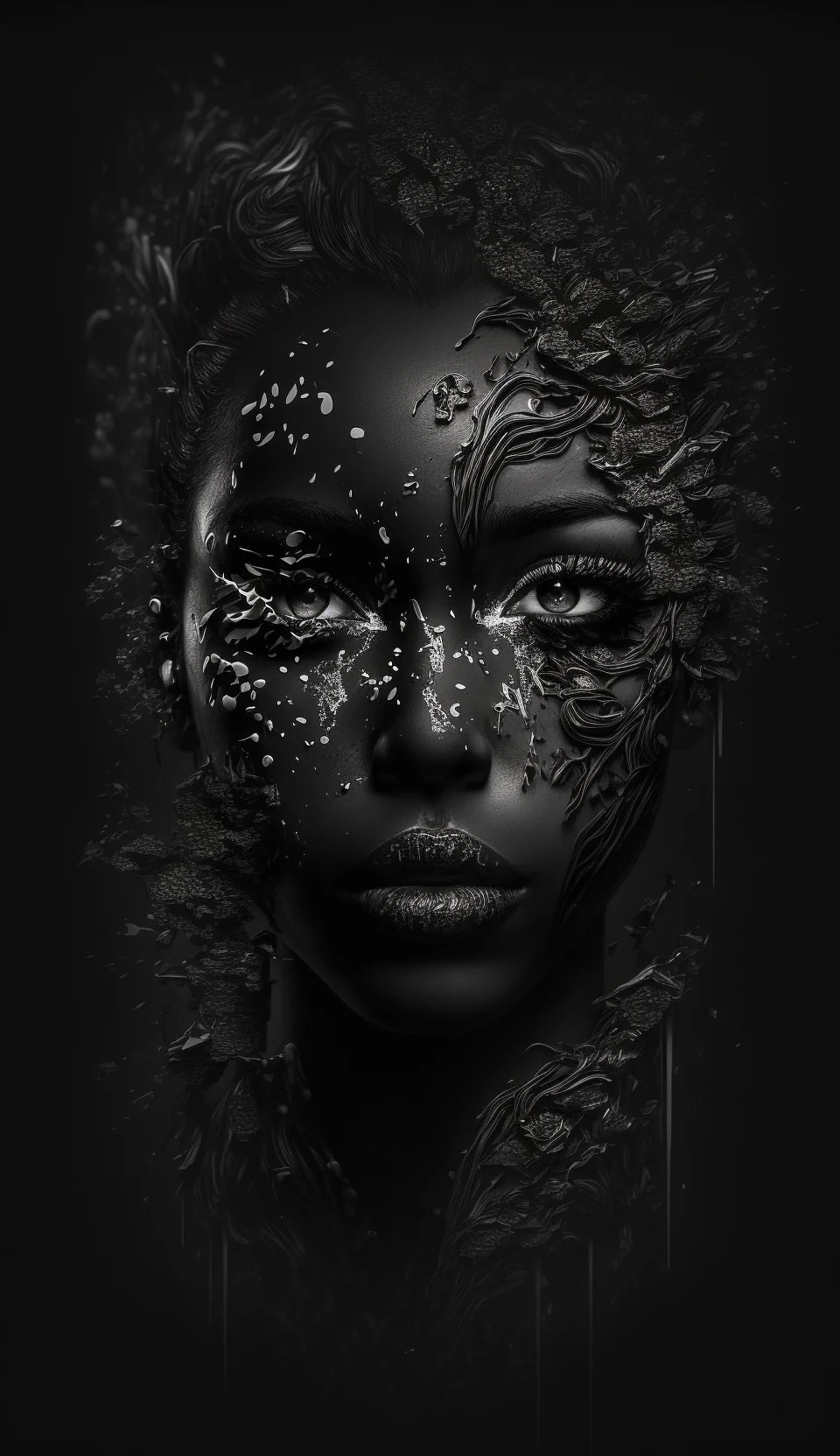
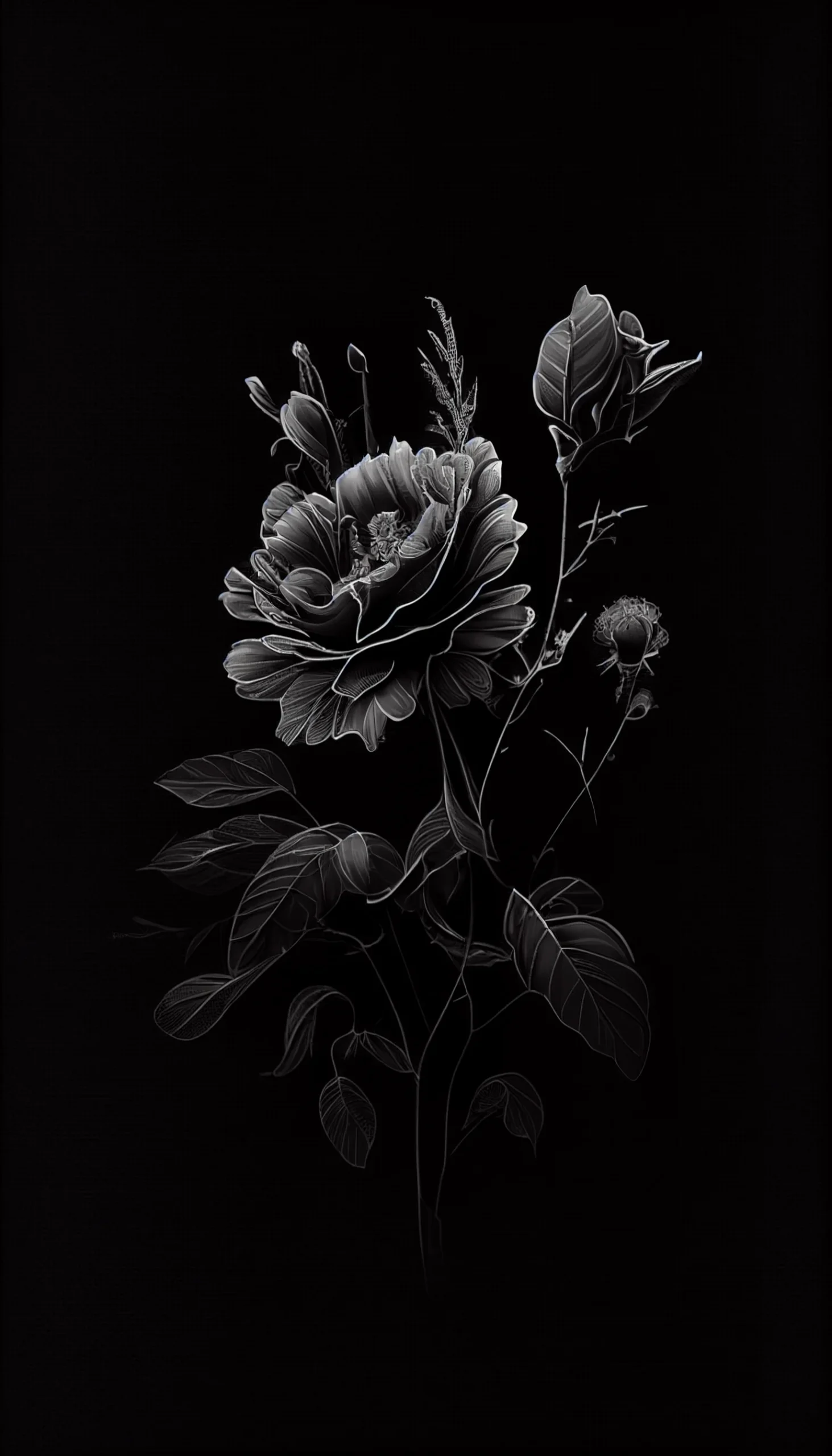
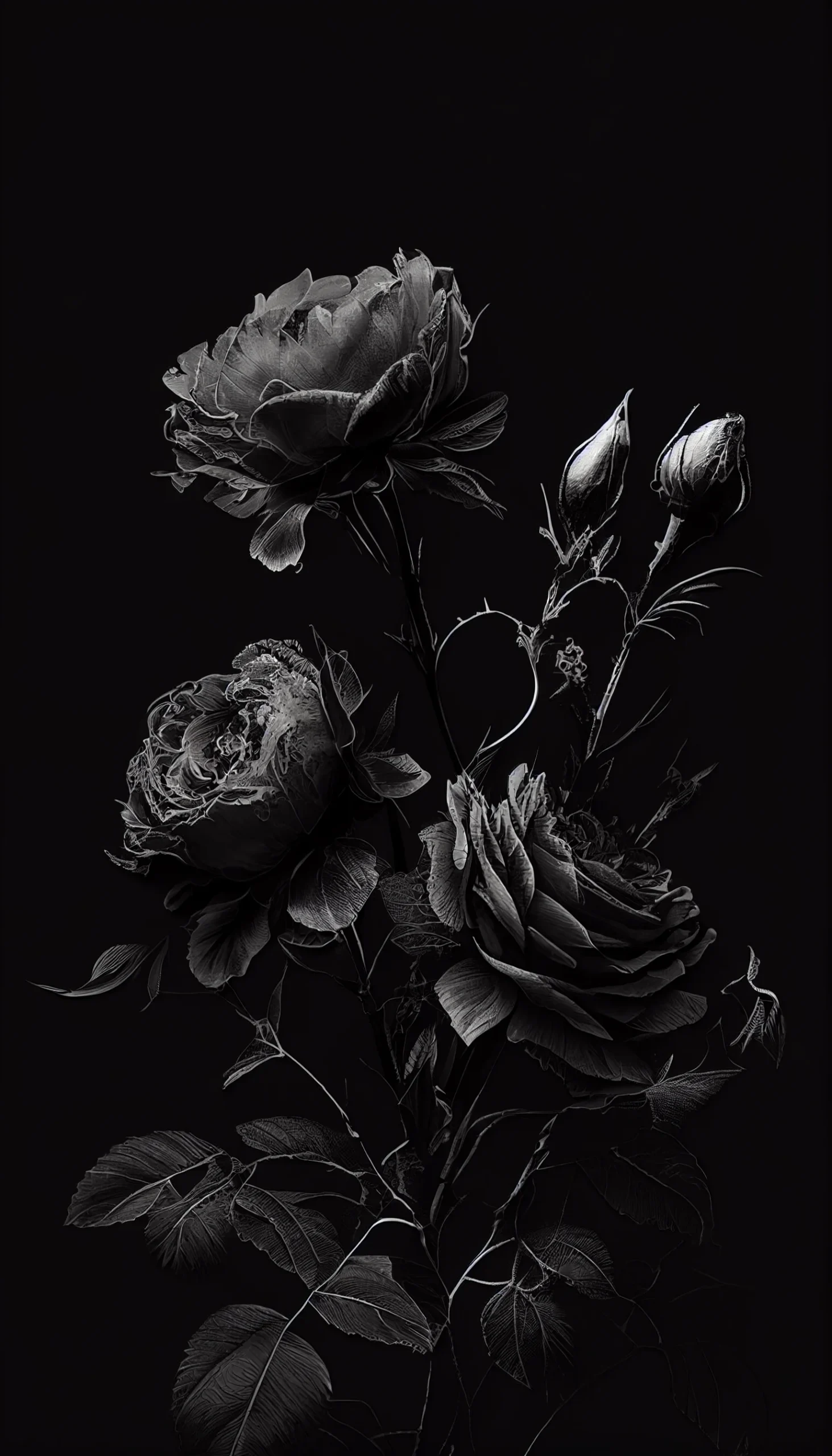
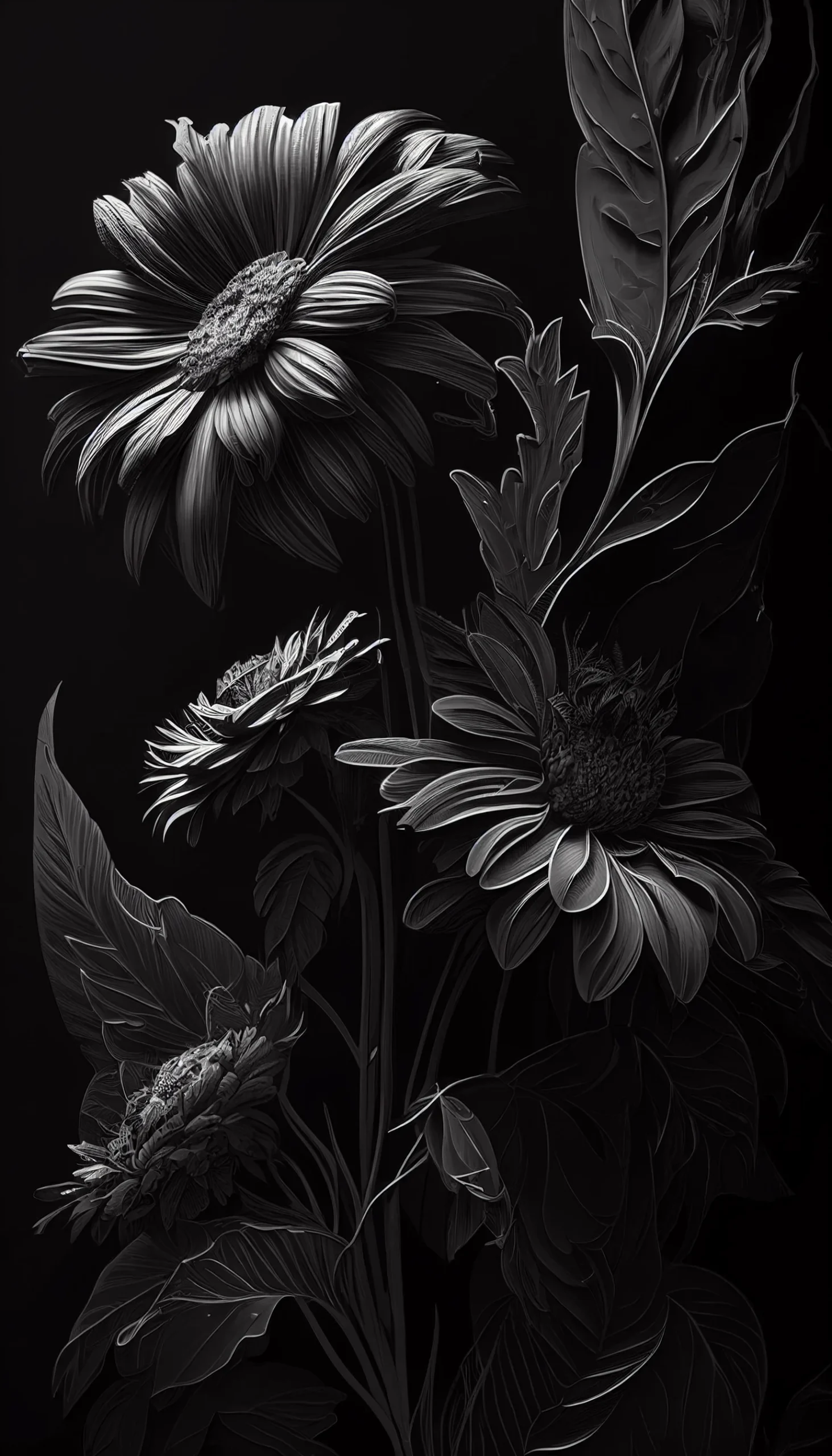
This collection has 11 black aesthetic iPhone wallpapers with dark flowers, roses, skulls, portraits and simple black backgrounds. The largest files are 1463 × 2560 pixels; one image is 960 × 1664. They are high-resolution phone backgrounds, but they are not 4K files.
Open the full-size image before saving it. On iPhone, touch and hold the image or use the browser share menu, then preview the crop in Wallpaper settings before applying it. Different iPhone models use different screen ratios, so a small crop is normal.
For a larger dark collection, see our 35 black aesthetic phone wallpapers.
Choose a dark wallpaper by how you use your iPhone
| Style | Best use |
|---|---|
| Minimal black background | Home Screen with lots of apps or widgets |
| Black flowers or roses | Lock Screen or a cleaner Home Screen |
| Skull design | Lock Screen, where the central artwork stays visible |
| Portrait-style image | Lock Screen; check that the clock does not cover the face |
Dark does not automatically mean readable. A black wallpaper with a lot of texture can still make icons harder to scan, while a very simple dark background can be excellent behind apps.
11 black aesthetic iPhone wallpapers
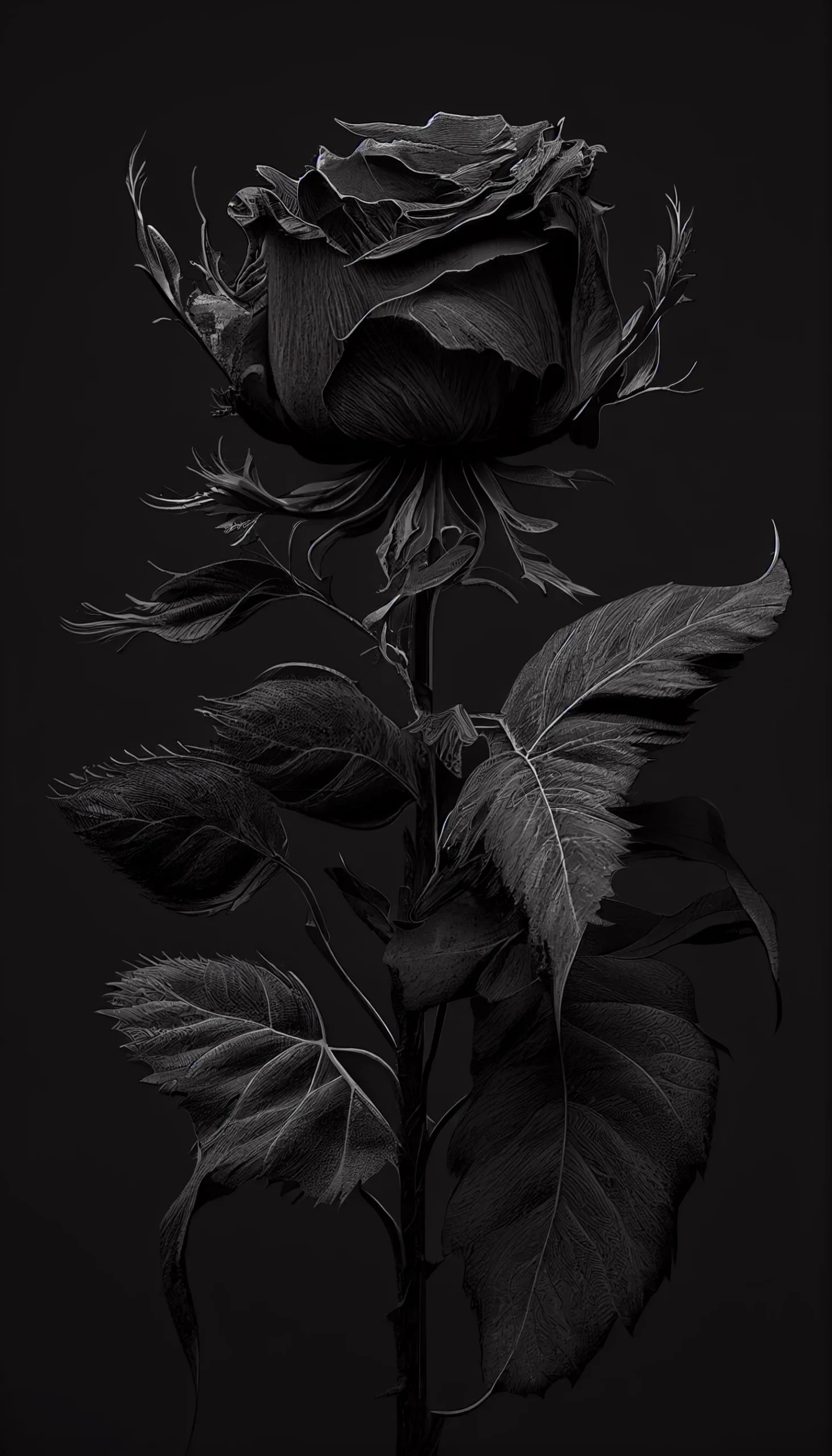
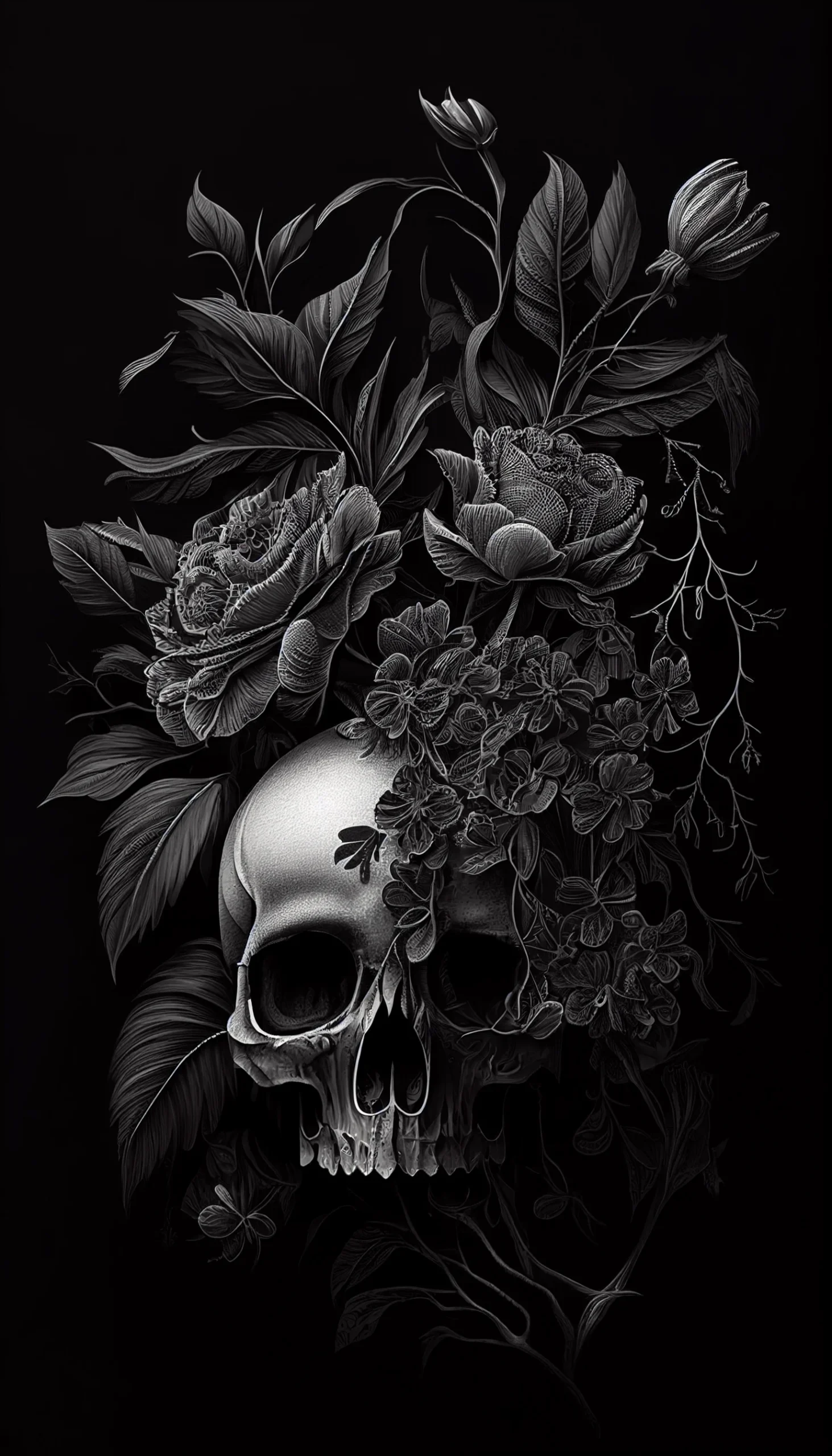
Rose and skull group: these work better when the clock sits in relatively empty space above or beside the main subject. If the clock lands directly on the rose or skull, try repositioning the crop rather than zooming in further.
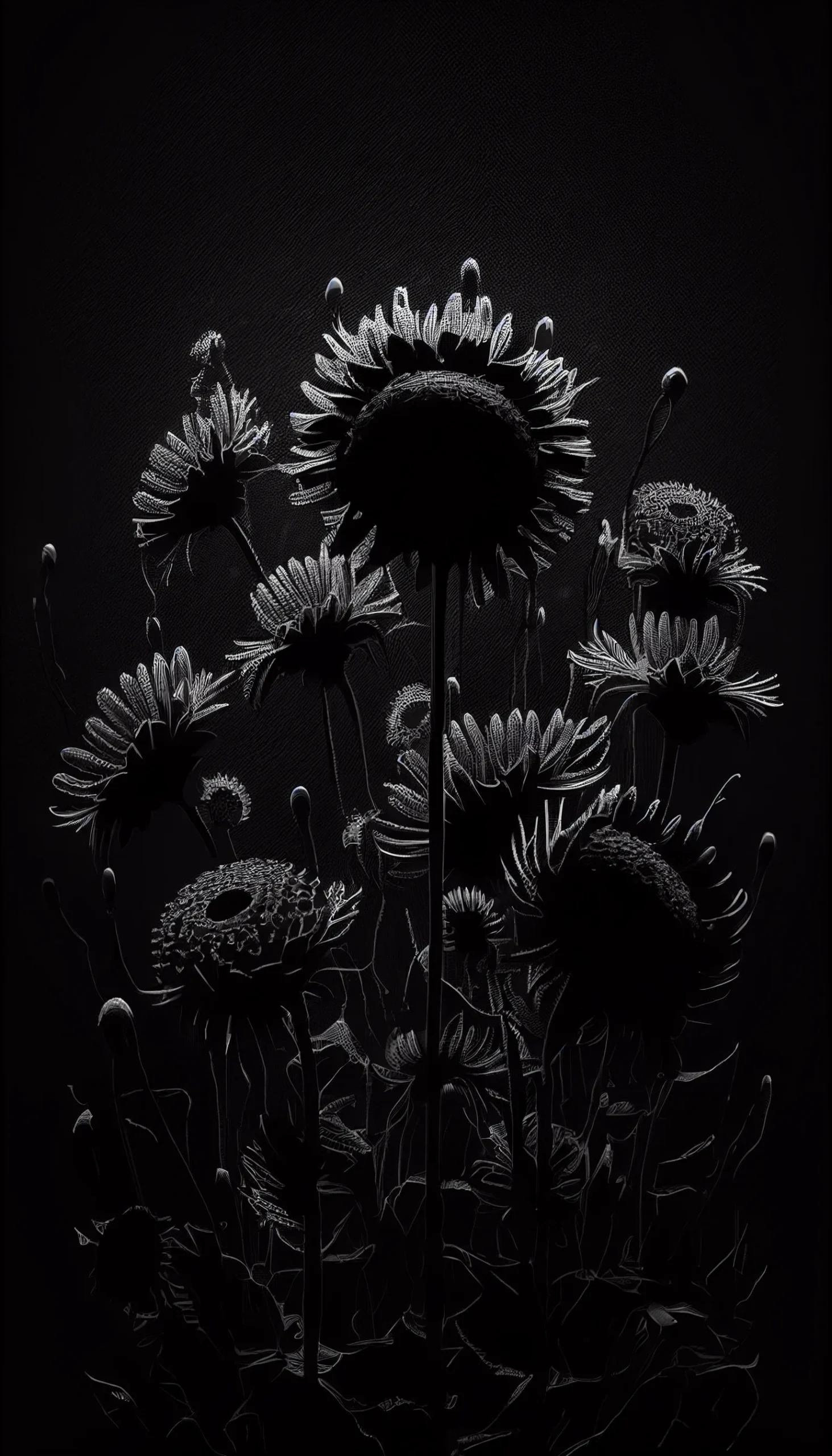
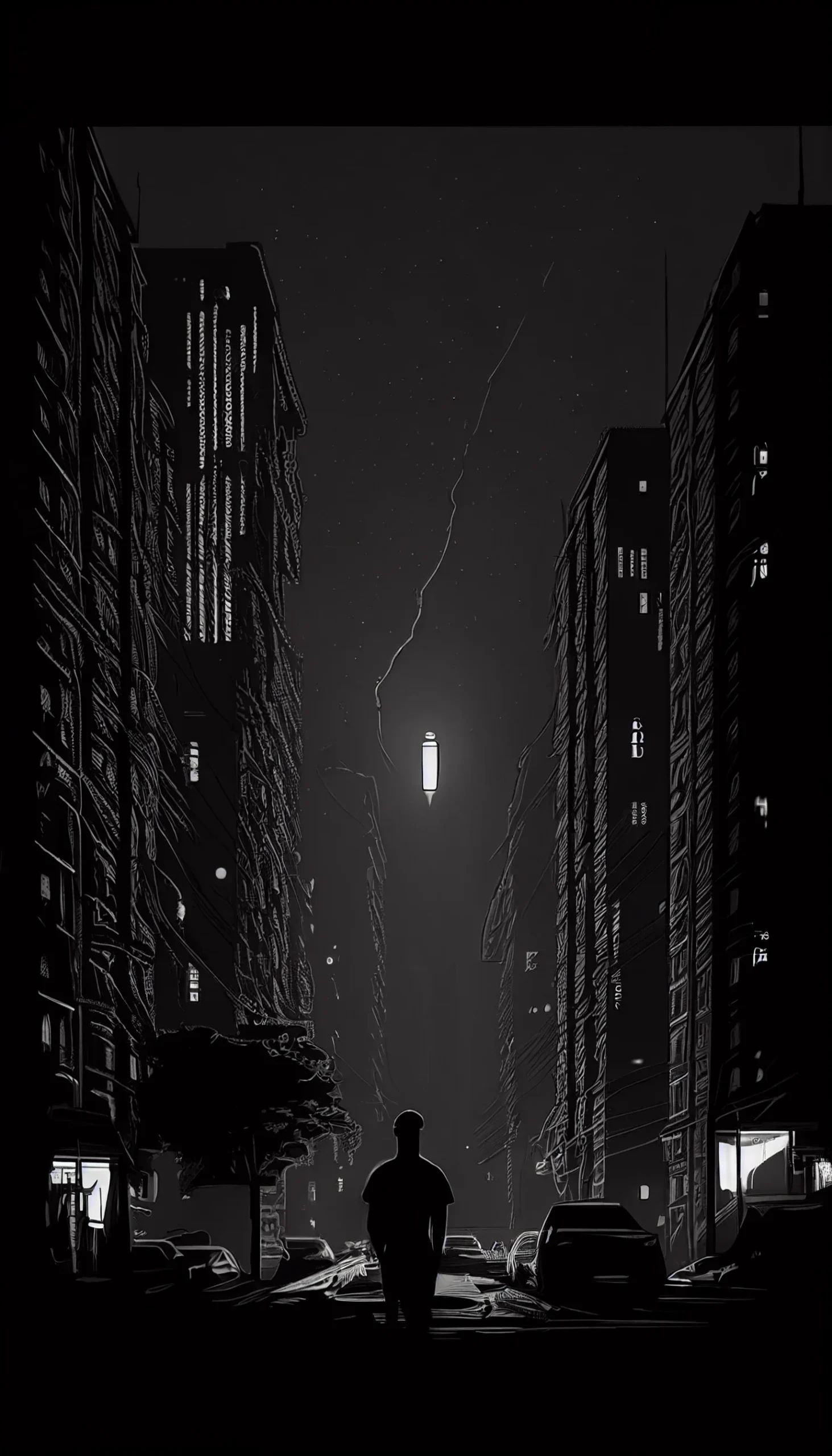
Minimal black option: this is the safest Home Screen choice in the set if you keep many apps, folders or widgets visible. The point is not visual drama; it is giving the interface enough contrast that you can find things quickly.
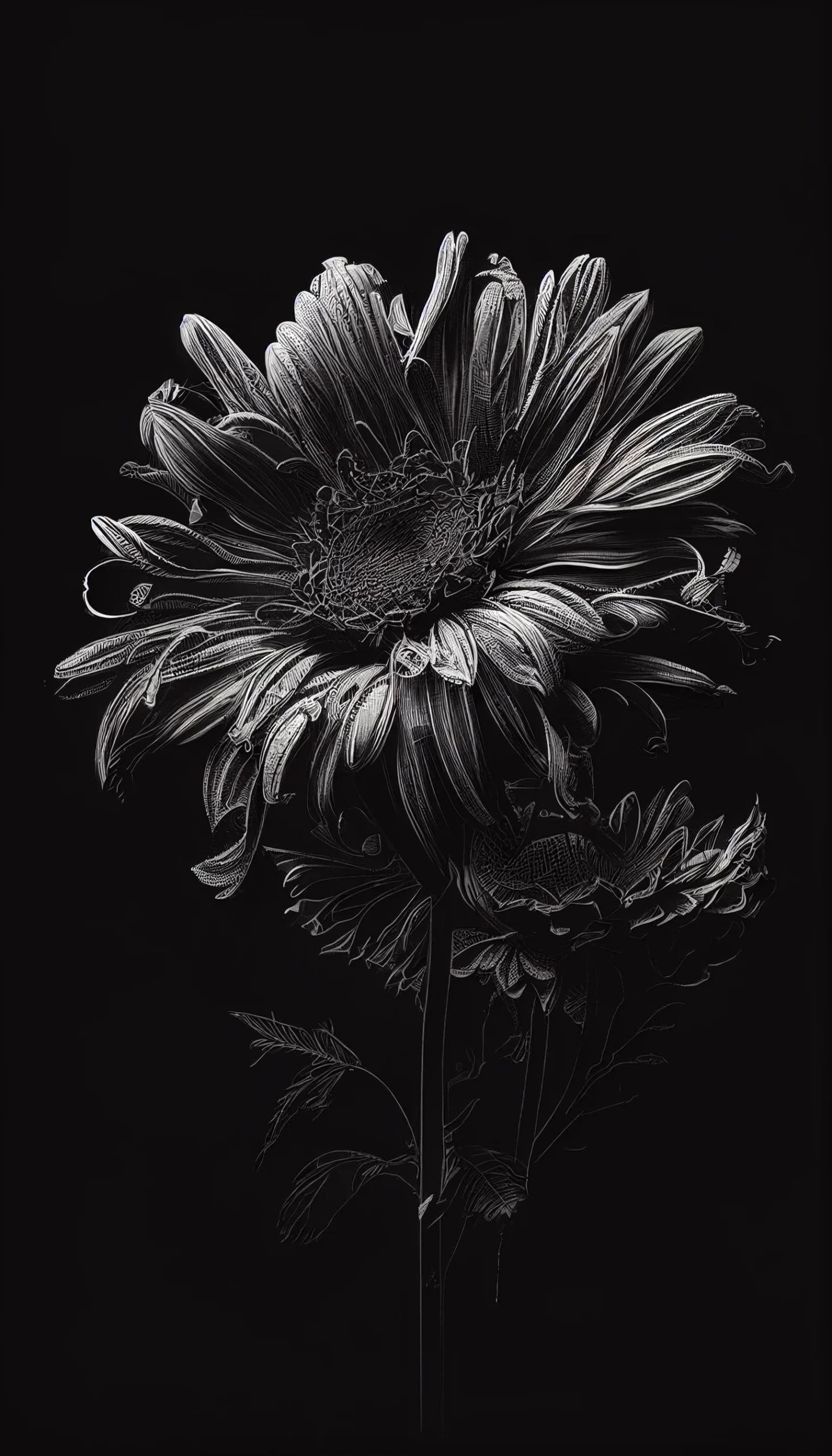
Portrait-style wallpapers: preview these on the actual Lock Screen before deciding. A portrait can look perfectly centered as an image file but feel awkward when the clock, Dynamic Island or notification stack overlaps the face.
Use the full-resolution file
Open the full-size link before saving rather than taking a screenshot. A screenshot may include browser controls or reduce the usable resolution. If iOS crops more than expected, try another image with more empty space around the main subject instead of forcing a very tight zoom.


This is beautiful