
These 16 white aesthetic iPhone wallpapers range from near-blank minimal backgrounds to dandelion, grunge and black-and-white designs. Fourteen files are 1463 × 2560; the other two are 960 × 1664. None is native 4K, so the useful question is not which file has the biggest label—it is which composition stays clean after your iPhone crops it.
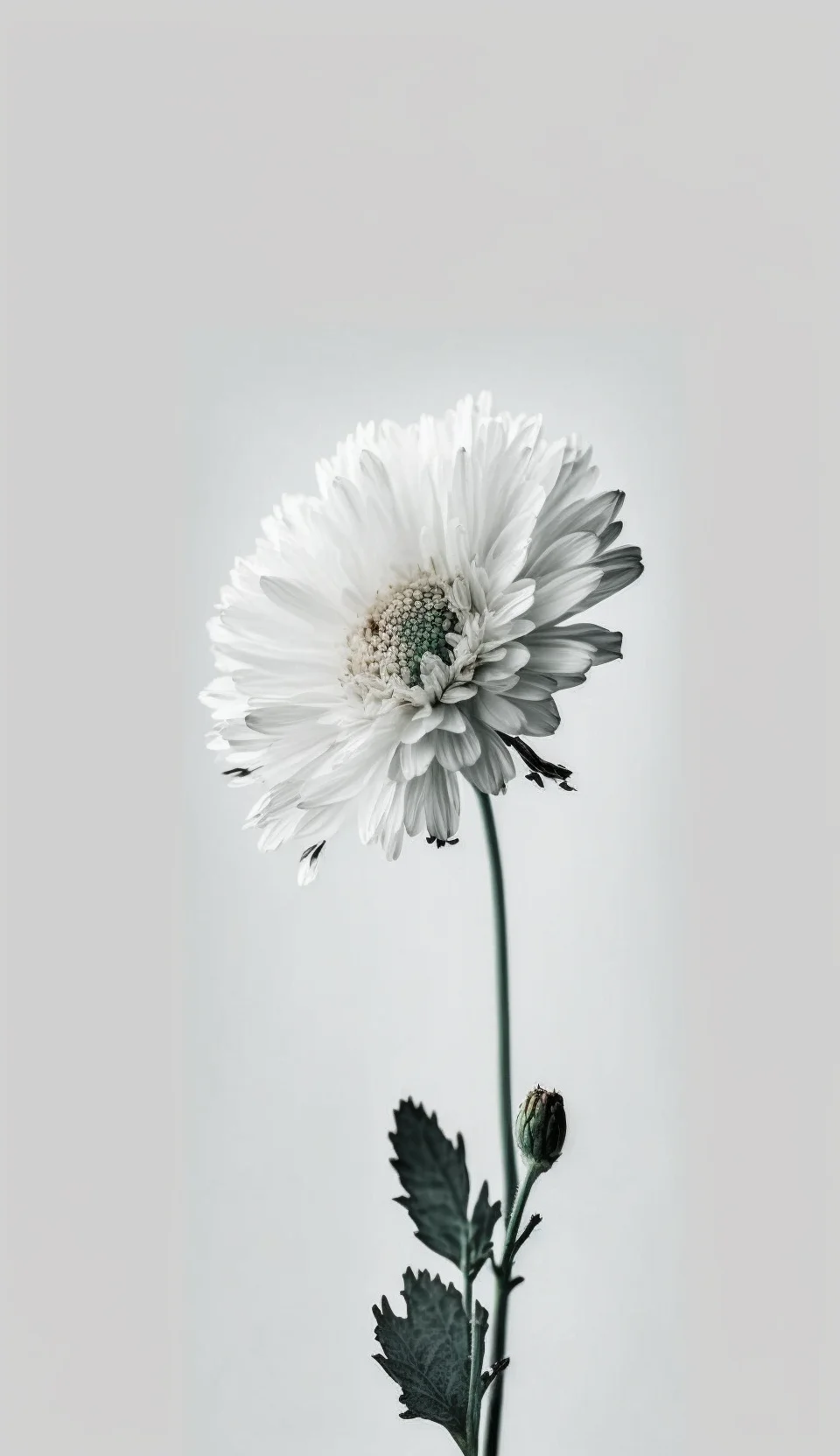
Do this 60-second readability test before choosing one
- Preview it on the Lock Screen first. Position the crop normally, then check whether the clock is still obvious at a glance. A pale image can look elegant in the gallery but lose too much contrast once white interface text sits on top.
- Check the top third. Avoid placing the strongest dandelion, grunge mark or dark graphic directly behind the clock, widgets, Dynamic Island or camera area. Move the crop before abandoning an otherwise good wallpaper.
- Try the Home Screen with your real icons. Unlock the phone and look at the labels, folders and dock you actually use. If they disappear into the image, choose a quieter design or reserve that wallpaper for the Lock Screen.
- Check the crop at the bottom. A centered detail may be partly hidden by the dock or controls. Give important artwork breathing room rather than zooming until it fills every edge.
The cleaner designs in this set generally work best behind a busy Home Screen. The more graphic black-and-white and grunge options can carry a Lock Screen on their own because they already have stronger visual contrast.
For related looks, browse the broader aesthetic wallpaper collection, the softer pastel wallpapers, or switch direction completely with the black iPhone wallpapers.
16 white aesthetic iPhone wallpapers
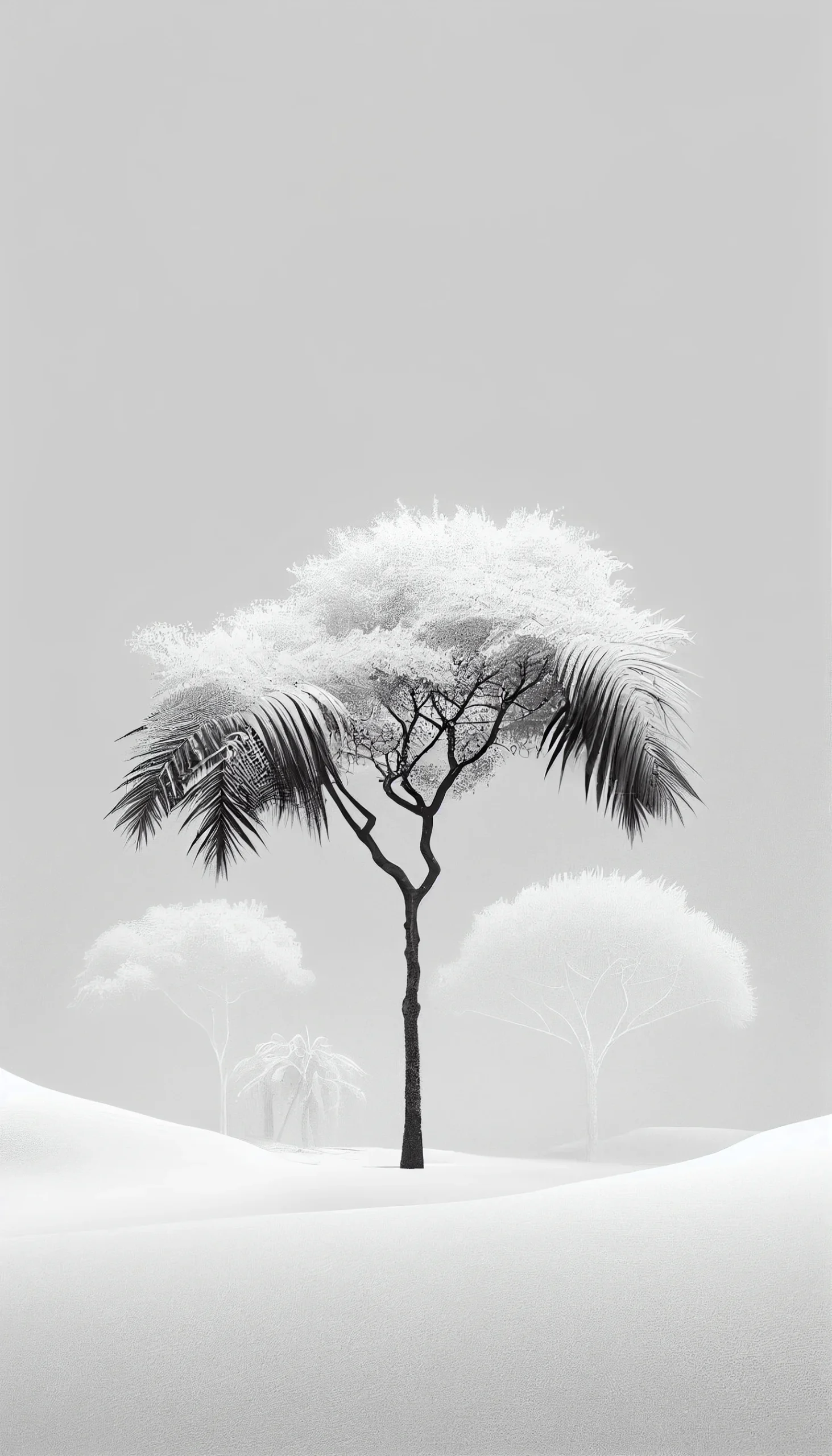
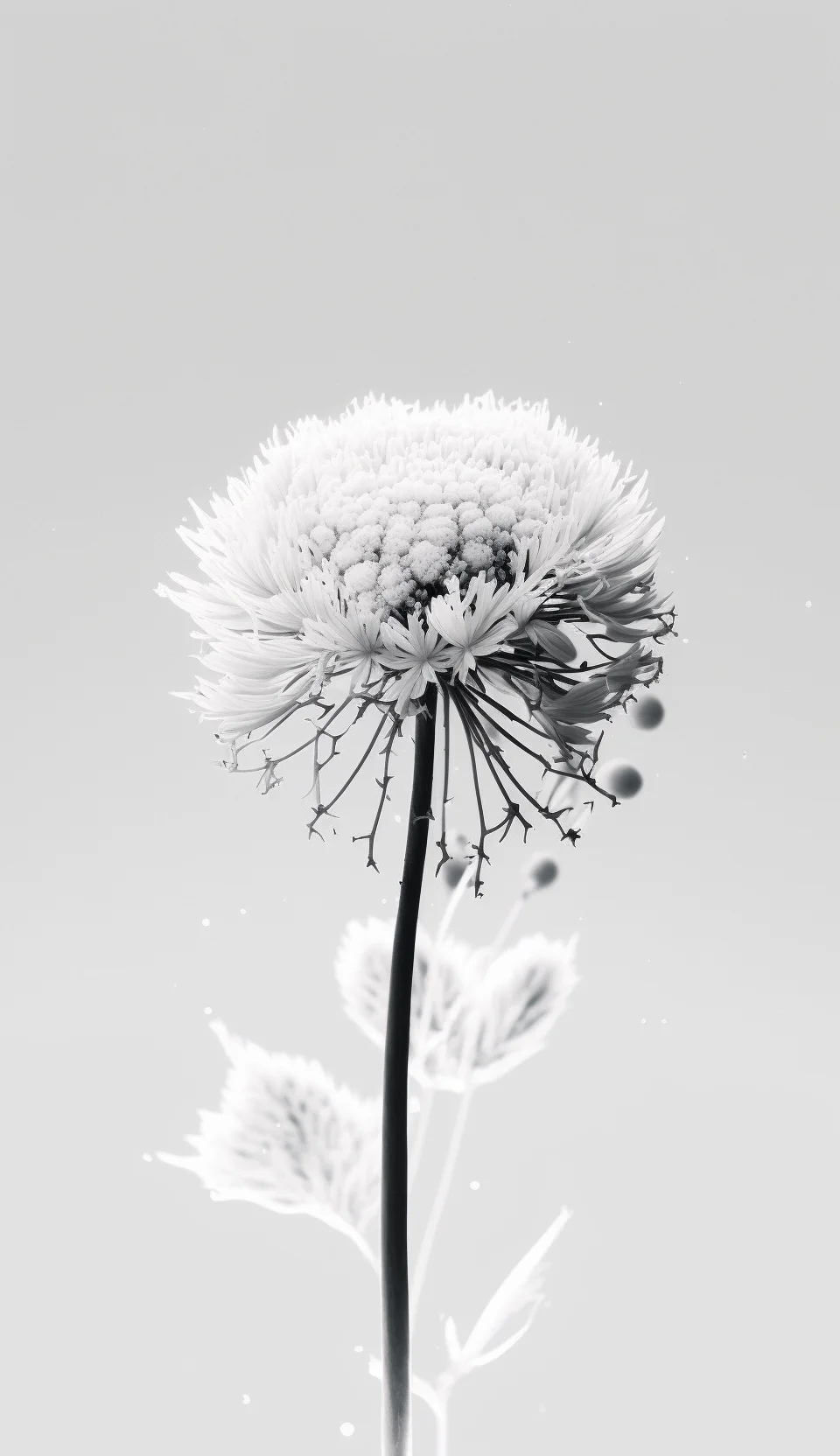
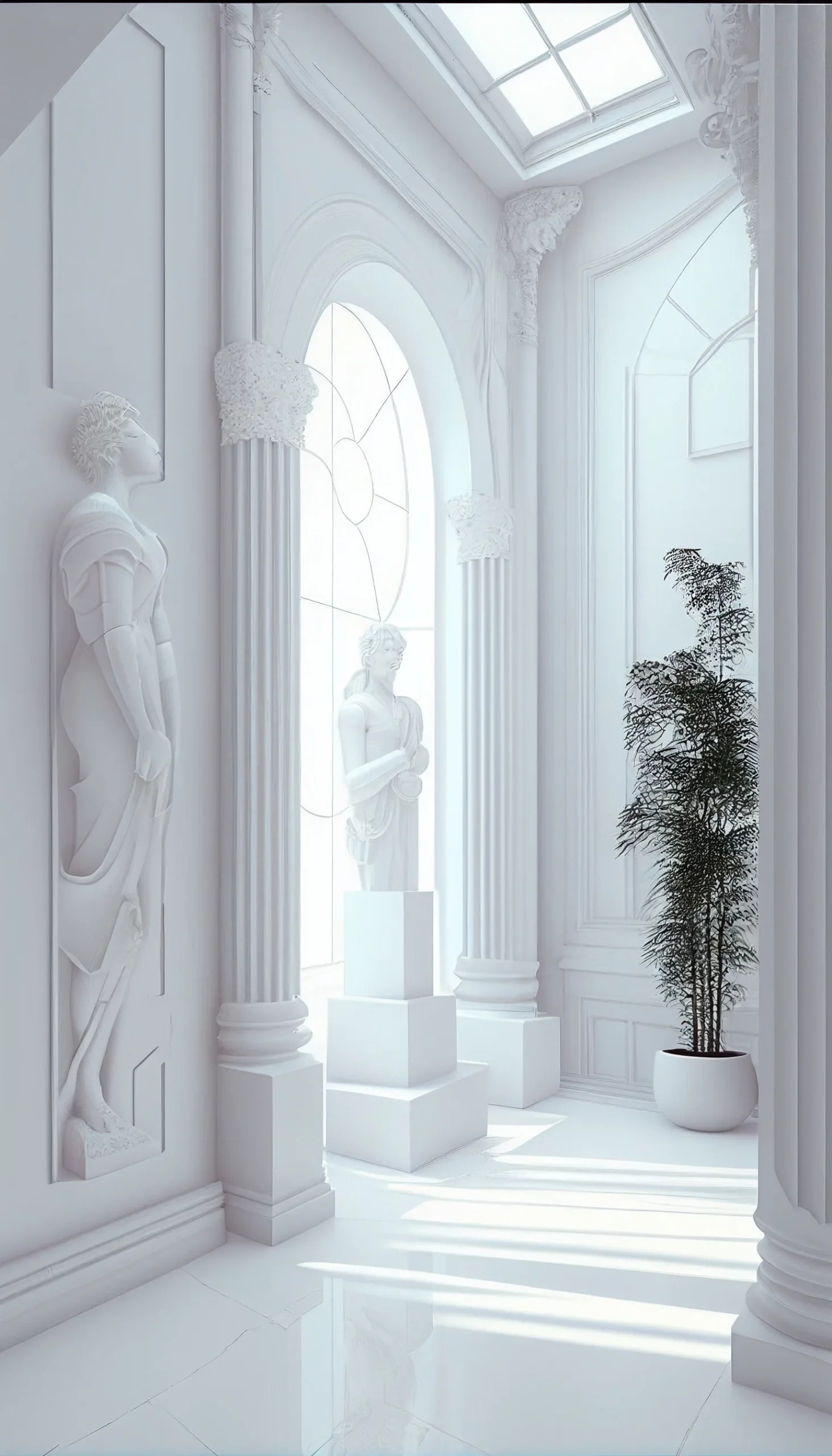
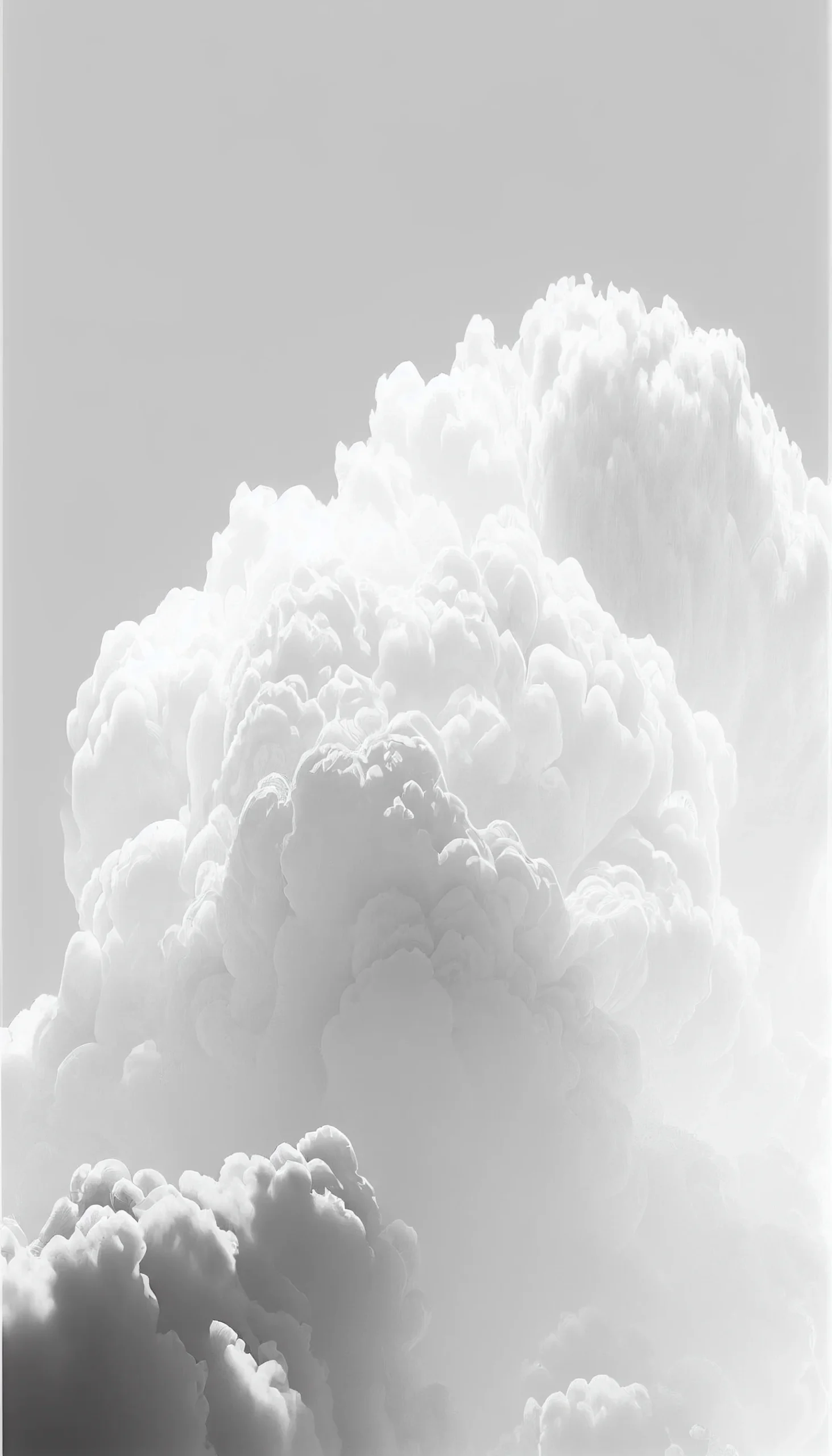
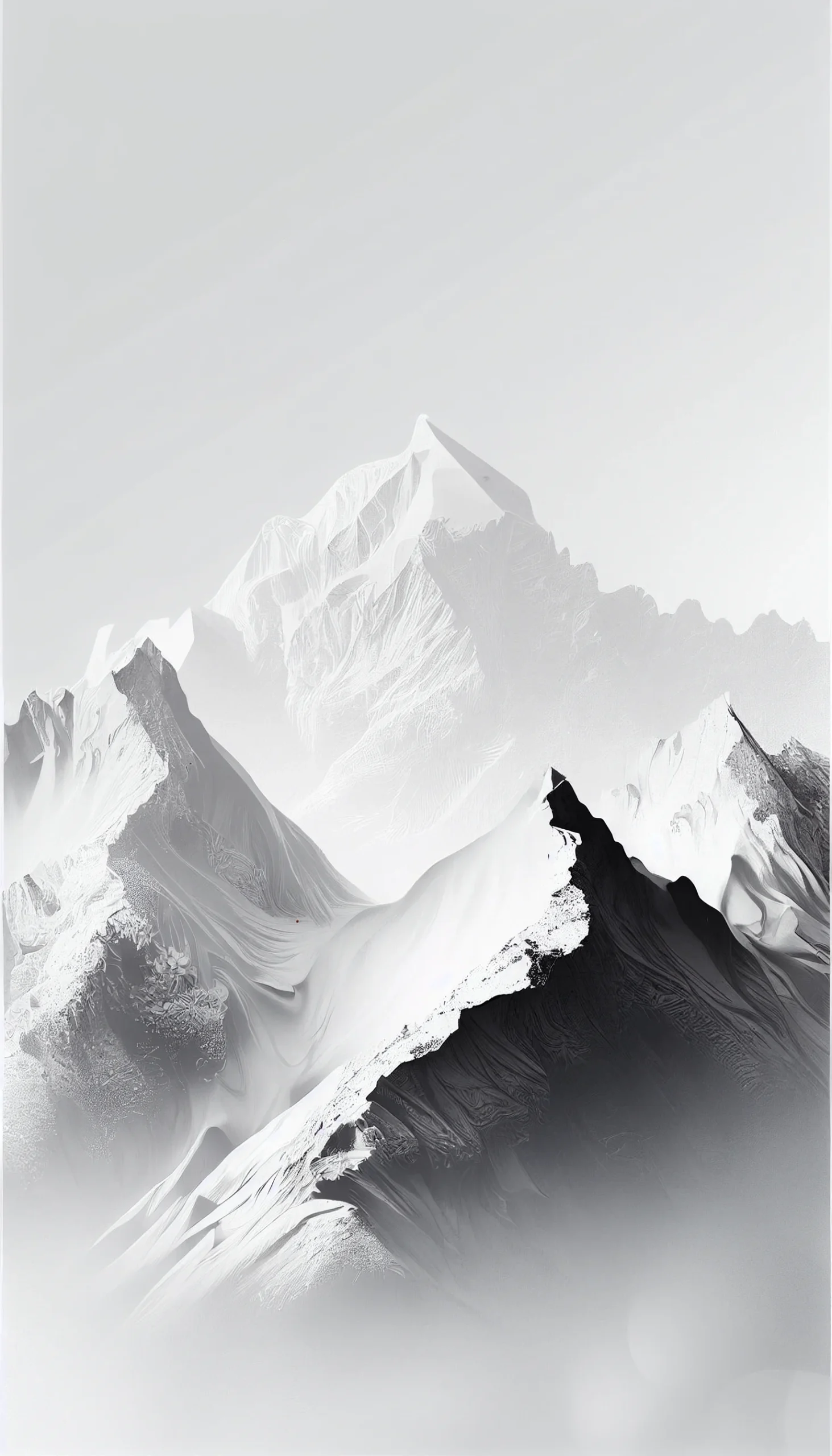
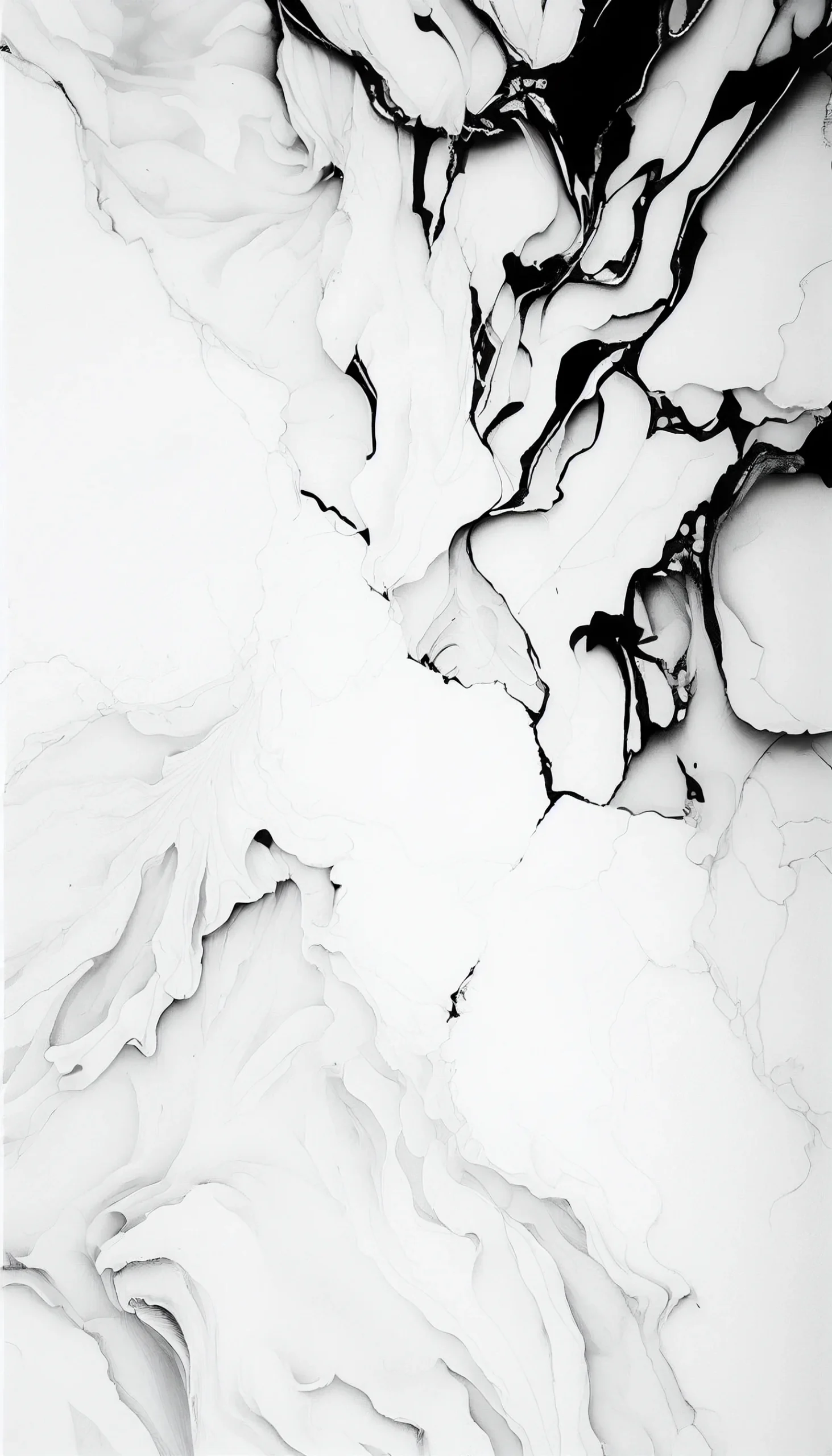
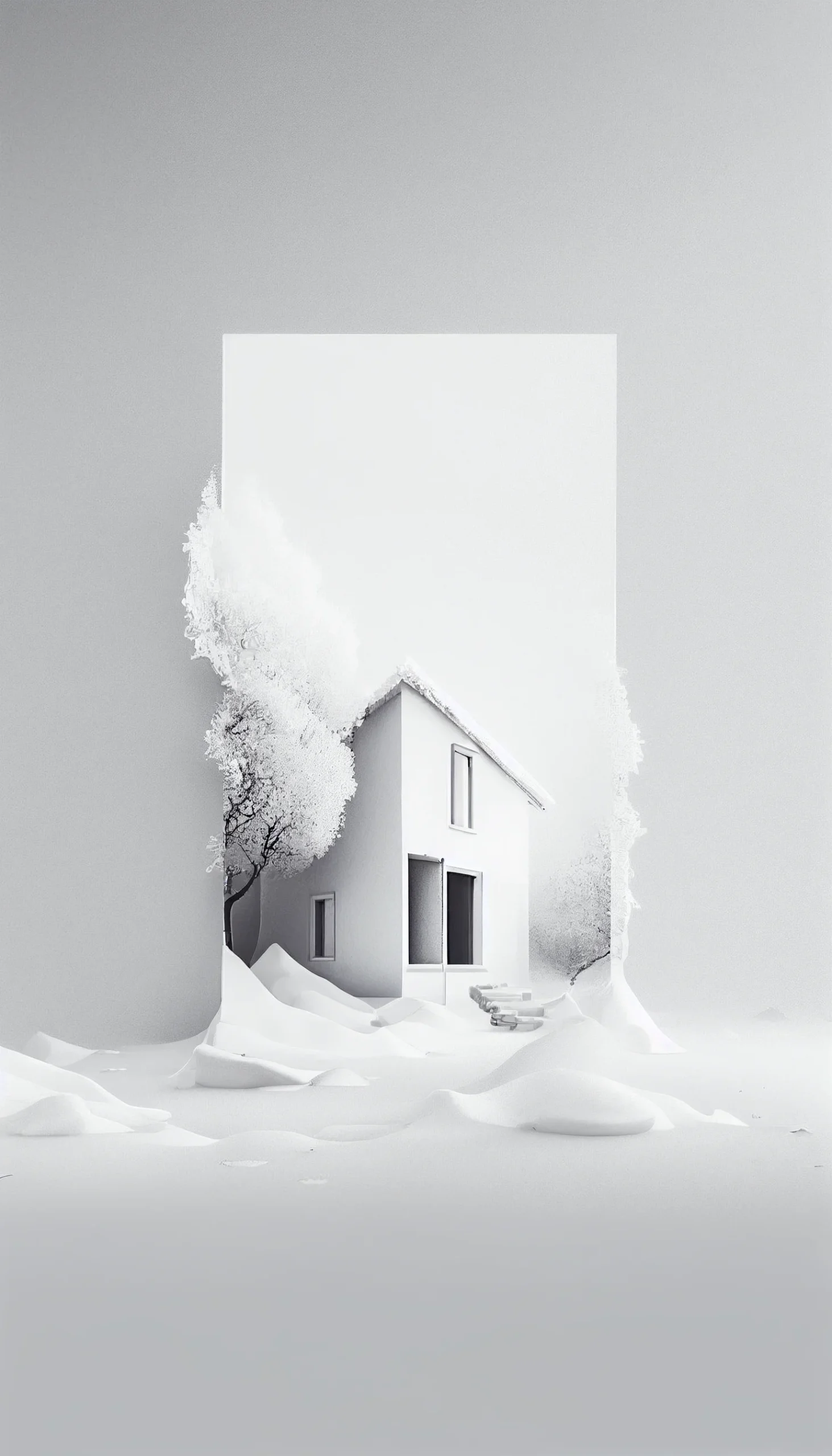
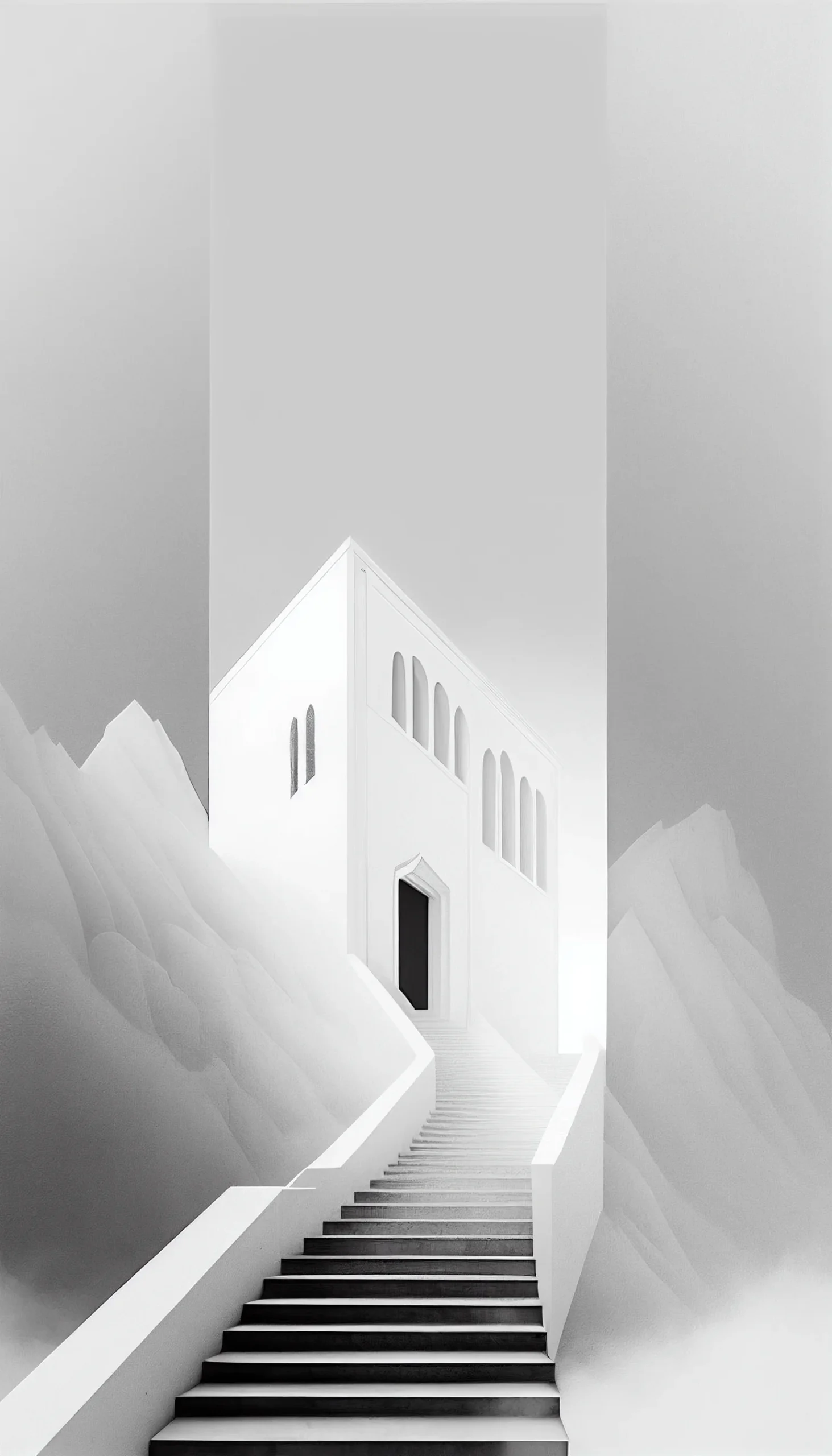
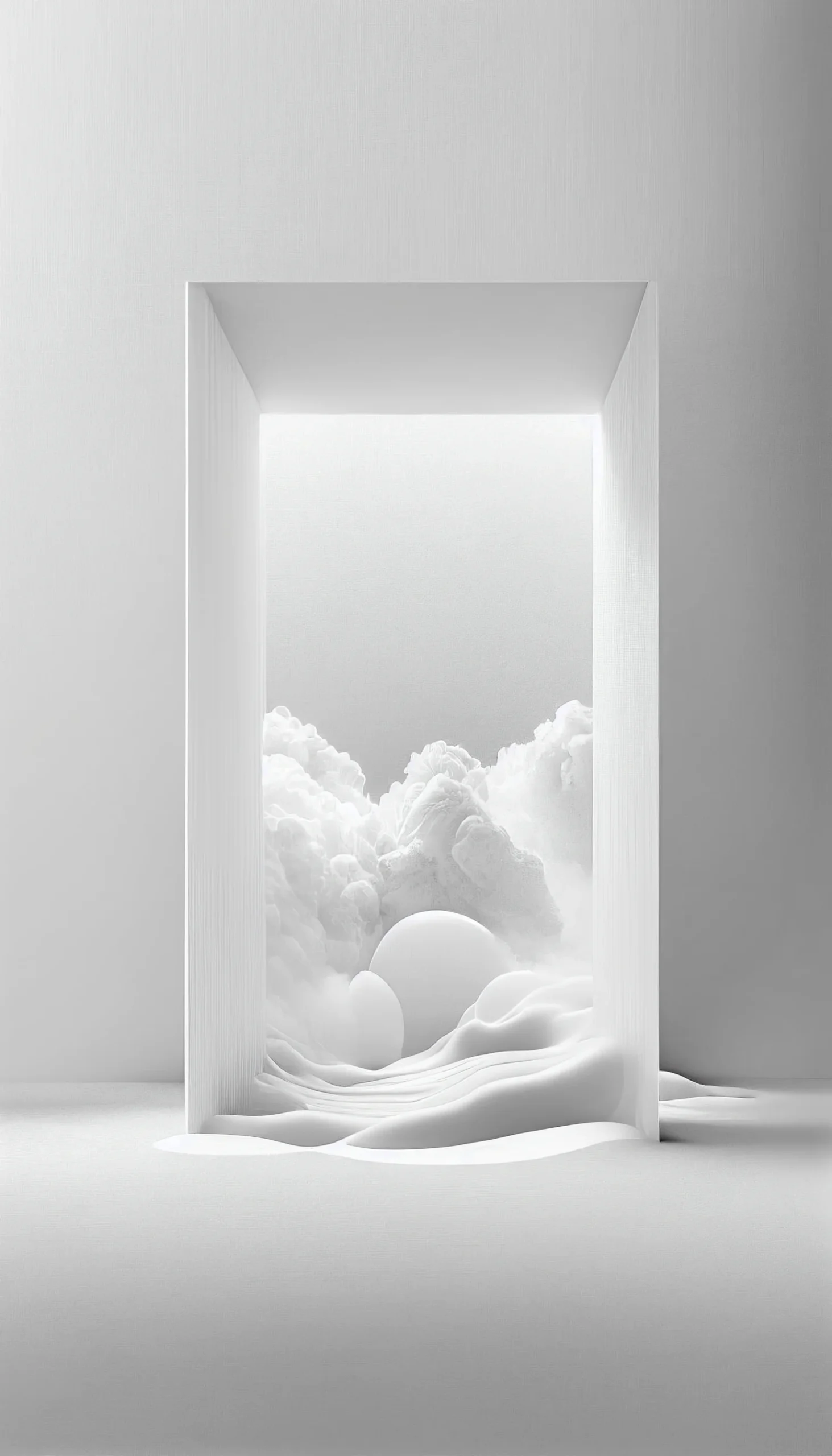
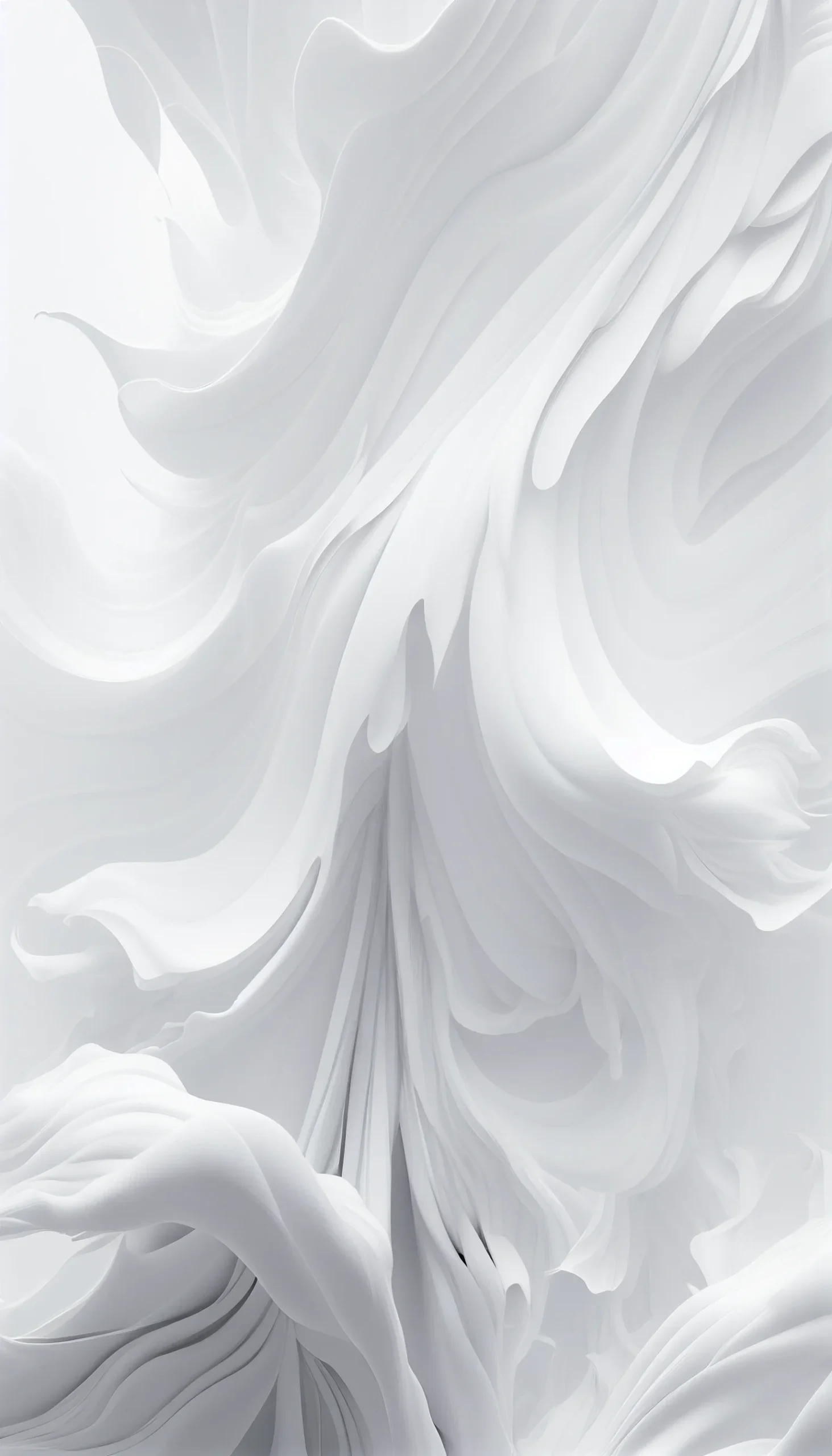
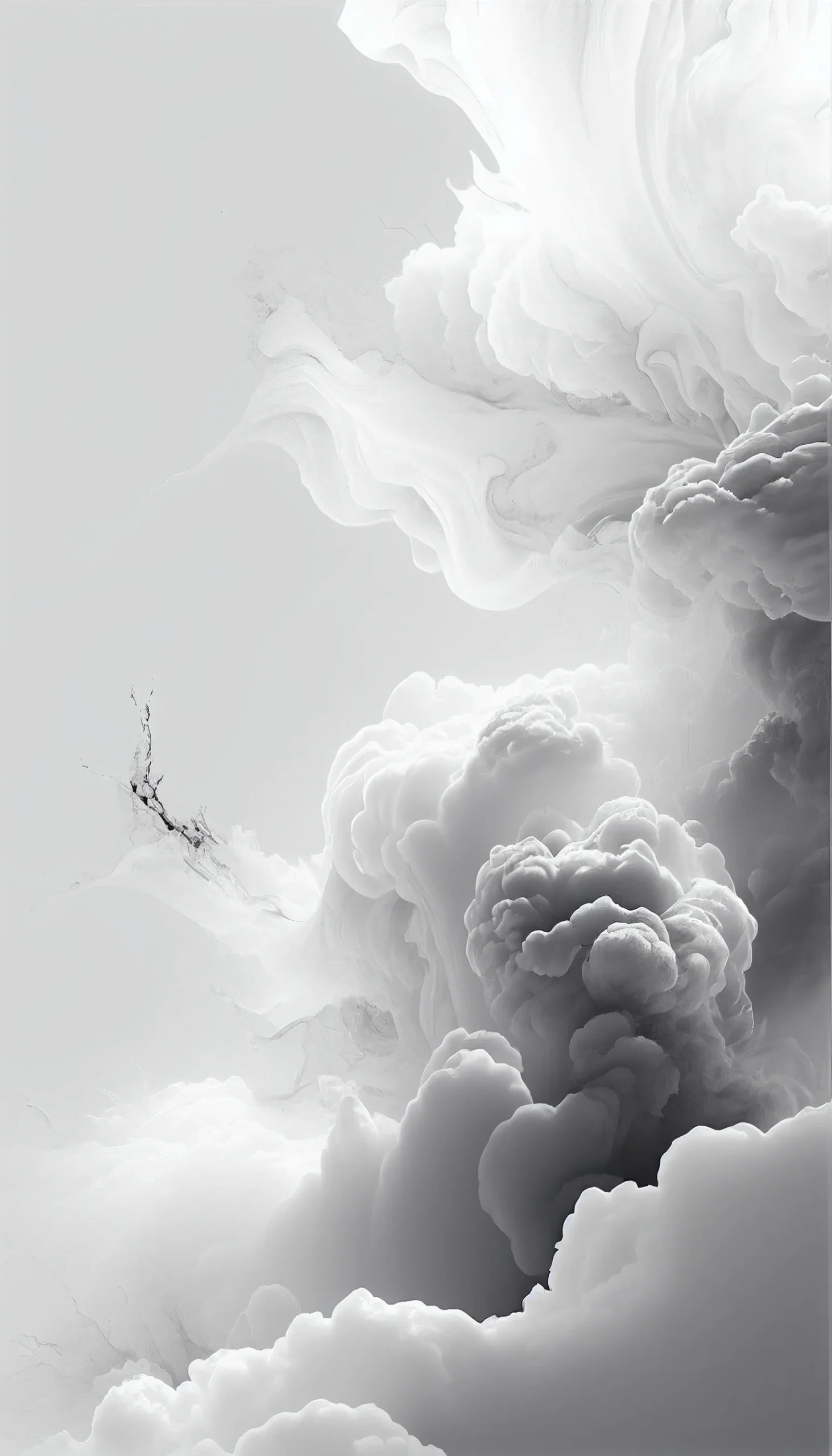
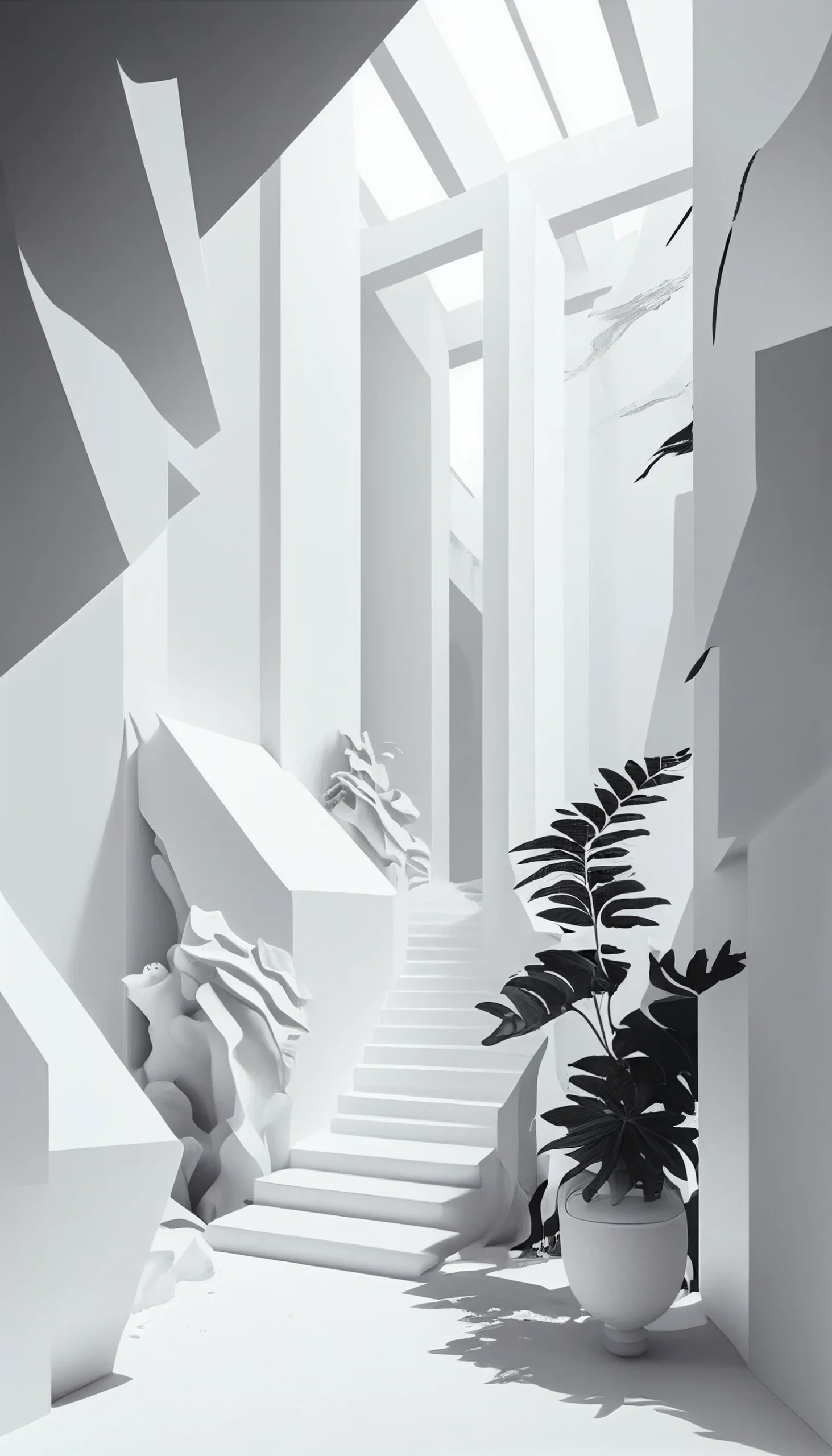
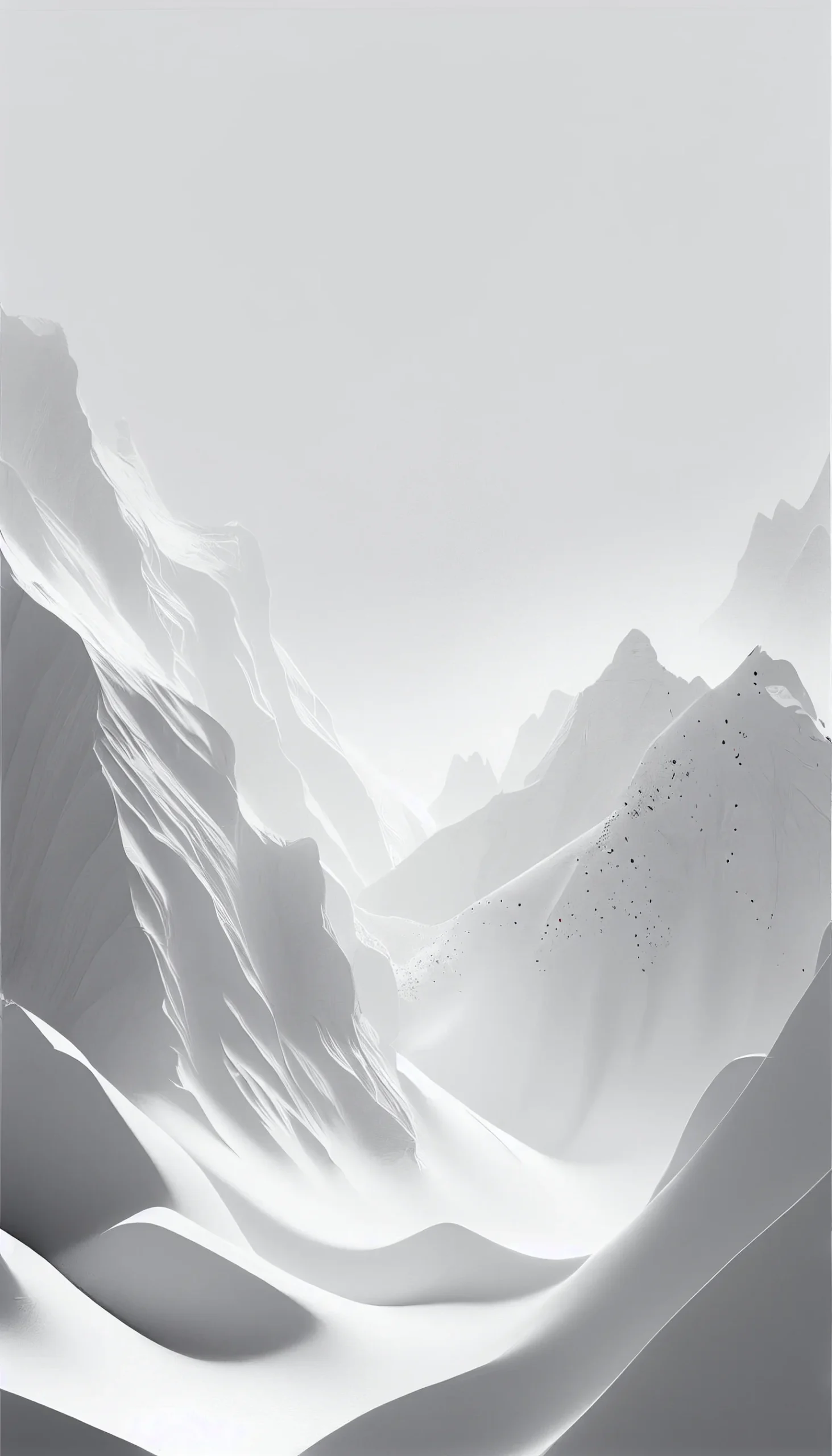
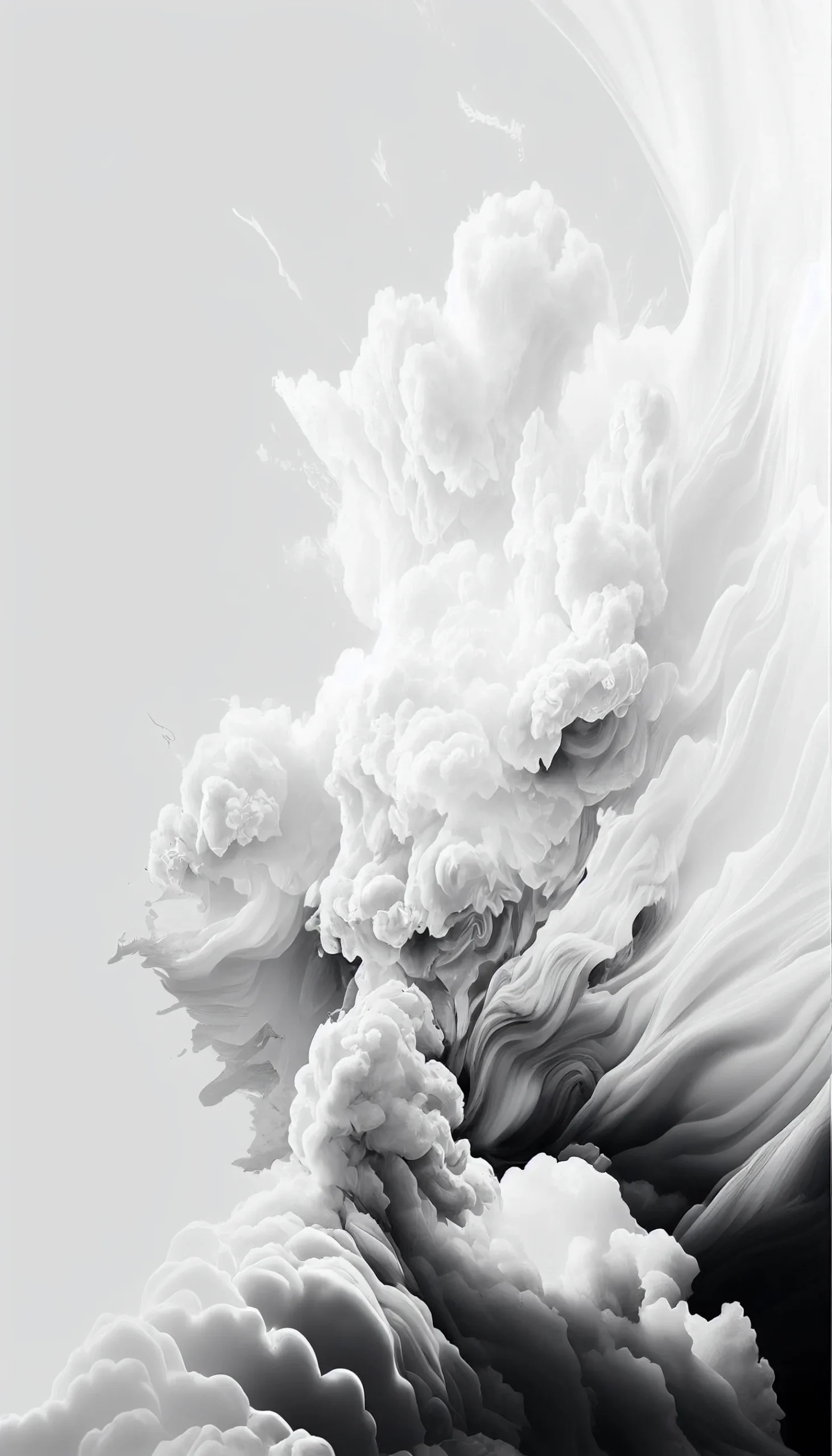
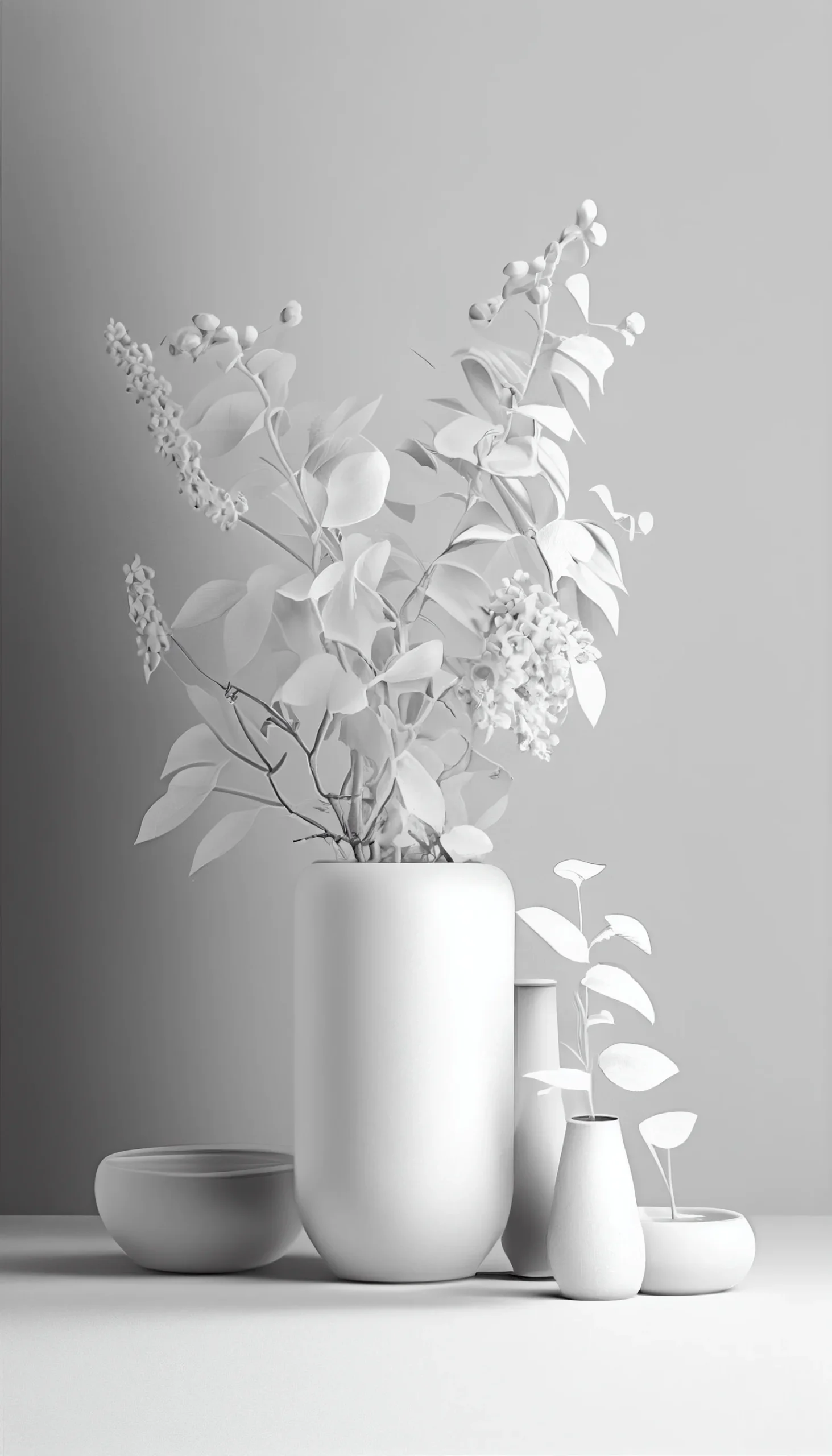
Choosing a clean Lock Screen crop
White and very light wallpapers can make pale interface text harder to read. If that happens, do not immediately darken the whole image. First reposition the crop so the clock sits over an area with enough edge or tonal contrast. The 1463 × 2560 files give you more room to reposition than the two 960 × 1664 images.
| If you see this | Try this first |
|---|---|
| The clock seems to disappear | Move a darker detail behind or beside the clock, or choose one of the higher-contrast designs. |
| The wallpaper looks busy behind icons | Use it on the Lock Screen and pick one of the plainer white images for the Home Screen. |
| The subject is cut off | Zoom out and reposition before accepting the crop; avoid making a small decorative element fill the whole screen. |
| The saved image looks softer than expected | Open the full image rather than relying on a small preview or screenshot. Remember that the two 960 × 1664 files have less crop latitude. |
| Pure white feels harsh at night | Choose an off-white, gray, grunge or black-and-white design instead of forcing a bright white background. |
Pick by screen job, not just by thumbnail
For a Home Screen: prioritize empty space and low contrast where your app grid sits. A wallpaper can be almost invisible and still do its job well if the icons remain easy to find.
For a Lock Screen: you can tolerate more detail, but leave the clock area readable. Dandelion or graphic designs work better when the focal point sits away from the interface rather than directly underneath it.
For a matched pair: use two wallpapers with the same white or gray family but different detail levels. Put the more expressive image on the Lock Screen and the quieter one behind apps. This keeps the phone visually consistent without sacrificing usability.
How to tell whether the crop is actually working
- You can read the time instantly without staring at it.
- Your most-used app icons are recognizable without hunting for them.
- The main graphic is not trapped behind the clock, widgets, camera area or dock.
- The image still looks intentional after the phone zooms or crops it.
- There is enough empty space that the interface and wallpaper are not competing for attention.
Judge the wallpaper on the screen where you will use it, not only in the browser. A minimal white image often looks less dramatic in a gallery but performs better once notifications, widgets and icons are added.

