
All 20 wallpapers here are 1664 × 2432 portrait files. The set moves from bright pink, blue and yellow designs to black, grunge and trippy backgrounds, so the best choice depends more on how busy your screen is than on the color itself.
If you keep a full grid of apps, the darker or simpler images are easier to read behind. The brighter pink, green and red designs work better on a Lock Screen or a sparse Home Screen where the wallpaper can carry more of the visual weight.
These are high-resolution phone backgrounds, not native 4K files. Open the full-size image before saving it and check the crop on your own screen. For related looks, browse the aesthetic, black aesthetic and dark vintage wallpaper pages.
Baddie phone wallpaper collection

Run a 60-second screen test before keeping one
- Set it without zooming first. Check whether the main face, text, symbol or bright accent survives your phone’s automatic crop.
- Look at the clock. On a Lock Screen, the time should be readable immediately. If a bright detail sits behind it, reposition the image rather than darkening the whole wallpaper.
- Open your busiest Home Screen. If app names disappear, choose a calmer design or move the strongest detail away from the icon grid.
- Drop brightness to your normal level. A black or grunge design that looks dramatic at full brightness can lose detail in everyday use.
- Trigger one notification. Make sure the subject still looks intentional when notification cards cover the middle of the screen.
Match the wallpaper to the screen, not just the color
| Wallpaper type | Usually works best on | Watch for |
|---|---|---|
| Bright pink, red or yellow | Lock Screen or sparse Home Screen | Clock and widget contrast |
| Black or dark grunge | Busy Home Screen | Dark details disappearing at low brightness |
| Trippy or graphic | Lock Screen | The focal point being covered by notifications |
| Simple blue, green or purple | Either screen | App labels blending into mid-tone areas |
Fix a wallpaper that looks wrong on your phone
- The crop feels cramped: reset the crop, then move the image before enlarging it. Heavy zoom usually cuts off more of the composition than necessary.
- Icons are hard to read: do not judge only from the empty preview. Test the wallpaper behind your real app grid and choose a quieter area for the icons.
- The image looks soft: save the full-size file rather than a browser preview or screenshot. These originals are 1664 × 2432 pixels.
- The Lock Screen feels too busy: keep the strongest graphic detail below or beside the clock and leave some visual breathing room around widgets.
- A dark design turns muddy: check it at normal brightness. If the subject disappears, a design with cleaner light-dark separation will work better than simply increasing screen brightness.
A quick way to choose between three favorites
Set each candidate for one minute and use the phone normally. Open the Home Screen, pull down notifications and glance at the Lock Screen from arm’s length. Keep the one where you can identify the focal point and read the interface without effort. That test is more useful than choosing from the gallery alone because the wallpaper has to work underneath your phone’s interface, not as a standalone picture.

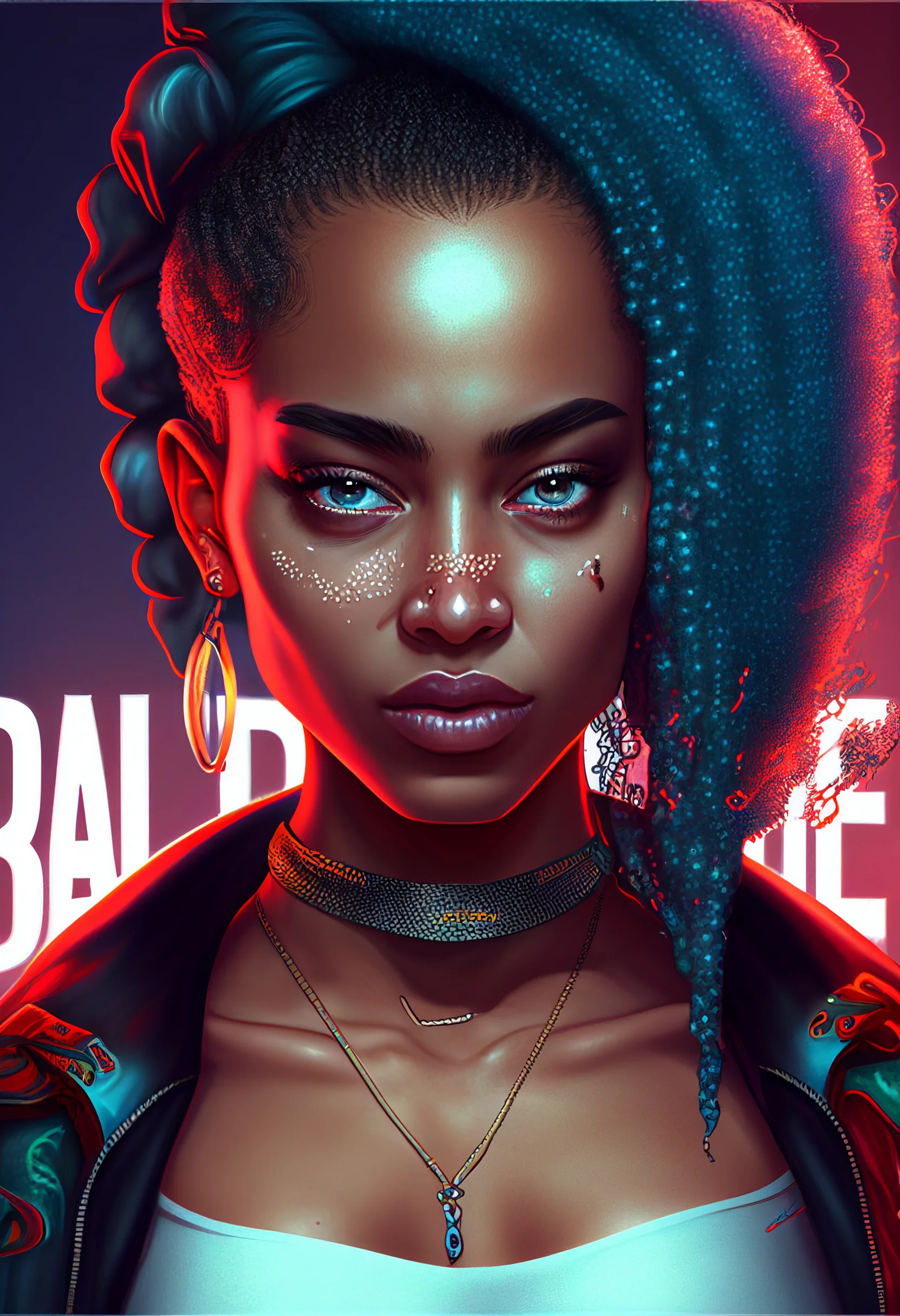

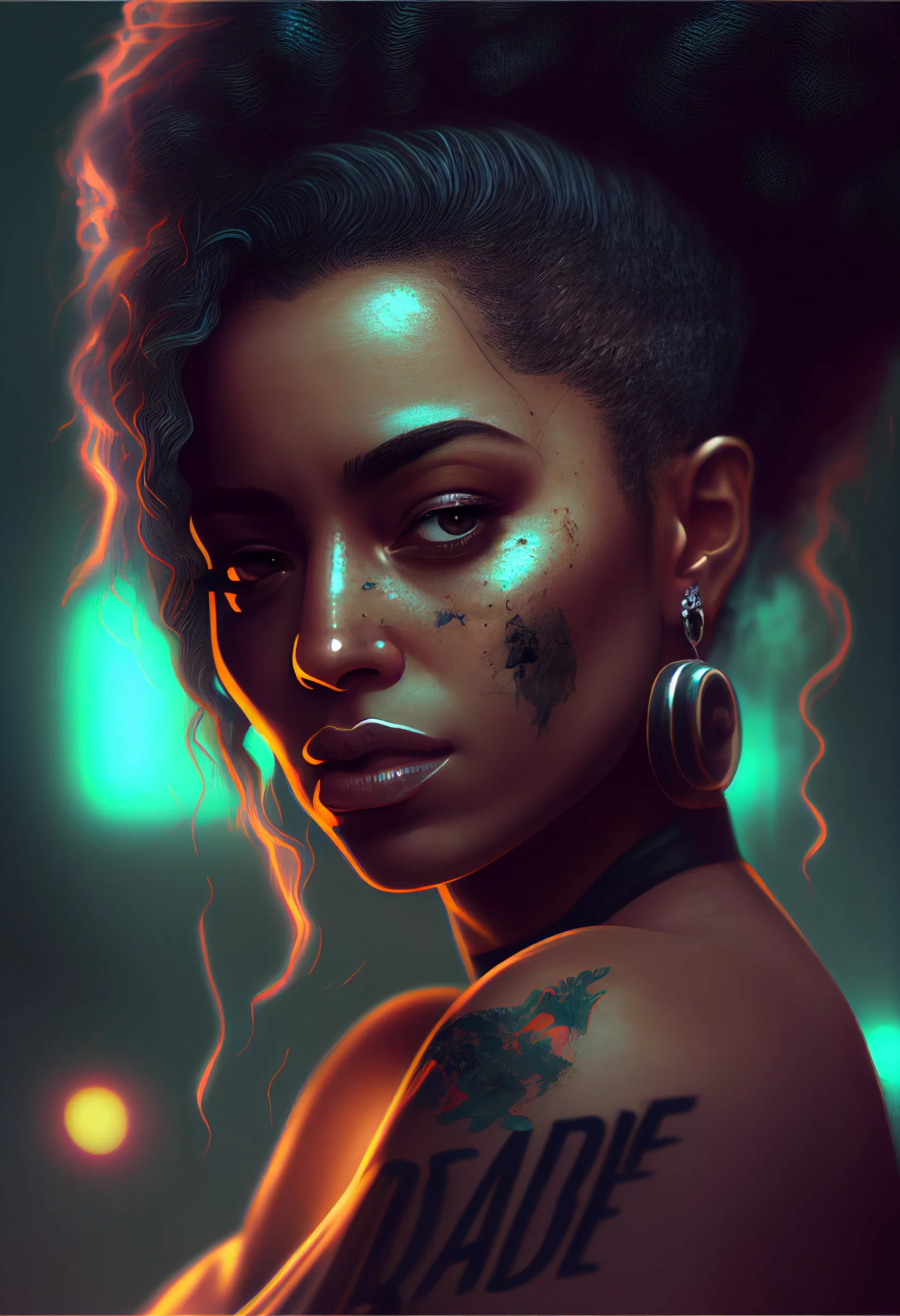

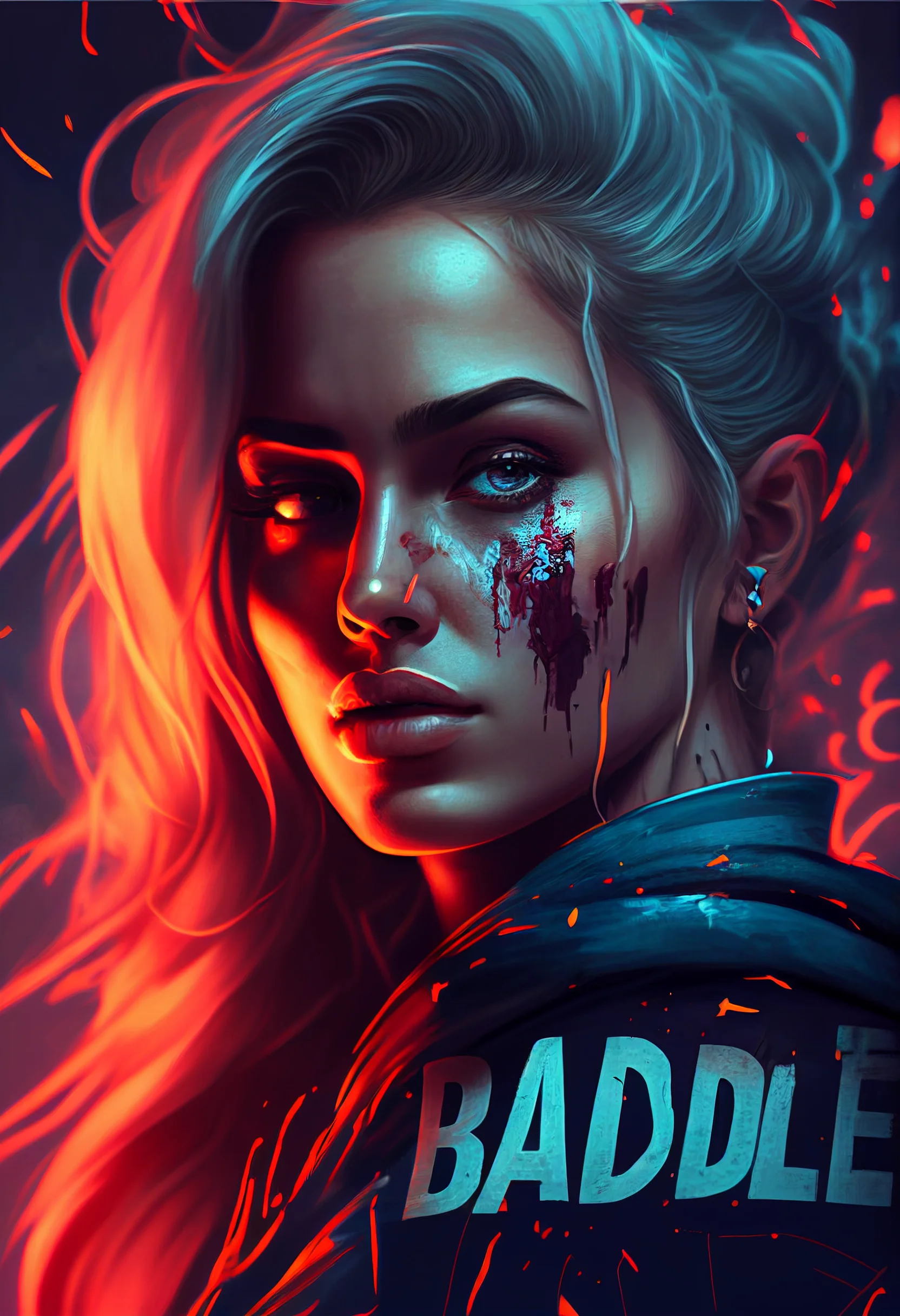

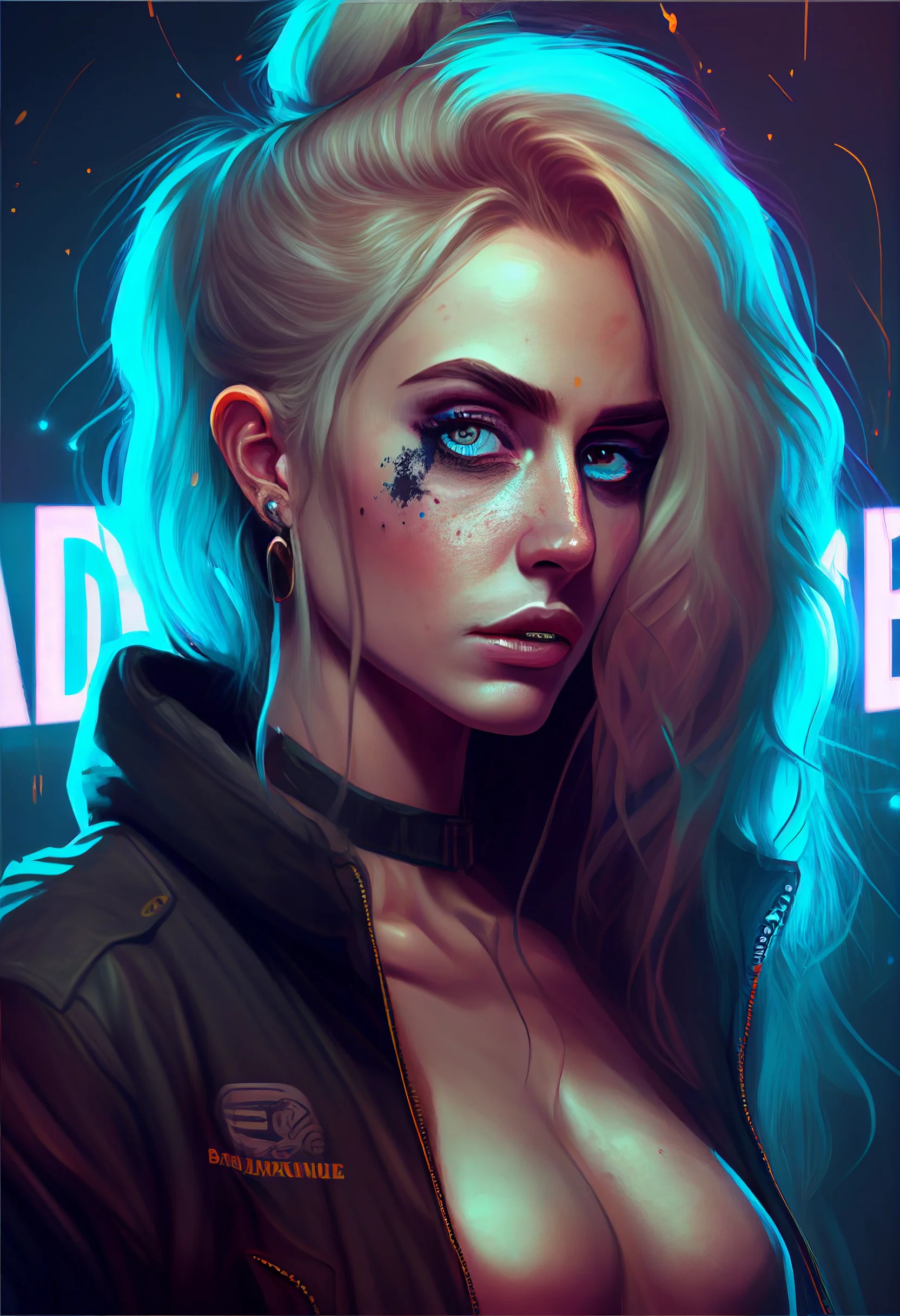
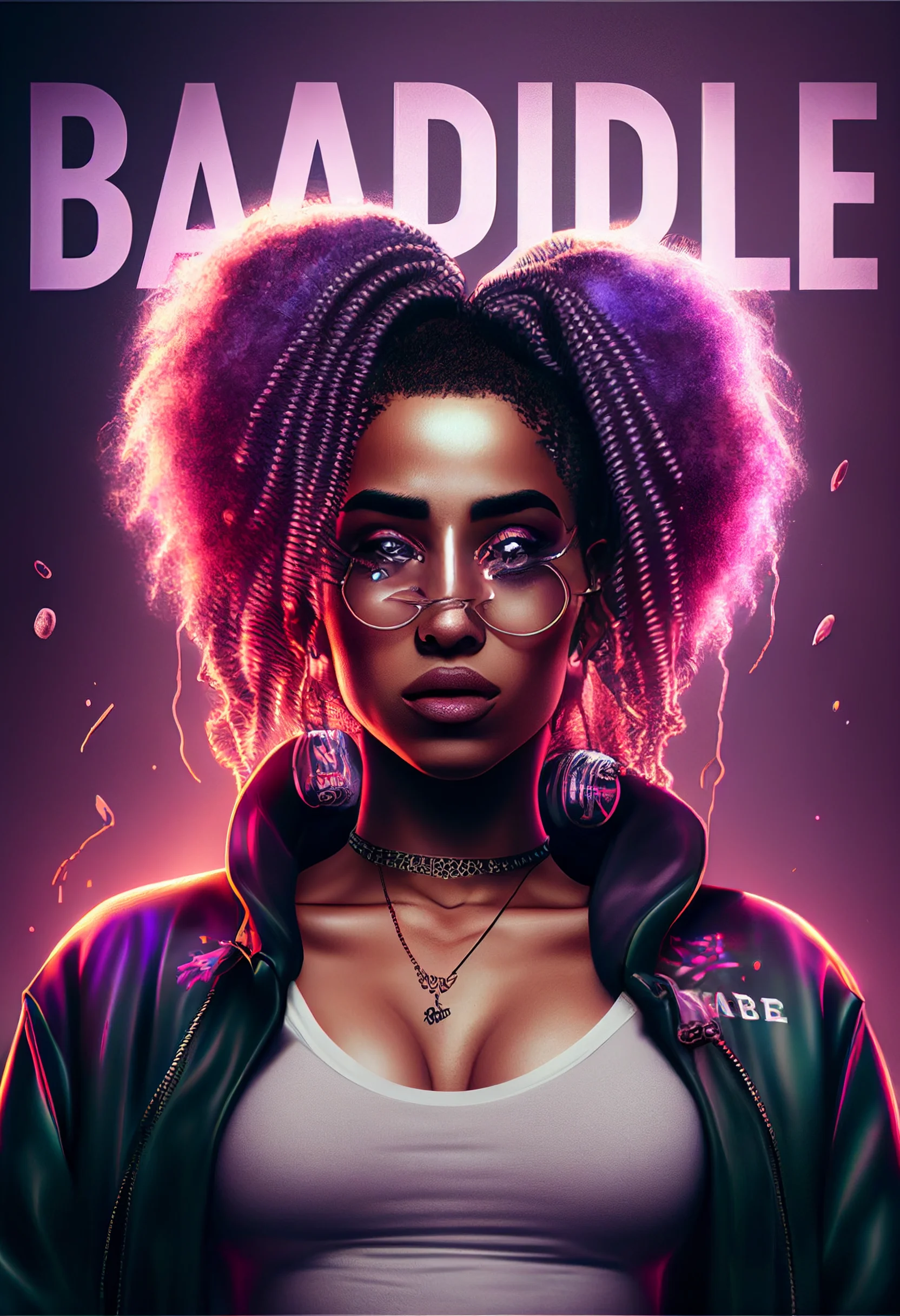

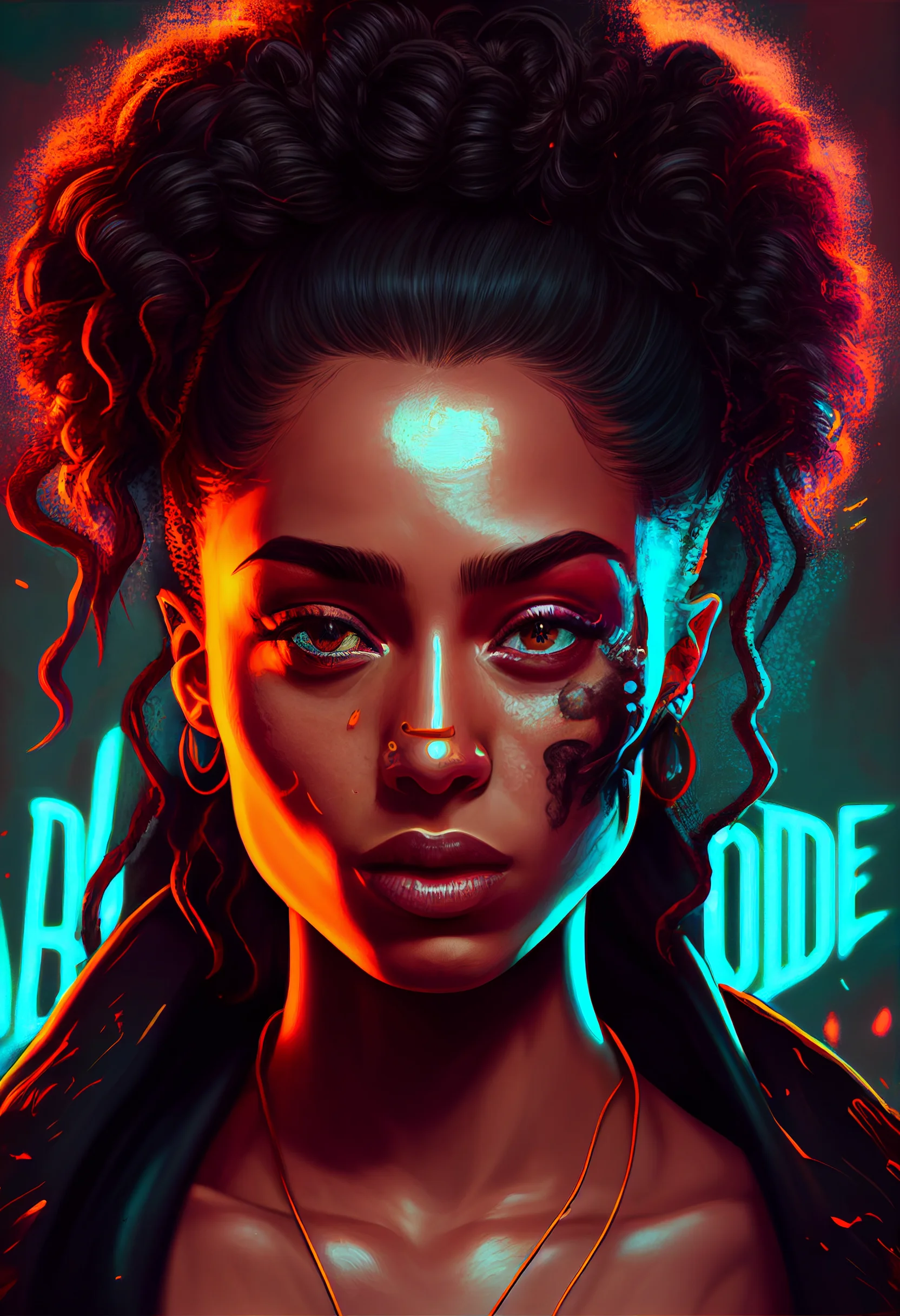

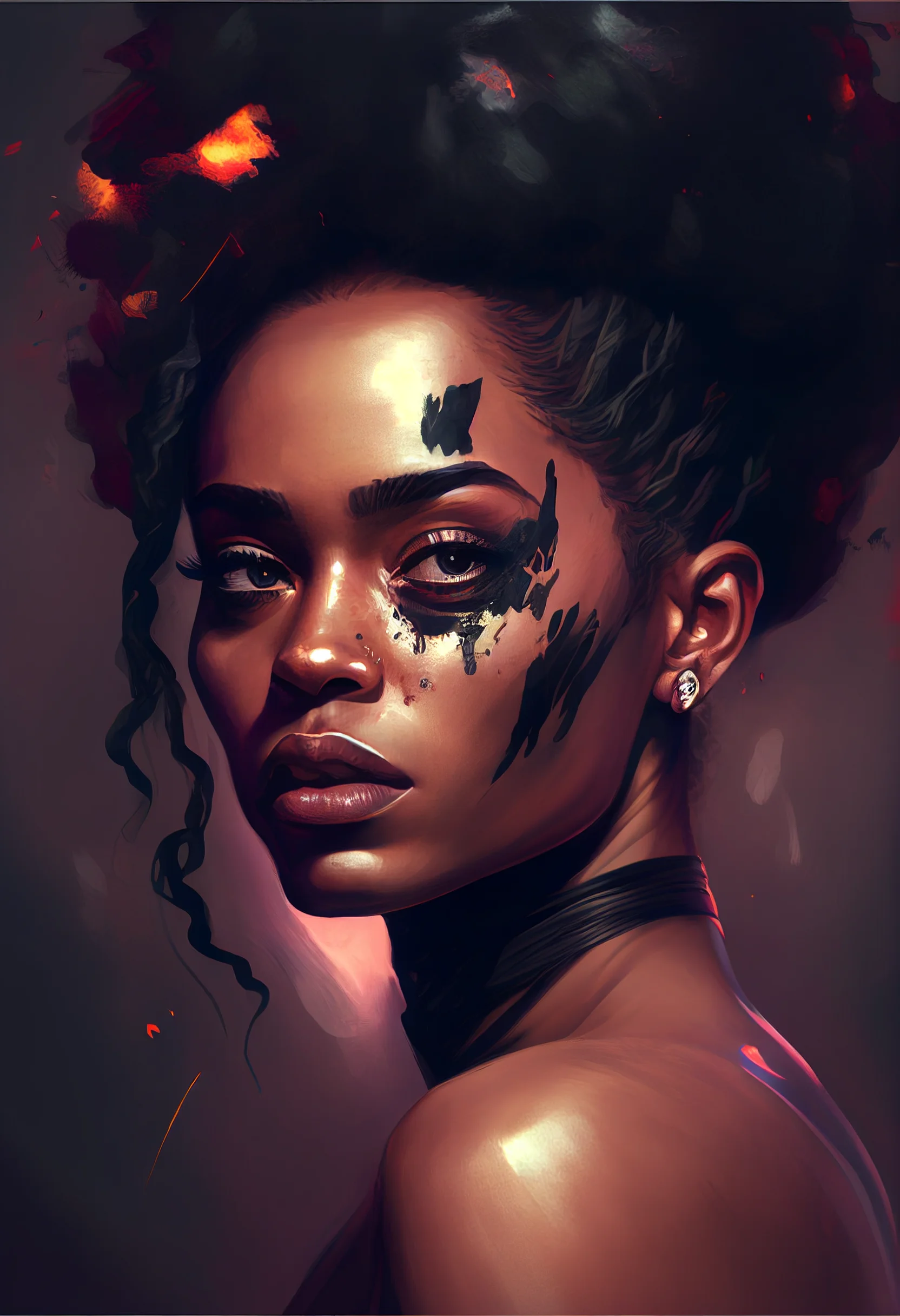

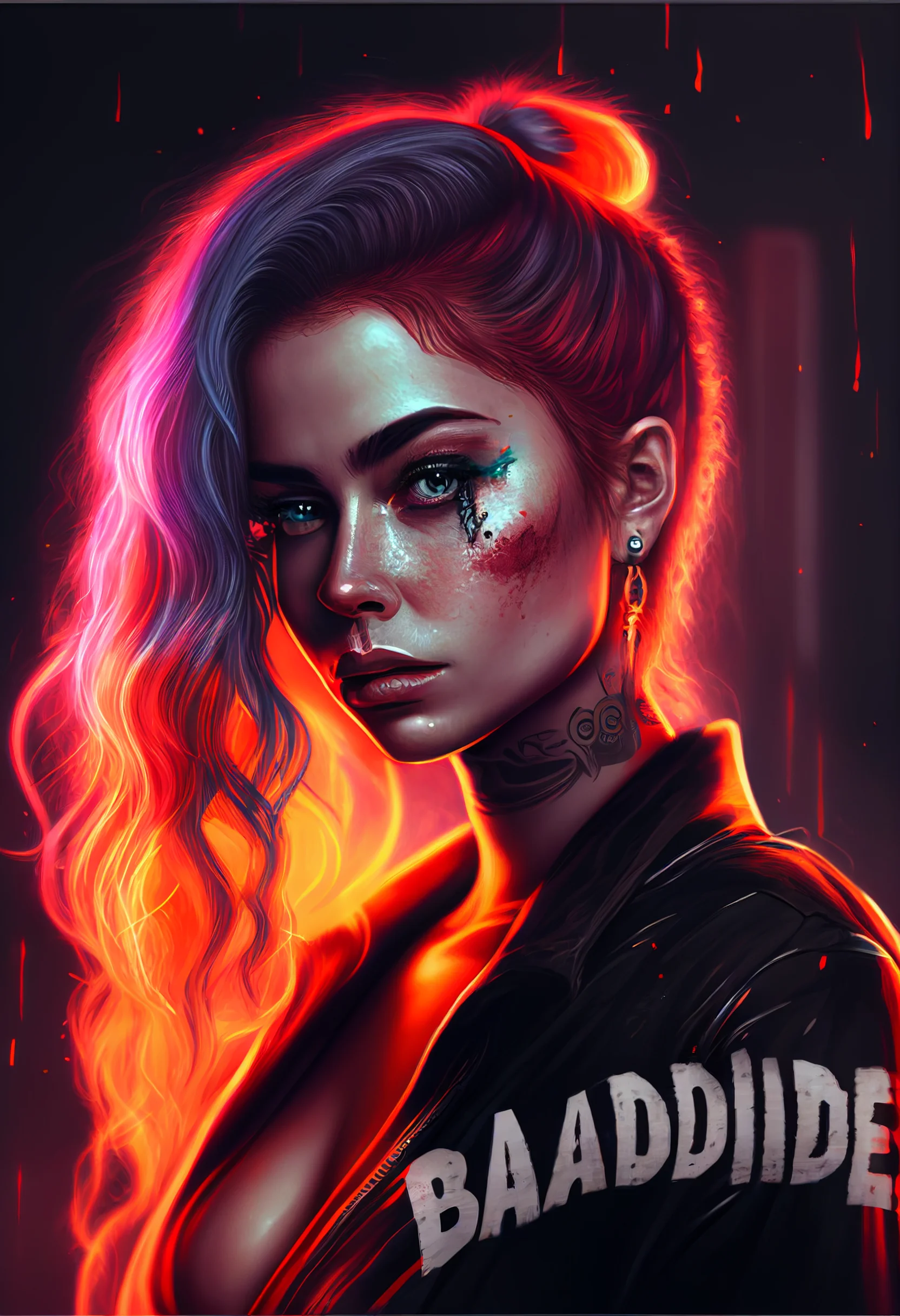
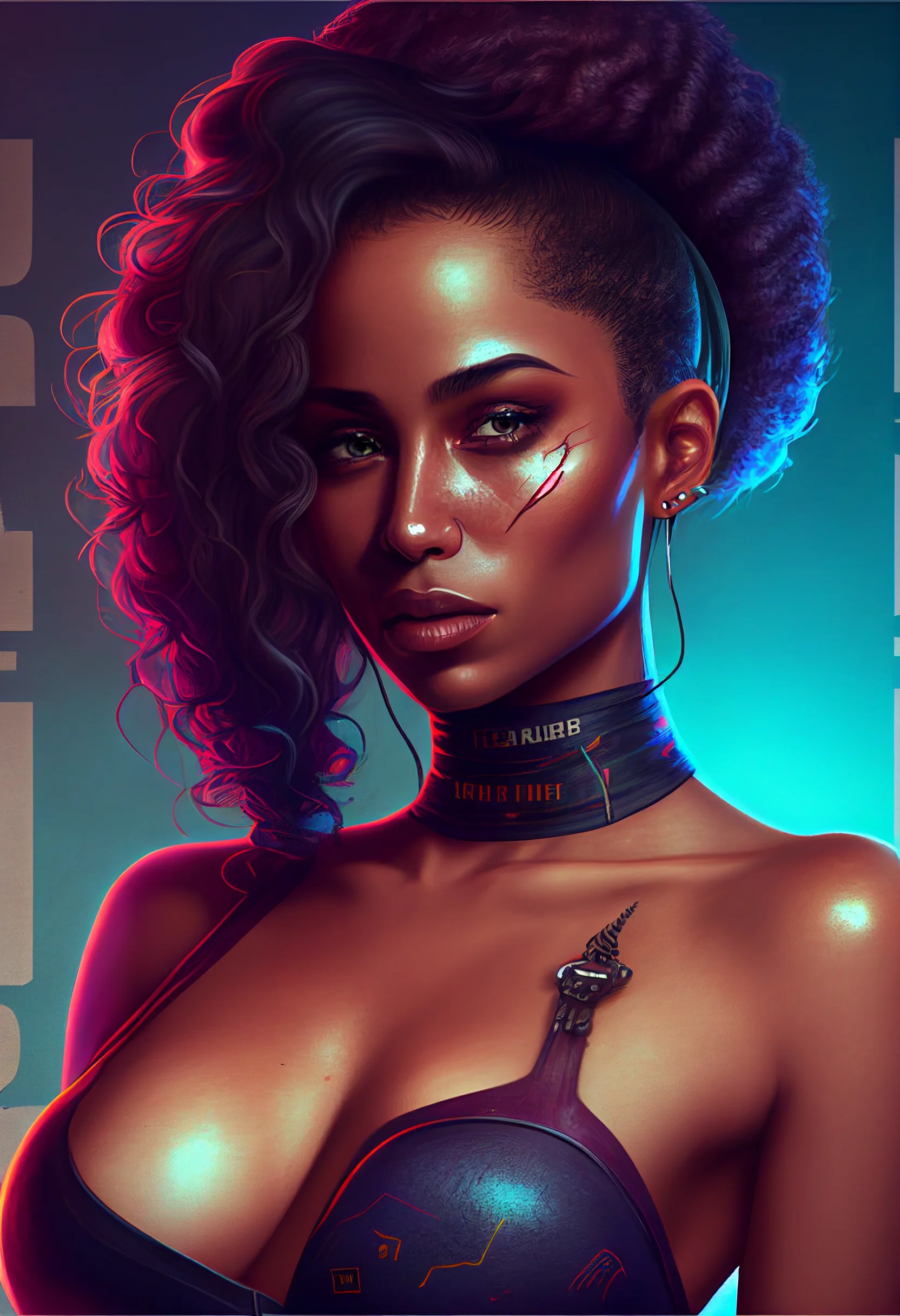
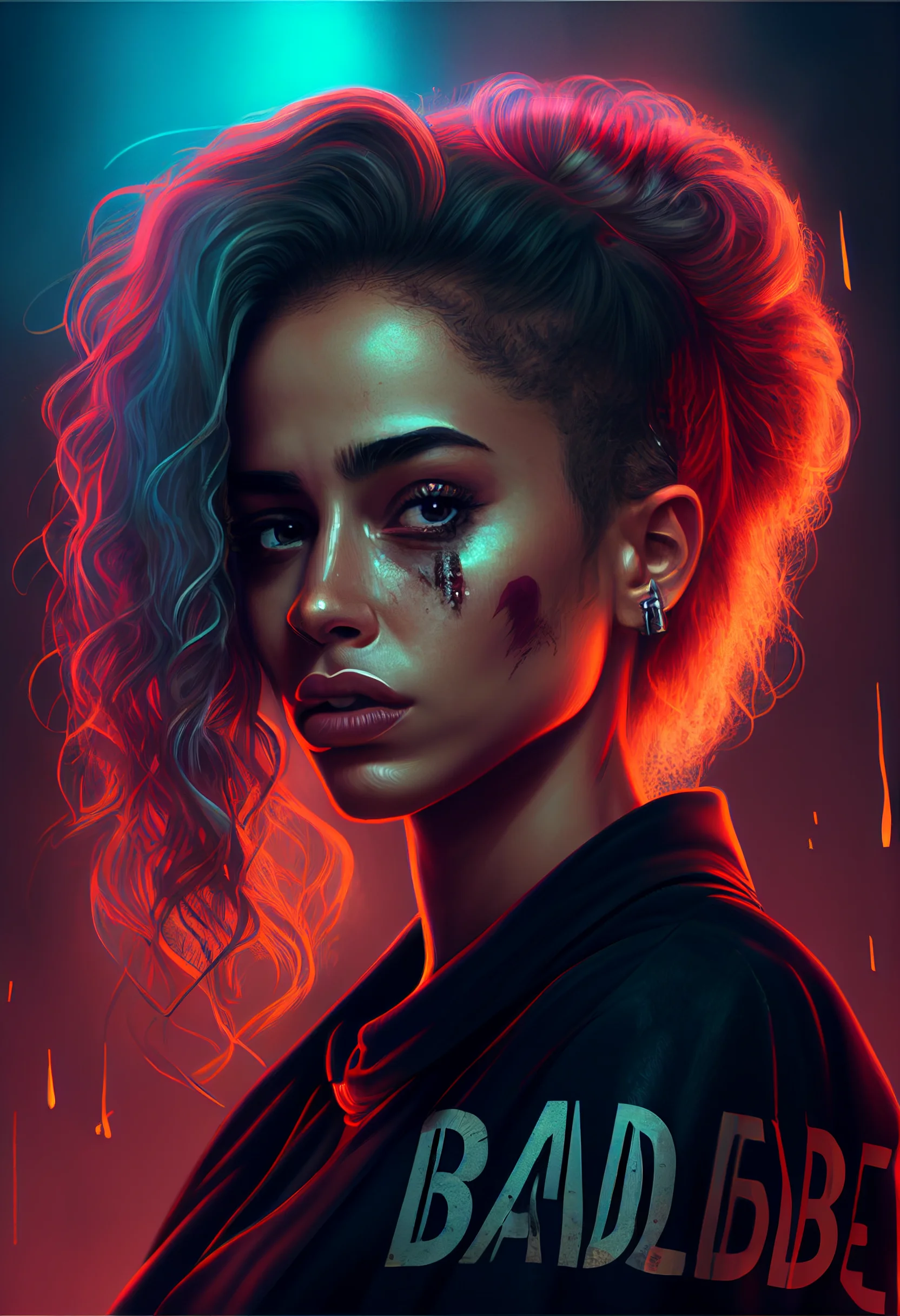
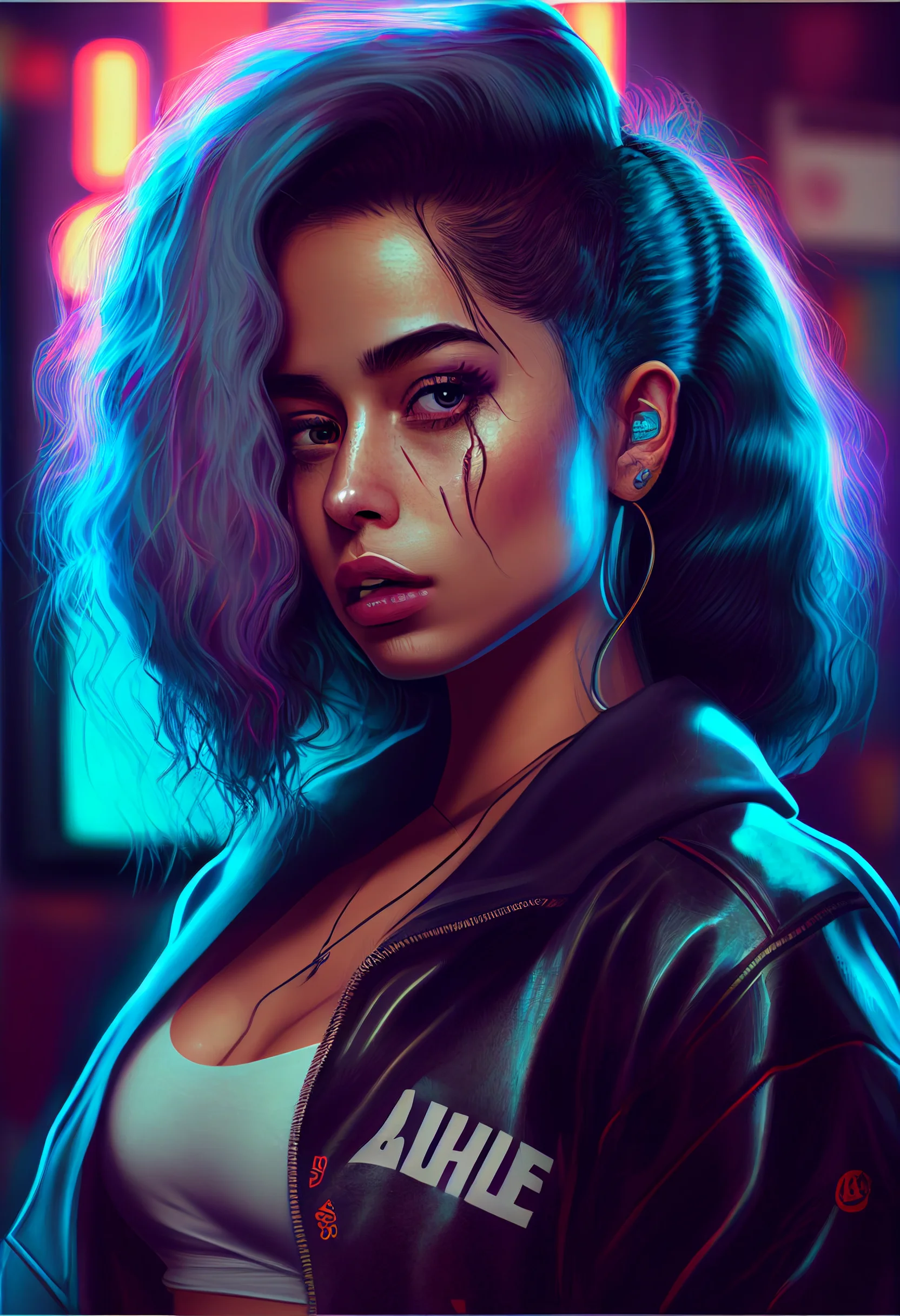
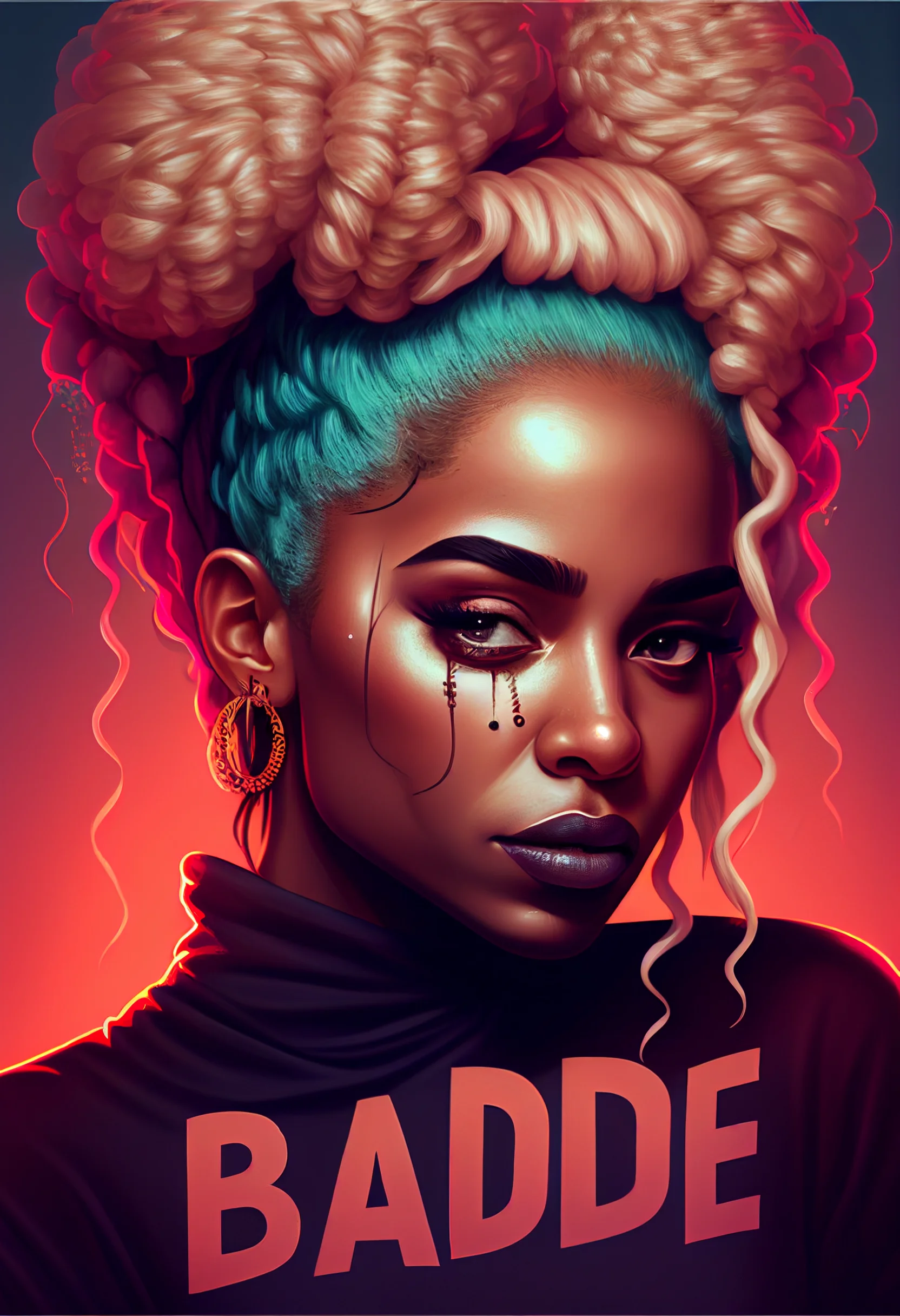
Crop tip: if a face, symbol or bright accent lands directly behind the clock or app labels, move the image before zooming it. Preserving the original composition usually looks better than a heavy crop.

