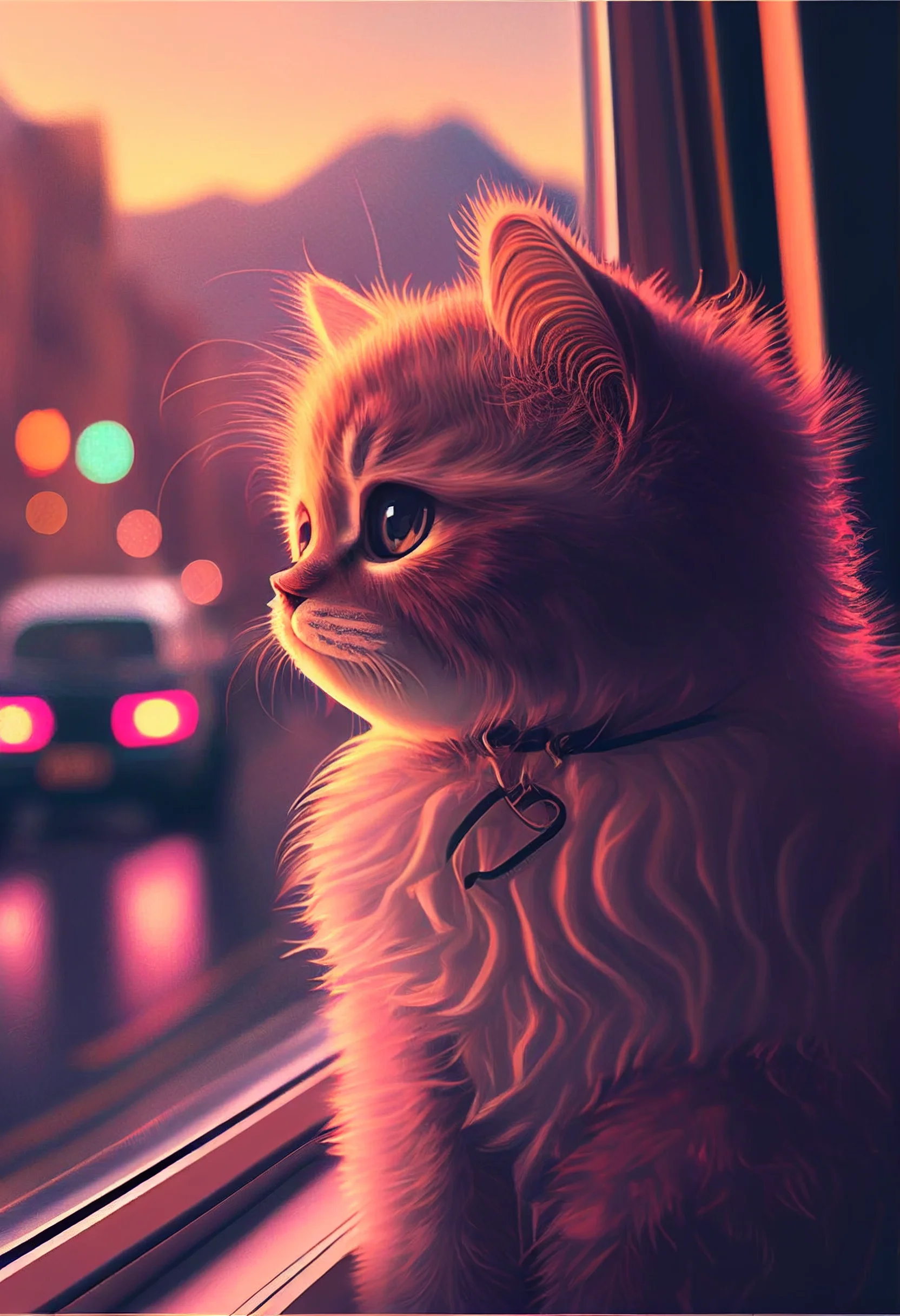
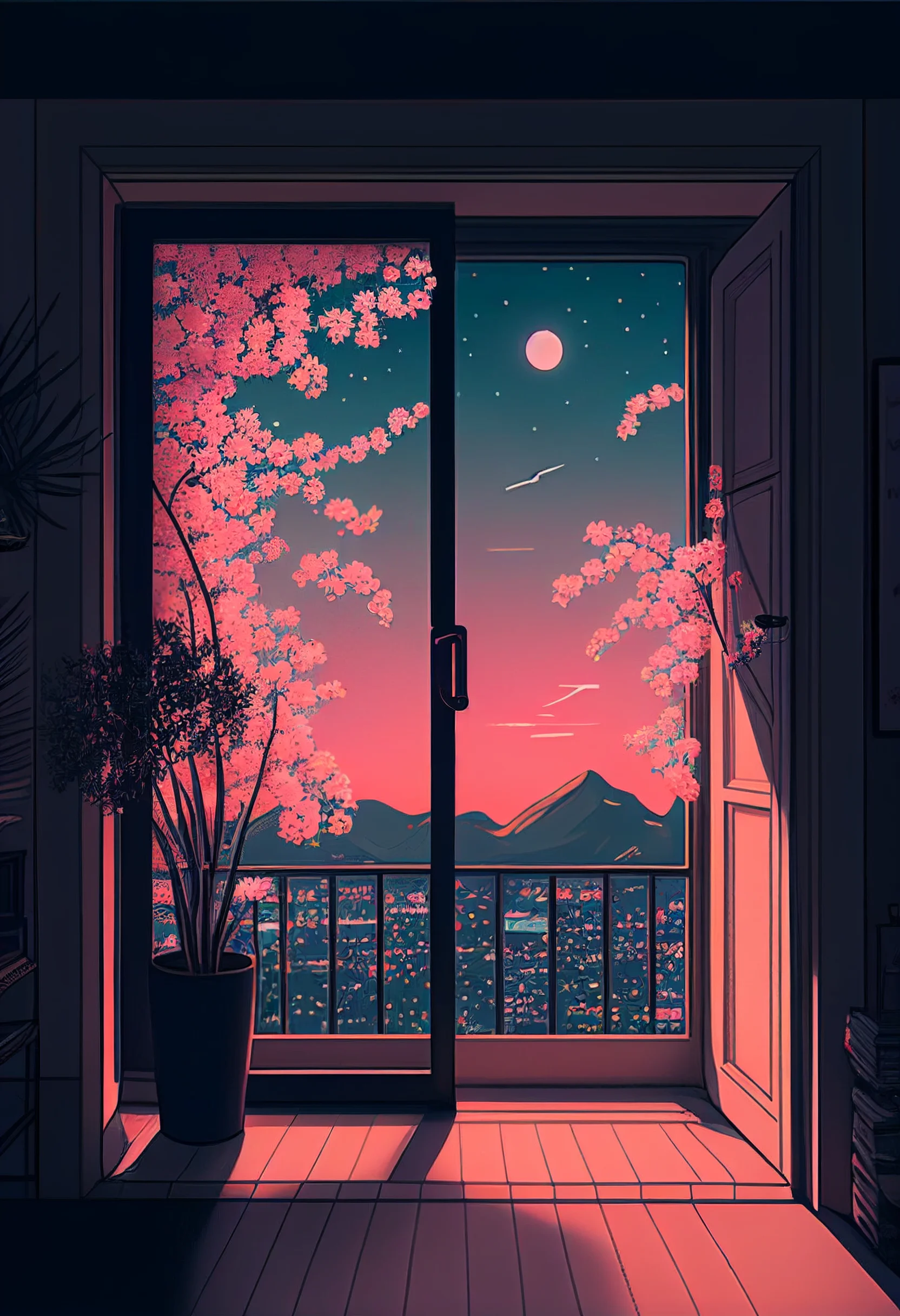
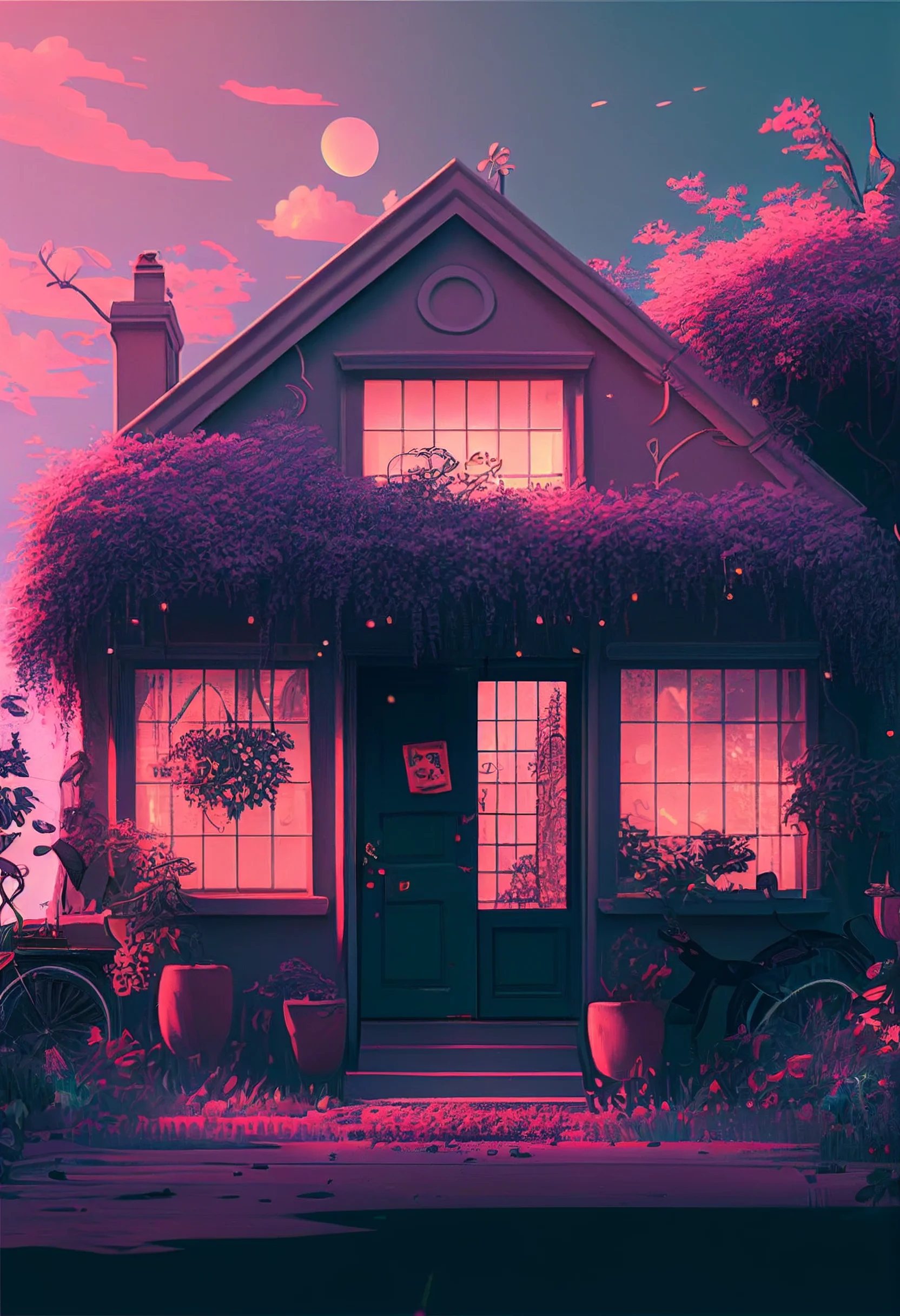
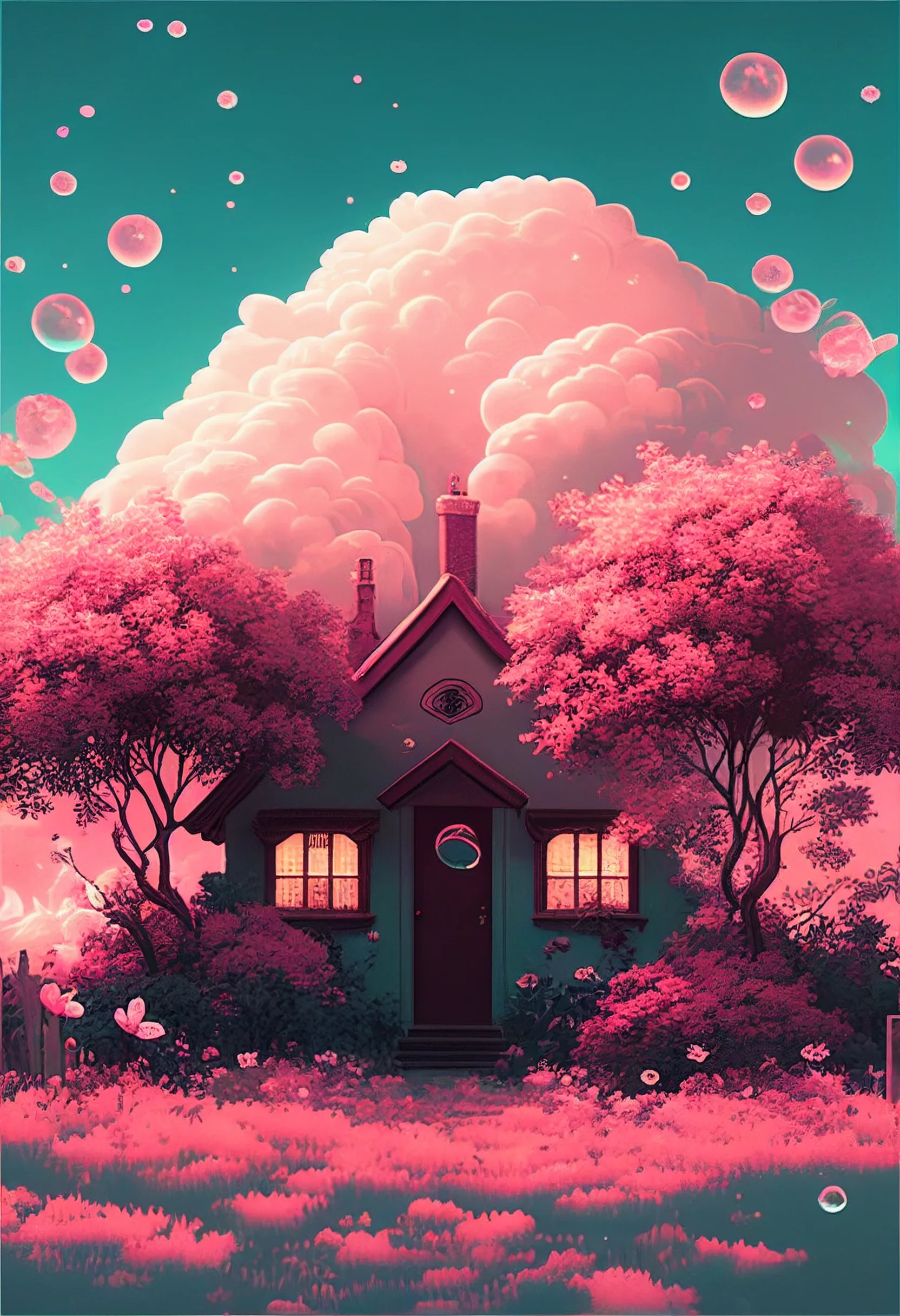
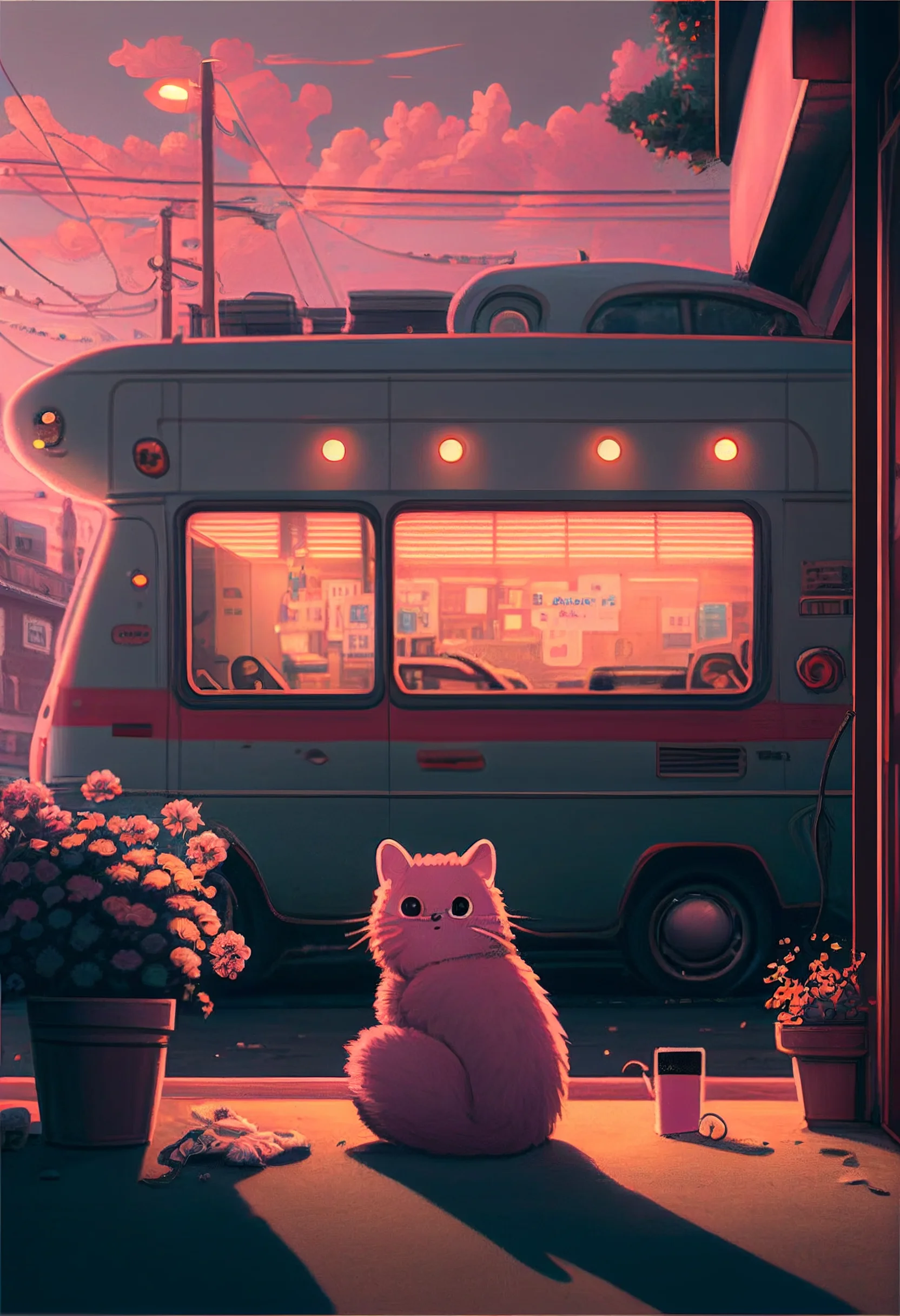
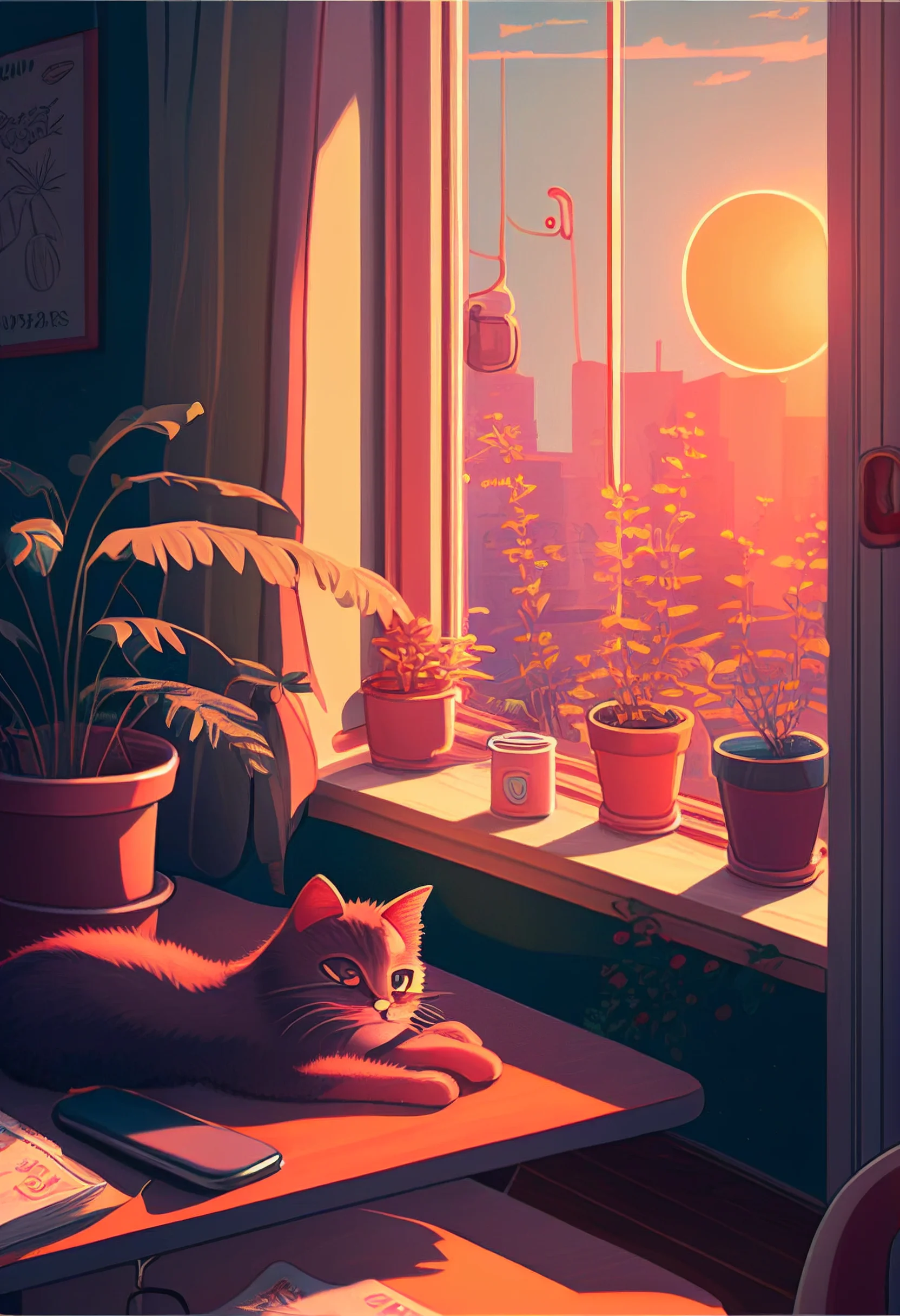
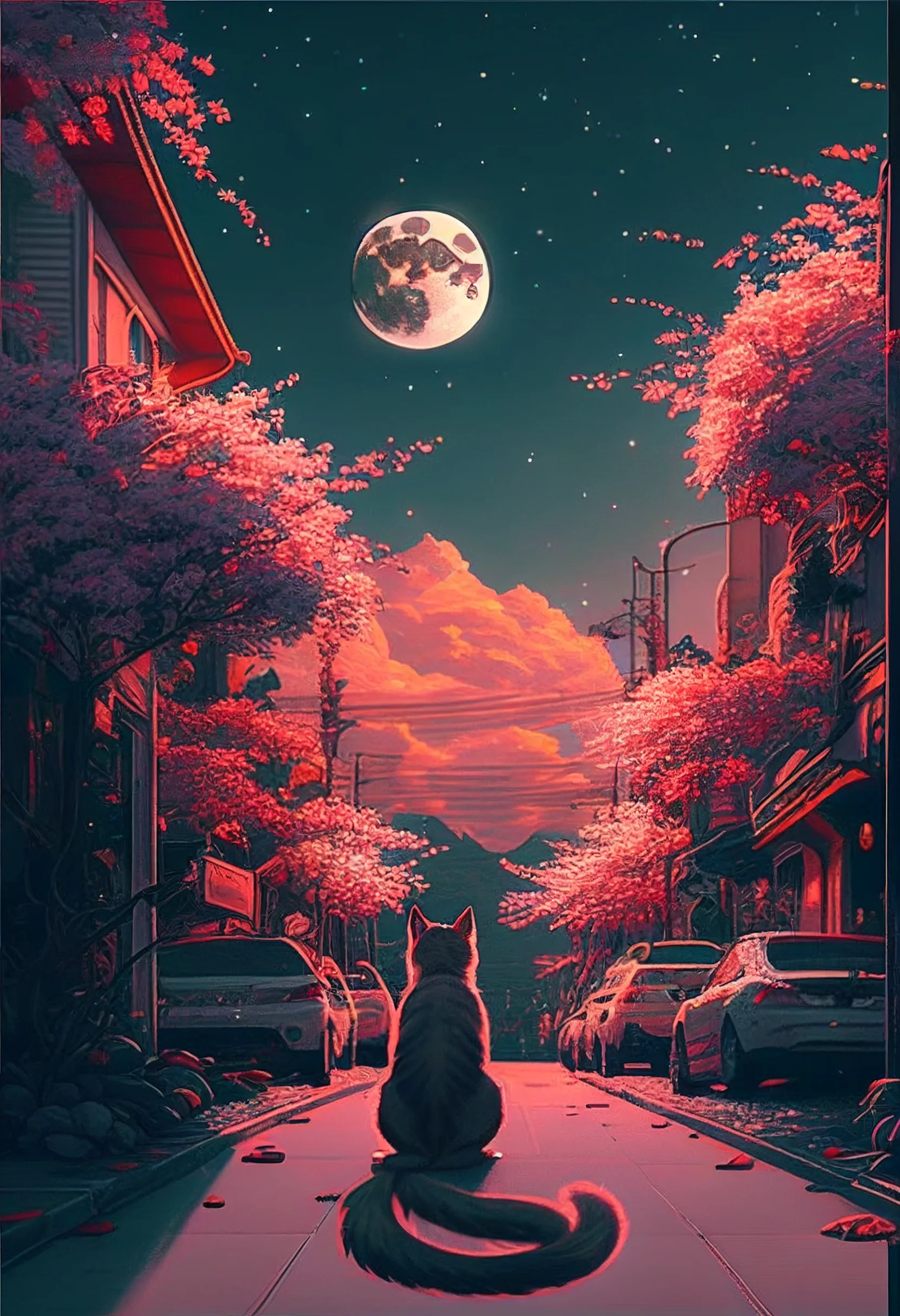
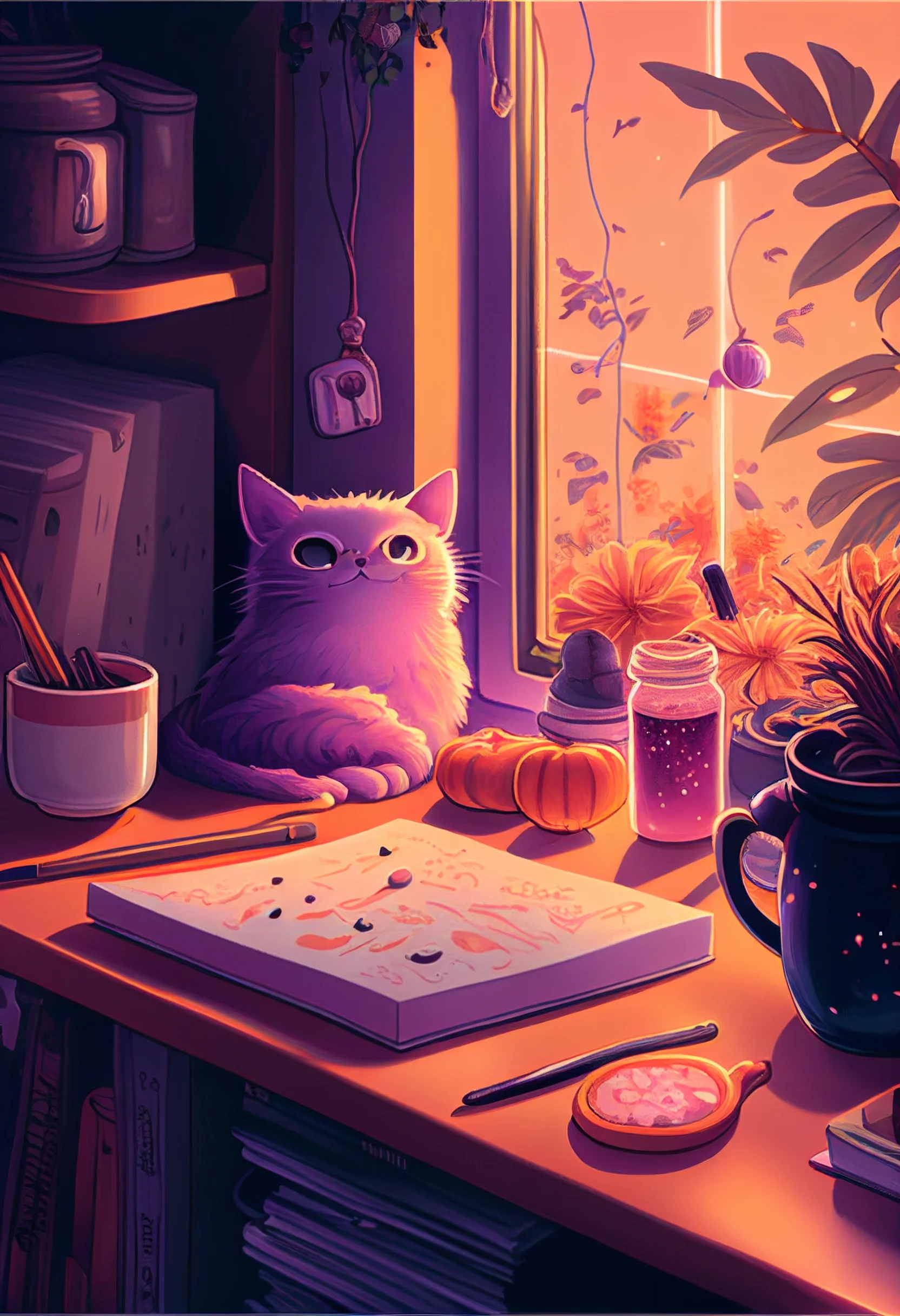
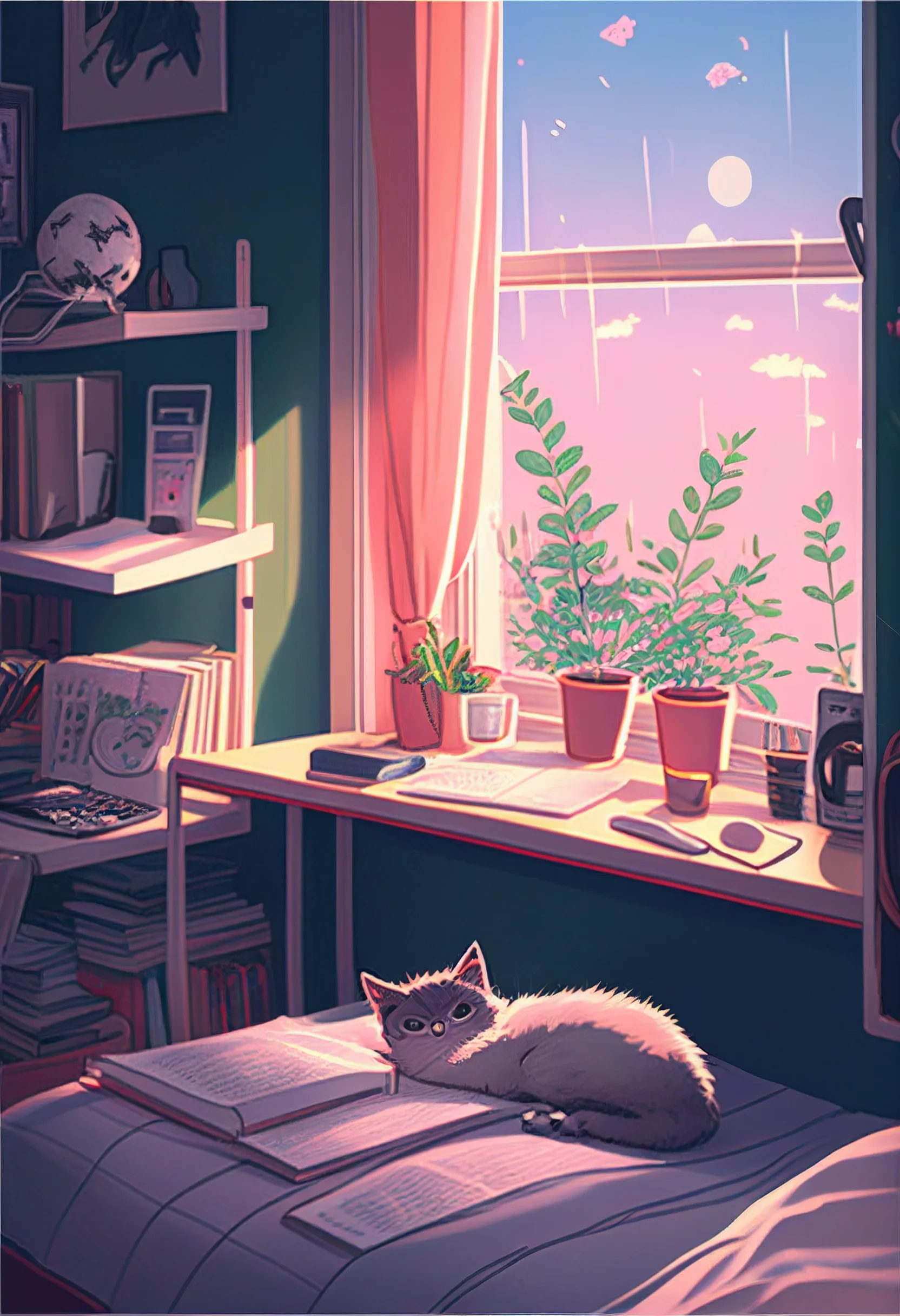
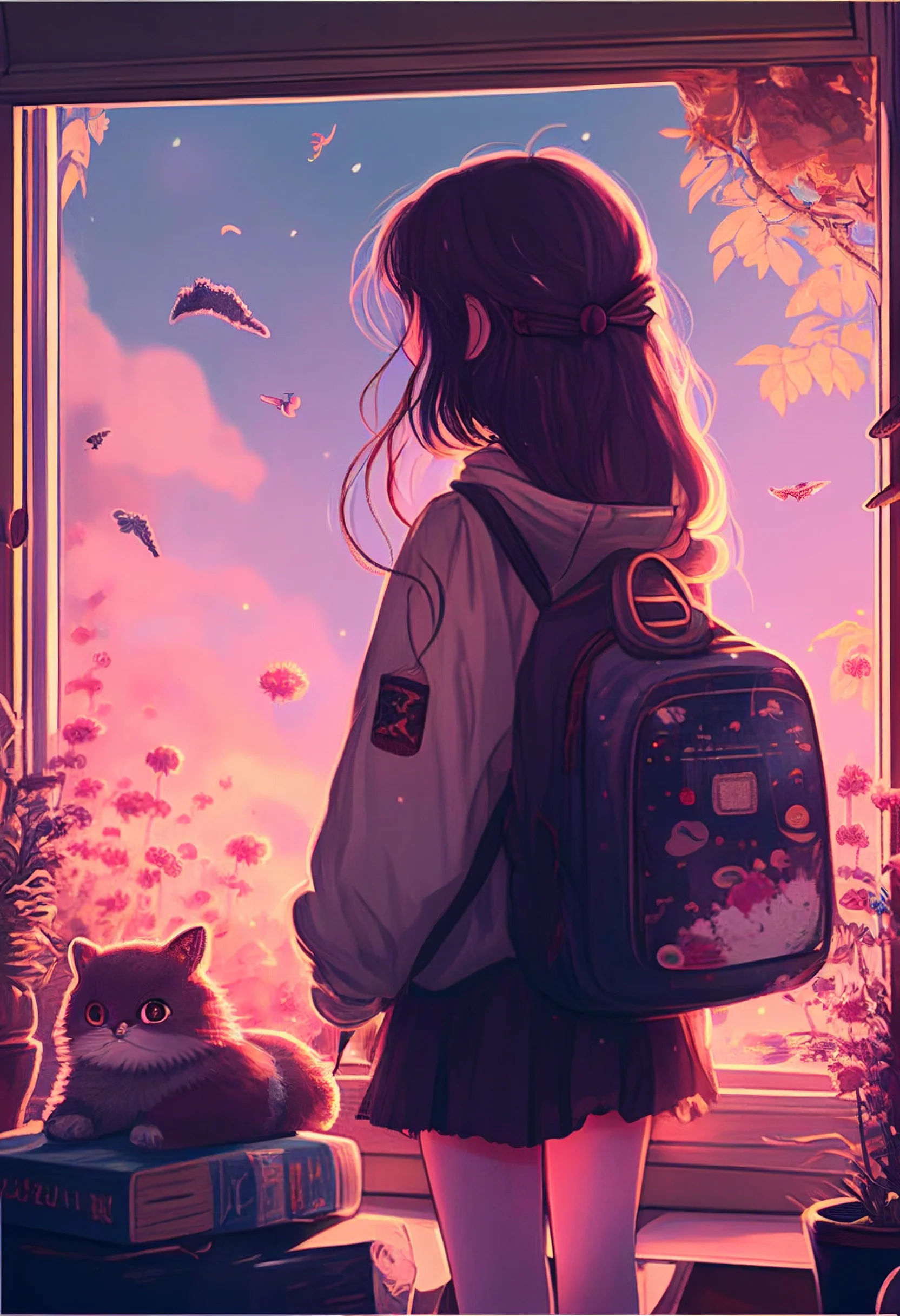
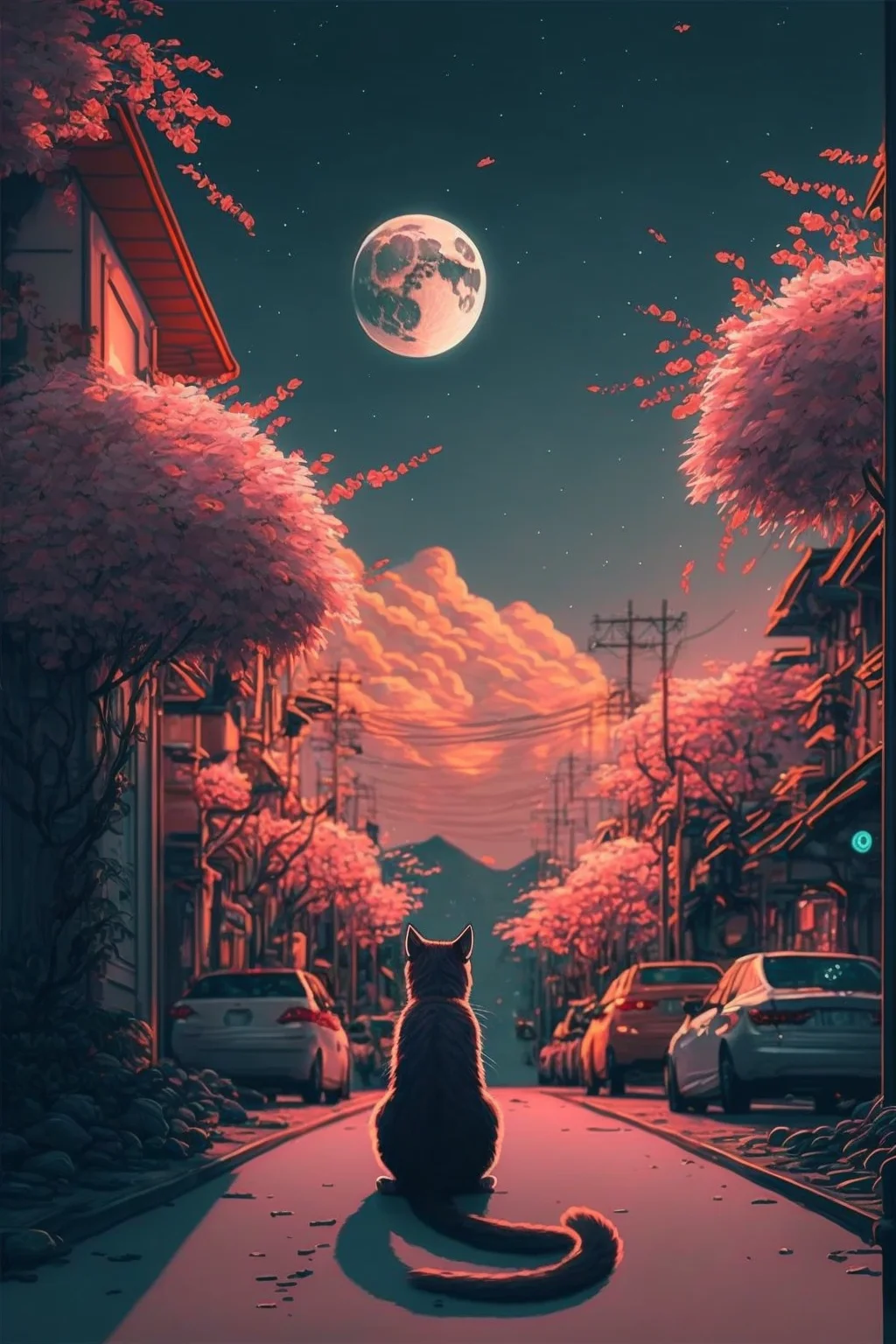
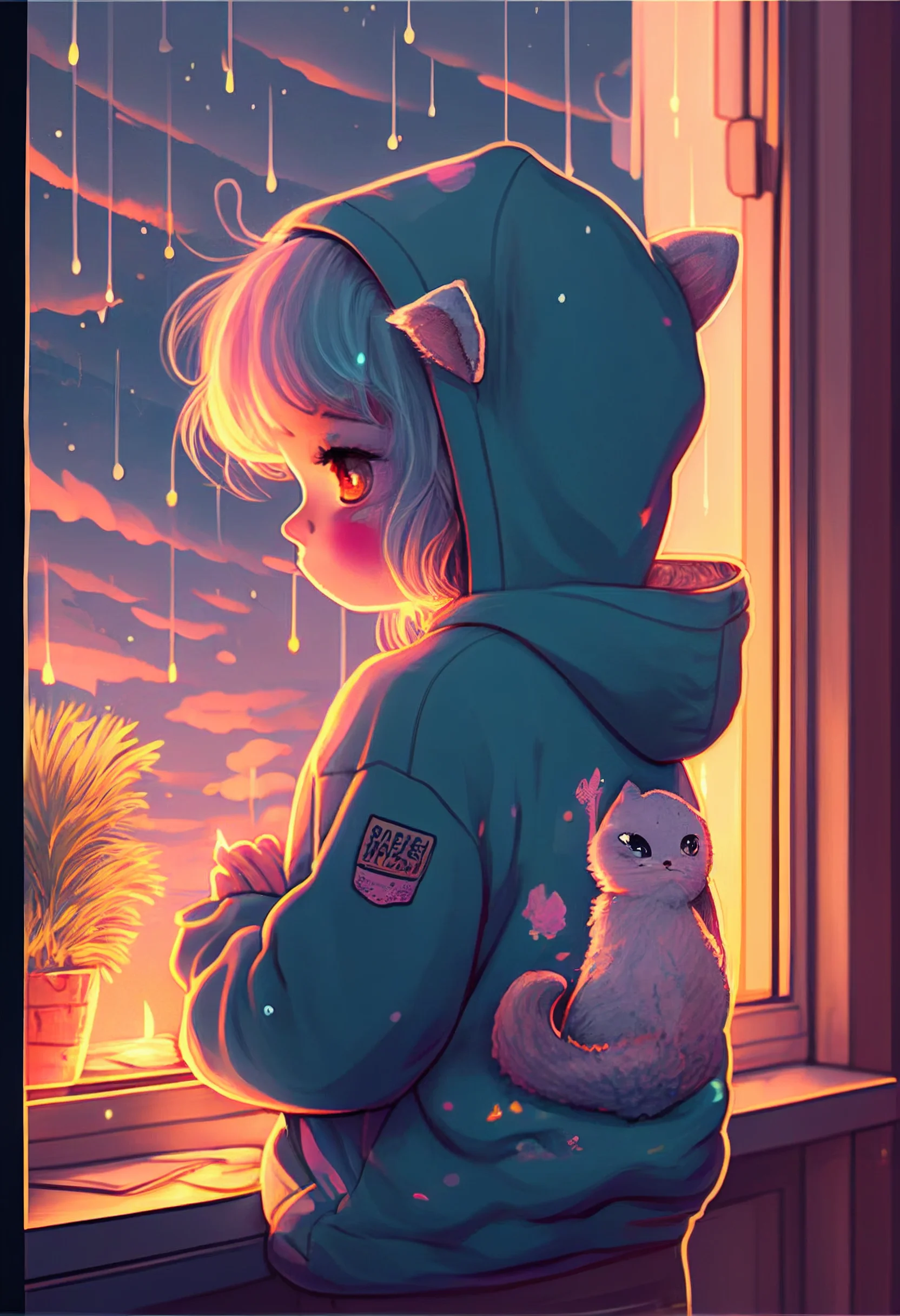
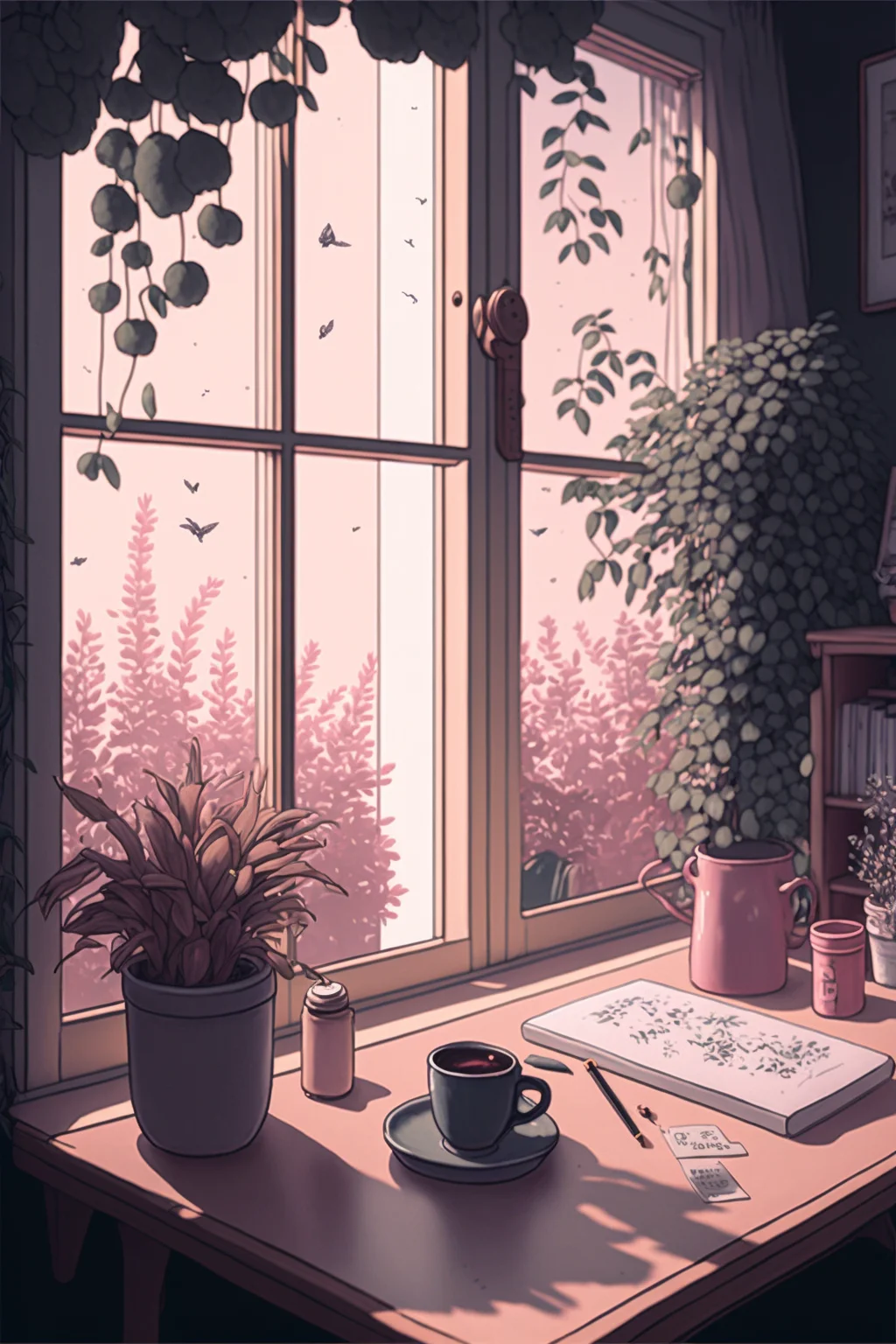
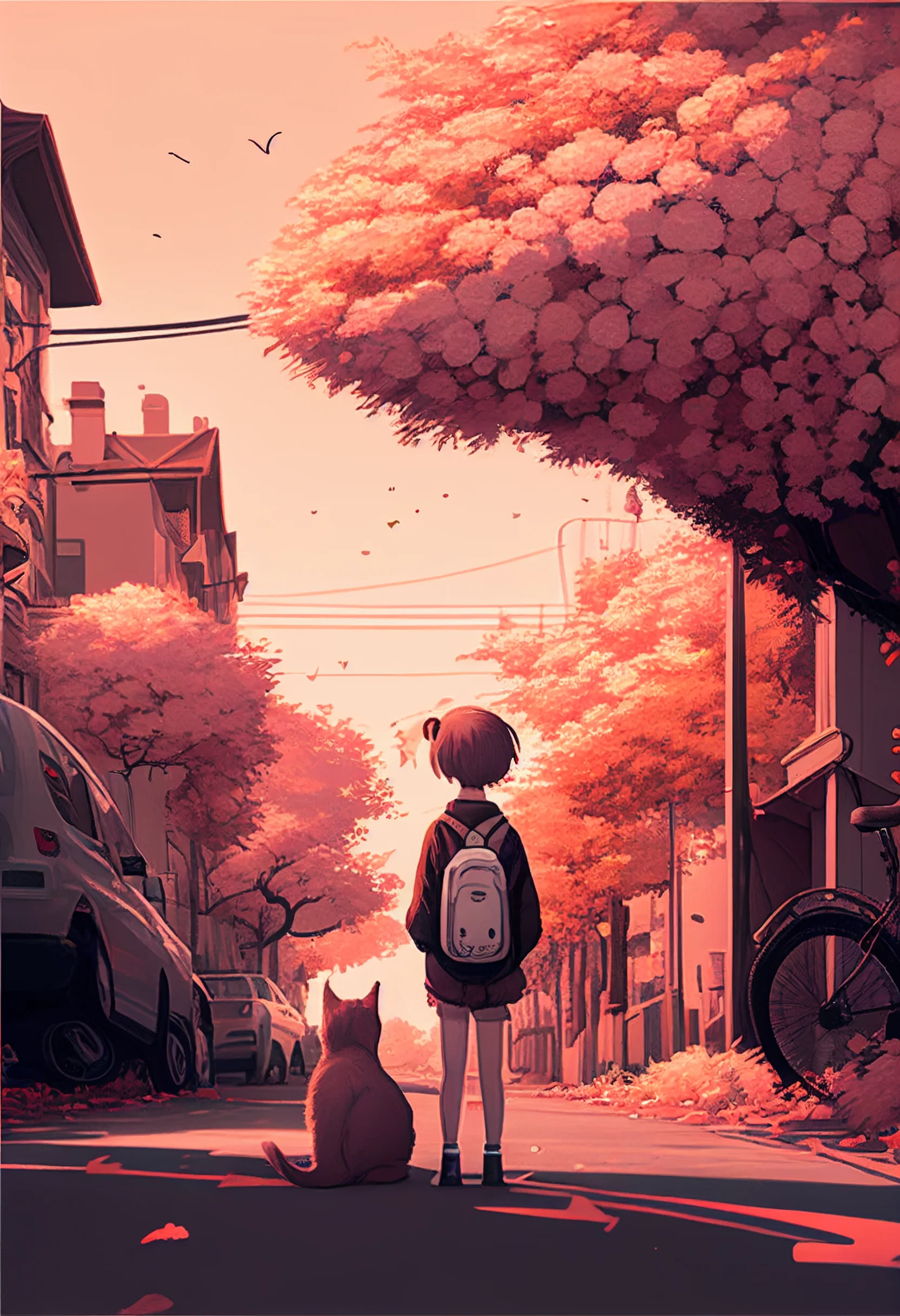
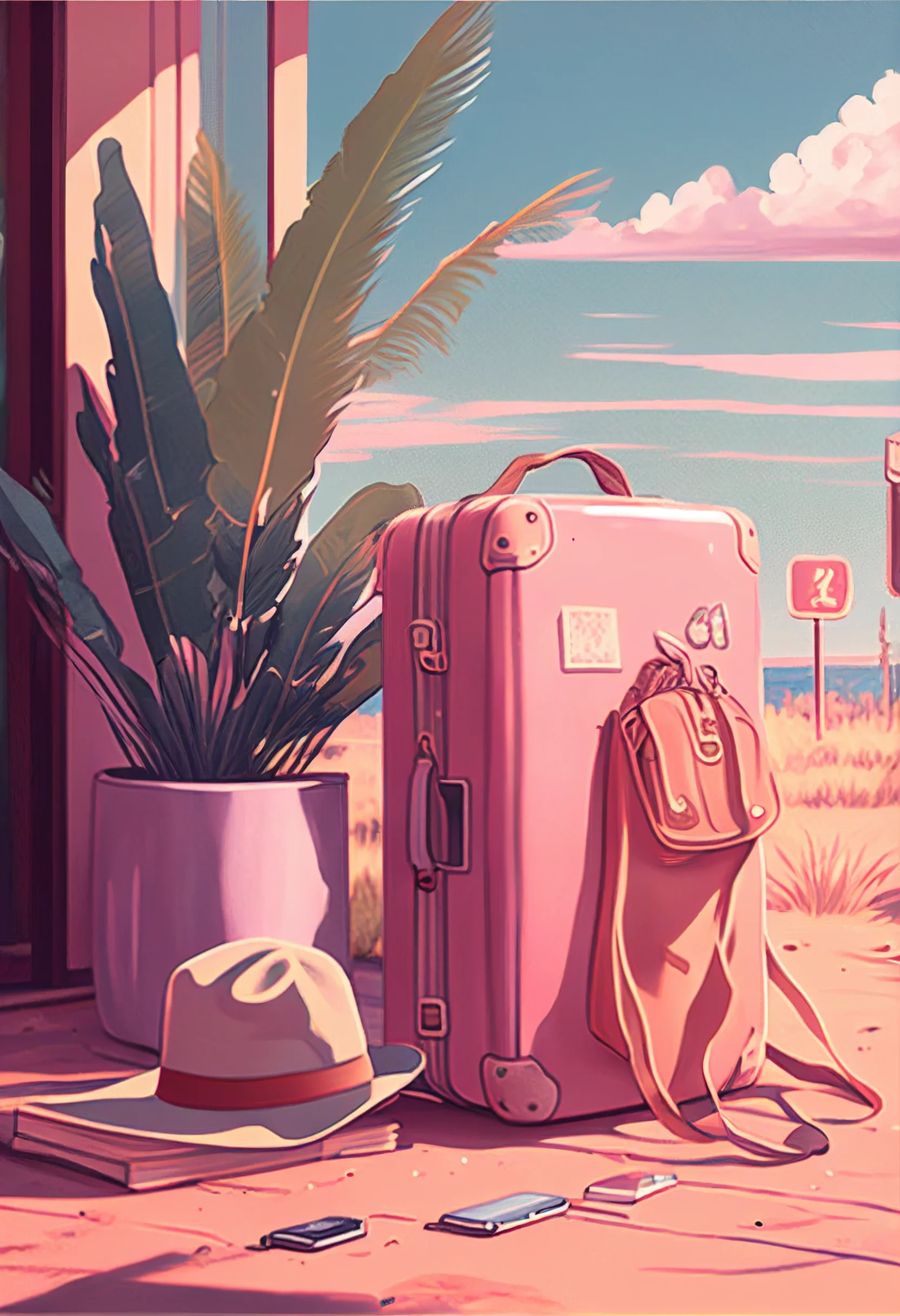
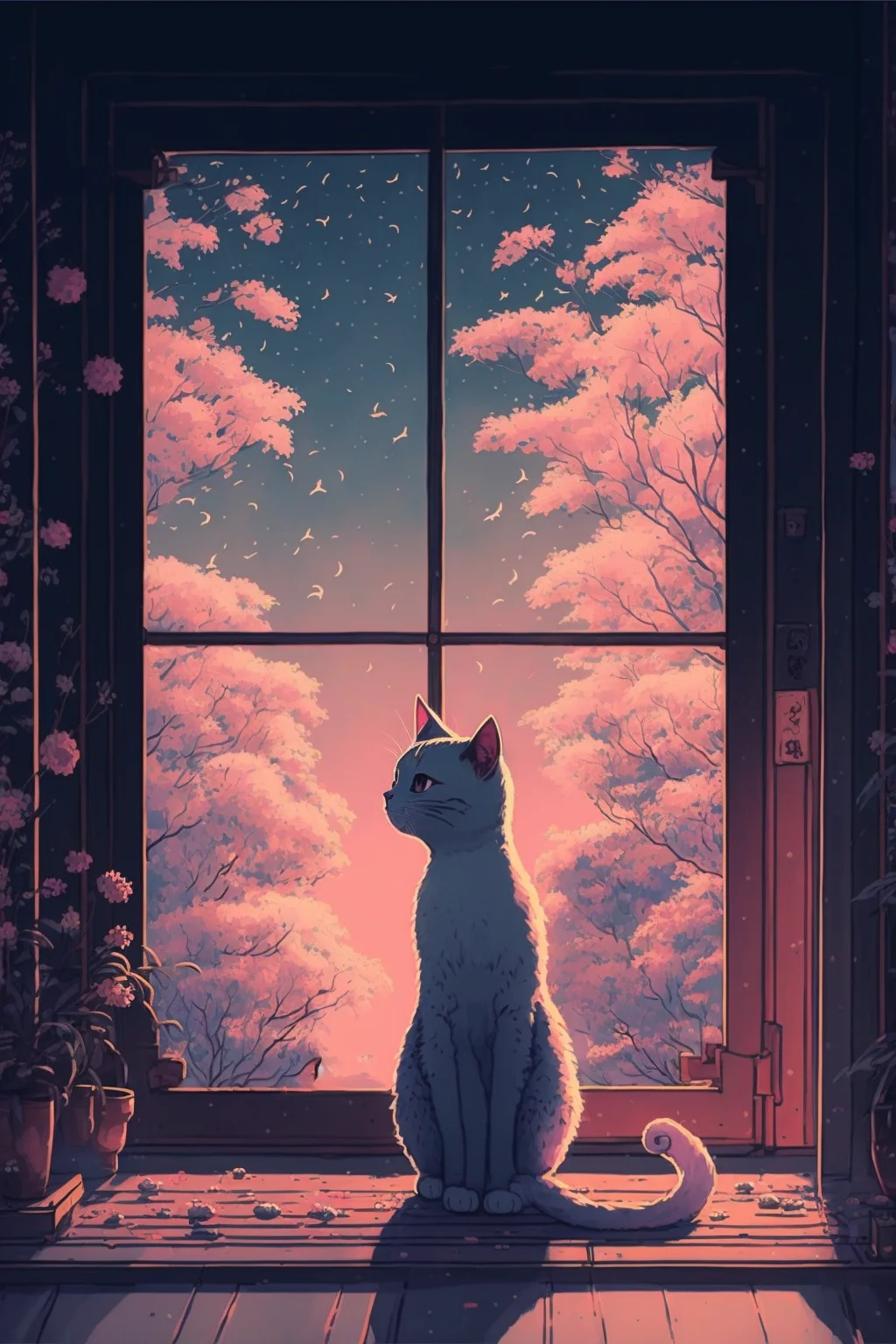
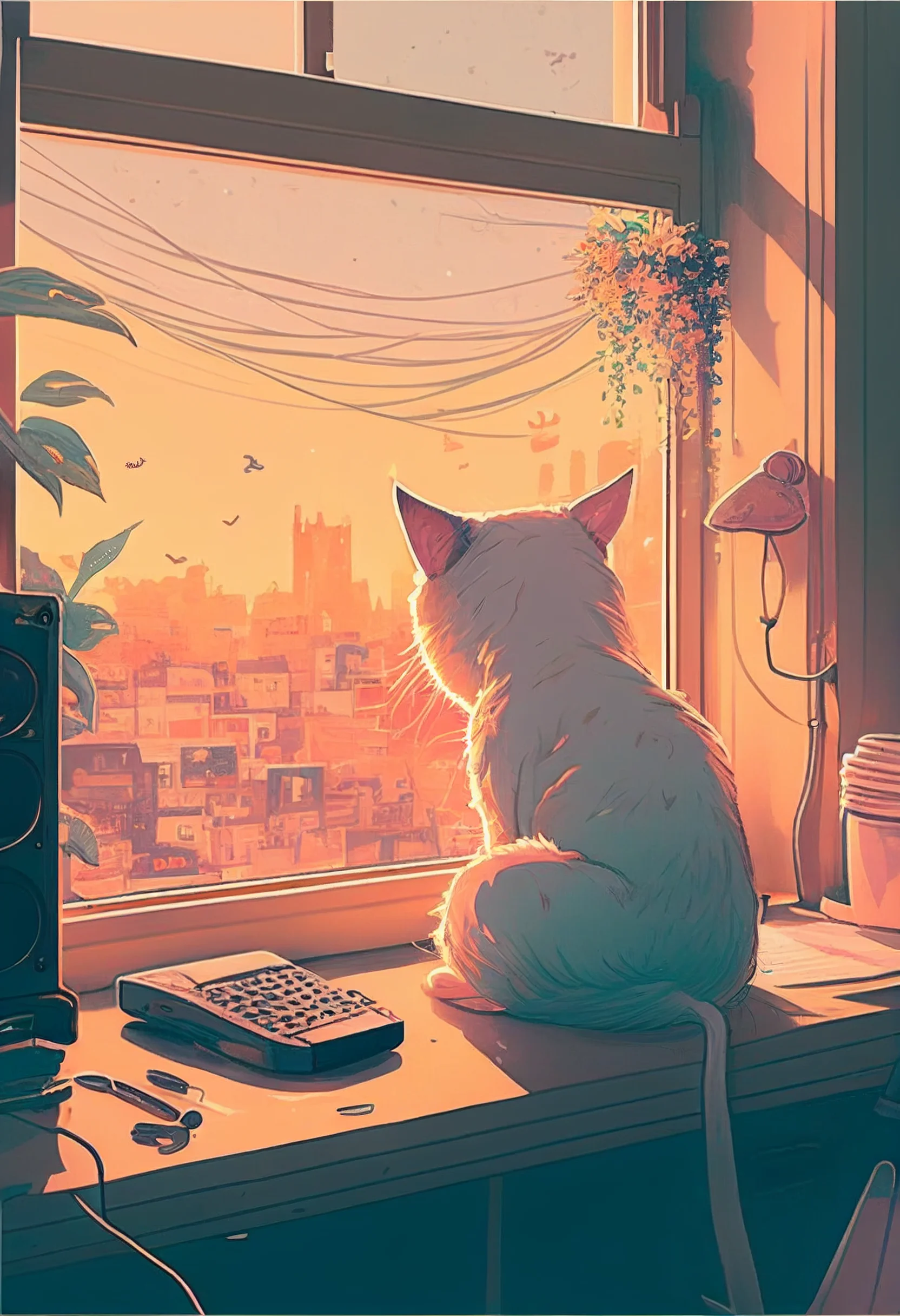
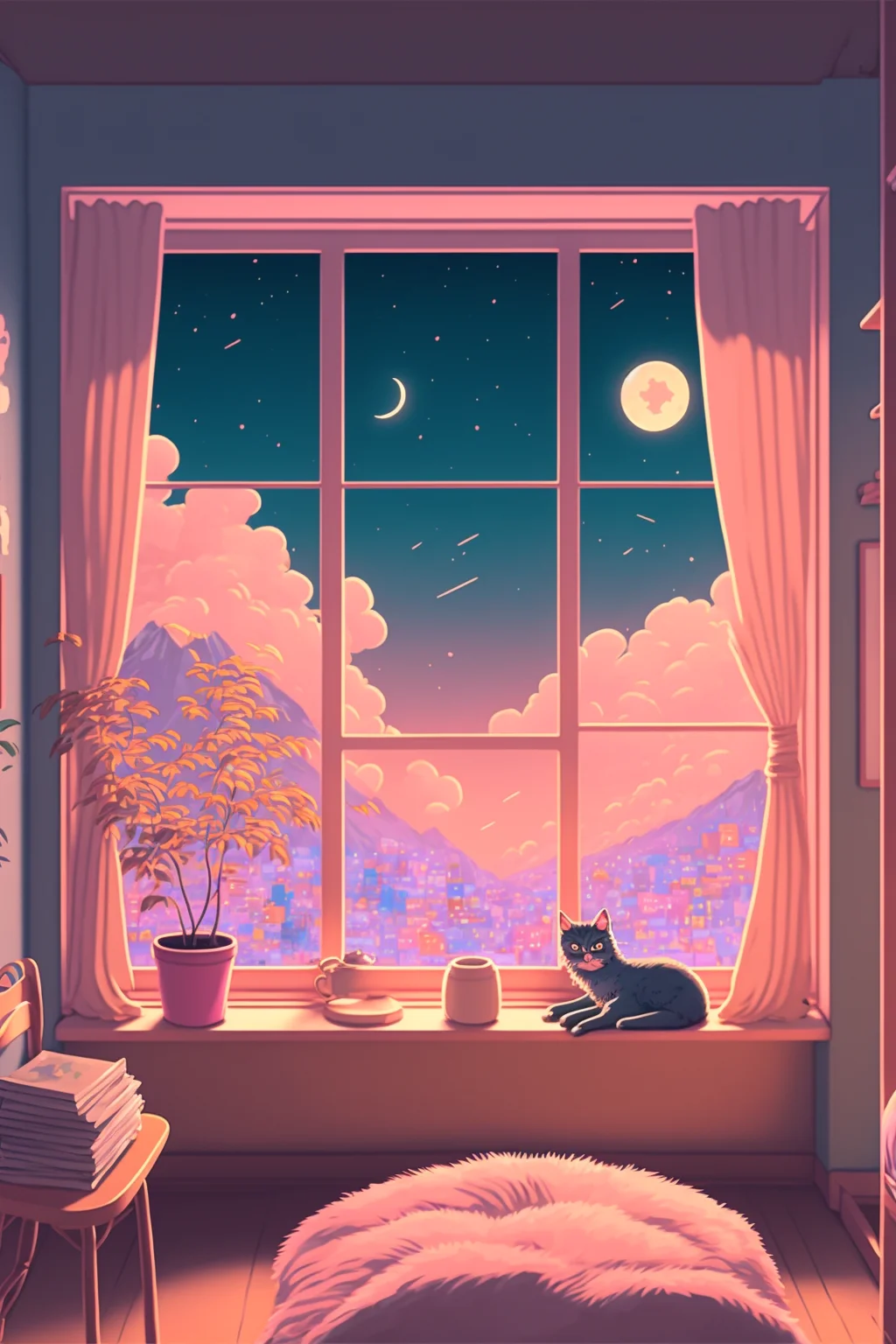
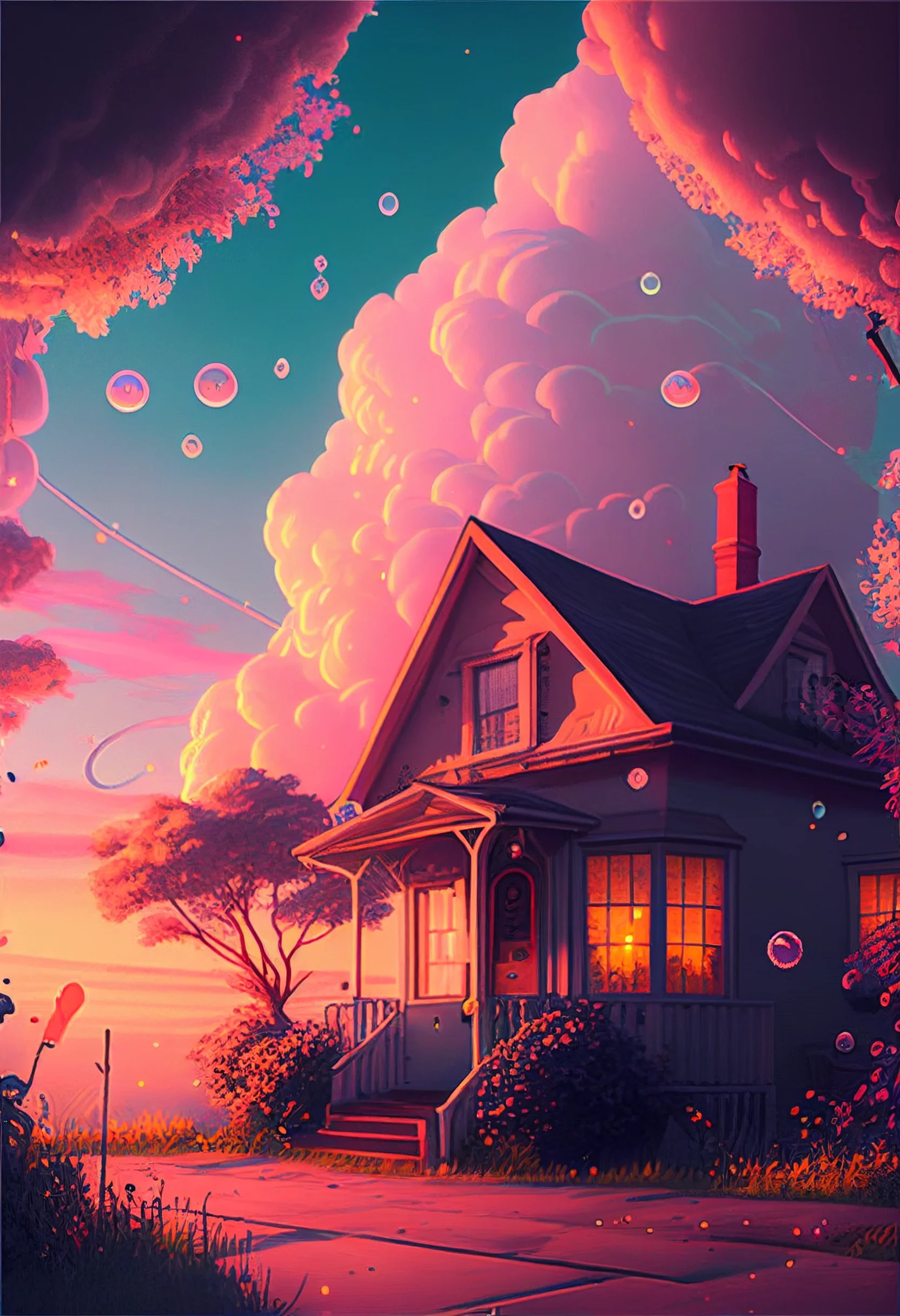
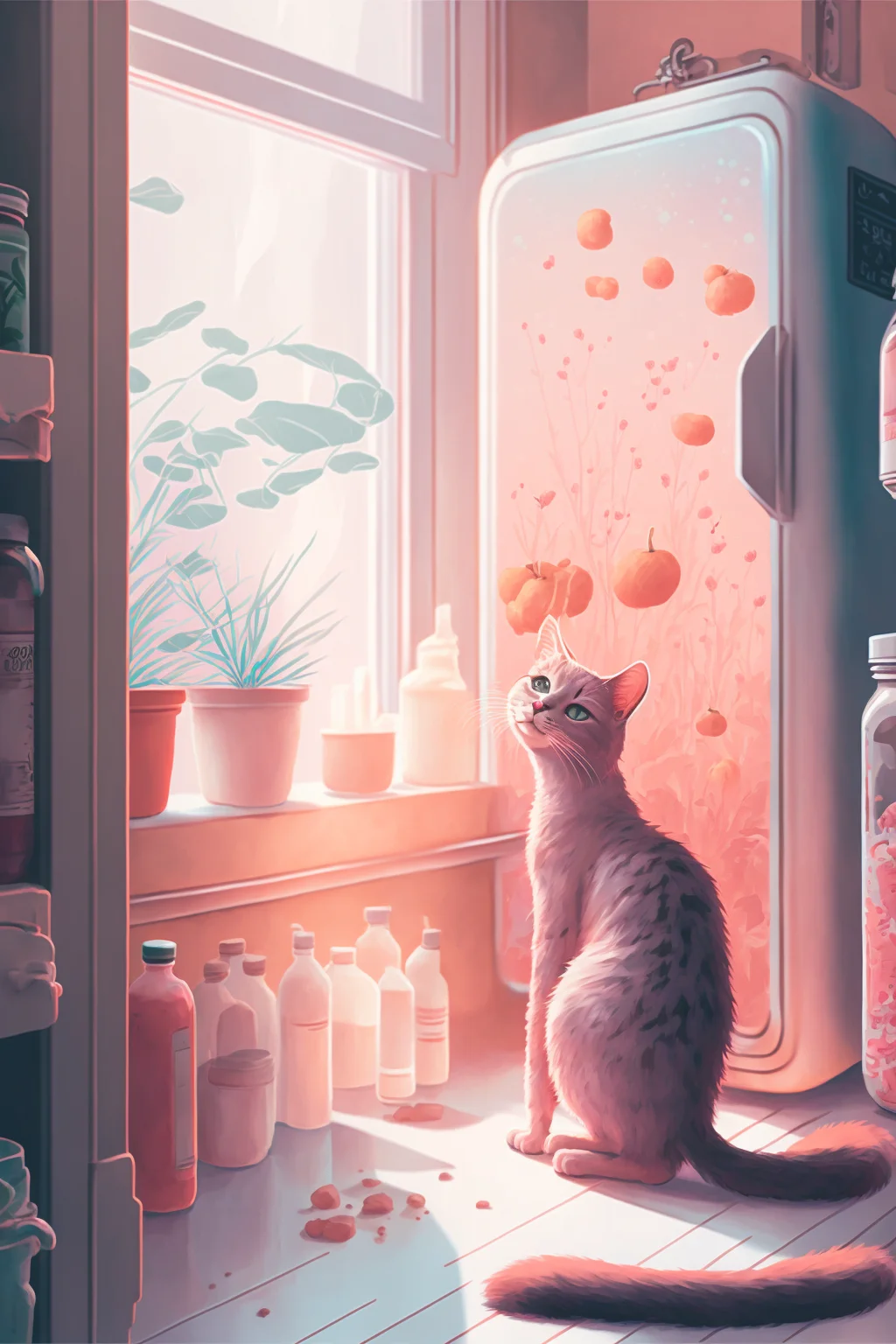
These 29 wallpapers are all vertical phone backgrounds, mostly 1664×2432 with a smaller group at 1024×1536. The practical difference is not “HD versus non-HD”; it is how much room your phone has to crop the image without cutting into the part you care about.
Choose for the screen you actually use
- Home screen: calmer, lower-contrast backgrounds make app icons easier to scan.
- Lock screen: stronger purple, galaxy or love-themed designs can work well because there are fewer icons competing with the image.
- Widgets: keep the most important part of the wallpaper away from the top and side edges, where widgets and clocks often sit.
- Different phone ratios: expect a small crop. Position the image first, then zoom only as much as needed.
Save the full-size file rather than a screenshot. If your phone darkens the home-screen wallpaper automatically, judge the final result with icons visible—not only in the photo viewer. For more options, see the aesthetic wallpaper collection, pastel wallpapers and black aesthetic wallpapers.
A 30-second wallpaper test
- Set the image without zooming first and check what the phone crops automatically.
- Look at the lock screen with the clock and widgets visible; reposition the image if they cover the focal area.
- Switch to the home screen and check whether app names and icons are still easy to scan. If not, choose a quieter wallpaper or move the busier part away from the icon grid.
If a wallpaper looks good in the gallery but not on your phone, the issue is usually the crop or icon contrast rather than the image quality. Try repositioning it before abandoning it.
29 cute aesthetic phone wallpapers