
All 20 wallpapers in this collection are vertical 1463 × 2560 files. That matters because some of the old image filenames contain words such as “4K” or “HD,” but the actual files are not native 4K. I would rather give you the real dimensions so you know what you are saving.
The set is really about mood and texture: some images are almost black and minimal, some use rough grunge surfaces, and others feel more like faded photography or dark scenery.
Choose by texture, not just by how dark it is
| Style | Best use |
|---|---|
| Very dark and minimal | Home Screen with many apps or widgets |
| Grunge or distressed texture | Lock Screen, or a sparse Home Screen |
| Faded photography | Lock Screen where the image can stay visible |
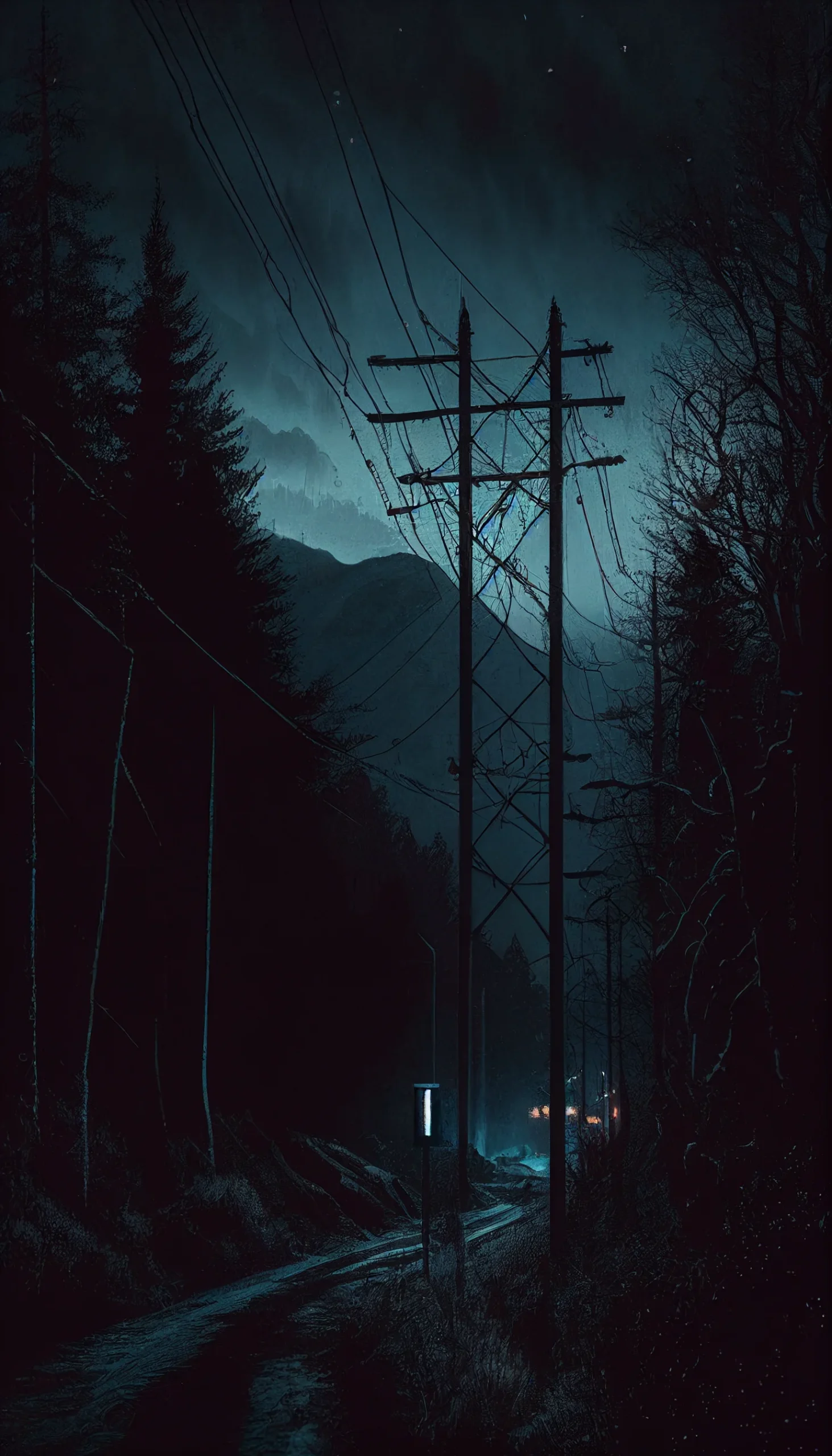
| Moody scenery | Lock Screen, especially if the upper area is relatively clear |
For a Home Screen, start with the quieter images where the middle of the frame stays dark and uncluttered. The more textured or photographic designs usually work better on a Lock Screen because they do not have to compete with a full grid of icons.
Open the full-size image before saving it, then check the crop preview on your phone. Keep the main subject away from the very top if you want enough room for the clock. For related looks, browse the broader aesthetic wallpaper, black aesthetic and pastel collections.
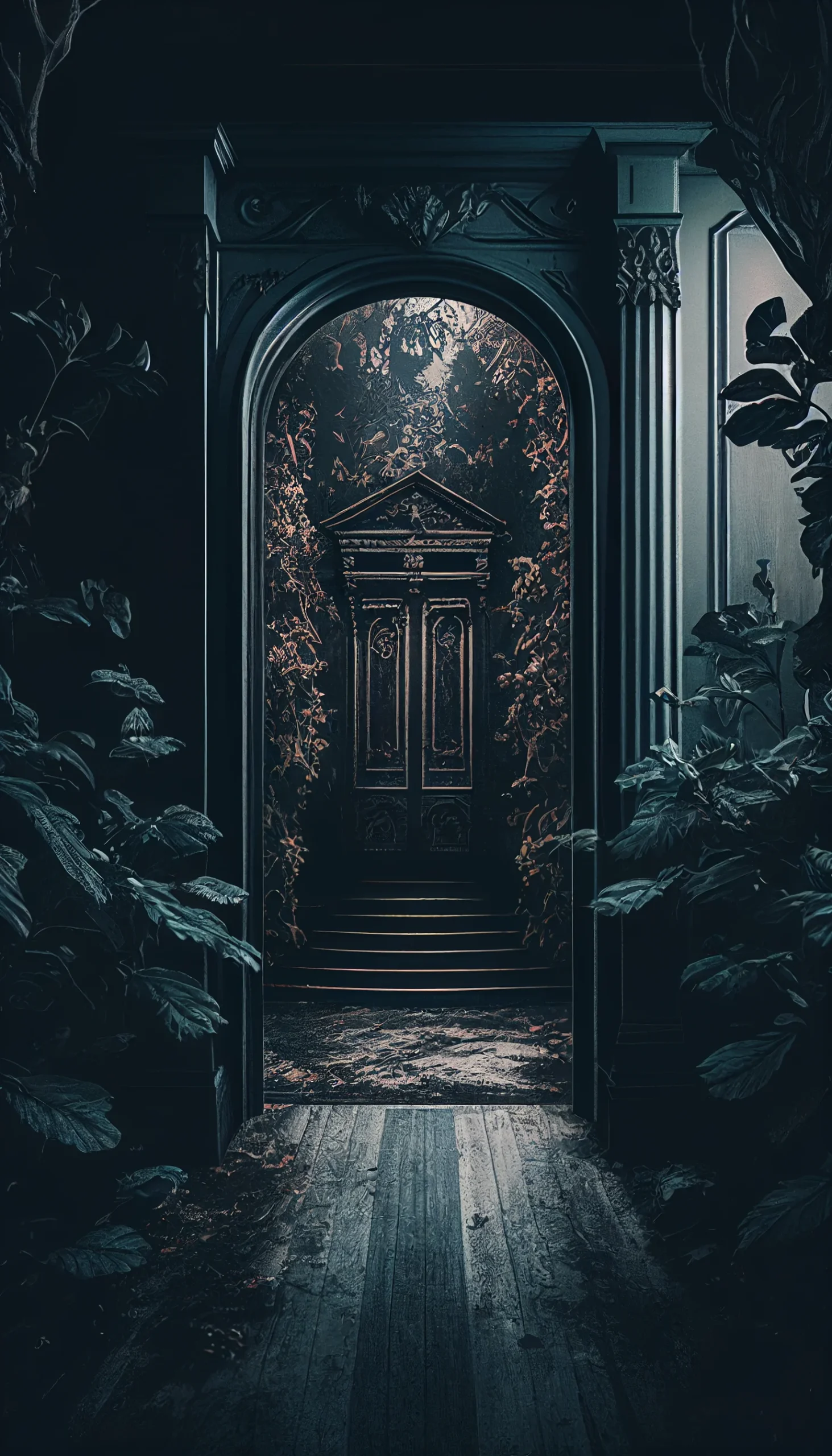
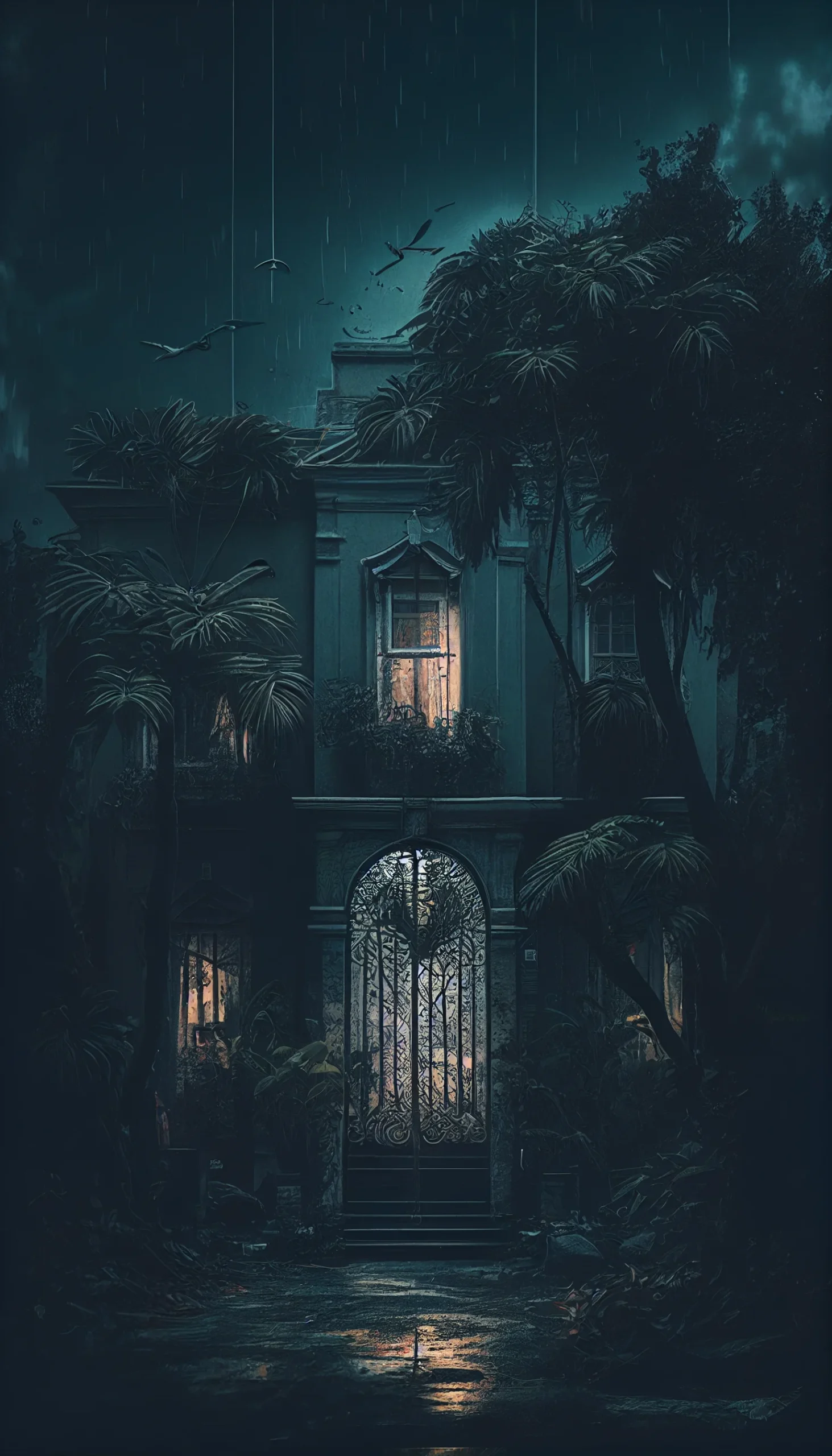
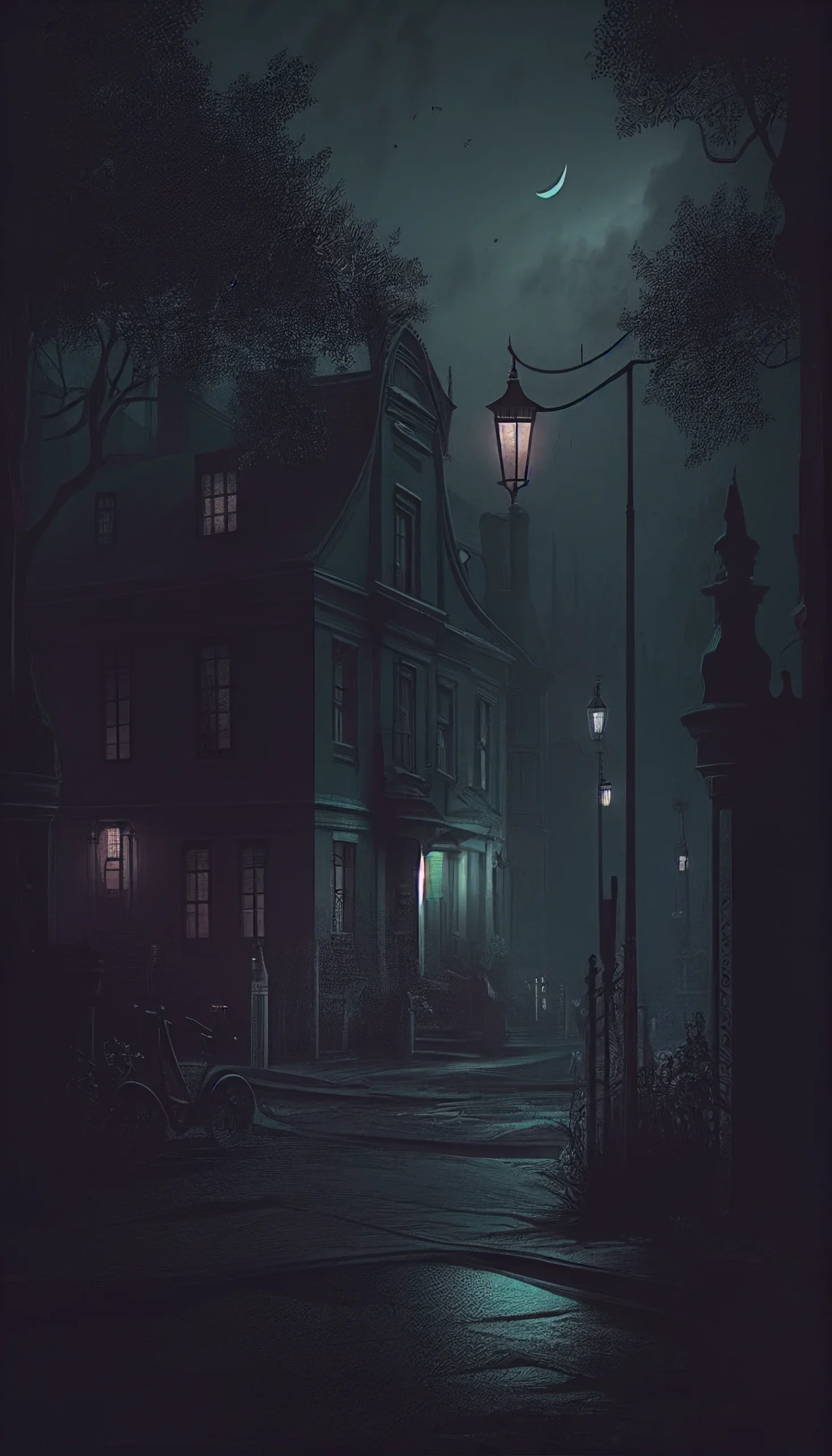
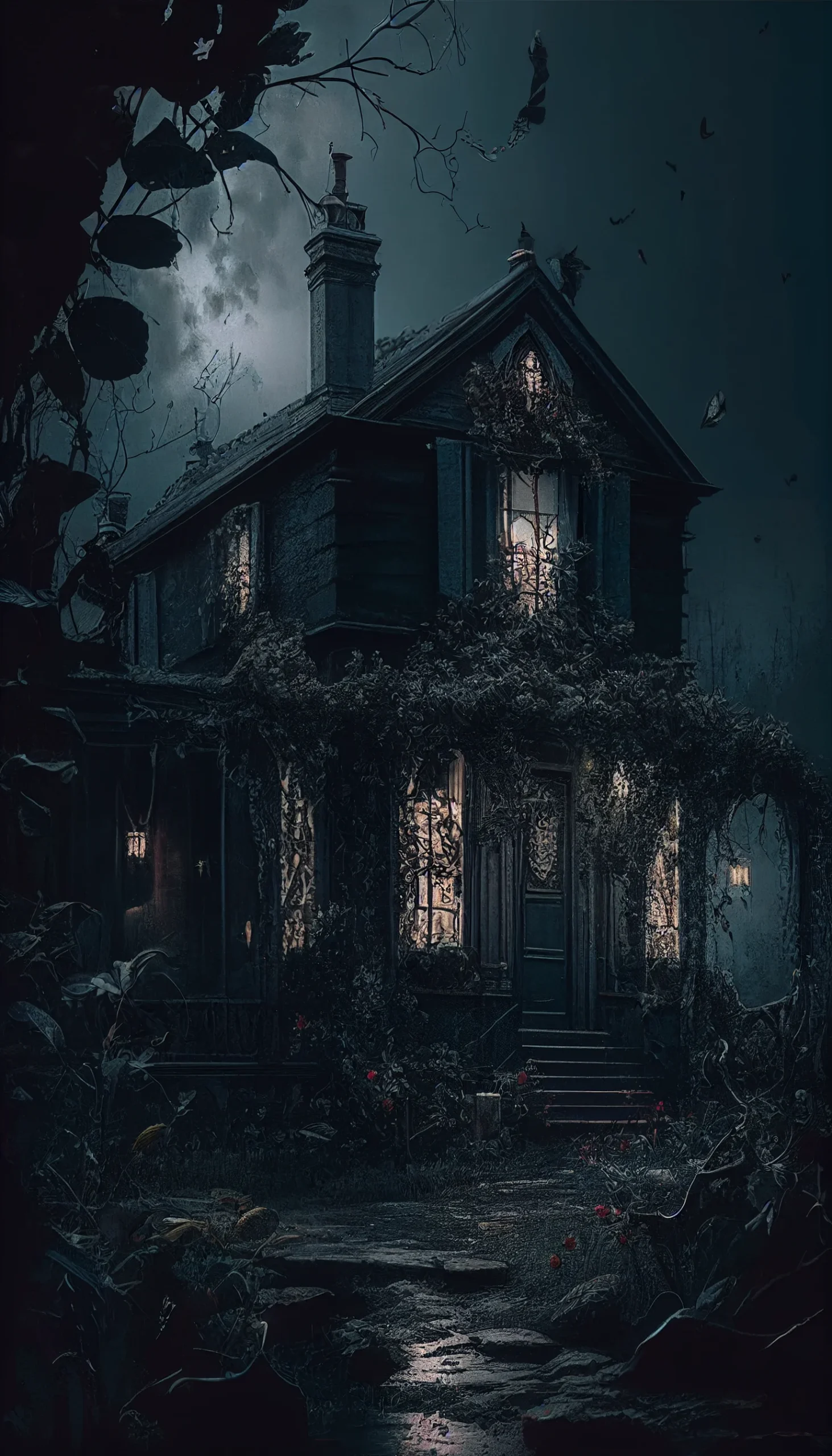
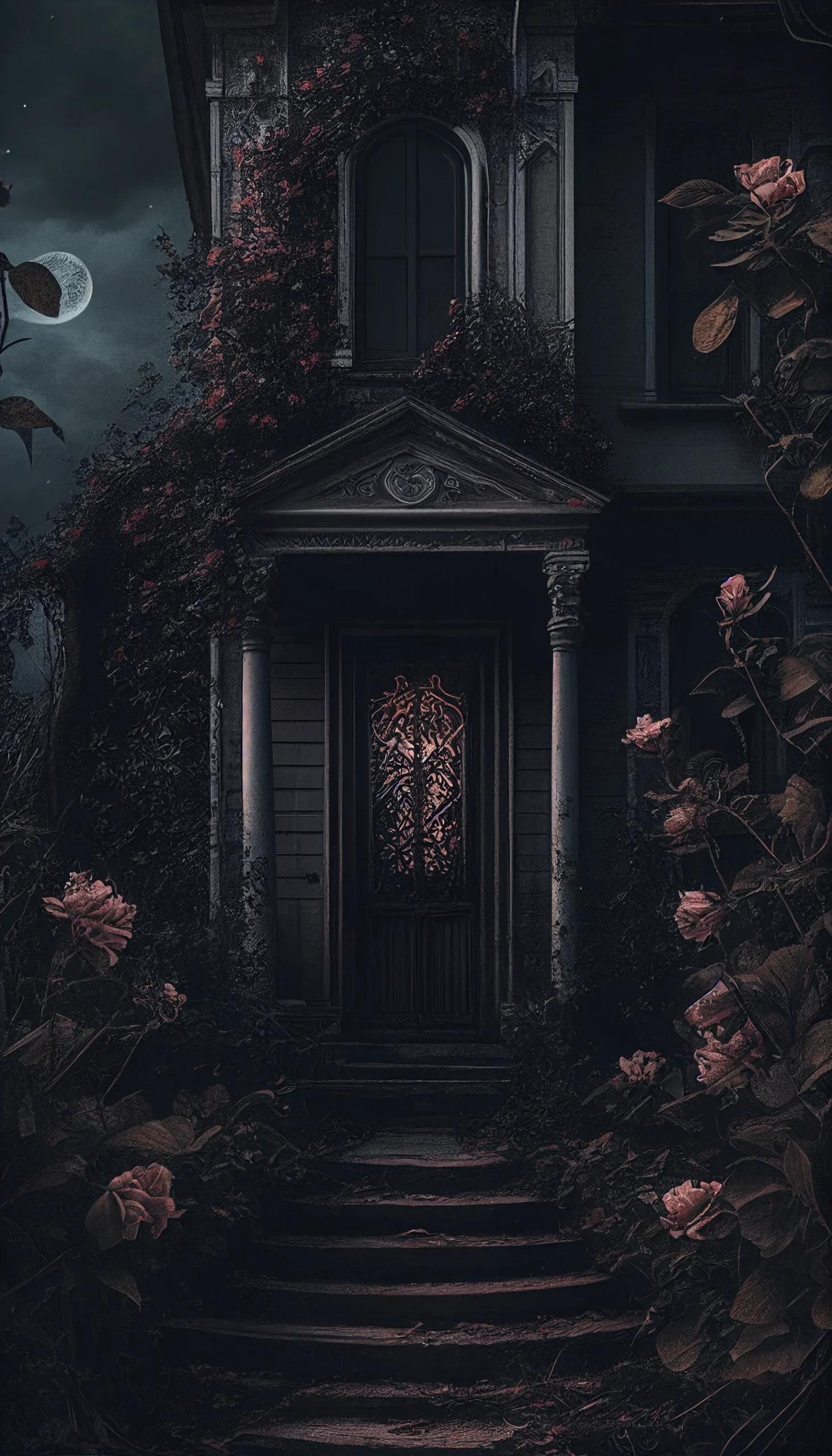
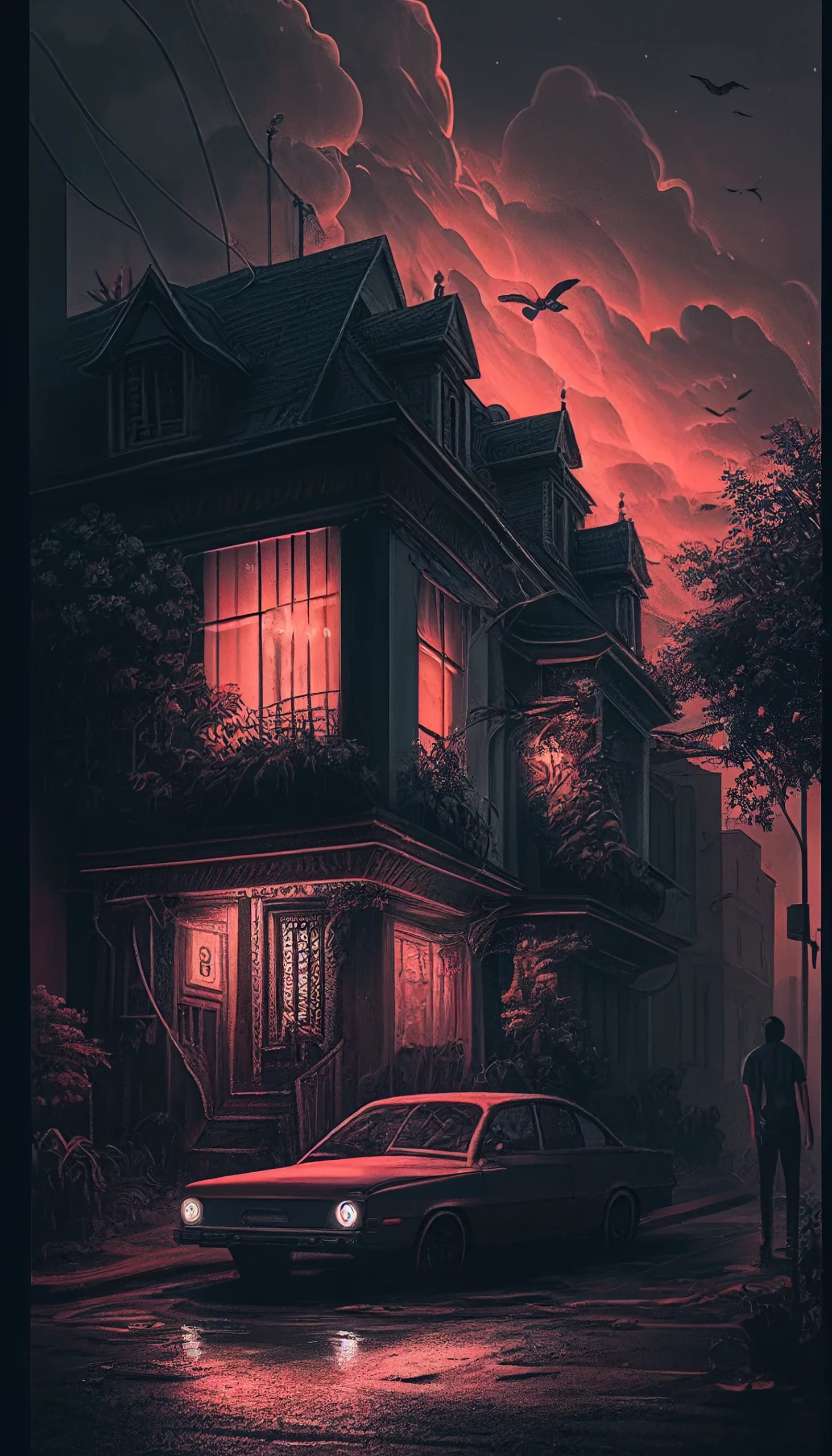
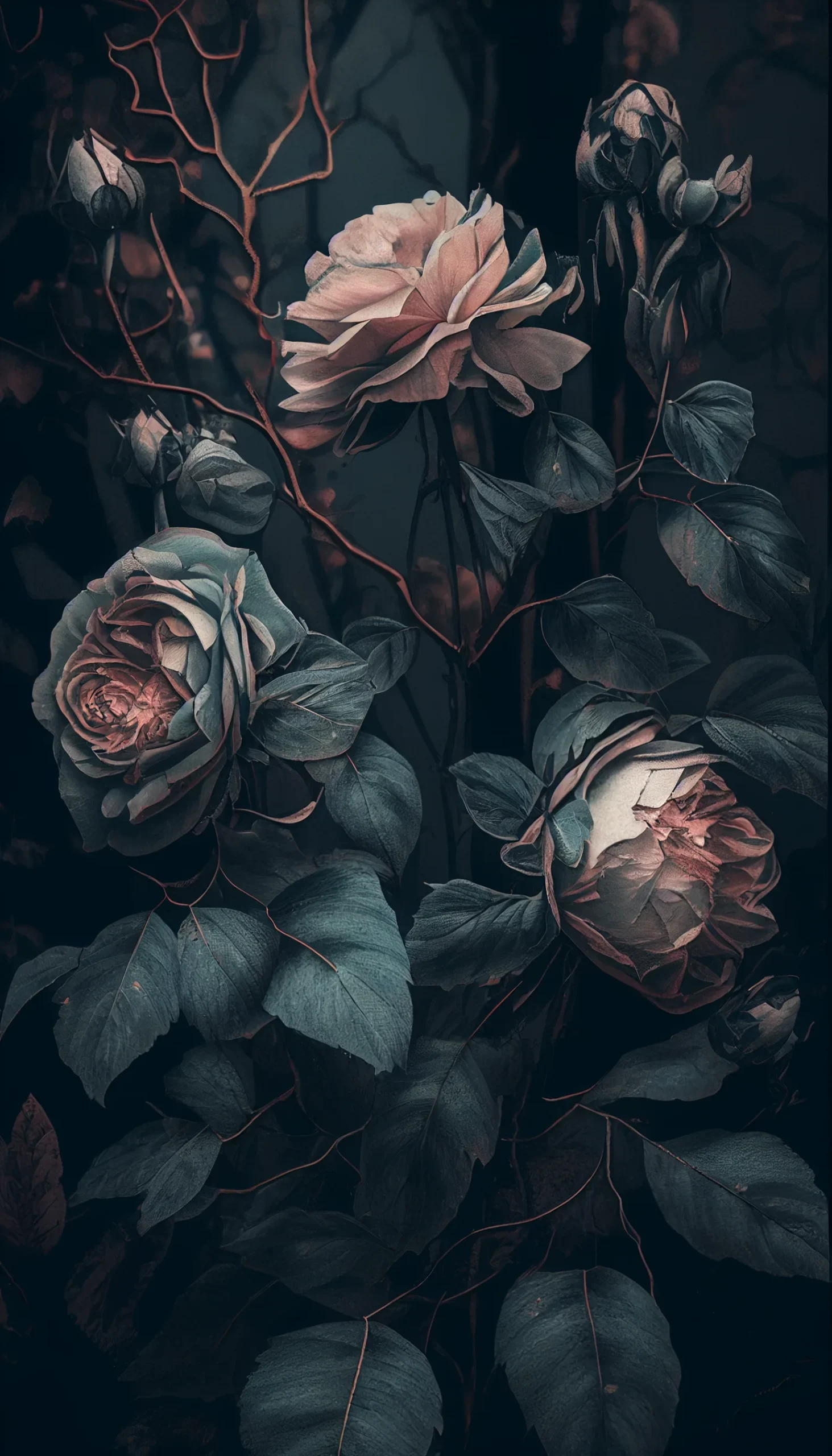
Dark vintage wallpaper collection
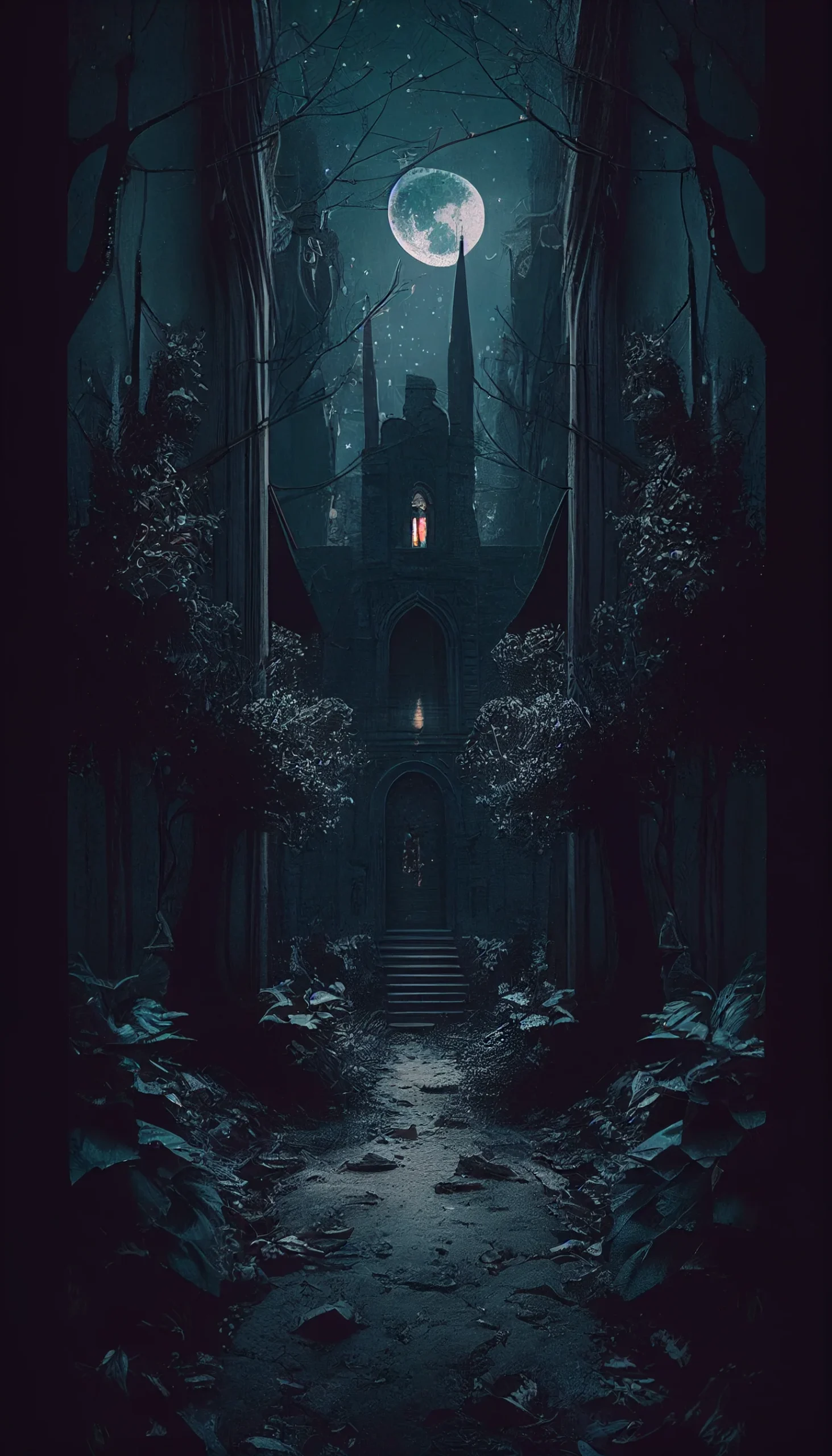
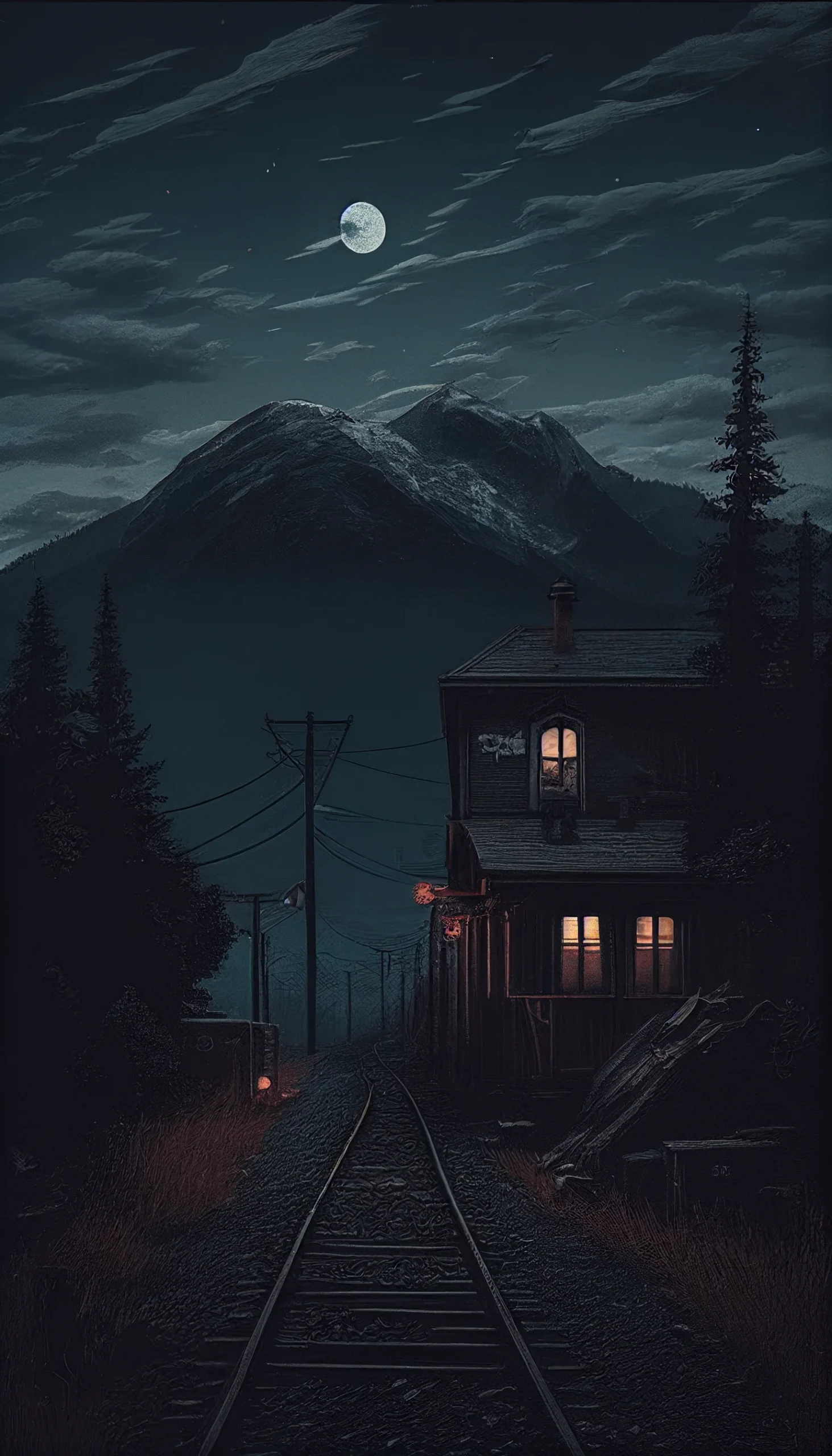
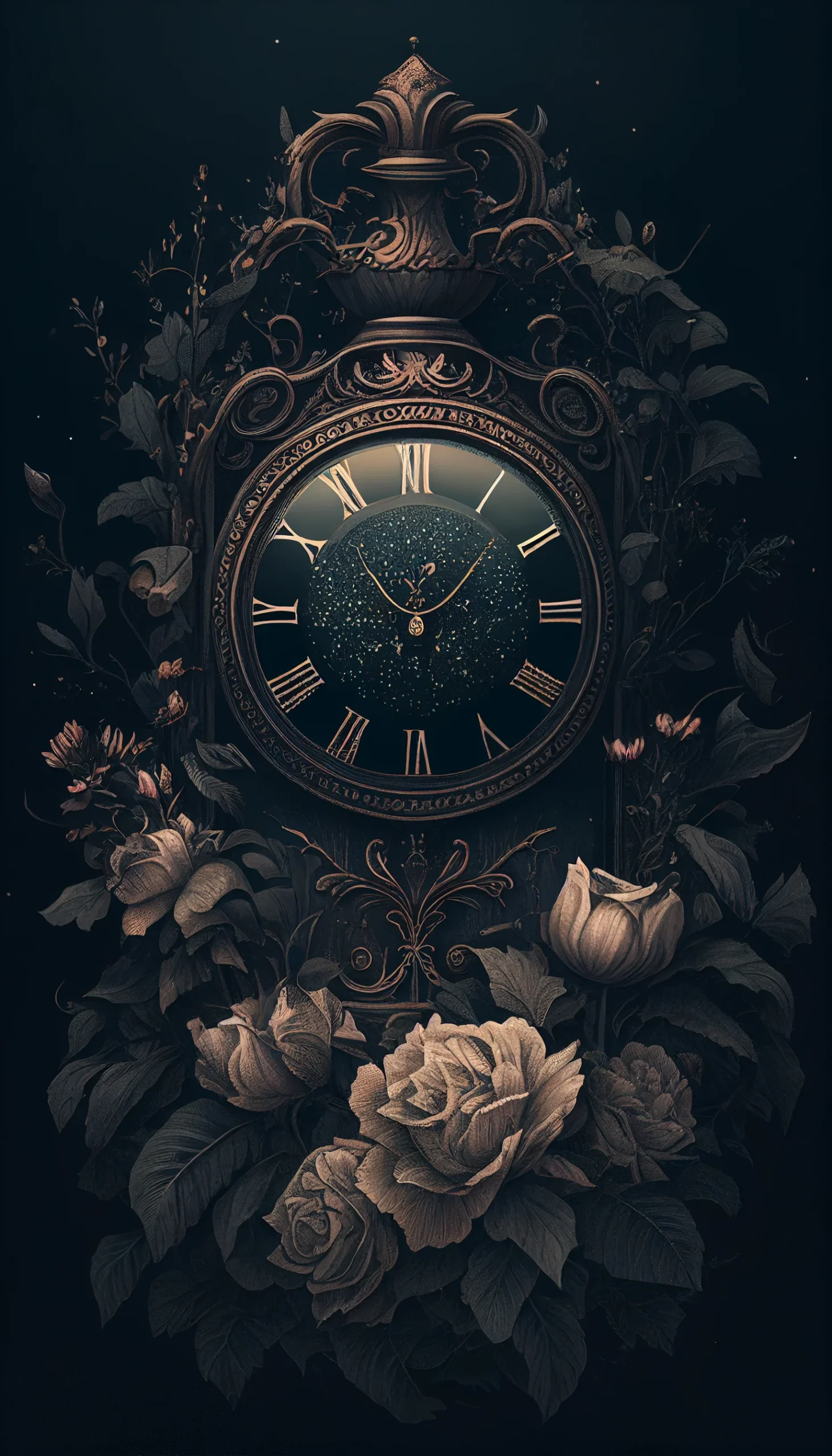
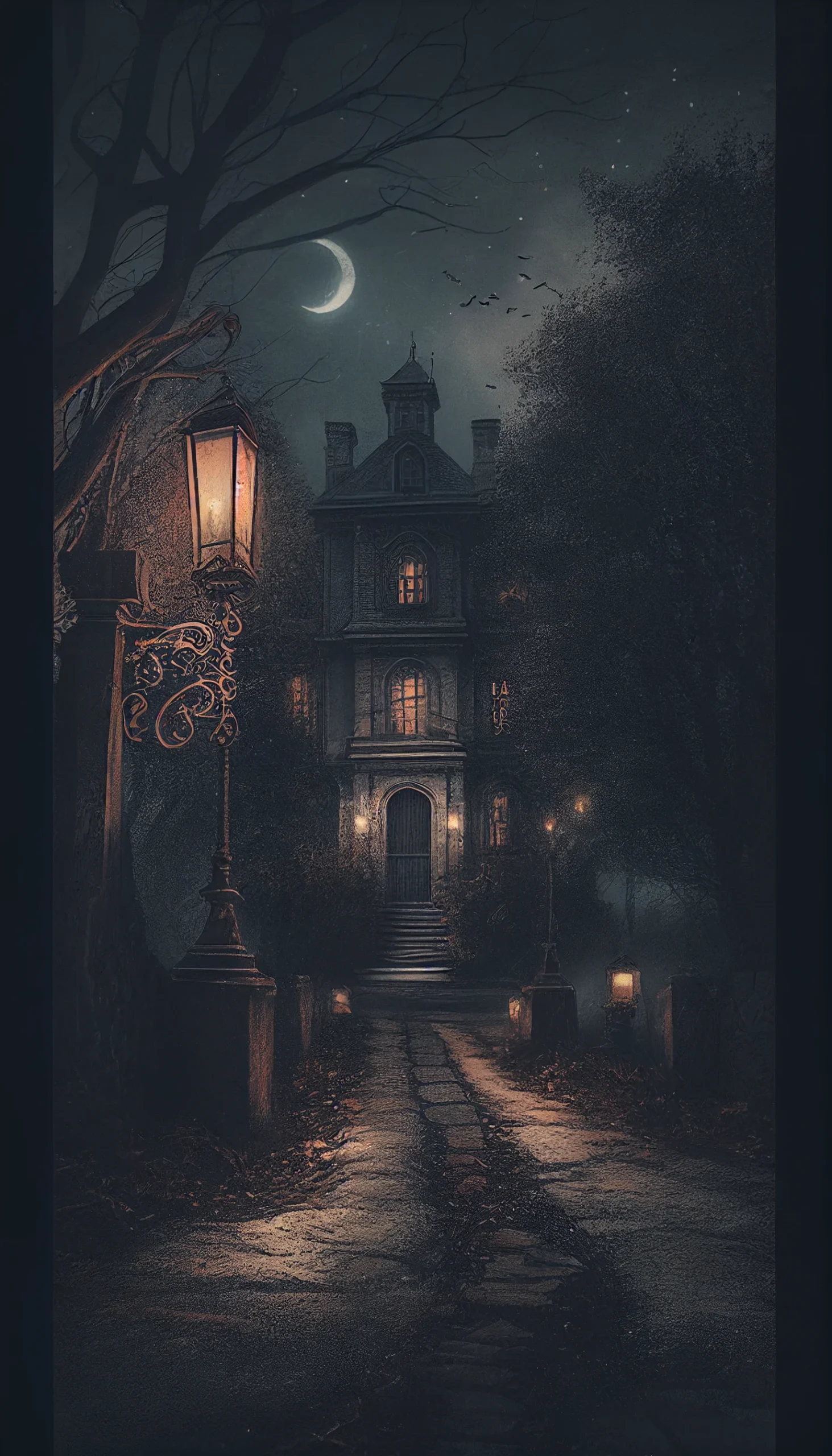
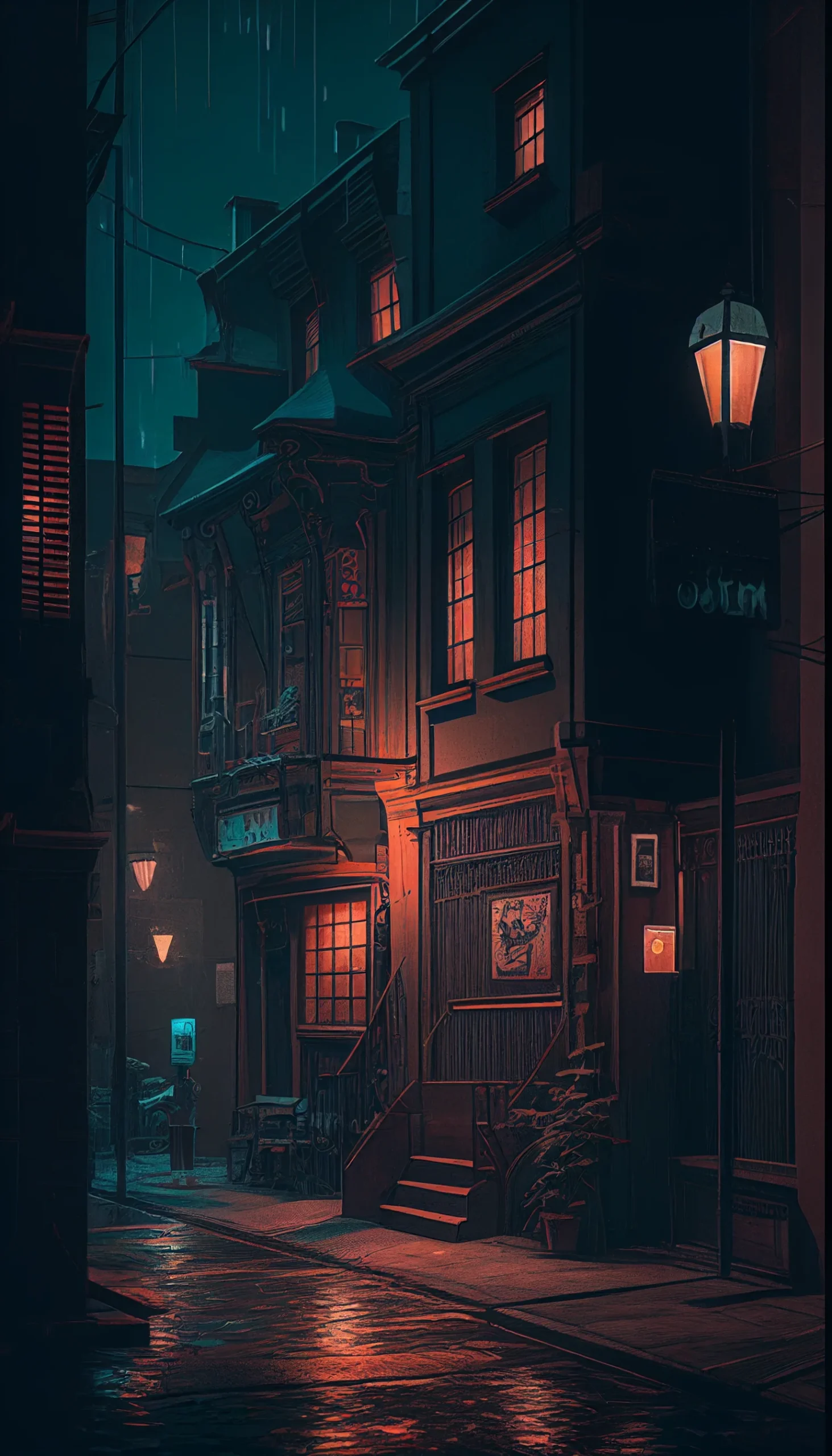
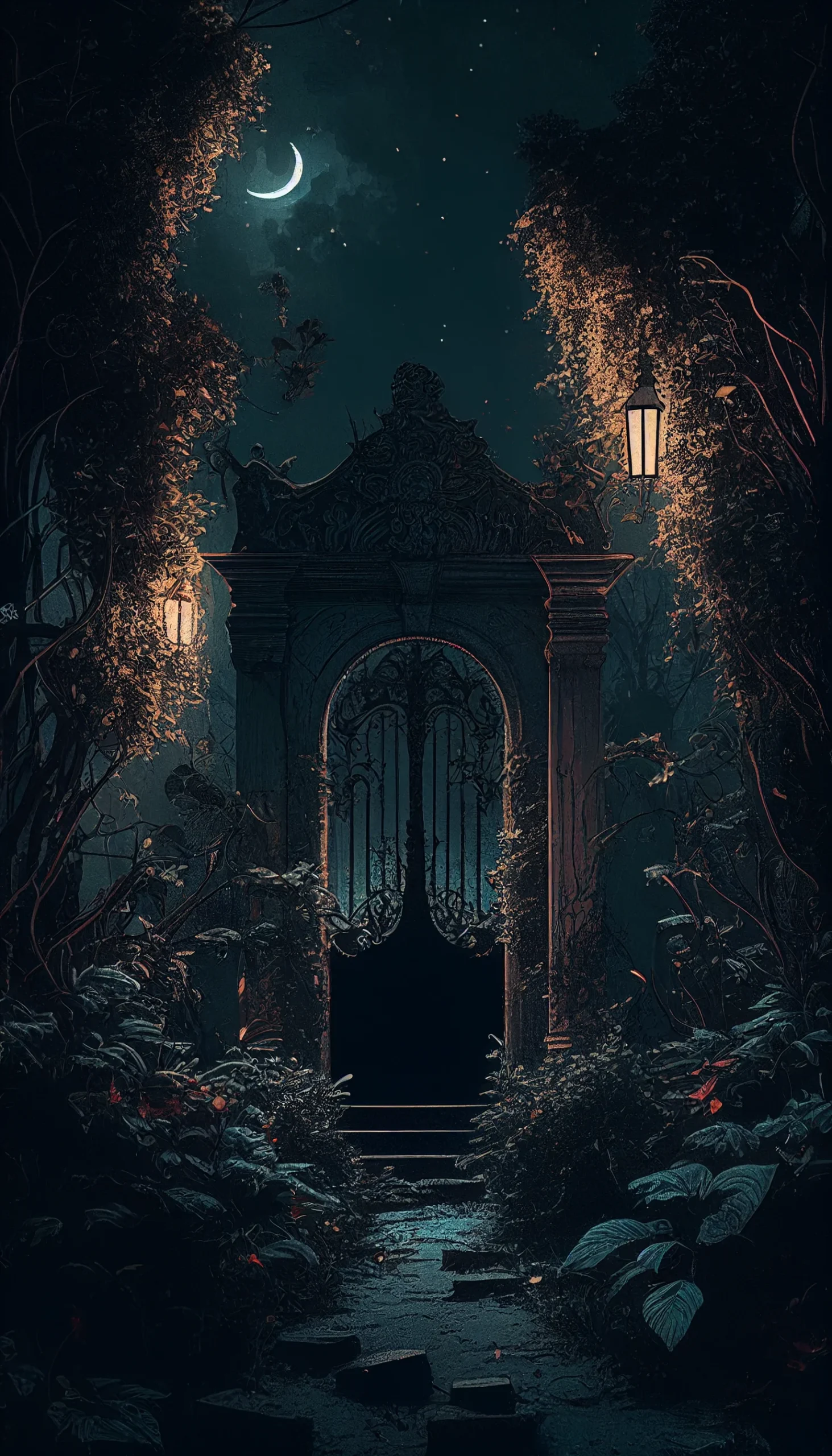
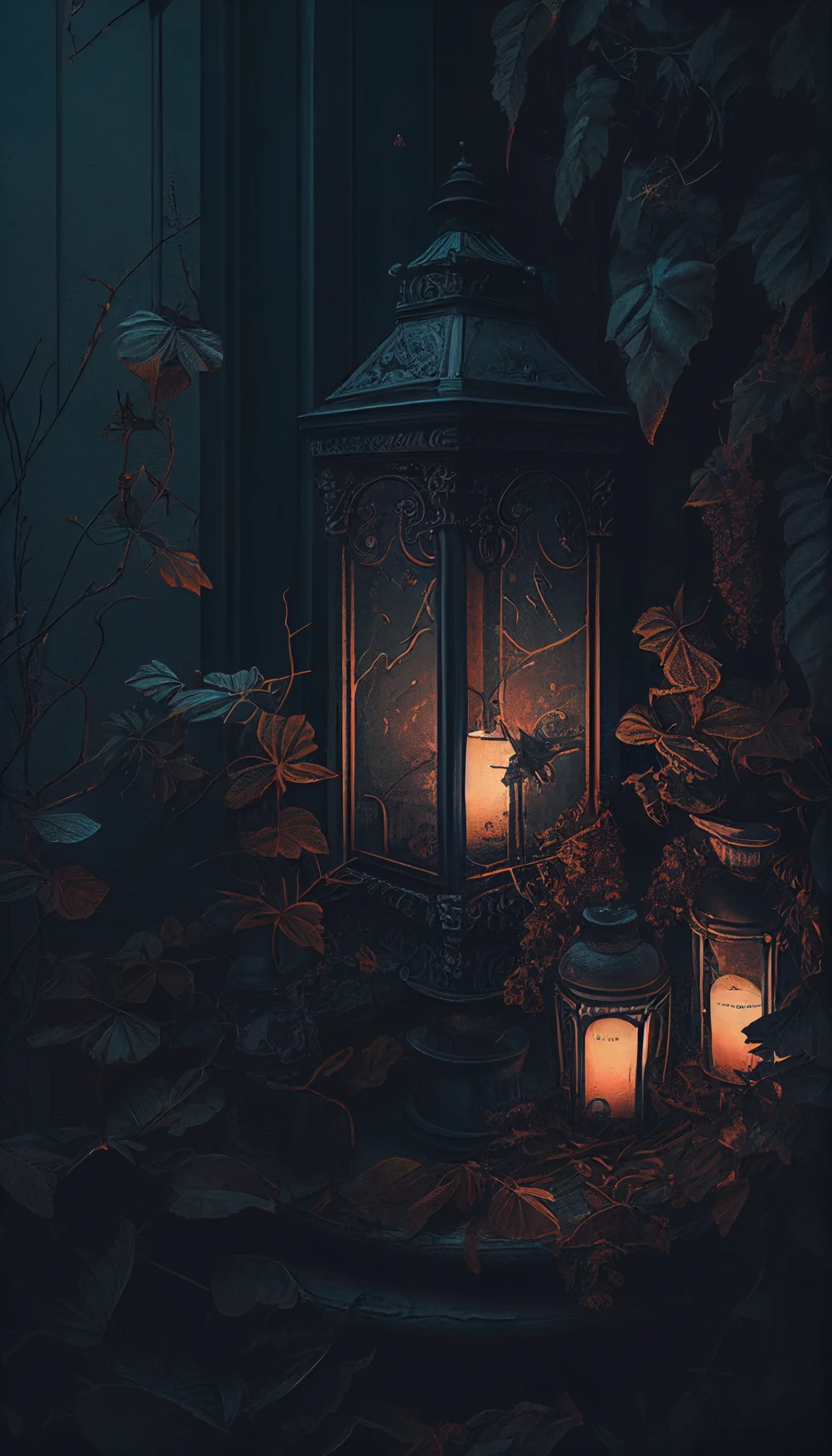
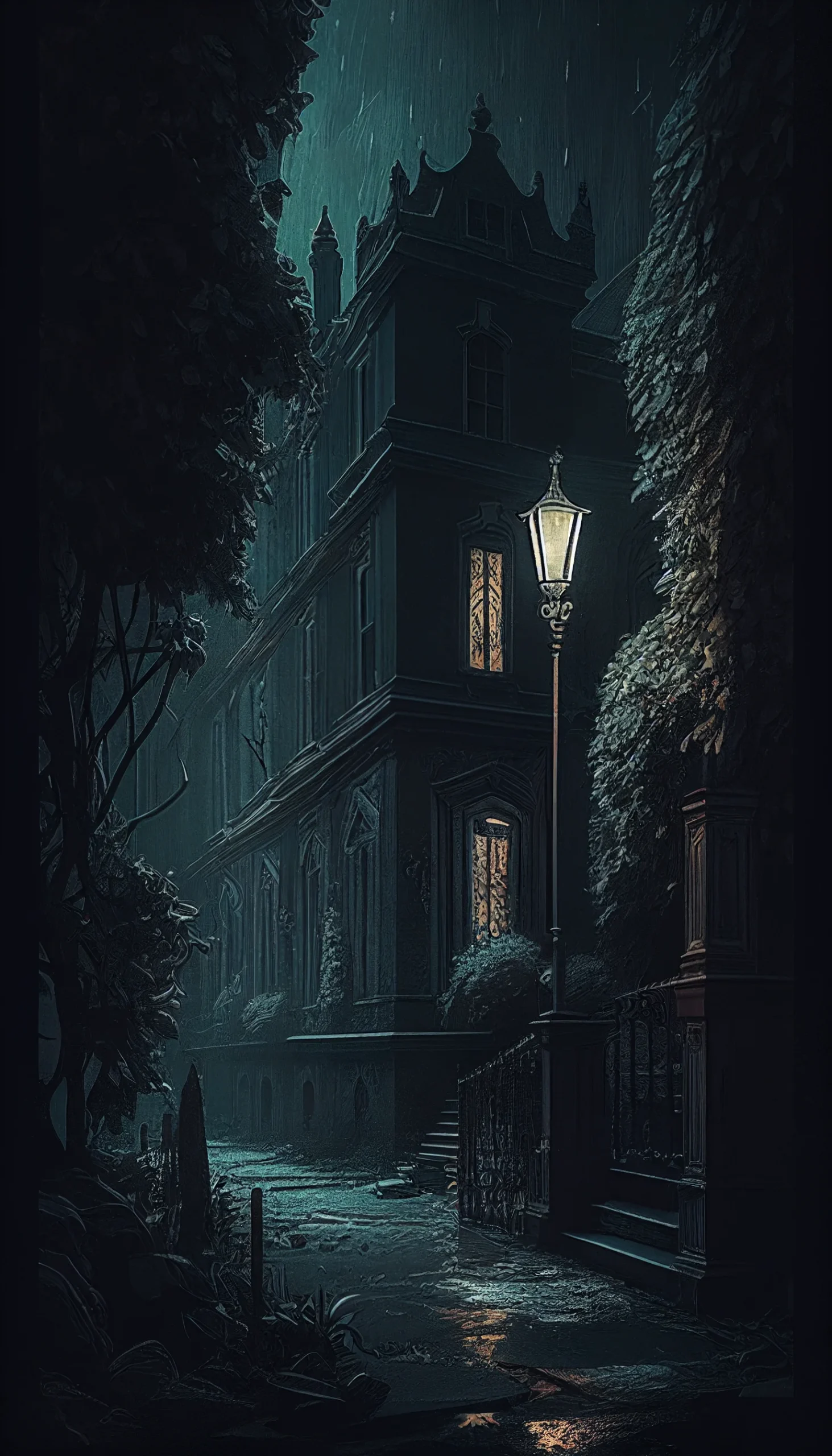
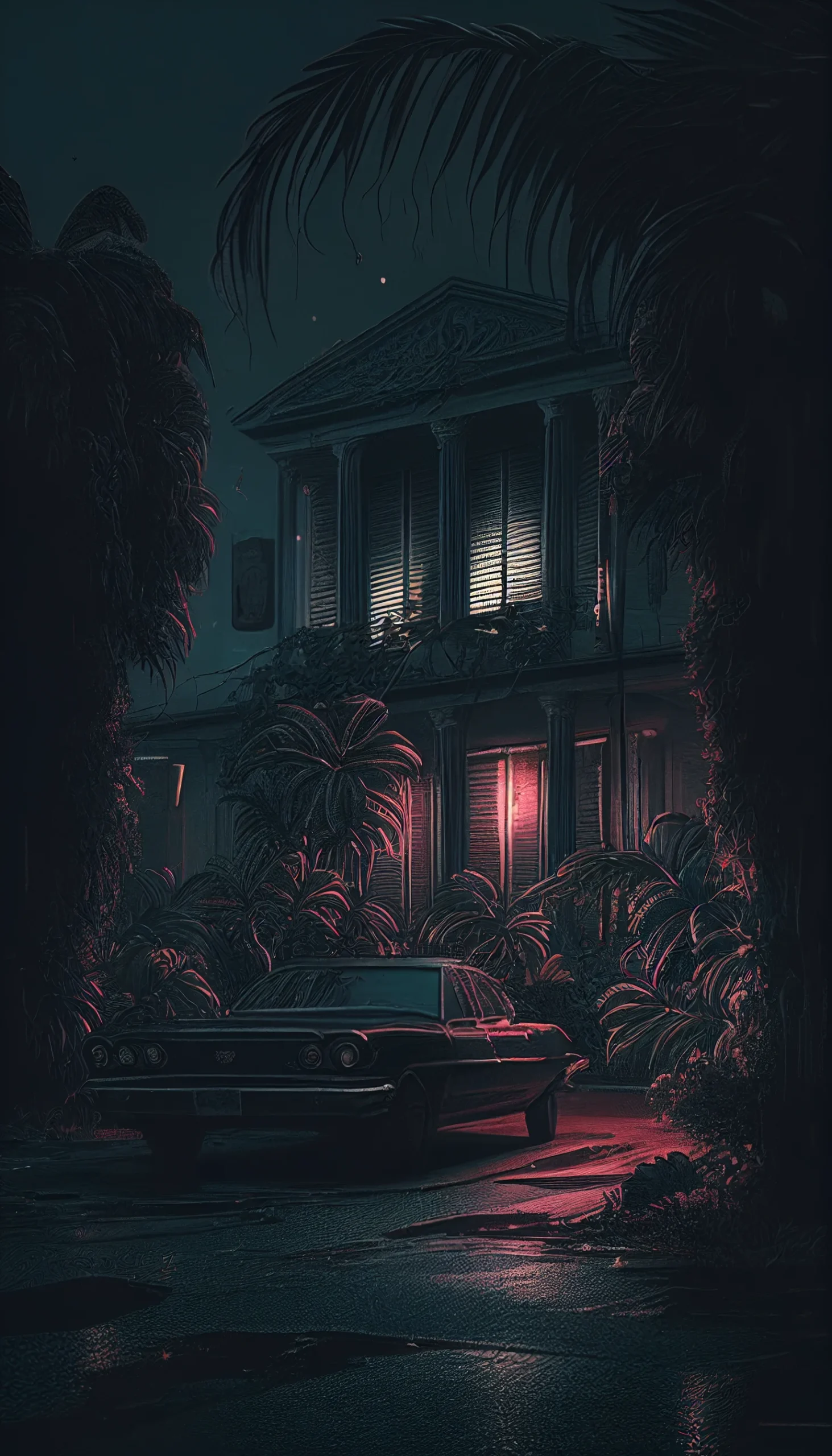
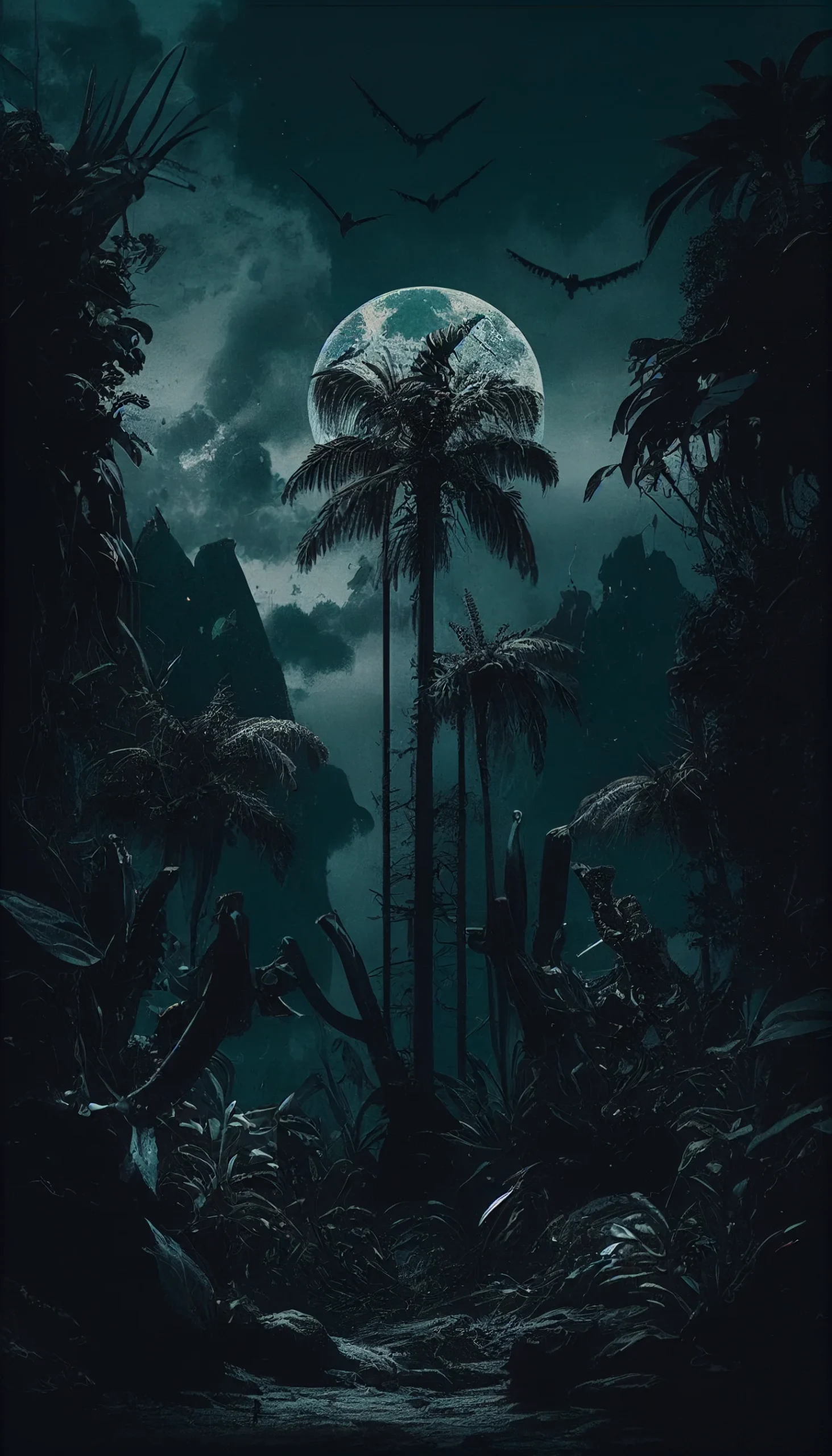
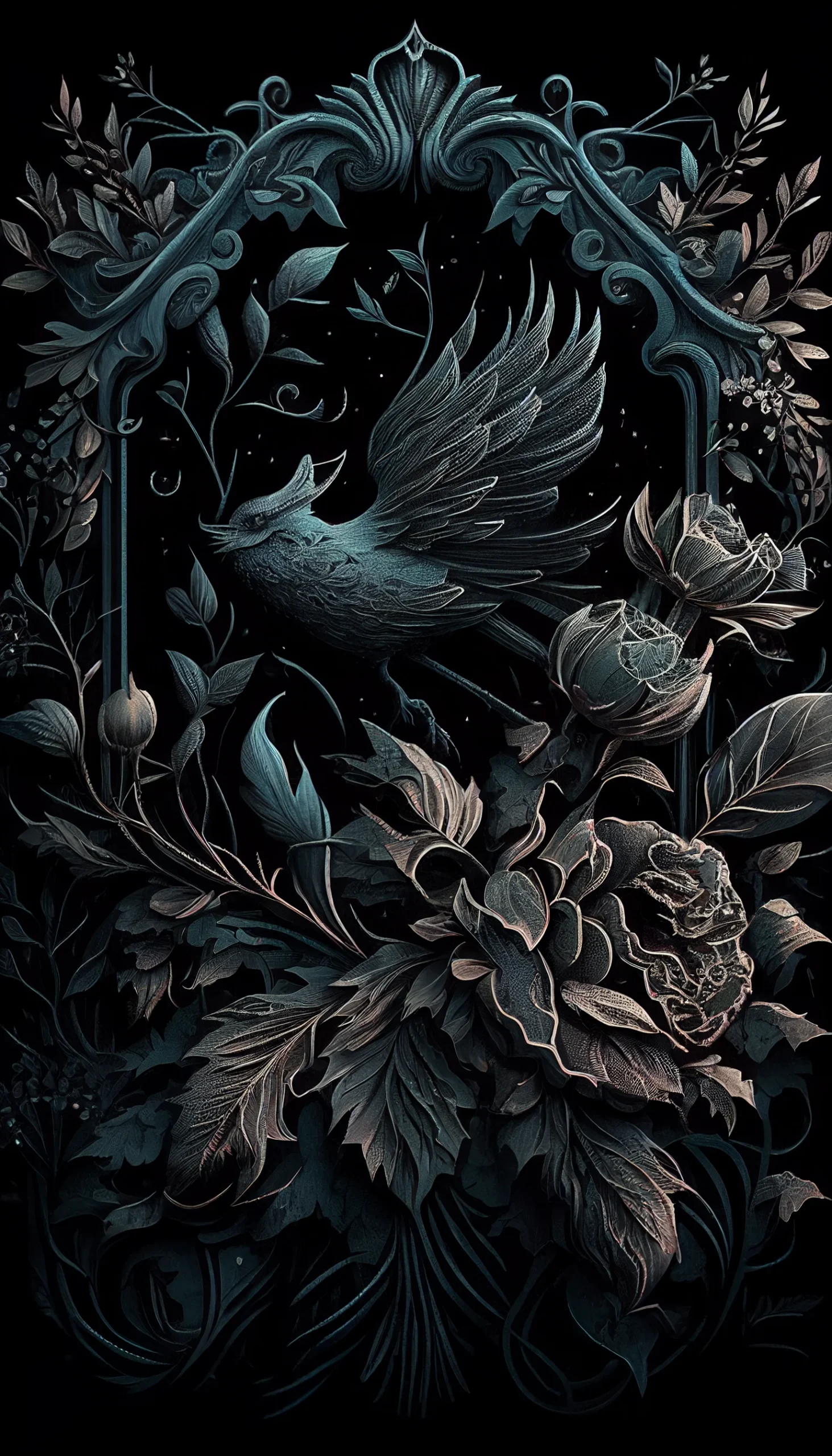
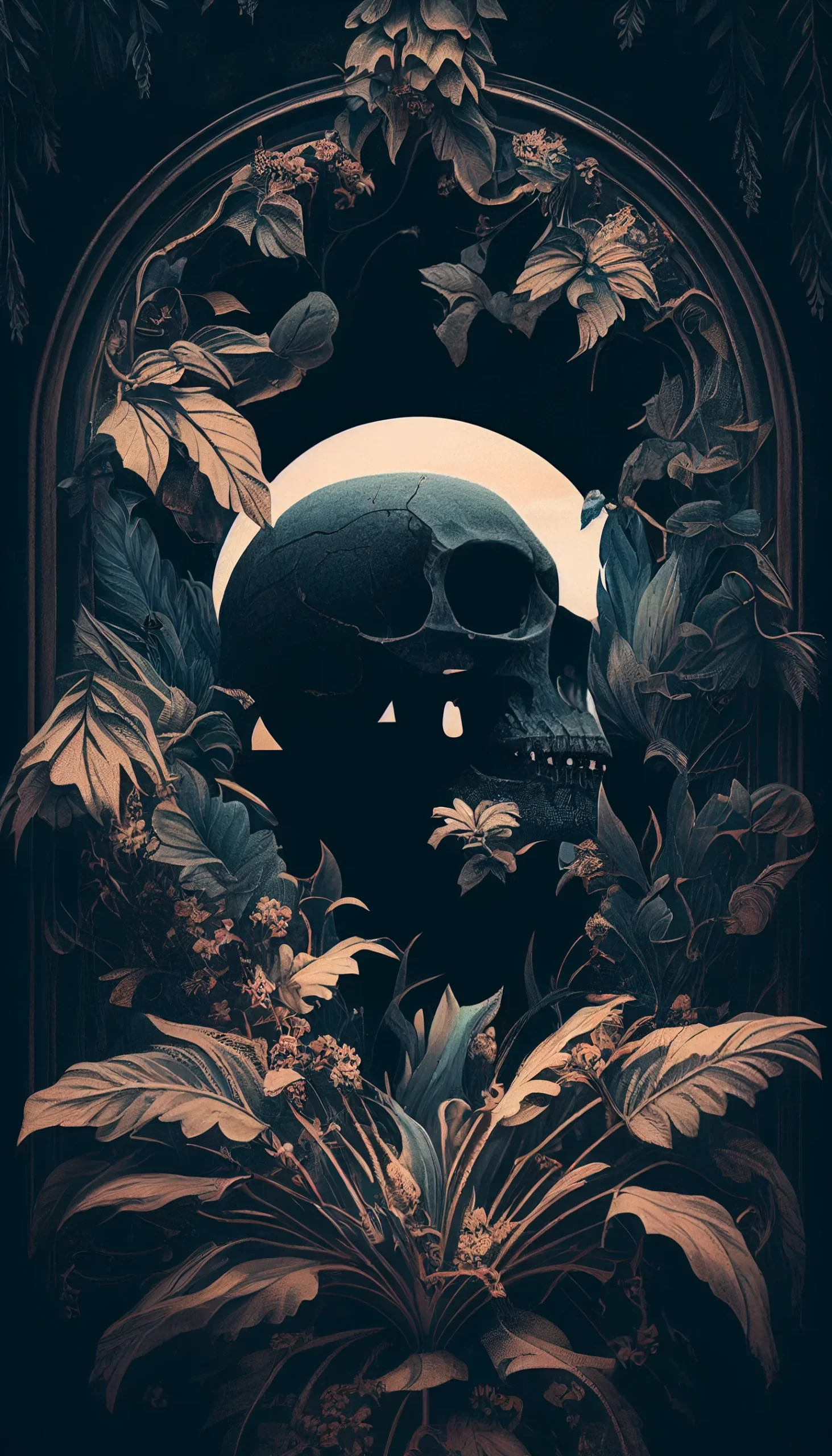
Make the wallpaper easier to live with
- Save the original file: open the image itself before saving instead of taking a screenshot. A screenshot can reduce the usable resolution and may include browser controls.
- Check the clock area: portraits, buildings and bright details can look fine in the image but sit awkwardly behind the Lock Screen clock.
- Do not over-zoom: if the phone crops too aggressively, pick an image with more empty space around the subject rather than enlarging it further.
- Use a calmer Home Screen: if app labels feel hard to read, pair a detailed Lock Screen with one of the darker, simpler images from this set.
Because these are portrait phone wallpapers rather than native 4K files, keep a face, building or other clear focal point inside roughly the middle two-thirds of the crop preview. That leaves more room for different screen ratios without cutting off the important part of the image.

