
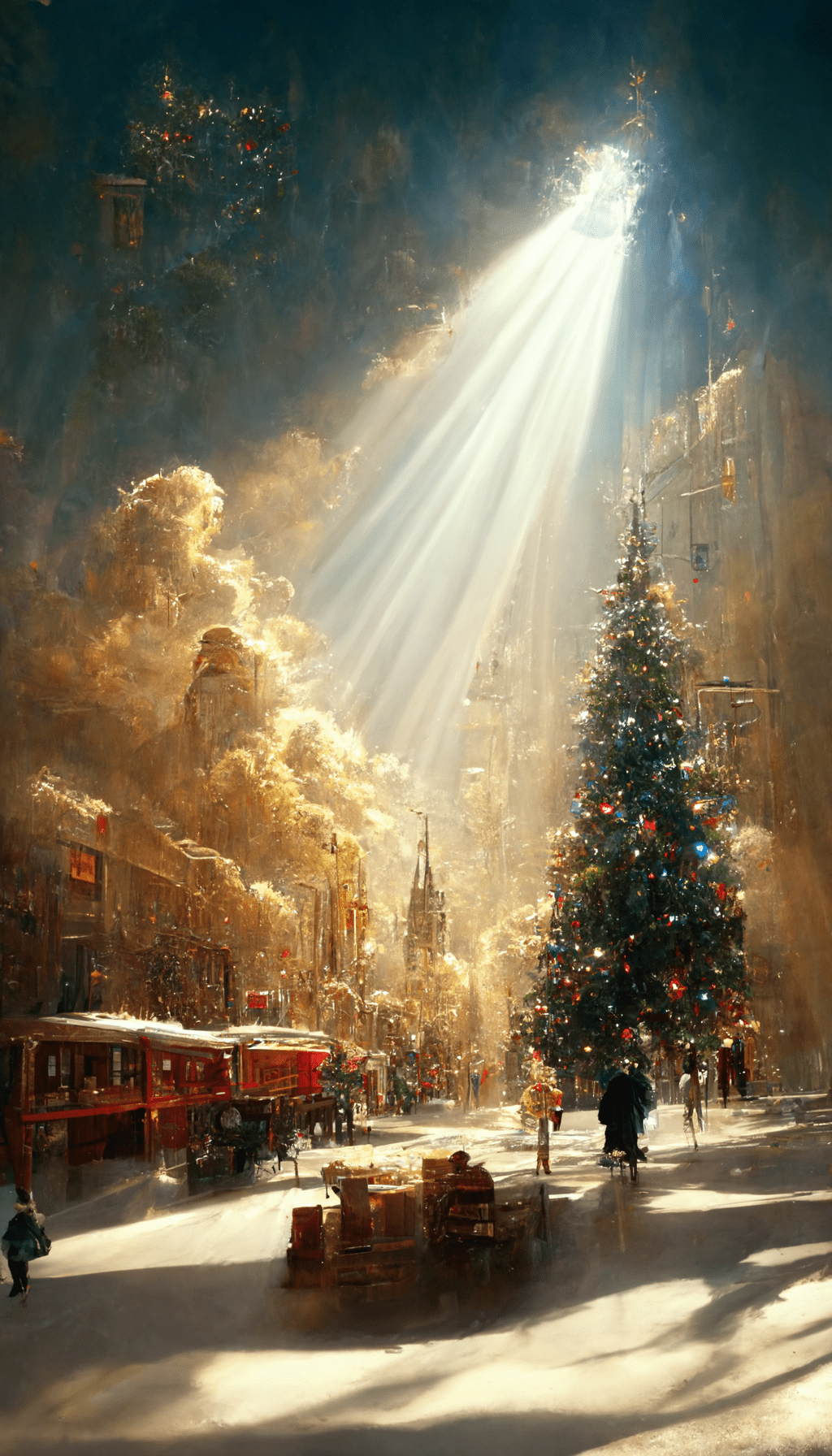
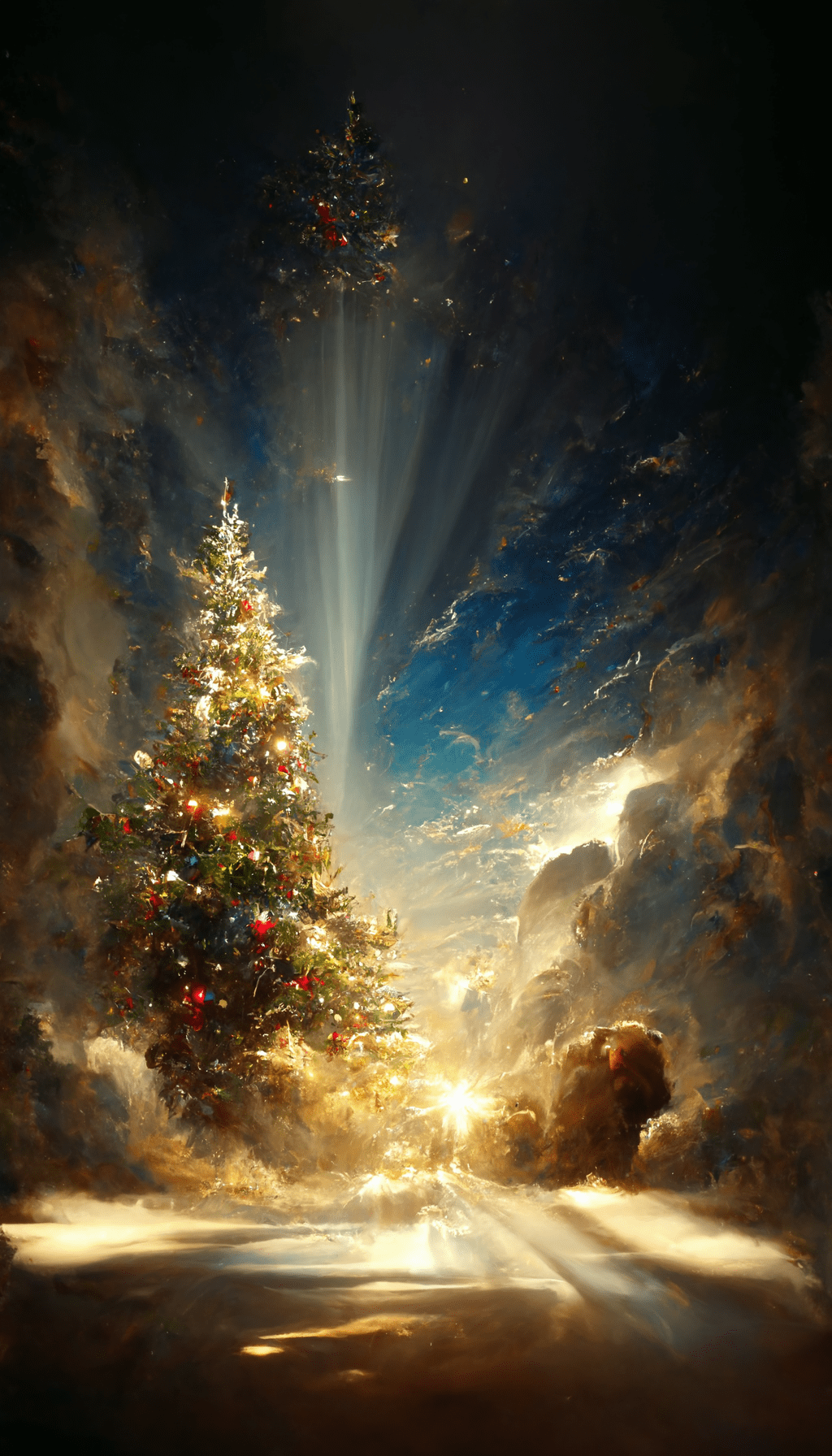
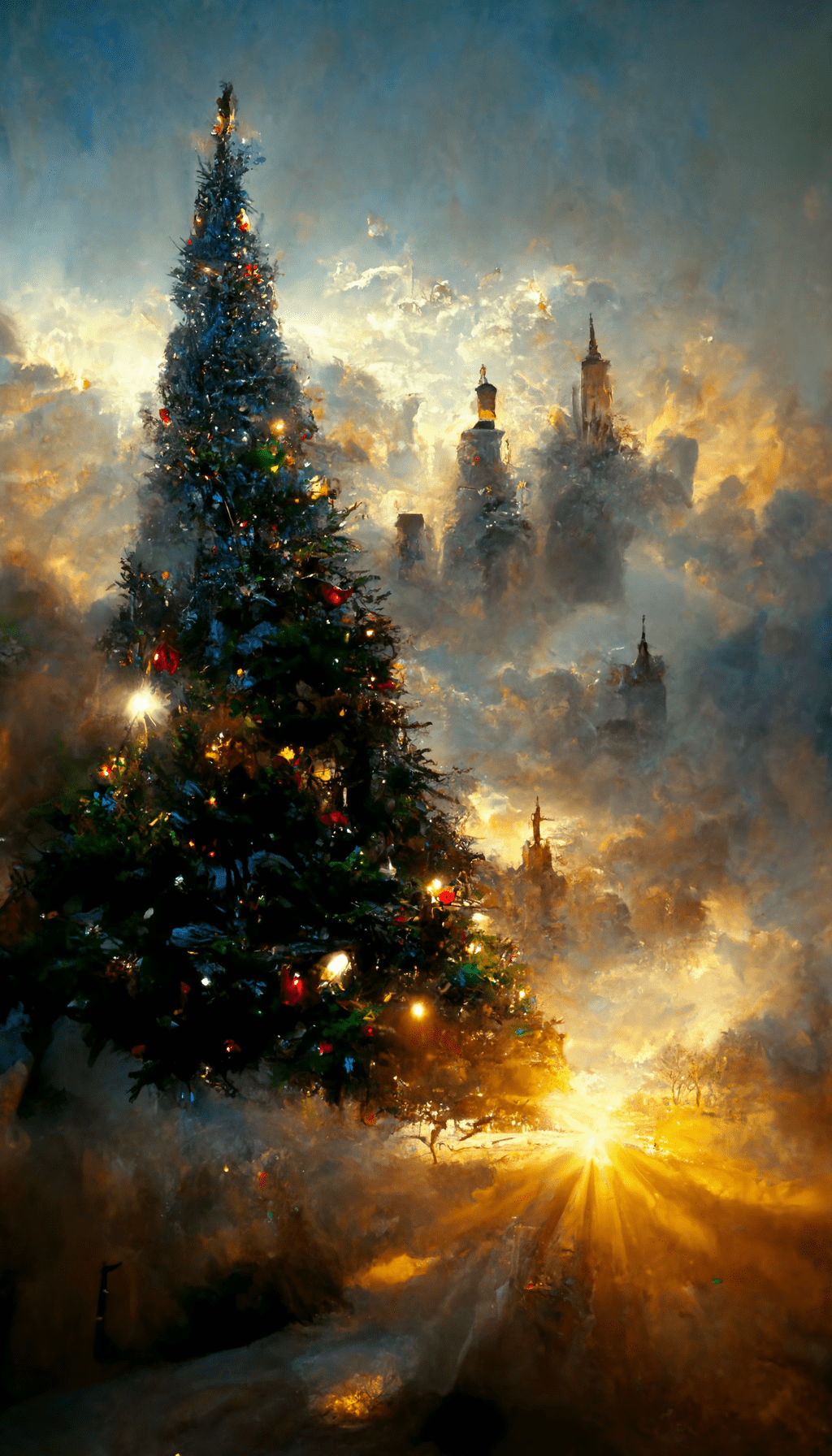
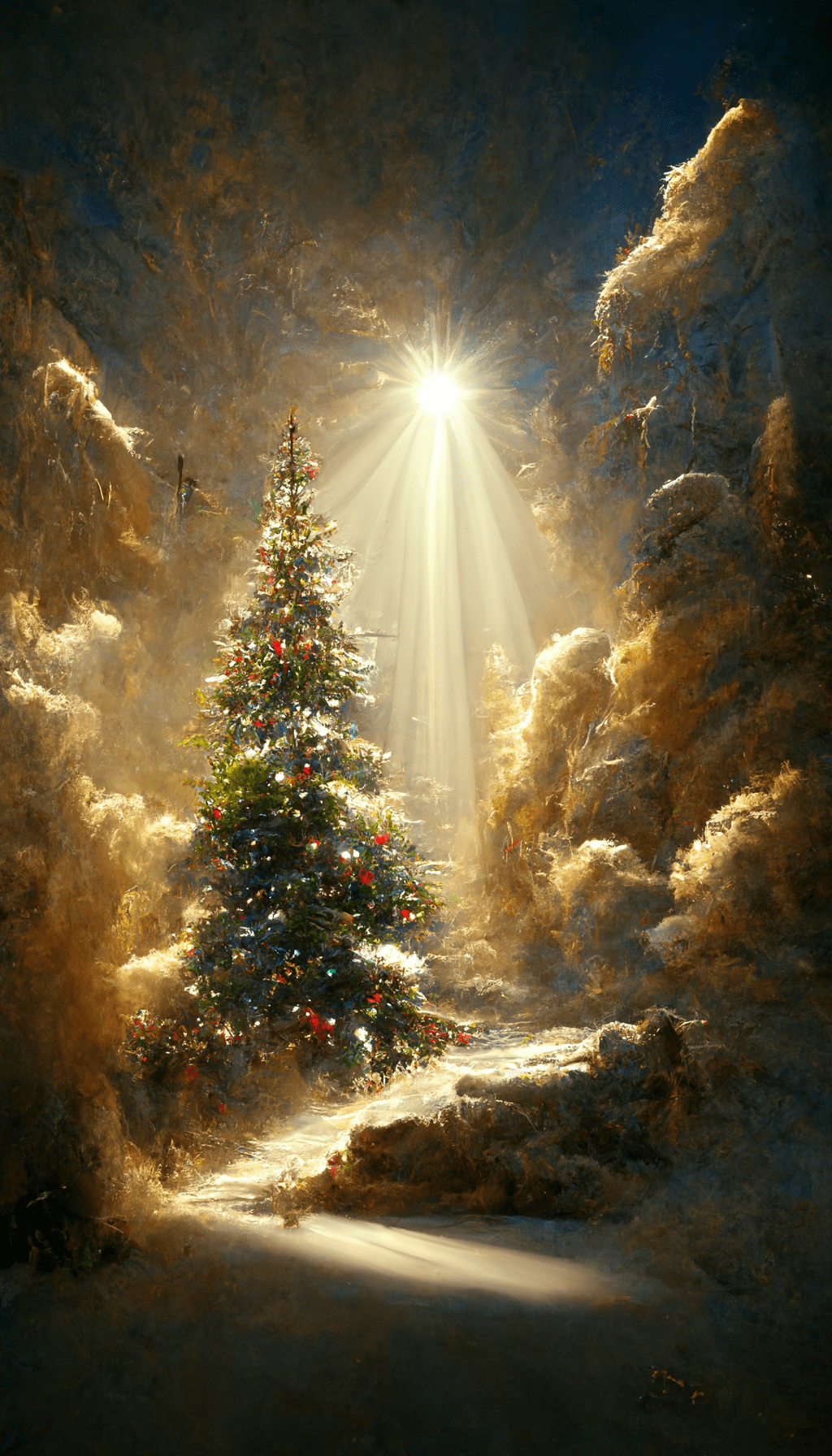
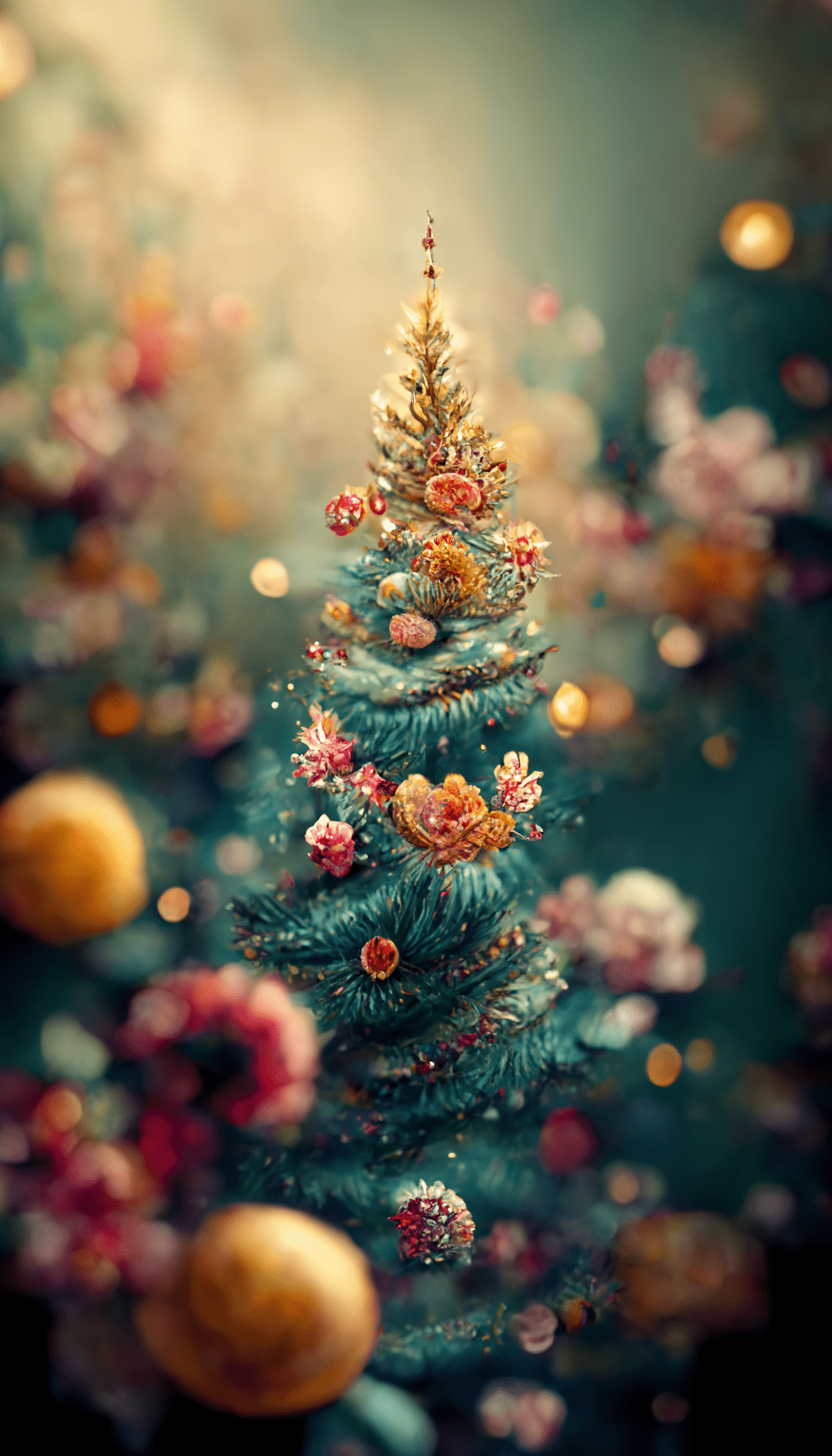
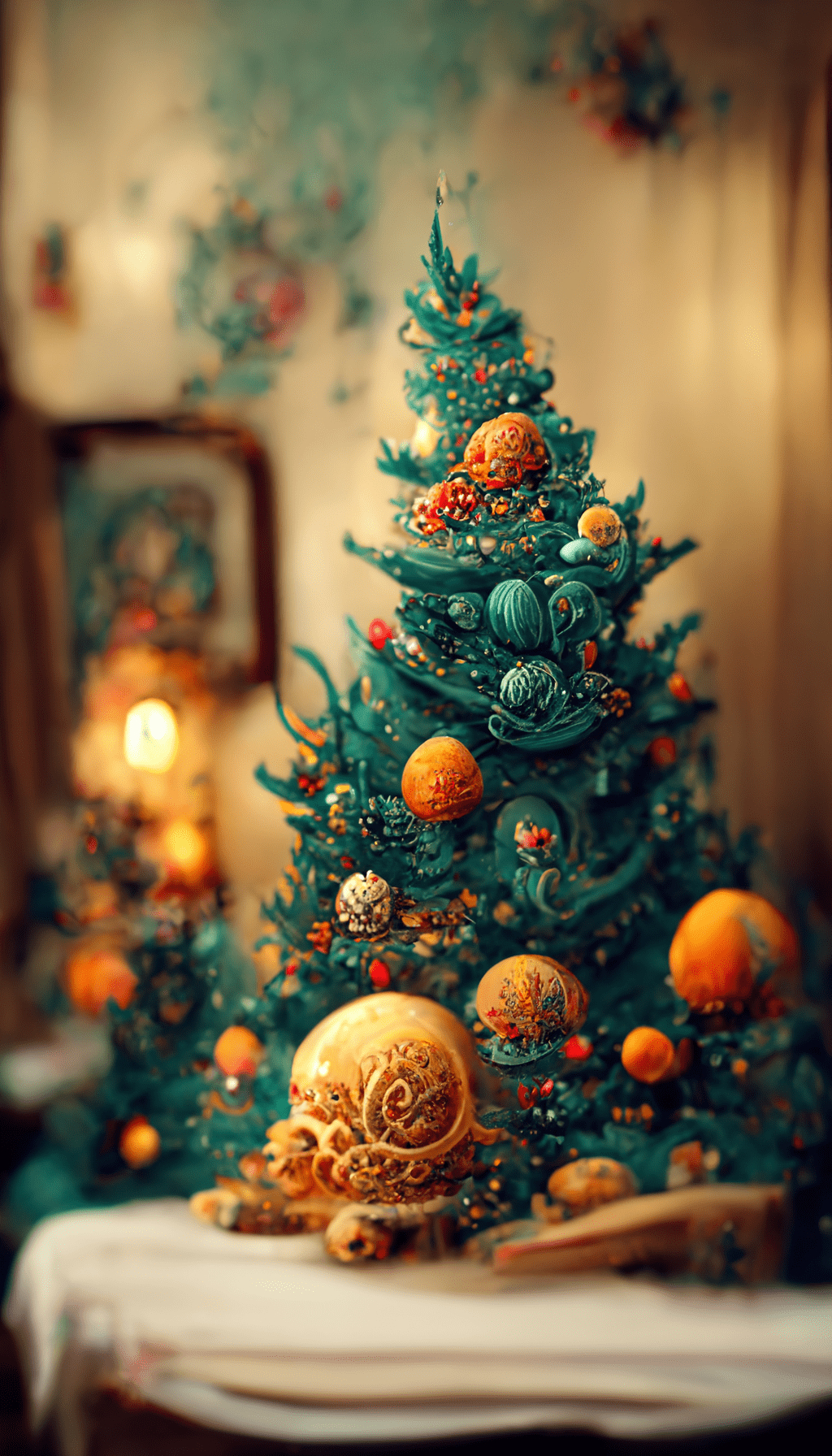
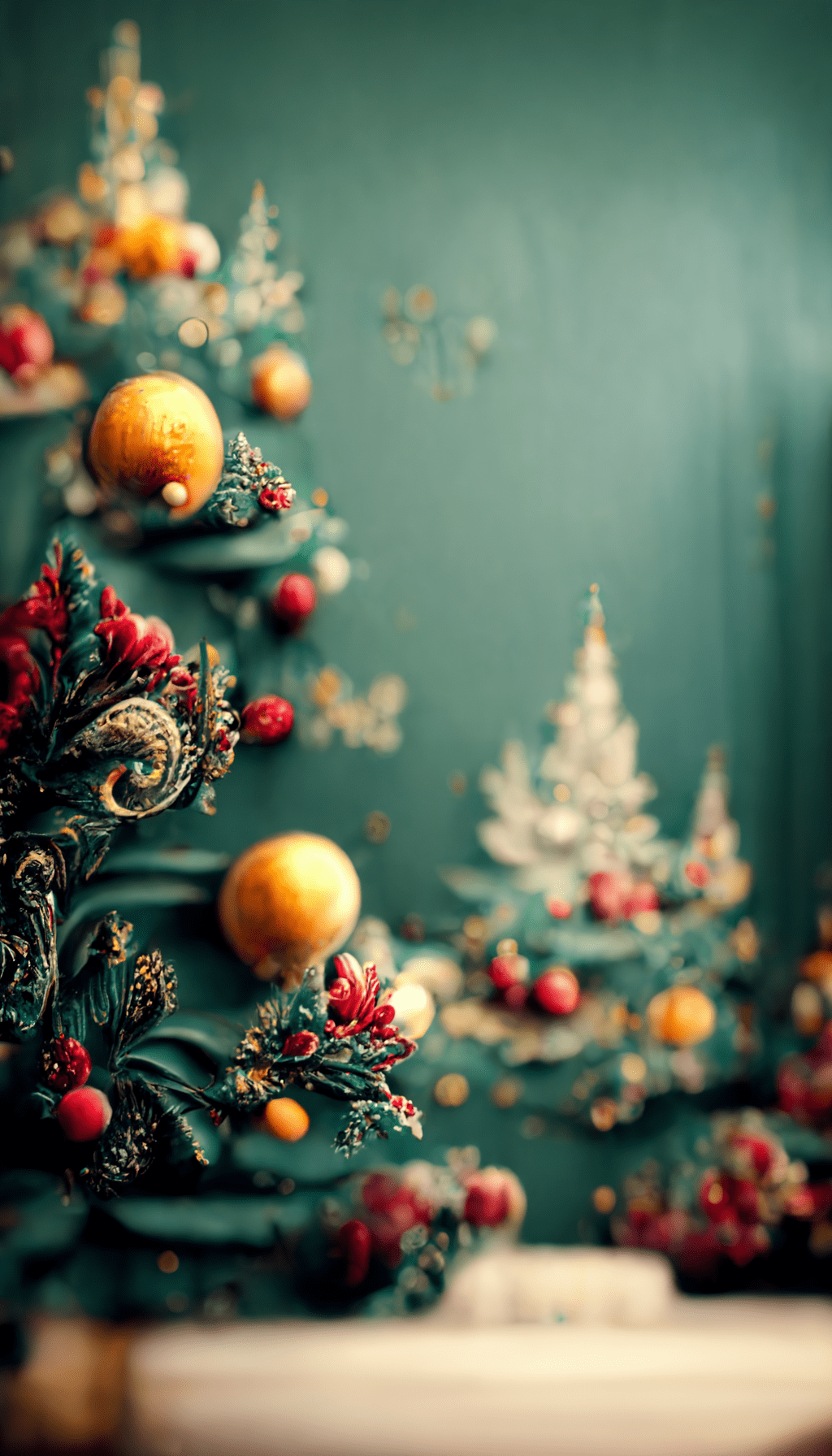
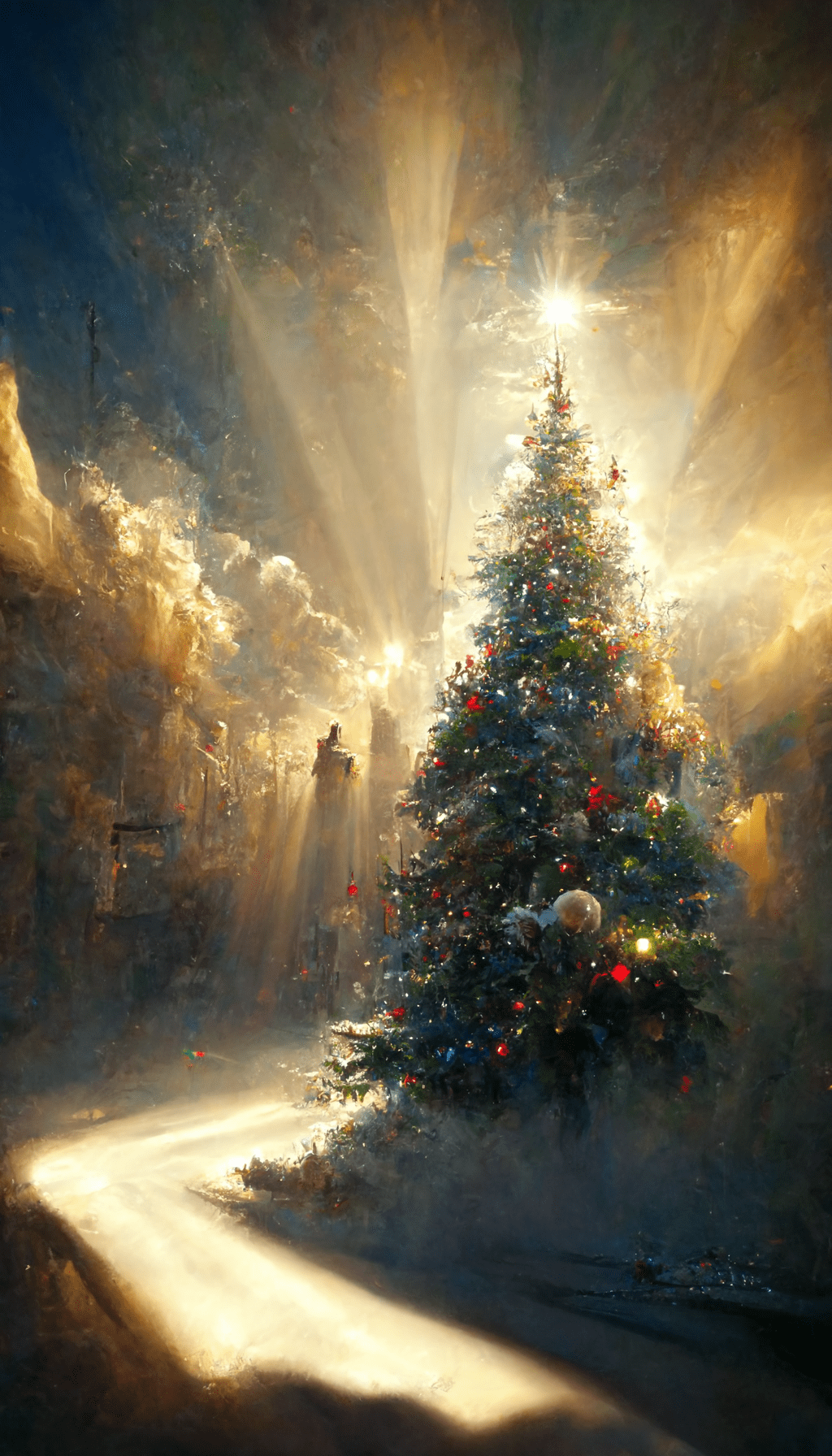
These 24 Christmas wallpapers are static vertical phone backgrounds at 1024×1792. They are not live wallpapers, and despite a few old filenames, the files are best treated as phone backgrounds rather than device-specific packs.
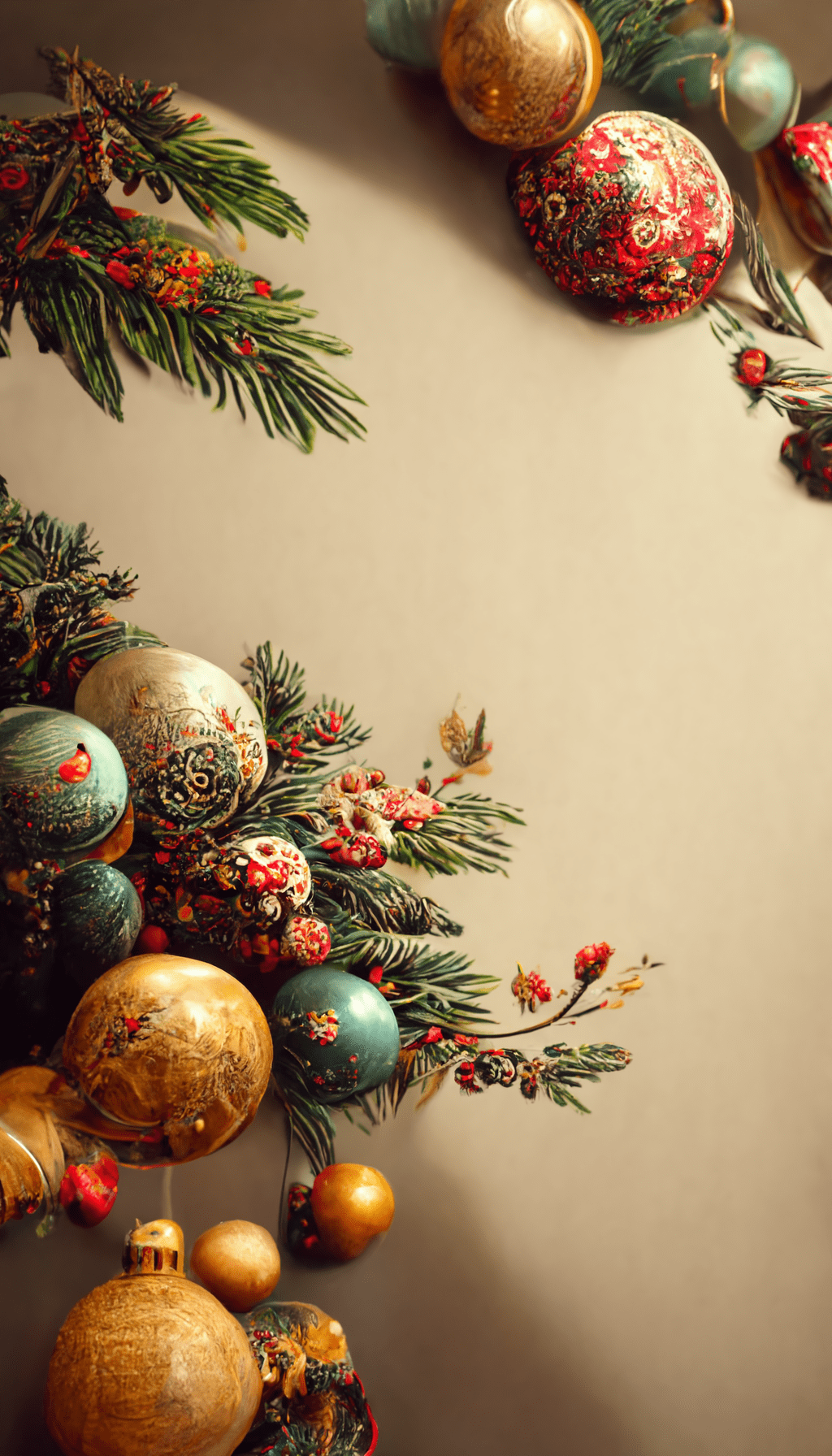
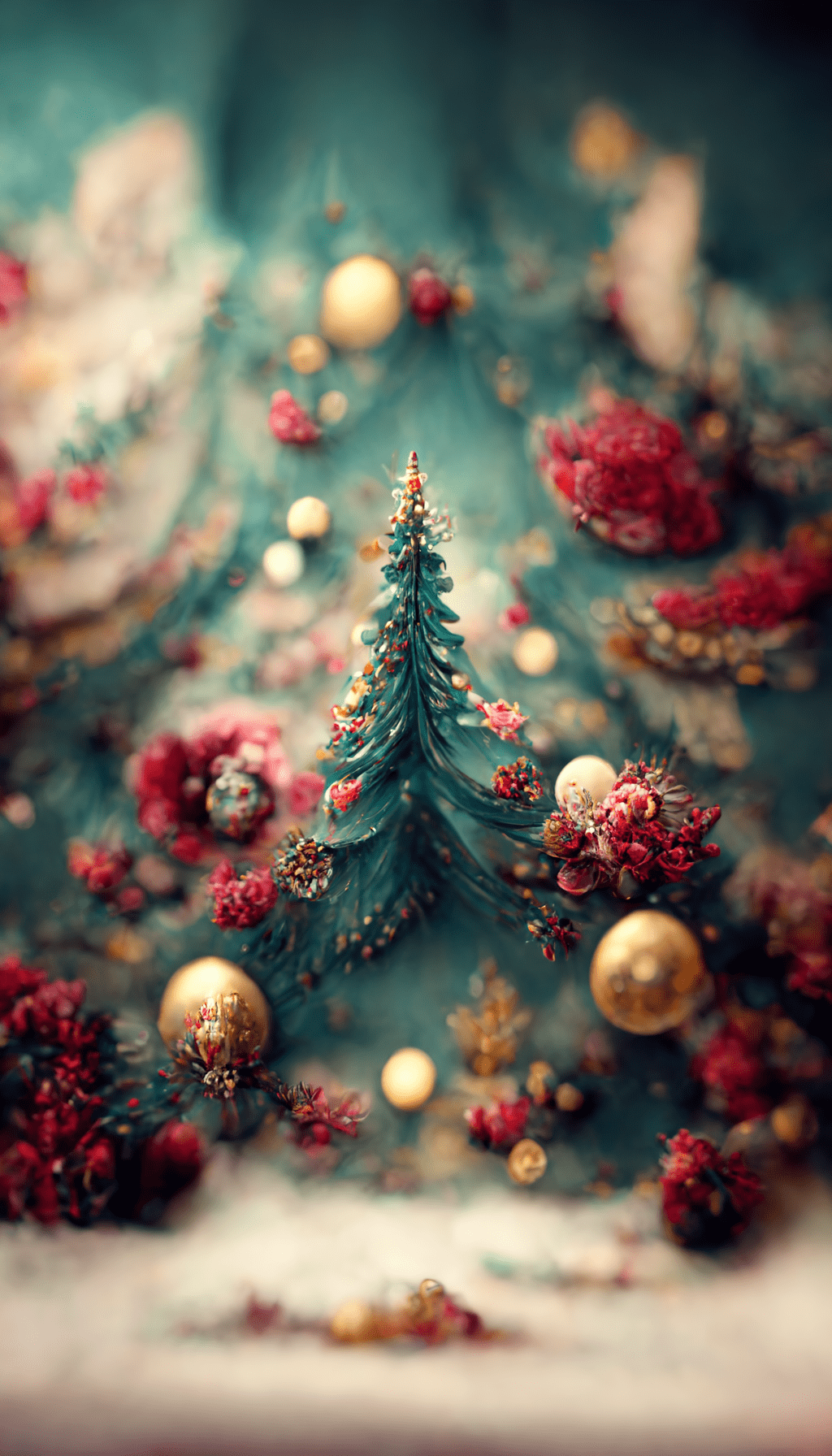
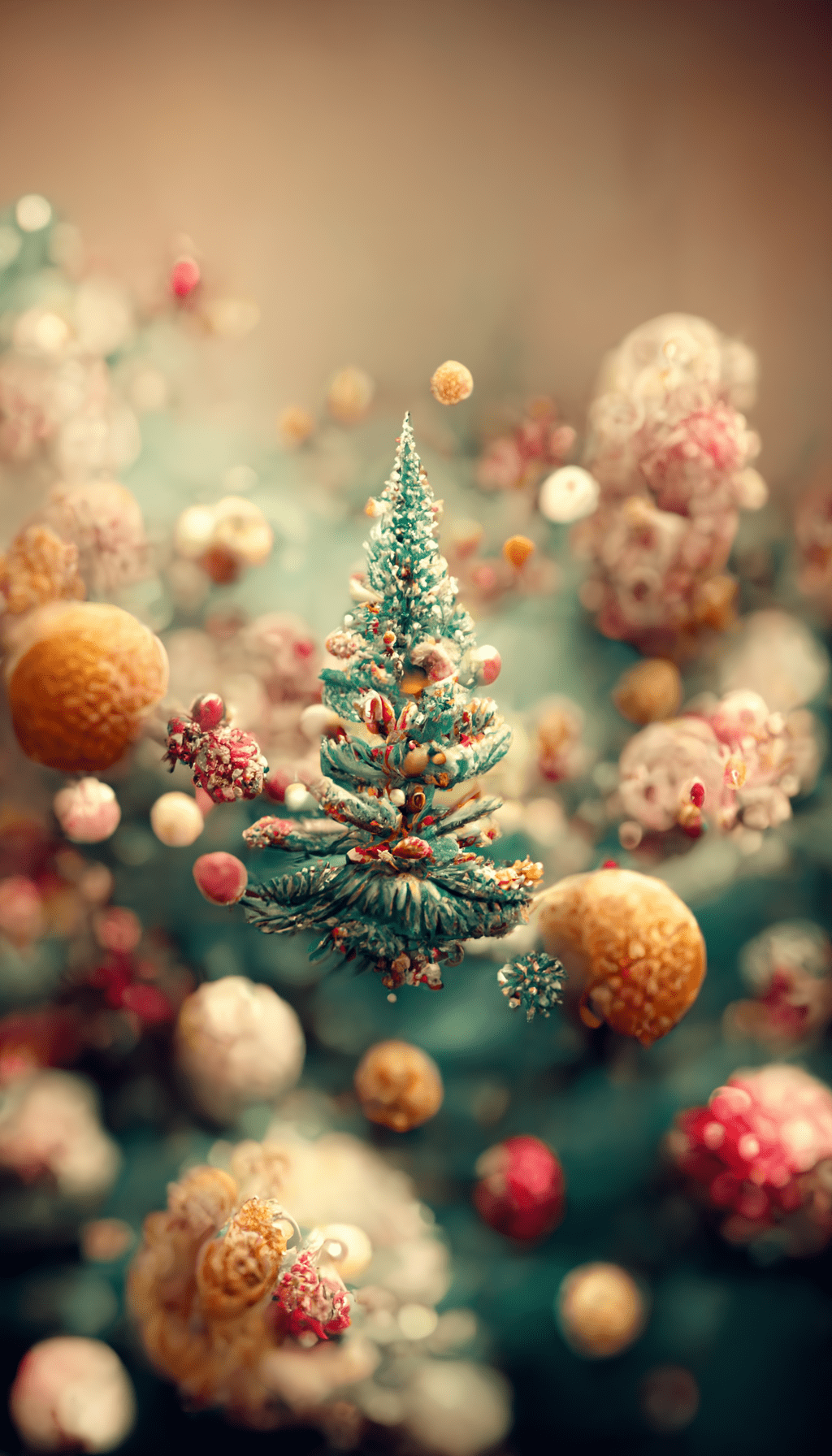
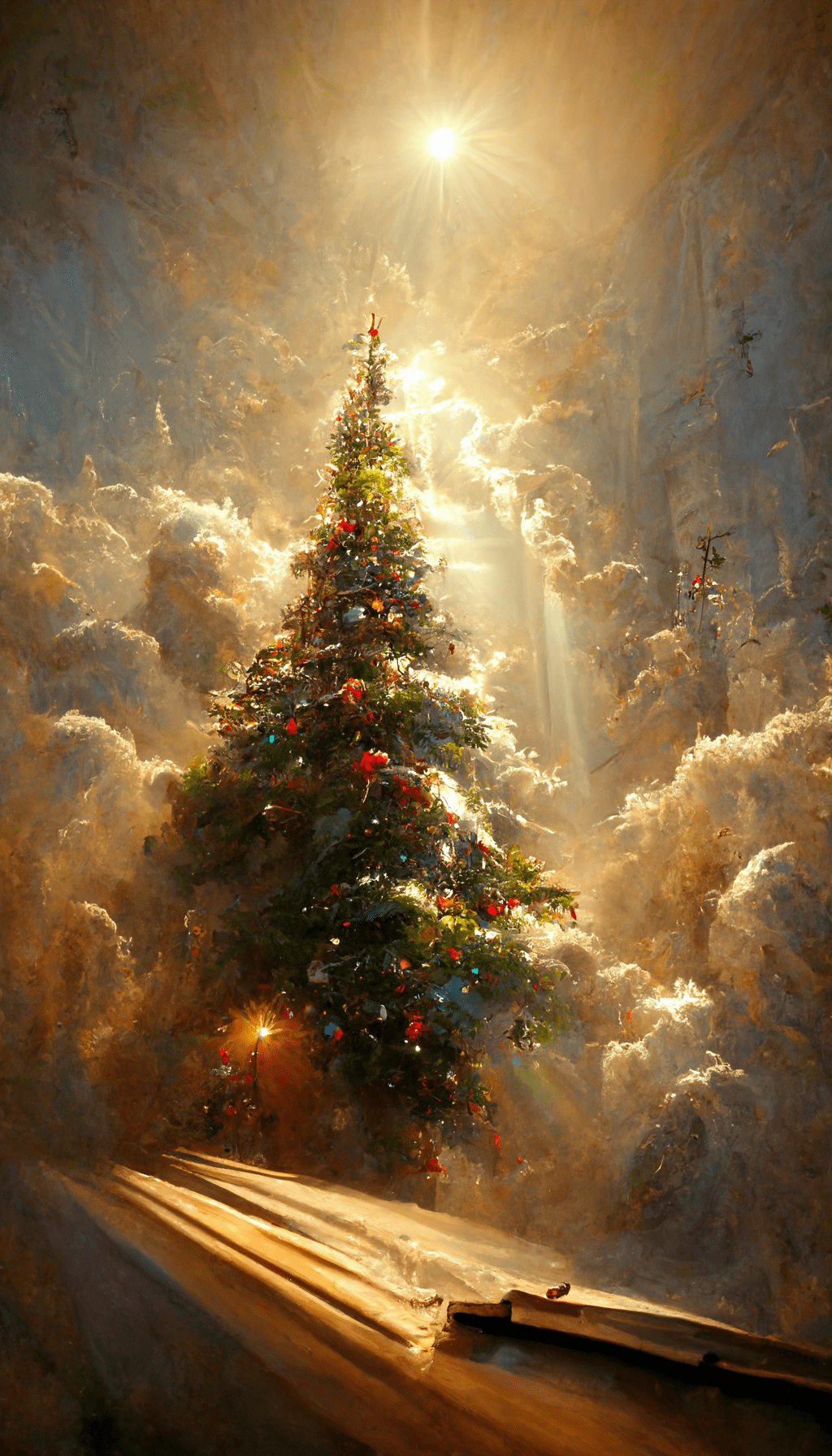
The biggest difference between a good lock-screen wallpaper and a good home-screen wallpaper is visual noise. Christmas trees, lights and detailed festive scenes can look great behind the clock, but they often compete with app icons. For a home screen, start with the calmer designs and keep the brightest part of the image away from the icon grid.
Before you save one
- Open the full-size image instead of taking a screenshot.
- Preview it on the lock screen and check whether the clock covers the main subject.
- Try the same image on the home screen. If app labels become hard to read, move the crop or choose a quieter background.
All phones crop vertical images a little differently, so a small adjustment is normal. For more cold-weather backgrounds, see the winter aesthetic iPhone wallpapers. For a wider mix of styles, browse the aesthetic wallpaper collection.
24 Christmas phone wallpapers



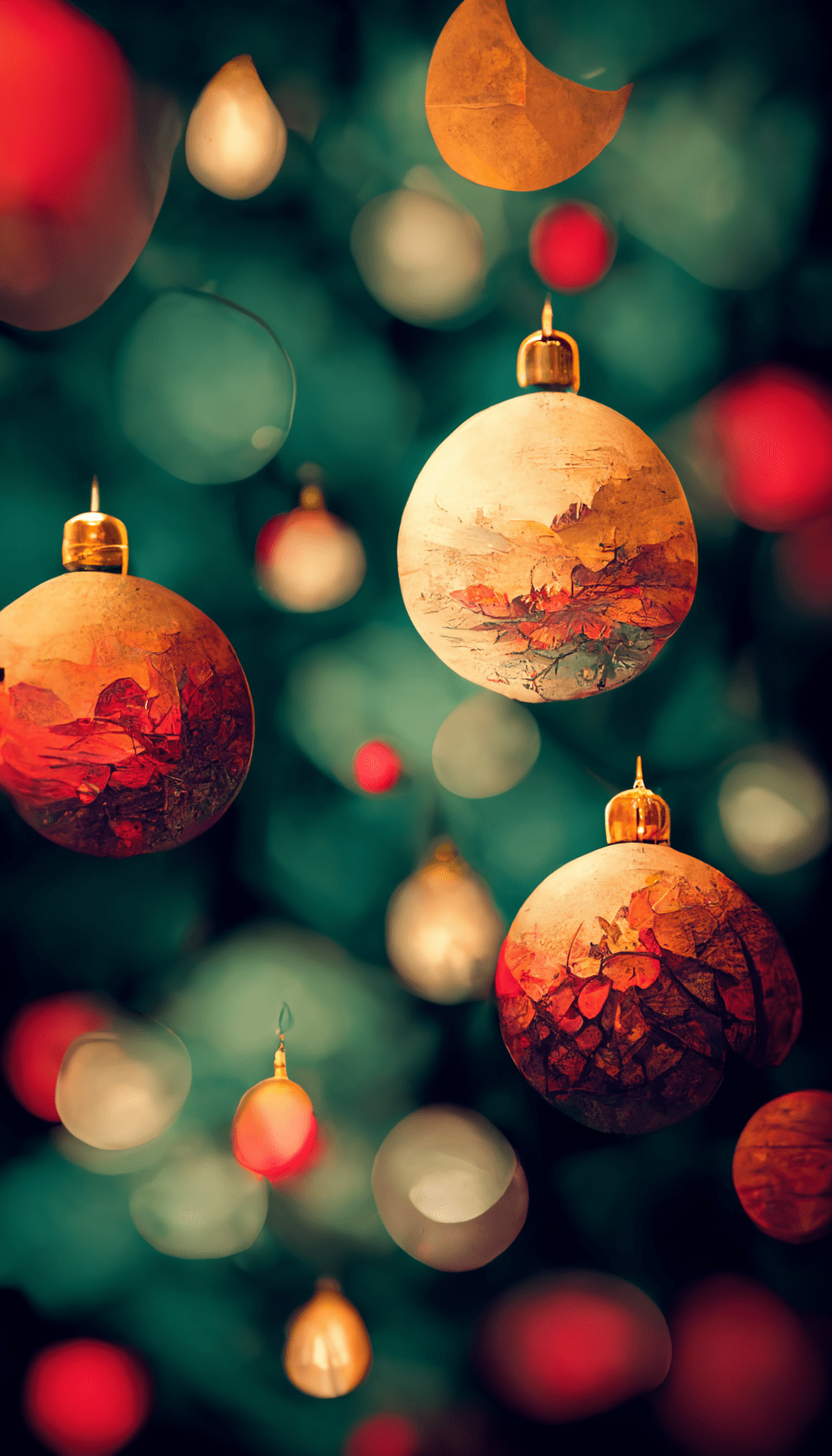


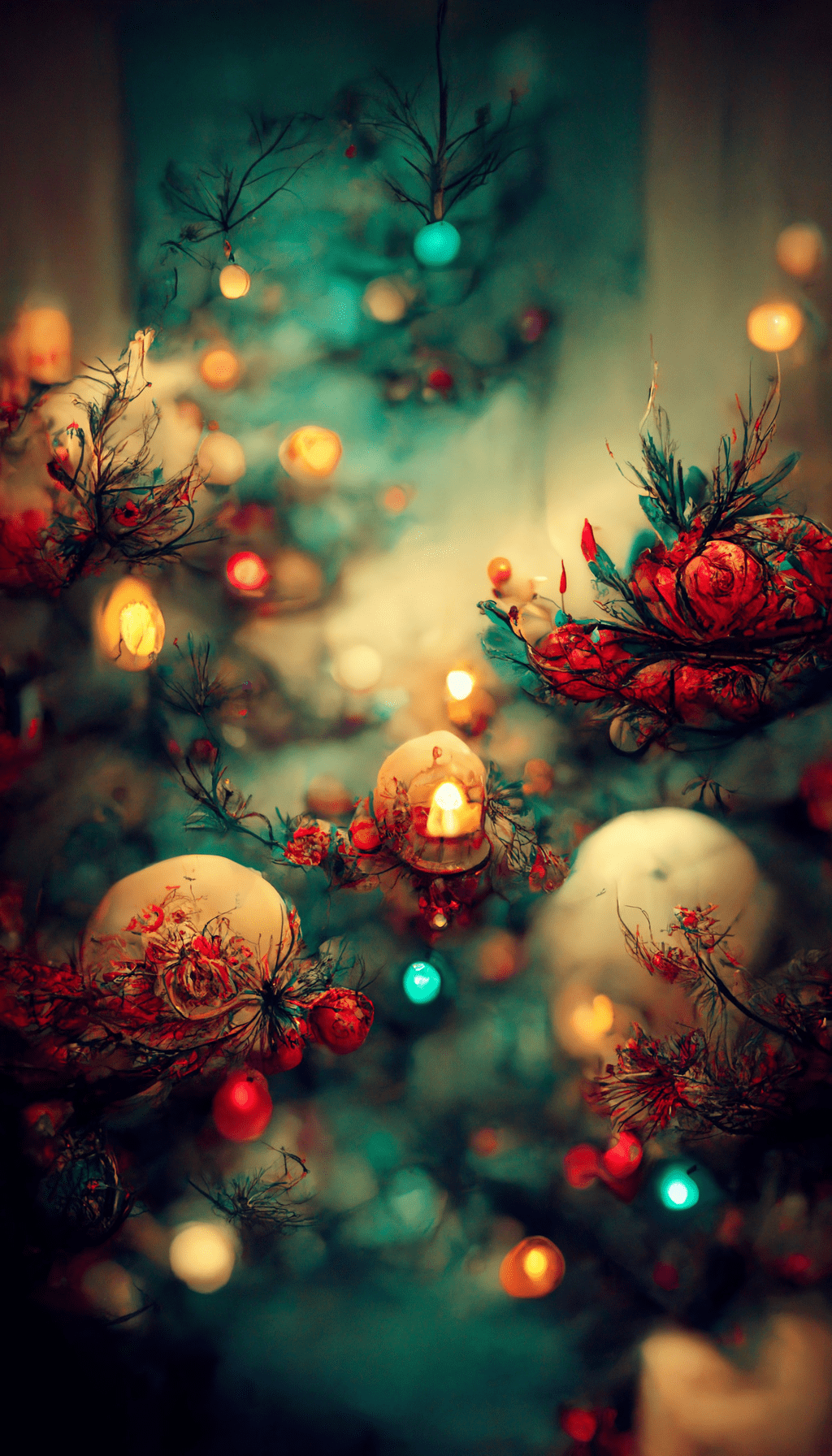
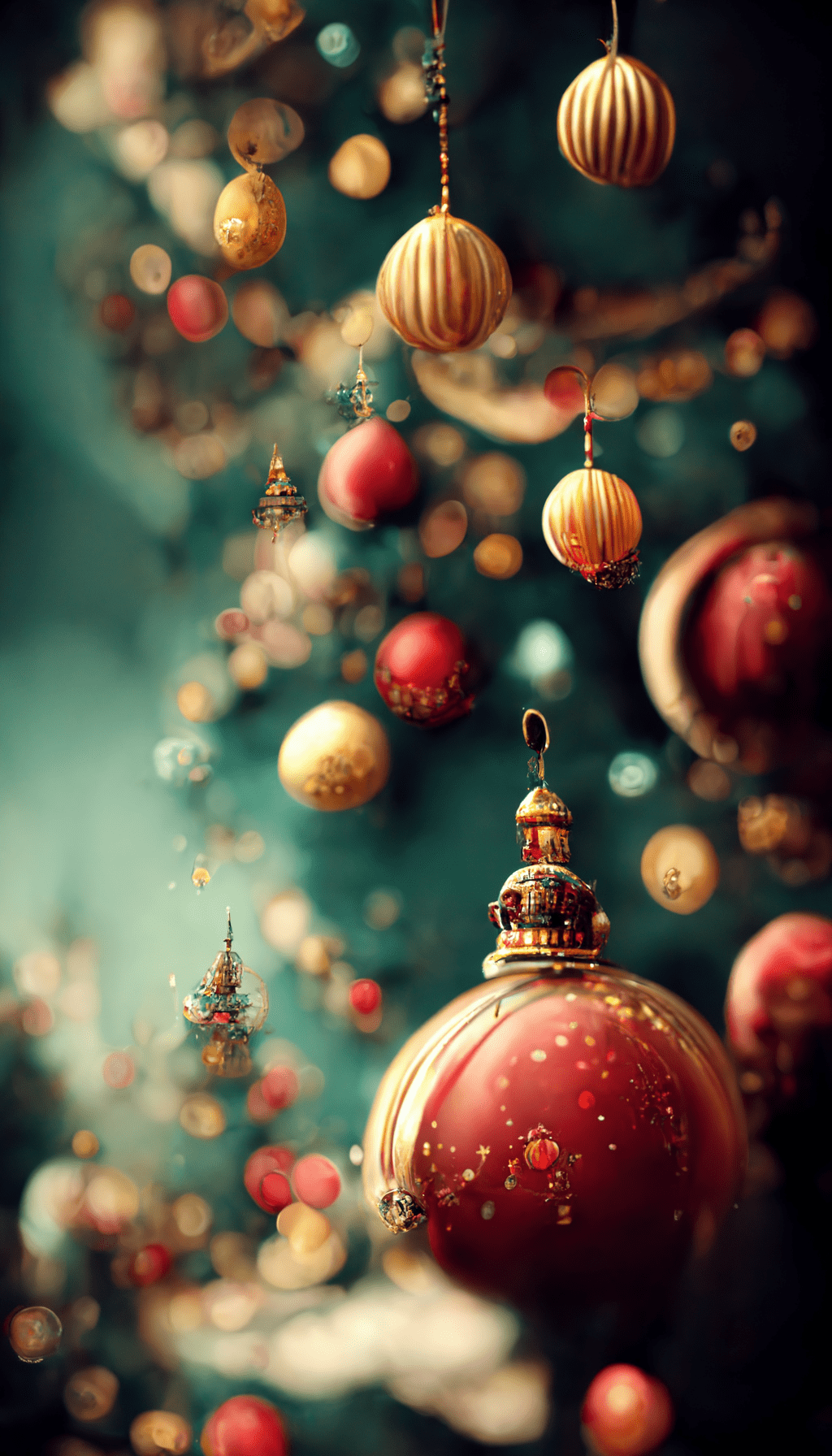
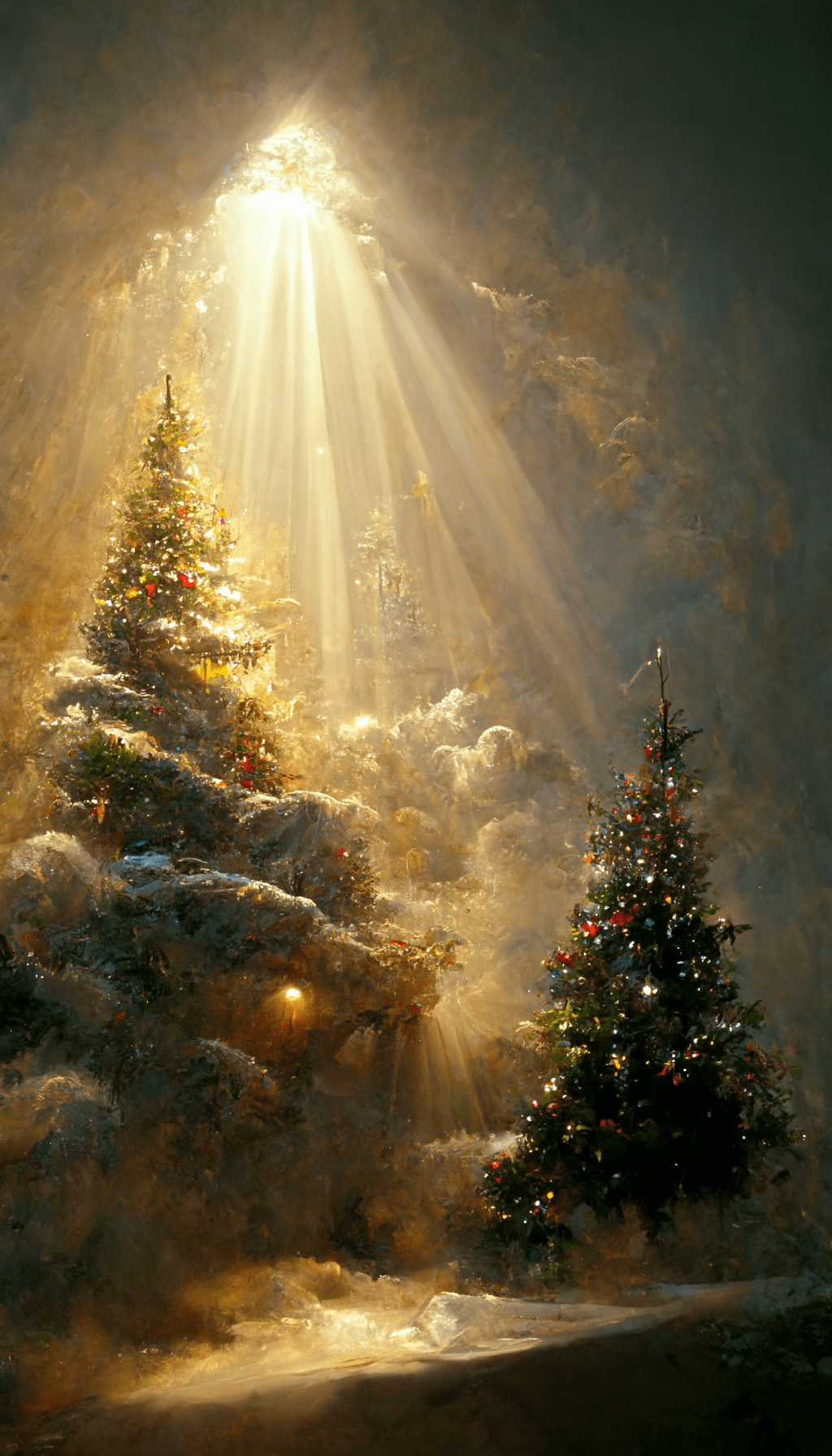

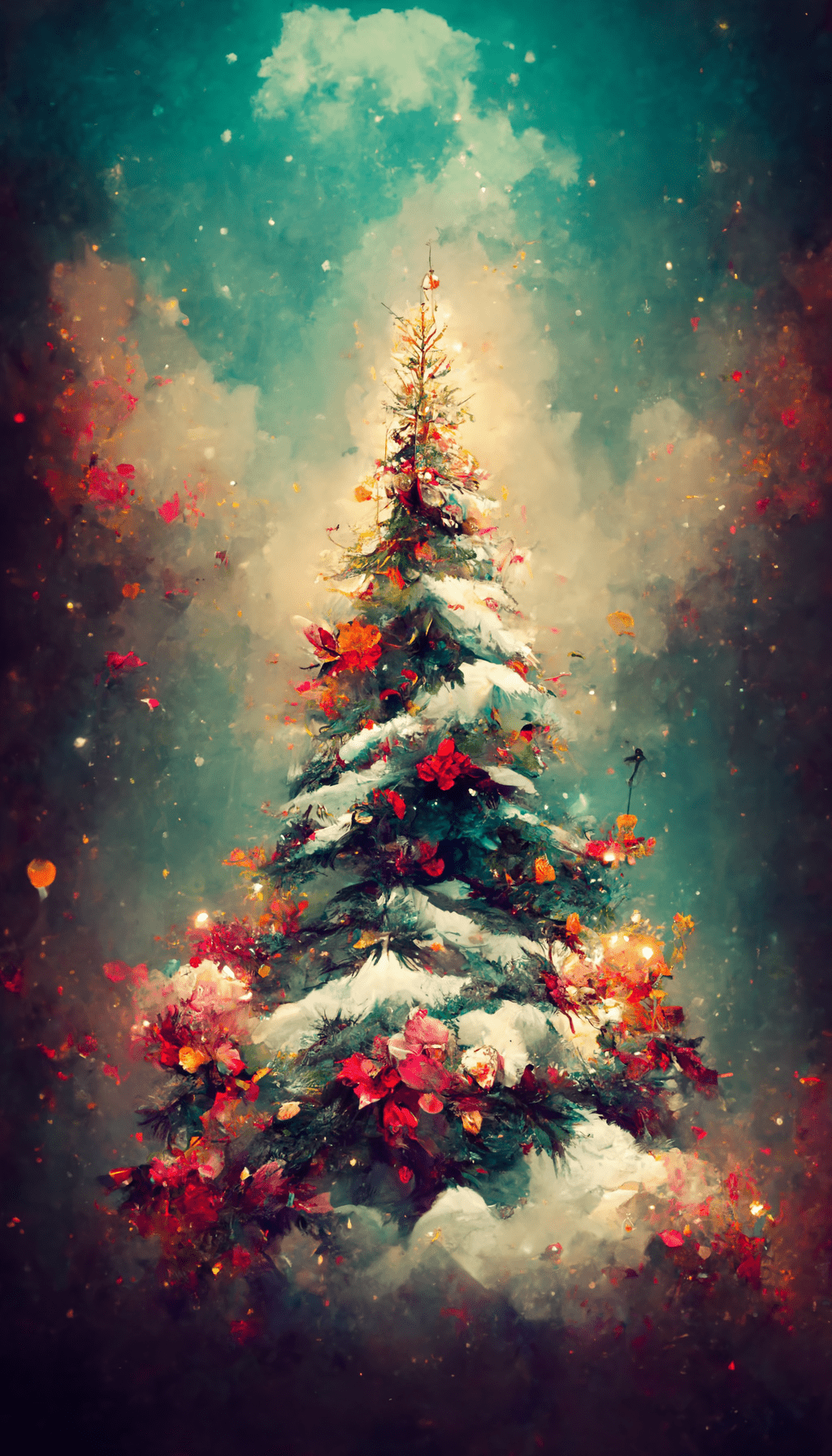
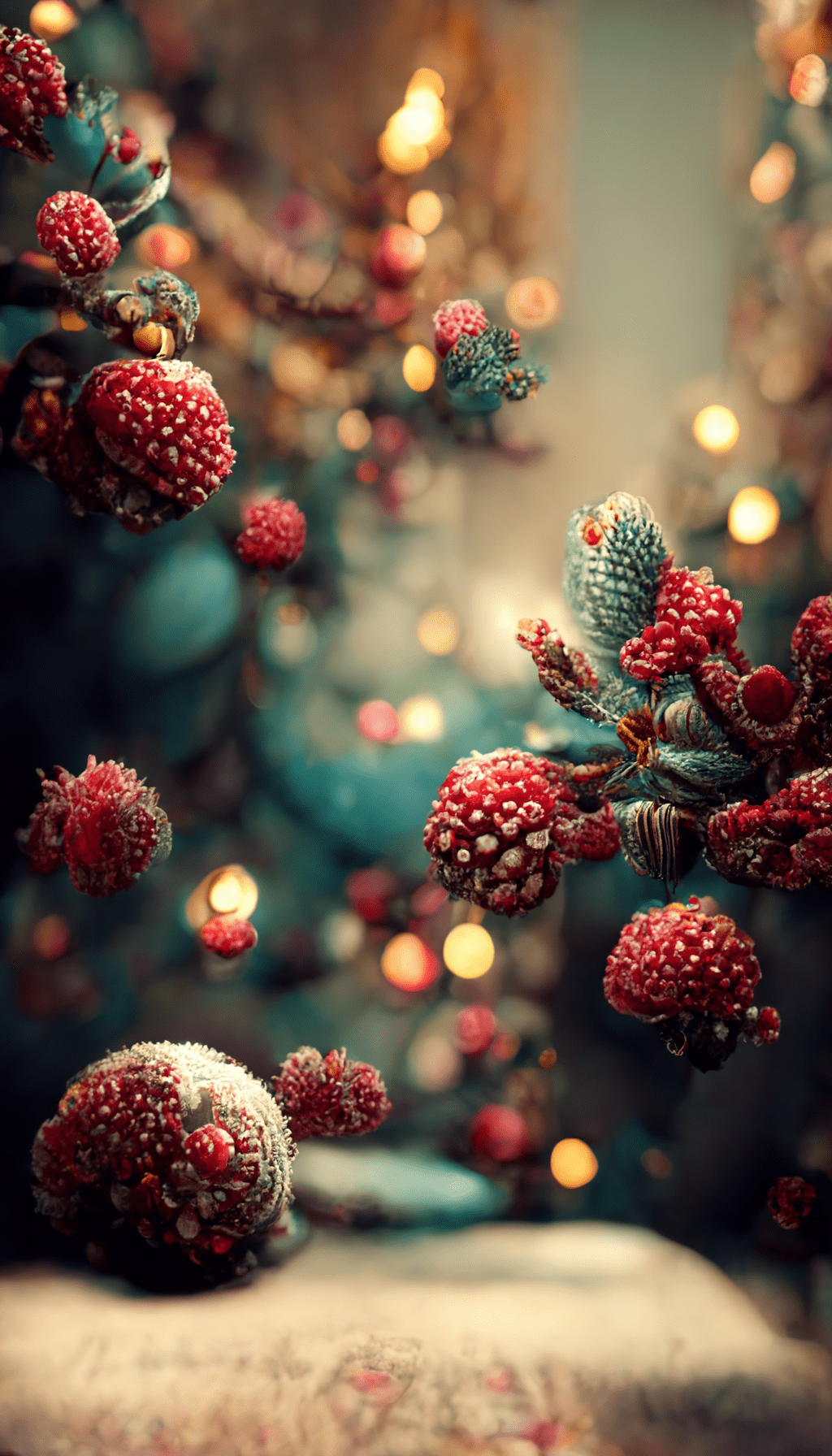
Lock screen or home screen?
Use the more detailed tree and festive-scene wallpapers on the lock screen, where the image has room to breathe. For the home screen, choose a design with darker or quieter space behind the icons. If a favorite image is too busy, slightly darkening it in your phone’s photo editor can improve icon readability without changing the artwork.

