
There are 12 landscape wallpapers here. Eleven are 2560 × 1463, while one is 2048 × 1152. The 2048 × 1152 file is exactly 16:9; the 2560 × 1463 images are slightly taller, so a monitor set to “fill” may trim a little from the top or bottom.
They are high-resolution desktop backgrounds, but they are not native 4K files. The useful question is not whether a filename says “4K”; it is whether the aspect ratio and composition work with your monitor and where you keep icons.
Choose a wallpaper around your desktop layout
| Your setup | What usually works best |
|---|---|
| Many icons on the left | A quieter left side with the main color or detail pushed right |
| Clean desktop | Brighter or more graphic wallpaper can become the focal point |
| Important edge detail | Use “Fit” so the whole image remains visible |
| You dislike borders | Use “Fill” and accept a small crop where necessary |
If your desktop is crowded with folders and shortcuts, start with the darker or simpler nature images. For a different look, browse the broader aesthetic wallpaper collection or the 90s anime desktop set.
12 minimalist desktop wallpapers
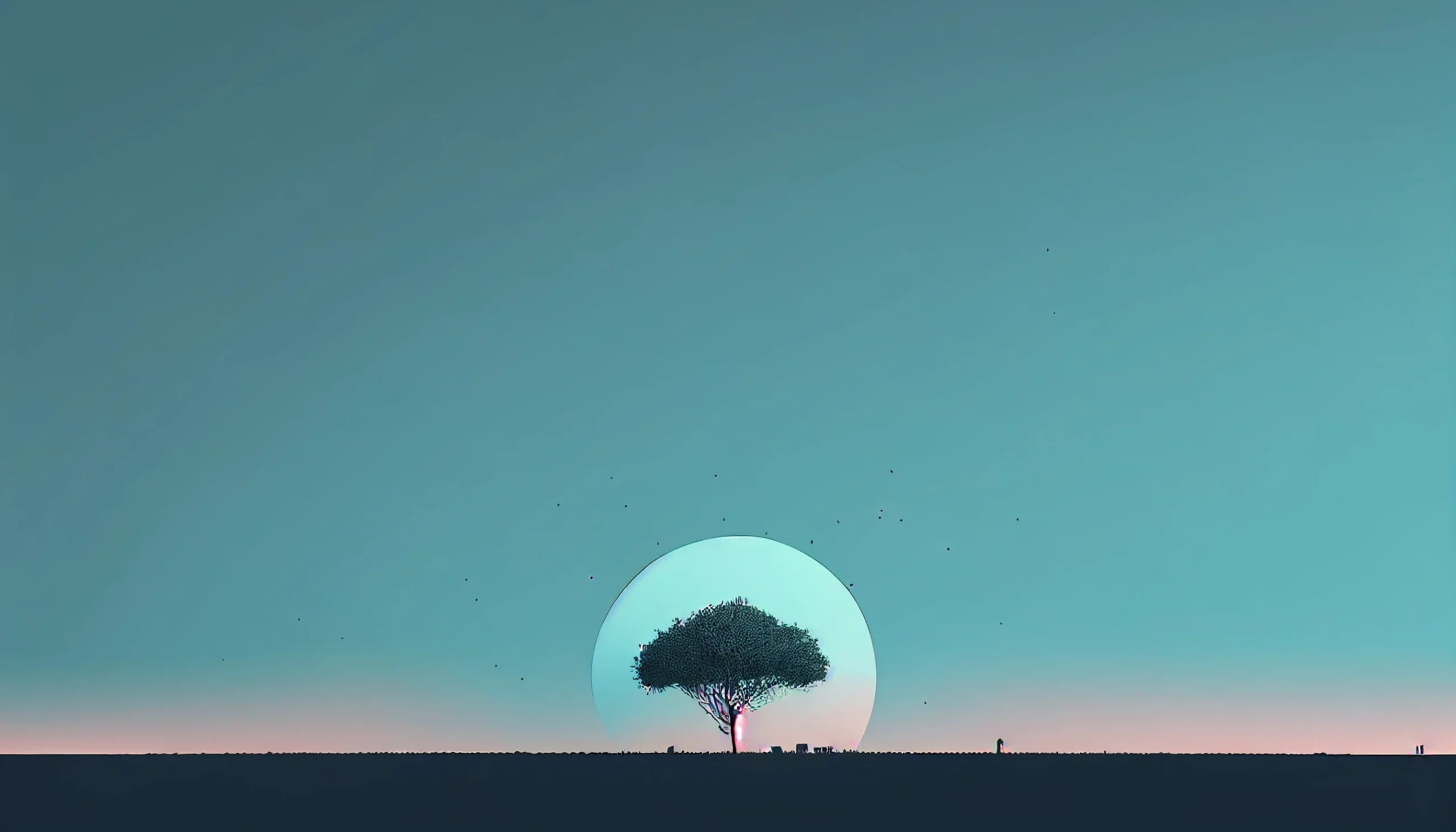
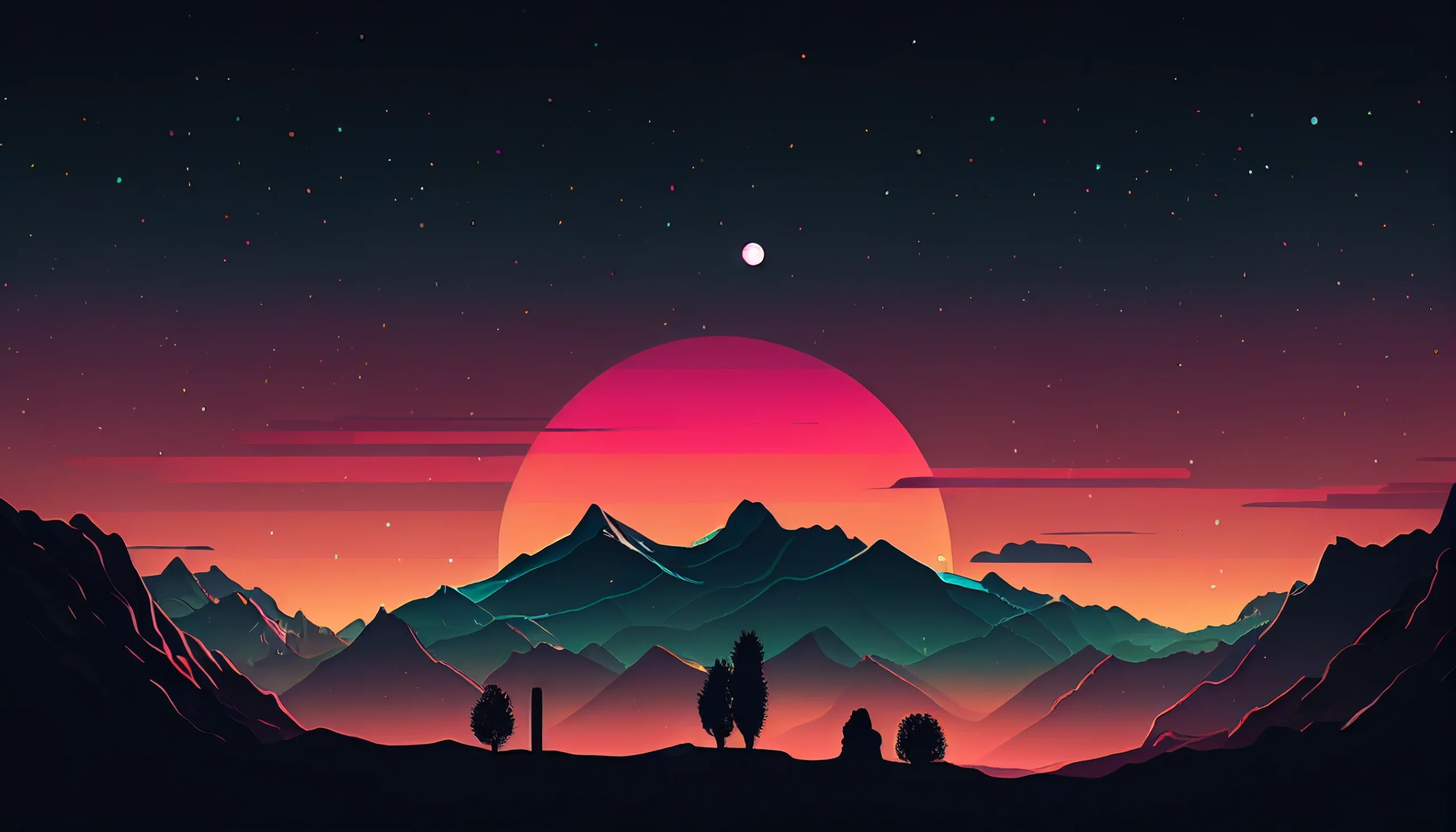
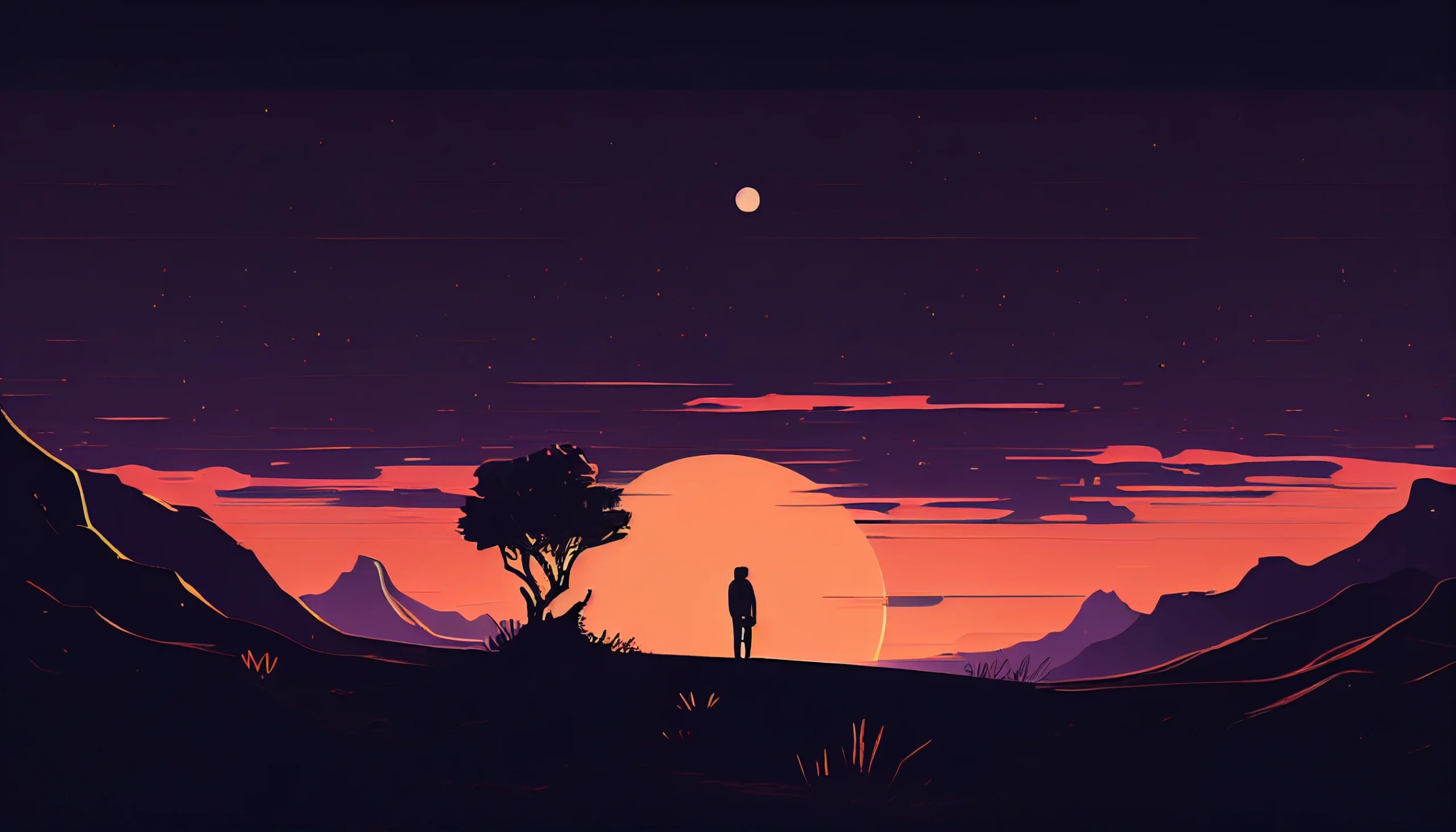
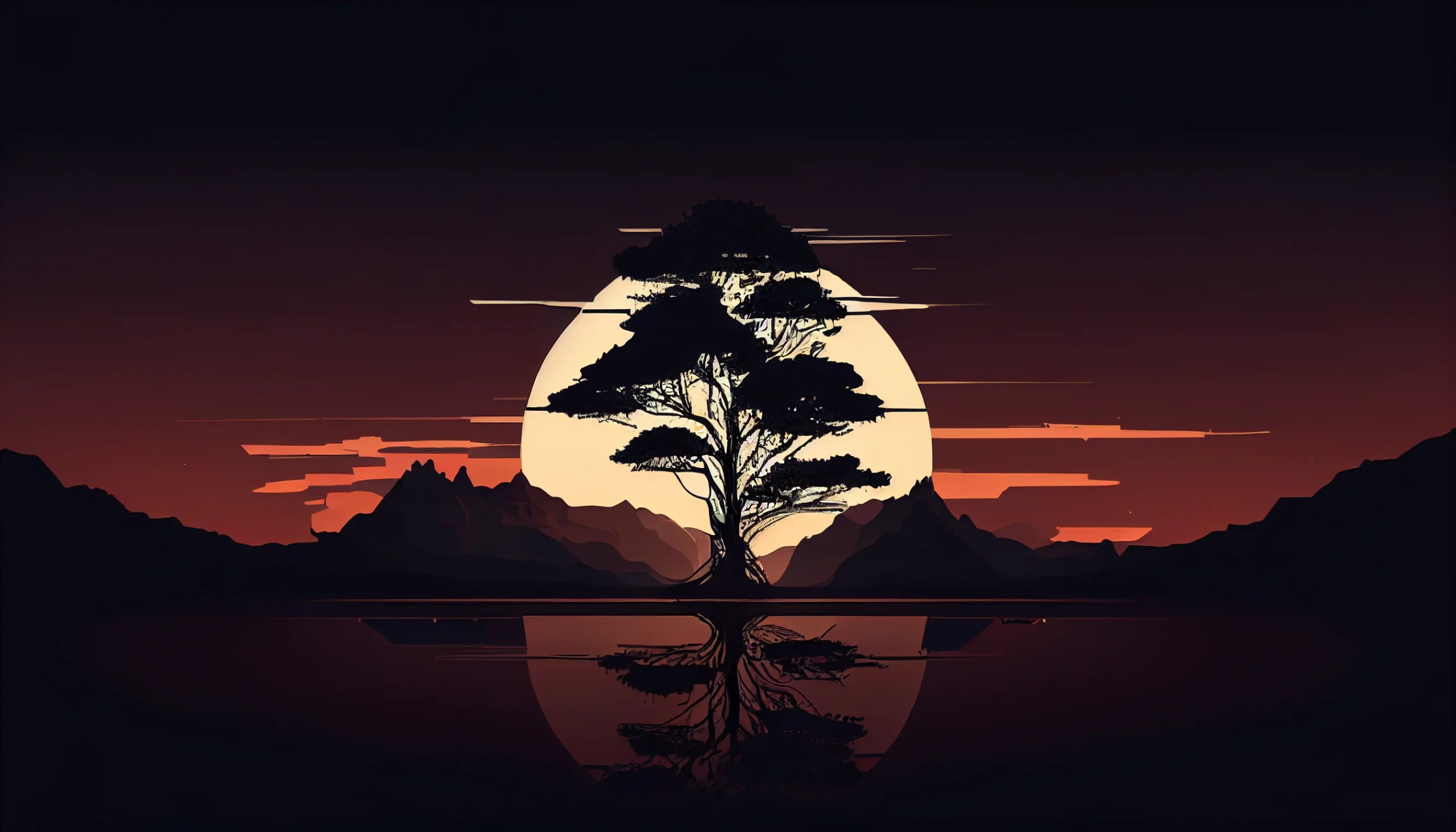
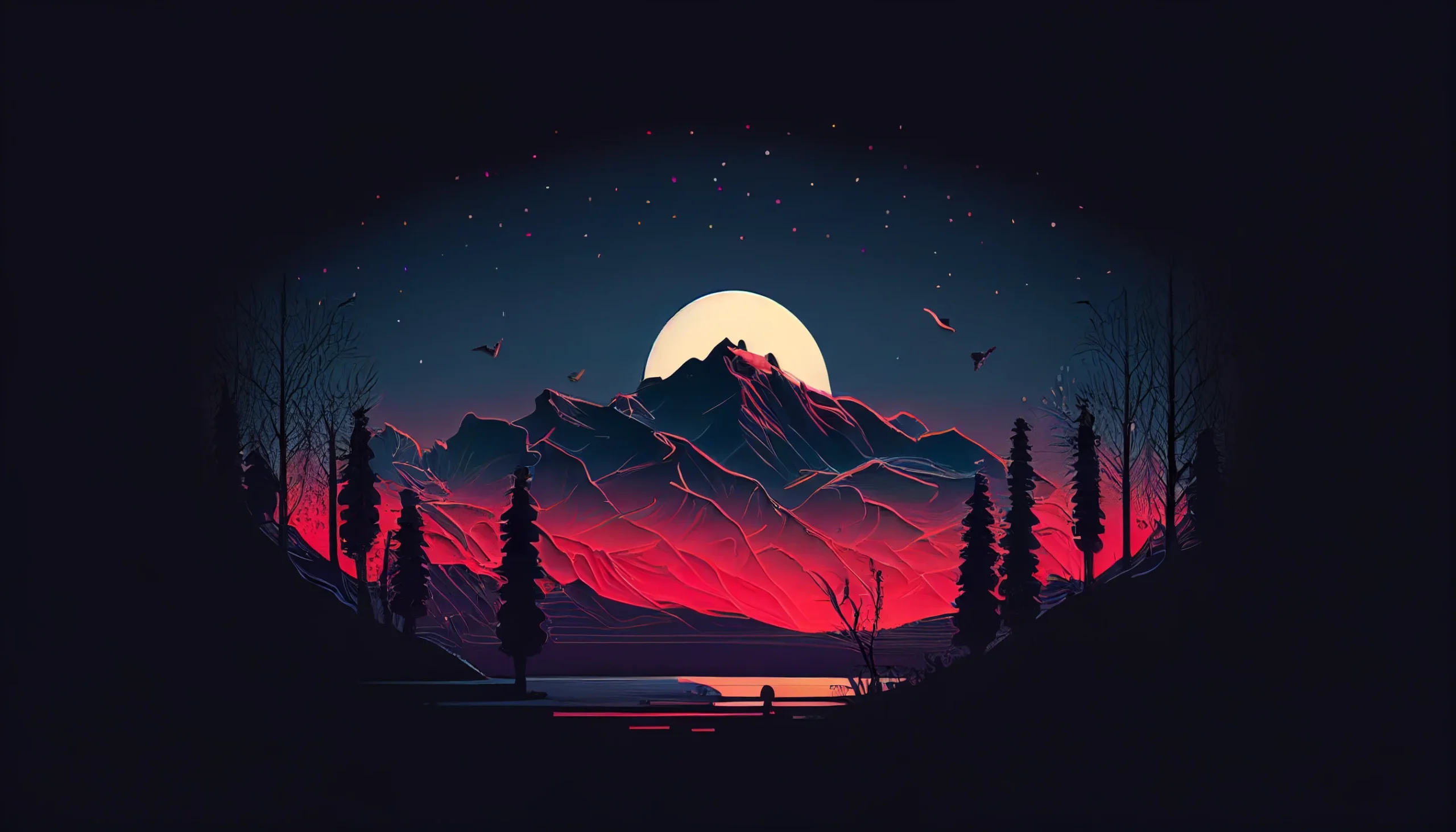
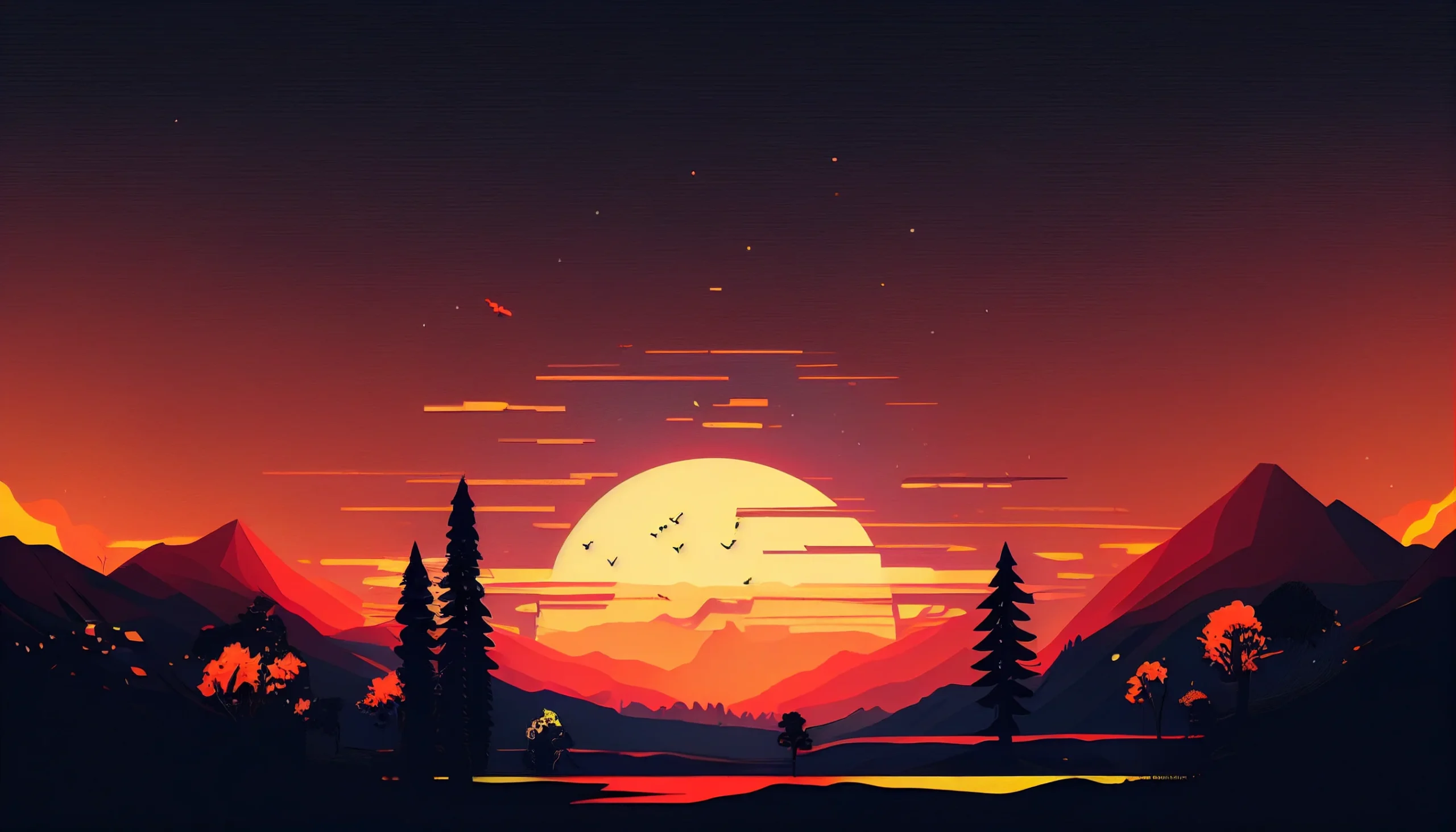

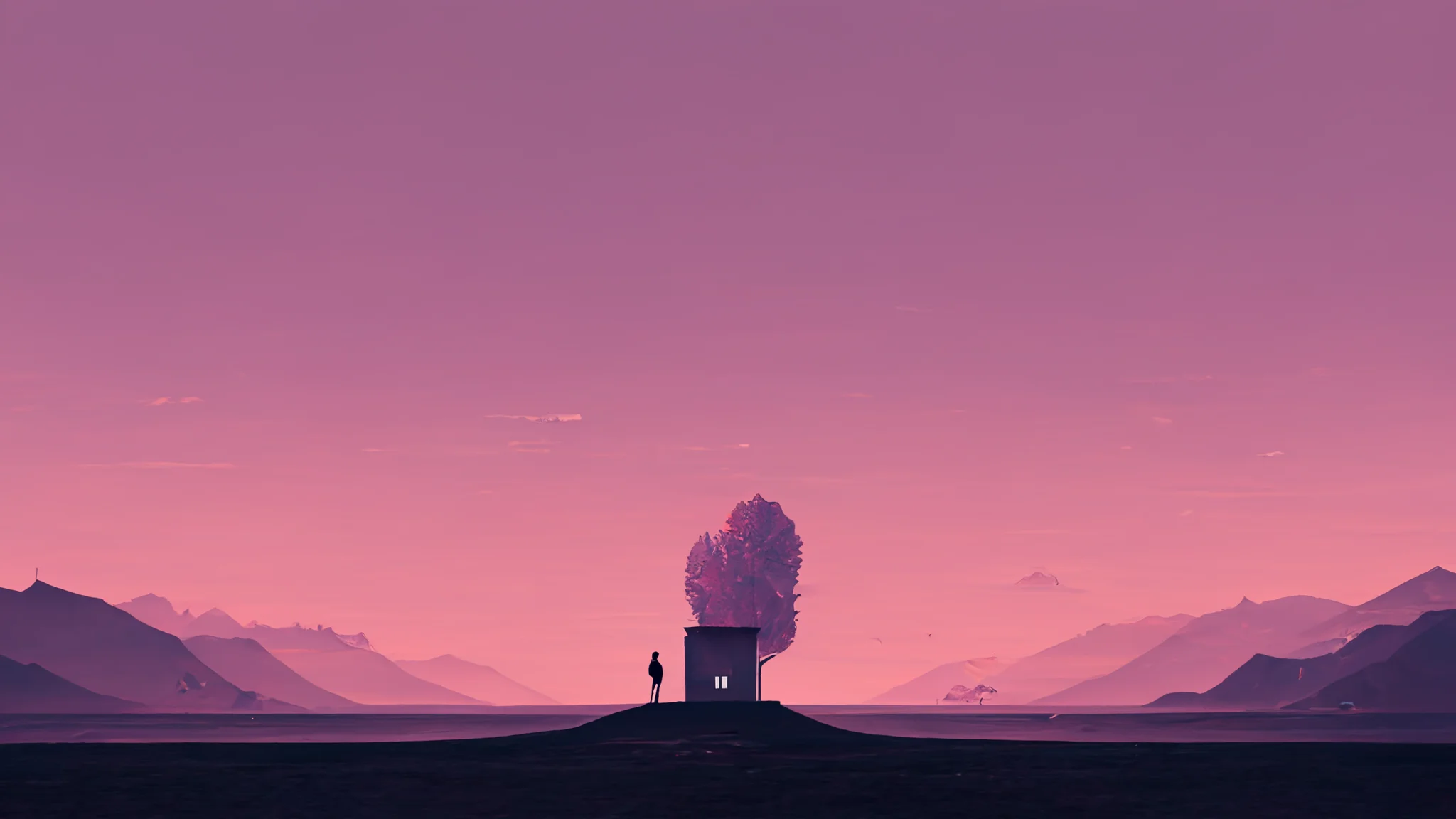
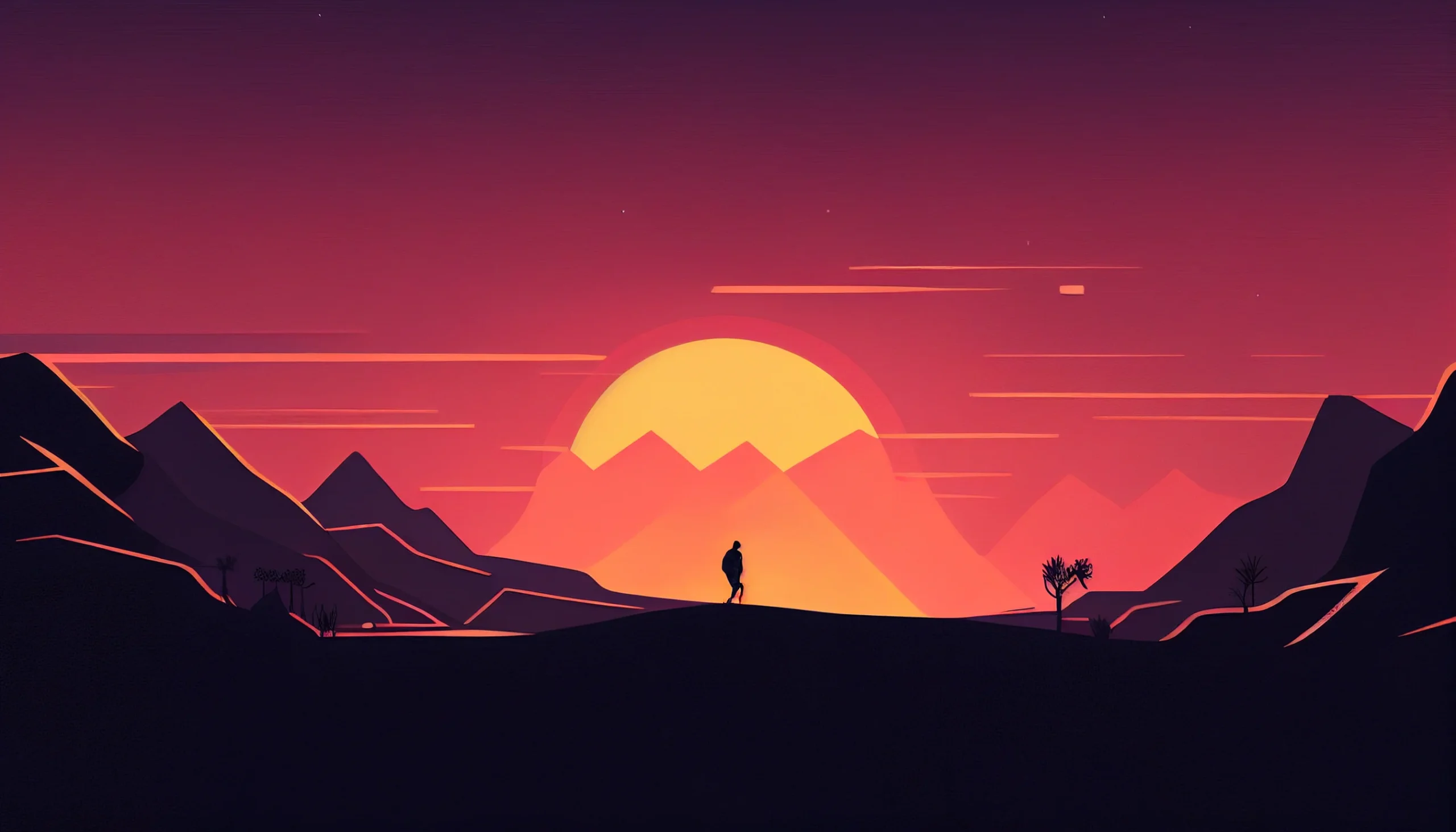
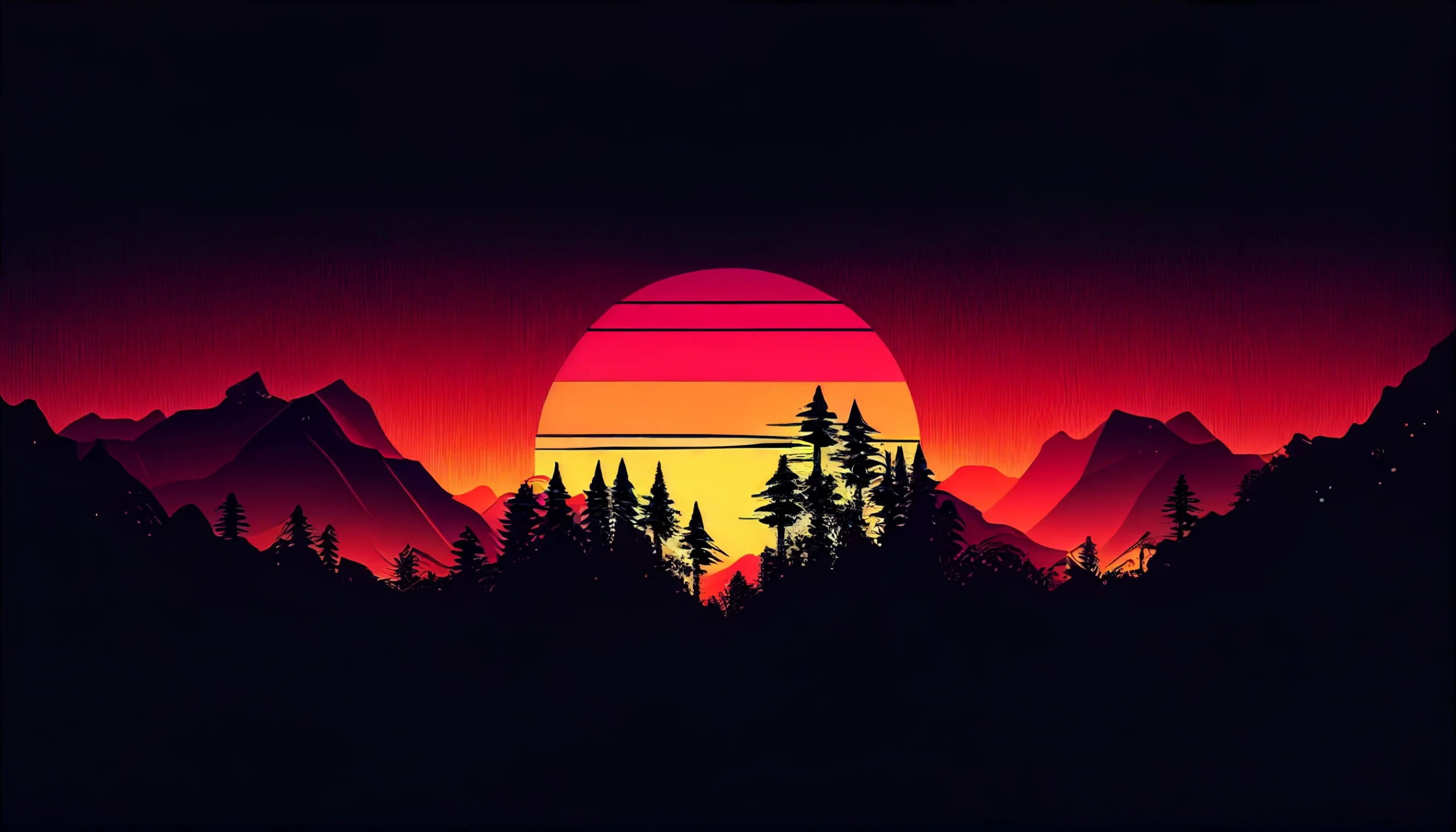
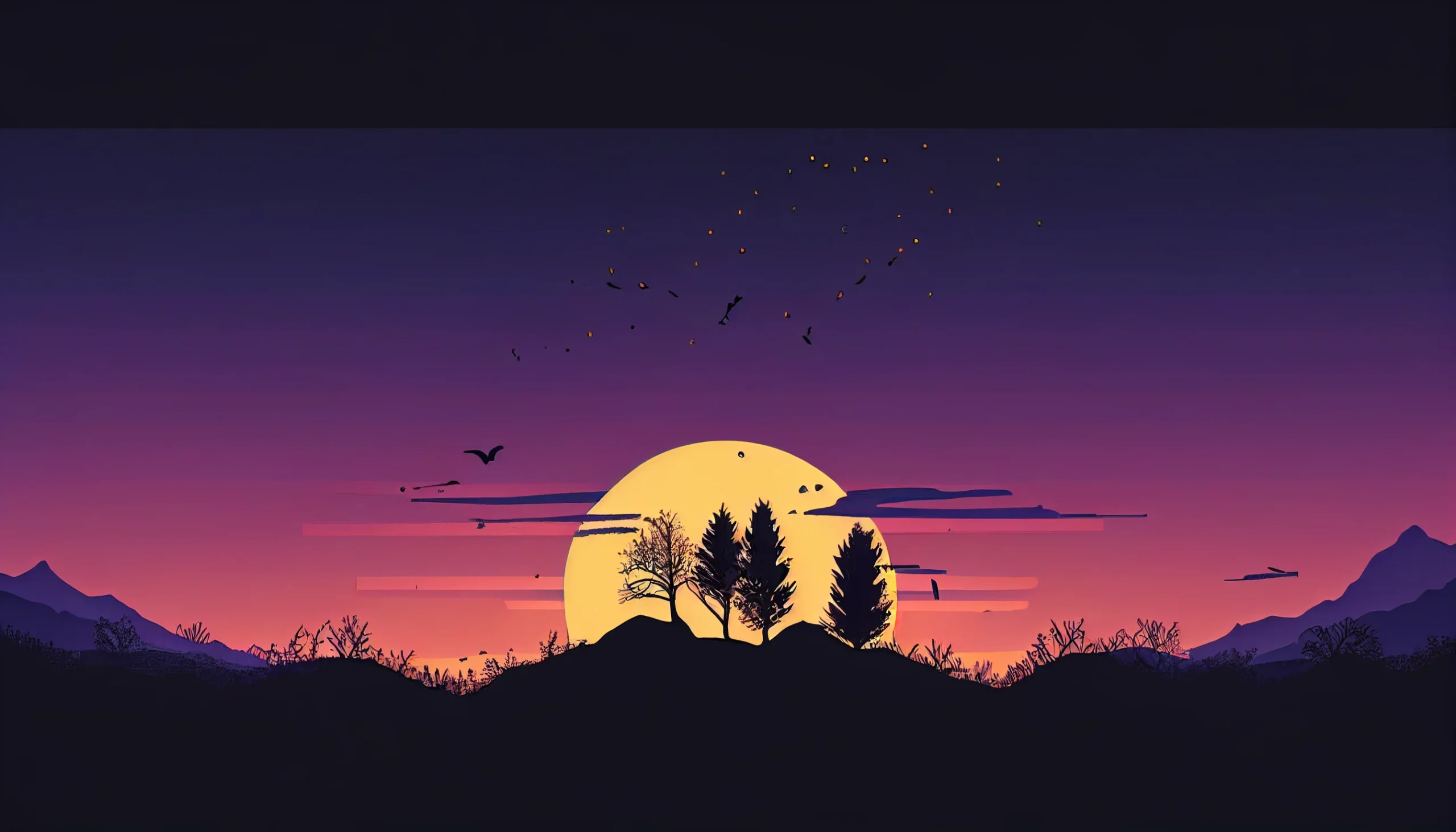
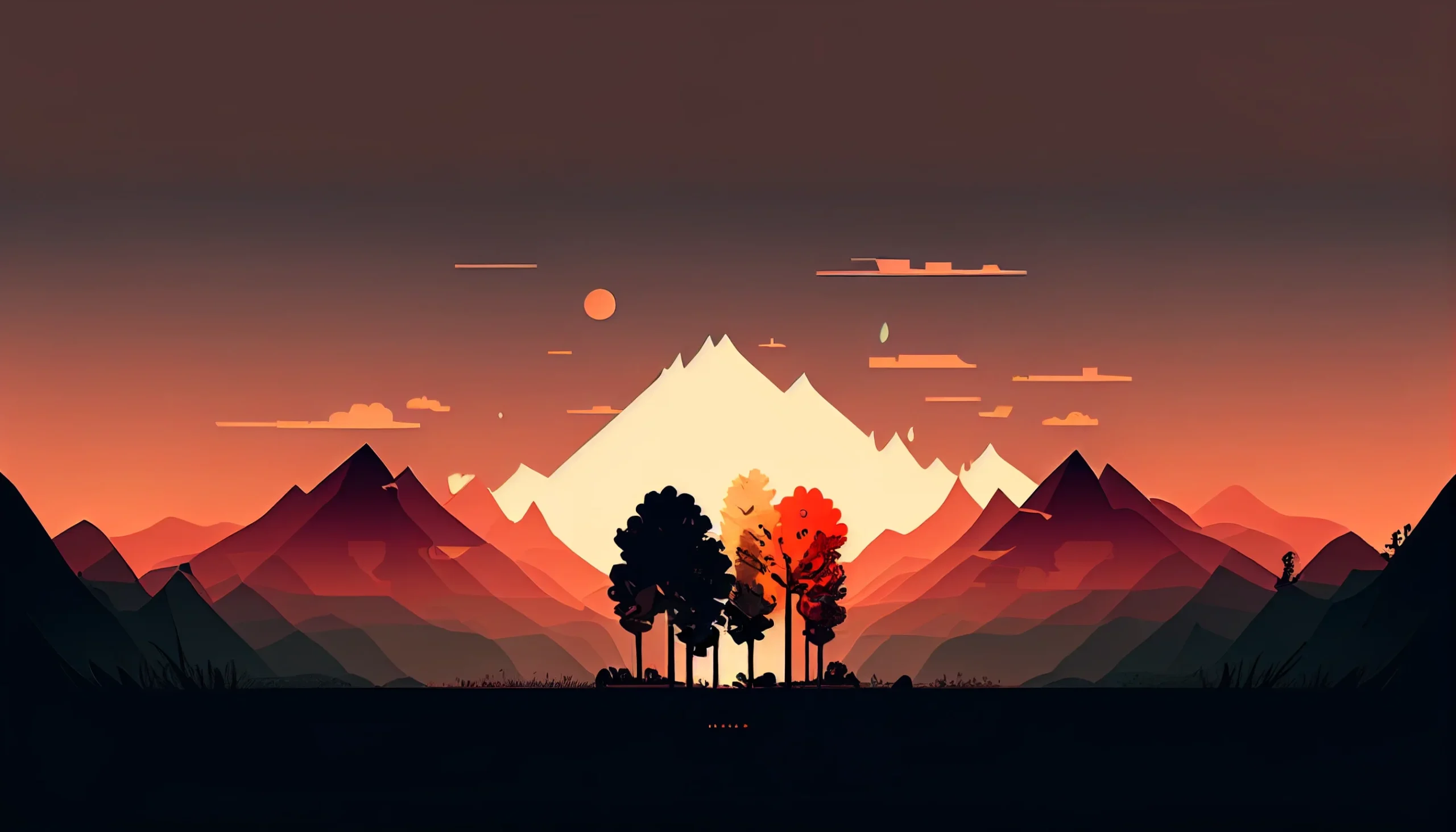
Open the full-size file before you save it
Each wallpaper above now links directly to the original image file. Click the design you want, save that full-size version, then set it as your desktop background. This avoids saving a smaller browser preview or taking a screenshot.
- Click the wallpaper to open the original file.
- Save it to your computer.
- Set it as your desktop background and compare “Fit” with “Fill.”
- Check the areas where your icons, taskbar, Dock or system controls sit.
If a bright detail makes labels difficult to read, switch to another image rather than trying to force the same design to work everywhere. A wallpaper that looks striking by itself can still be a poor working desktop if it competes with everything on top of it.

