
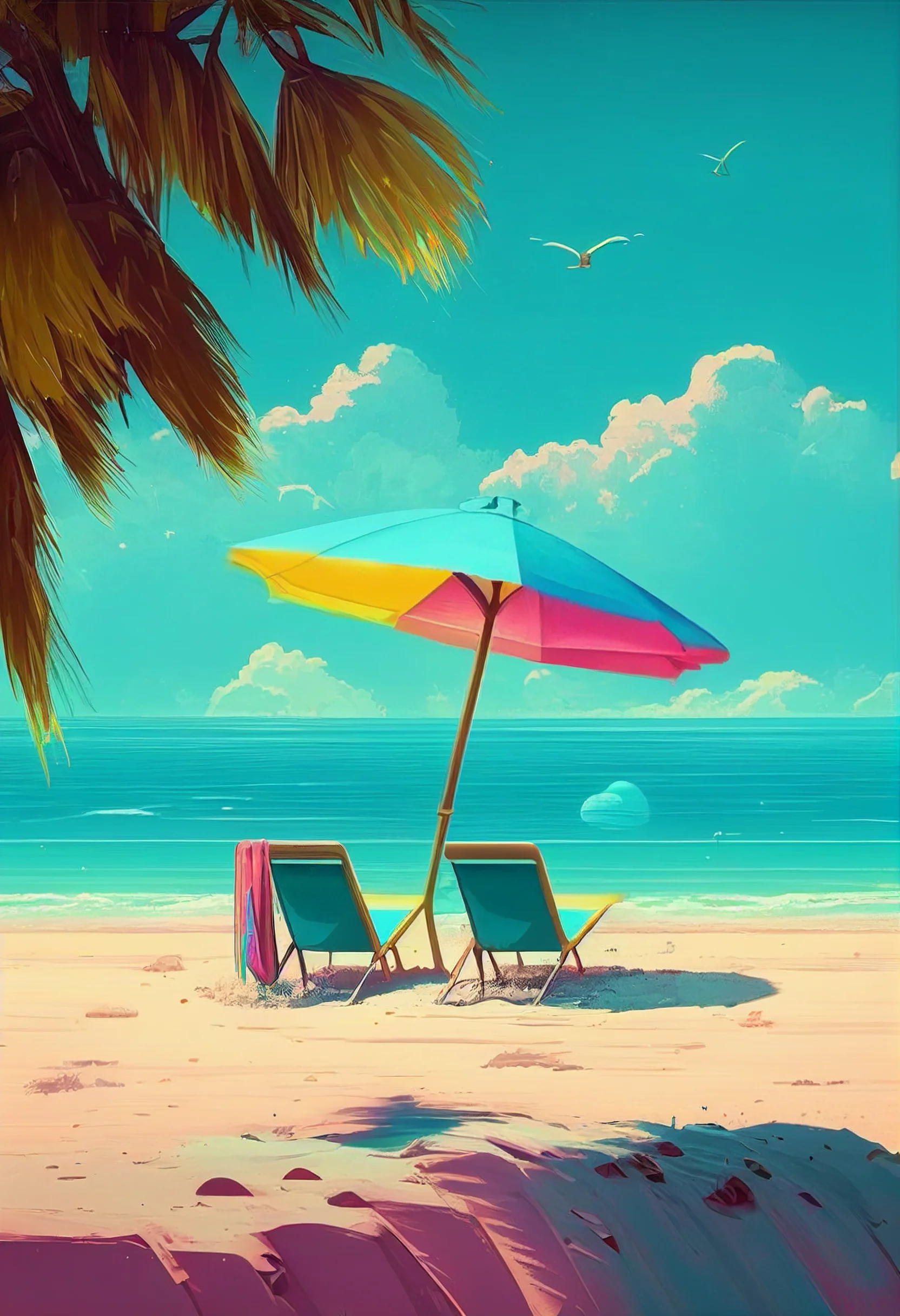
All 20 summer wallpapers here are 1664 × 2432 portrait files. The set leans toward beach light, tropical greens, watercolor textures and bright seasonal scenes rather than one single visual style.
For a Home Screen, the watercolor and softer tropical images are the easiest to live with because icon labels stay readable. The brighter beach scenes make stronger Lock Screens, especially when the horizon sits below the clock area. These are high-resolution phone backgrounds, but they are not native 4K files.
Open the full-size image before saving it and check the crop preview on your device. If the subject is being cut off, move the image vertically rather than stretching it. For related sets, browse the landscape, aesthetic and pastel wallpaper pages.
Choose a summer wallpaper that works with your screen
A wallpaper can look great by itself and still fail once the clock, widgets and app icons sit on top of it. Before saving several files, decide where you want to use the image:
- Lock Screen: choose a beach, sky or bright scenic image with a relatively quiet upper area. That leaves breathing room around the clock and widgets.
- Home Screen: start with watercolor, foliage or a softer image with fewer hard edges. Busy detail behind every icon makes labels and notification badges harder to scan.
- Matching pair: use the more dramatic image on the Lock Screen and a calmer image from the same color family behind your apps.
How to test the crop before keeping it
- Open the image at full size rather than saving a thumbnail or screenshot.
- Preview it as a wallpaper and look first at the clock, Dynamic Island/notch area and bottom shortcuts.
- Move the crop up or down if a face, horizon, palm leaf or other focal point lands under interface elements.
- Check the Home Screen separately. An image that works behind the clock may be too busy behind four rows of icons.
- Keep the original file if you want to try another crop later; repeated screenshots reduce quality and lock in the wrong framing.
Quick diagnostic: if you notice the wallpaper before you can find an app, it is probably better as a Lock Screen. If the clock disappears into a bright sky or pale watercolor area, reposition the image rather than adding unnecessary filters.
20 summer iPhone wallpapers
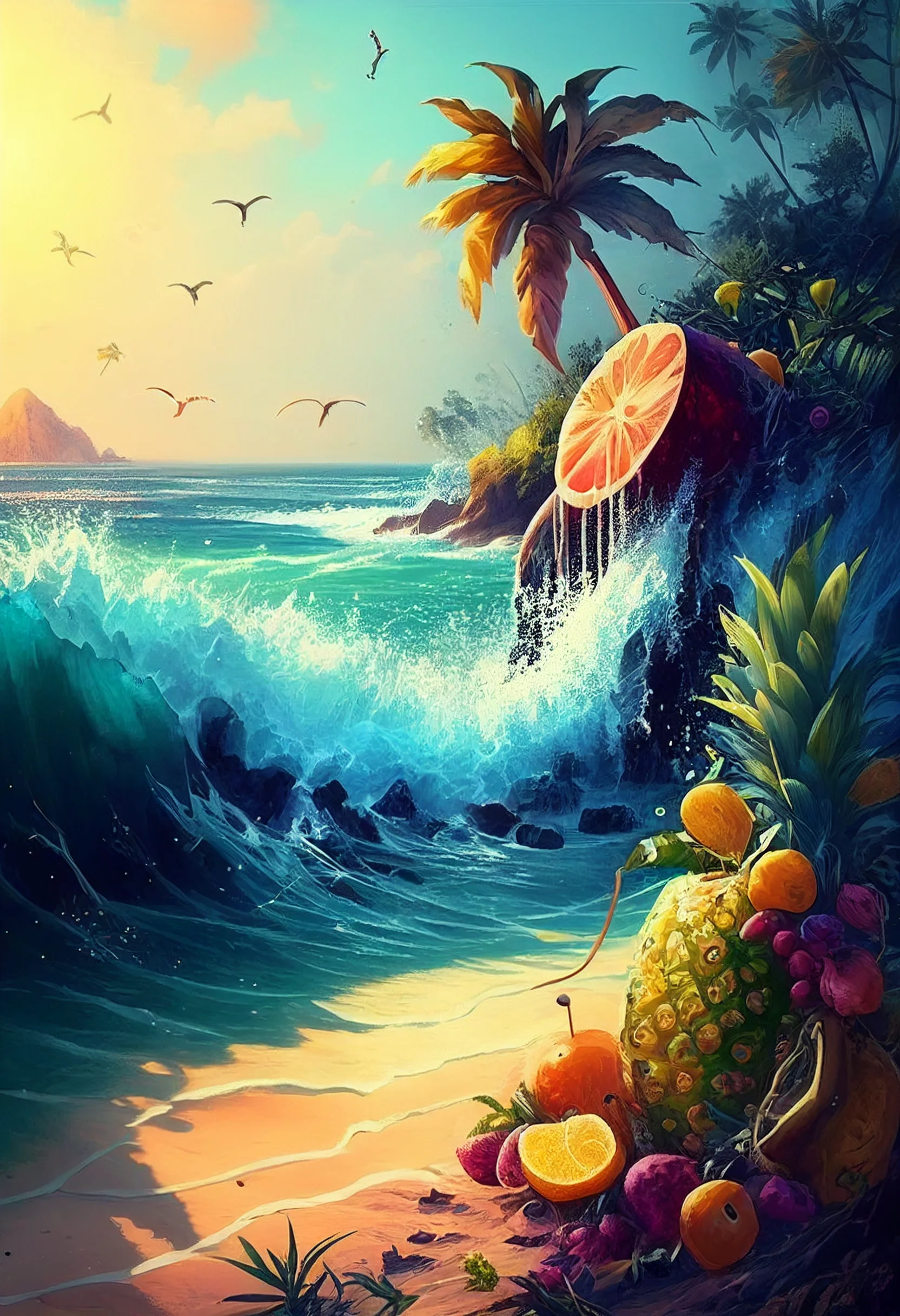
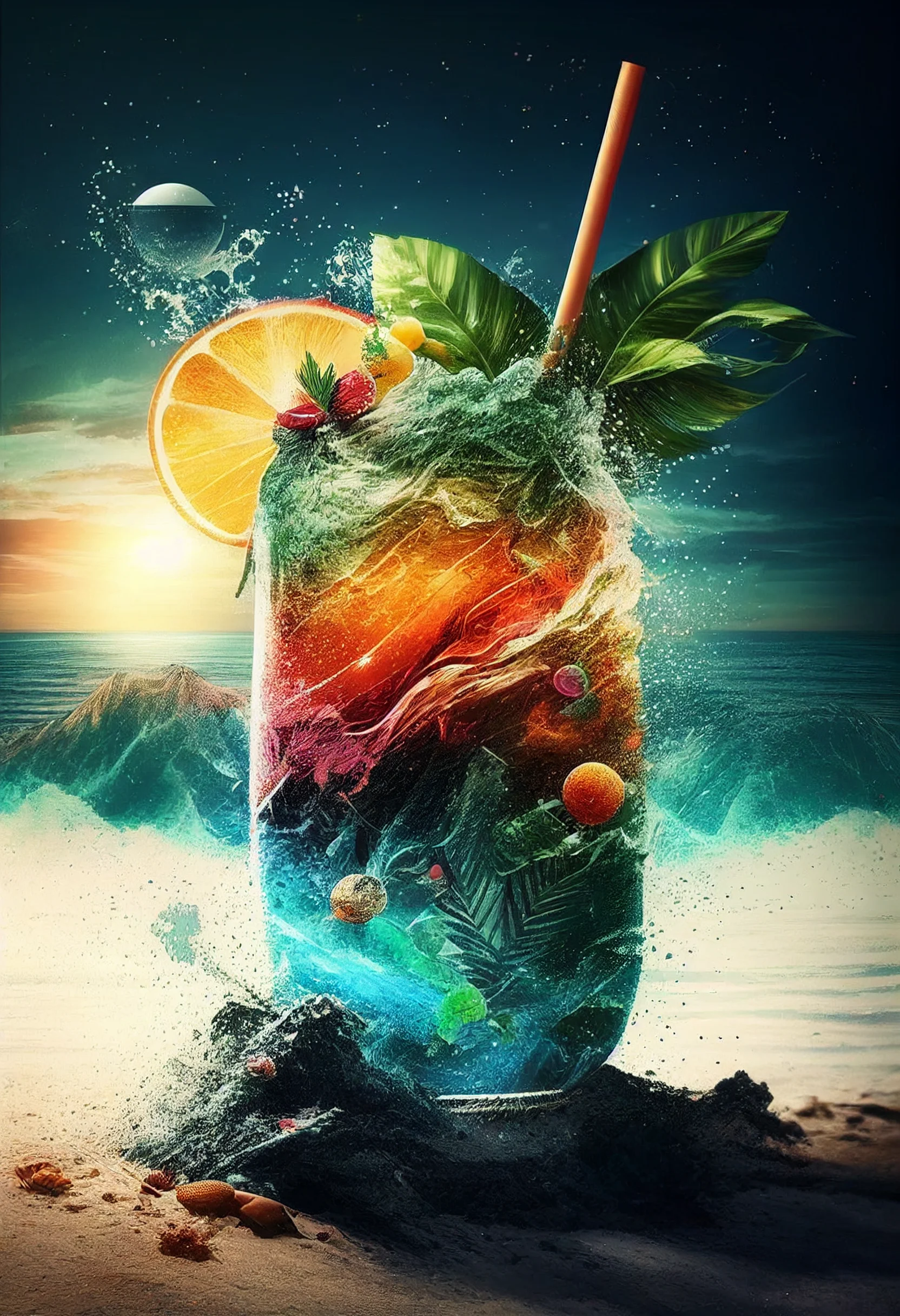
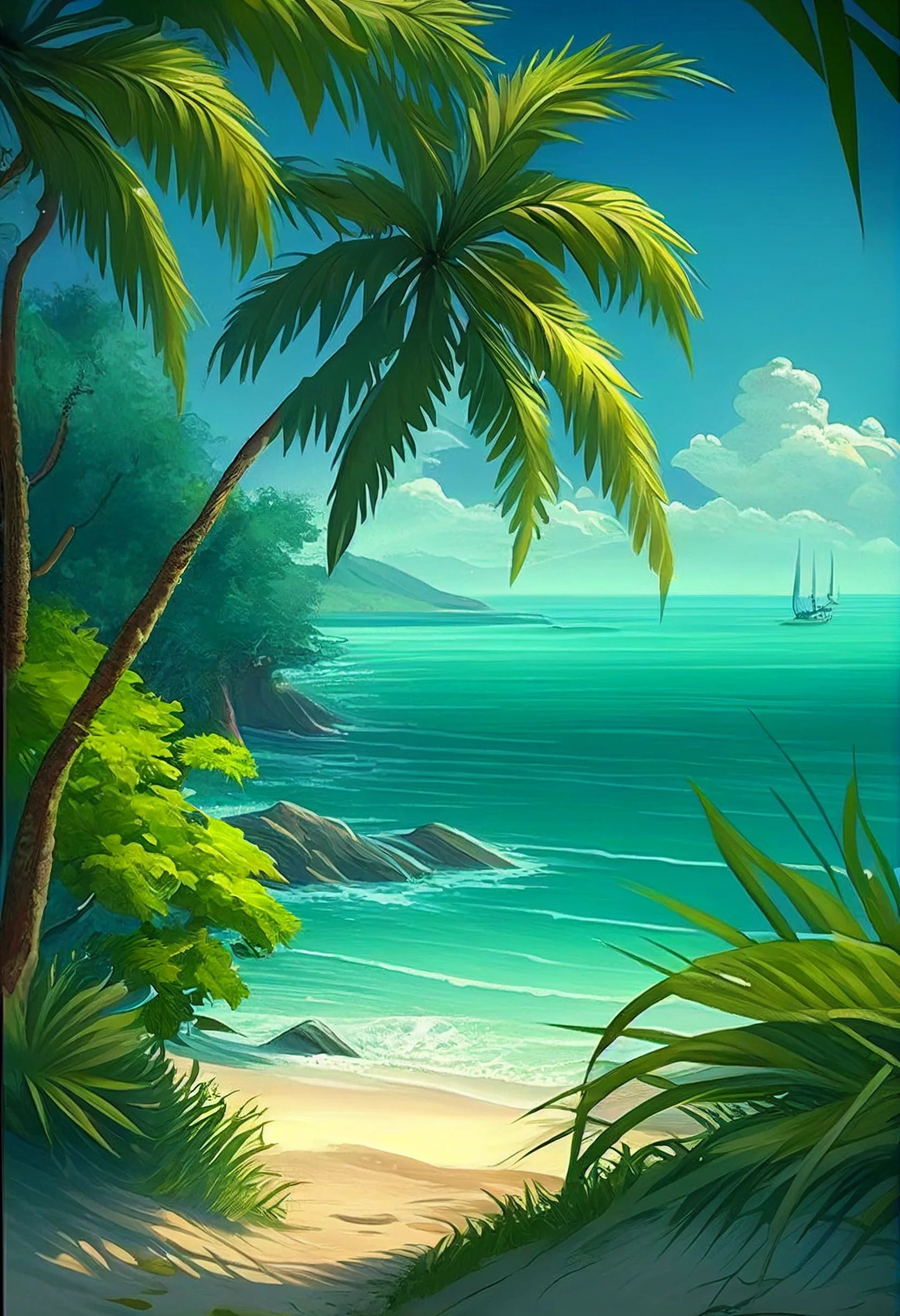
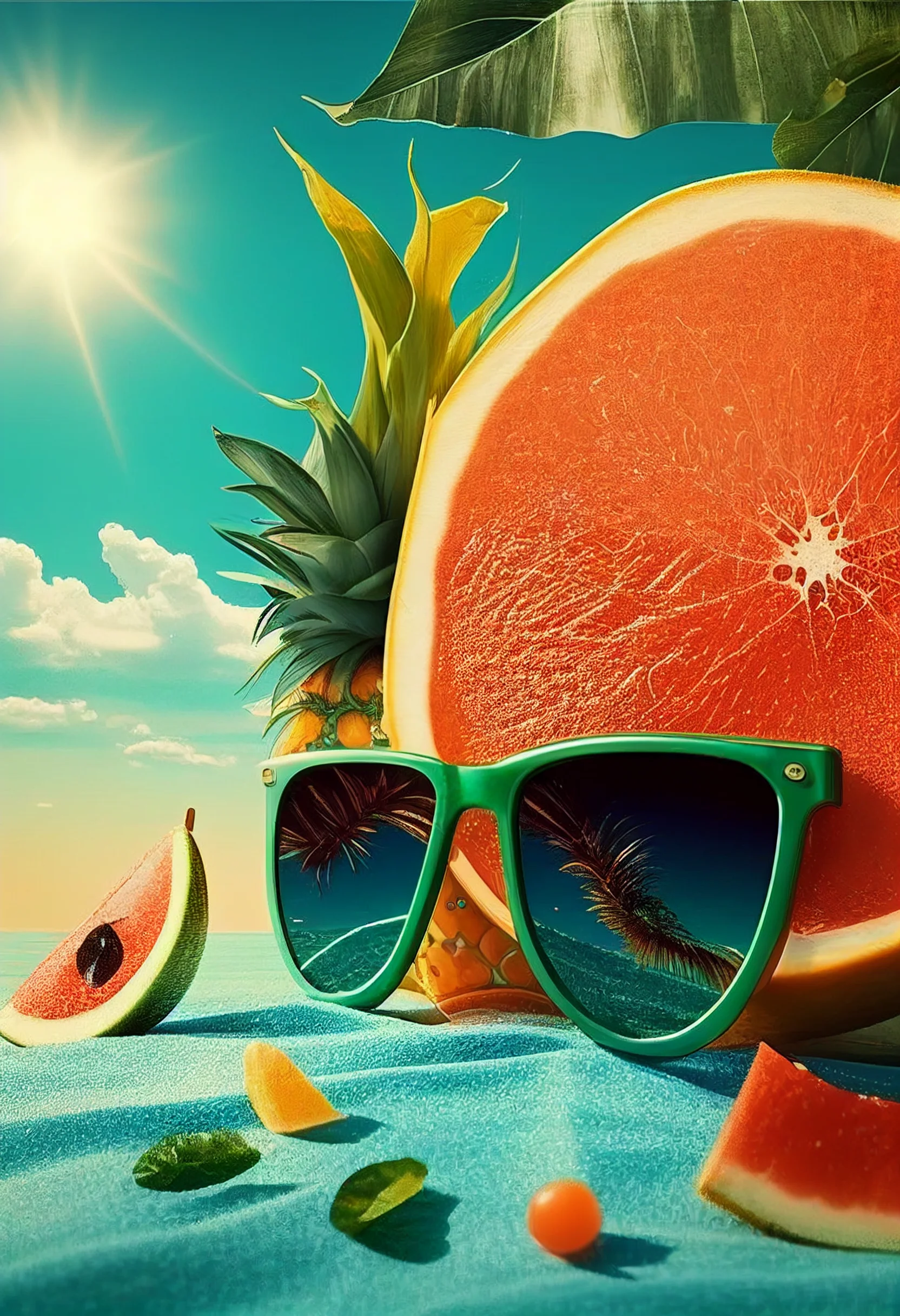
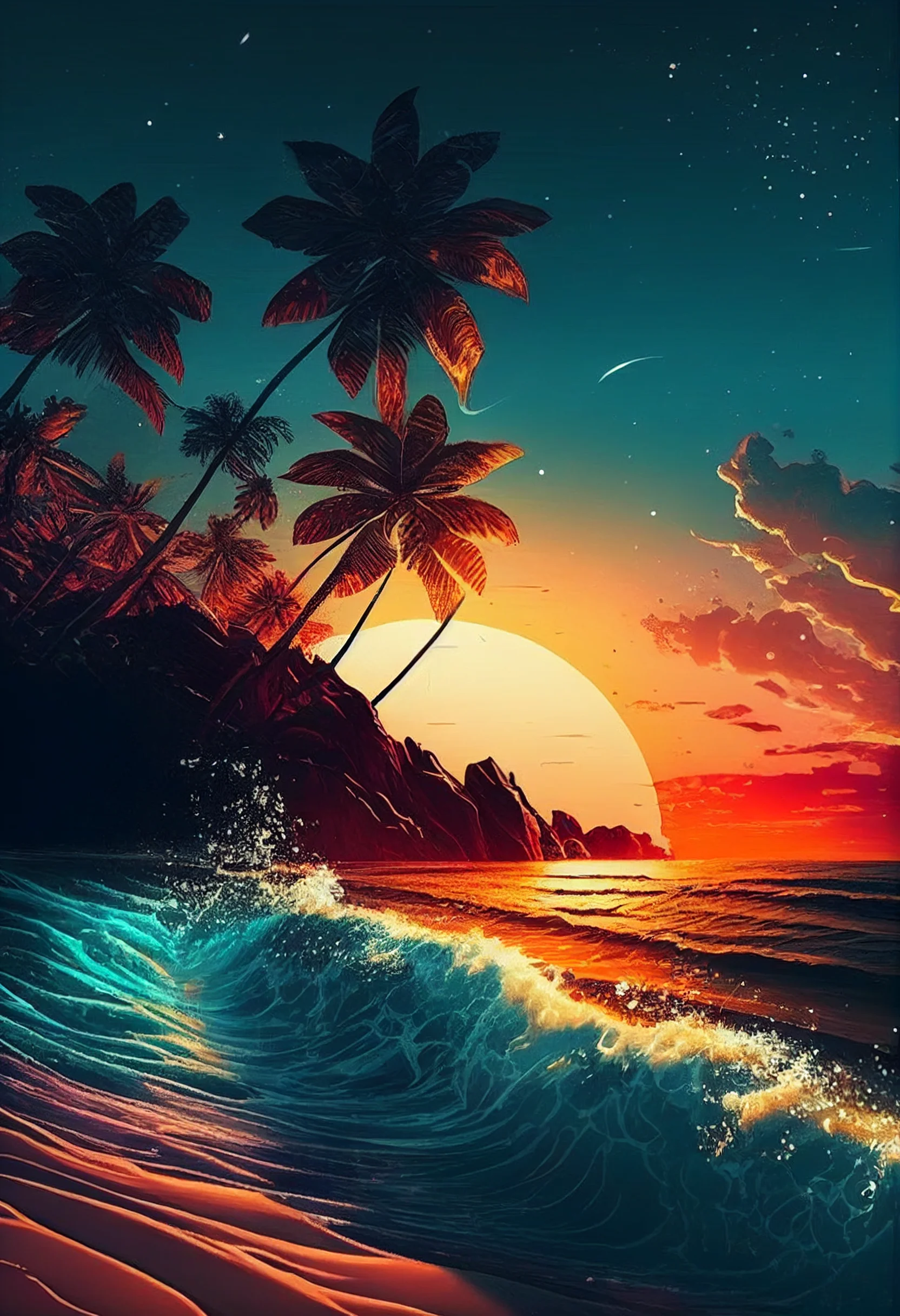
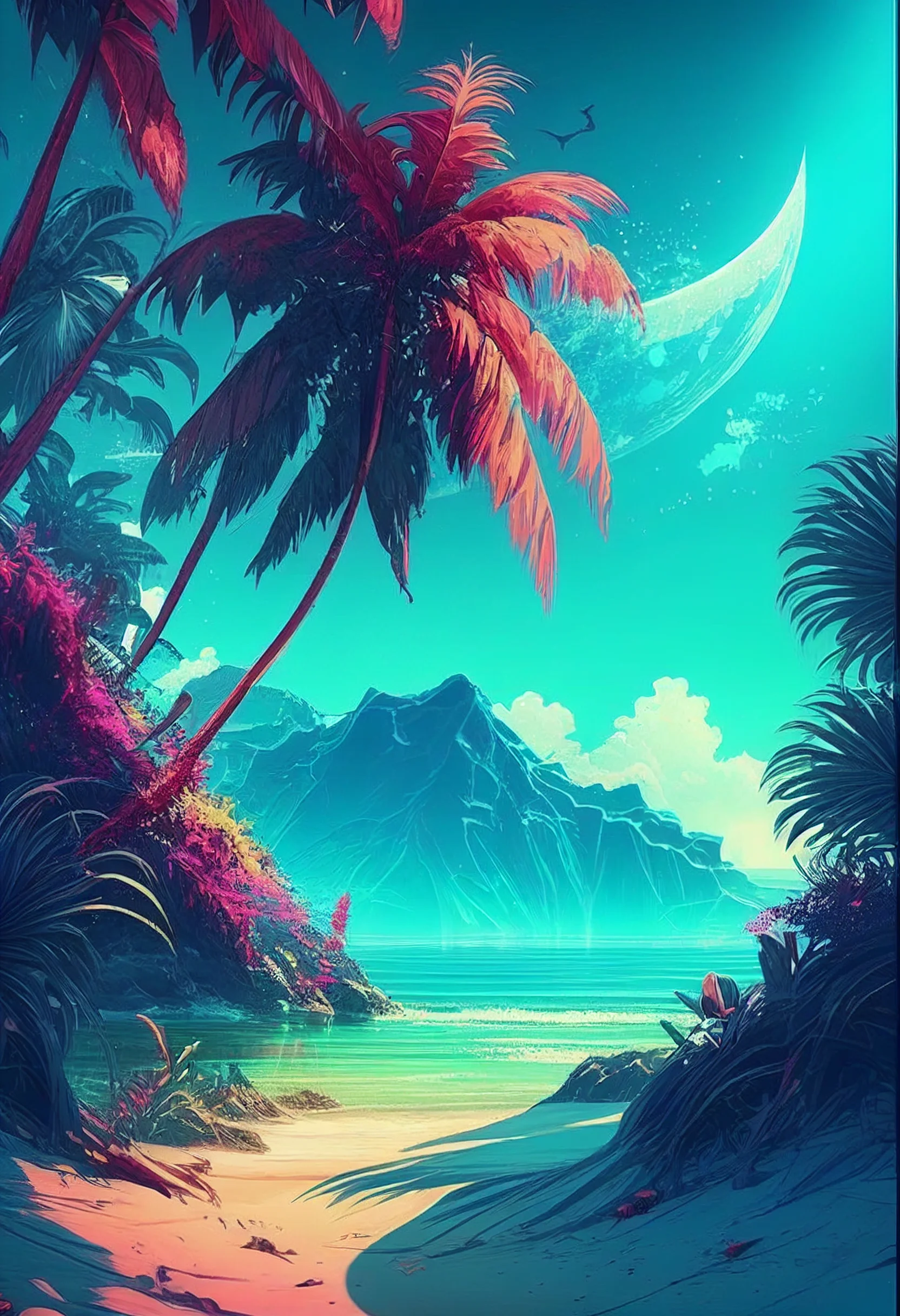
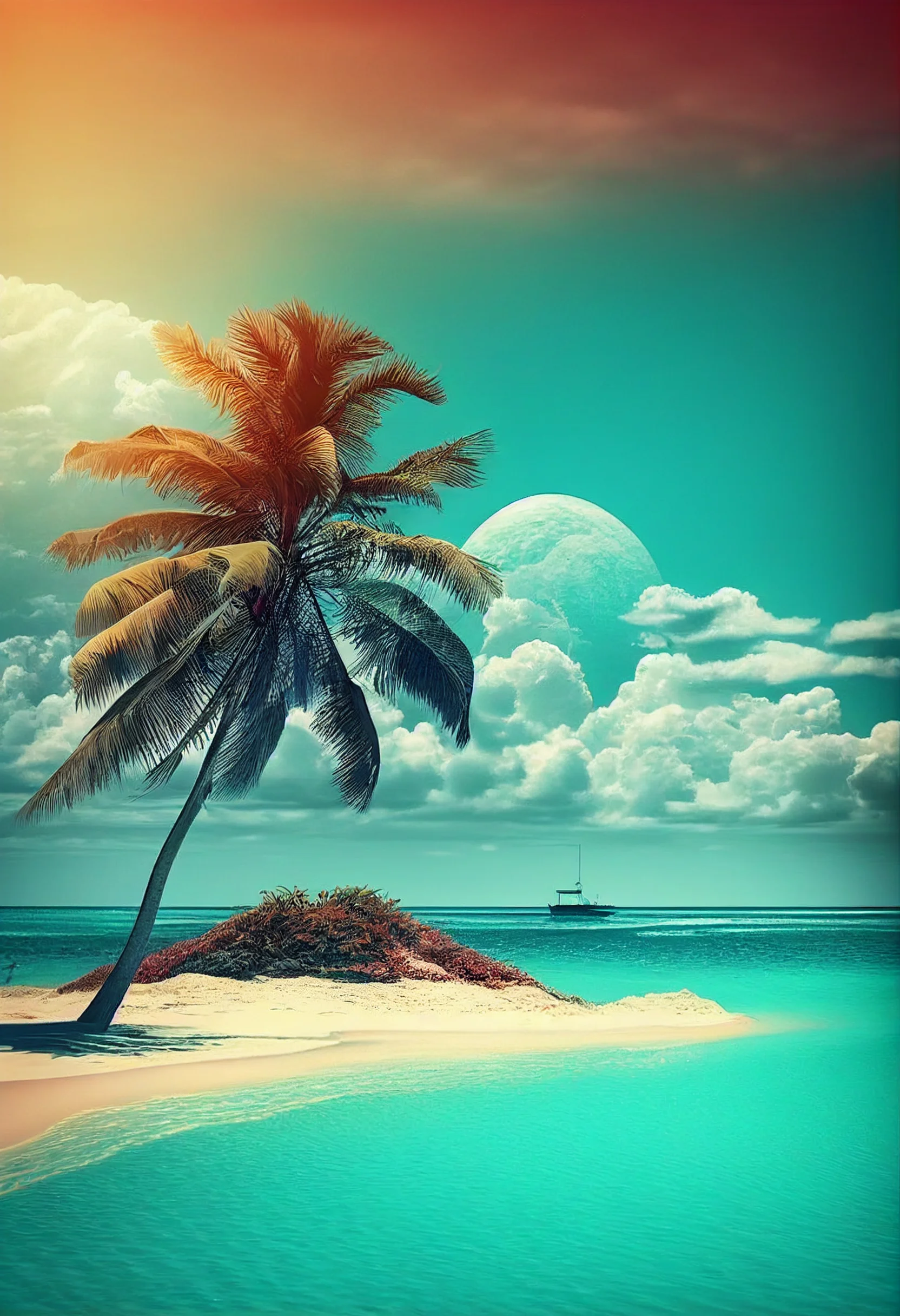
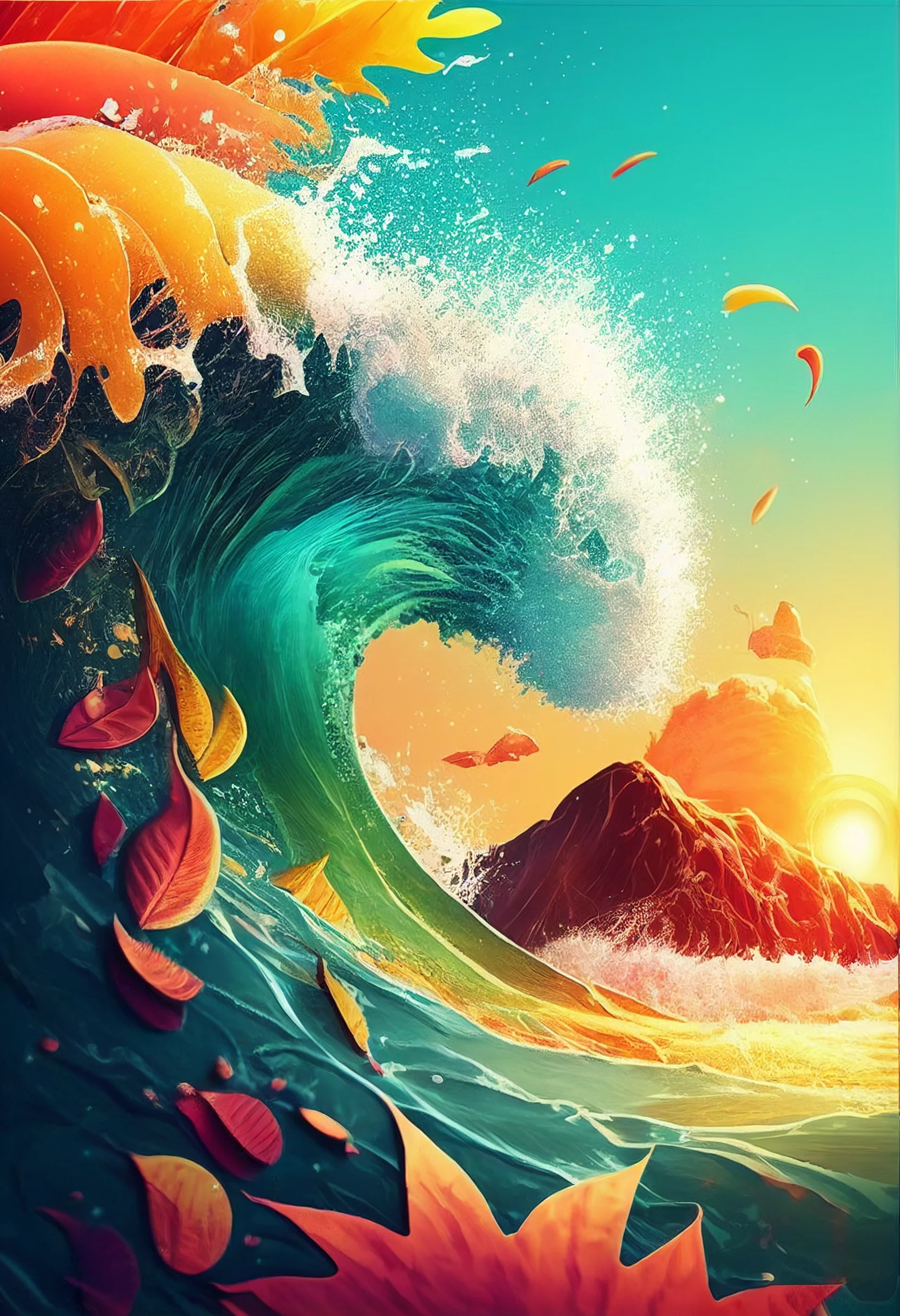
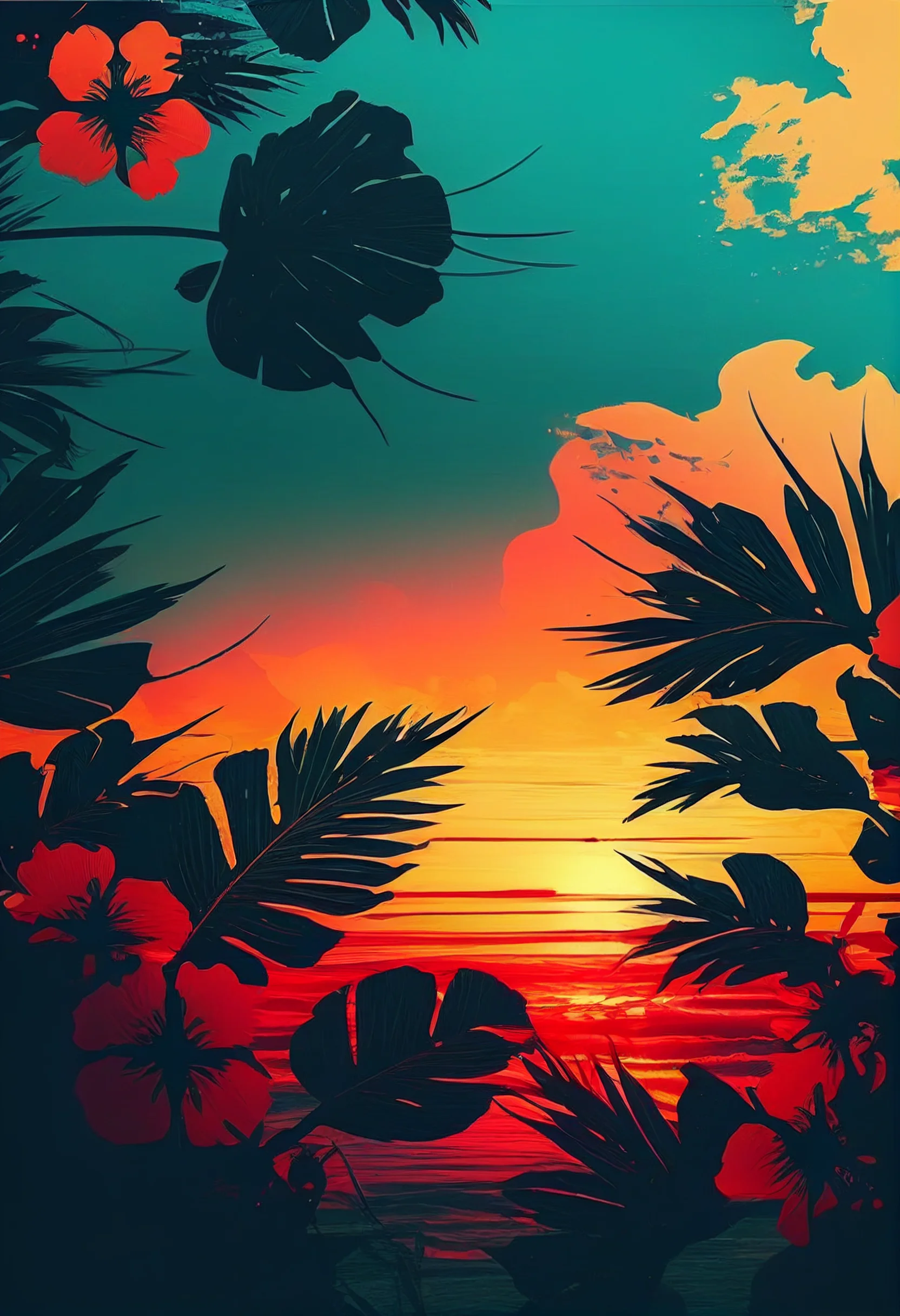
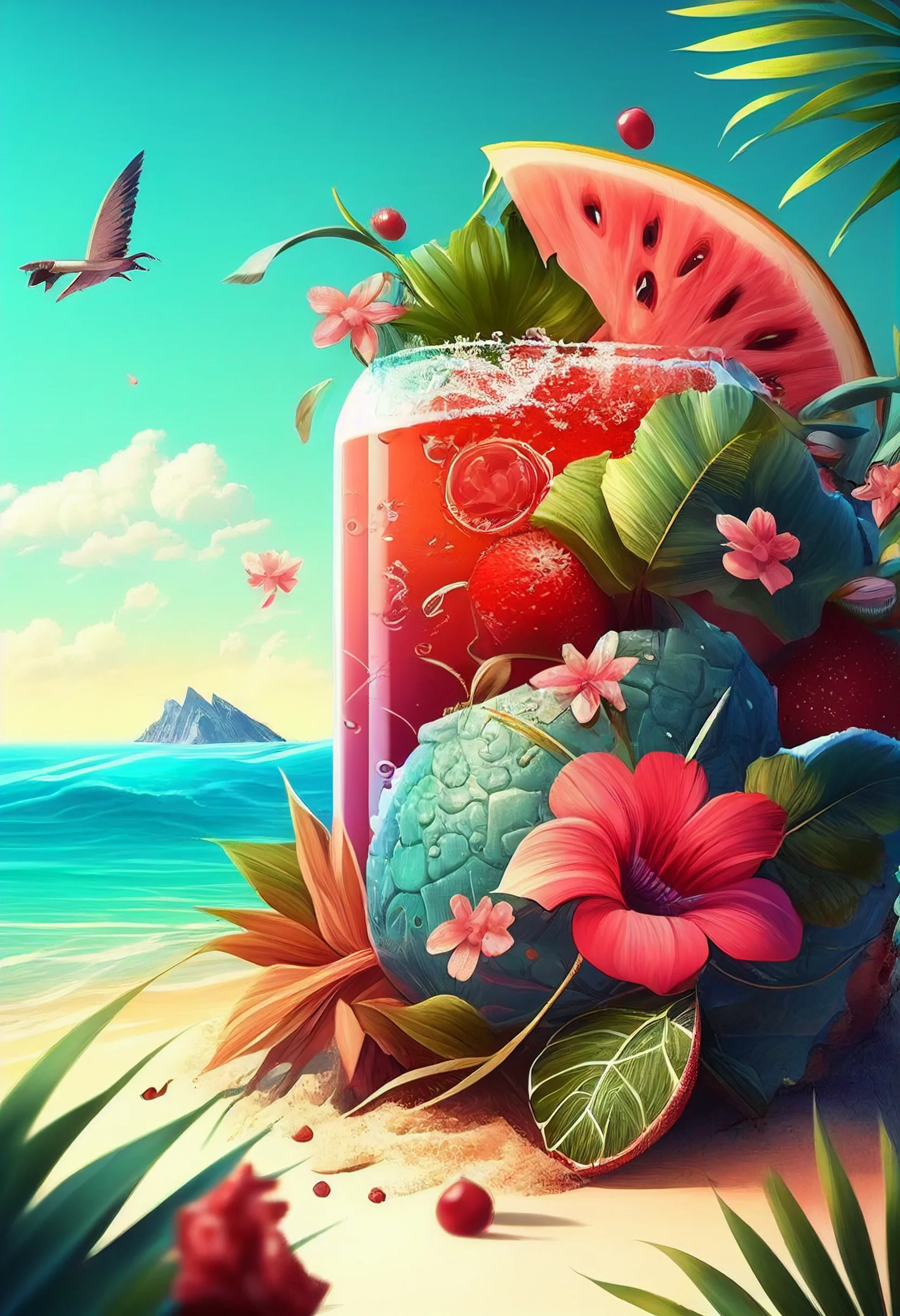
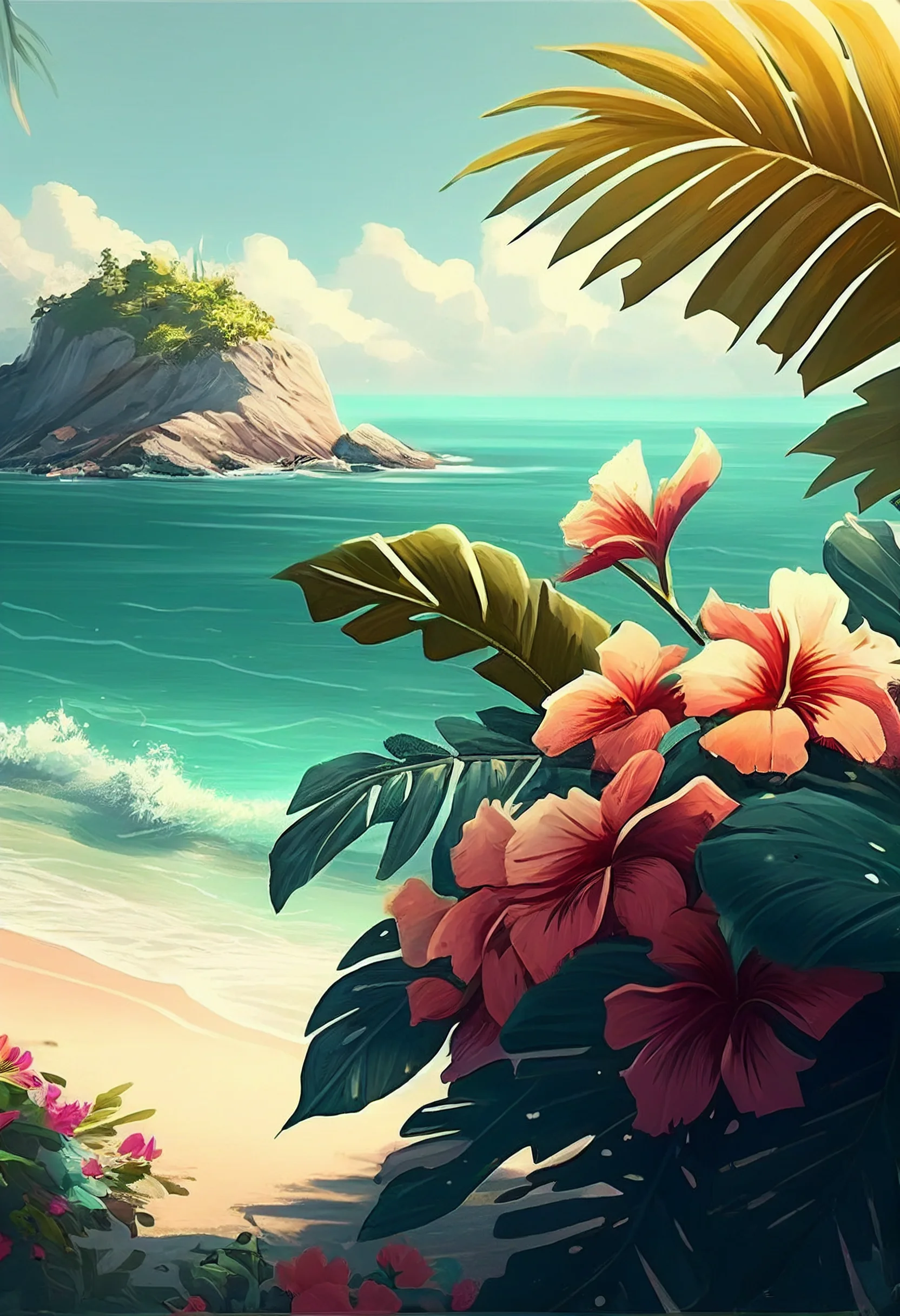
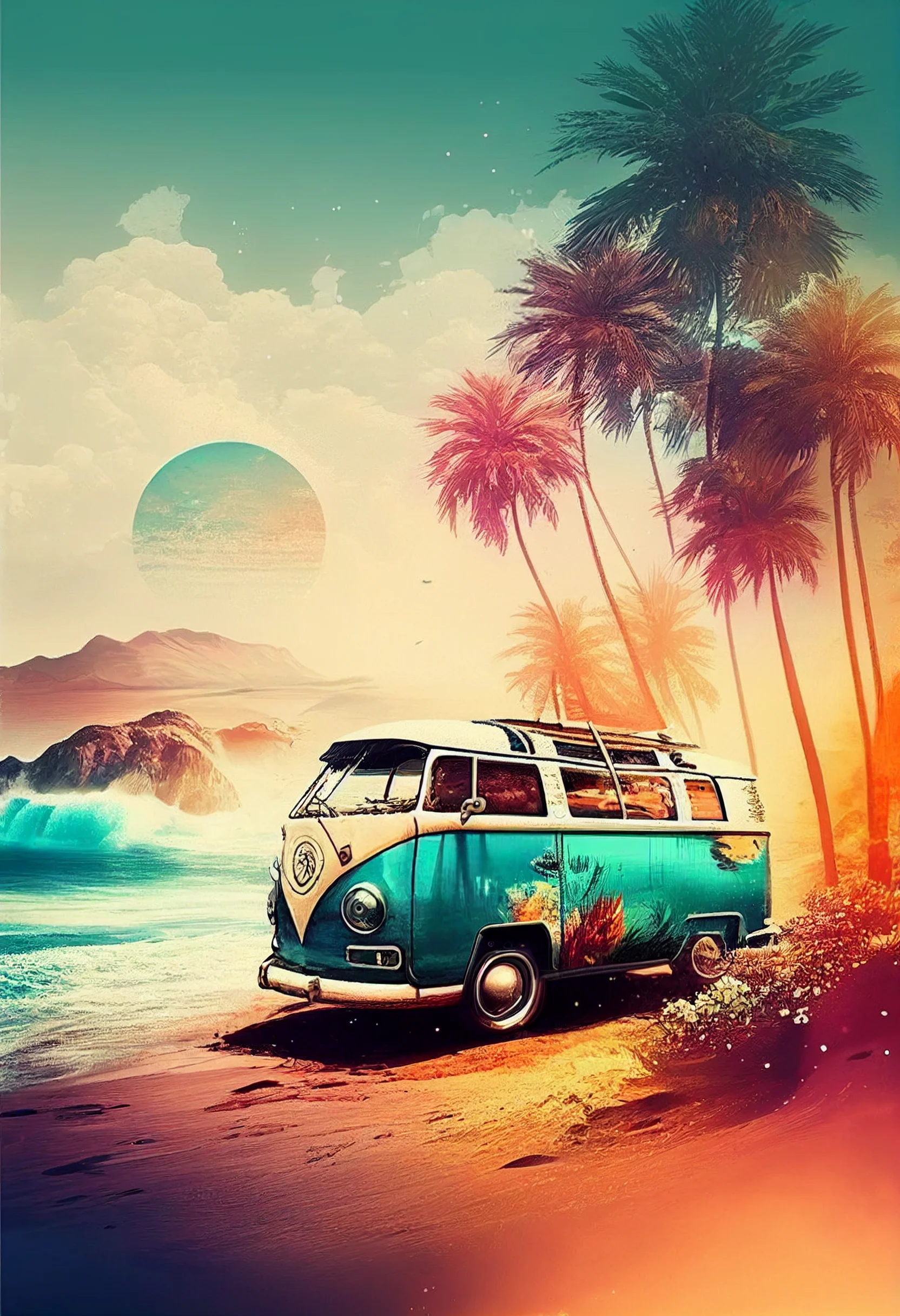
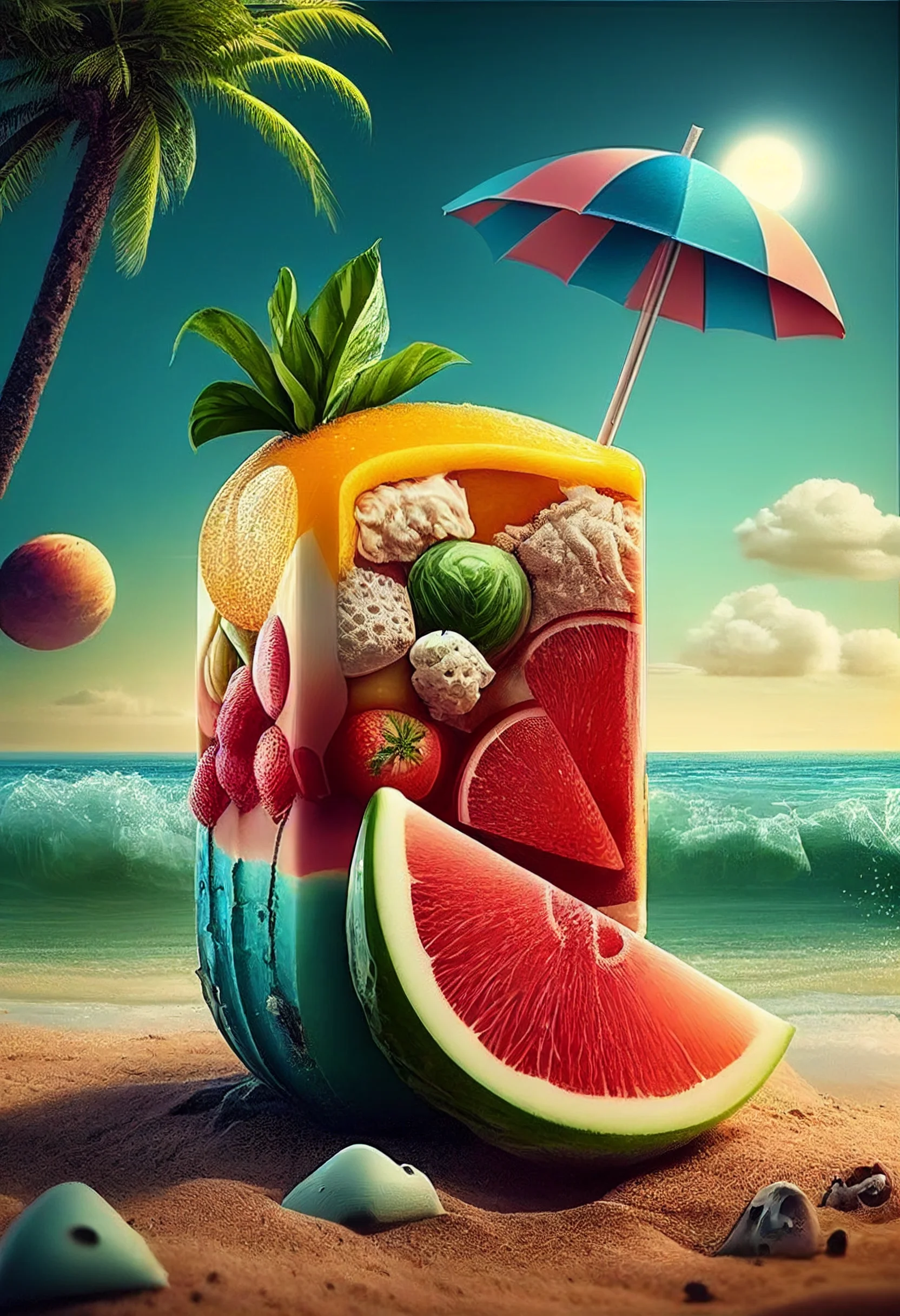
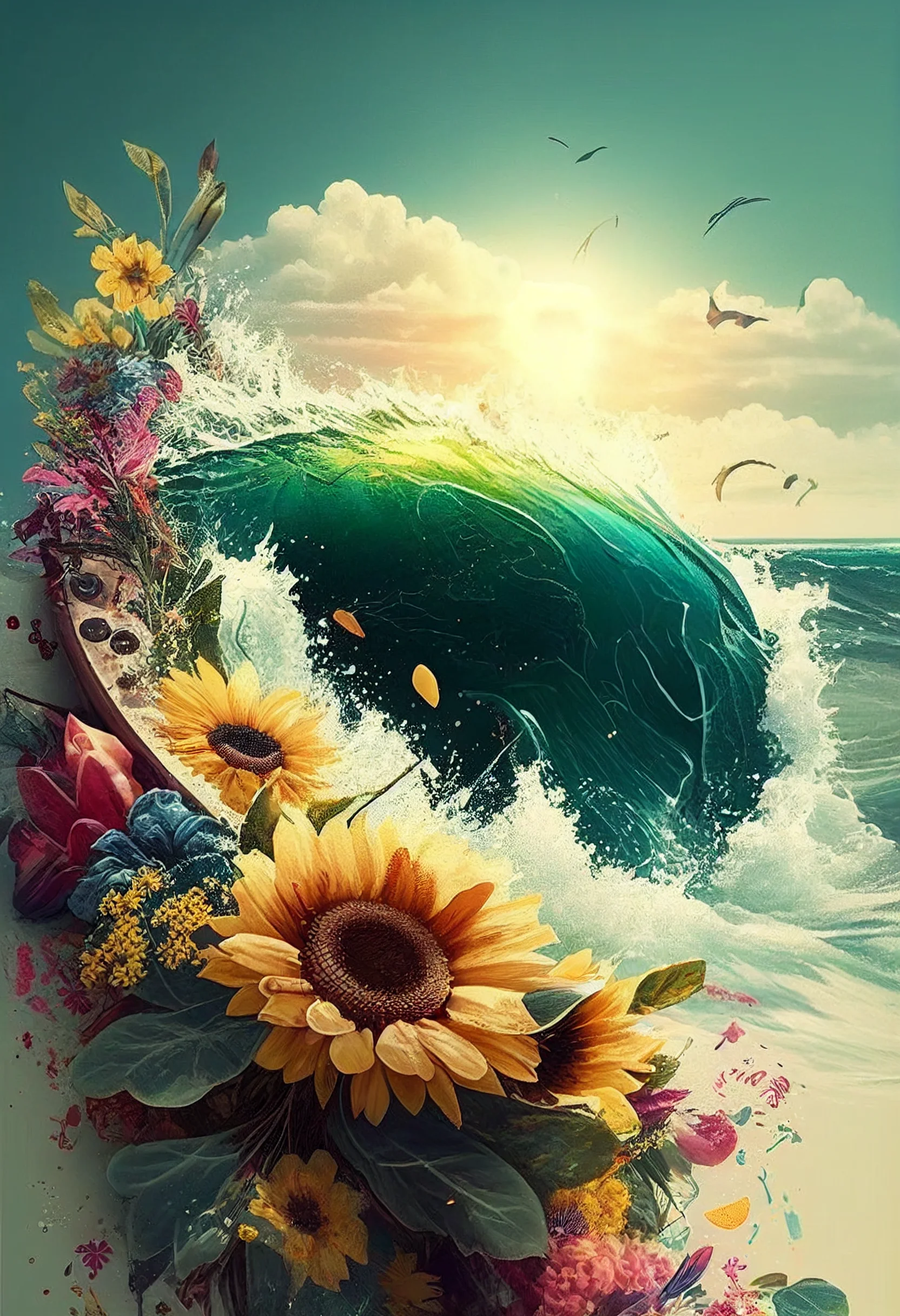
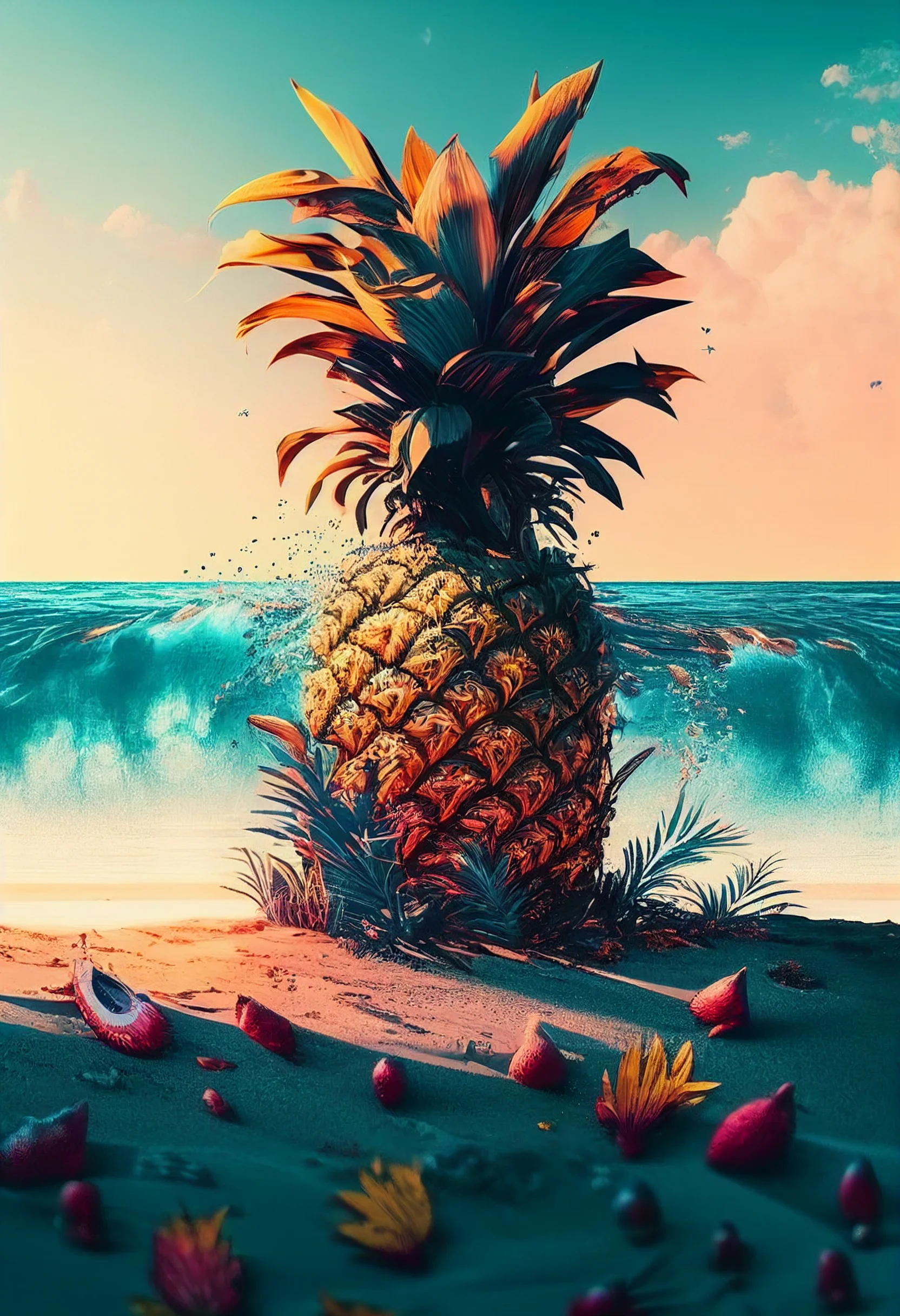
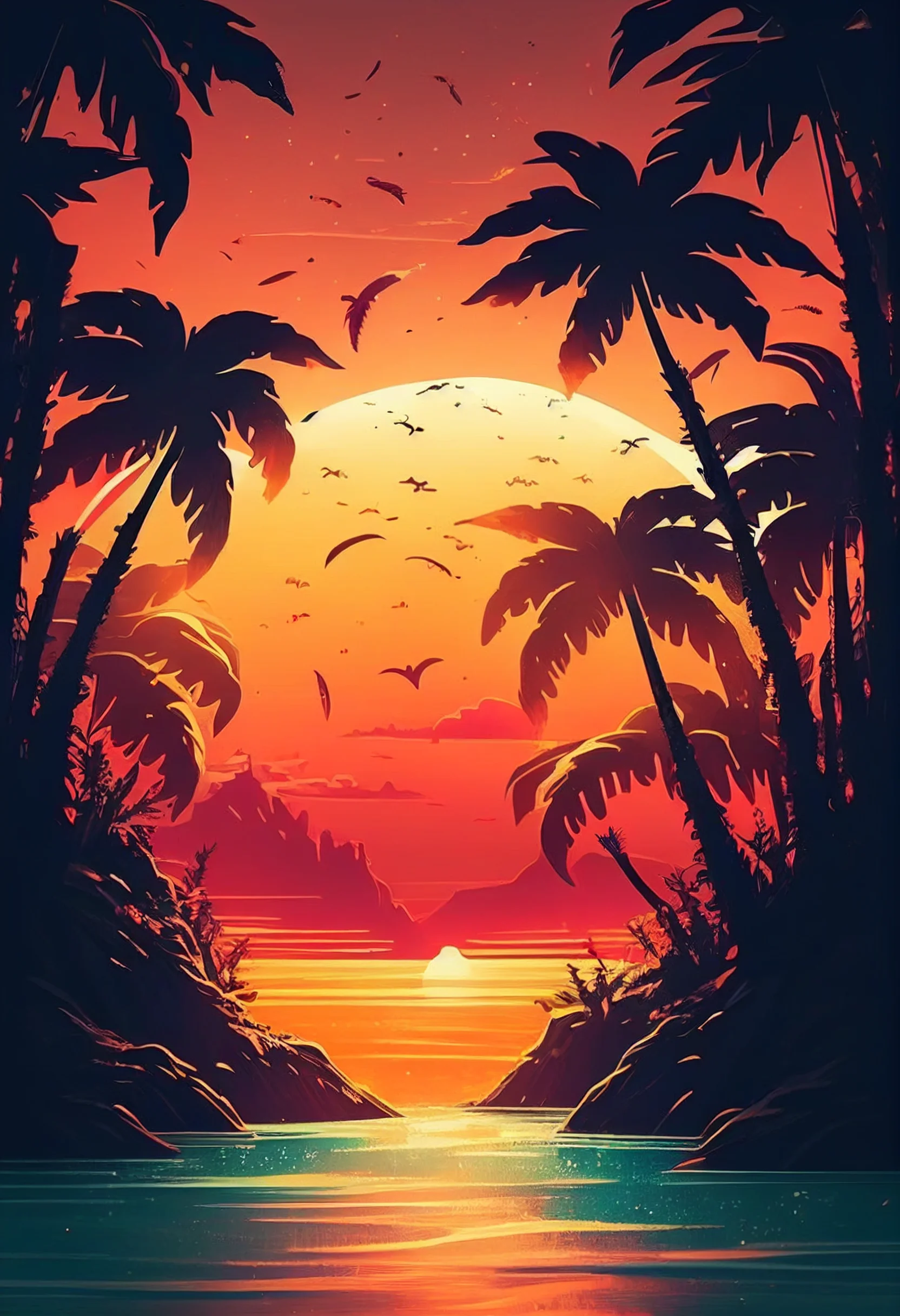
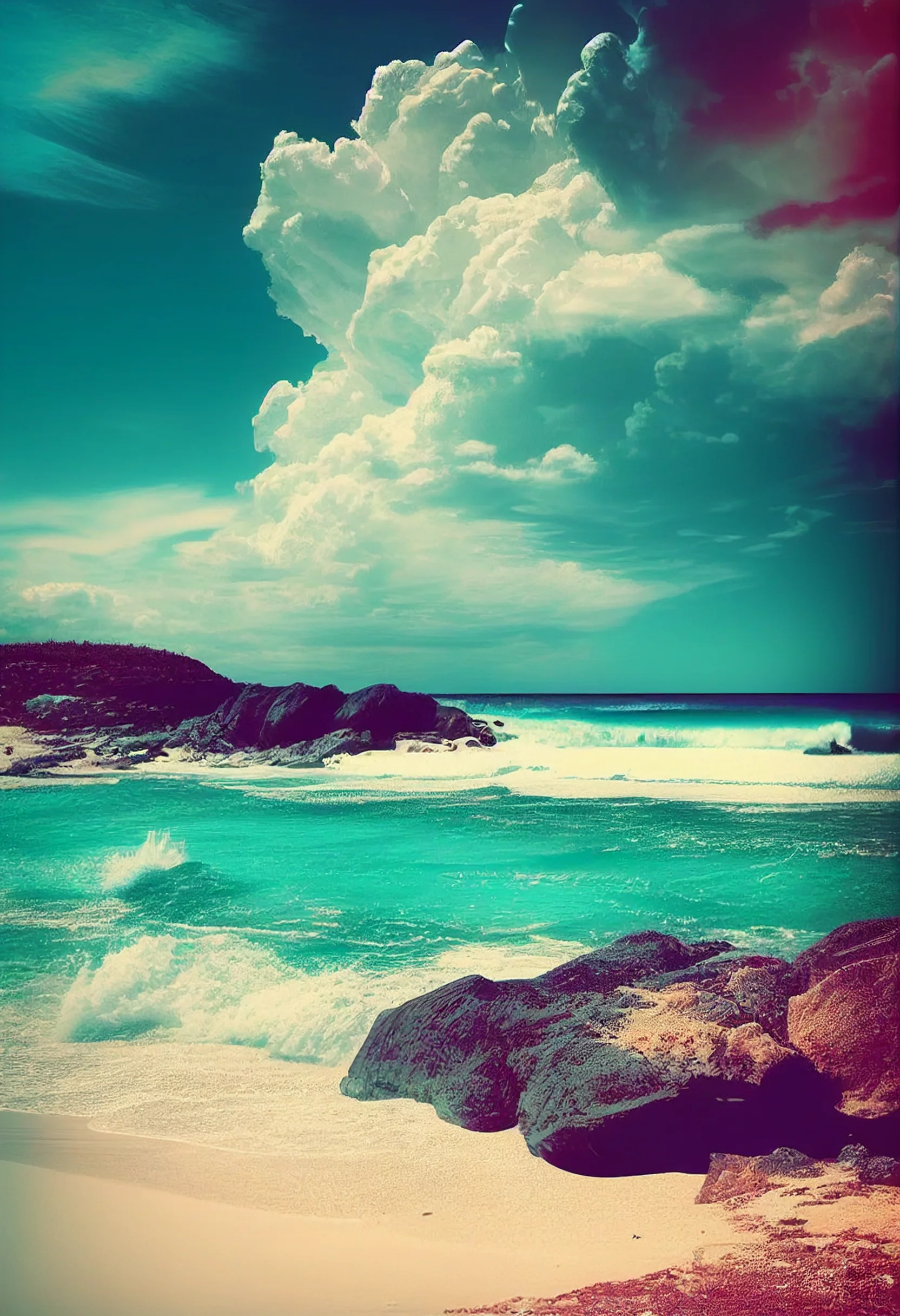
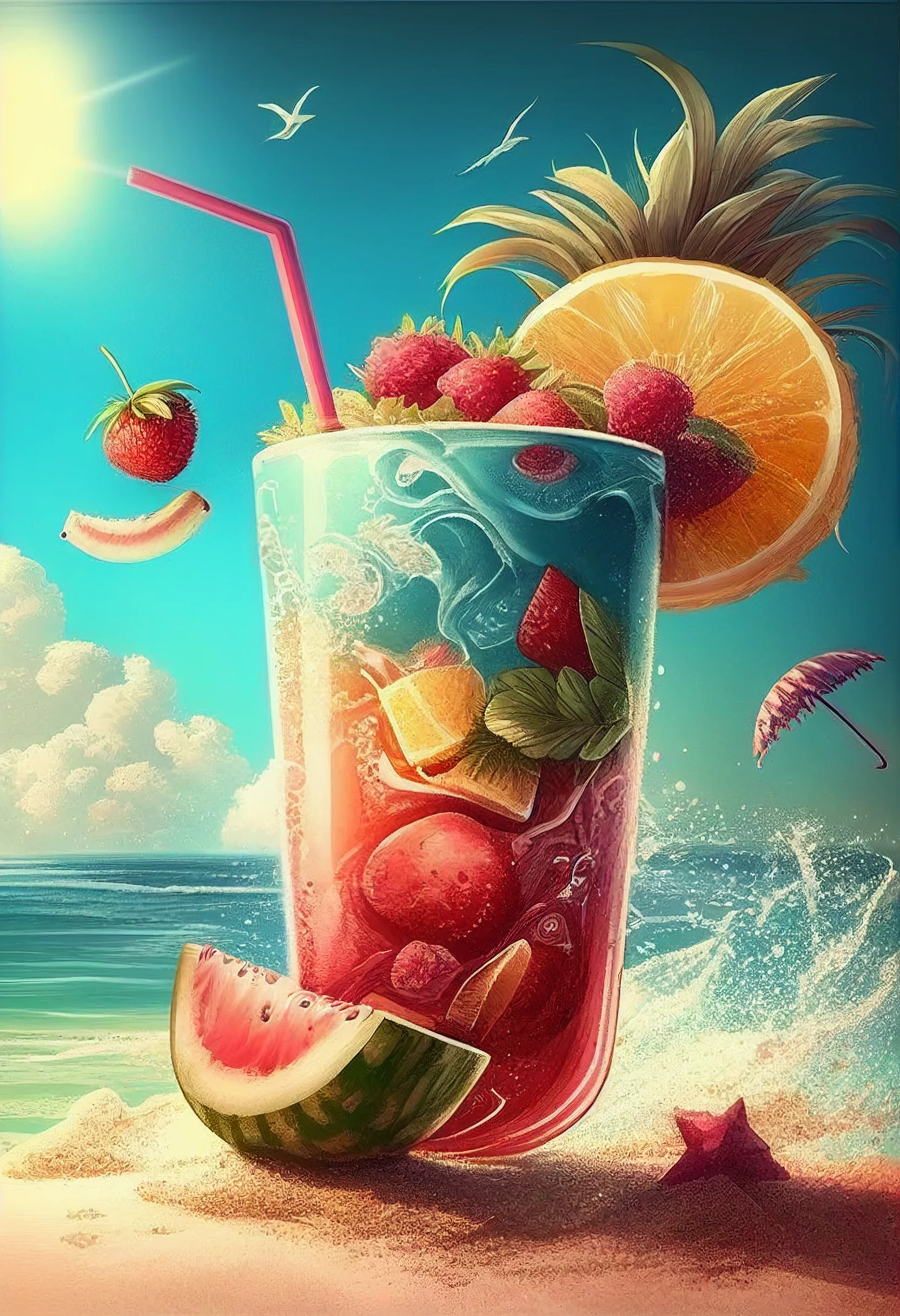
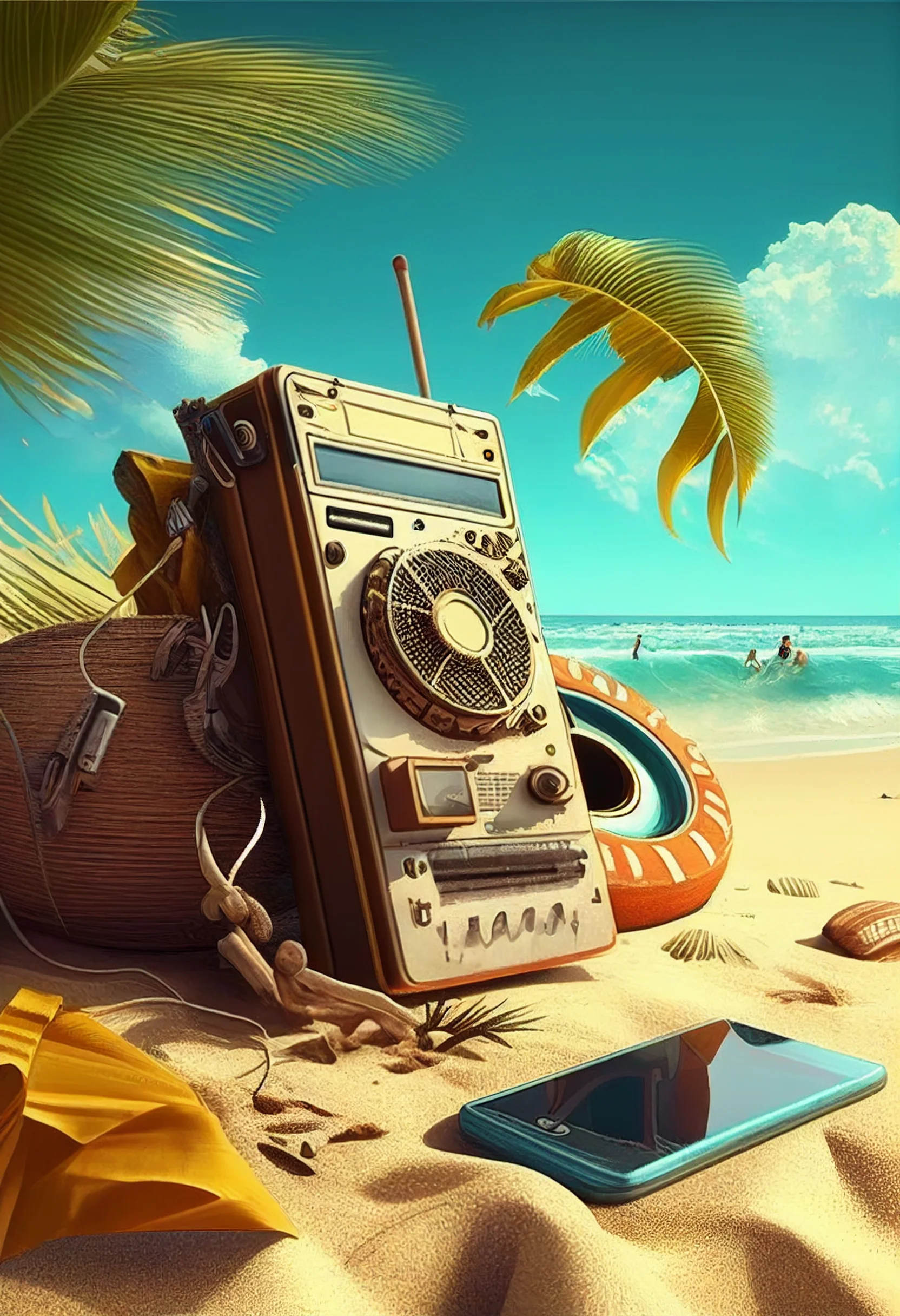
My pick for everyday use: choose one of the softer watercolor or low-contrast tropical designs for the Home Screen, then use a brighter beach or sunset image on the Lock Screen. You keep the summer look without making the app grid harder to read.

