
This 12-page set works best as a small theme sampler rather than a general kawaii library. It has two unicorn pages, two birds, three dogs, two cupcakes and three mixed cute designs. That makes it useful when someone wants a few very different choices without opening a 25- or 32-page collection.
The gallery is grouped by subject now, so the numbering actually helps: 1–2 unicorns, 3–4 birds, 5–7 dogs, 8–9 cupcakes, and 10–12 mixed designs. There is no reason to limit any of them by gender; choose the subject and colors that appeal to the person doing the coloring.
How to color simple kawaii pages
- Use a limited palette: two or three main colors plus one accent is usually enough.
- Keep faces light: large eyes and tiny mouths already carry the expression, so heavy facial shading is rarely necessary.
- Color the main shape first: finish the animal, cupcake or unicorn body before adding tiny decorations.
- Choose tools by detail: crayons suit the simplest designs; pencils or fine-tip markers help with small toppings, feathers or accessories.
For a bigger mixed collection, browse the 32 kawaii animal and food pages. For an even simpler starter set, use the 13 simple kawaii coloring pages.
12 cute kawaii coloring pages
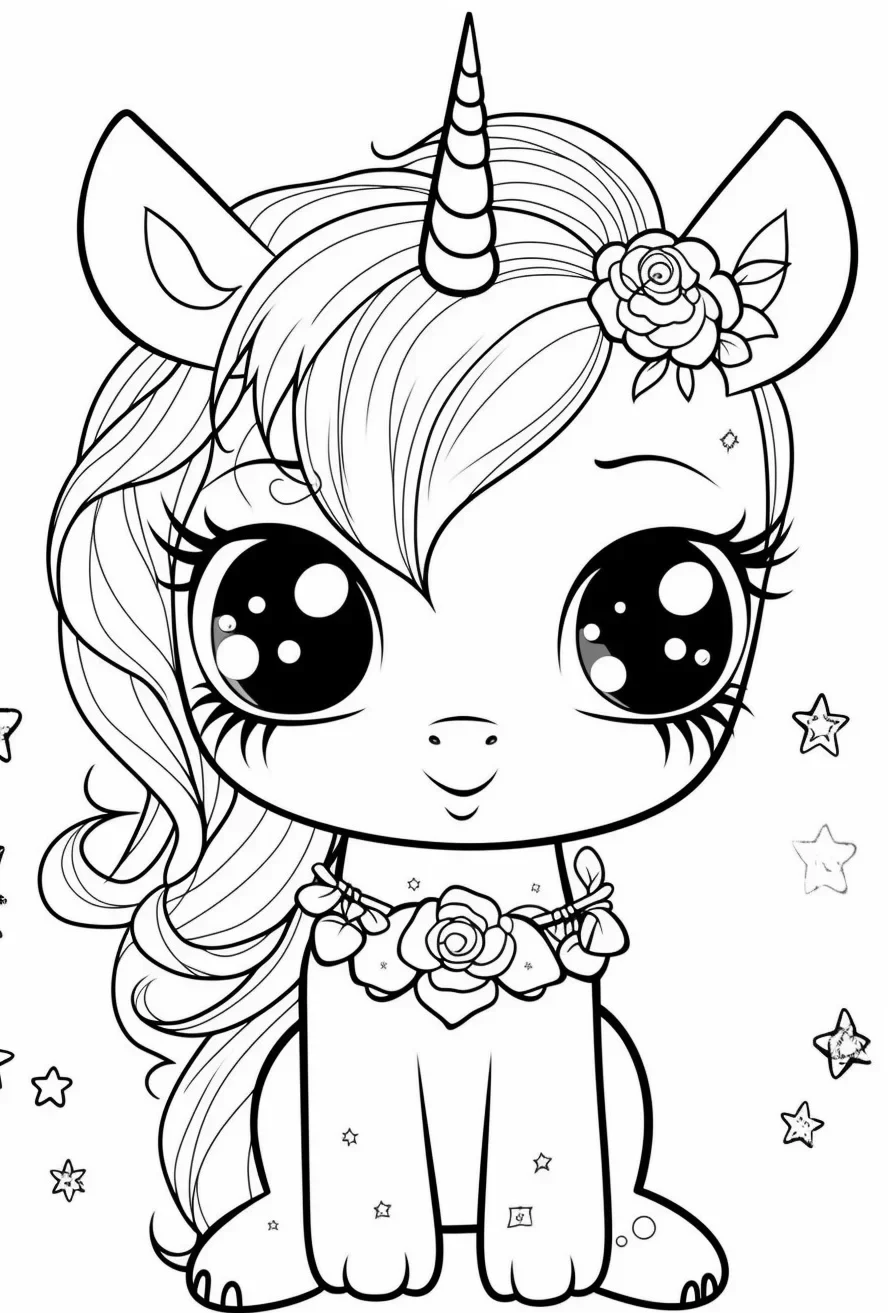
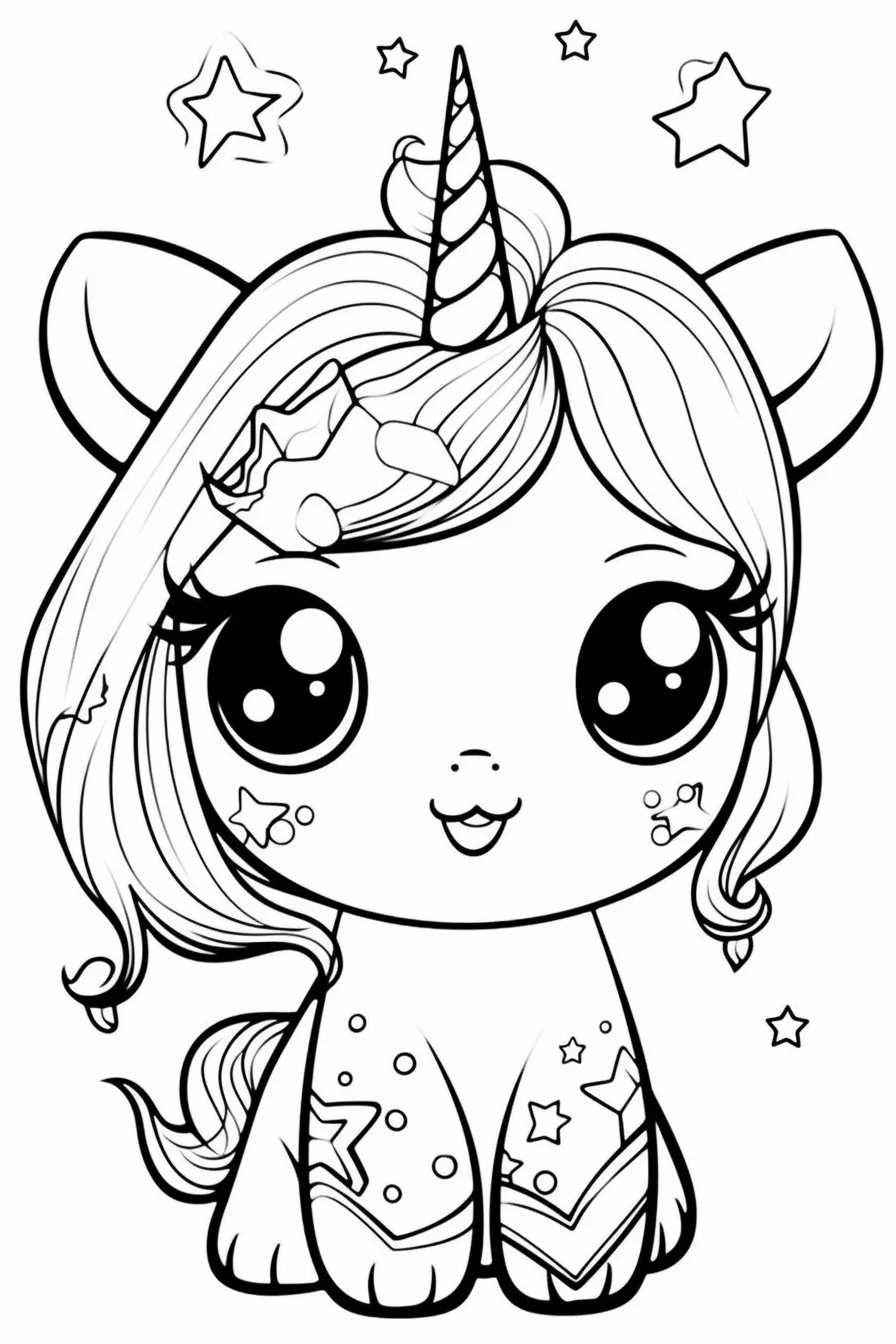
Sheets 1–2: unicorns
Keep the body relatively light and put the stronger color into the mane, tail or horn. That gives the page a focal point without needing a rainbow in every section.
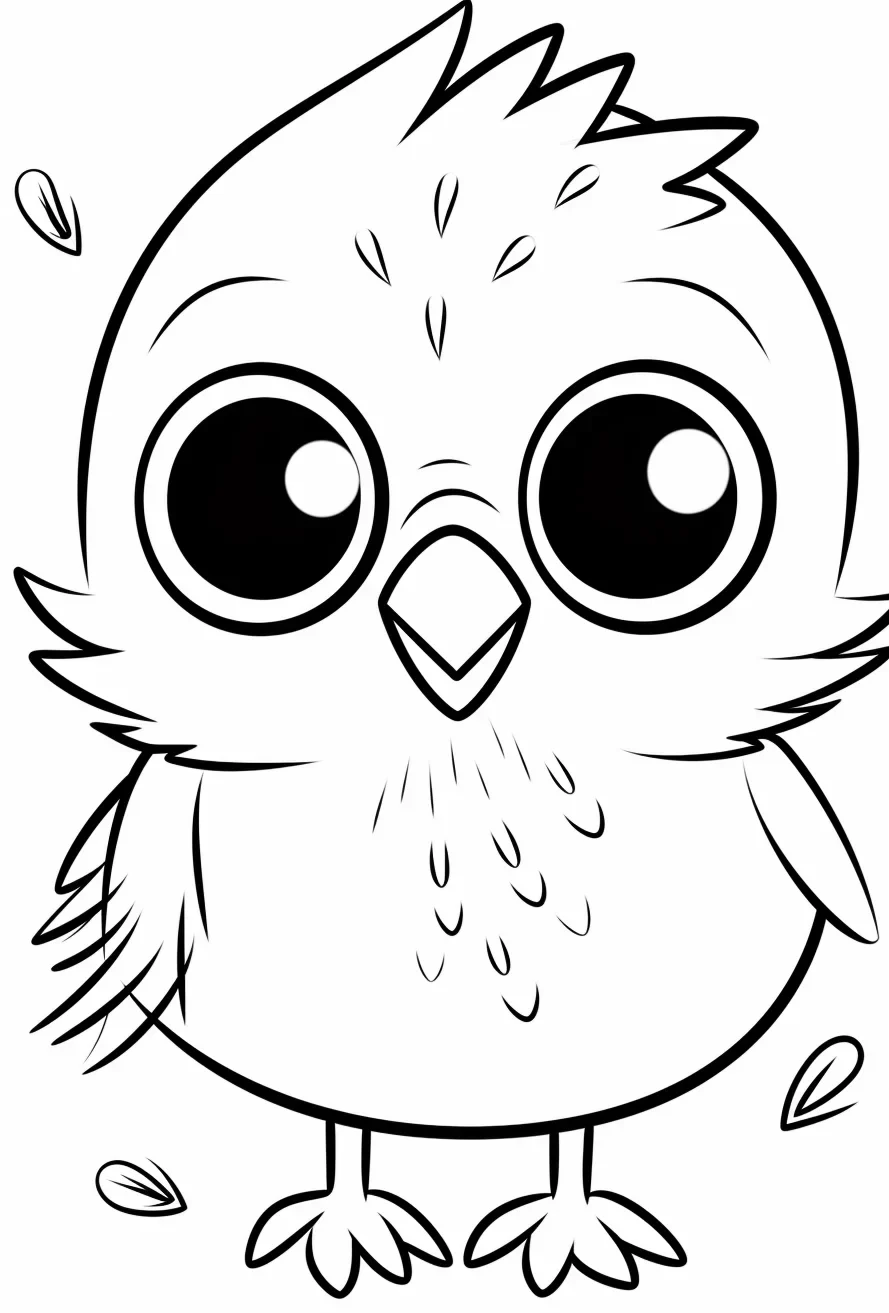
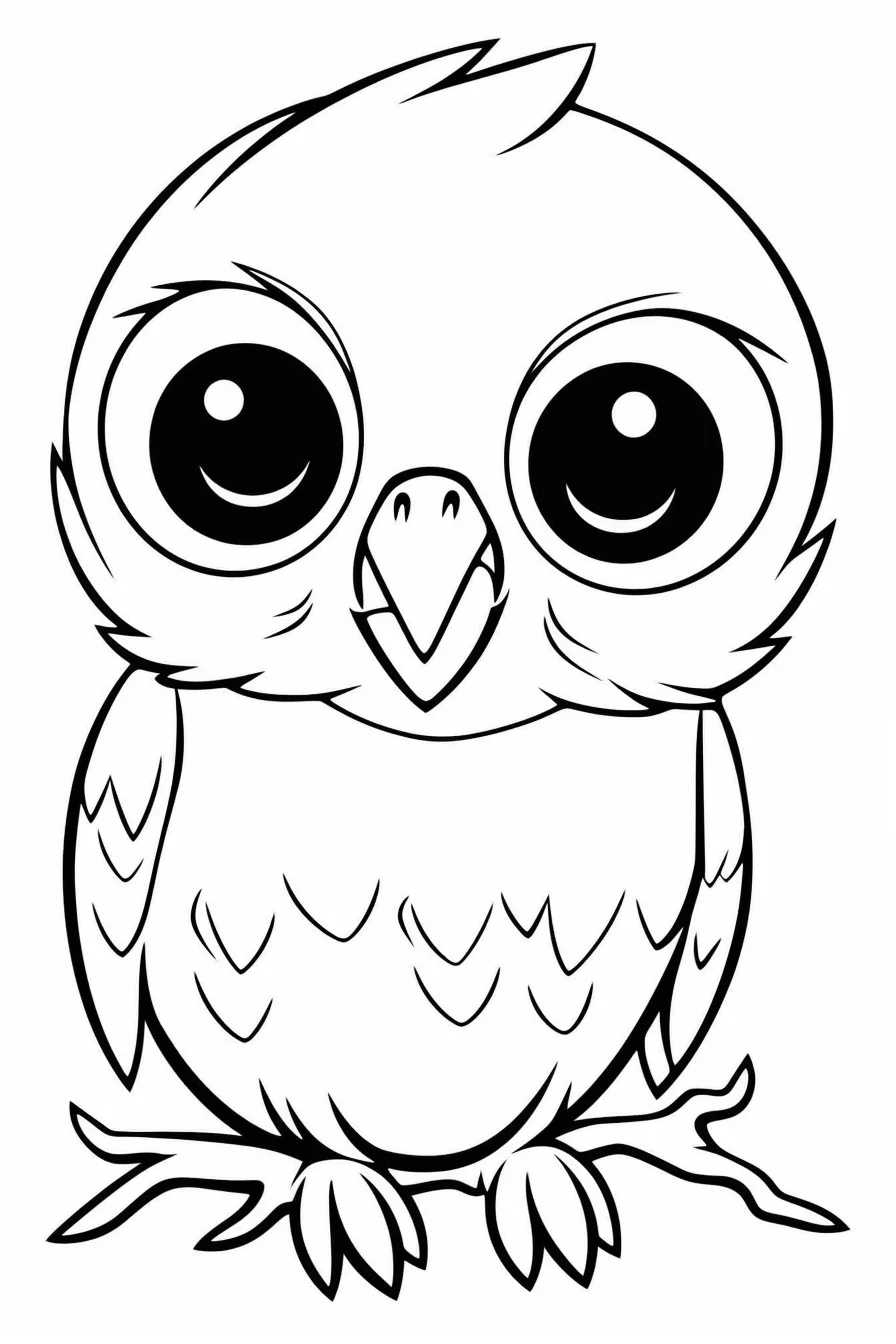
Sheets 3–4: birds
Use one body color, a second color on the wings and a small accent on the beak or feet. Coloring every feather separately is unnecessary on these rounded kawaii designs.
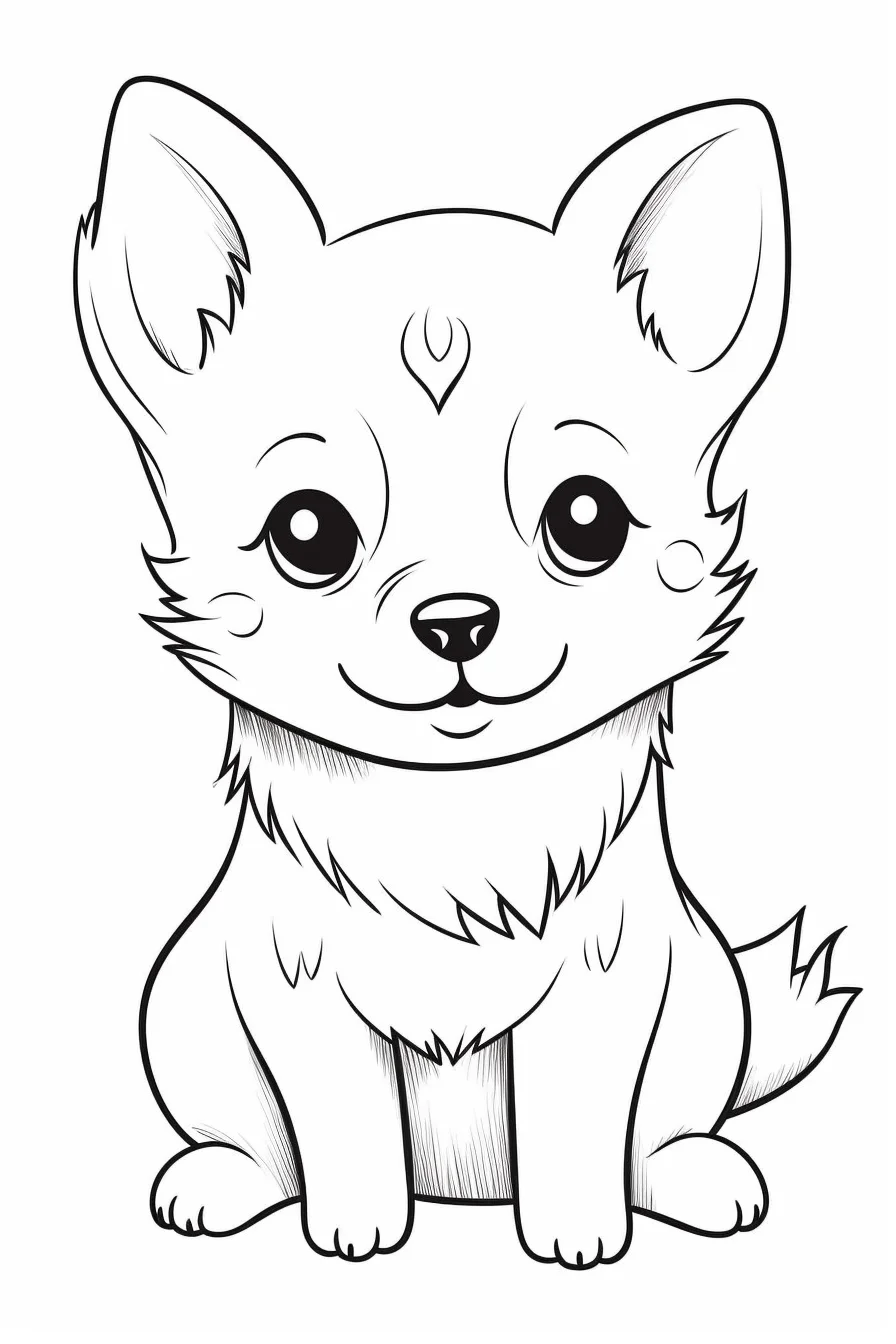
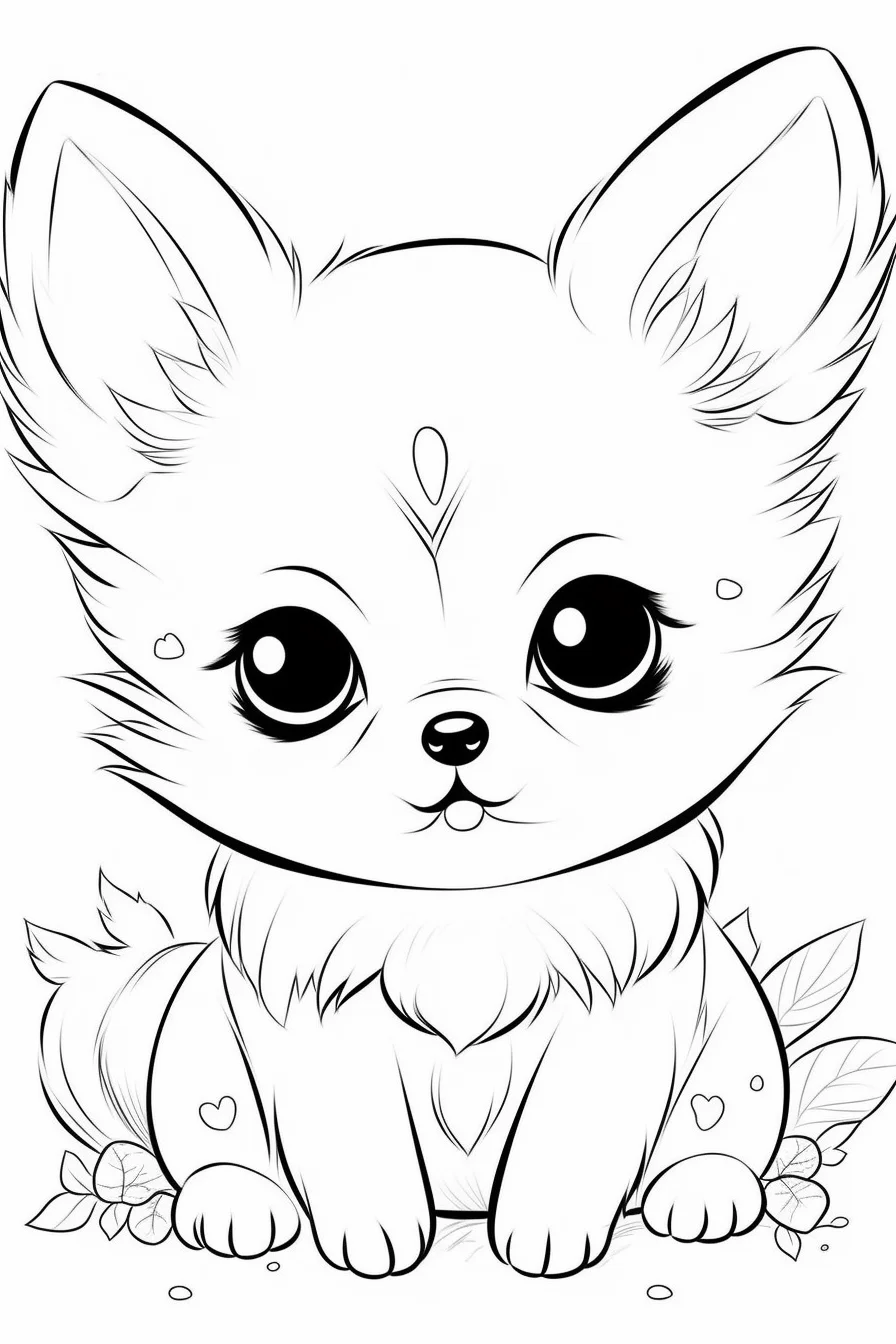
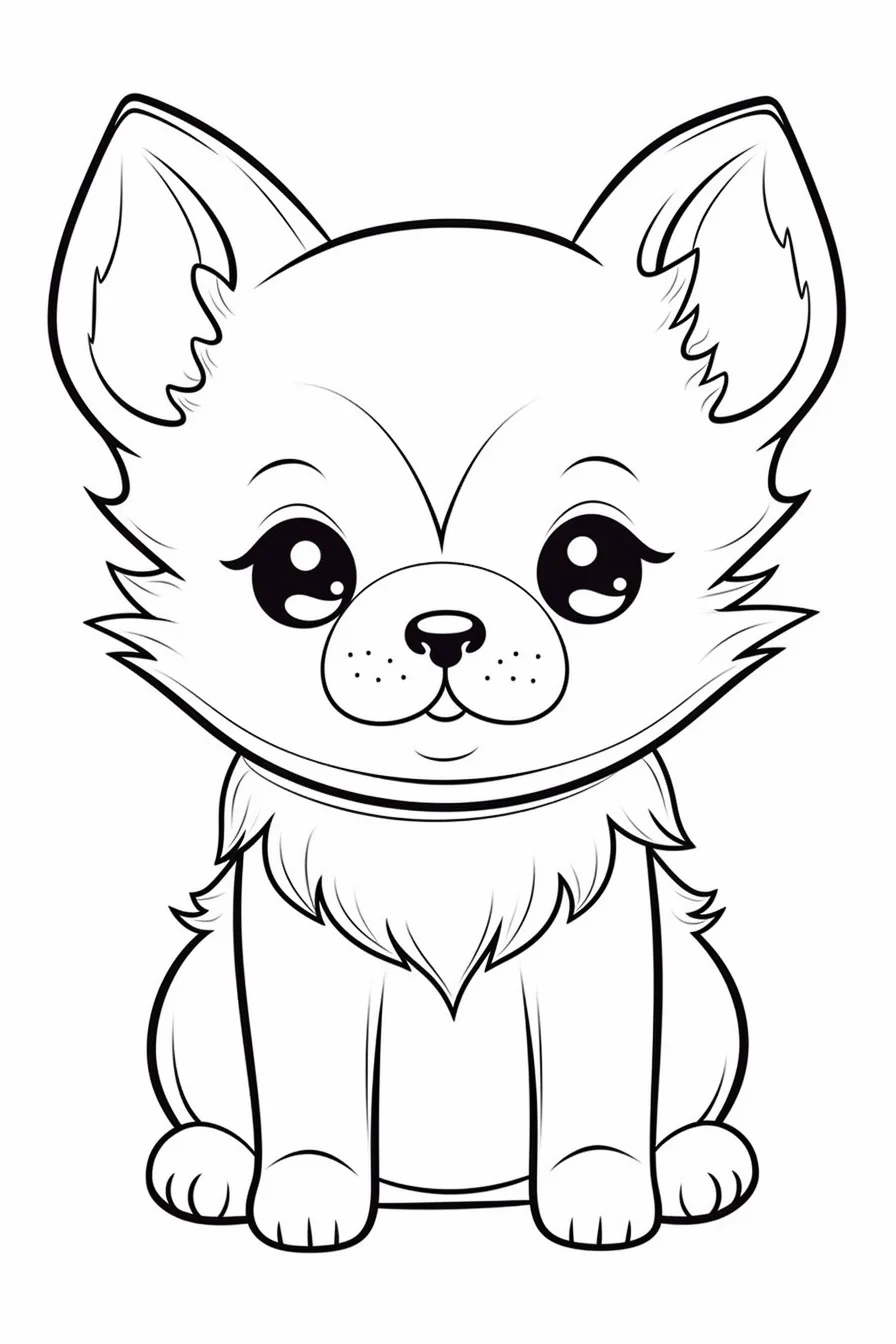
Sheets 5–7: dogs
Finish the main coat first, then add ears, muzzle, paws and any markings. If you want a realistic dog palette, two nearby browns or grays are enough; if not, the simplified shapes work just as well with invented colors.
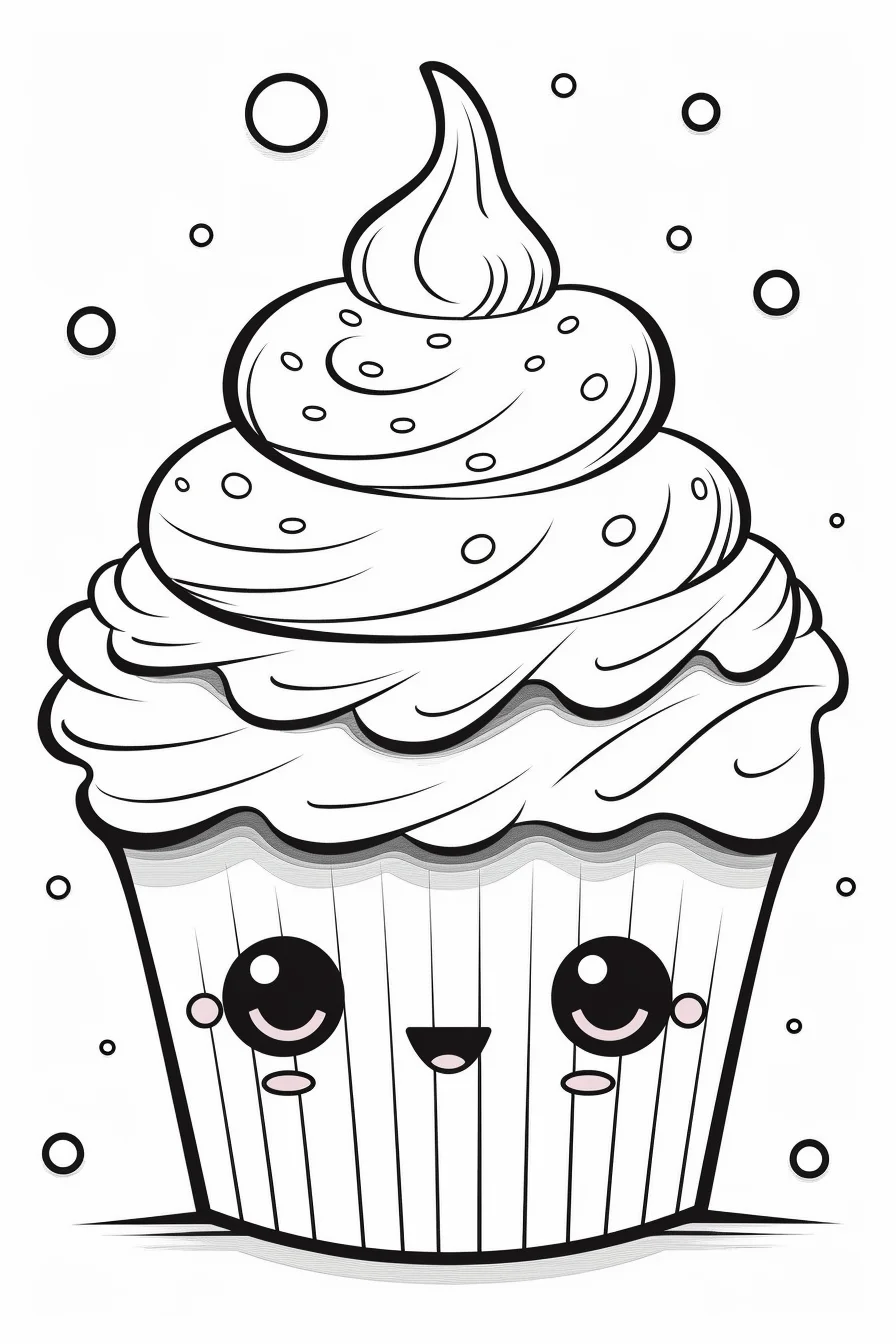
Sheets 8–9: cupcakes
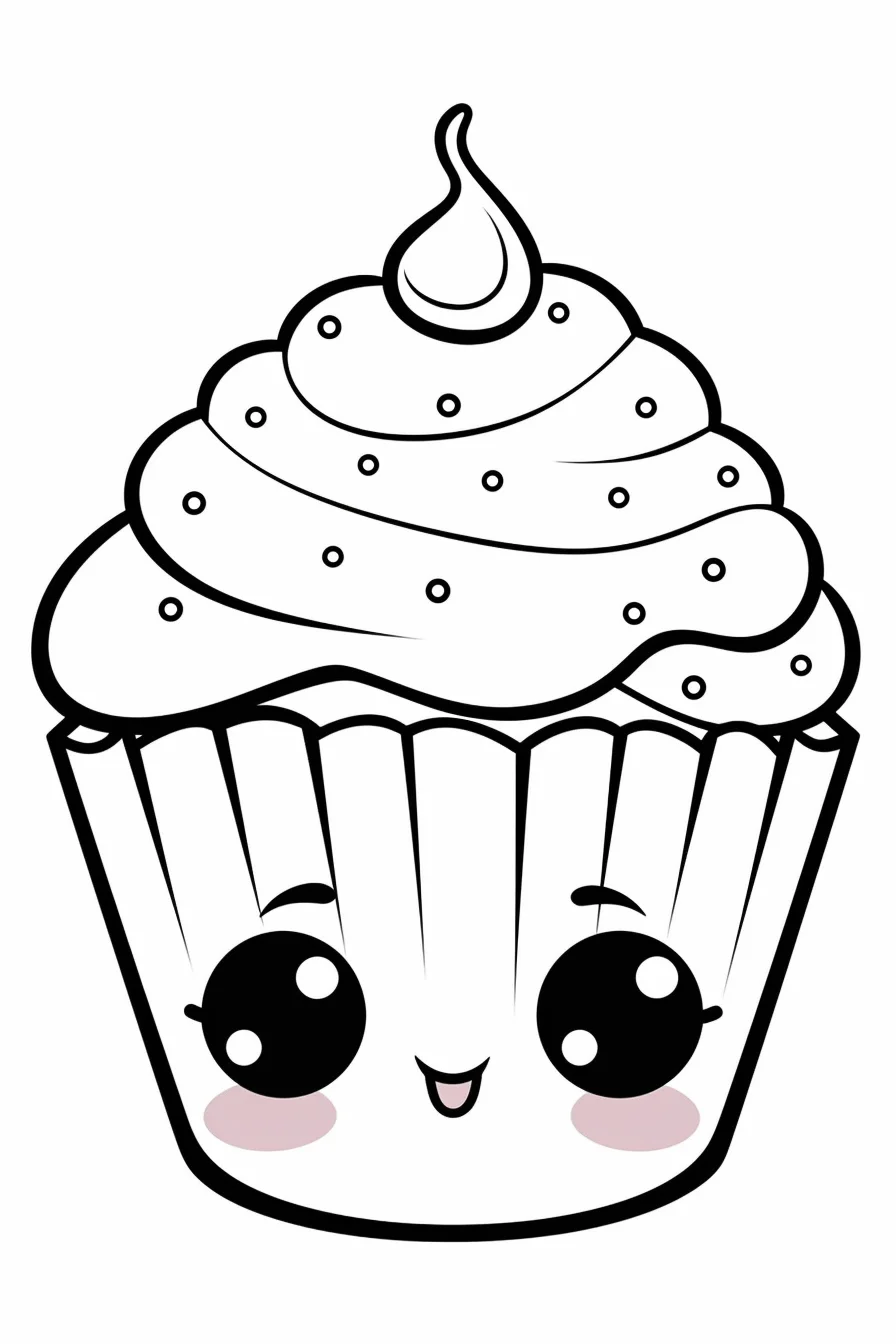
Color the cake or wrapper first and frosting second. Save sprinkles, cherries and facial details for last so the tiny decorations do not dictate the whole palette.
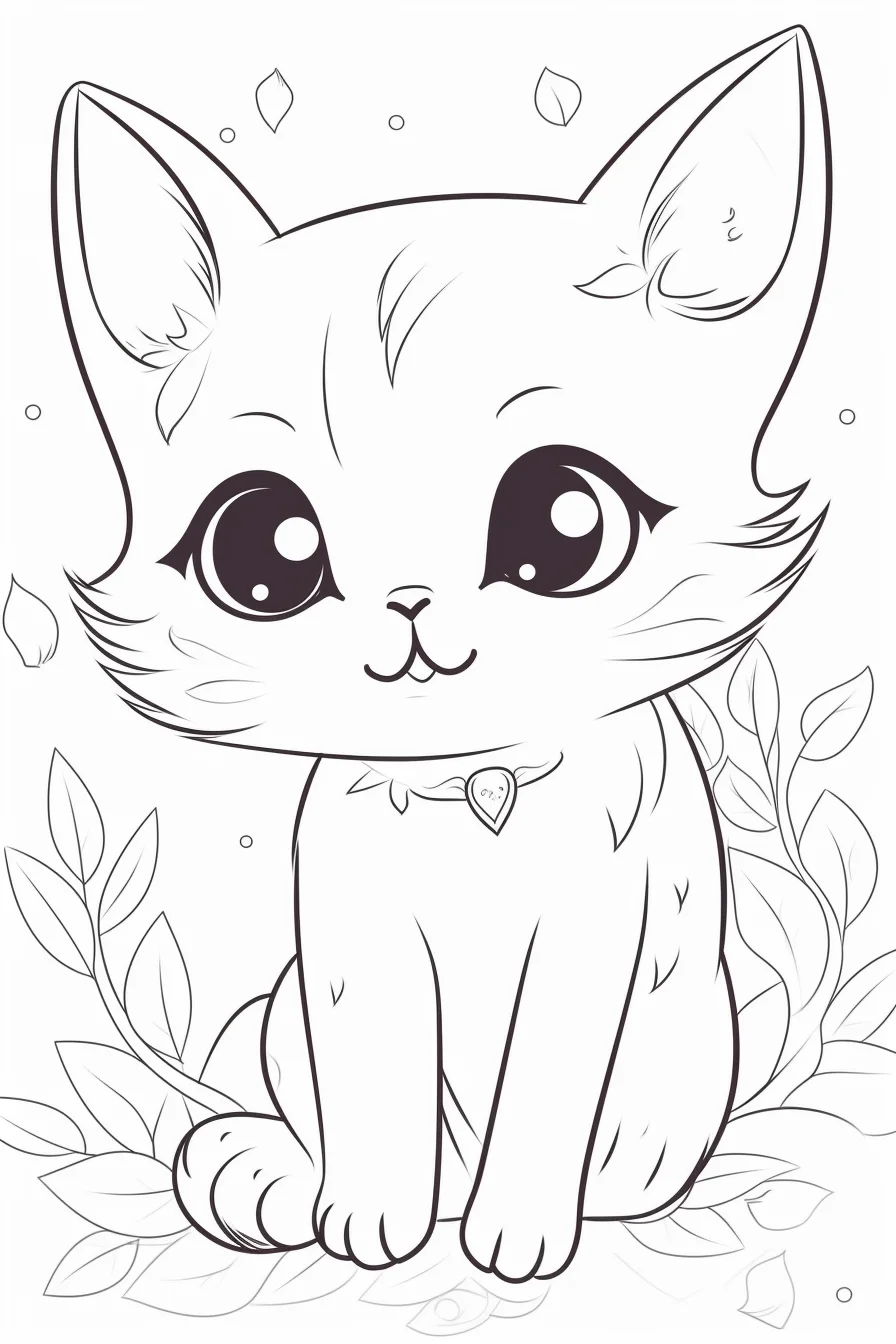
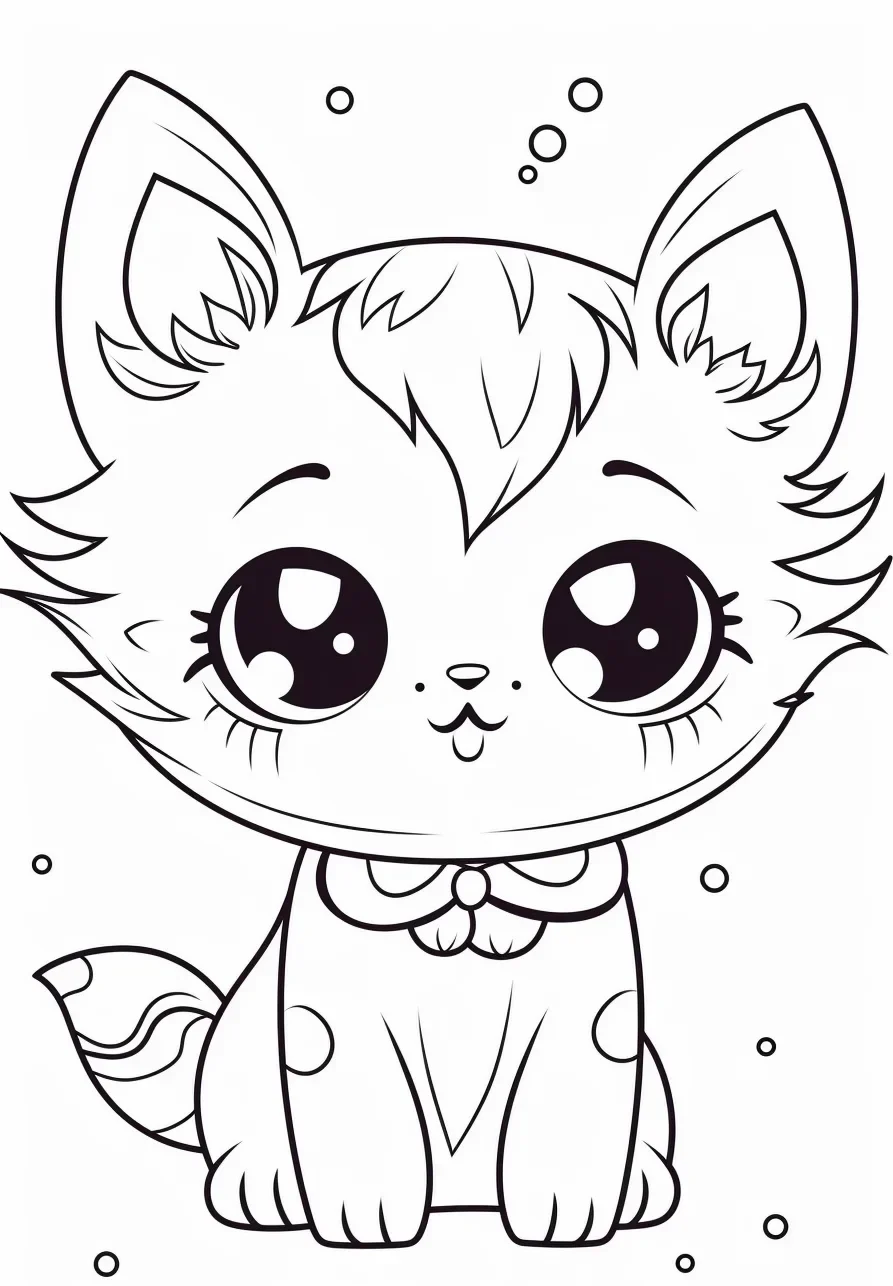
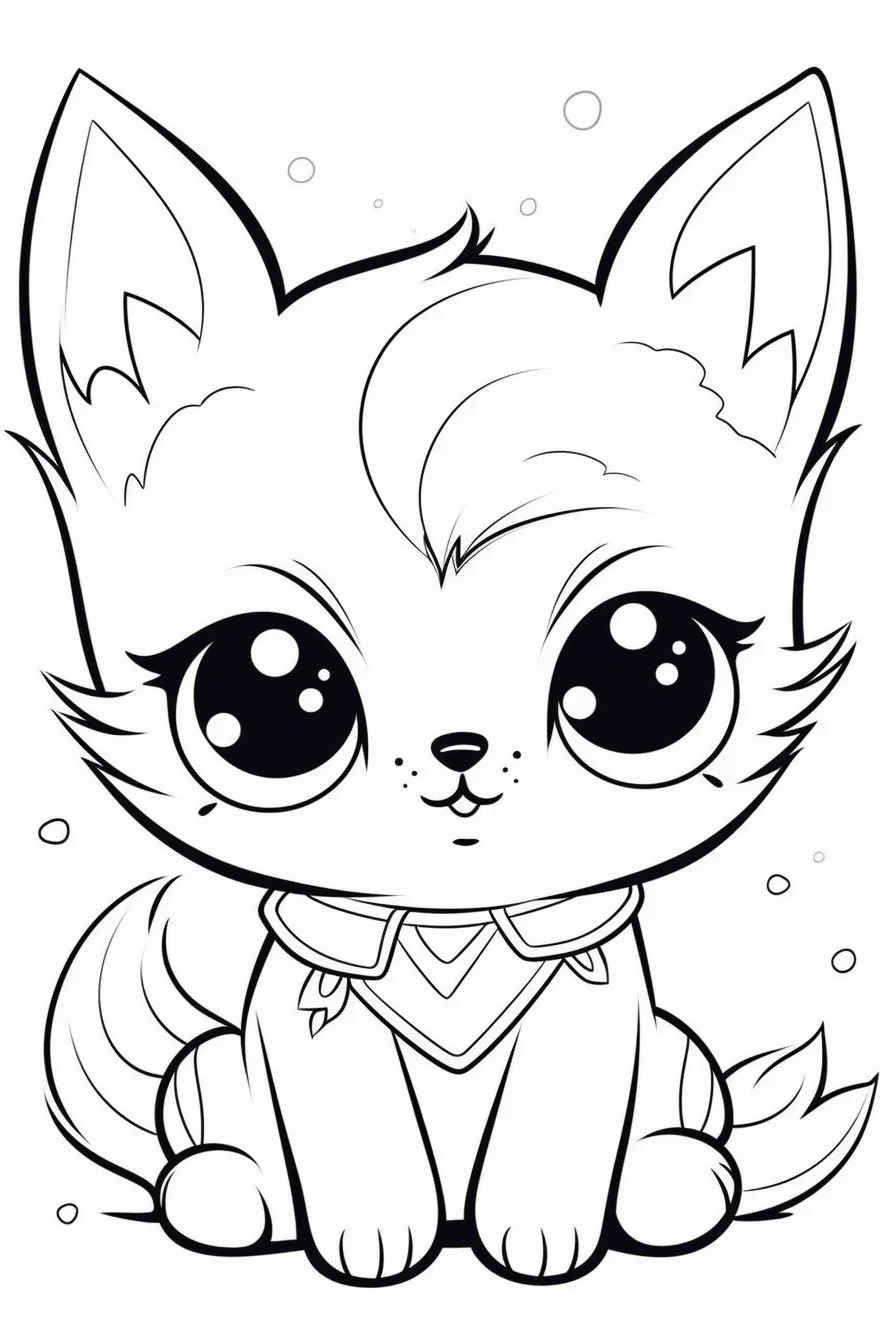
Sheets 10–12: mixed cute designs
These three are the general-purpose part of the set. Use them when you want the kawaii style without choosing one of the four specific themes above.
Print the full-size page, not a screenshot
These are portrait images, so use portrait orientation on A4 or US Letter paper and choose “Fit to page.” Saving the actual image will give you a cleaner print than taking a screenshot of the gallery. For phone-specific steps and cropping fixes, see the Print & Save Help page.

