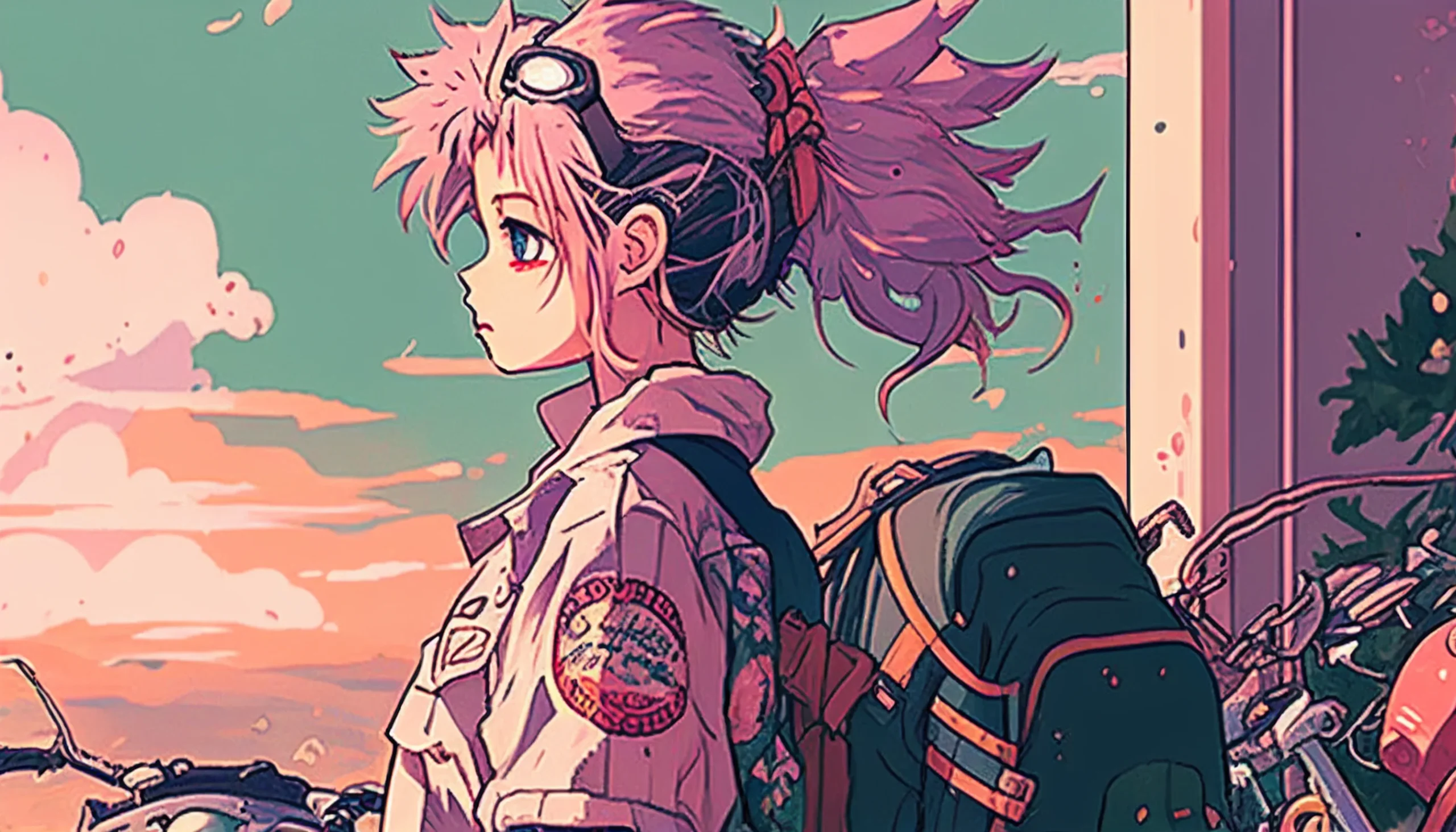
This collection has 20 retro anime-style desktop wallpapers with soft grain, muted color, darker night scenes and simpler backgrounds for icon-heavy desktops. Each image has its own download link and a short note about where the composition tends to work best.
The source files are wide images around 2560 pixels across, but screen ratios vary. Use your wallpaper preview to crop or scale the image for your display instead of assuming the filename or label matches an exact resolution.
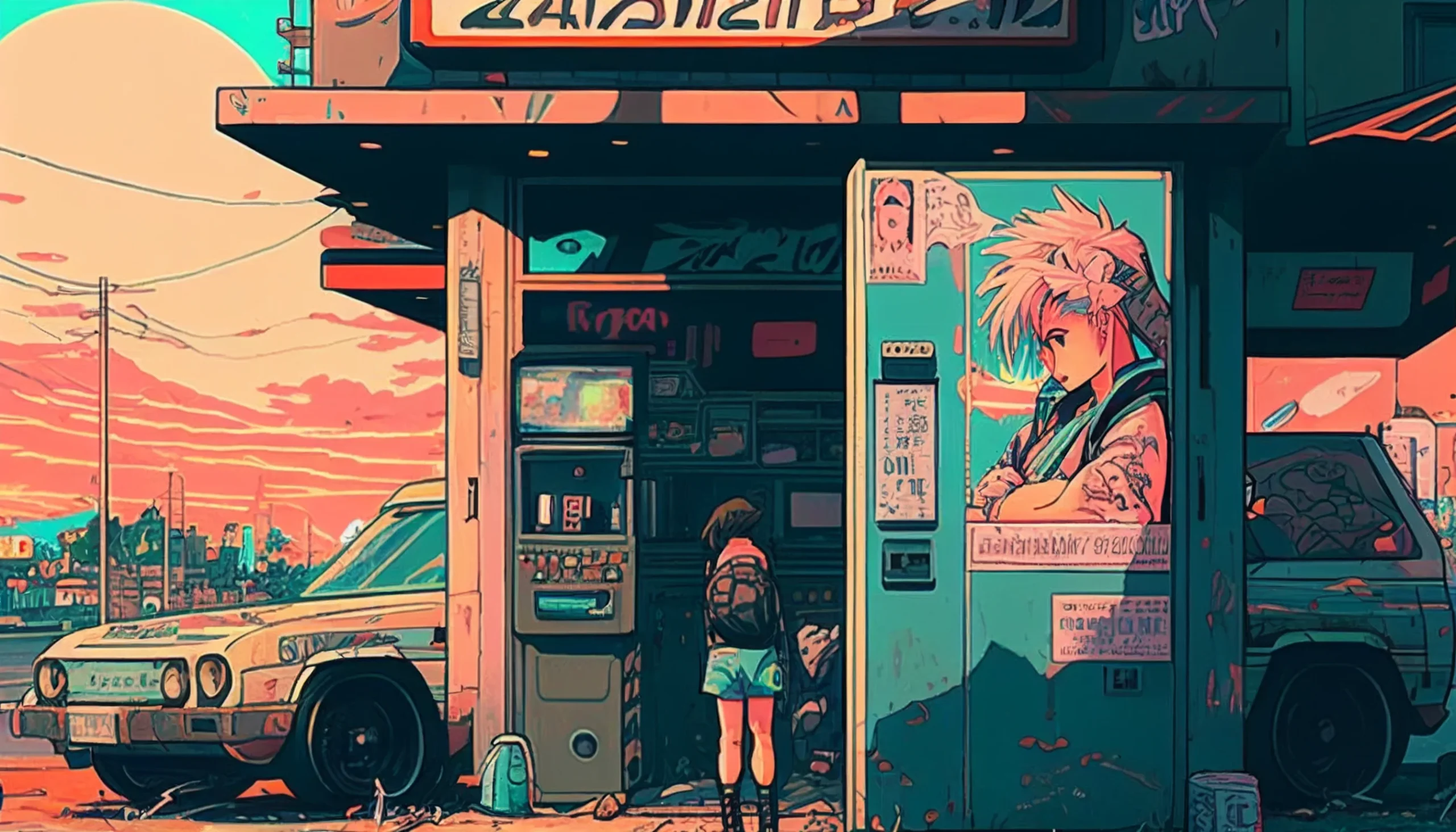
Use this if: you want a gentle retro look that won’t hide desktop icons.
Best fit: Widescreen desktop and laptop screens; preview the crop for your display.
Download image
Want a different look? Browse our aesthetic wallpaper collection, anime iPhone wallpapers, or dark vintage wallpapers.
Run this 60-second desktop test before choosing
A wallpaper can look excellent by itself and still fail once your real desktop sits on top of it. Before settling on one, preview it full-screen and test the parts of the image your setup actually uses.
- Check the icon lane. Put two light-label and two dark-label shortcuts where you normally keep icons. If filenames disappear into hair, clouds, neon or grain, choose a composition with quieter negative space on that side.
- Check the crop, not just the resolution. On a 16:10 laptop, a 16:9-style image may lose material at the left and right edges or be enlarged vertically. Make sure the face, horizon or strongest light source survives your system’s Fill setting.
- Open one normal work window. A highly detailed wallpaper matters mostly at the visible margins. If those margins feel noisy, try a softer image rather than lowering display brightness.
- Test the taskbar or Dock. Bright highlights directly behind translucent system bars can reduce legibility. Move to a darker composition or switch the wallpaper position before editing the image itself.
Quick rule: choose the wallpaper for the empty space around its subject. A centered character suits a sparse desktop; an off-center subject is usually easier when shortcuts, widgets or a Dock occupy one side.
How to save and set a 90s anime wallpaper
- Desktop: Open the image, save the full-size file, then apply it through your Windows or Mac wallpaper settings.
If the image looks cropped, soft or awkward around your Dock, taskbar or icons, use our wallpaper setup guide for Windows, Mac, iPhone and Android for fit, crop and resolution fixes.
Choose the right wallpaper size
- Widescreen desktop/laptop: these images are landscape files around 2560 pixels wide. Use your wallpaper preview to crop or scale them for 16:9 and 16:10 displays.
- Before applying: check where your taskbar, dock, desktop icons and widgets sit so the focal point stays visible.
Soft retro glow
Low contrast, warm grain, easy on the eyes. Good for long sessions and busy desktops.
Use this if: your desktop is icon-heavy and you prefer softer edges.
Best fit: Laptops (16:10 & 16:9).
Download (Laptop)
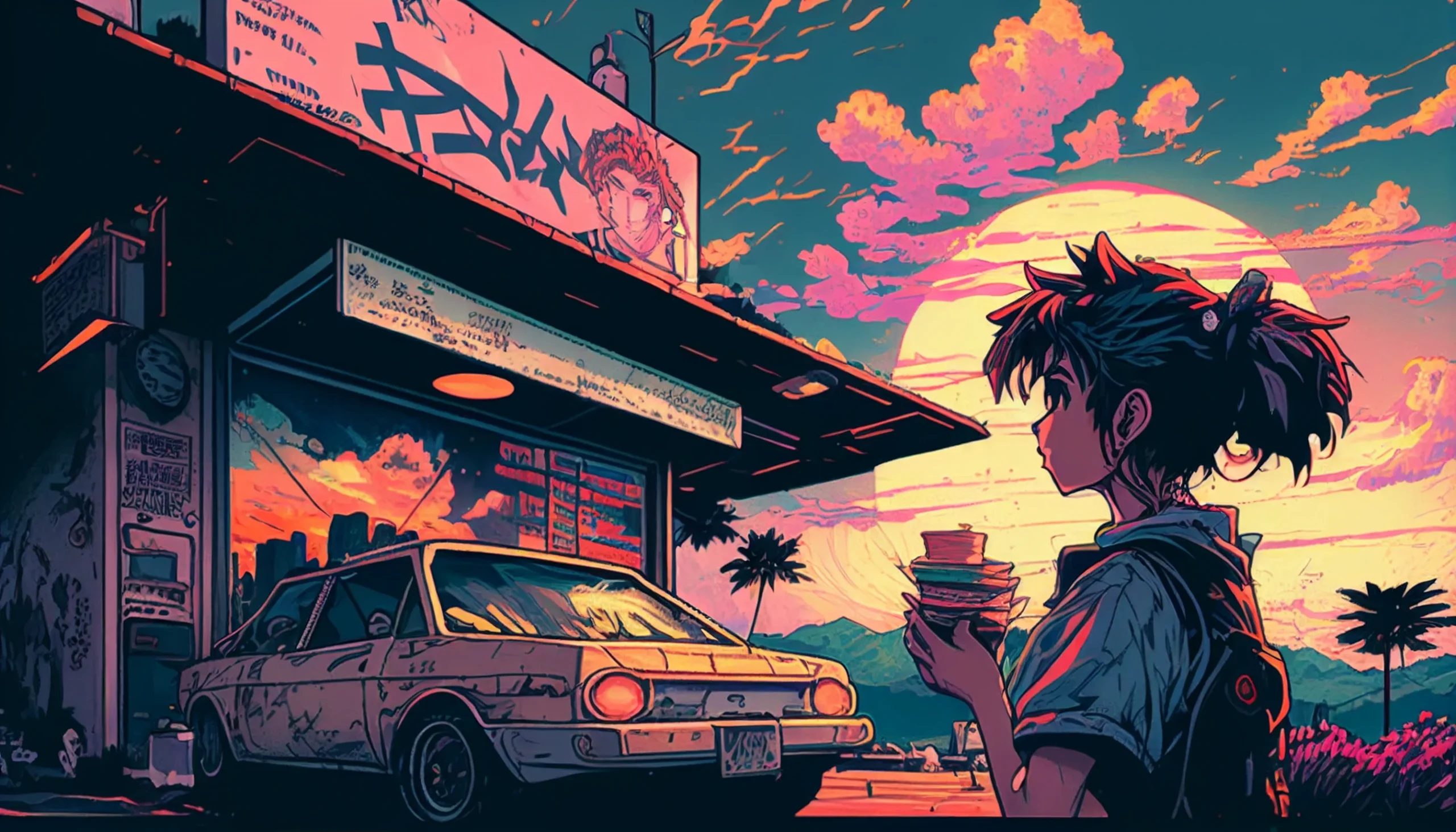
Use this if: you want even tones that don’t fight windows or sidebars.
Best fit: Widescreen desktop (16:9).
Download (Desktop)
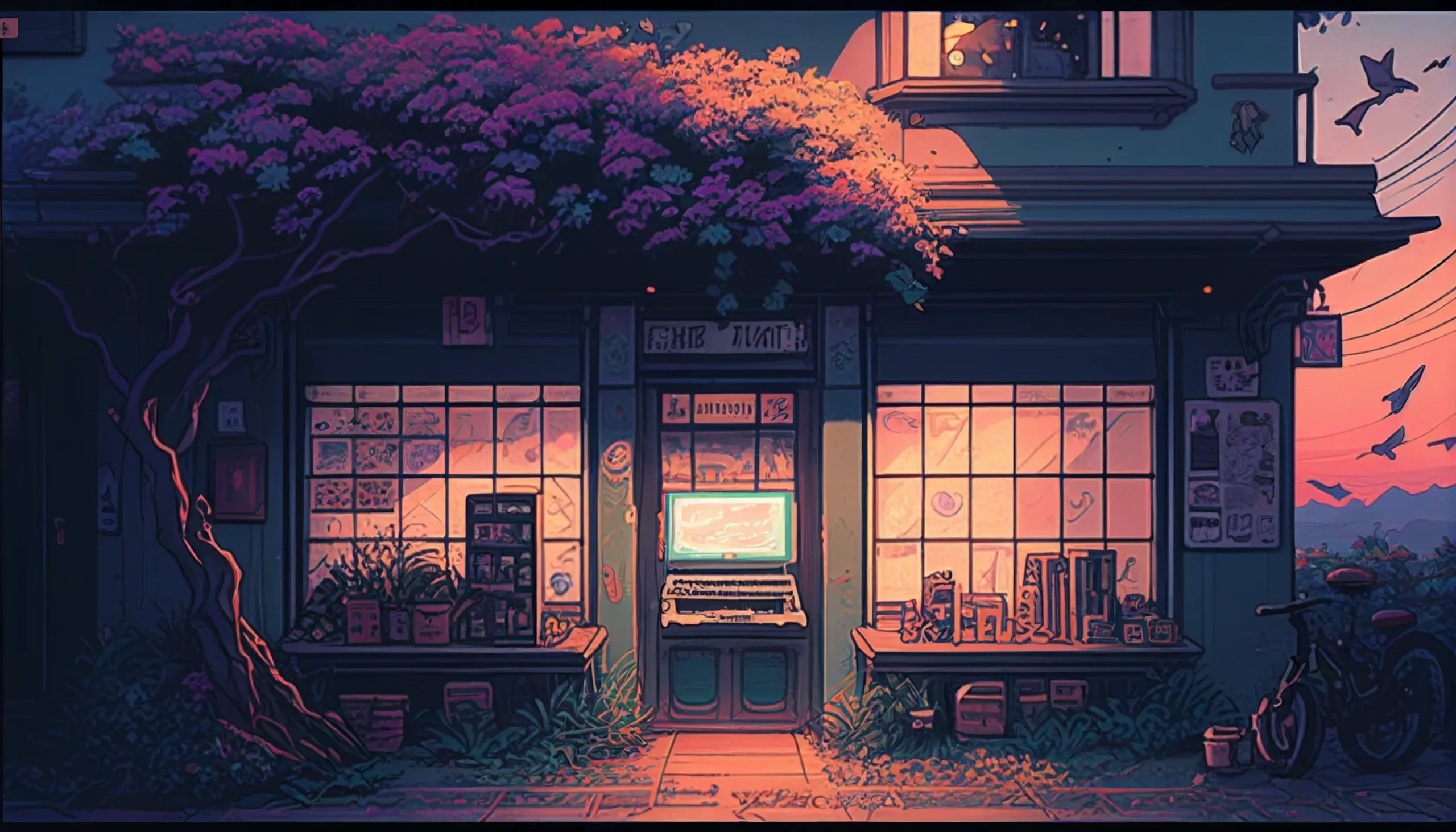
Use this if: you like a faded palette with clear app label readability.
Best fit: Desktop/Laptop (16:9).
Download (Desktop)
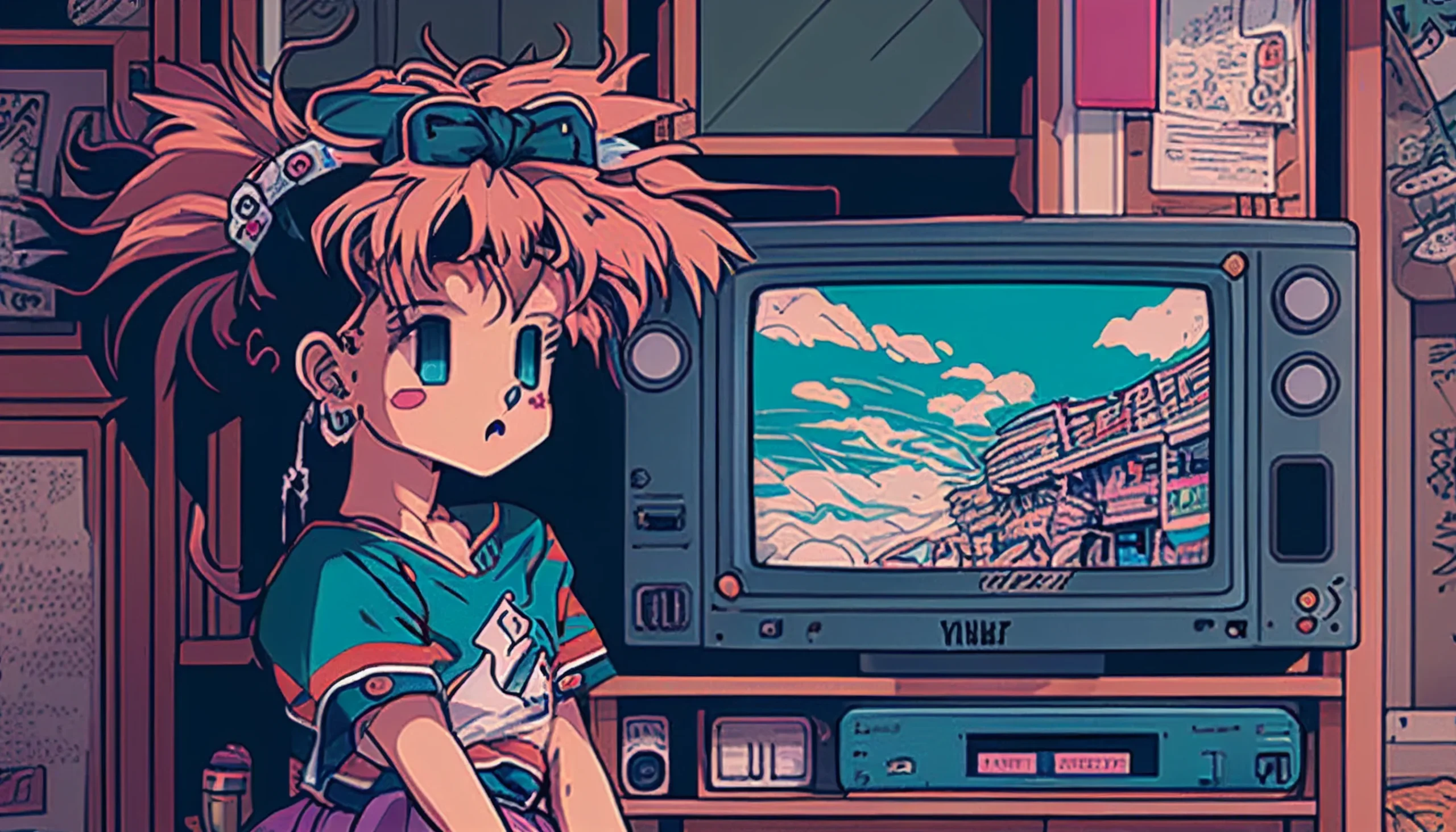
Use this if: you prefer tidy composition and easy alignment for icons.
Best fit: Desktop/Laptop (16:9).
Download (Desktop)
True retro / CRT feel
Bolder grain and punchier contrast for that classic late-night TV vibe.
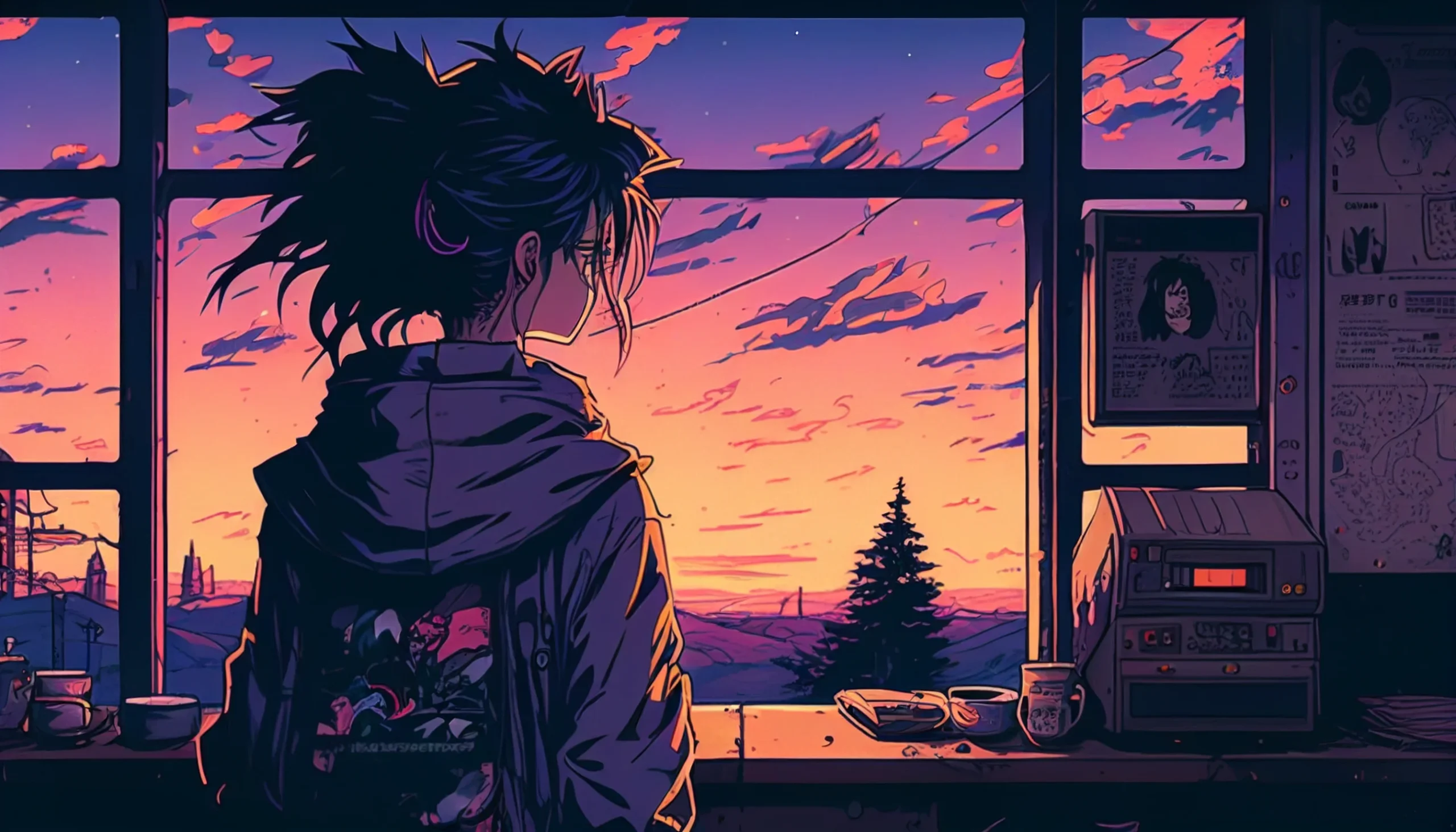
Use this if: you want stronger texture while keeping icons clear.
Best fit: Desktop/Laptop (16:9 or 16:10).
Download (Desktop/Laptop)
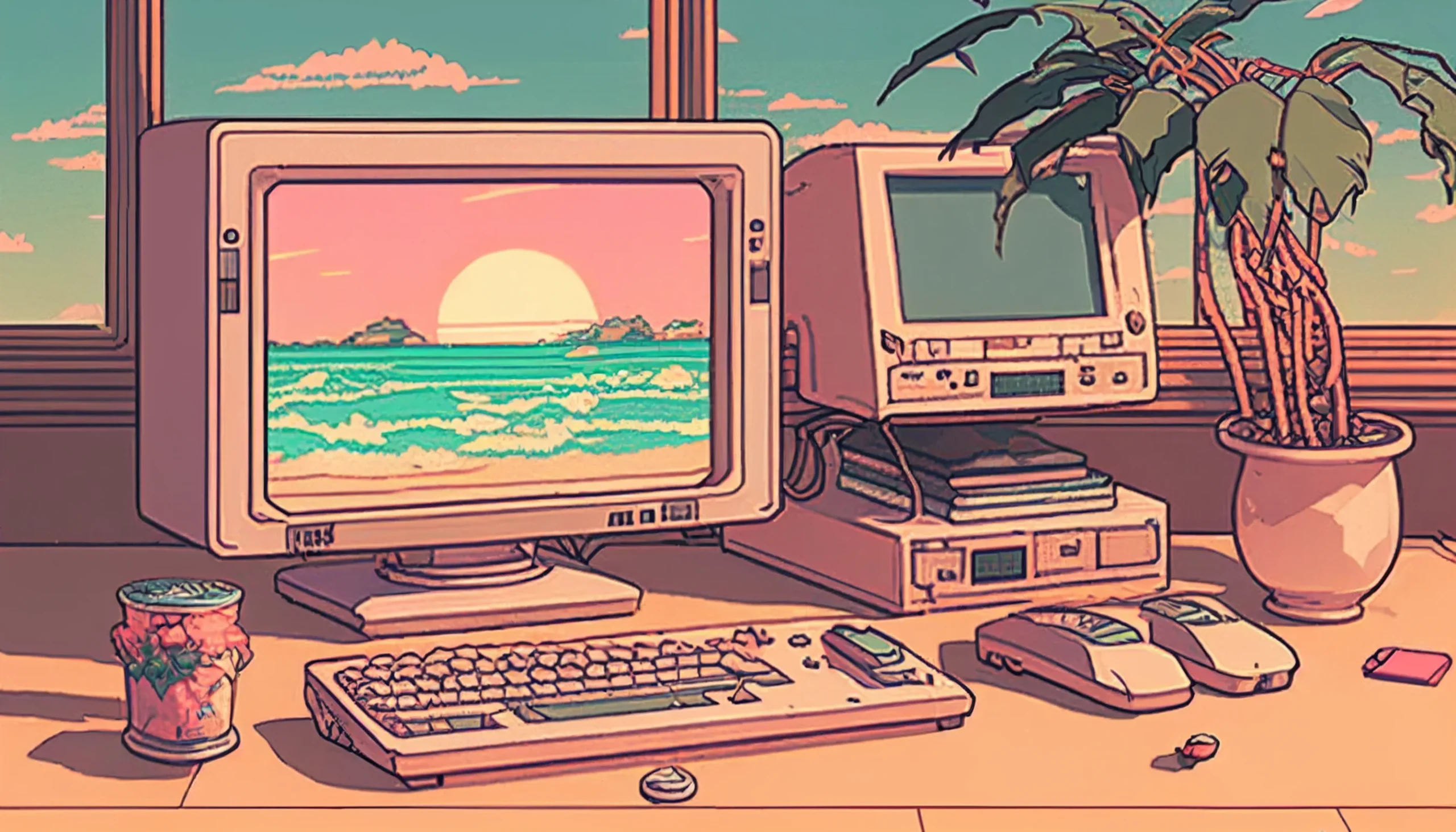
Use this if: you like cooler shadows and brighter accents.
Best fit: Desktop/Laptop (16:9).
Download (Desktop)
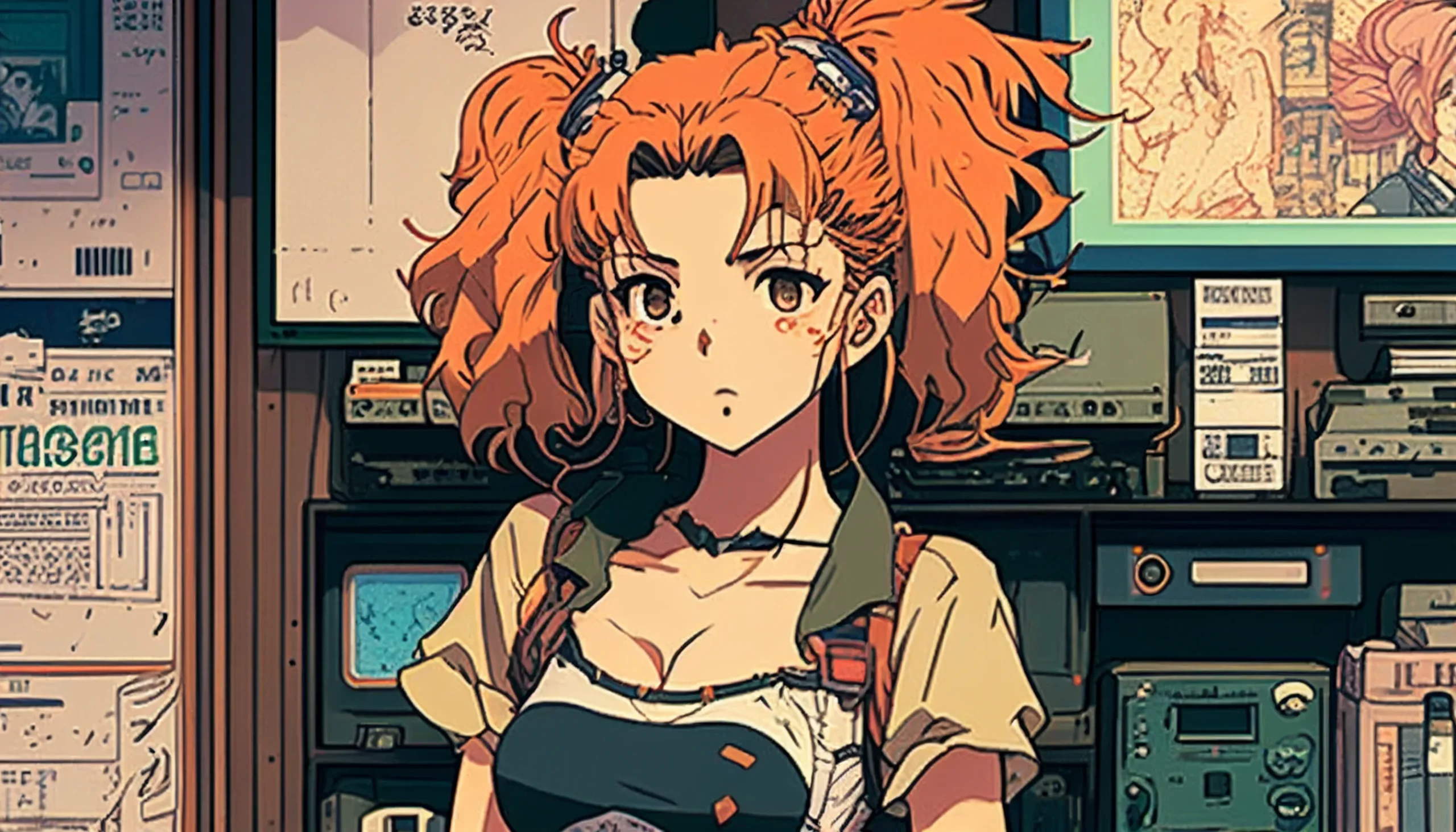
Use this if: you want a balanced retro composition that can be cropped for common widescreen displays.
Best fit: Desktop and laptop screens; preview the crop for your exact resolution.
Download image
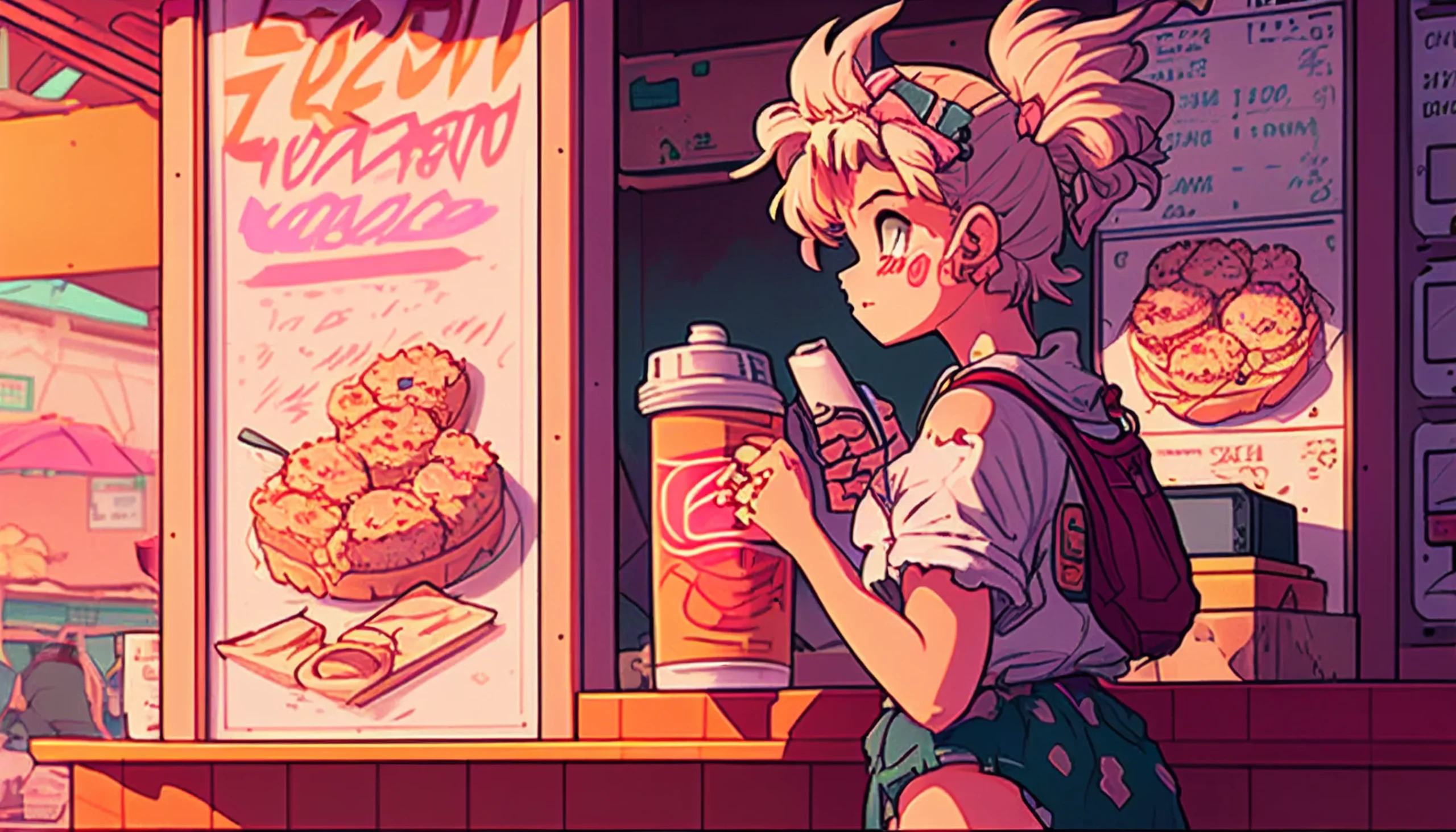
Use this if: you want a retro feel without heavy texture.
Best fit: Desktop/Laptop (16:9).
Download (Desktop)
Grunge & night
Dark bases with neon pops so notifications and icons stand out.
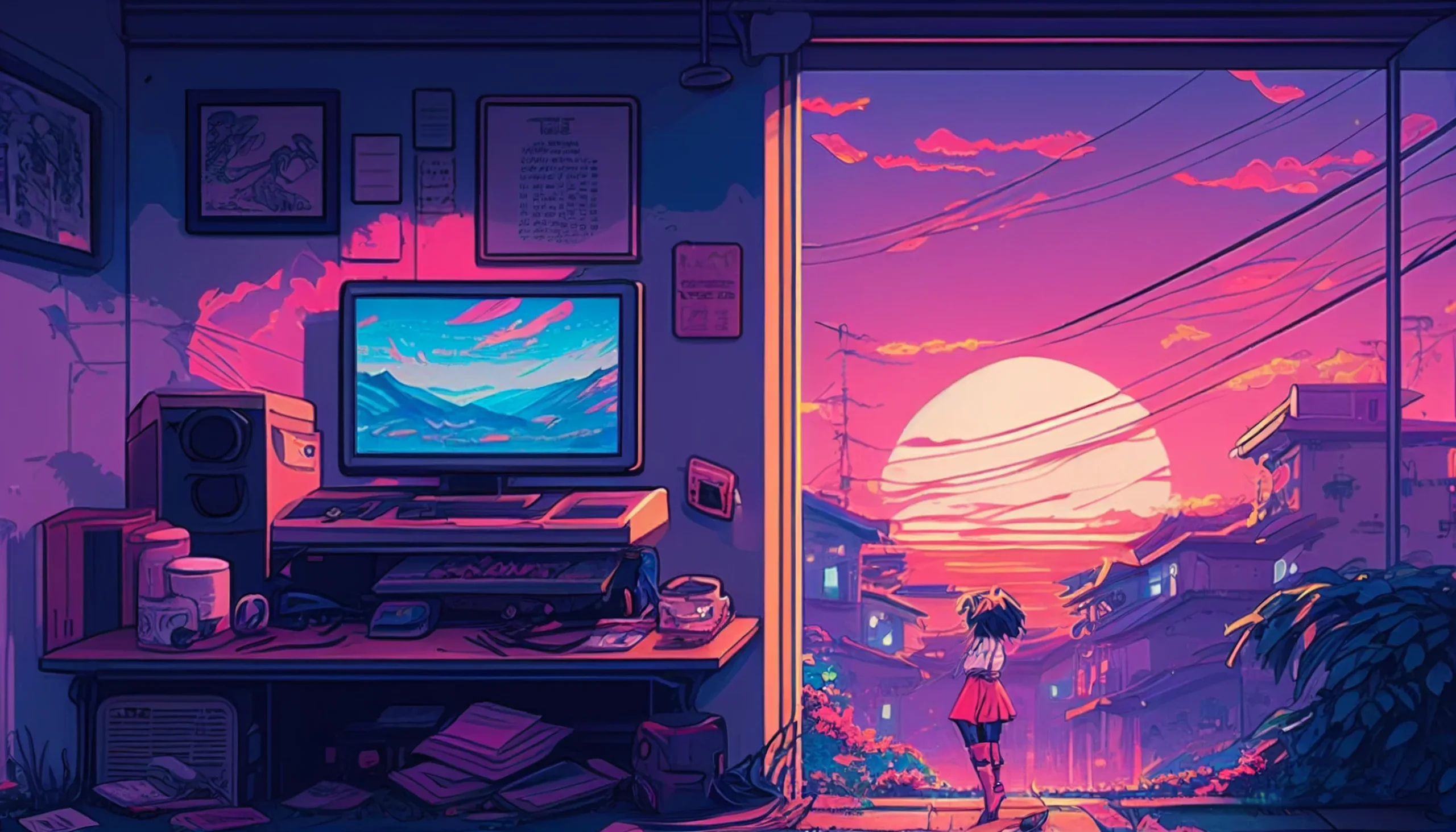
Use this if: you want high contrast for clear alerts.
Best fit: 1920×1080 and 2560×1440.
Download (Desktop)
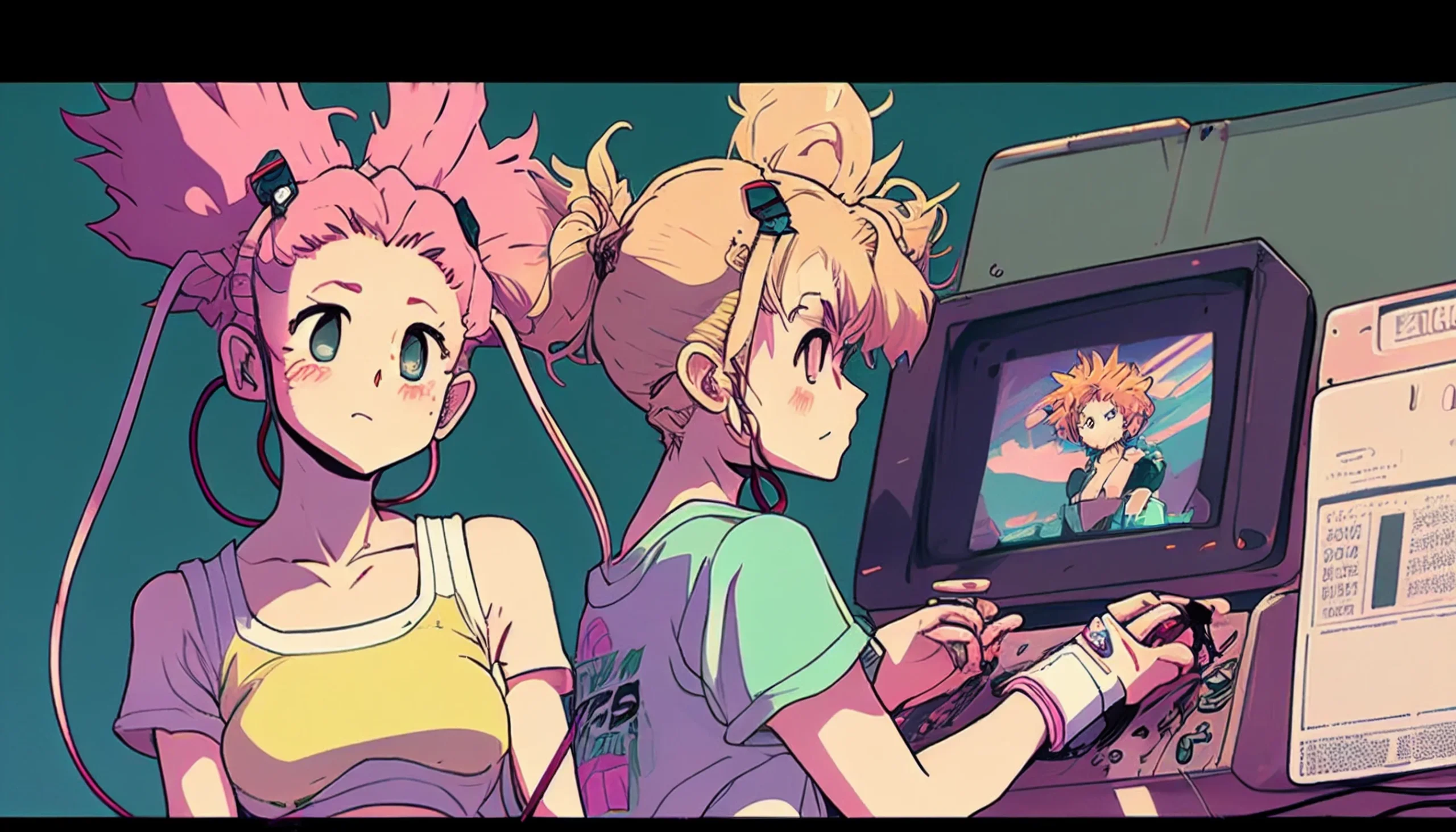
Use this if: you want a clear center and darker edges for icons.
Best fit: PC monitors (16:9).
Download (PC)
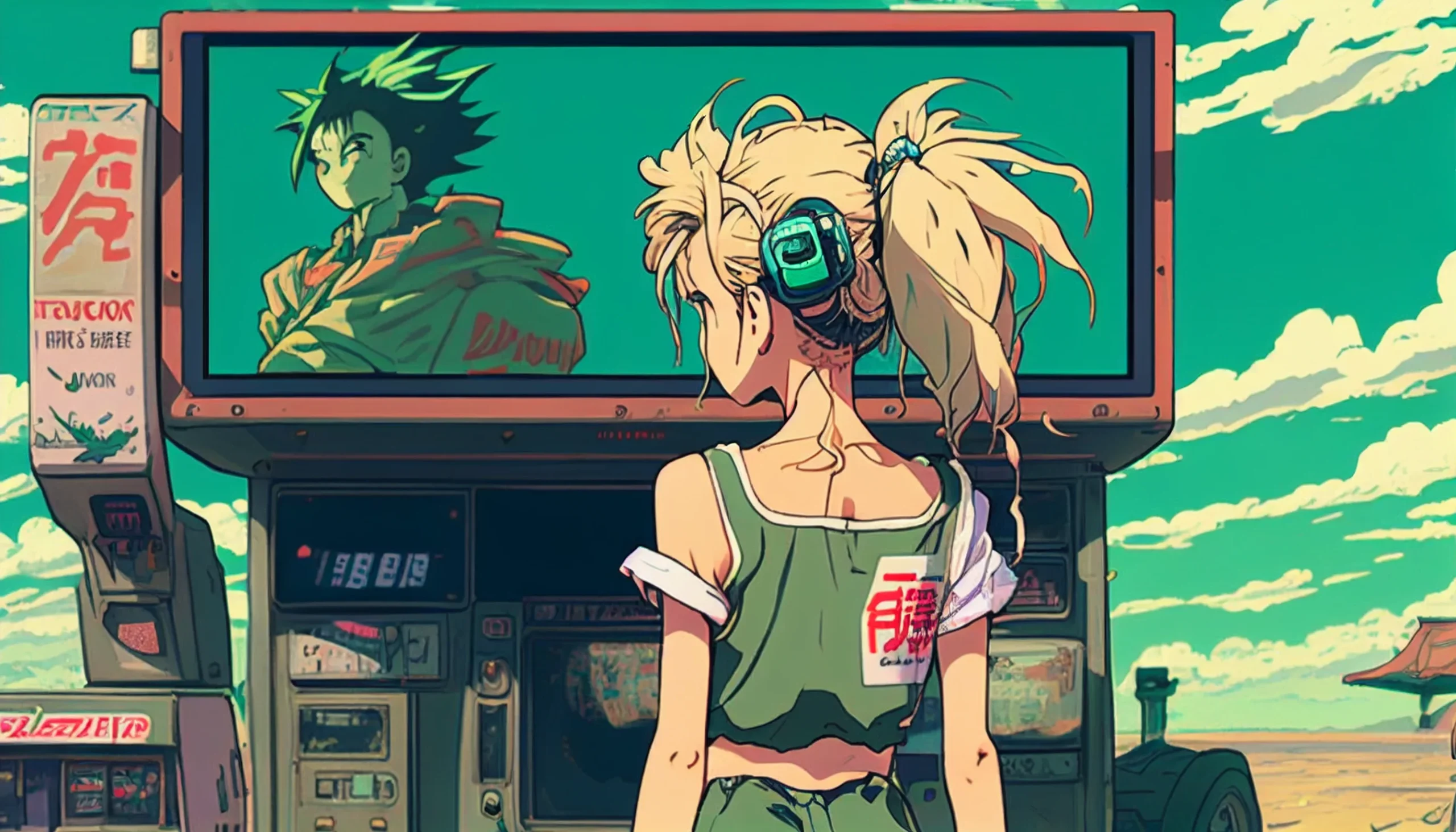
Use this if: you like a cinematic look with readable sidebars.
Best fit: Widescreen desktop (16:9).
Download (Desktop)
High-quality desktop options
Sharper files for newer laptop and desktop displays.
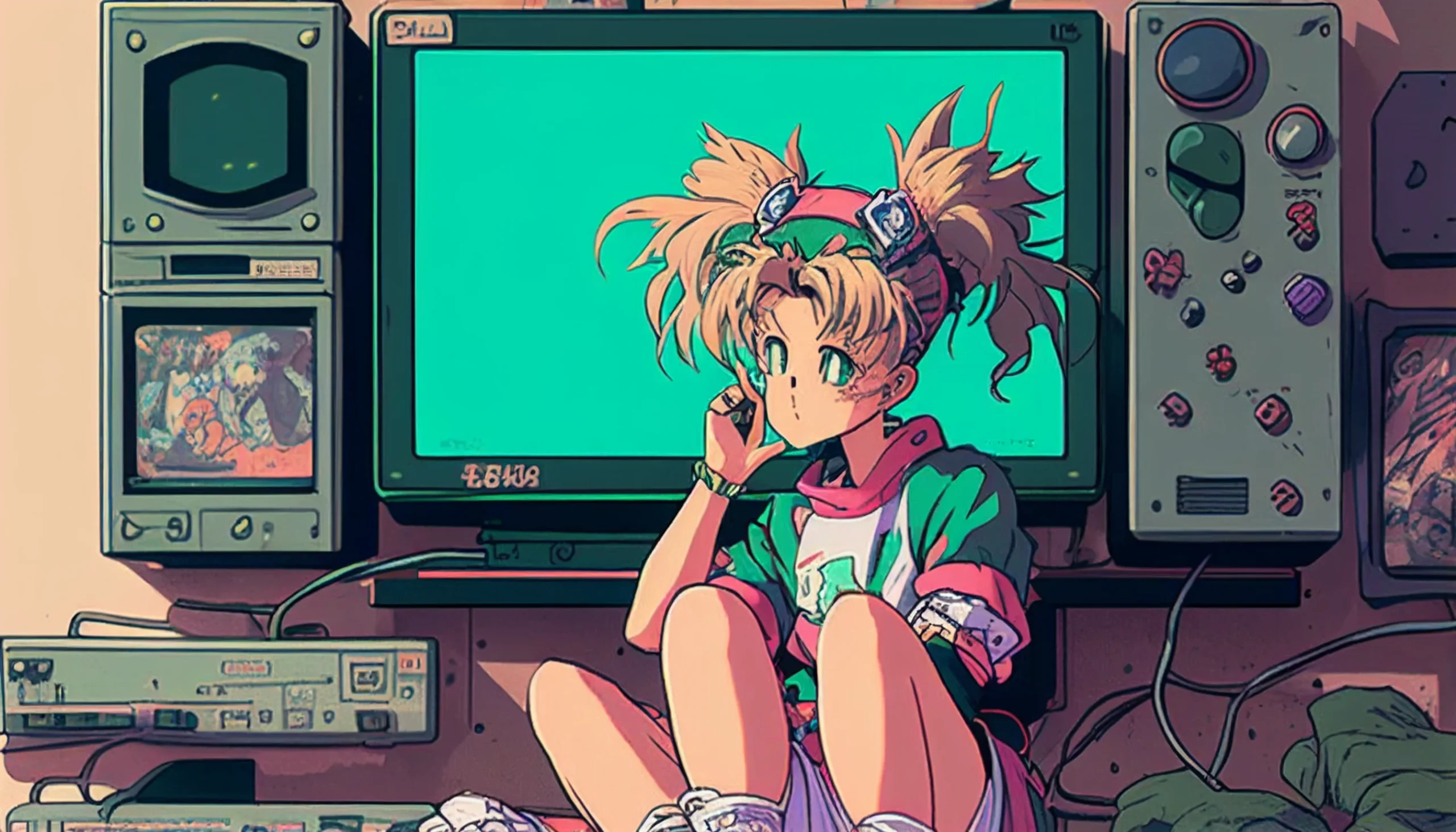
Use this if: you want crisp detail with a touch of grain.
Best fit: Modern laptops (16:10 & 16:9).
Download (Laptop)
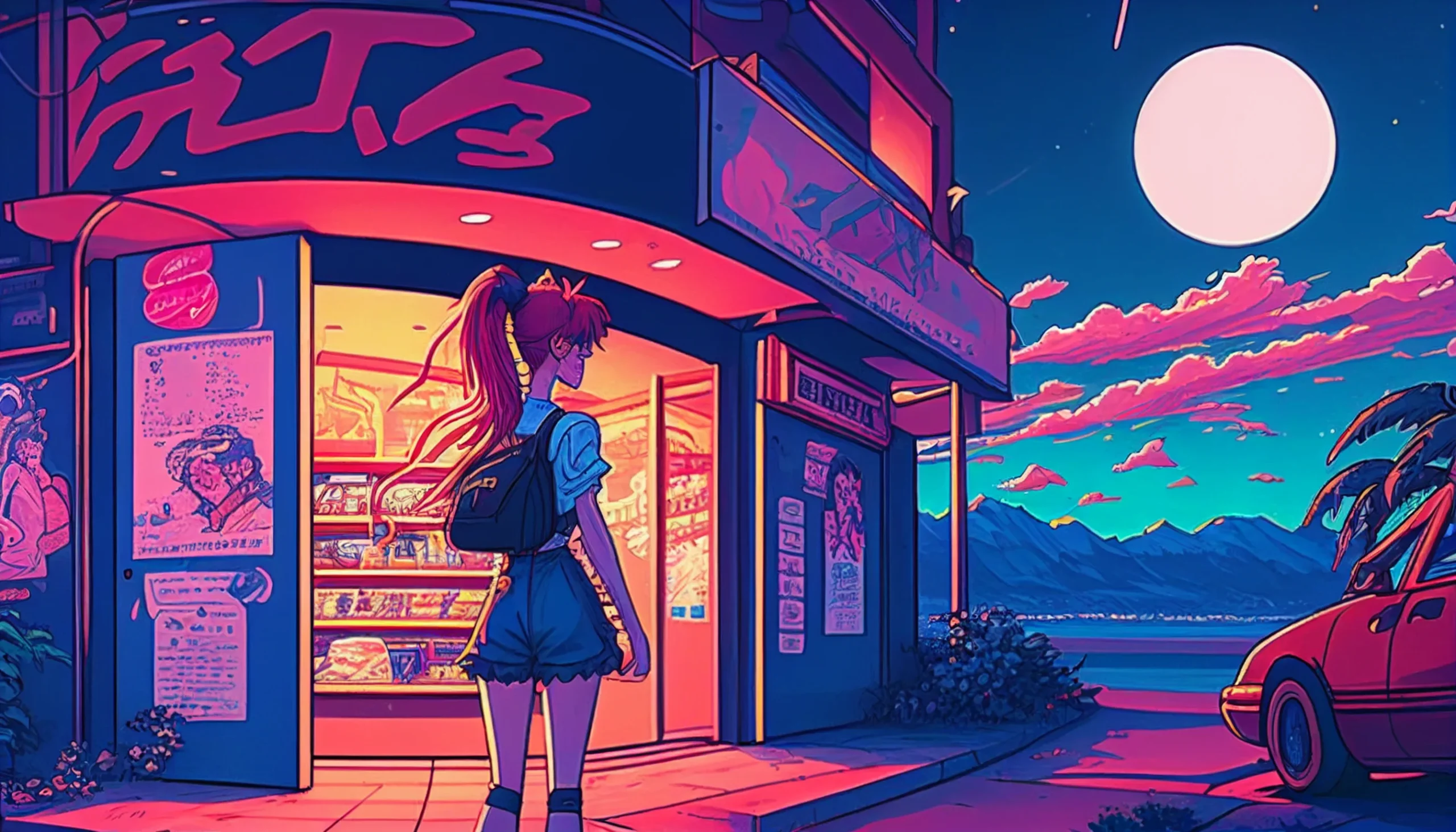
Use this if: you want sharper line detail and a cleaner retro look.
Best fit: Desktop and laptop screens; scale or crop to your display in the wallpaper preview.
Download image
Backgrounds & blanks
Quiet scenes that sit behind busy icon layouts without visual noise.
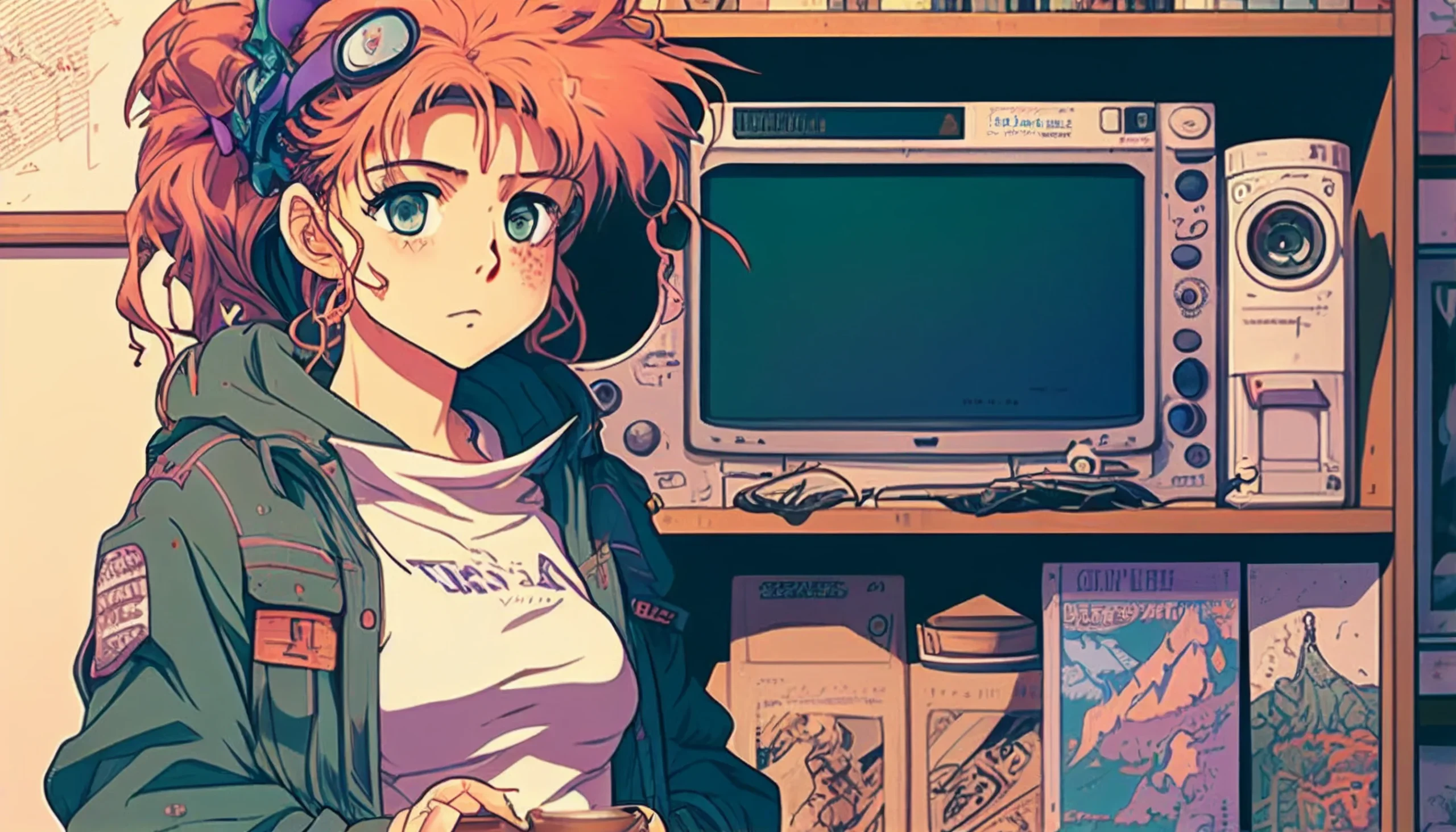
Use this if: your app labels need maximum legibility.
Best fit: Desktop/Laptop (16:9).
Download (Desktop)
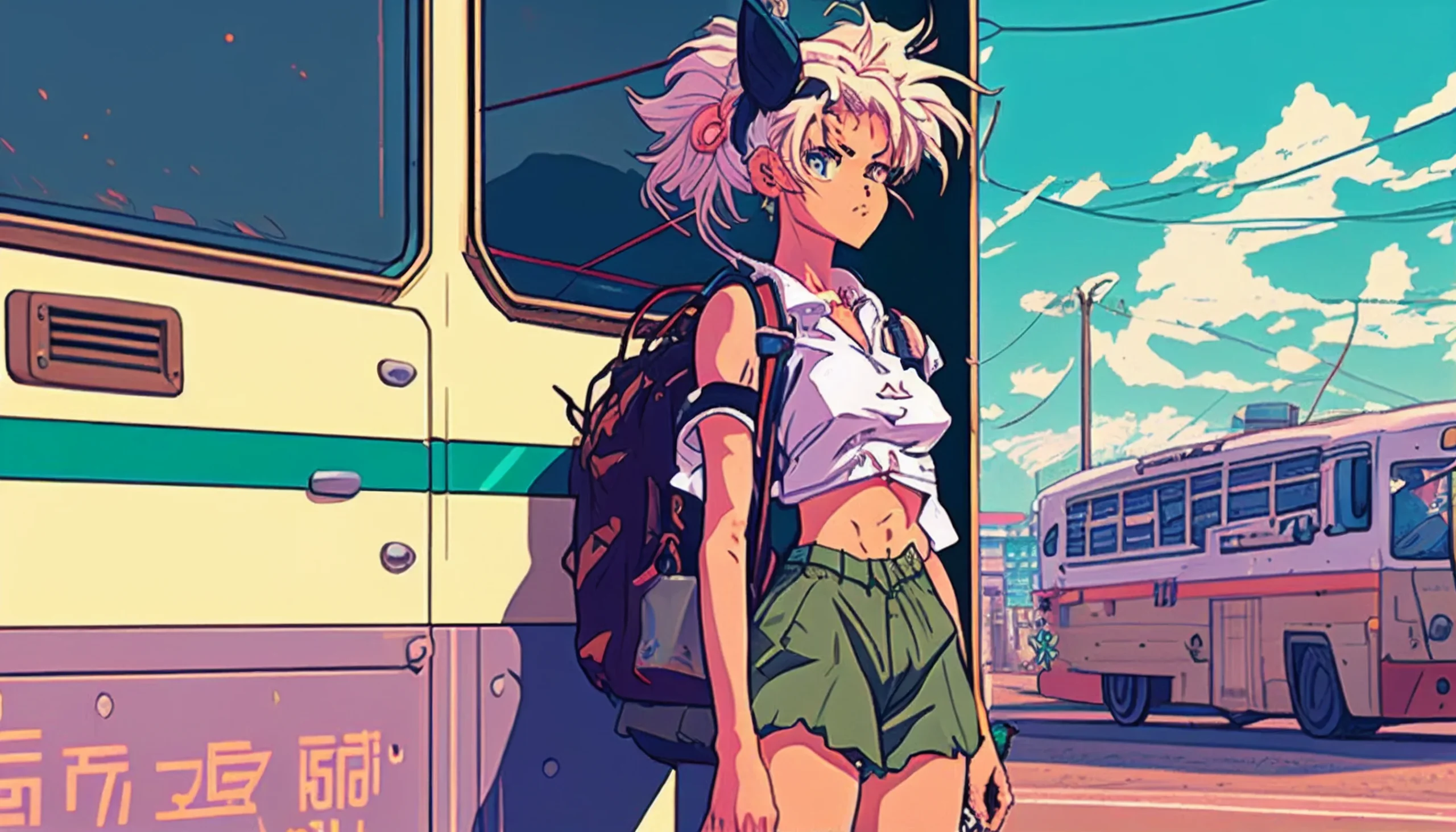
Use this if: you want minimal subject matter and tidy tones.
Best fit: Desktop/Laptop (16:9).
Download (Desktop)
Device-specific picks
Cards tuned for PC, general desktop, laptop, and portrait.
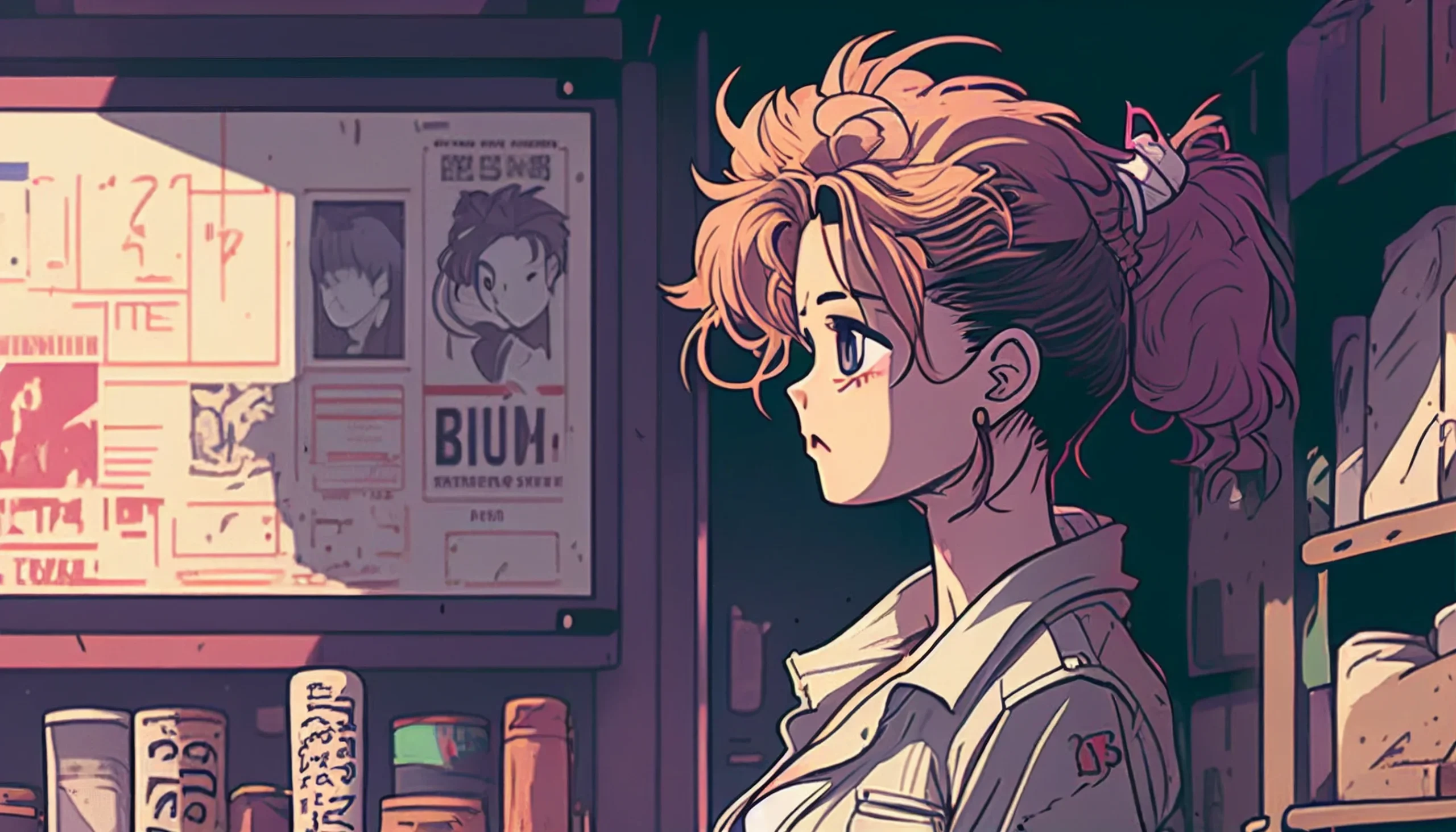
Use this if: you keep sidebars or widgets on the left/right.
Best fit: PC monitors (16:9).
Download (PC)
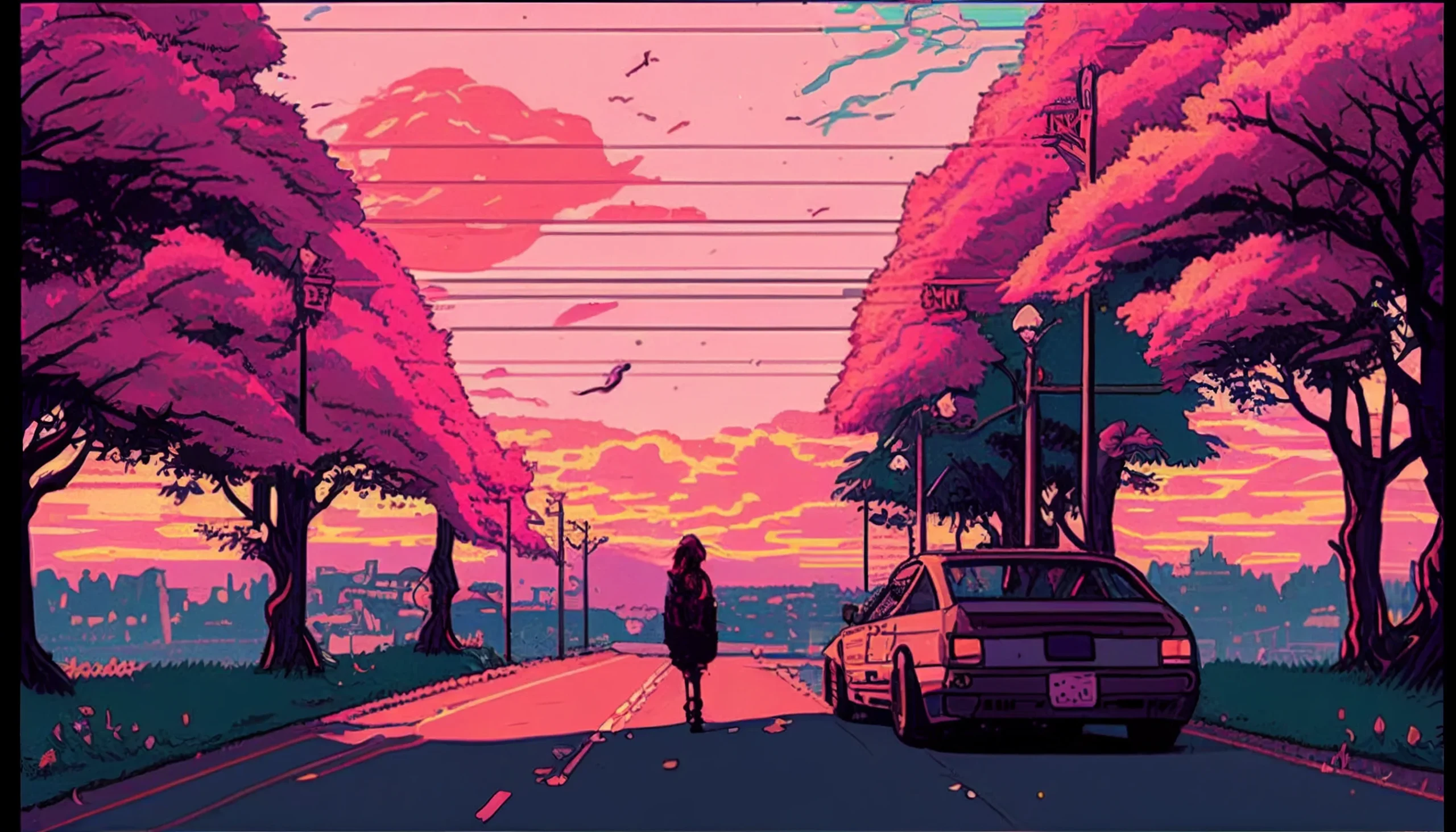
Use this if: you keep a visible dock/taskbar and want a clear center.
Best fit: Laptops (16:10 & 16:9).
Download (Laptop)
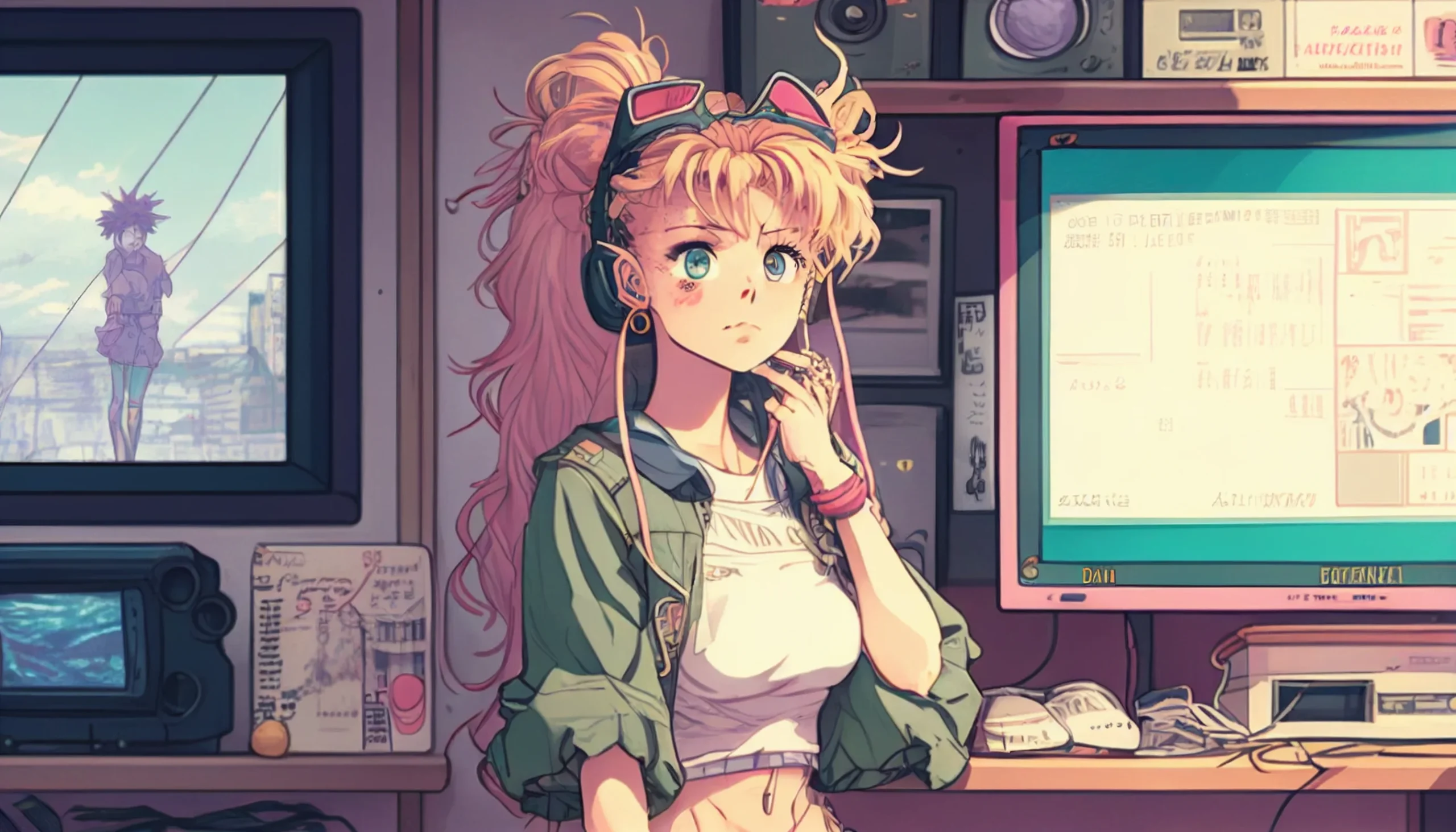
Use this if: you want open space near the top of a wide desktop background.
Best fit: Widescreen desktop or laptop; preview the crop for your display.
Download image
More desktop options
Balanced choices that work across common monitors.
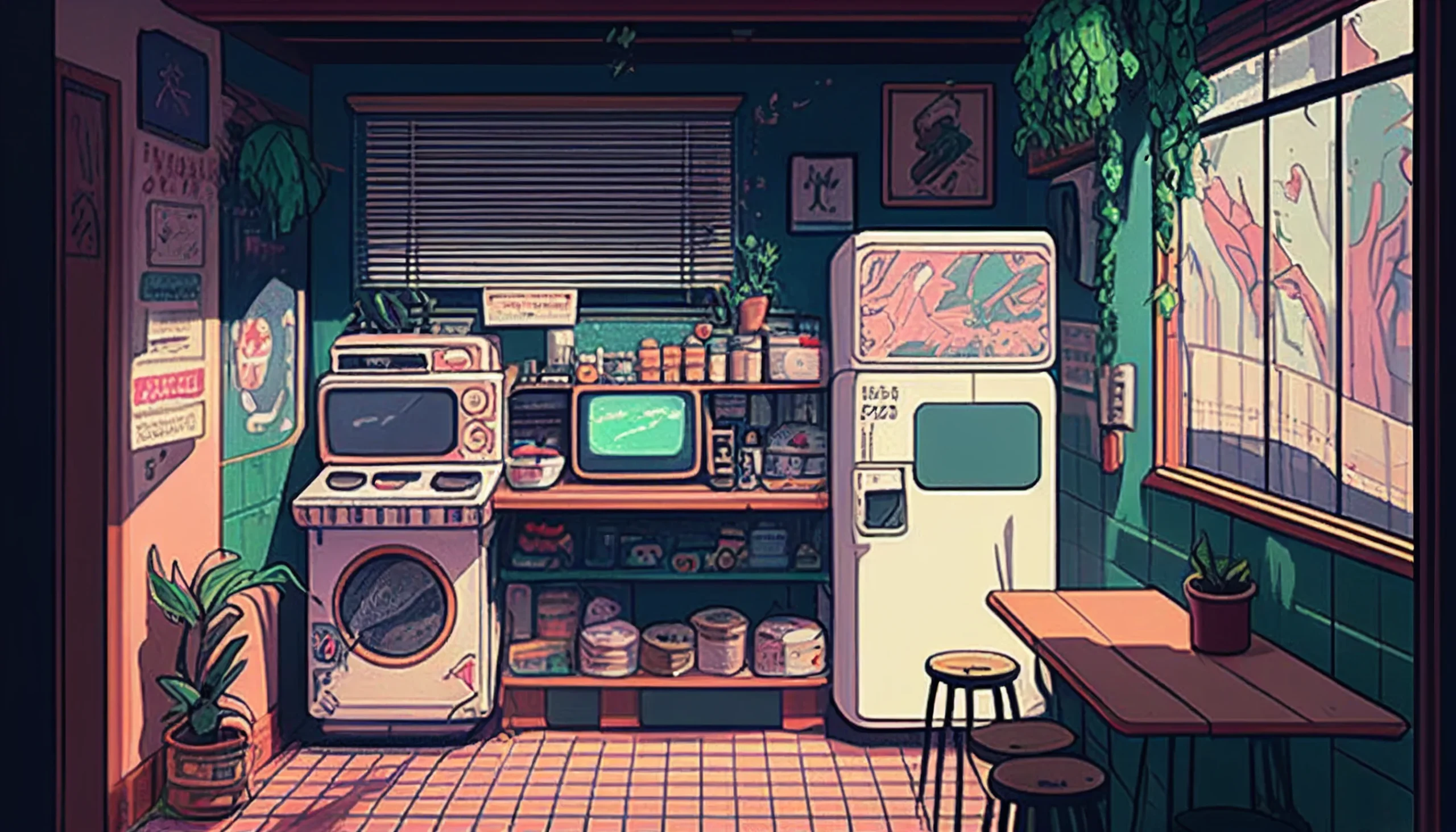
Use this if: you want a go-to background that suits most setups.
Best fit: Desktop/Laptop (16:9).
Download (Desktop)
90s anime wallpaper FAQ
Are these wallpapers for desktop and PC?
Yes. The files in this collection are wide images around 2560 pixels across, so they are best suited to desktop and laptop screens. Use your system wallpaper preview to crop or scale the image for your exact monitor ratio.
Are these wallpapers true 4K?
No. Some people search for “90s anime wallpaper 4K,” but these source files are around 2560 pixels wide rather than native 3840×2160 4K. They can still look sharp on many displays, but we do not label them as true 4K downloads.
How do I download the full wallpaper instead of a preview?
Use the Download image button below the wallpaper you want. It links directly to the hosted image file. On desktop you can then save the image and select it from your Windows or macOS wallpaper settings.
Which wallpaper works best when I have lots of desktop icons?
Choose one of the softer or simpler backgrounds with open negative space. The “Soft retro glow” and “Backgrounds & blanks” sections are designed to keep filenames, shortcuts and widgets easier to read.
More aesthetic wallpaper collections
Browse the main aesthetic wallpaper collection, switch to softer colors with our pastel aesthetic wallpapers, or choose a darker setup from the black aesthetic phone wallpapers.

Omg! It’s so cute
the pictures are really sweet. can i get them in higher resolution. and who is the artist?
can i get images 1, 2, 11 and 17 in full resolution? just for my wallpaper.
Hello, i really like all the wallpapers, they are amazing, would it be possible to send me a high quality version of all of them ?
Can i get all the pictures in high resolution please? And omg they are so good. Could not find anything better than these.
Hi could I please get the 1,2,6,12,19,and 20 please. They are really amazing. Thank you so much!
Hey, I love ALL the pictures, would I be able to get them in high res please and thank you!
Hey, love your art man! Can i get all the art in higher resolution if possible? Love those vintage style of yours!
Hi, I love all of the images, would it be possible to get all of them in higher resolution?
Hey there! Your 90’s anime artwork is amazing! I really would love to use one for my wallpaper background. Could you please send me them in high resolution as well? Please and thank you!